
Instructional, step-by-step articles.
Content Type: How-To
-
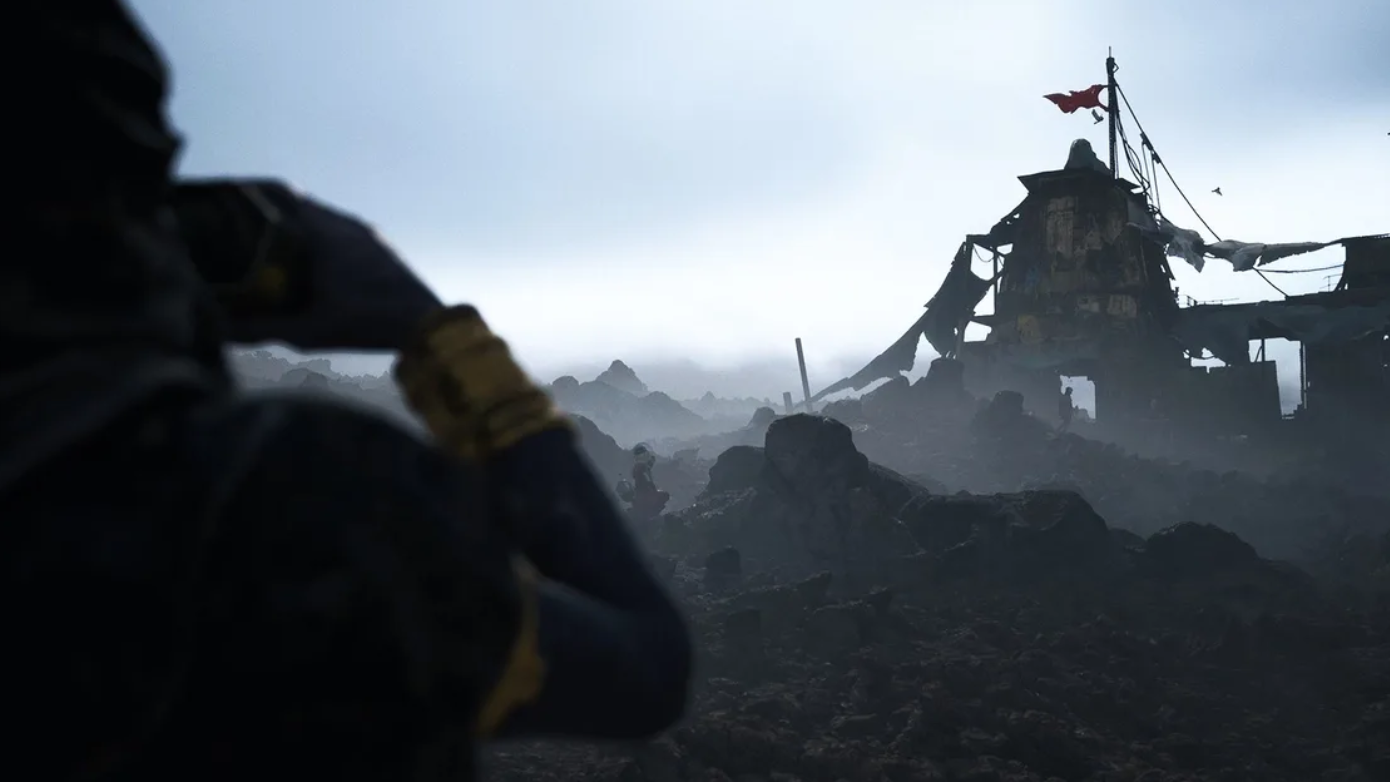
How to Finish Deciphering the Data in ARC Raiders’ Spaceport
Track down both Magnetic Decryptors in the Fuel Control and Arrival buildings to wrap up Shani’s Cold Snap quest.
-
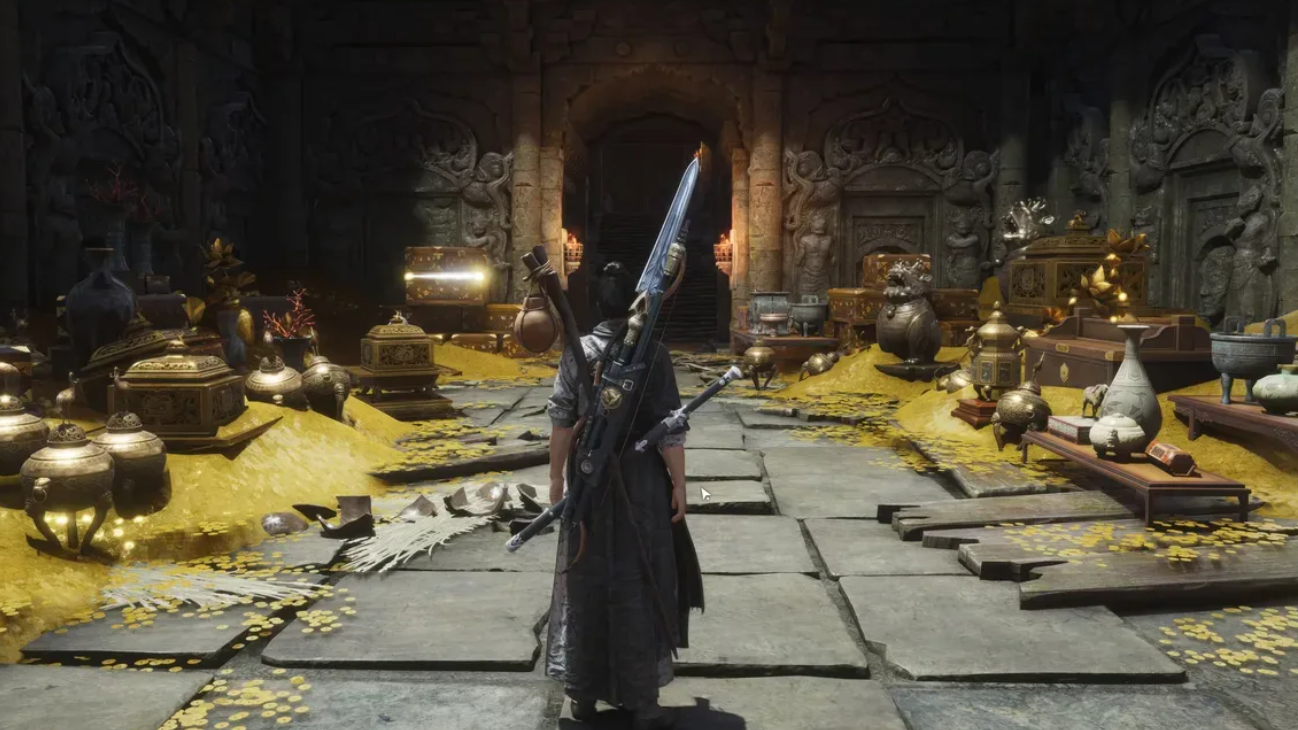
How to free A’yu in The River’s Fury quest in Where Winds Meet
Every step you need to release A’yu from its mask in The River’s Fury so you can move the story forward.
-
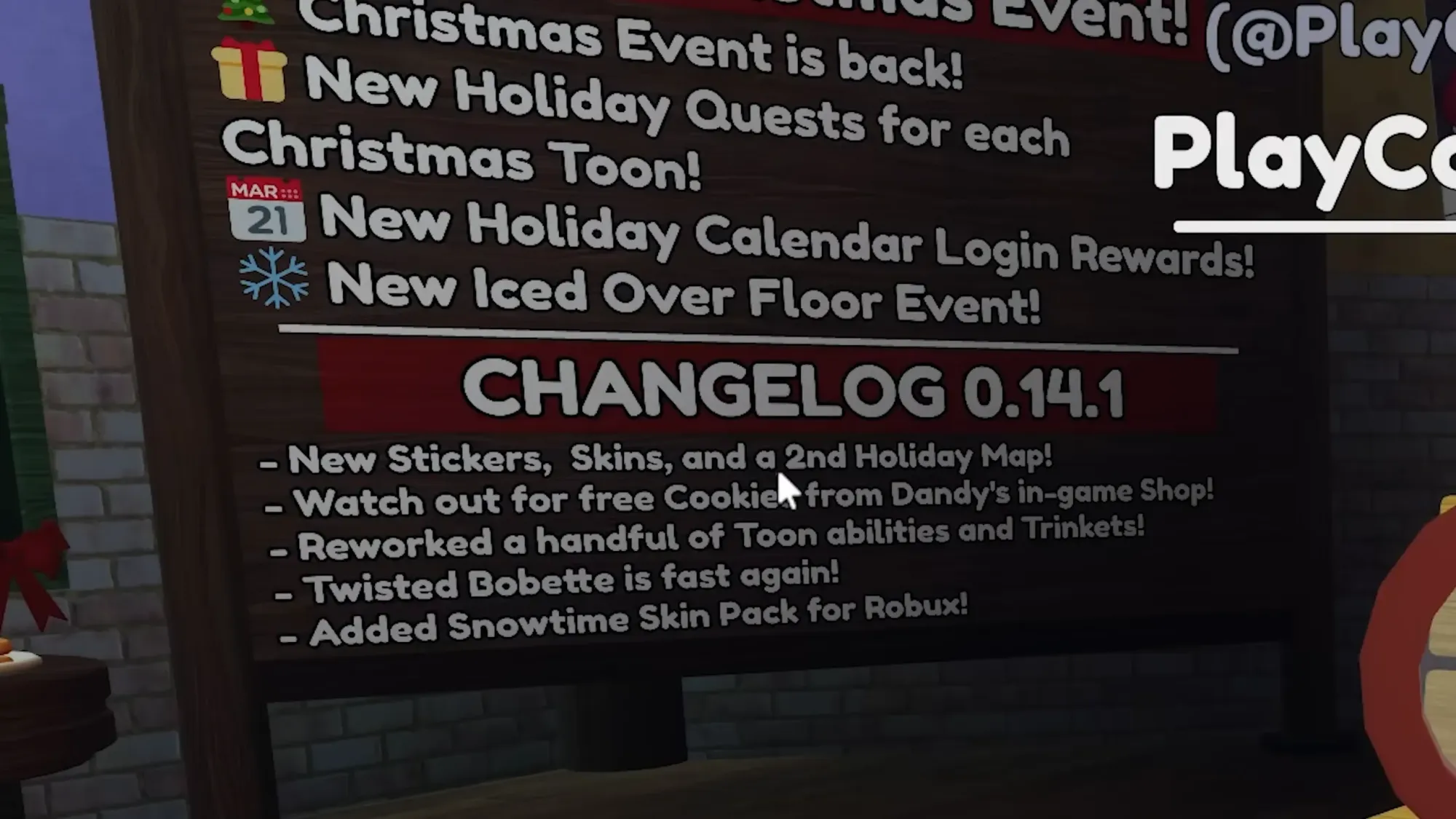
How to Earn Ornaments in Dandy’s World’s Christmas Event
All the reliable ways to farm Ornaments, log-in rewards, and smart grinding picks for the limited-time Christmas update.
-
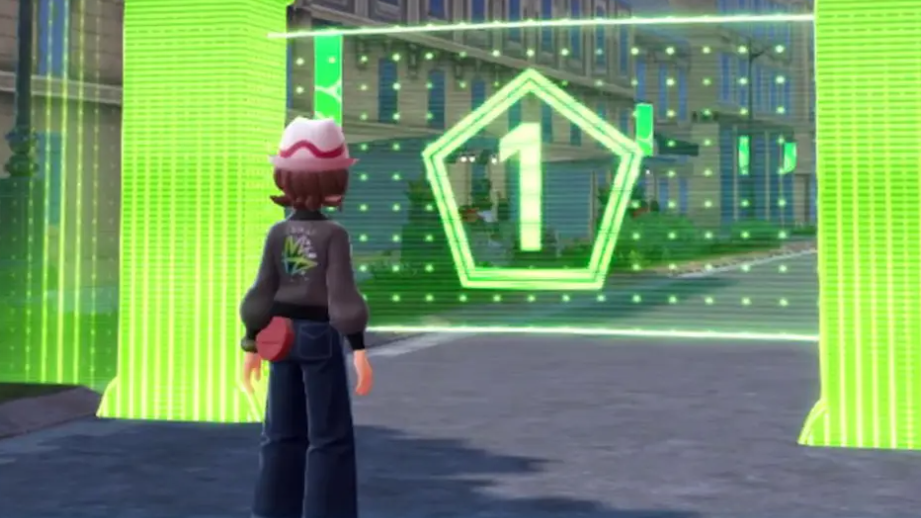
Frigibax in Pokémon Legends: Z-A — How to Unlock, Find, and Evolve It
Learn when Frigibax becomes available in the Mega Dimension DLC, how special scans work, and the levels needed to reach Baxcalibur.
-
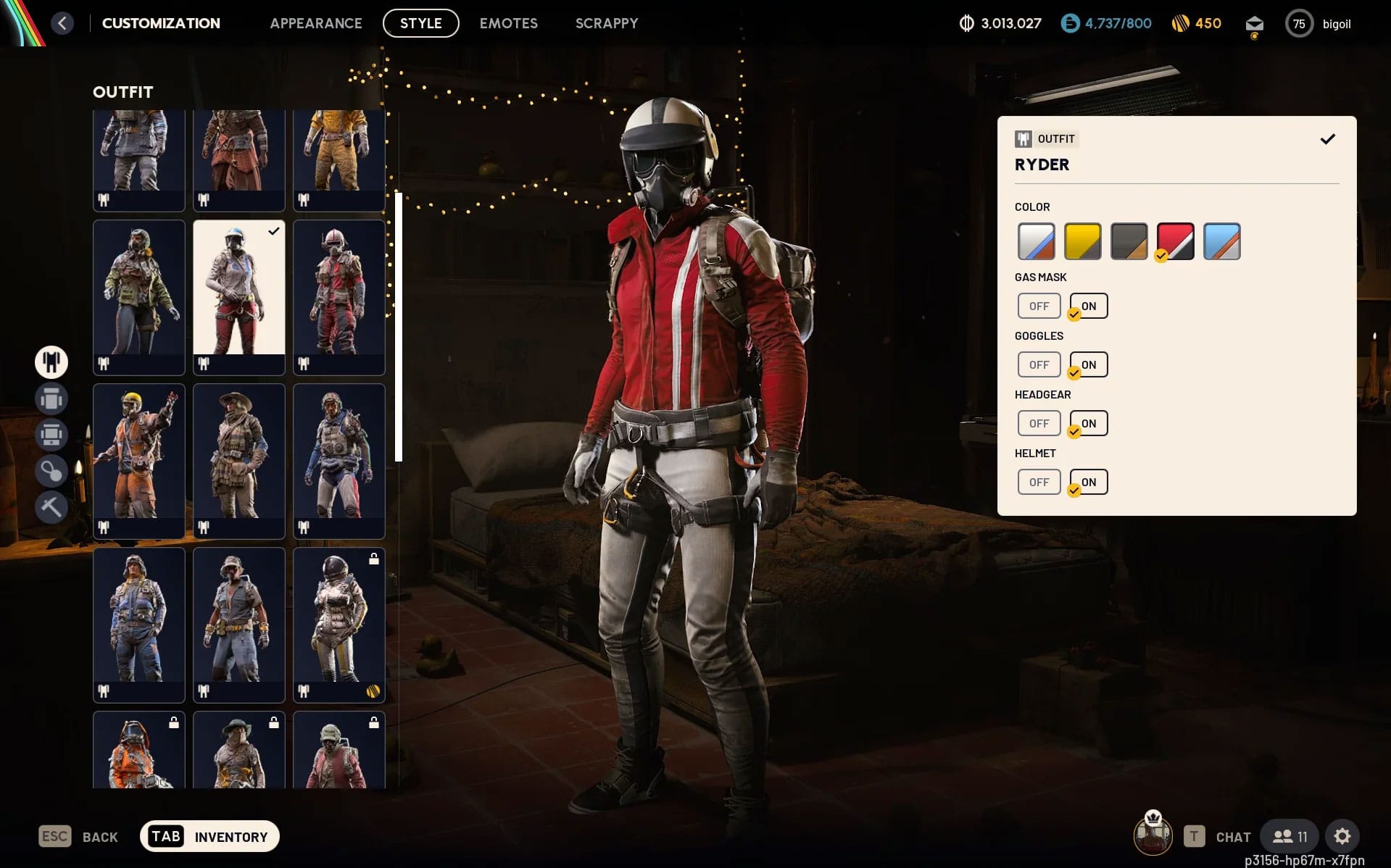
How To Unlock The Free ARC Raiders Ryder Outfit By Playing The Finals
Play three matches in The Finals to earn a bright red Ryder recolor in ARC Raiders — here’s how it works and how to…
-
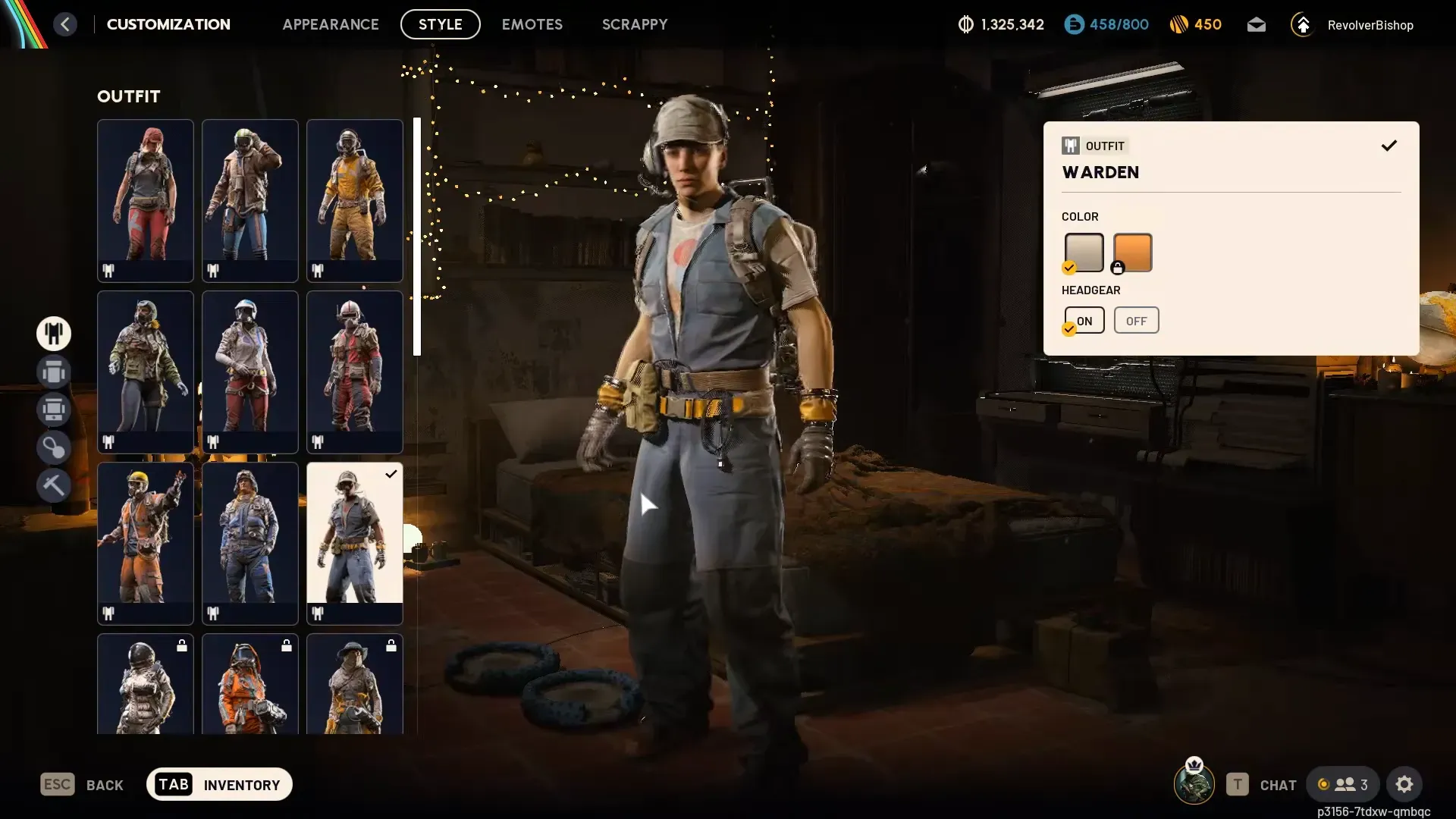
Arc Raiders Stench of Corruption quest: How to unlock the Warden outfit
Finish the late‑game Stench of Corruption questline to secure the Warden outfit without spending any premium currency.
-

ARC Raiders Flickering Flames rewards and how to unlock Merits fast
All 25 Flickering Flames rewards, how the Merit track works, and how it ties into the Cold Snap winter update.
-
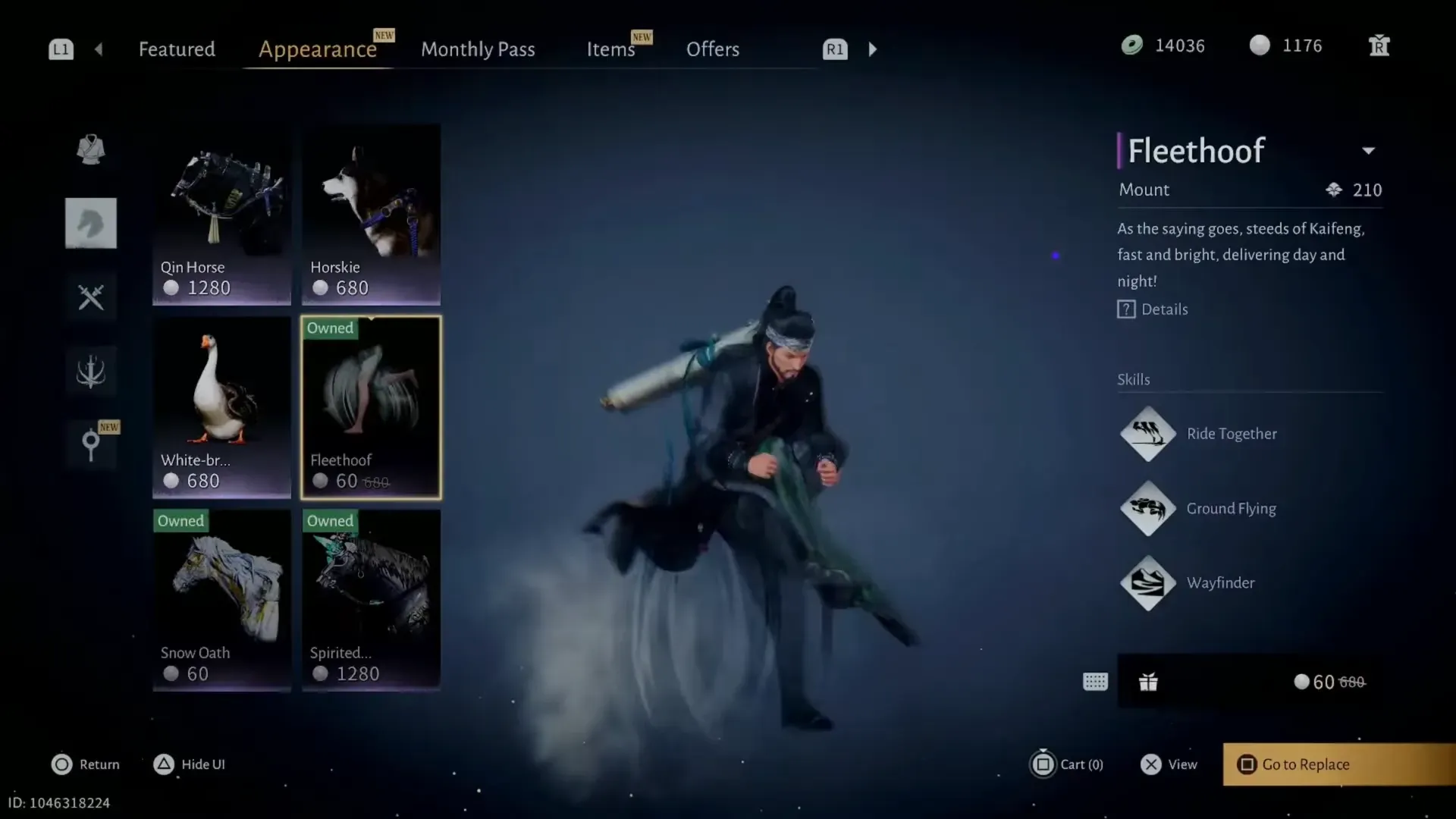
Fleethoof mount in Where Winds Meet – What it does and how to get it
Fleethoof is a paid epic mount that trades a goofy Kung Fu Hustle run for real speed and strong open-world utility.
-
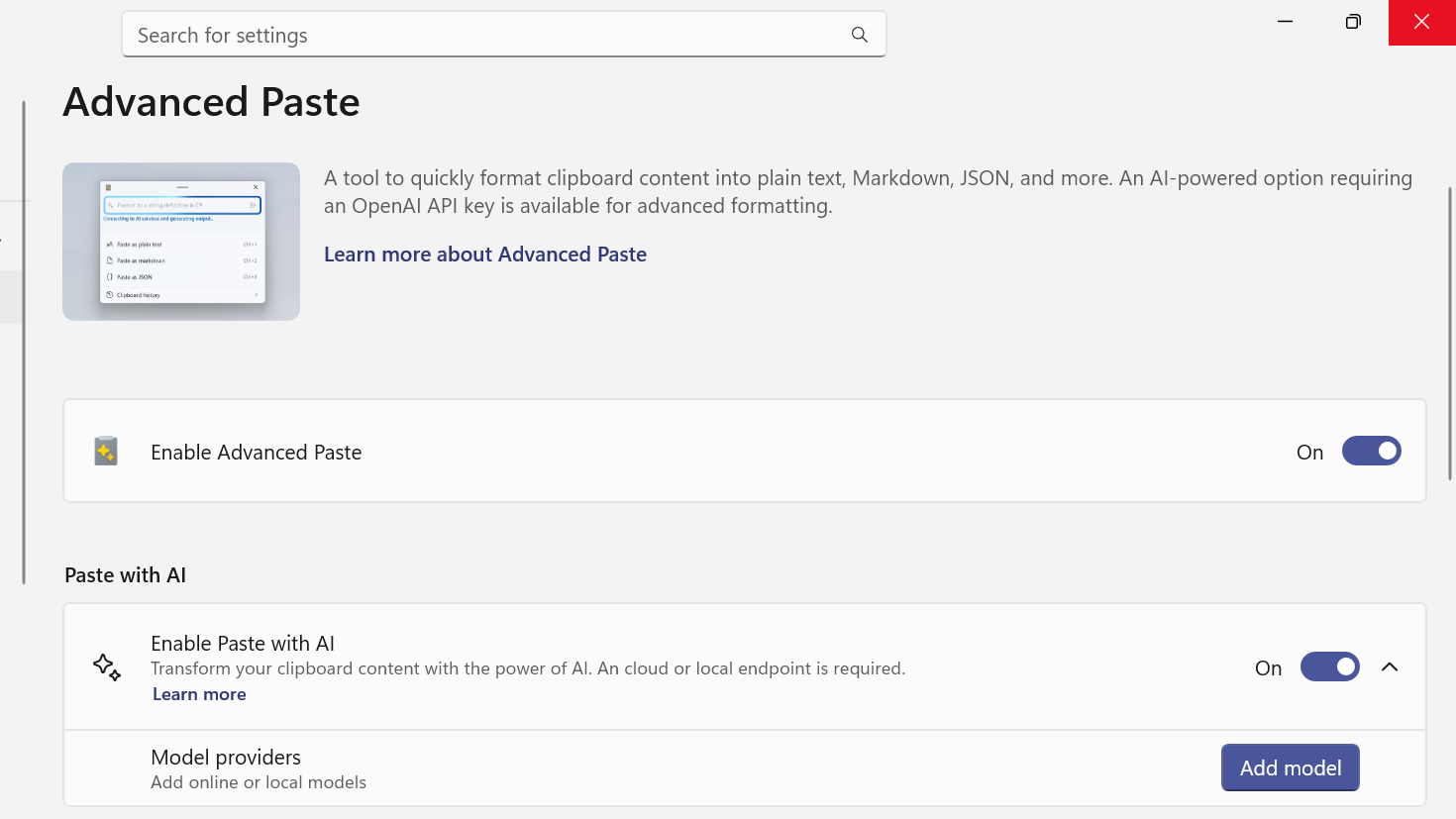
How to add a model provider to PowerToys Advanced Paste with AI
Configure Advanced Paste in PowerToys to use OpenAI, Azure, Gemini, Mistral, or local NPUs through Foundry Local and Ollama.
-
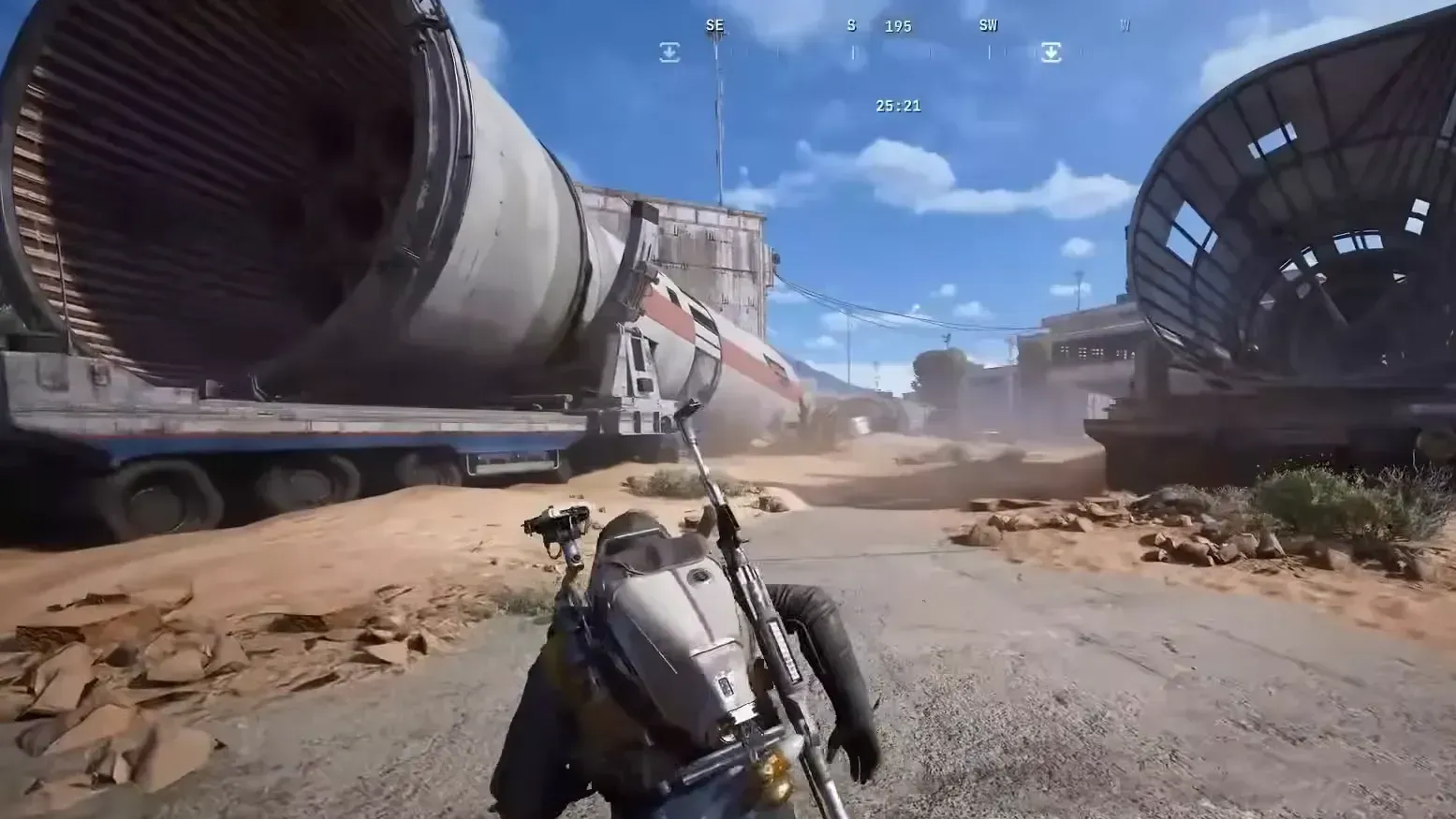
How to find the Rocket Thrusters in ARC Raiders’ Greasing Her Palms quest
Where the rocket thrusters are on Spaceport, why the task often doesn’t register, and how to finish Greasing Her Palms.