
Instructional, step-by-step articles.
Content Type: How-To
-

Seasonal Edge in Where Winds Meet: What it does, how it triggers, and how to unlock it
A Legendary Inner Way tied to weapon swapping, with four possible offensive buffs and upgrade tiers that change uptime and multi-buff odds.
-

How to Get the Suspected Tomb Robbers Bundle in Where Winds Meet
Where to go, which quest line to finish, and how the associated fight challenge actually unlocks.
-

PlayStation 2025 Wrap-Up: How to See Your Year in PS4 and PS5 Games
Where to find PlayStation Wrap-Up 2025, who’s eligible, what stats you get, and how long it’s available.
-

How Elegance Points Work in Where Winds Meet (and How to Earn Them)
Pet cats, eat specific food from stalls, and avoid the common pitfalls that stop points from counting.
-

Where Winds Meet’s stone slab gate puzzle can soft-lock — here’s the workaround
If the “hold the stone slab down” objective leaves you outside the cavern, resetting your position can put you back inside.
-
How to Detach Runes in The Forge (Roblox) Without Losing Them
Learn how rune removal works, what it costs, and when it’s smarter to extract a rune or leave it on your gear.
-

How to Get Festive 67 in Roblox Steal A Brainrot! (DLC Codes and Trades)
Learn how Festive 67 works in Steal A Brainrot! and the main legitimate ways players are getting it.
-

How to get the Christmas Spirit in Adopt Me (Winter Event 2025)
Where it spawns, what it costs in Gingerbread, and the other ways players can obtain the limited Legendary pet.
-
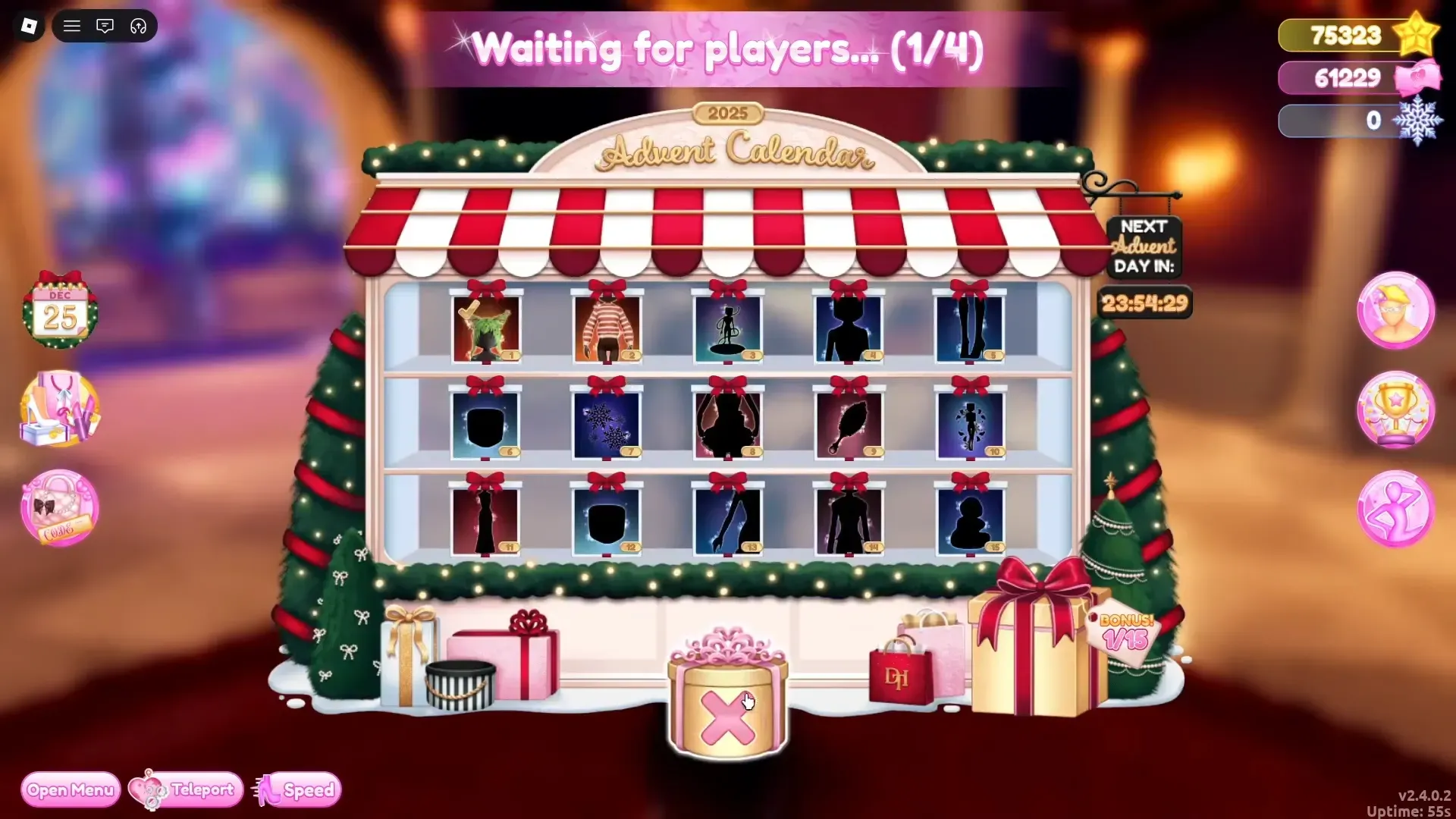
Lana elf location in Dress to Impress (Day 2) and how to claim the gift
Find the Day 2 Lana elf in the lobby, click to unlock the item, and keep daily claims on track.
-

Snowflakes are the Winter 2025 grind in Dress to Impress — Here’s how to earn and spend them
Snowflakes drop from Hall of Fame tasks, skating and exploration, Santa’s Workshop deliveries, and the Advent Calendar.