
Instructional, step-by-step articles.
Content Type: How-To
-
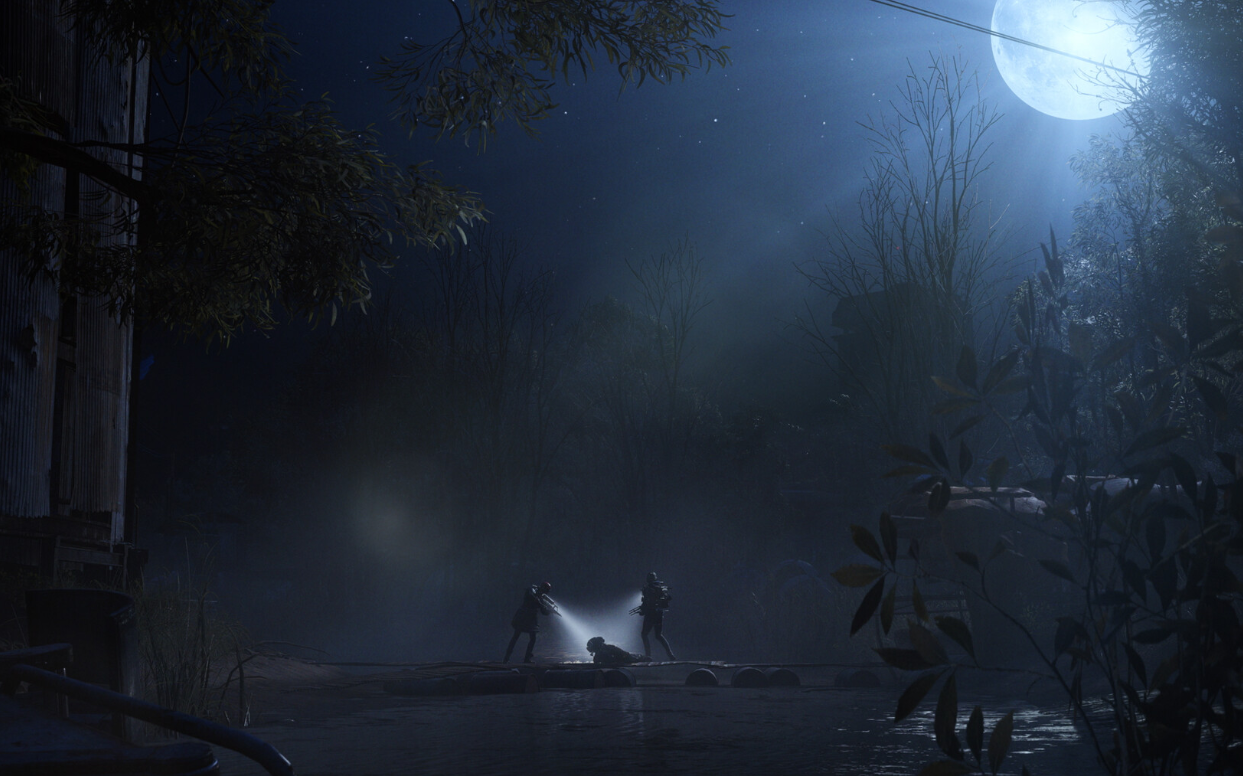
ARC Raiders Blue Gate tower key — location and how to use it
Find the basement door near Pilgrim’s Peak and reach it by zipline for quick, reliable loot.
-
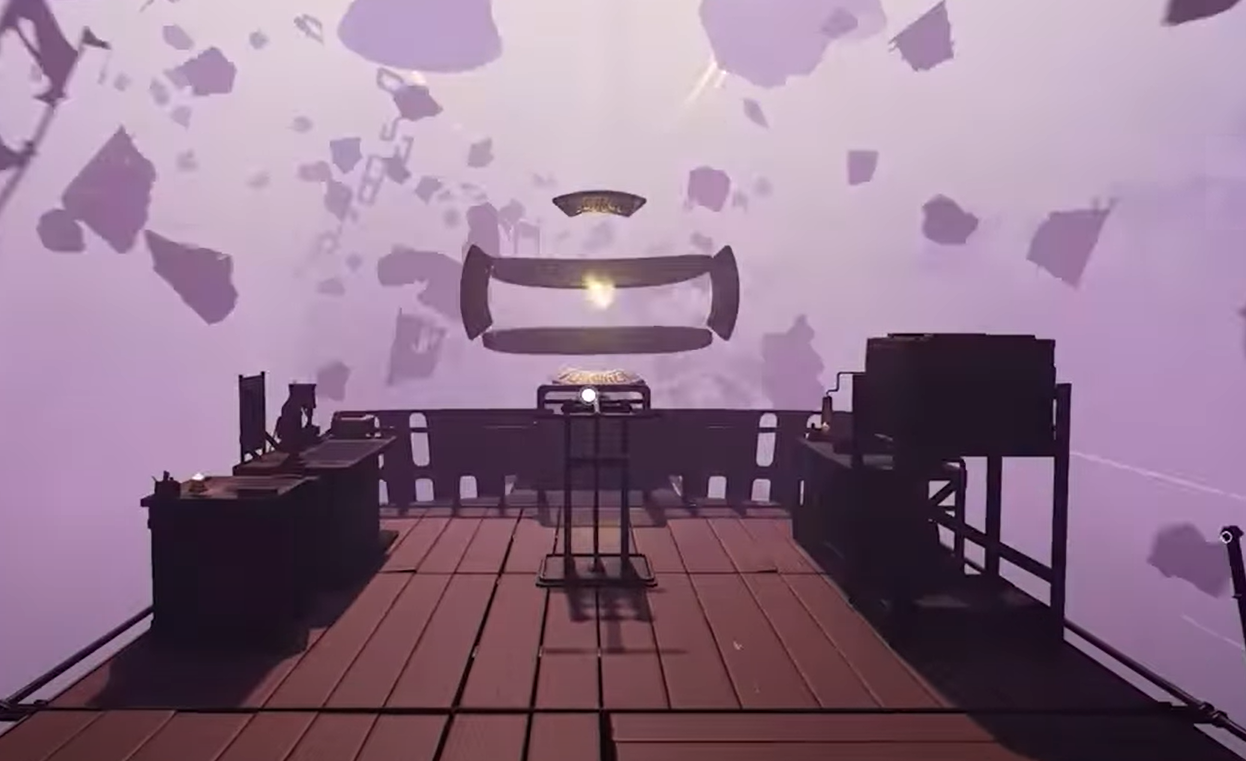
Voidtrain lumps: how to spot them, finish the quest, and turn them into resources
How to find “lumps” in the void, what they look like, and the stations that process coal, silicon, zinc, and gasoline.
-
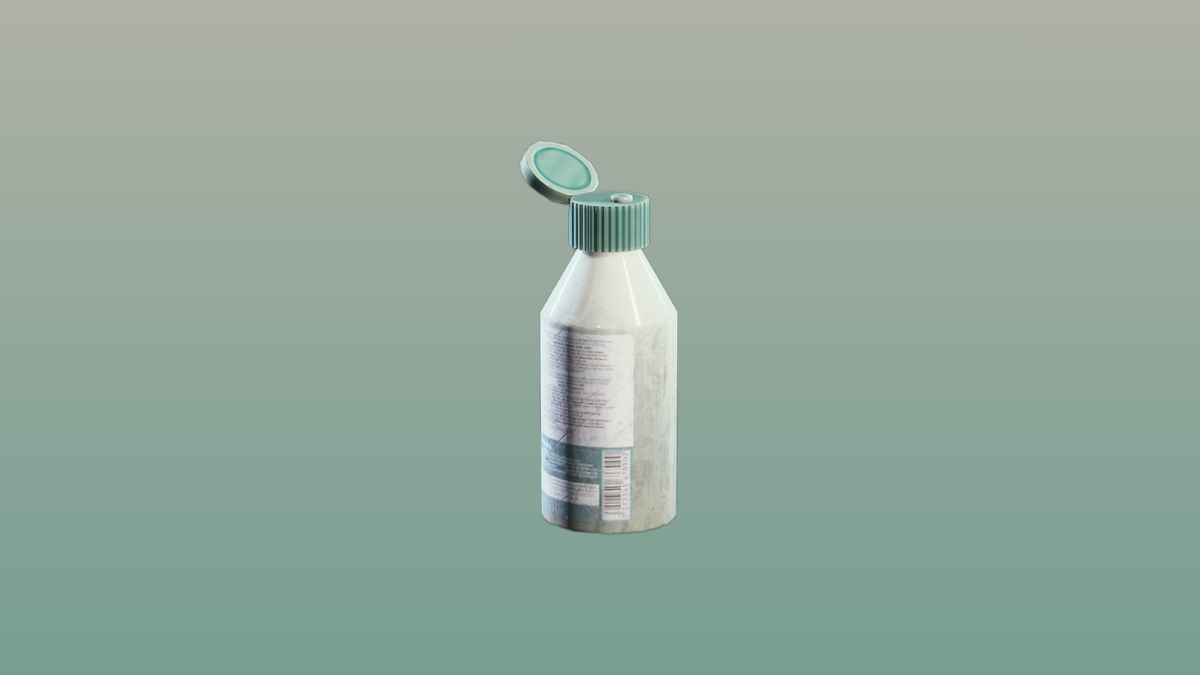
ARC Raiders antiseptic locations and how to craft it
The fastest routes to grab Antiseptic in raids, plus the exact recipe if you’d rather craft it.
-
Arc Raiders lag warning icons — meanings and quick fixes
Identify packet loss, high ping, jitter, server and client warnings, then apply the right fix before your next raid.
-

Pokémon Legends: Z‑A Mega Dimension — content, dates, and how to access
New story in Hyperspace Lumiose, Holo apparel on day one, and two Mega Raichu forms.
-

Escape from Duckov co‑op on PC — How to play with friends
The base game is single‑player, but a Steam Workshop mod adds online sessions with LAN or VPN hosting.
-
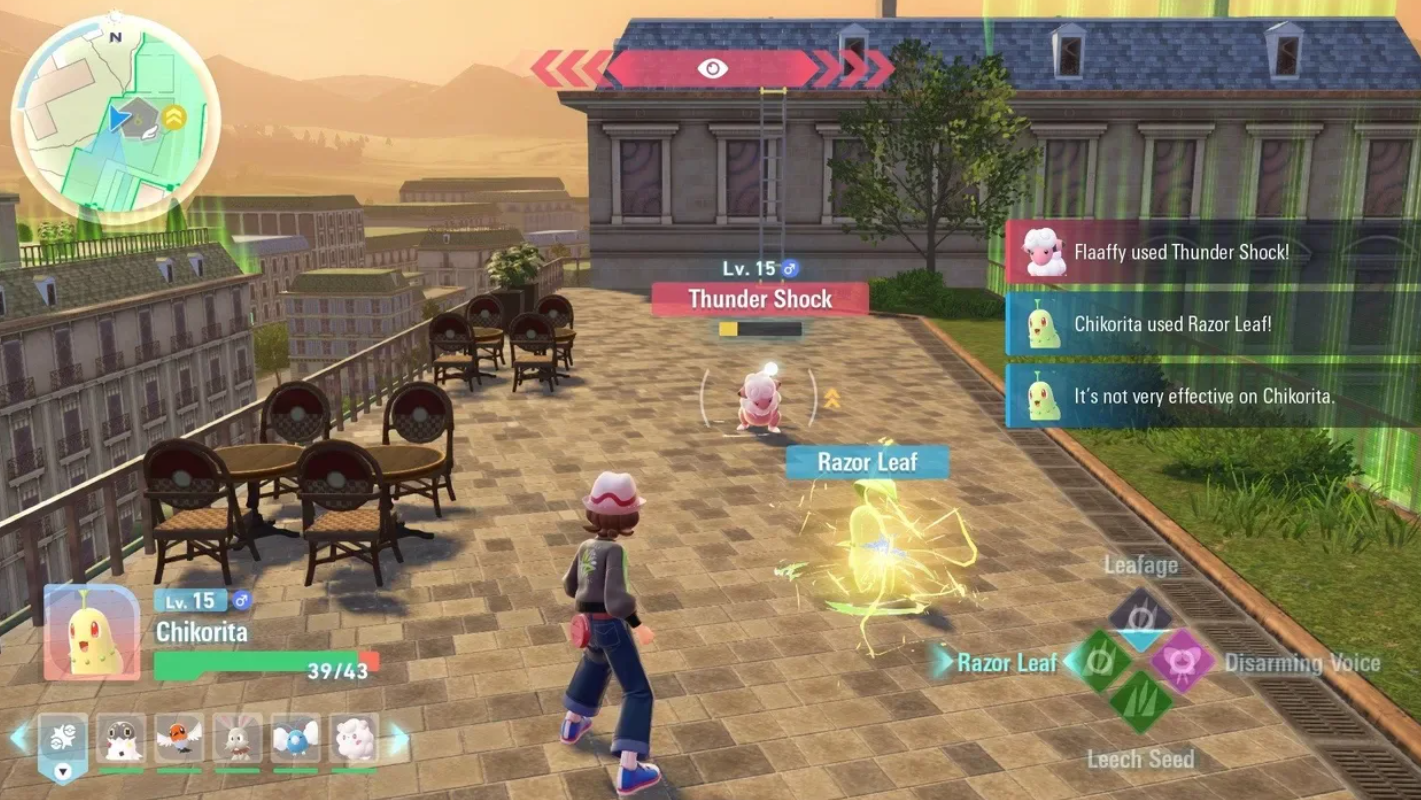
Pokémon Legends: Z‑A — How to catch a Jumbo Pumpkaboo (Side Mission 98)
Where to find it at night, how to tell it’s the Jumbo variety (not an Alpha), and what you earn for turning it in.
-
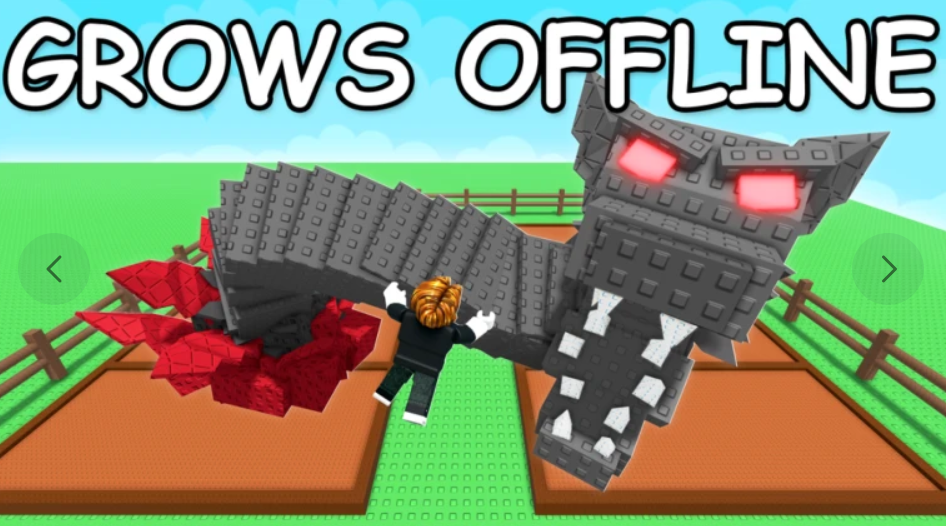
Get the Jumbo Pet Mutation Shard in Grow a Garden (Safari Event)
Reach the 55 billion community goal or buy for 399 Robux, then apply Jumbo for size and 50% XP gains.
-

Europa Universalis V Premium Edition: what’s included and how to buy
All the content in the bundle, the 2026 DLC schedule, pricing, and the PC specs you’ll need.
-
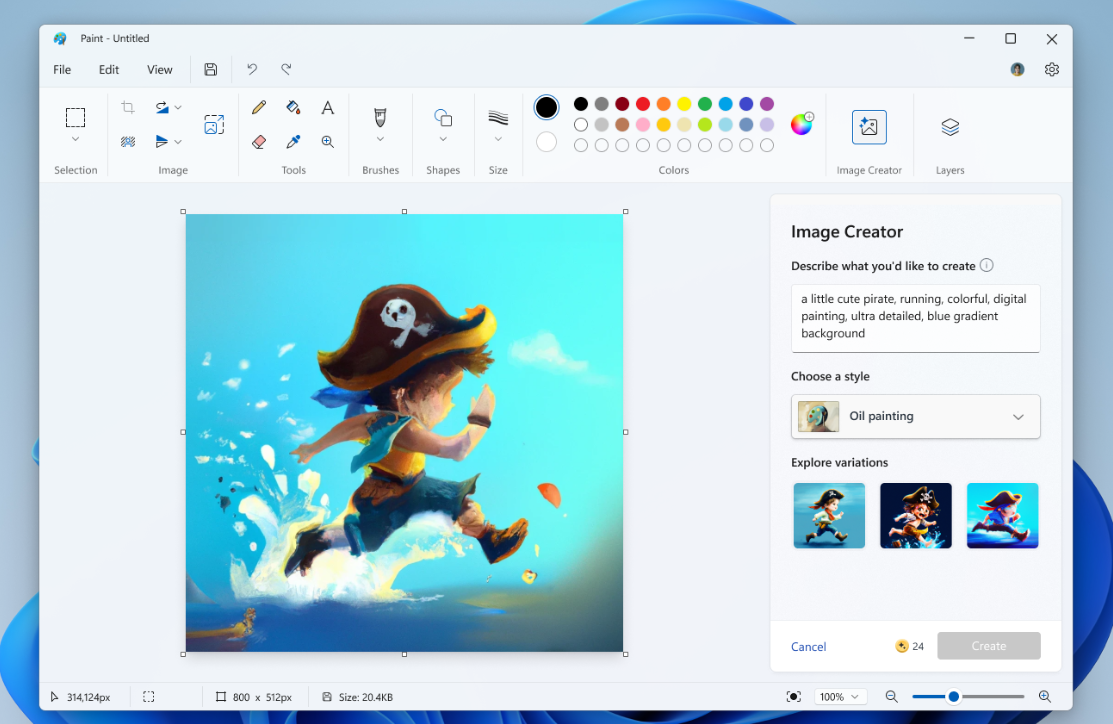
Disable AI features in Windows 11 Paint — Generative Fill and more
Use policy, registry, CMD/PowerShell, and Intune to turn off Generative Fill and Image Creator in Paint.