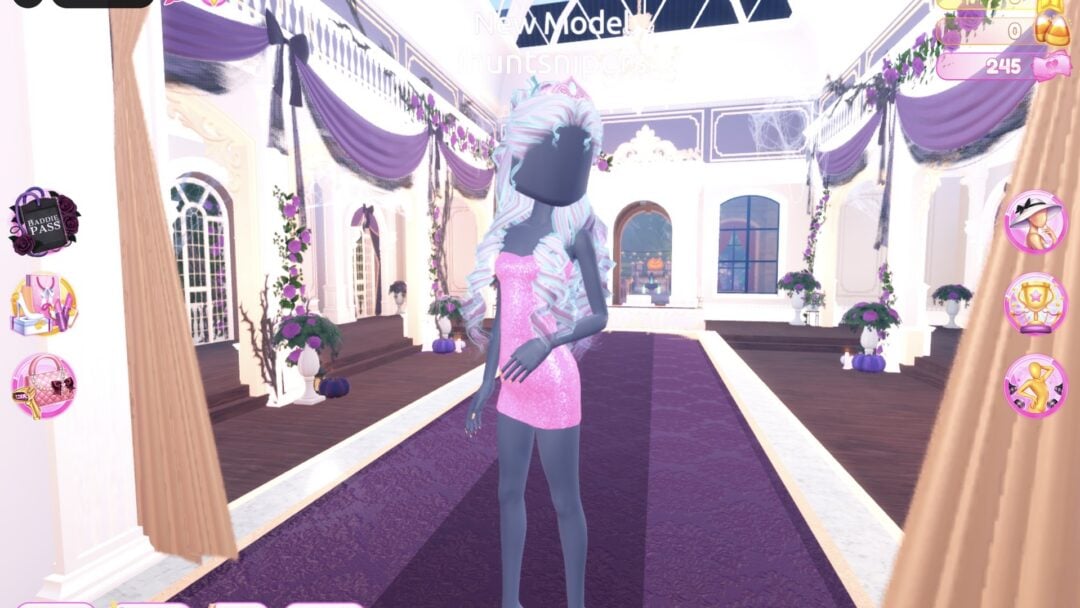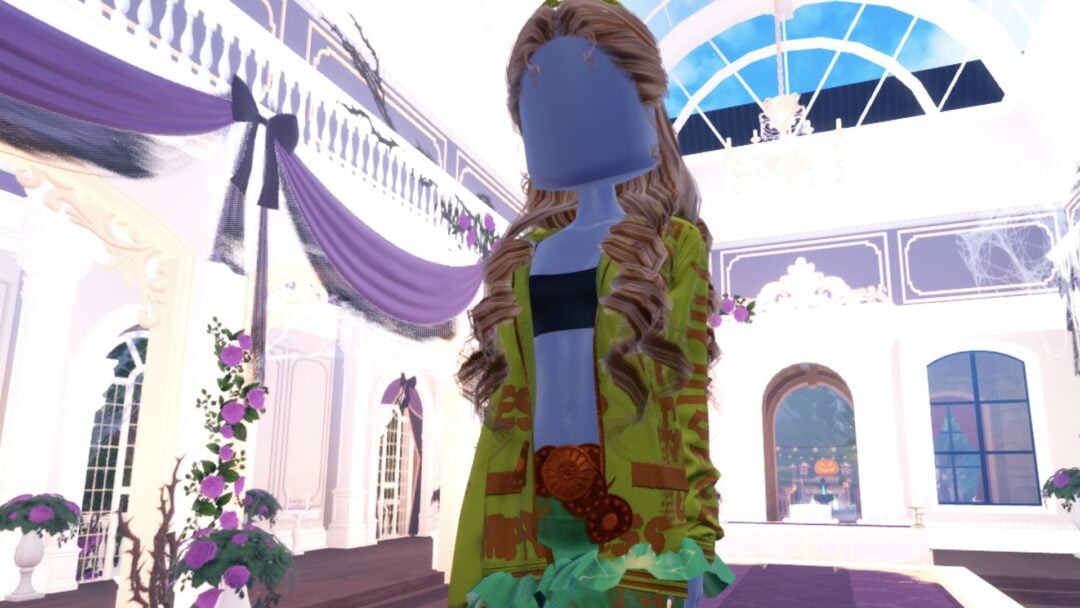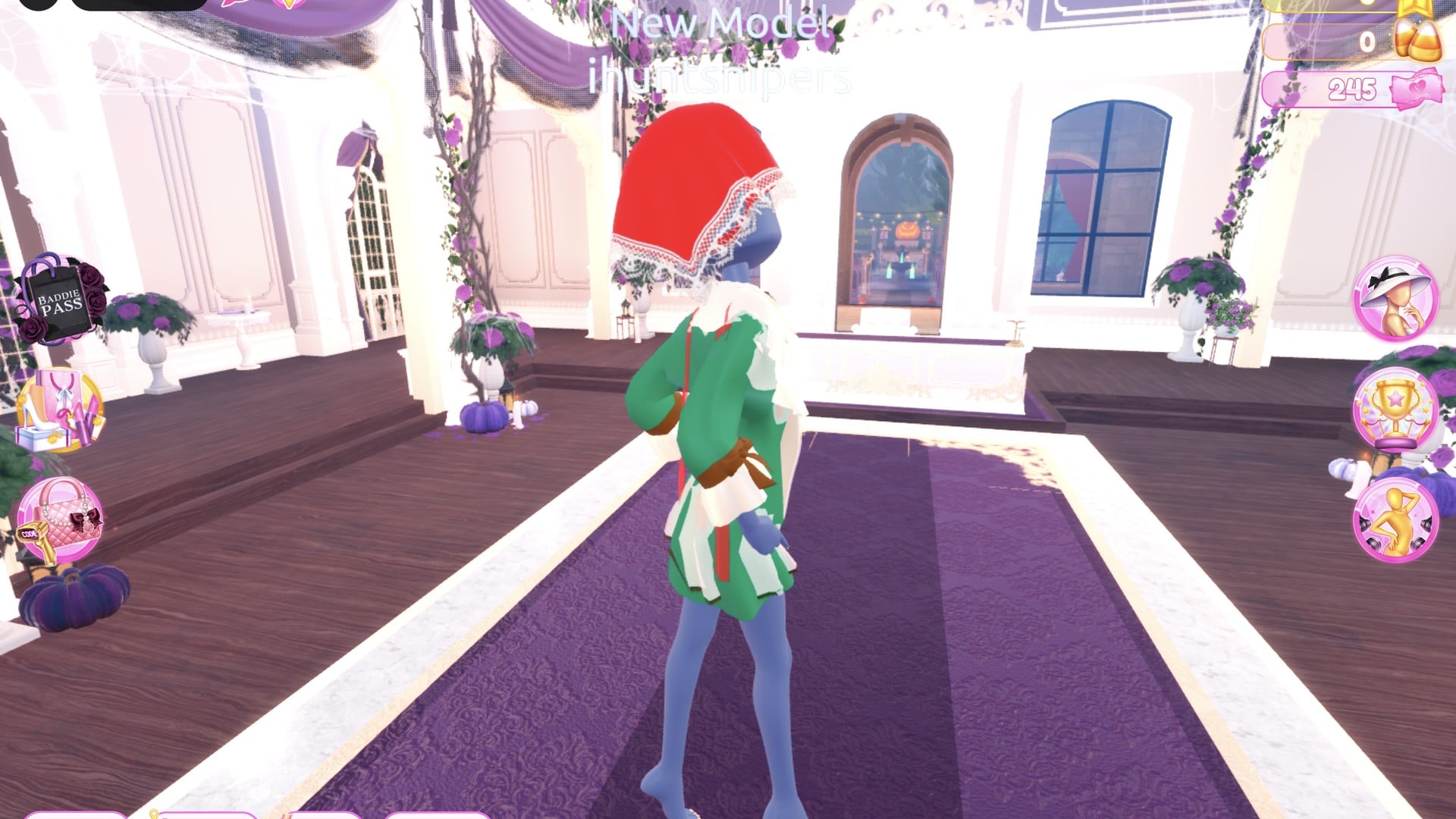
Fairytale in Dress To Impress asks you to dress like a storybook character, and the game leaves the choice to you. It names no character and gives no list, so a princess, a woodland girl and a fairy-tale villain are all valid takes. We built two complete looks for it in Freeplay Mode, with our own picture for every step: a storybook princess and a woodland look with a red kerchief. Each starts from its own base piece, so you can build either one from scratch.
Quick answer: For a princess, wear the long white robe in light blue Silk with pale blonde curls and their crown turned gold Metallic. For a woodland look, wear a dark green coat over a brown and cream short dress with a red kerchief.
Before you start: Freeplay Mode and the base body
Both outfits are easiest to put together in Freeplay Mode in Dress To Impress on Roblox, where you can use the Dressing Room, the Lana’s Salon hair chairs and the Freeplay Runway with no clock running. To get there, open Teleport, choose “Dress up and have a photoshoot!” and confirm with Yes. Neither look needs VIP, Robux or pink cash.
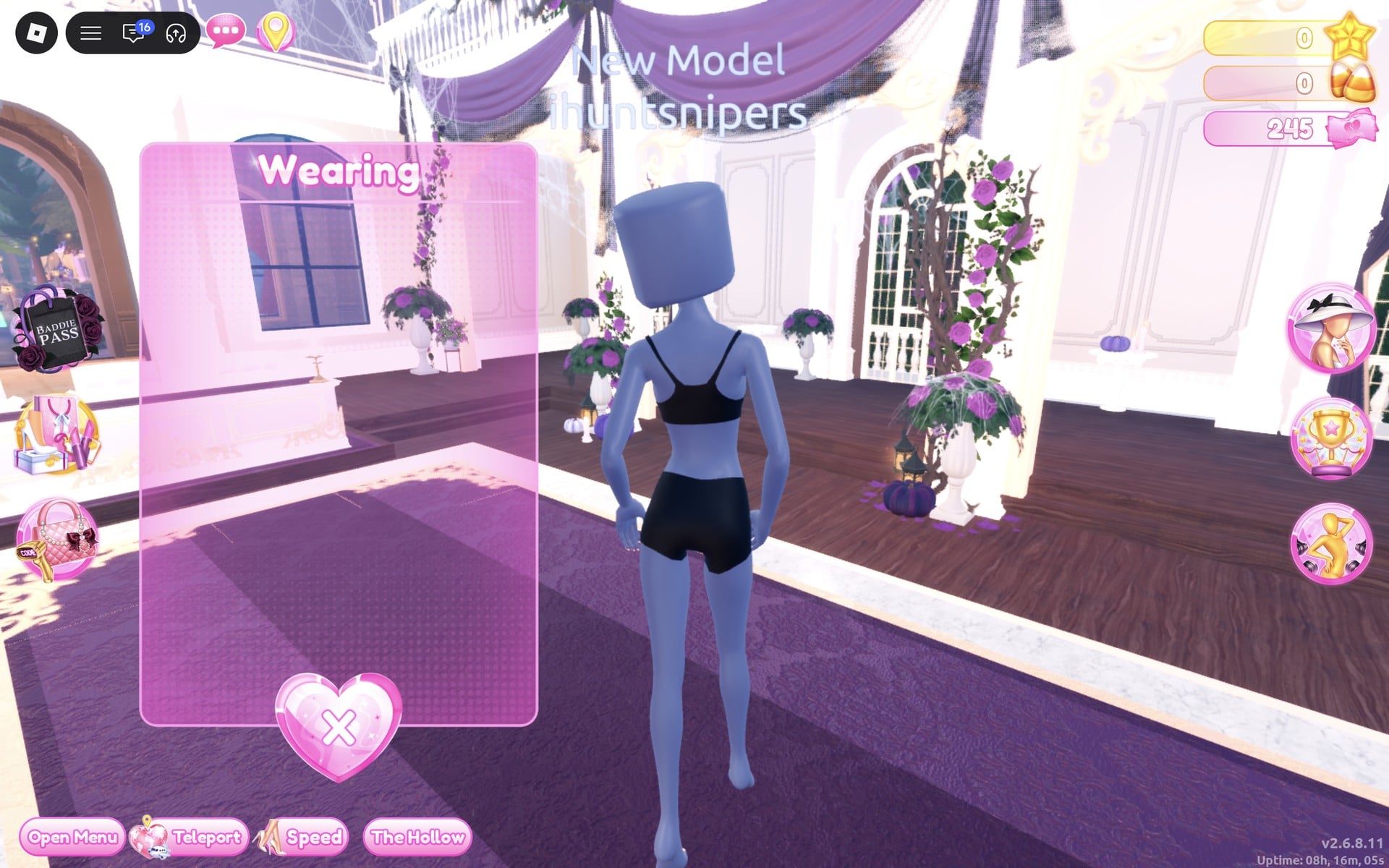
Your character starts out bald, wearing a black top and black shorts. Those are part of the body rather than clothing, so they can’t be removed, only covered. Both looks below hide them completely.
While we built these looks, the game moved us out of Freeplay once, to a loading screen and the main lobby. Going back through Teleport reset the character to the bare base body, so we had to dress again from the beginning. Finish one look at a time.
How recolouring works in Dress To Impress
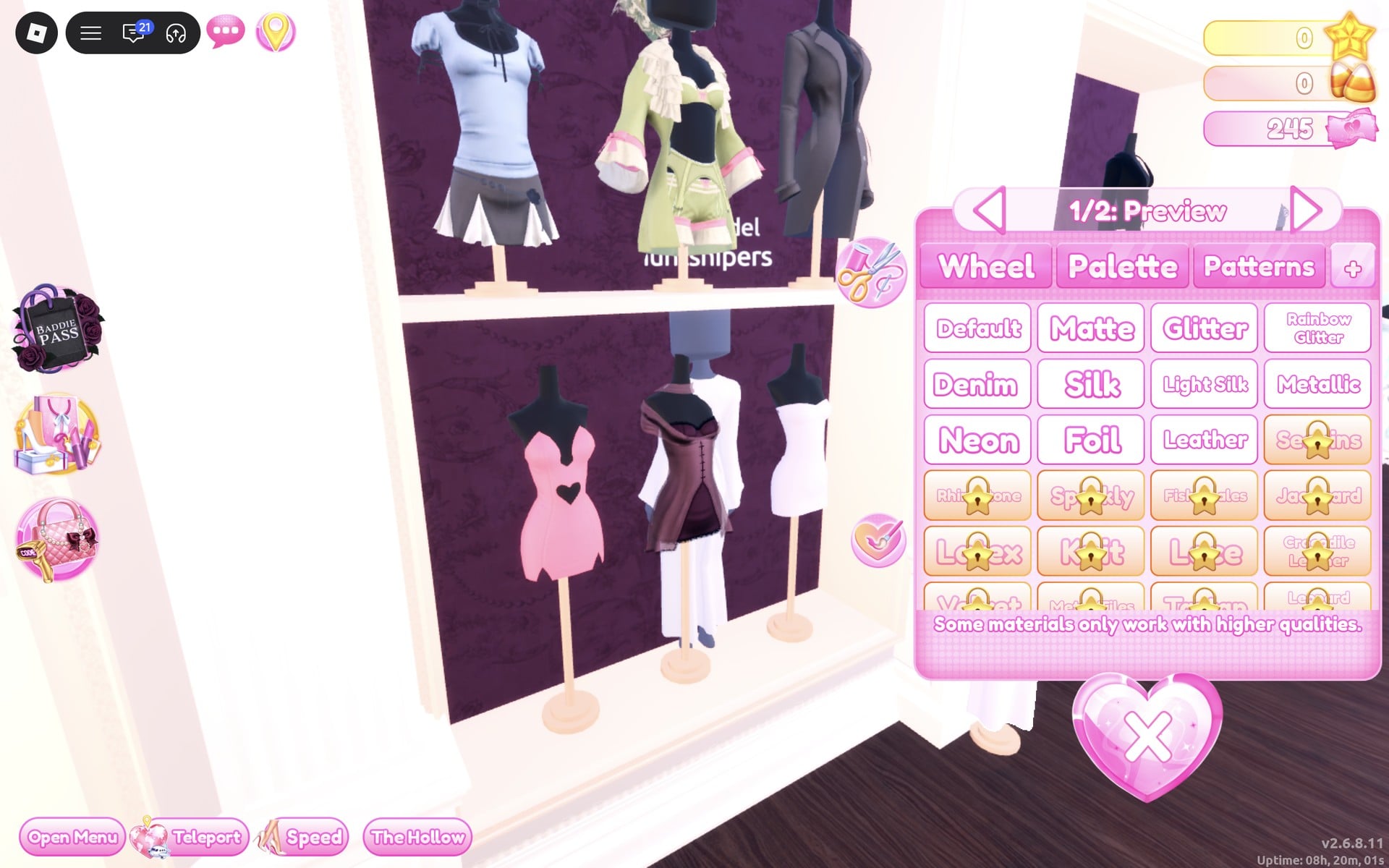
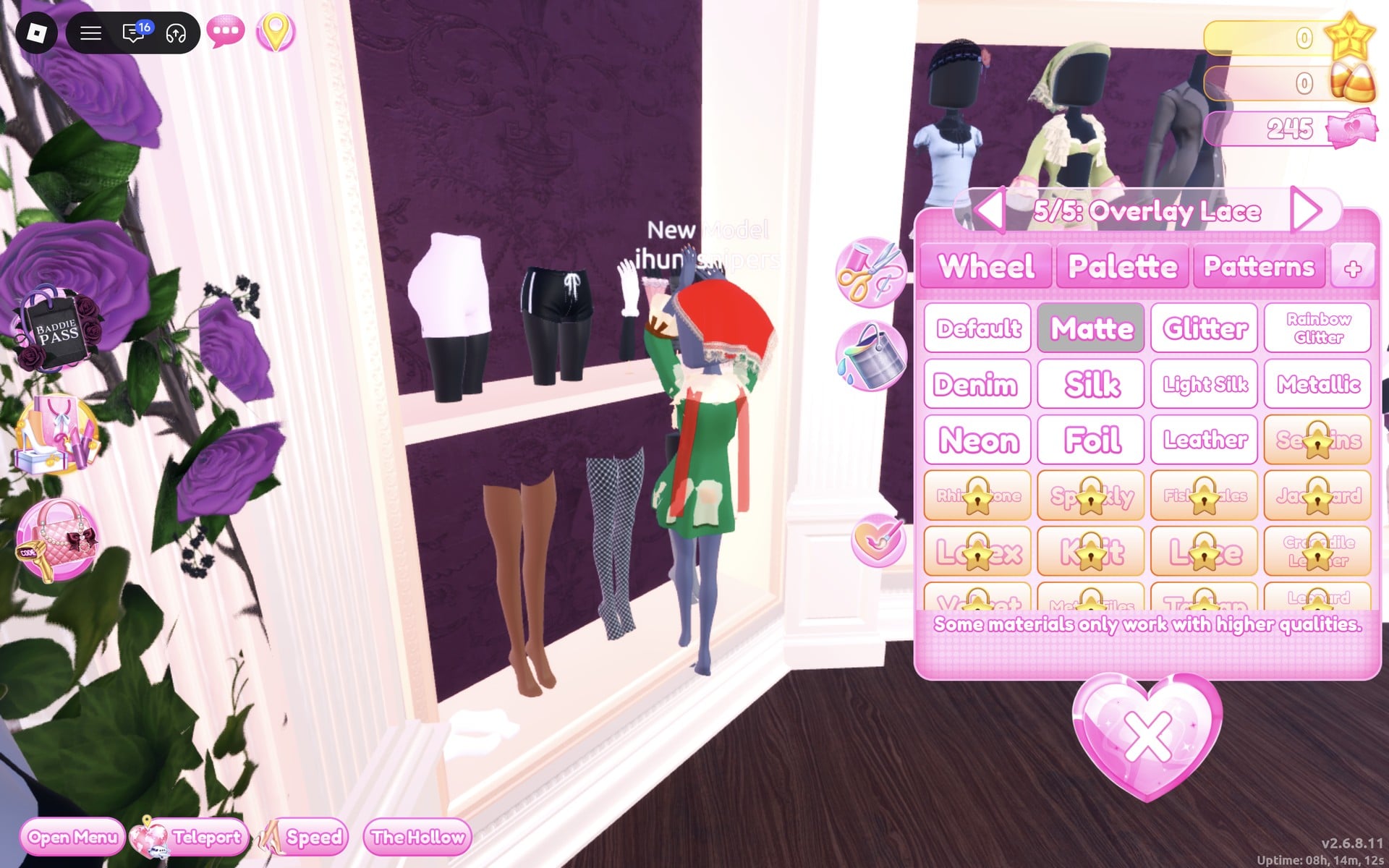
Stand close to a piece and click it. It appears on your character with its colour panel already open, and it stays on after you close the panel. Each piece is divided into parts, labelled at the top of the panel as “n/N: Name”. Step through them with the < and > arrows. The arrows don’t wrap around.
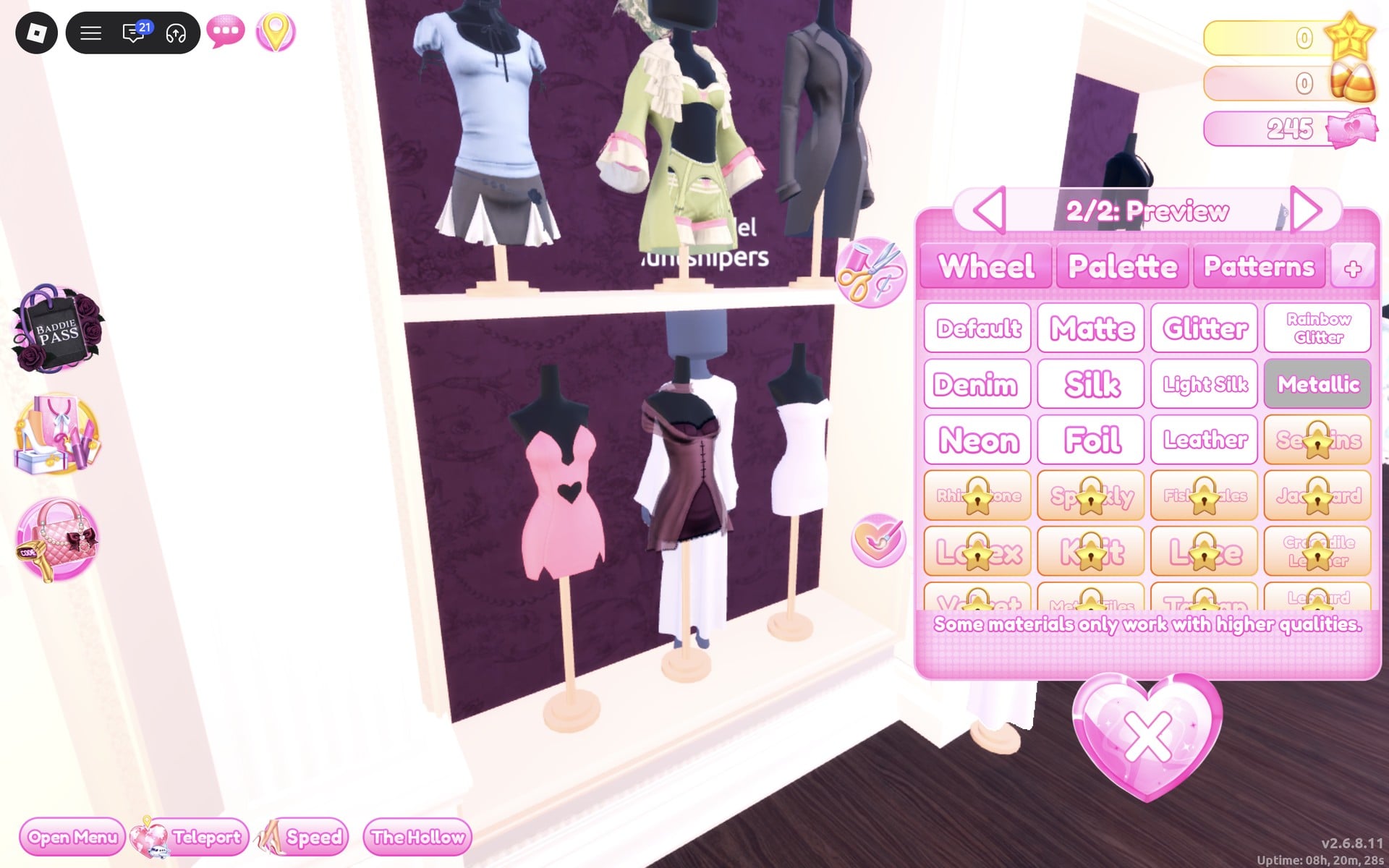
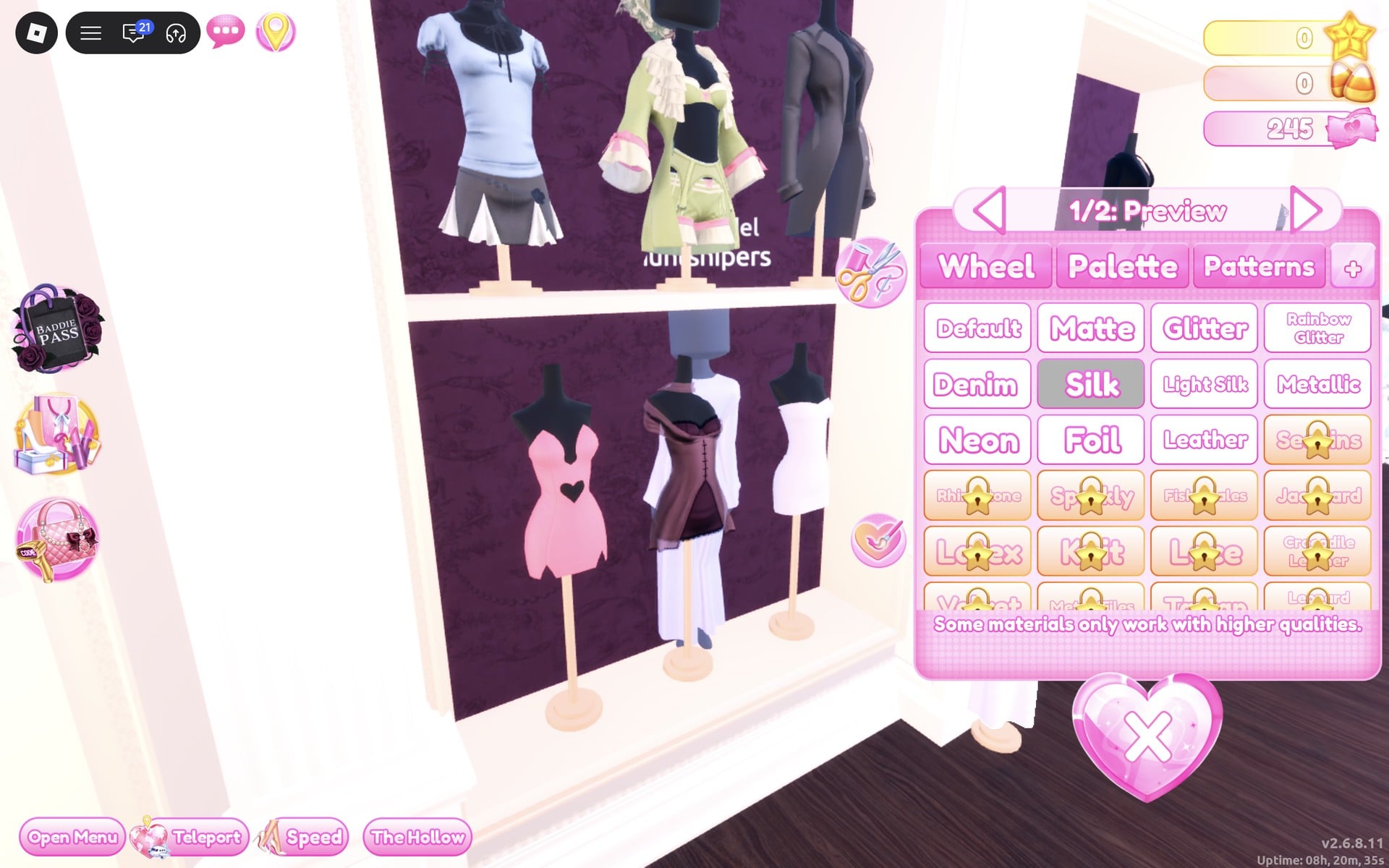
The panel has four tabs. Pick a colour for each part on the Palette tab, then open the fourth tab, marked “+”, to choose a material such as Silk, Metallic, Matte, Leather or Glitter. Patterns is one of the other tabs. Every colour in both looks comes from the default palette, which is a grid read by column and row:
| Column | Colour family |
|---|---|
| 1 | Red |
| 2 | Pink |
| 3 | Purple |
| 4 | Blue |
| 5 | Cyan |
| 6 | Green |
| 7 | Lime |
| 8 | Yellow |
| 9 | Orange/brown |
Row 1 is the earthy row at the top, and shades get darker as you move down to row 7, the darkest. Row 8 runs from white to black.
To change something you’re already wearing, open the Wearing panel with the round hat button on the right side of the screen and click the piece’s picture. The same panel removes pieces with the heart X.
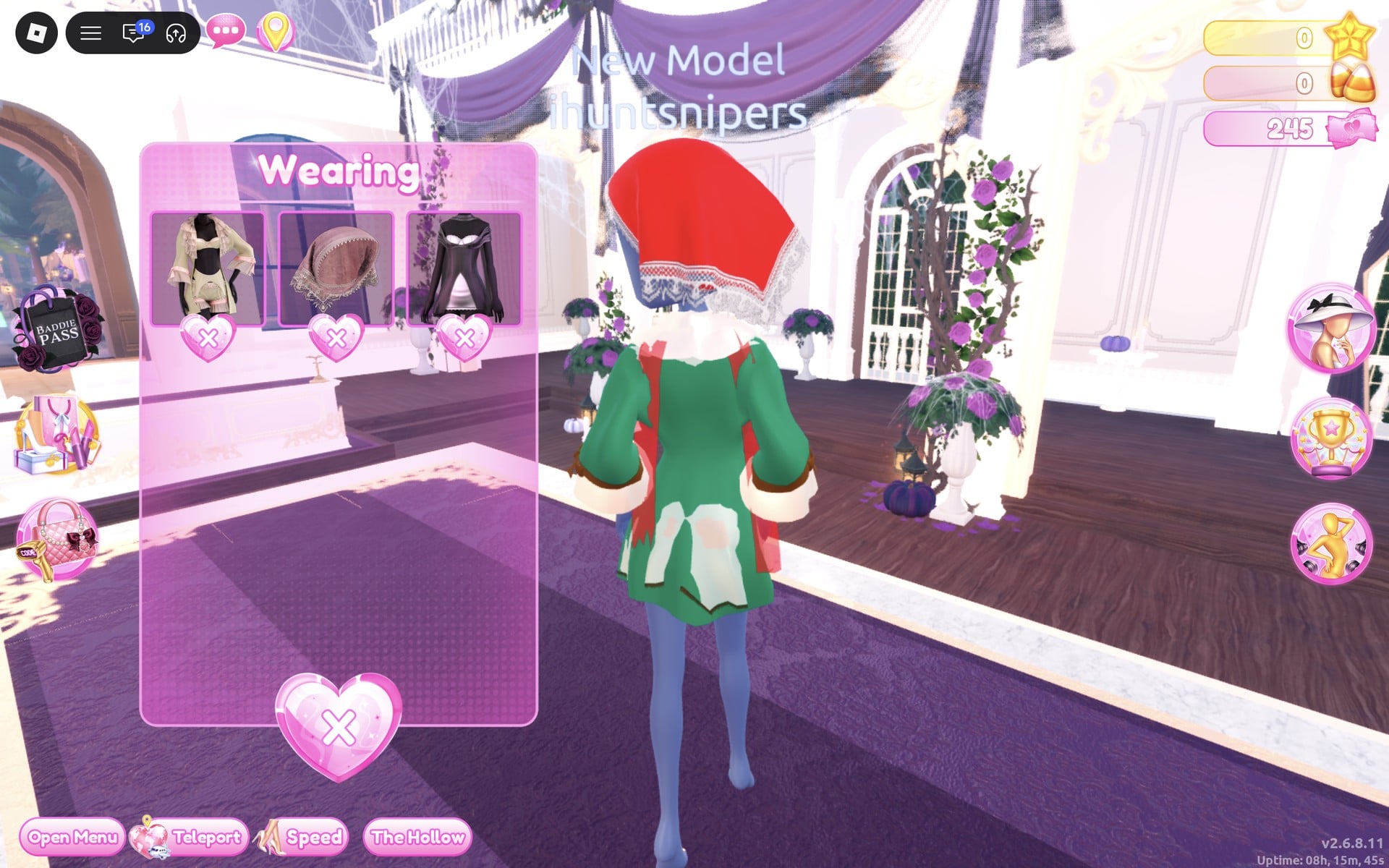
Pictures in the Wearing panel always show a piece in its original shelf colours. Check your recolour on the character, not on the thumbnail.
Material tiles with a gold star are star-locked; leave them alone. The panel itself says “Some materials only work with higher qualities.” Every material used in this guide (Silk, Light Silk, Metallic, Matte, Leather and Glitter) worked on our account with 0 stars.
Where the pieces are in the Dressing Room
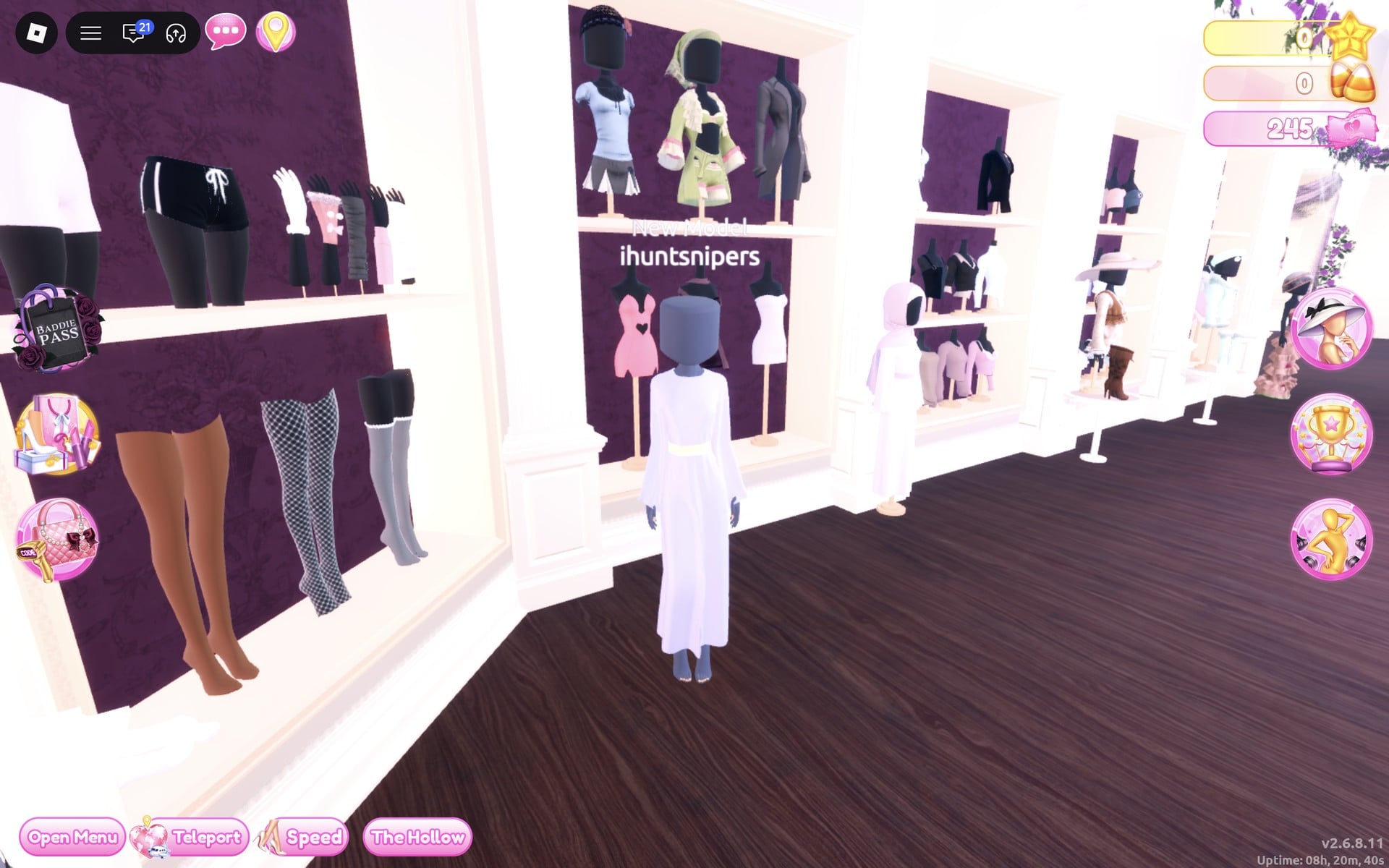
Nearly all the pieces are in one place. Find the white, two-tier shelving beside the mannequin dressed in a white hooded robe and the legwear display, where tights, knee socks, shorts and gloves are kept. This is the short-dress shelf.
- Top row: a pale blue shirt with a grey skirt, a sage green ruffled coat on a bust wearing a green headscarf, and a grey long coat.
- Bottom row: a pink mini dress with a heart cut-out, a plum short dress in the middle, and a white strapless mini.
- Just to the right of the shelf: the mannequin in the long white robe.
Fairytale outfit ideas in Dress To Impress
Look 1: Storybook princess
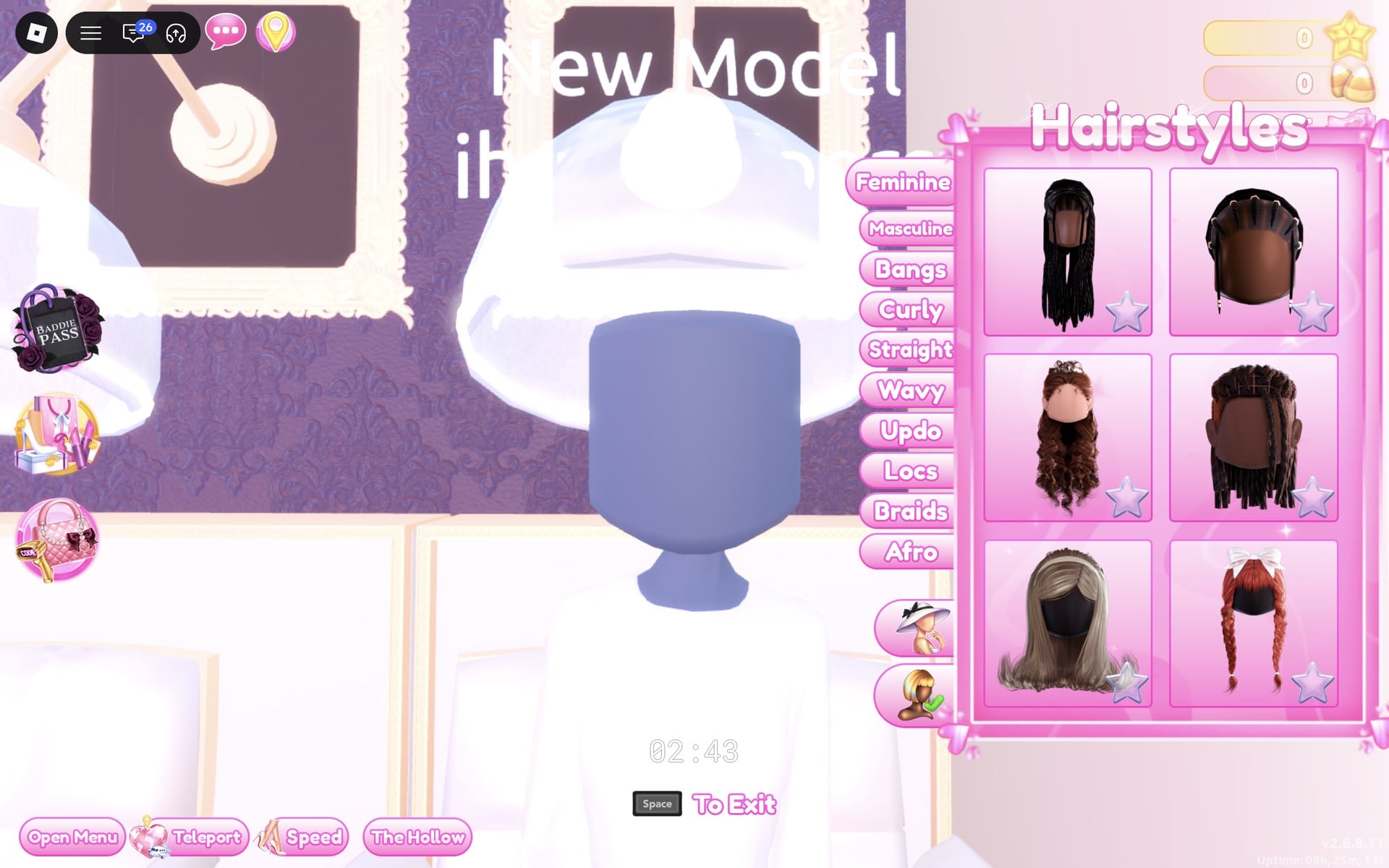
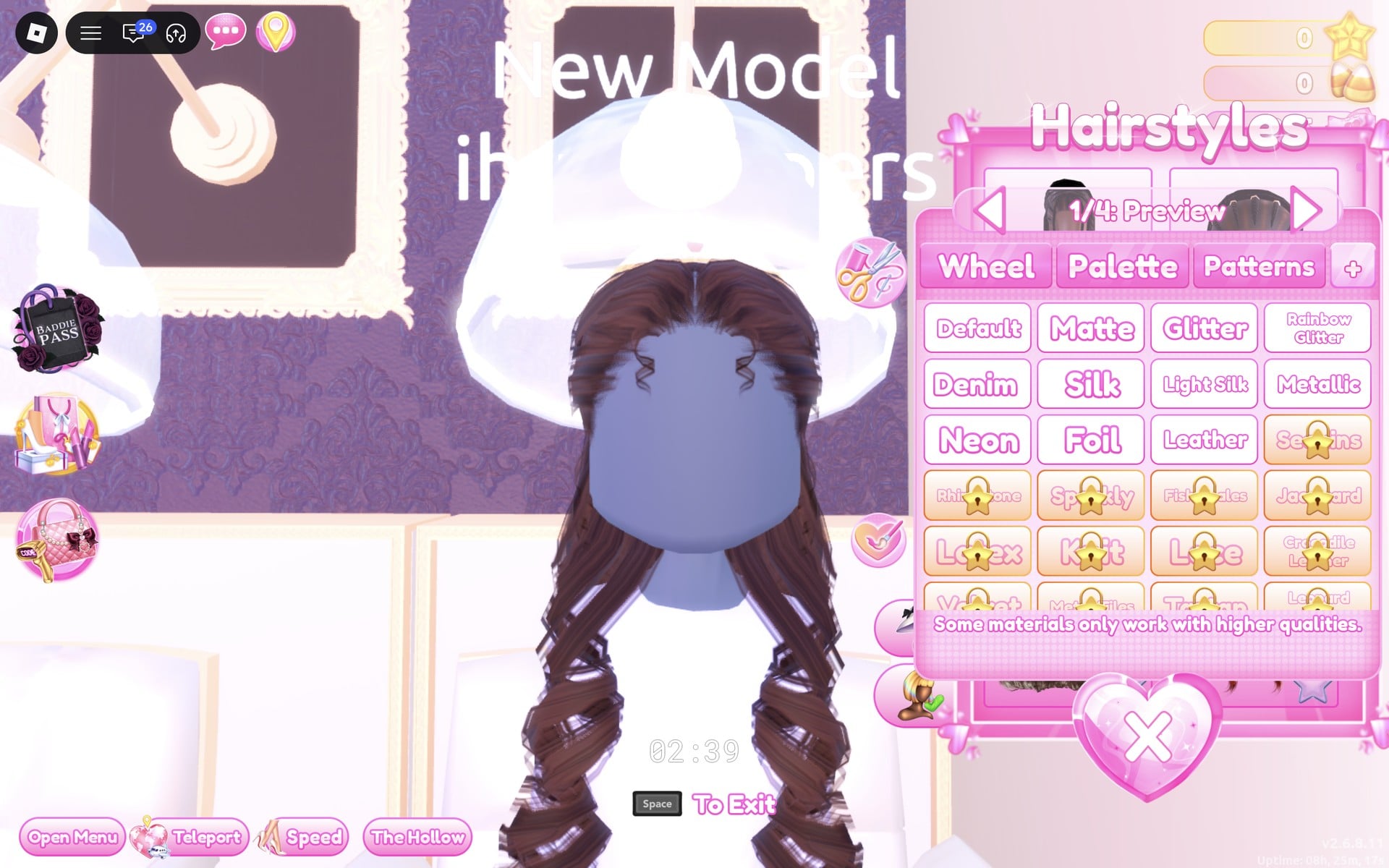
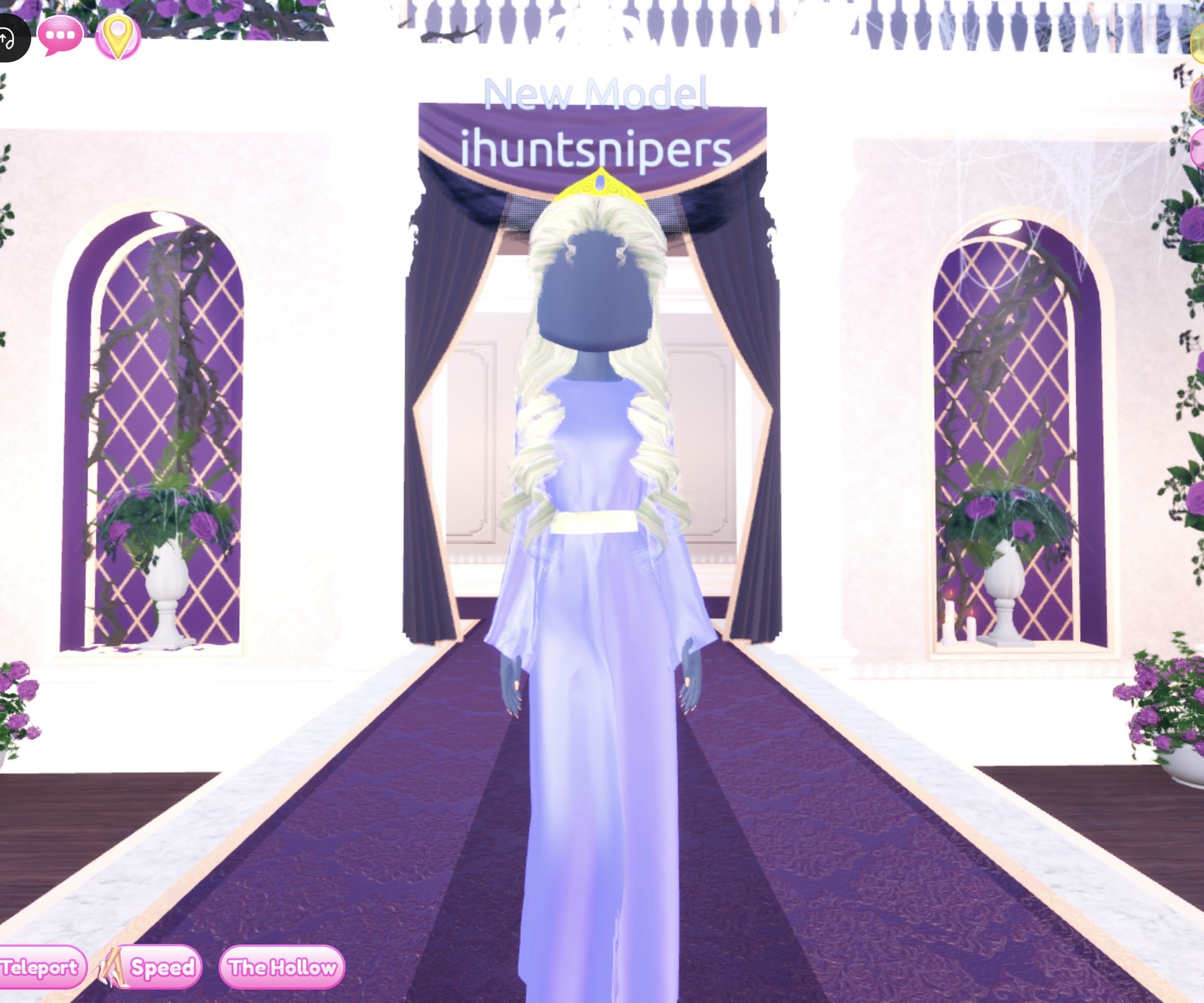
Our idea for a princess: one long pale gown, soft blonde curls and a gold crown. The gown is the long white robe on the mannequin just right of the short-dress shelf (not the tiered gown), and the hair is the long curls from Lana’s Salon (Feminine tab, 3rd card), whose crown is part of the hairstyle.
We started from the bare base body: an empty Wearing panel, no hair, and only the black top and shorts that cannot be taken off.
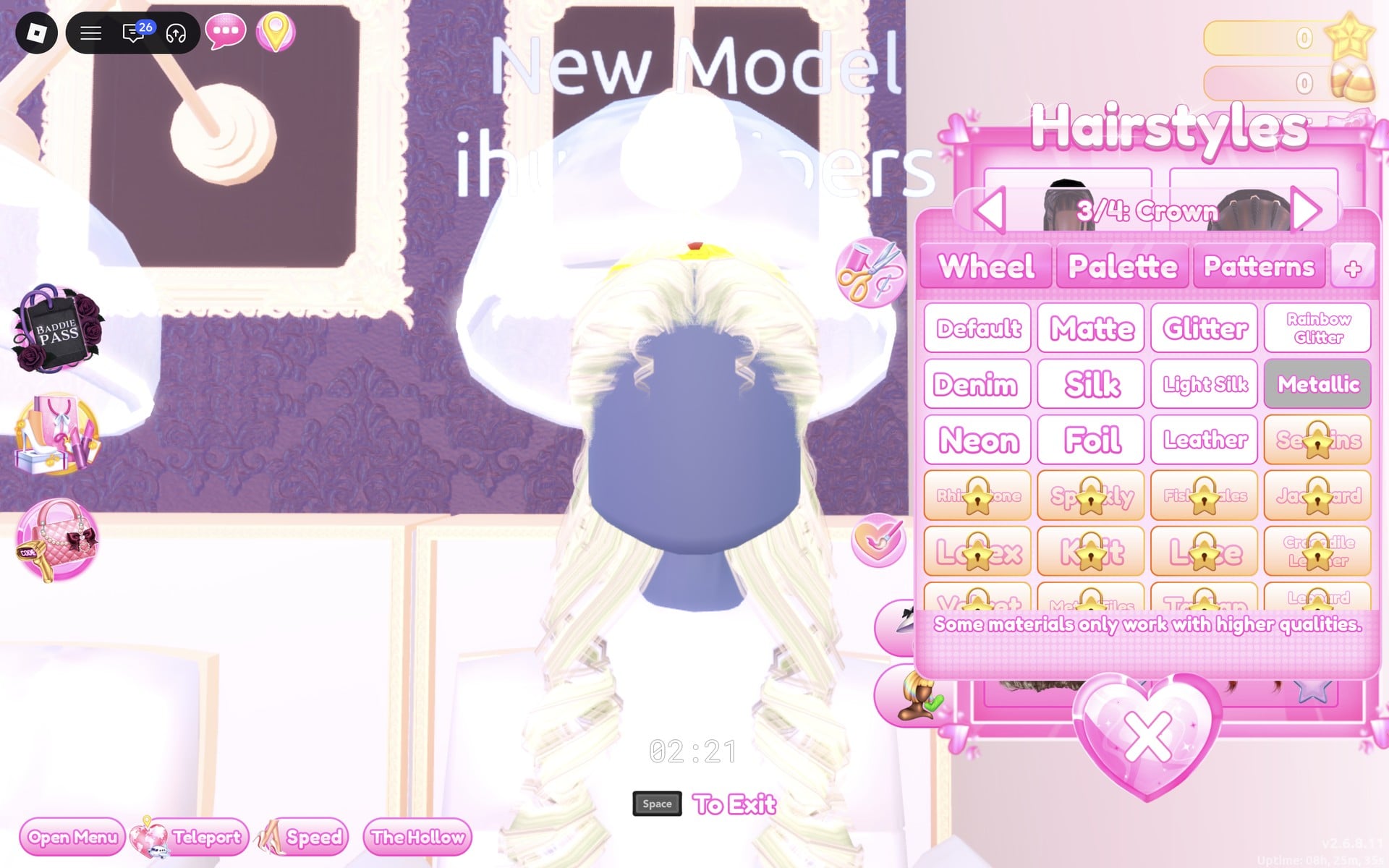
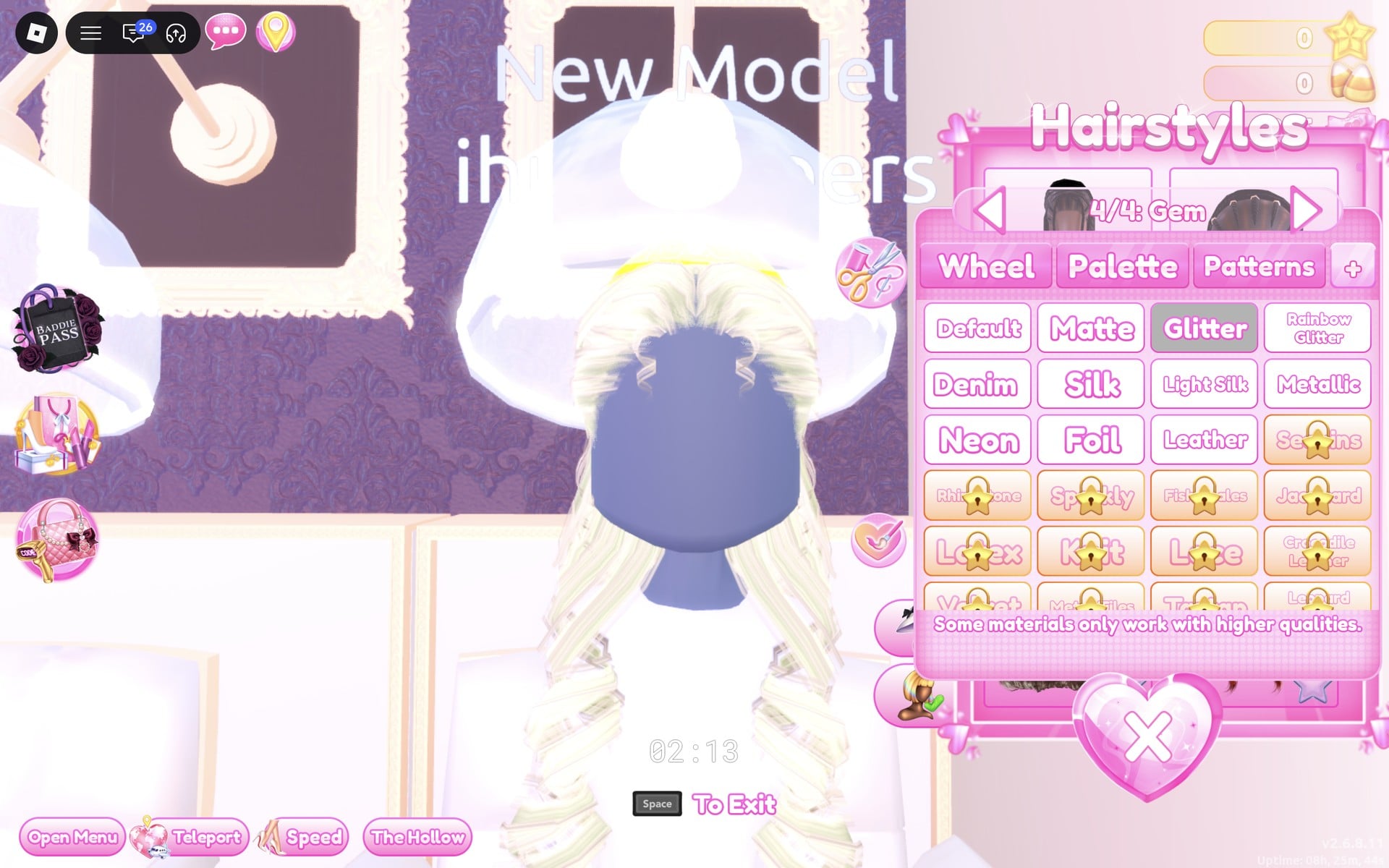
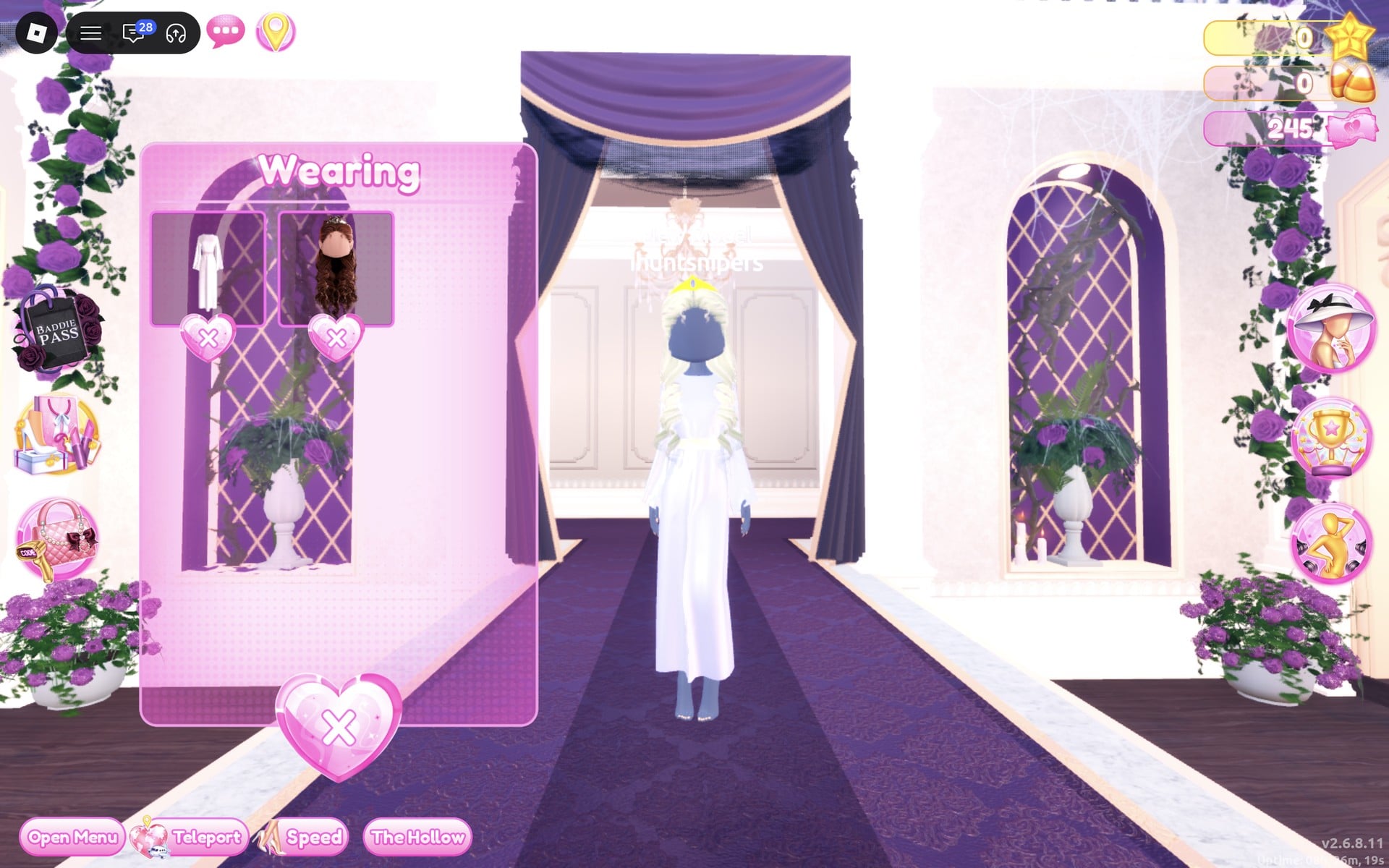
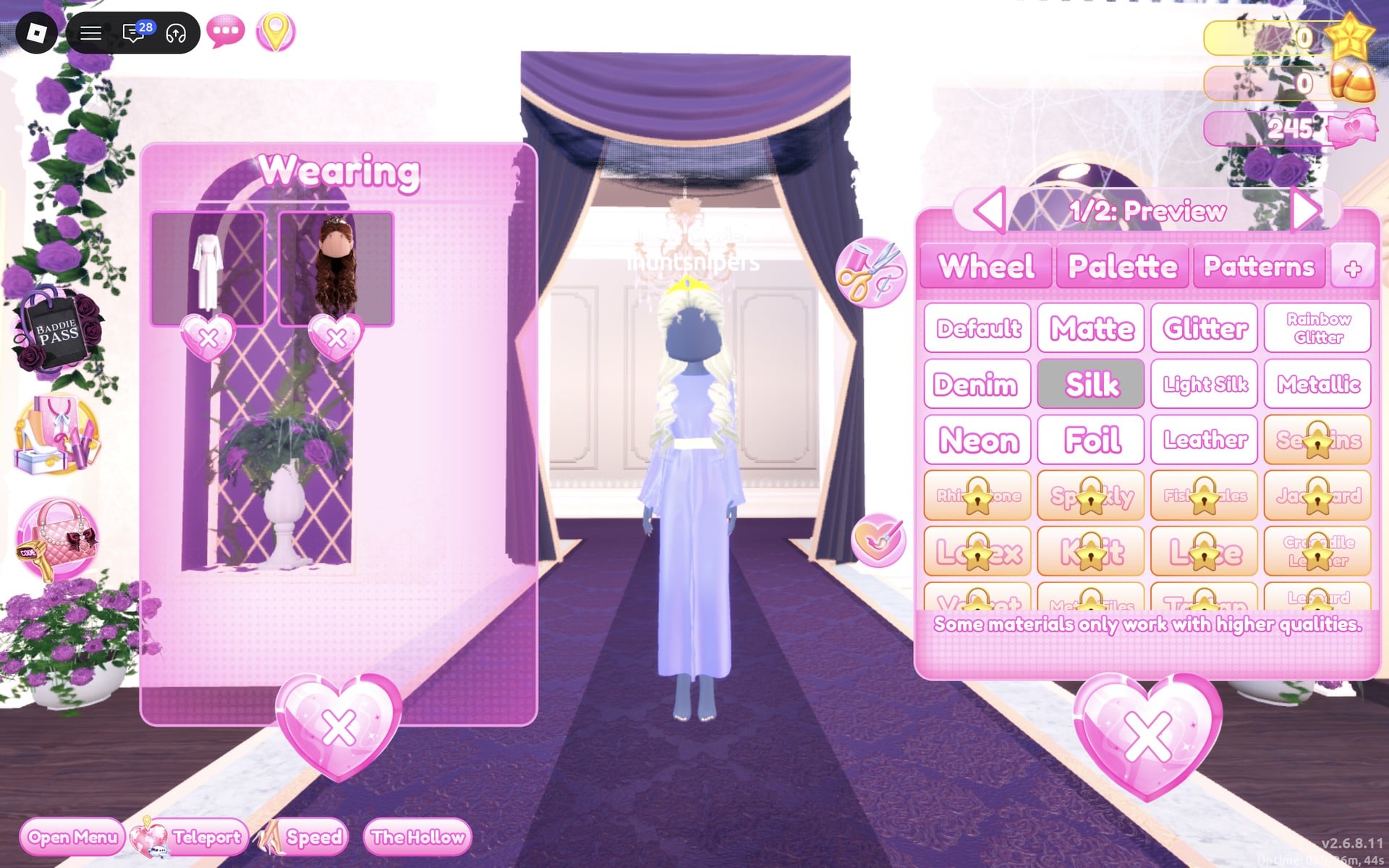
The finished princess: a lavender-blue, satin-look gown down to the floor with long wide sleeves and a pale belt at the waist, long pale blonde curls and a small gold crown with a blue gem. The pale yellow Metallic part reads white or cream on the runway, not gold; the gold comes from the crown.
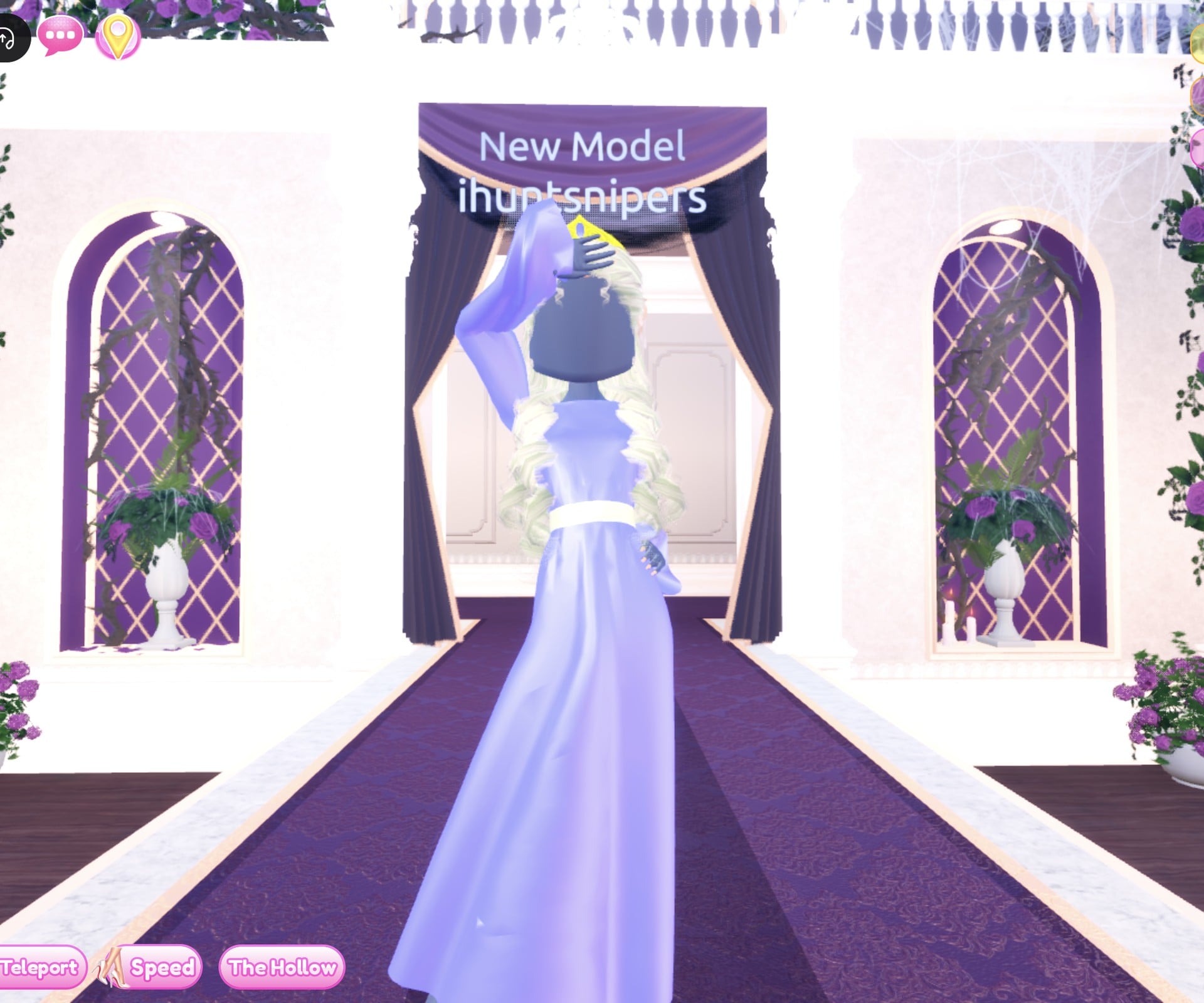
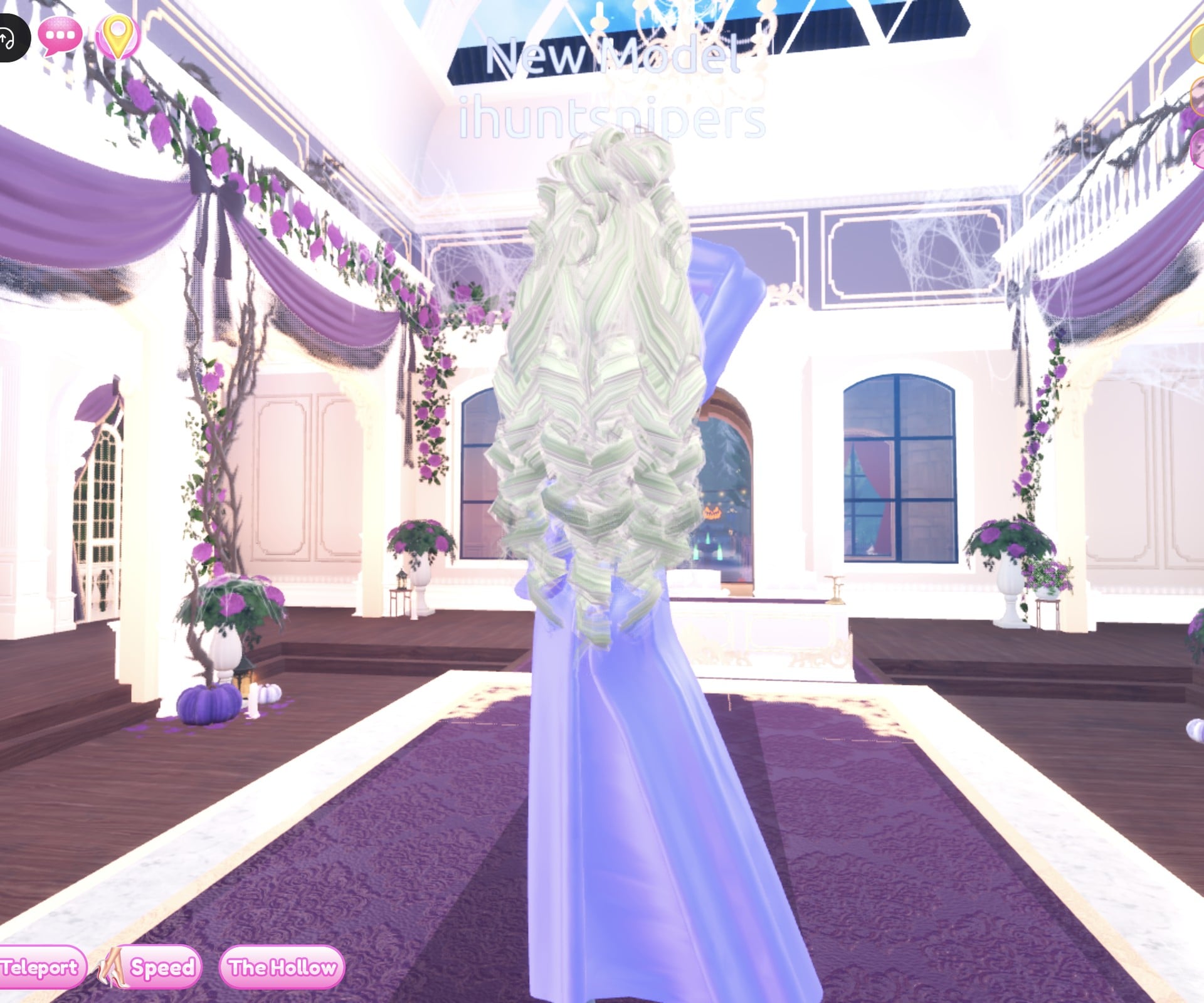
From the back, the curls fall to the waist over the long gown.
Look 2: Woodland look with a red kerchief
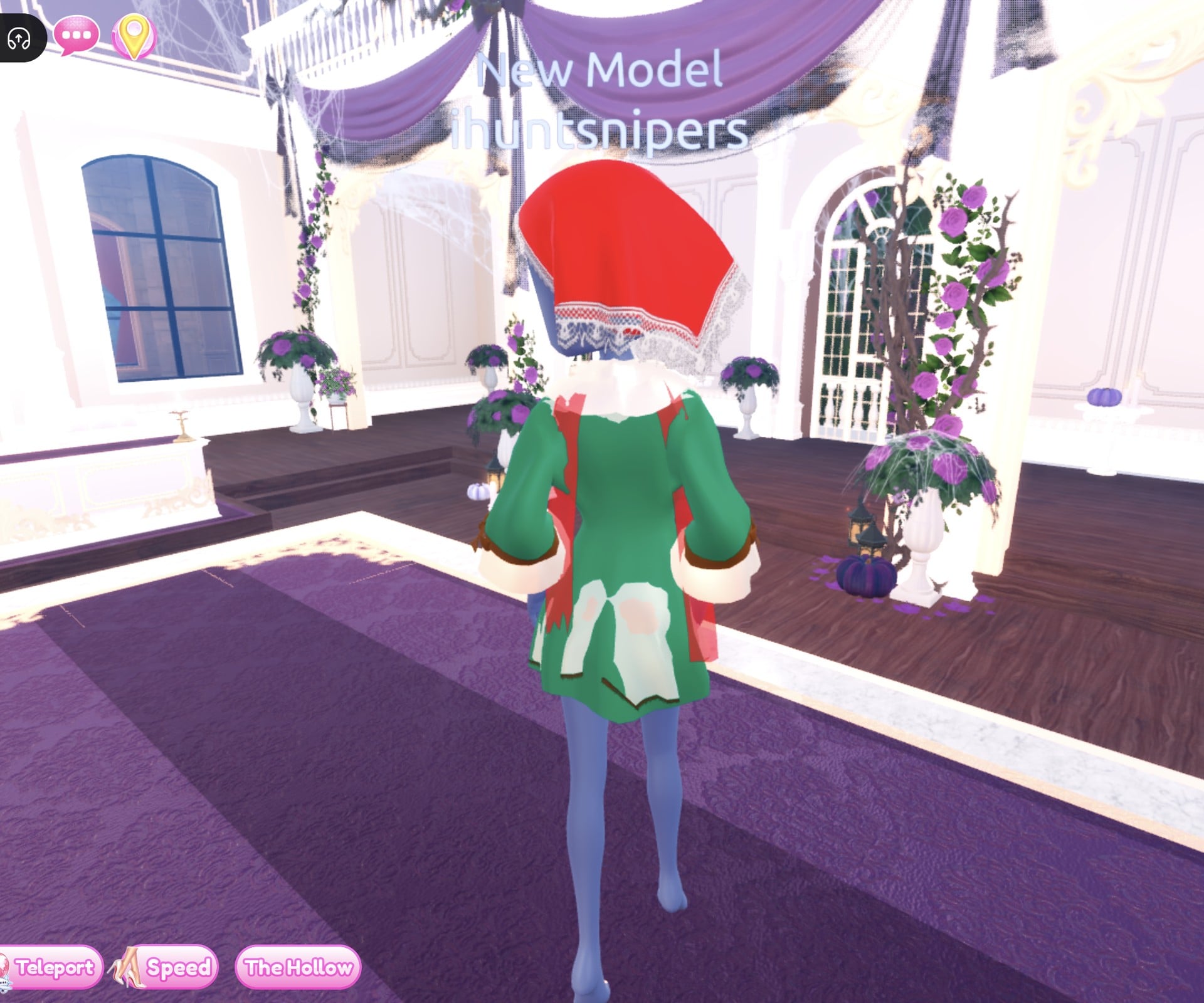
Our idea here is a storybook girl on her way through the woods: a red kerchief over the head, a dark green coat and a brown and cream dress. It may remind you of a red-hooded fairytale girl, but that is our reading, not something the game names. All three pieces are on the short-dress shelf: the coat and the headscarf on the middle bust of the top row, the dress in the middle of the bottom row. No hair is needed, because the kerchief covers the head.
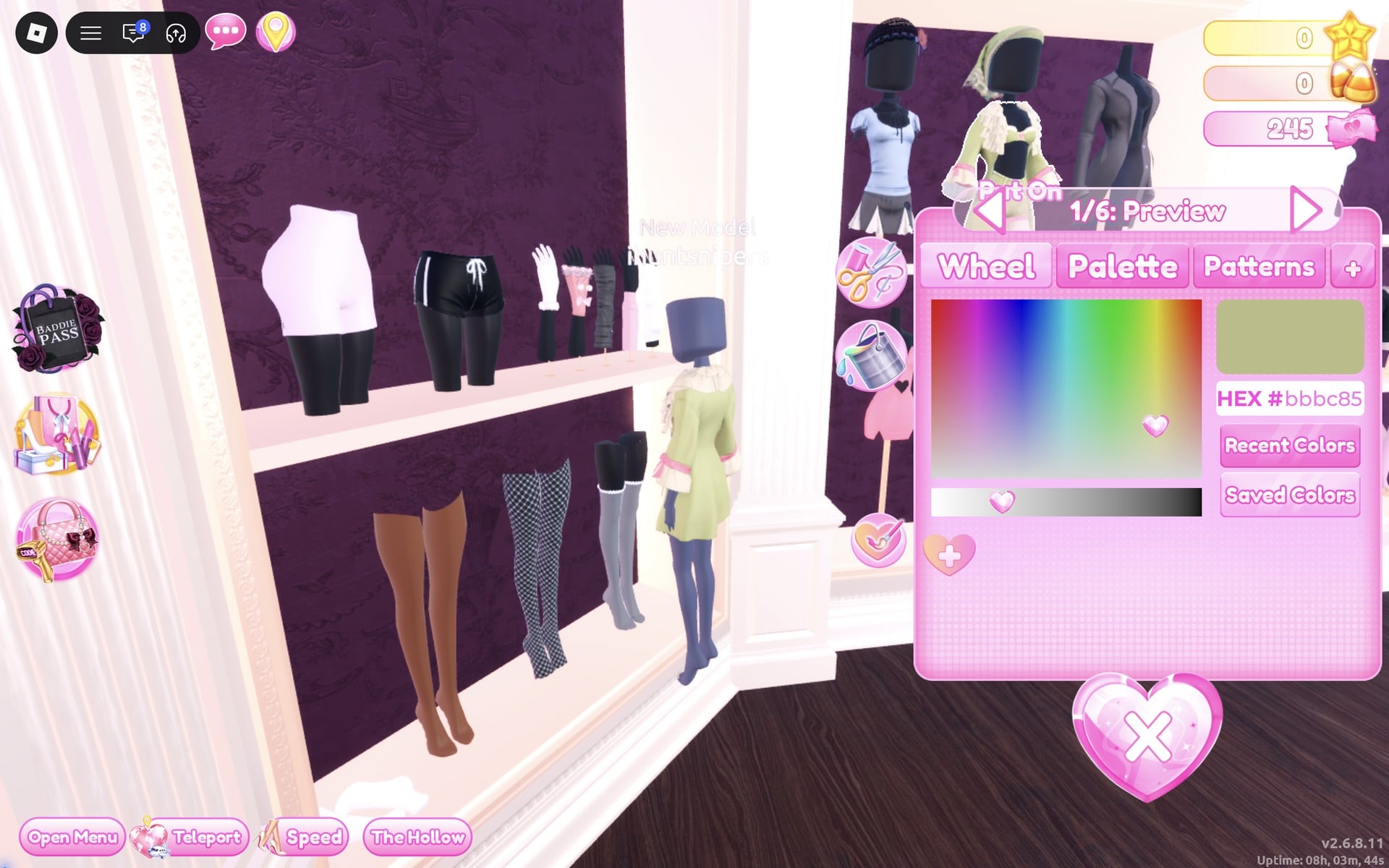
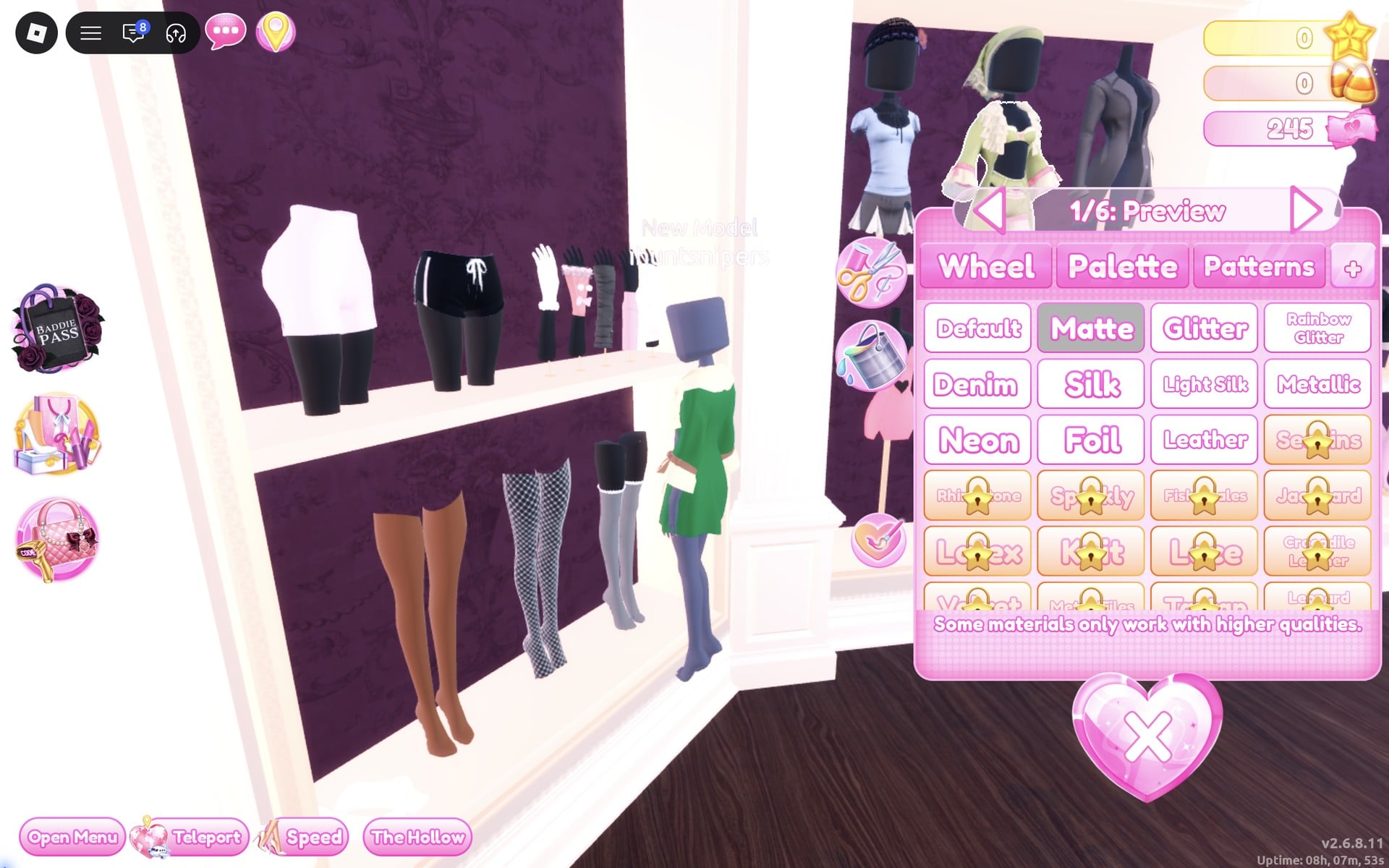
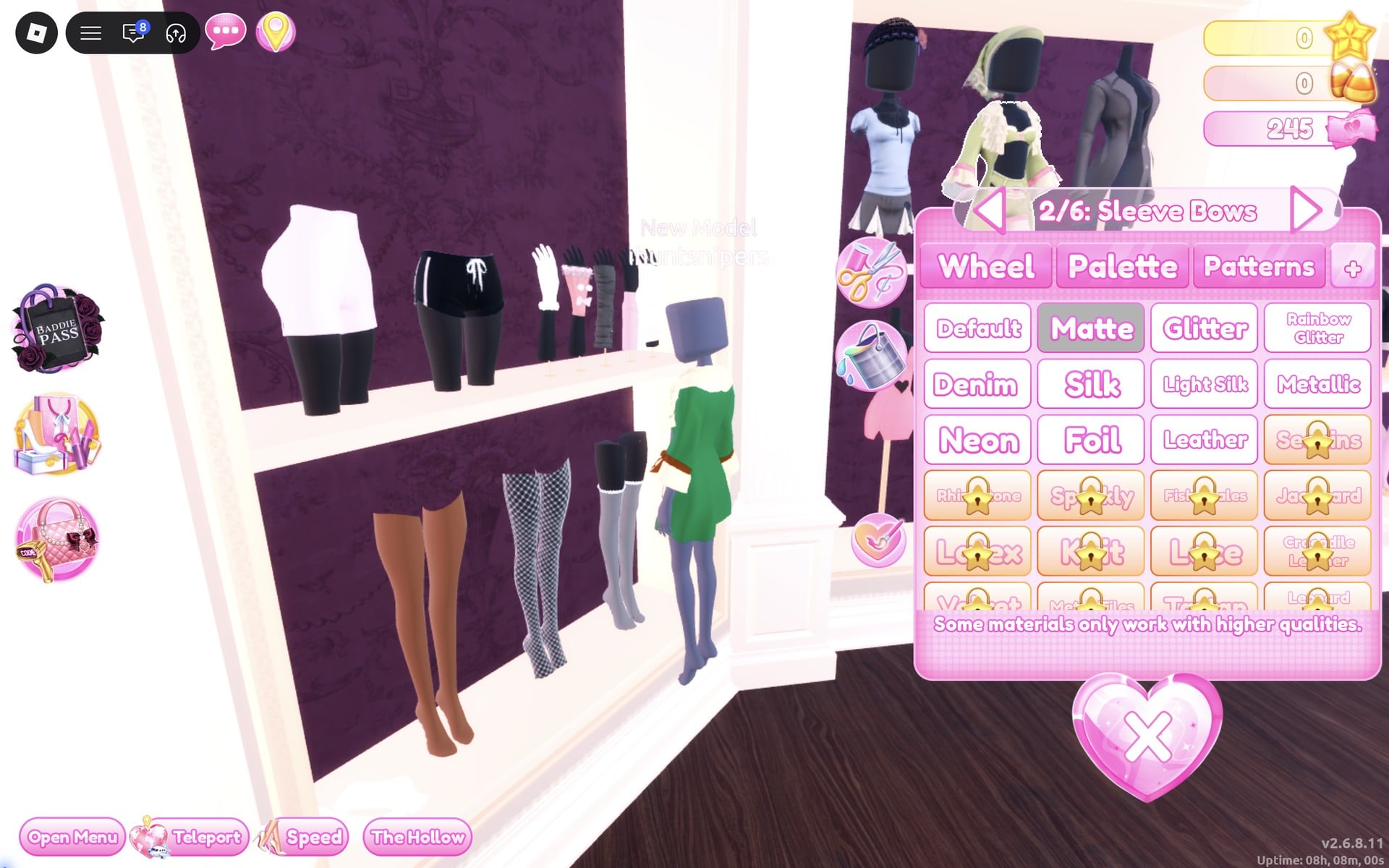
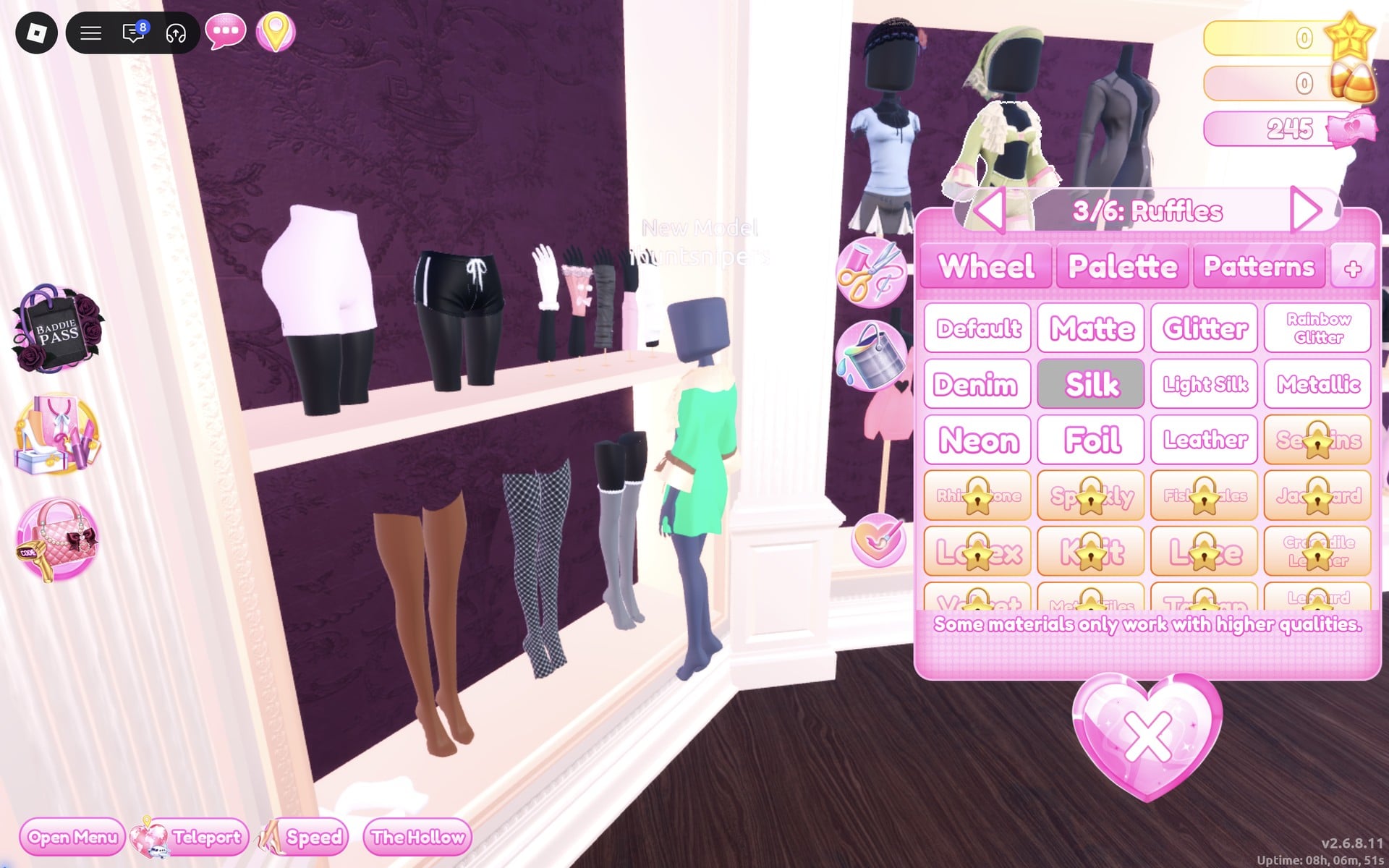
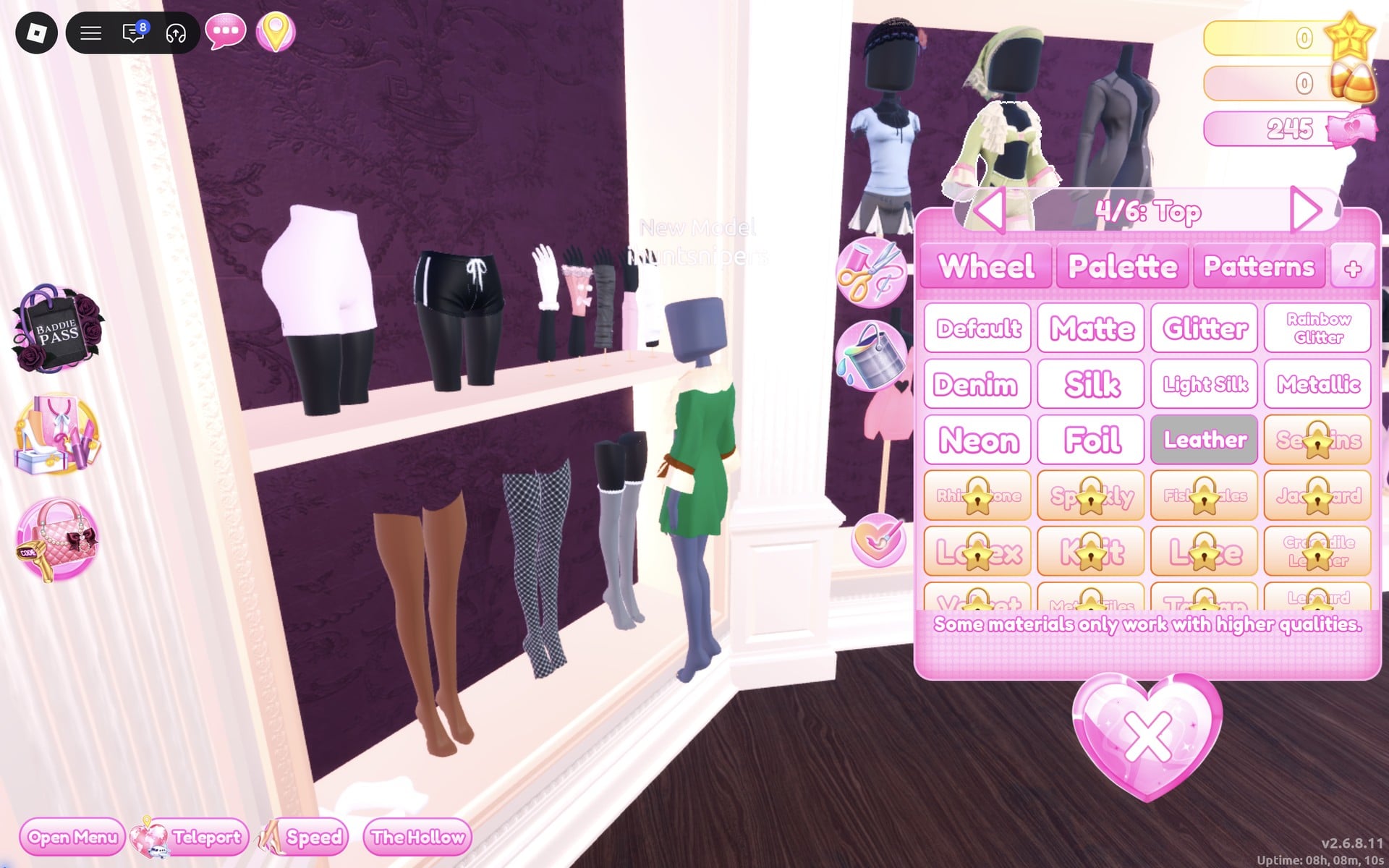
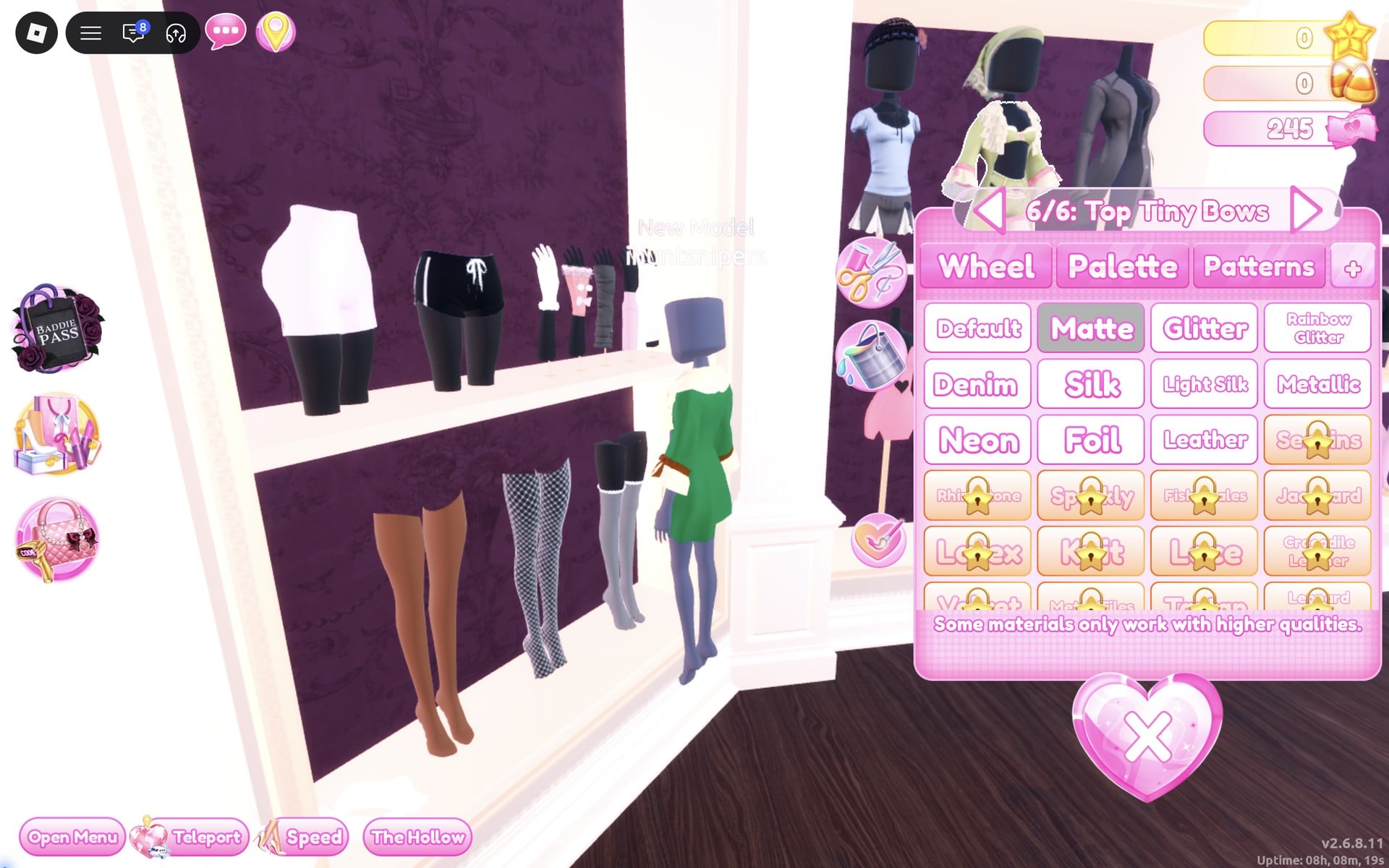
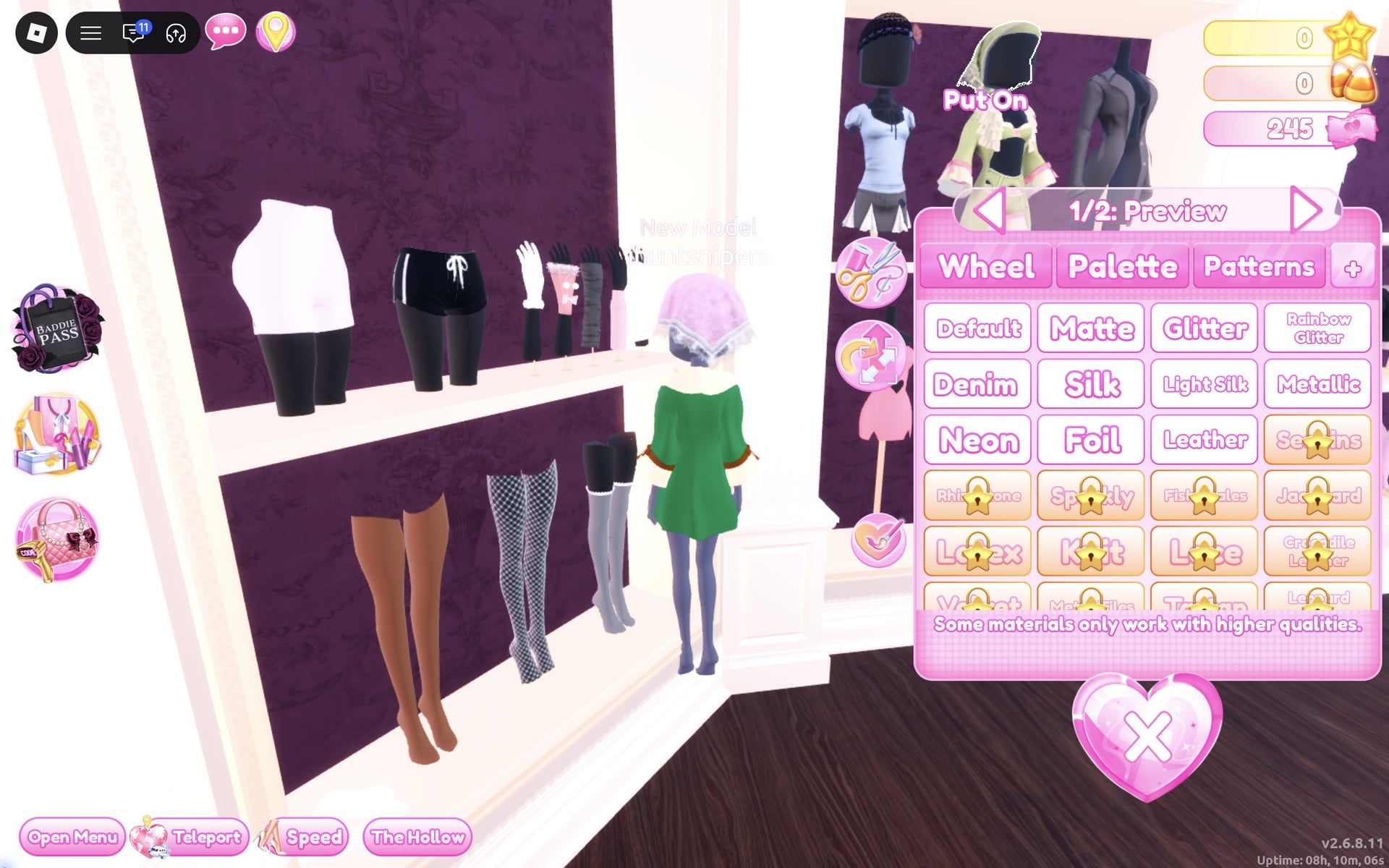
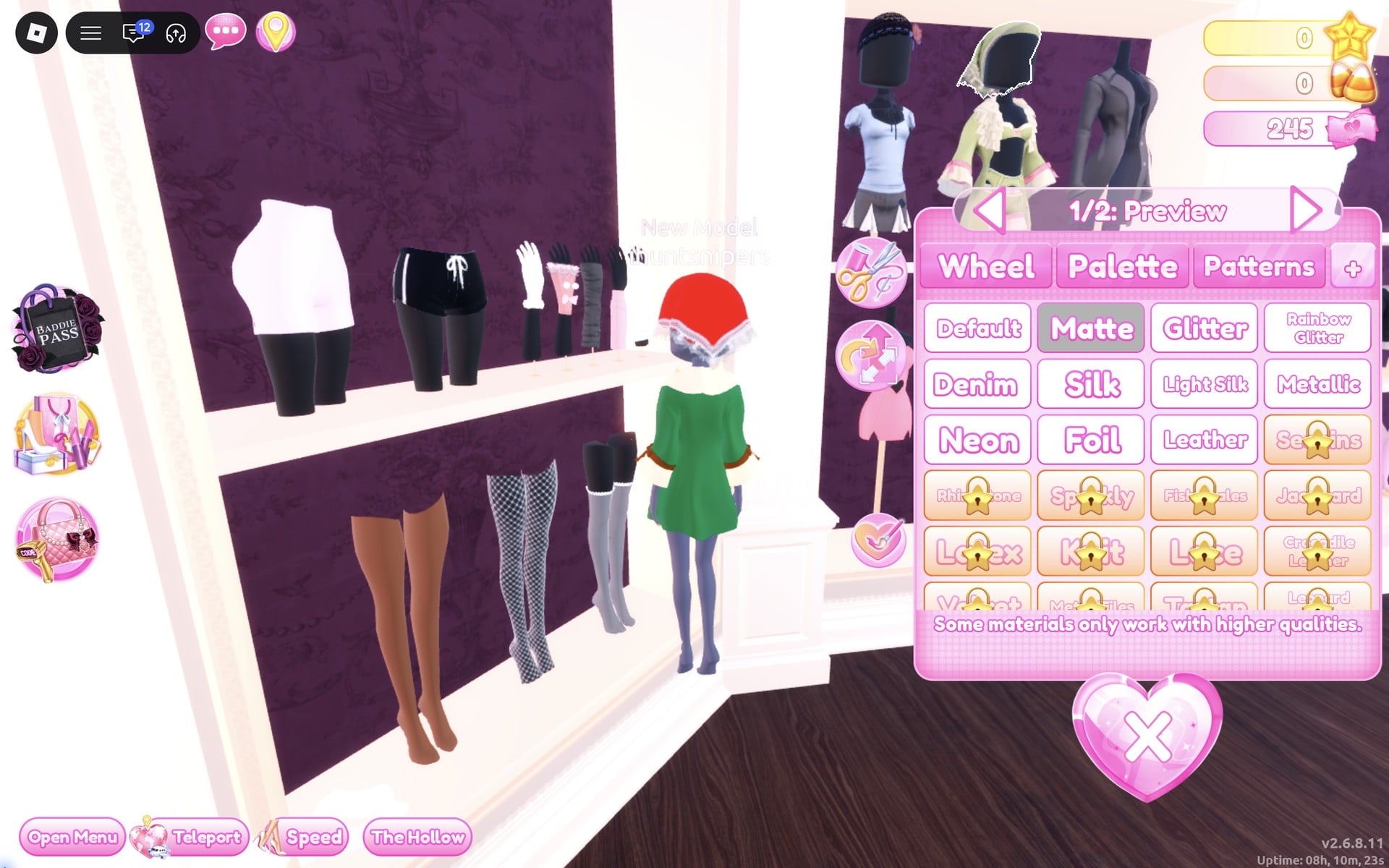
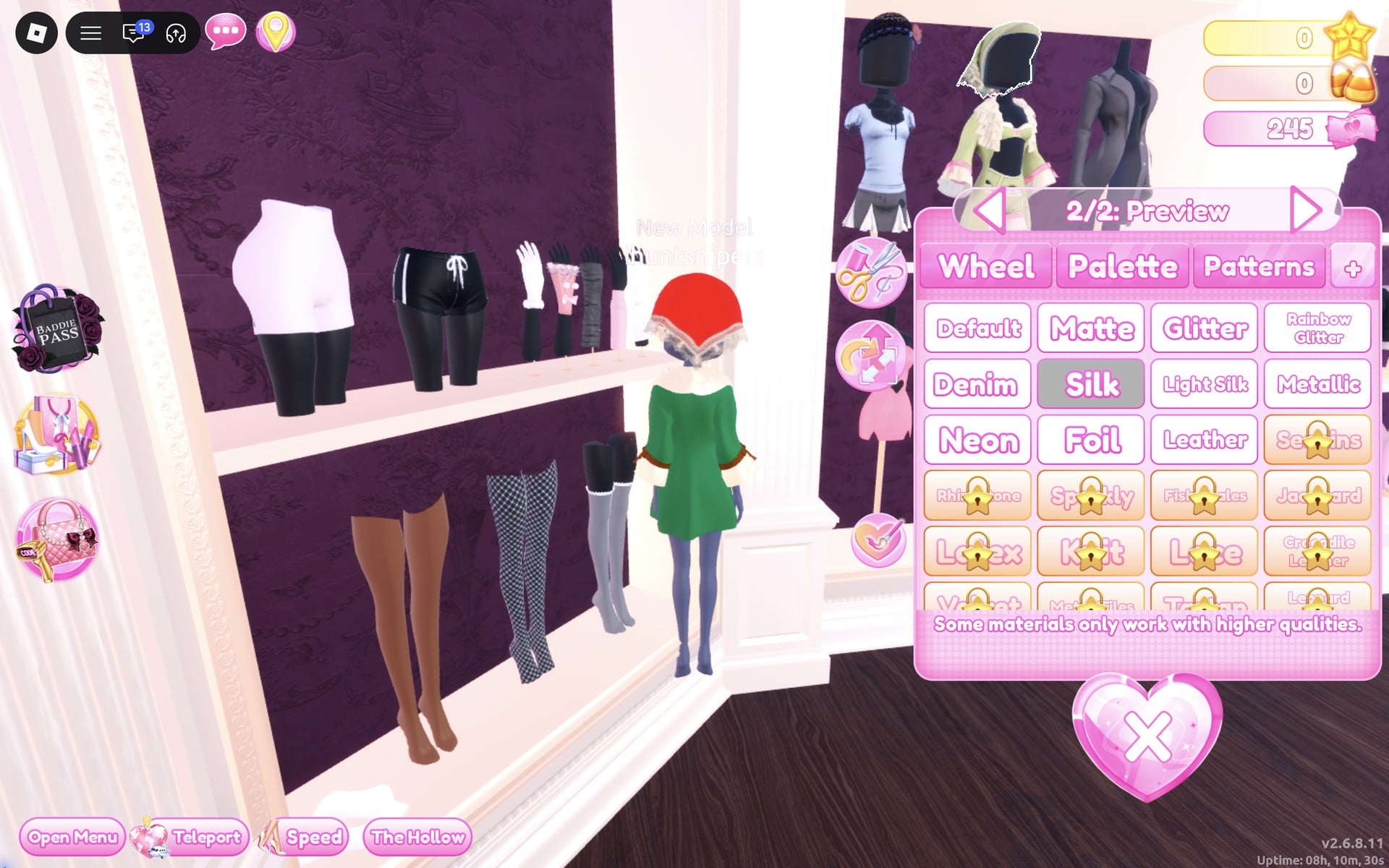
The lower half of the coat’s bust is a separate pair of bloomers. If you click it and they go on, take them off with the heart X under their picture in the Wearing panel. We did, and kept only the coat and the kerchief.
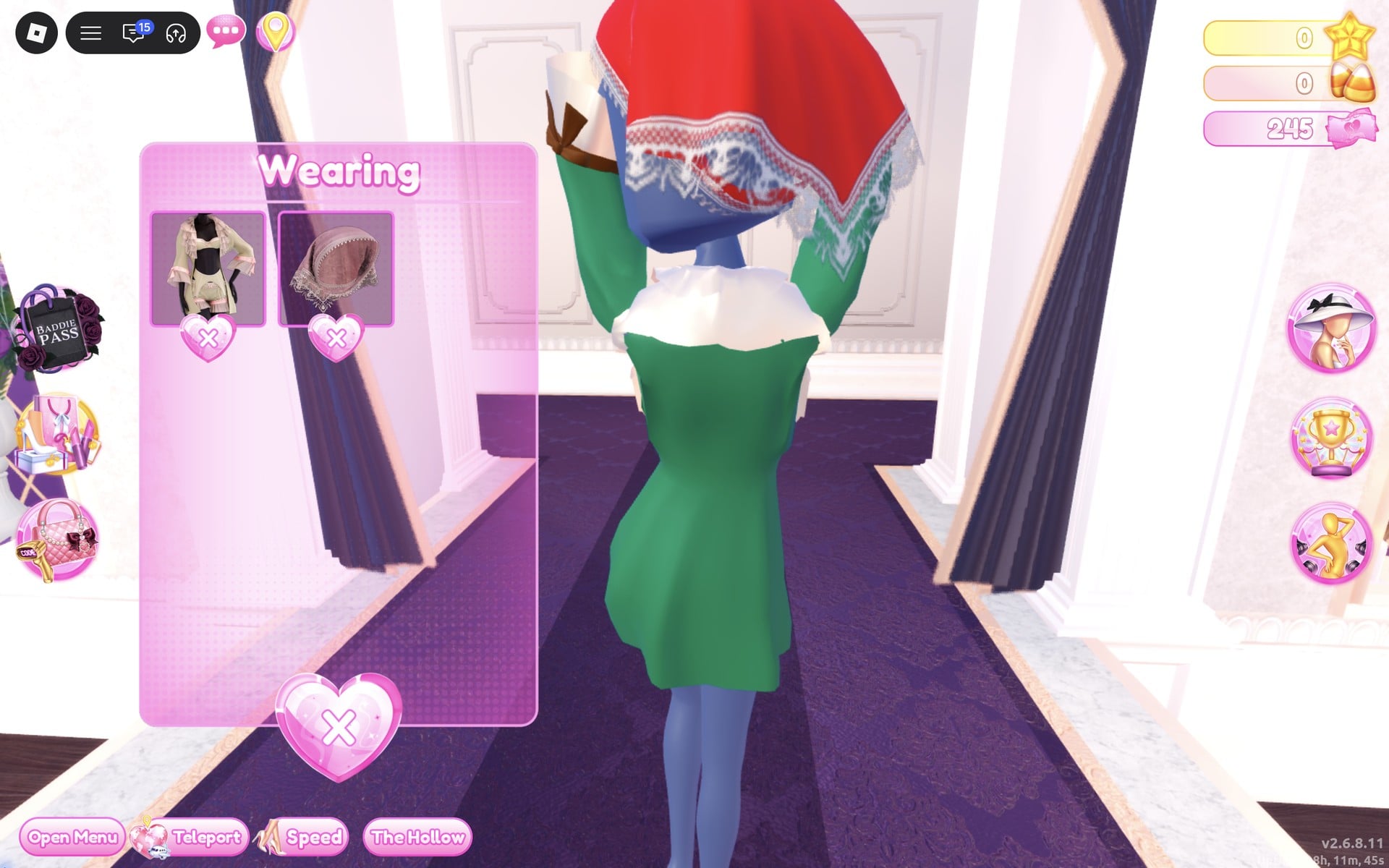
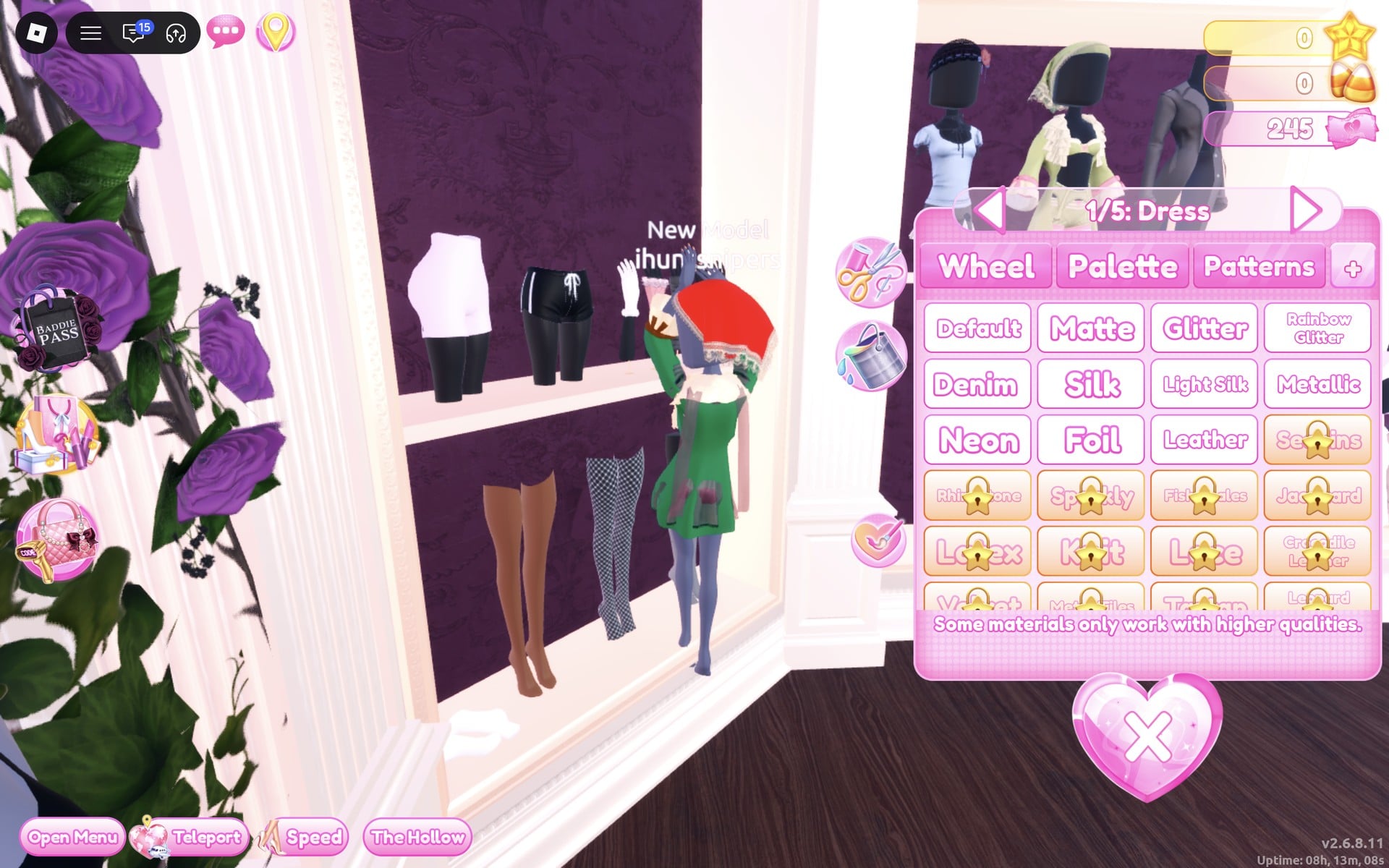
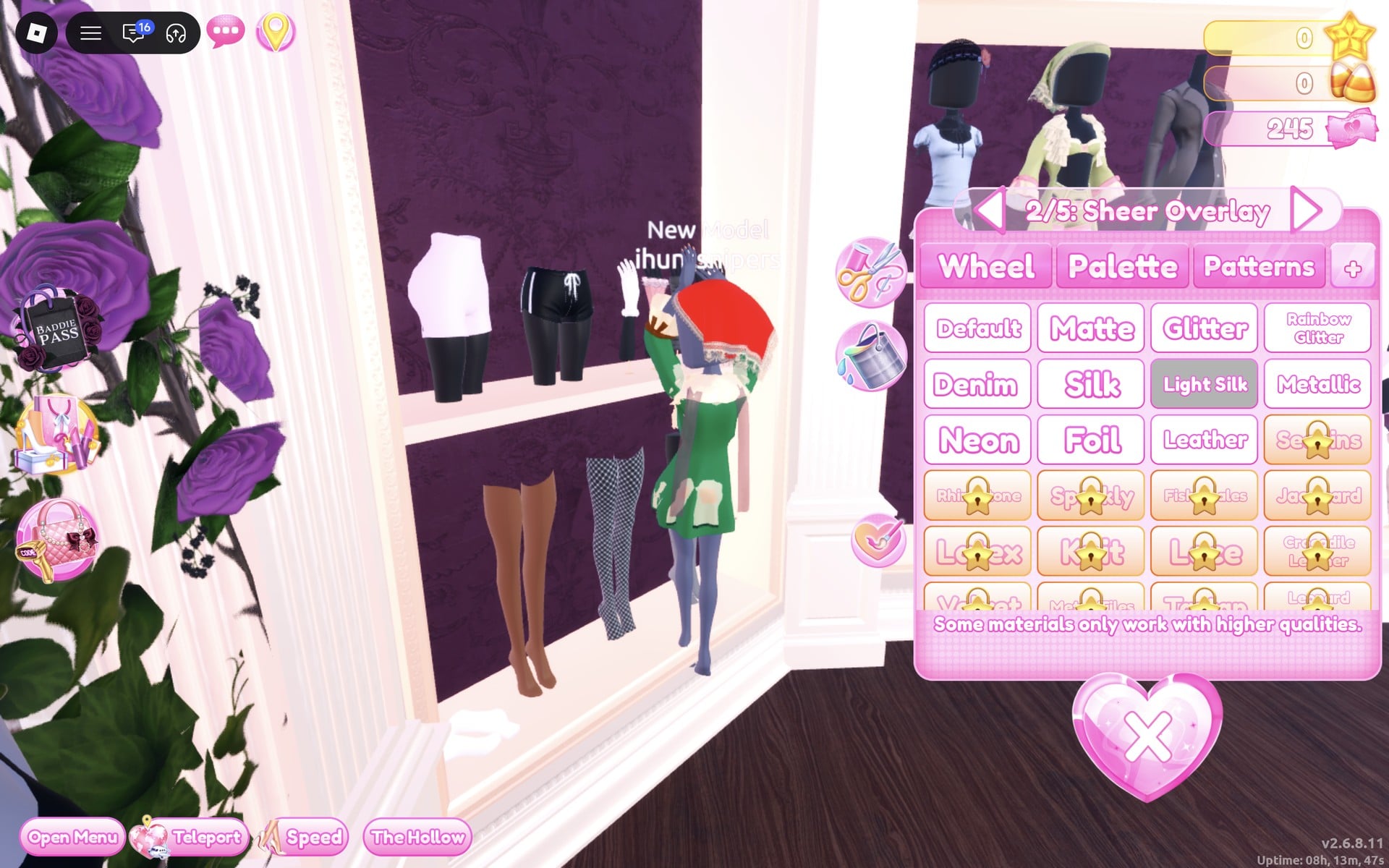
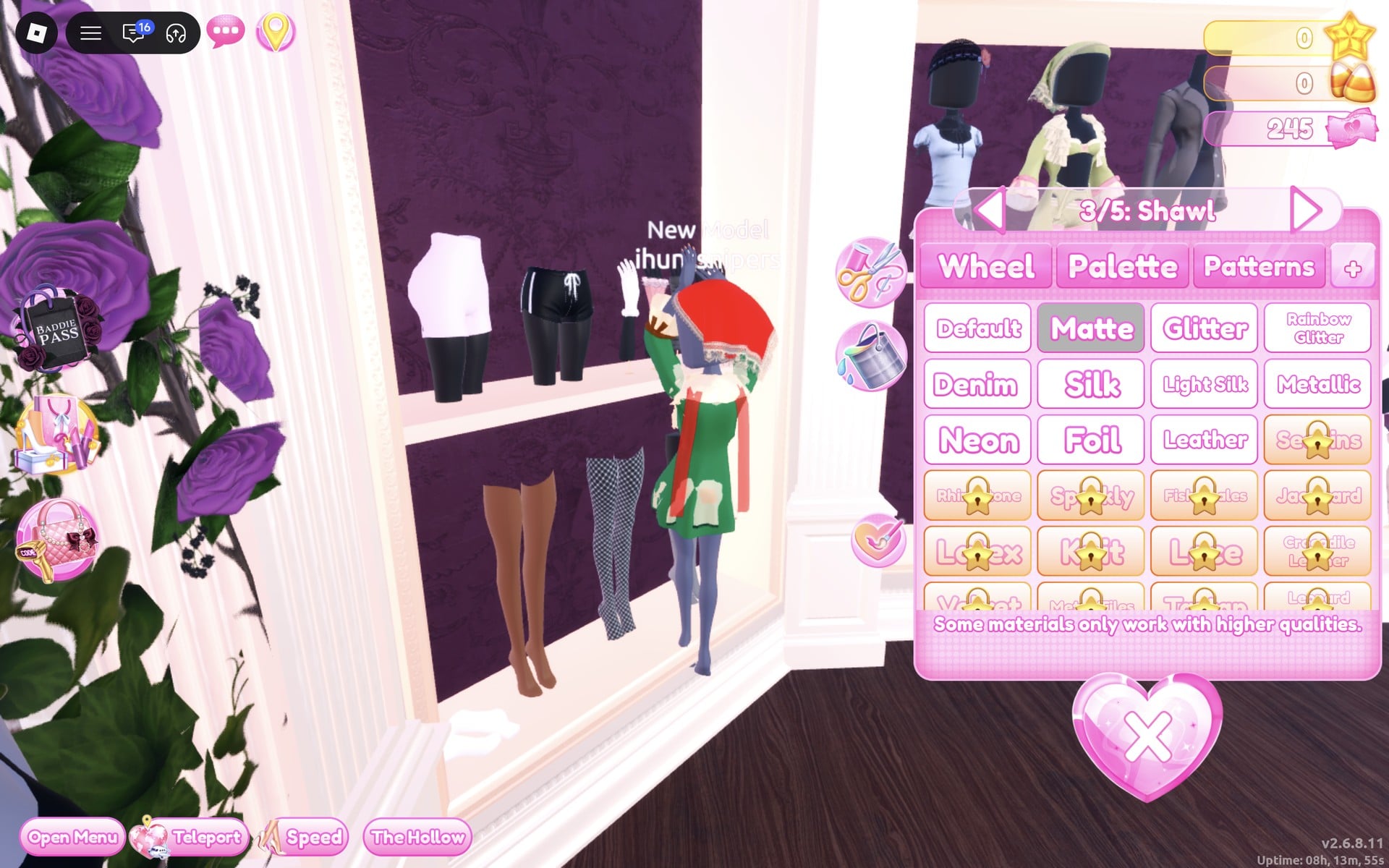
The Wearing panel now holds three pictures: the coat, the kerchief and the dress. They still show their shelf colours there, so judge the result on the character.
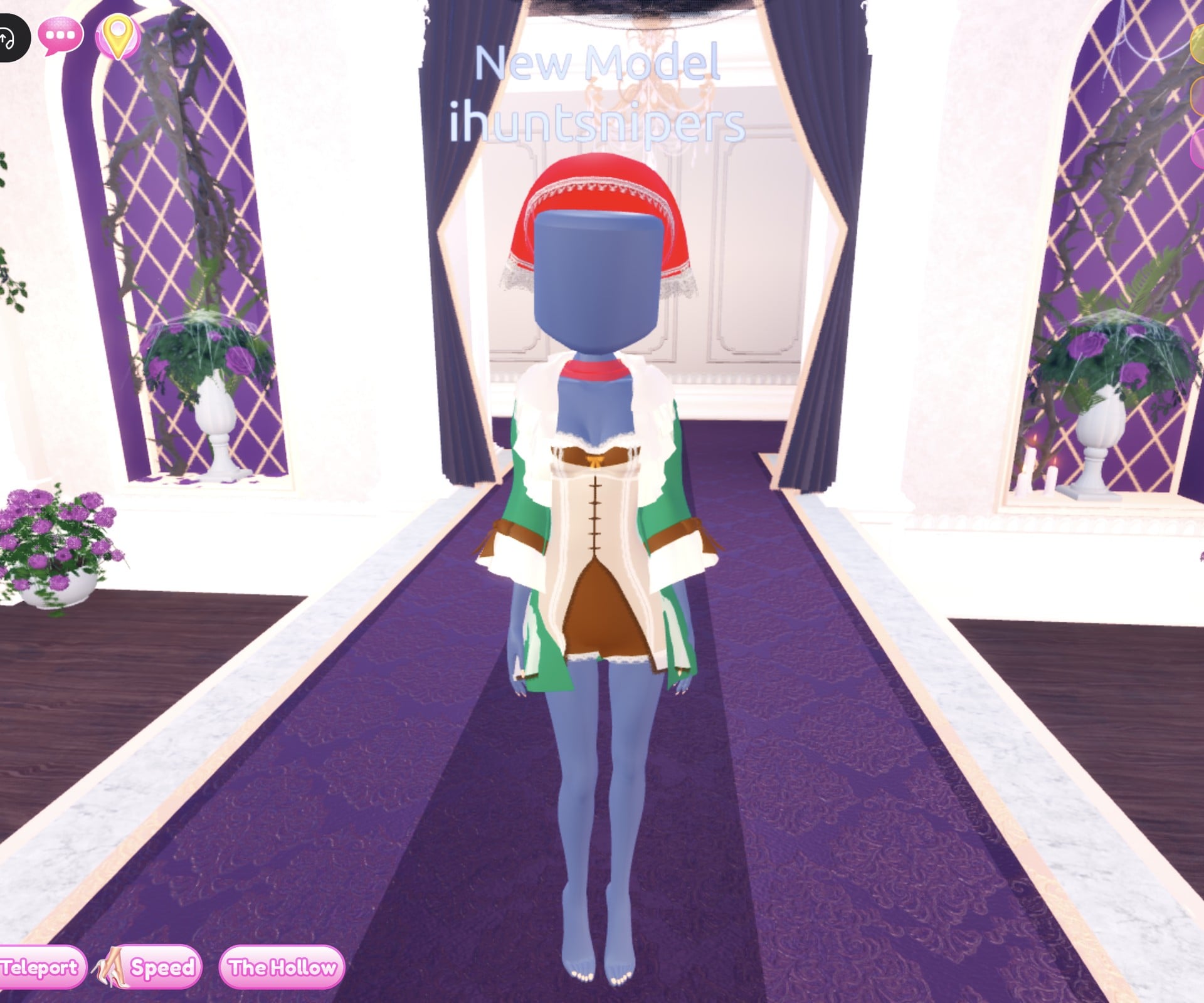
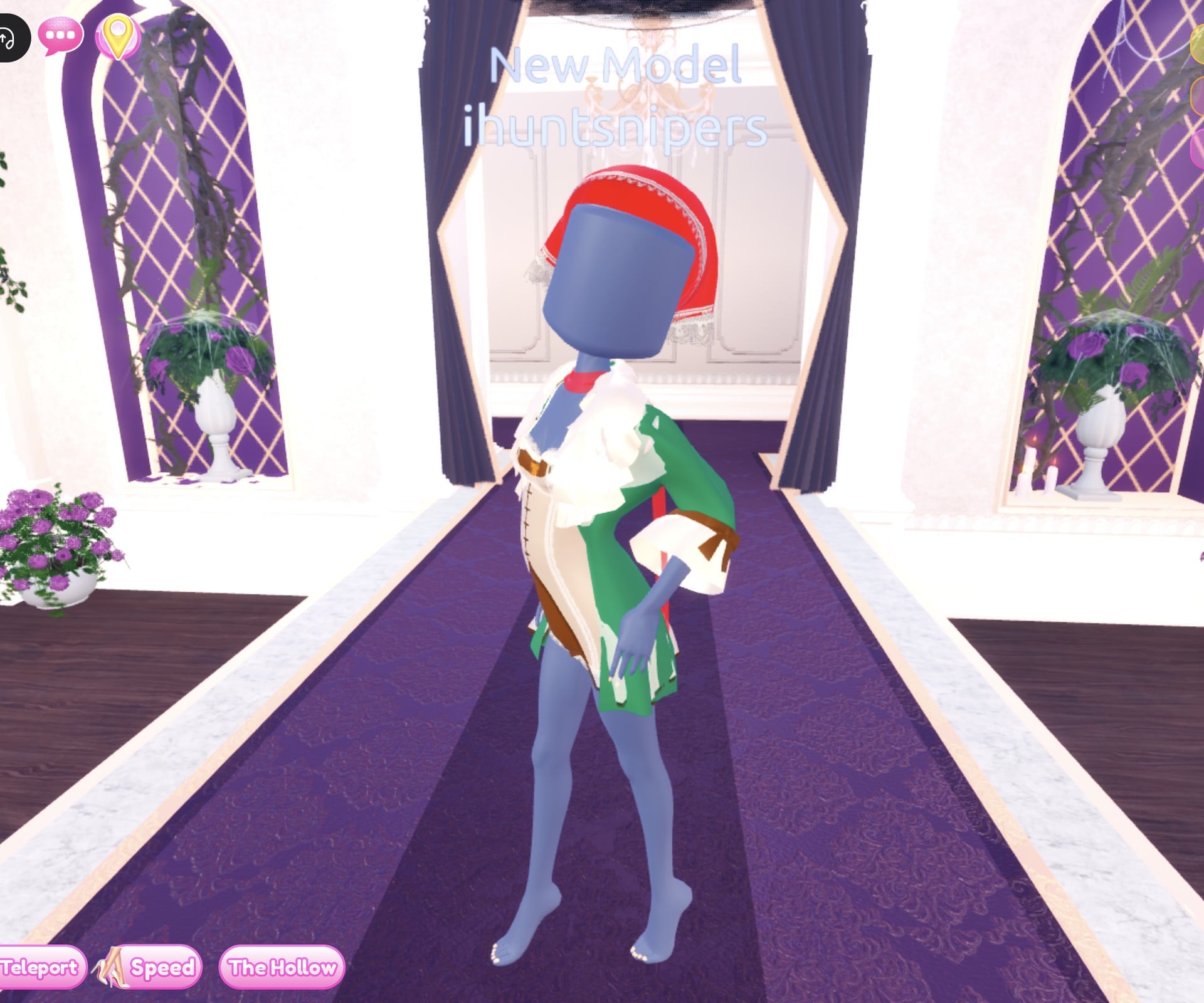
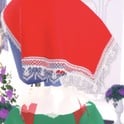
The finished woodland look: a red kerchief with a white lace edge, a dark green open coat with cream ruffled collar and cuffs and brown bows, and under it a cream laced front over a short brown dress, with the red shawl showing as a band at the neck.
From the back, the kerchief covers the head and the red shawl’s ends show over the green coat.
Why these looks read as Fairytale
The room should recognise a storybook character at a glance, so one clear silhouette and a small set of colours do more than a pile of pieces. A floor-length pale gown with a crown says princess before anyone looks closely; a red kerchief over a dark coat says a girl from a woodland tale. If you have another character in mind, keep the same idea: pick the shape and the two or three colours the character is known for and use them on every part. This is plain styling advice; neither look has been through a real Fairytale vote.
Fairytale colours on the Default palette
These are the palette spots we used, by column (left to right: red, pink, purple, blue, cyan, green, lime, yellow, orange/brown) and row (top to bottom, row 8 running from white to black).
| Colour | Column | Row | Used for |
|---|---|---|---|
| Light blue | 4 | 3 | Robe part 1 (final), crown gem |
| Pale blue | 4 | 2 | Robe part 1 (first pass, reads almost white) |
| Pale yellow | 8 | 2 | Robe part 2, hair part 1 |
| Cream | 9 | 2 | Hair part 2, coat ruffles, kerchief edge, dress overlay and lace |
| Yellow | 8 | 5 | Crown |
| Dark green | 6 | 7 | Coat |
| Dark brown | 9 | 7 | Coat bows and top, dress, overlay lace |
| Rust | 9 | 6 | Coat’s tiny bows |
| Red | 1 | 6 | Kerchief, shawl |
Fairytale pieces to look for
None of these pieces has a name in the game, so look for them by place and shape. All of them are free in Freeplay Mode and worked on our account with no VIP and 0 stars.
| Piece | Where in the Dressing Room | Colours and materials we used |
|---|---|---|
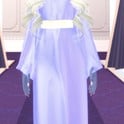 Long robe gown (two parts, both “Preview”); white as it stands Long robe gown (two parts, both “Preview”); white as it stands | The mannequin just right of the short-dress shelf (not the tiered gown) | “1/2: Preview” light blue (column 4, row 3) + Silk, “2/2: Preview” pale yellow (column 8, row 2) + Metallic |
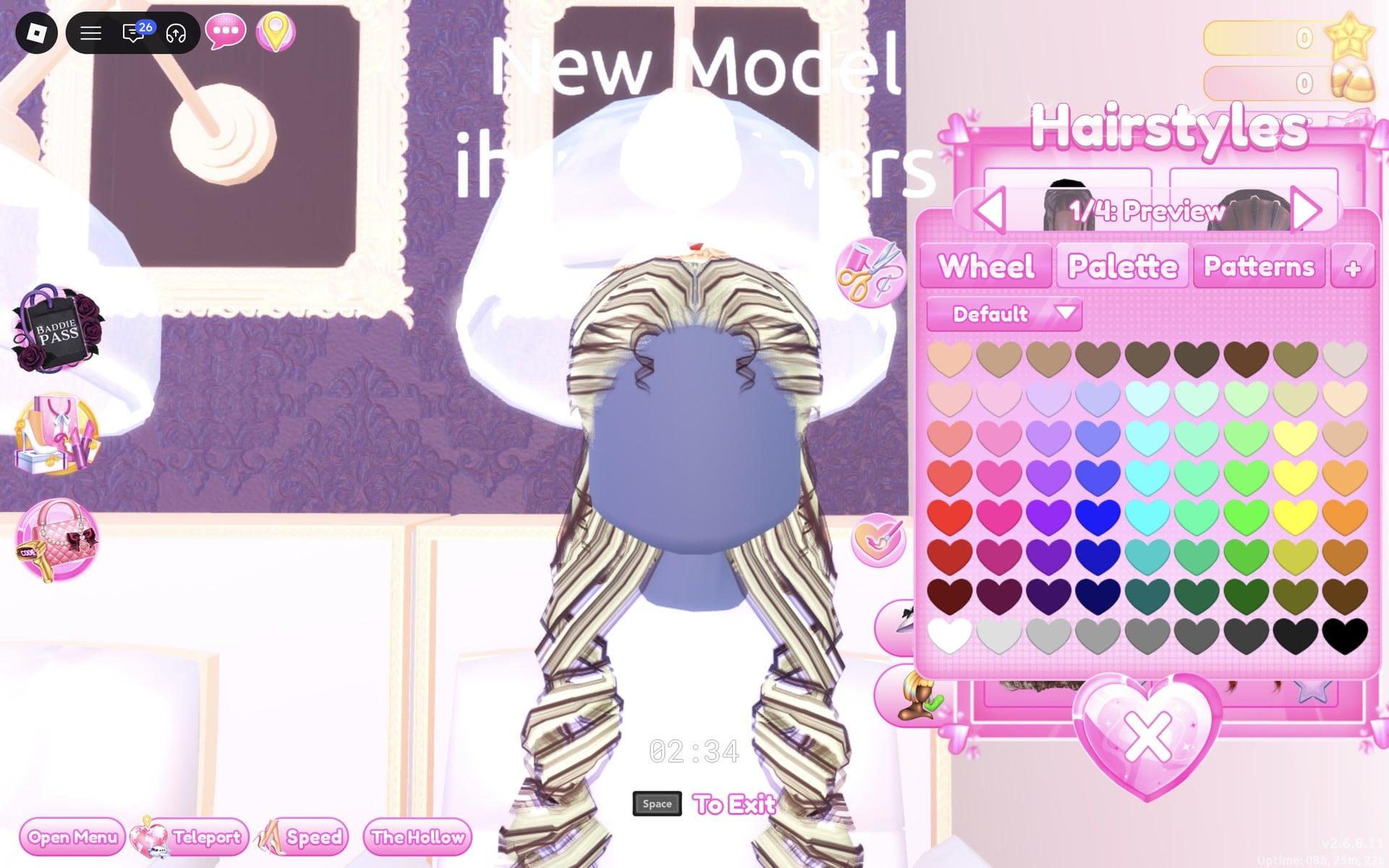
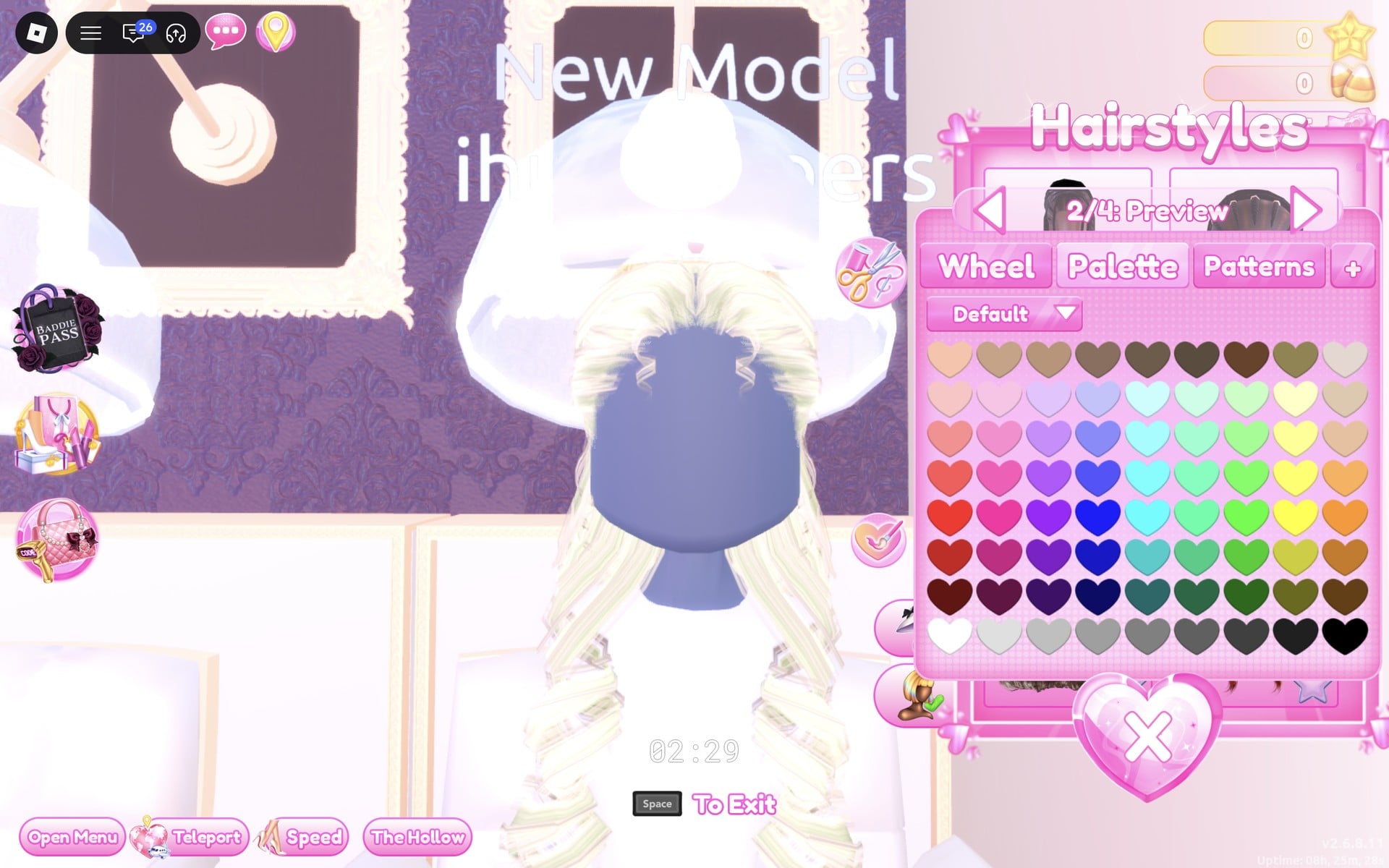
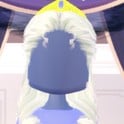 Long curls with a crown (four parts); brown as they stand Long curls with a crown (four parts); brown as they stand | Lana’s Salon hair chairs, “Hairstyles”, Feminine tab, 3rd card | “1/4: Preview” pale yellow, “2/4: Preview” cream, “3/4: Crown” yellow (column 8, row 5) + Metallic, “4/4: Gem” light blue + Glitter |
 Ruffled coat (six parts); sage green as it stands Ruffled coat (six parts); sage green as it stands | Top row of the short-dress shelf, the middle bust (click its upper half) | Coat dark green (column 6, row 7) + Matte, bows dark brown + Matte, ruffles cream + Silk, “Top” dark brown + Leather, top ruffles cream + Silk, tiny bows rust + Matte |
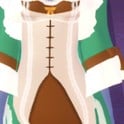 Short dress with a shawl (five parts); plum as it stands Short dress with a shawl (five parts); plum as it stands | Bottom row of the short-dress shelf, in the middle | Dress dark brown + Matte, “2/5: Sheer Overlay” cream + Light Silk, “3/5: Shawl” red + Matte, lace cream + Silk, overlay lace dark brown + Matte |
 Headscarf worn as a kerchief (two parts); green as it stands Headscarf worn as a kerchief (two parts); green as it stands | On the head of the coat’s bust | “1/2: Preview” red (column 1, row 6) + Matte, “2/2: Preview” cream (column 9, row 2) + Silk |
Poses for Fairytale
We used Pearly for the princess (one arm raised over the head) and Lilac for the woodland look (a hand on the hip, body turned). Both are in the Solo list of the Poses panel. To see the rest, read our guide to every free pose in Dress To Impress.
Building it in Freeplay Mode first
Freeplay Mode has no timer, so it is the place to build a storybook look, try a colour one row lighter or darker, and see how it reads on the Freeplay Runway before you need it in a round. Once a look works, you know which shelf, which palette spots and which materials to go to when Fairytale comes up for real. For more themes built the same way, see our Boho, Robot Takeover, Album Cover, Potion Maker, Monochrome Mood, Divine Beings, Drag, Sweet 16, Camouflage, Deserted Island, Summer Cruise, Favorite Show and Cotton Candy Couture outfit ideas.
How a theme round works
On the main lobby of Dress To Impress on Roblox, the current theme shows in a banner at the top of the screen with a timer under it. We did not get a Fairytale round while we played, so this is from rounds on other themes (Plaid Fashion, Birds of Paradise and Patterned tights). The icon at the top centre opens a hint card for the theme. After dressing, each player walks the runway in turn, about 7 seconds each, while the others vote with five stars along the bottom of the screen. A “Results” card then ranks the players with the stars each earned, followed by an “Intermission” countdown of about a minute.
The “Pick Theme” button next to the intermission timer lets you choose the theme, but only with Theme Props. The panel reads “You have: 0 Theme Props” and offers a “Buy More” button priced at 75 Robux (we did not buy, so we did not see how many props that gets). We saw no free way to choose Fairytale, so without Robux you wait for it to roll.
What we have not checked
No round rolled Fairytale while we played, so these looks have no score, star count or vote. We added no shoes, tights, makeup or accessories, and did not look for a wand or other props. Both looks were built with 0 stars and 245 pink cash, and nothing was bought.
FAQ
What does Fairytale mean in Dress To Impress?
It asks you to dress as a storybook character. The game names none, so a princess, a woodland girl or a fairy-tale villain all fit, as long as the room can tell who you are.
Can I do Fairytale without VIP?
Yes. Both looks were built on an account with no VIP and 0 stars, and every piece, colour and material used here worked on it. Nothing was bought.
How do I get a crown in Dress To Impress?
The long curls on the 3rd card of the Feminine tab in Lana’s Salon come with a crown. Set their “3/4: Crown” part to yellow (column 8, row 5) with Metallic for gold, and “4/4: Gem” to any colour you like.
Can I take off the black top and shorts?
No. They are part of the character’s base body, not a piece, so they never show in the Wearing panel. Cover them: the robe in Look 1 and the coat and dress in Look 2 hide them completely.
Can I pick the Fairytale theme?
Only with Theme Props, which cost Robux (the “Buy More” button shows 75). We bought none and saw no free ones, so the theme has to roll on its own.