
Instructional, step-by-step articles.
Content Type: How-To
-
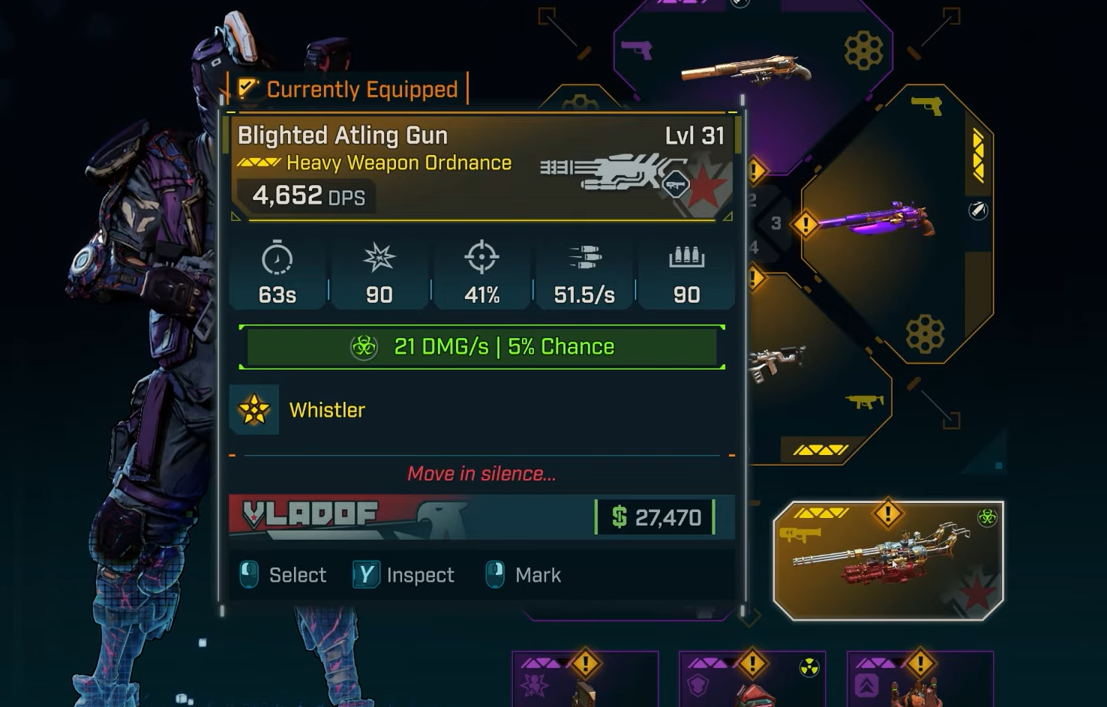
Borderlands 4 Atling Gun — Where and how to find the Legendary weapon
How to farm it in Craven’s Nook, what Whistler does, and which prefixes to target.
-
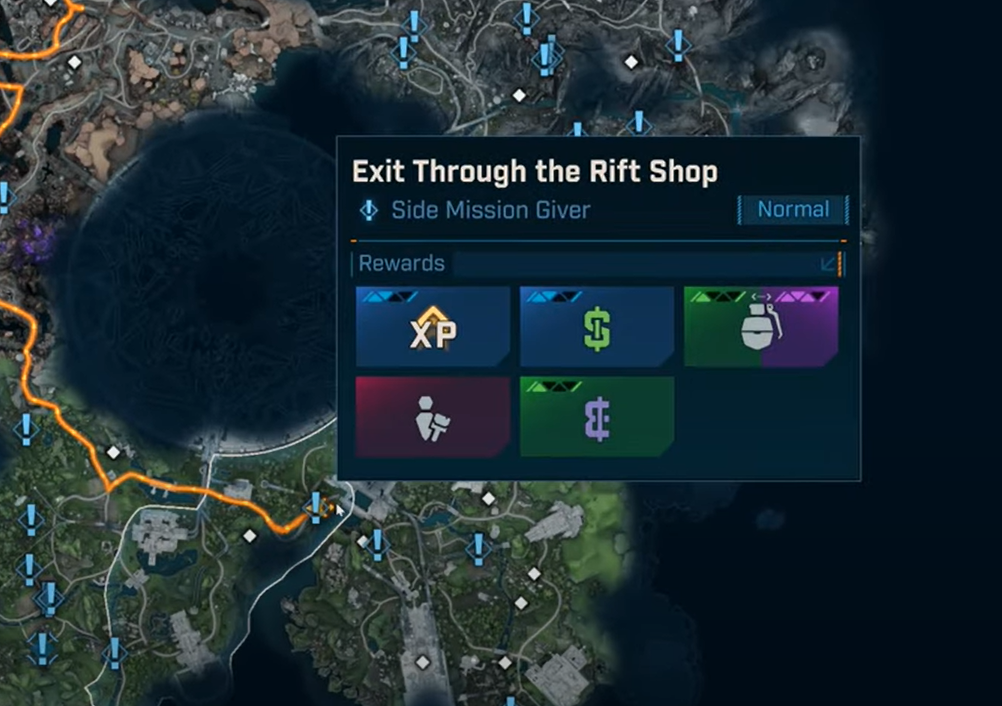
Exit Through the Rift Shop (Borderlands 4) — Clear the secret side mission with these steps
Start the secret mission, clear every step, and earn Rift Incompatible by making the right end-of-quest choice.
-
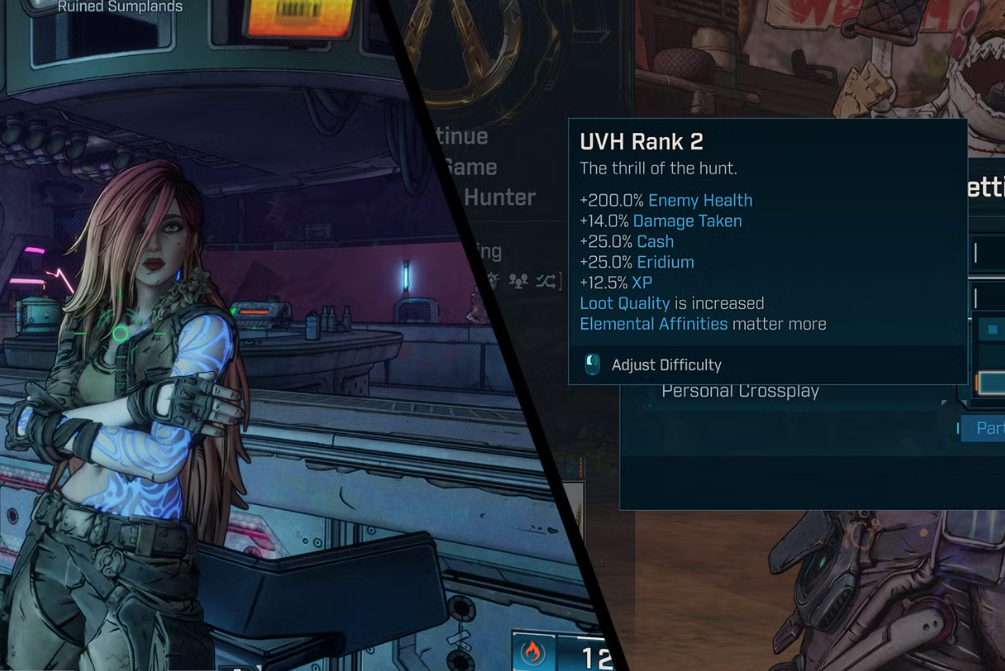
Borderlands 4 – How to Unlock UVH 2
Complete four UVH 1 challenges and Lilith’s Rush the Gate mission to unlock UVH 2.
-
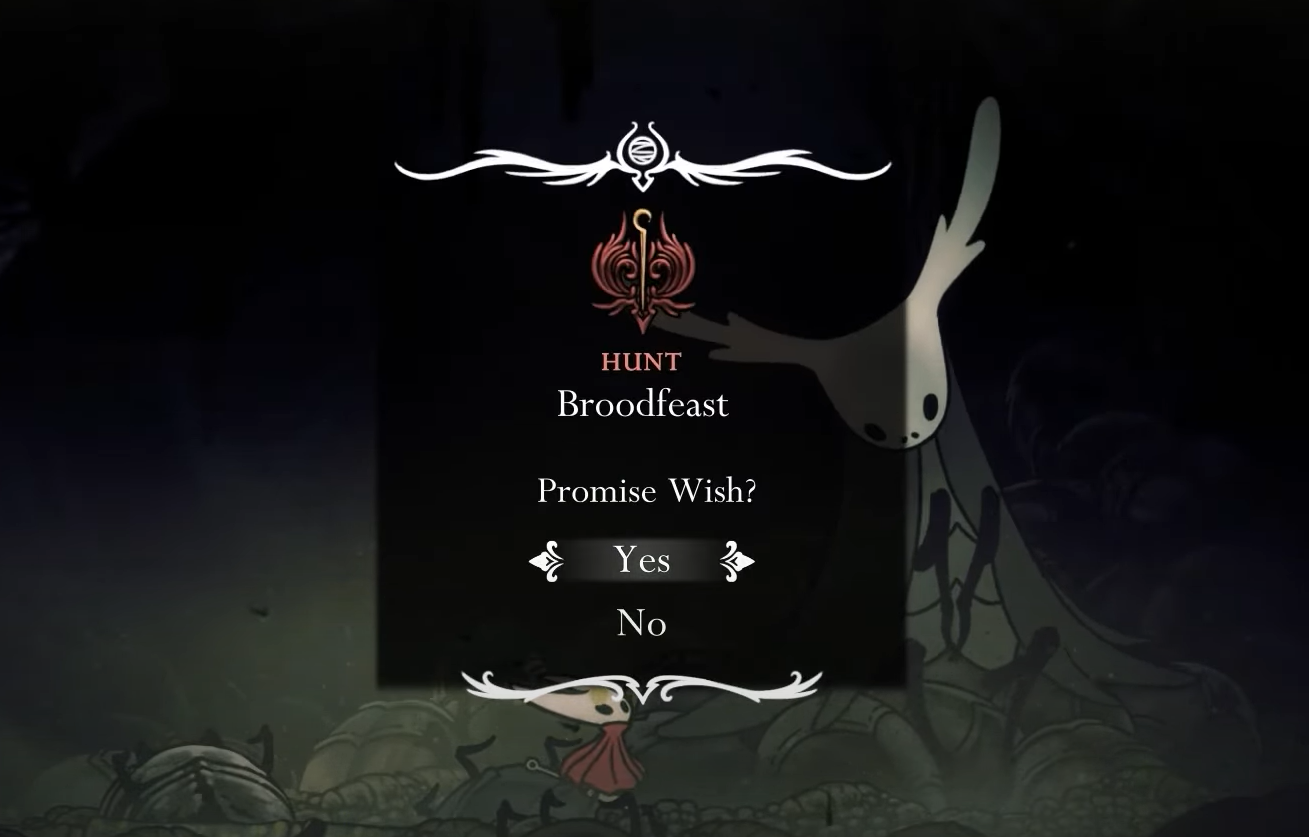
Silksong’s Huntress — how to start and finish the Broodfeast quest
Where to find the Huntress, gather 60 organs efficiently, and claim the Longclaw reward.
-
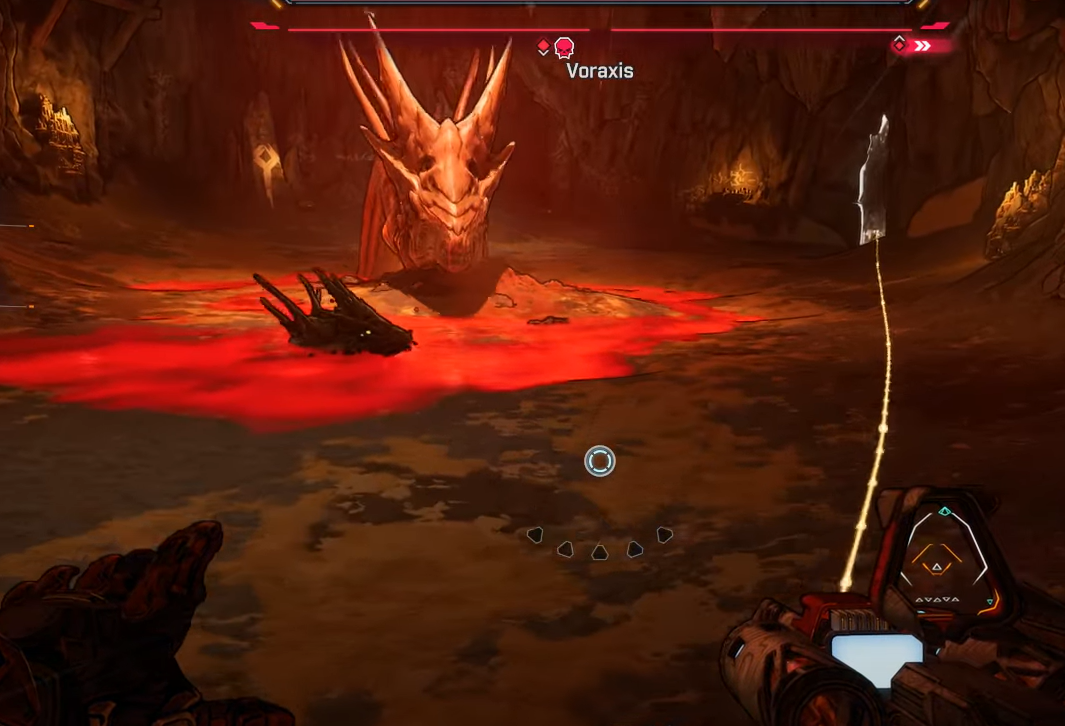
Borderlands 4 — Timid Kyle’s Neglected Opening: How to reach it and beat the boss
Unlock the Fadefields’ first Auger Mine, navigate the cave efficiently, and beat Voraxis for a repeatable farm.
-
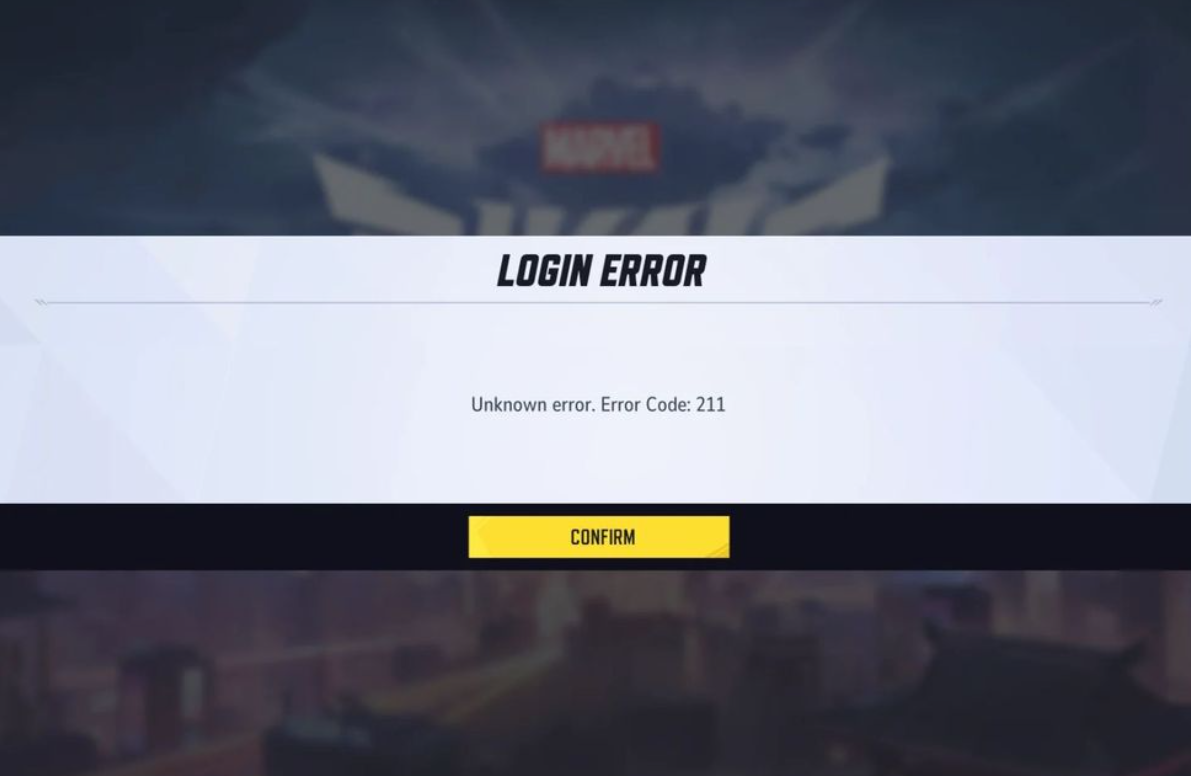
Marvel Rivals error code 211 (Steam) — fixes that work
Close and relaunch Steam first, then work through these network, firewall, and file checks to start the game.
-

Grow A Garden mutations — all types, how to get them, stacking
A grounded guide to multipliers, triggers, and the combinations that override others.
-
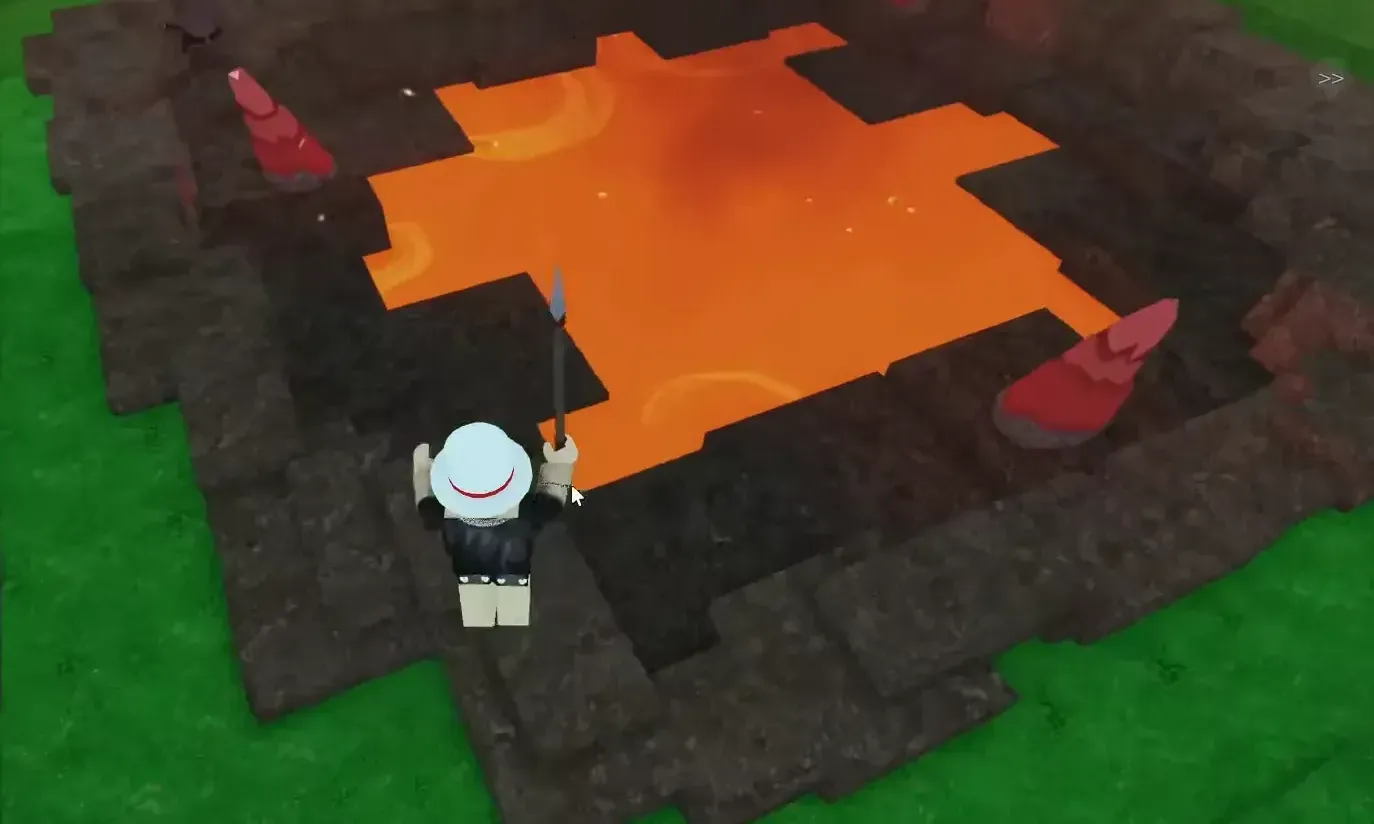
How to Mine Meteors in 99 Nights in the Forest (Roblox)
Find craters, choose the right tools, and process drops into late‑game gear.
-
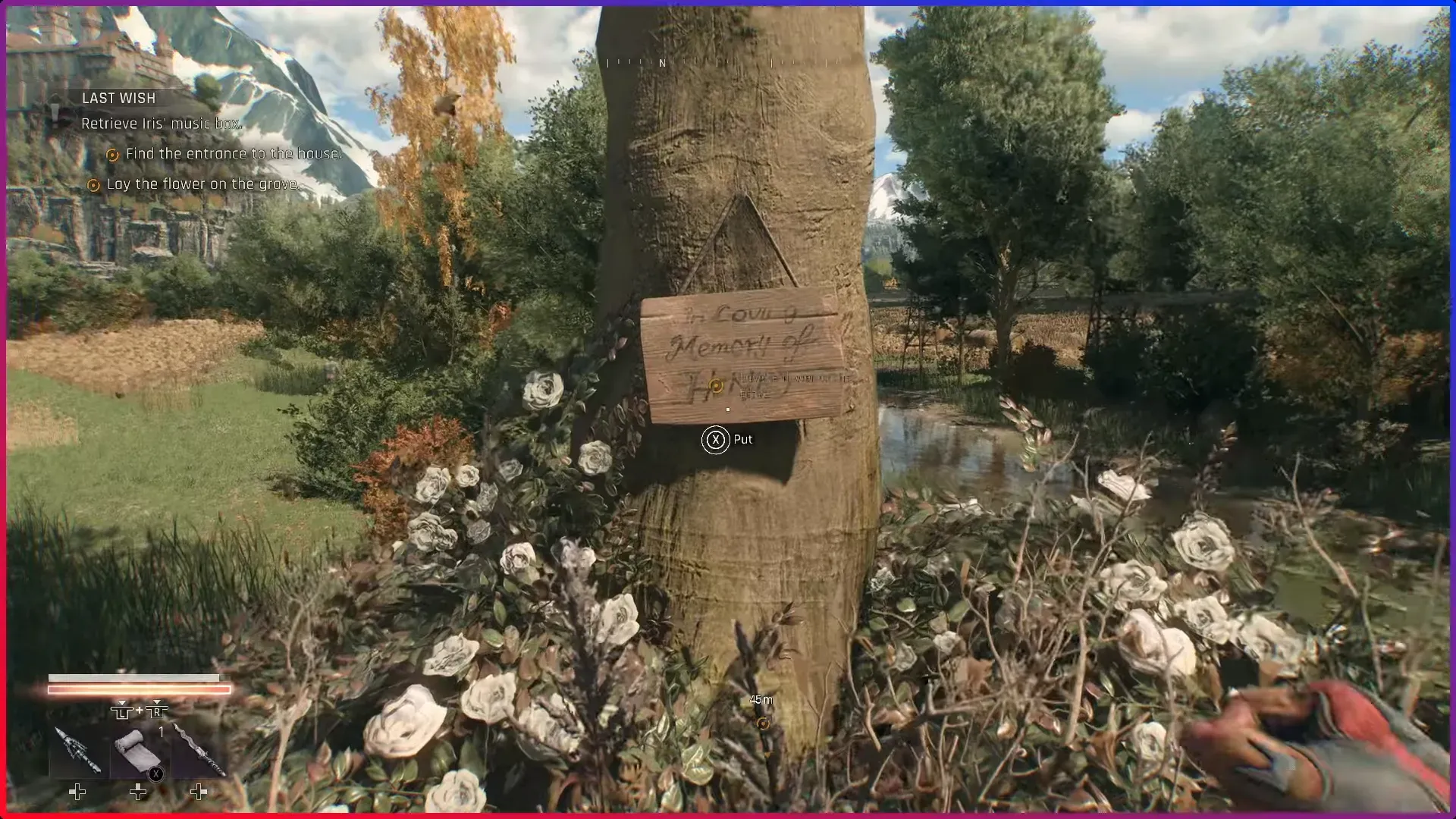
Find Iris’ husband’s grave in Dying Light: The Beast (Last Wish)
A clean walkthrough to locate Henry’s grave, open Iris’ safe, and handle the mid-quest twist without backtracking.
-
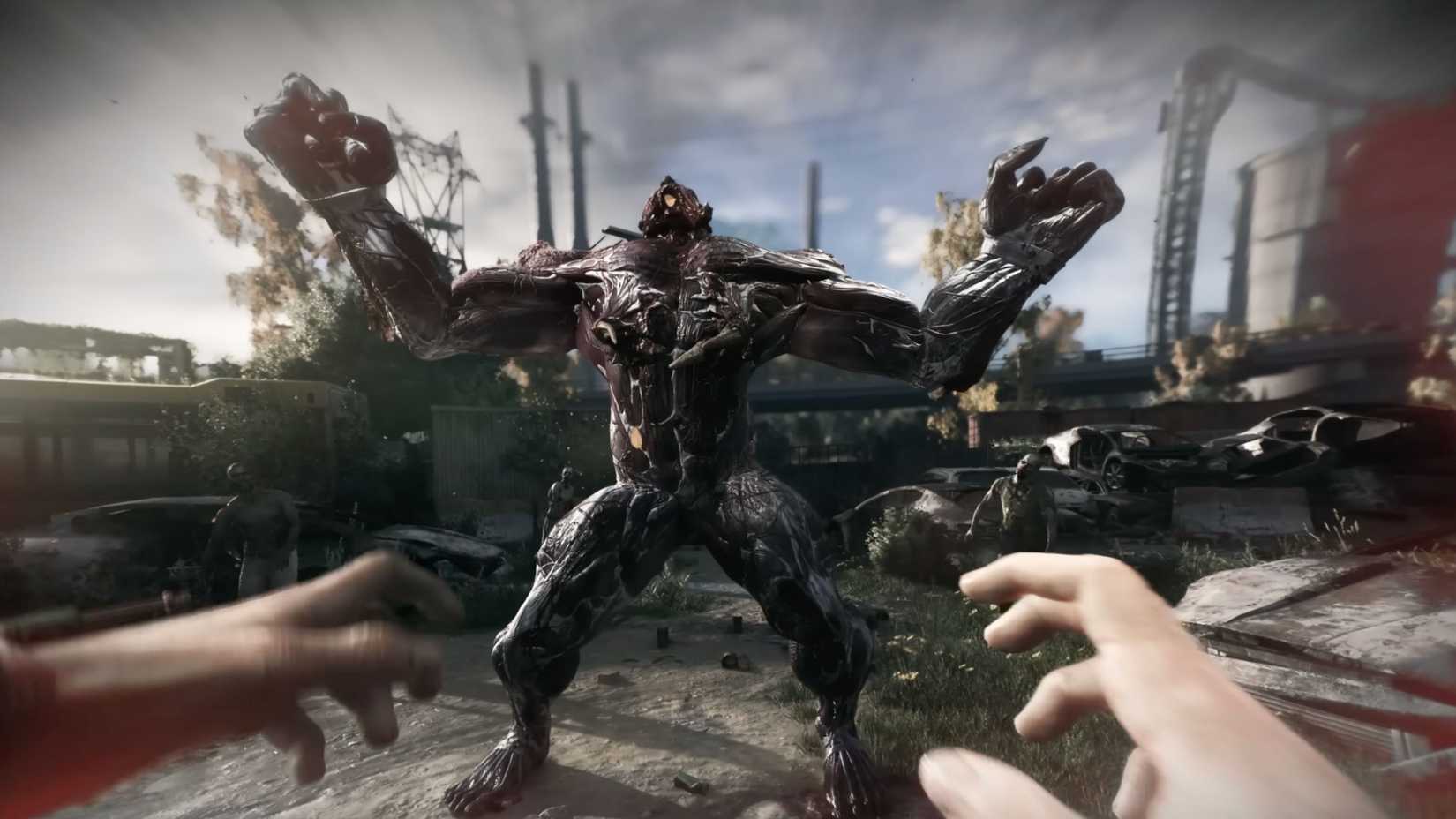
Dying Light: The Beast — how to actually kill a Volatile
Tactics that work in The Beast, where to fight them, and when to avoid the chase entirely.