
Instructional, step-by-step articles.
Content Type: How-To
-
How to Uninstall or Remove a Printer in Windows 11
Learn practical methods to completely remove a printer and its drivers from Windows 11, including solutions for stubborn or unresponsive printer entries.
-
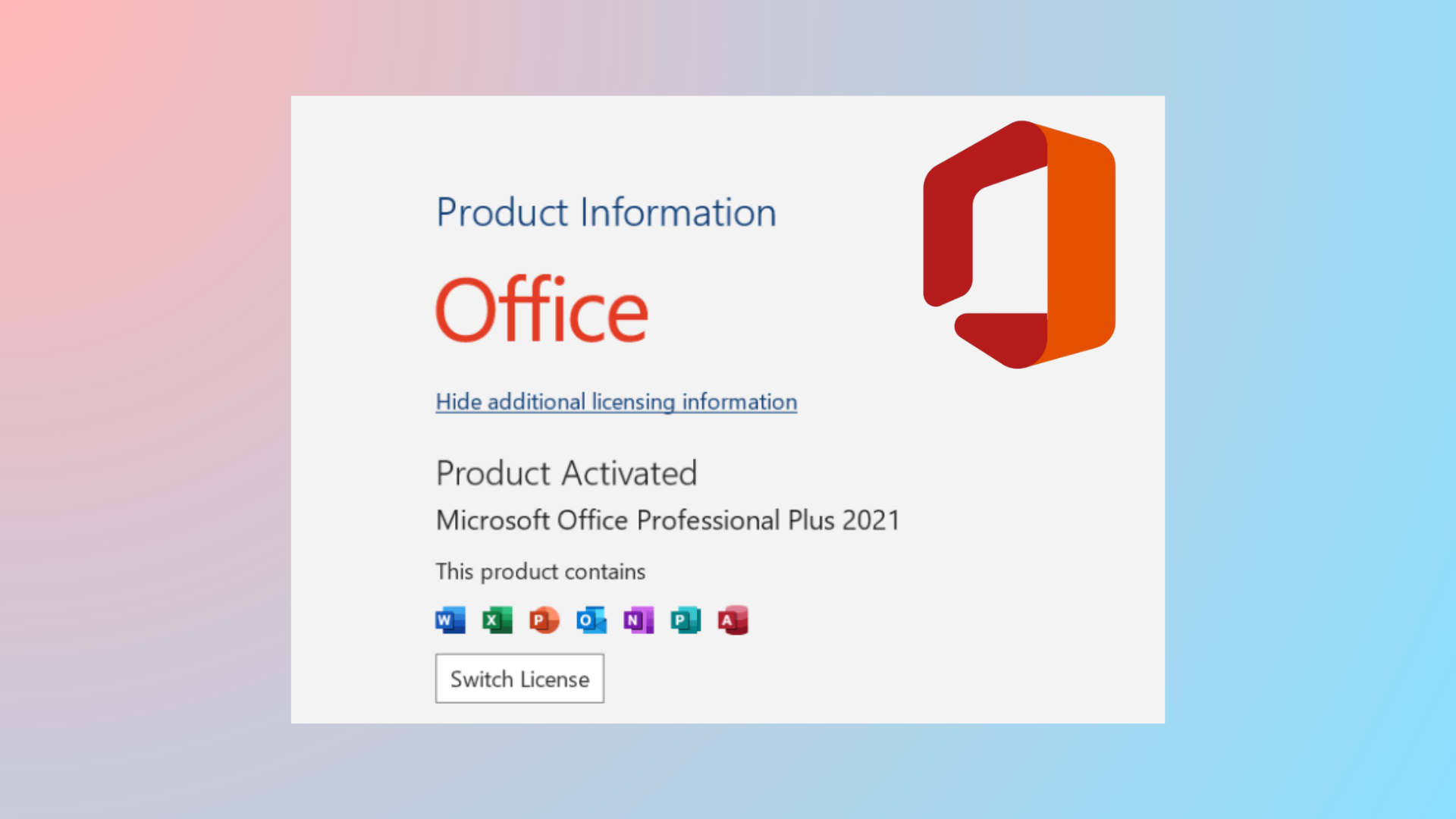
How to Check License Type and Activation Status of Microsoft Office
Verify whether your Microsoft Office installation is activated and determine its license type using built-in tools, command-line scripts, and PowerShell commands.
-
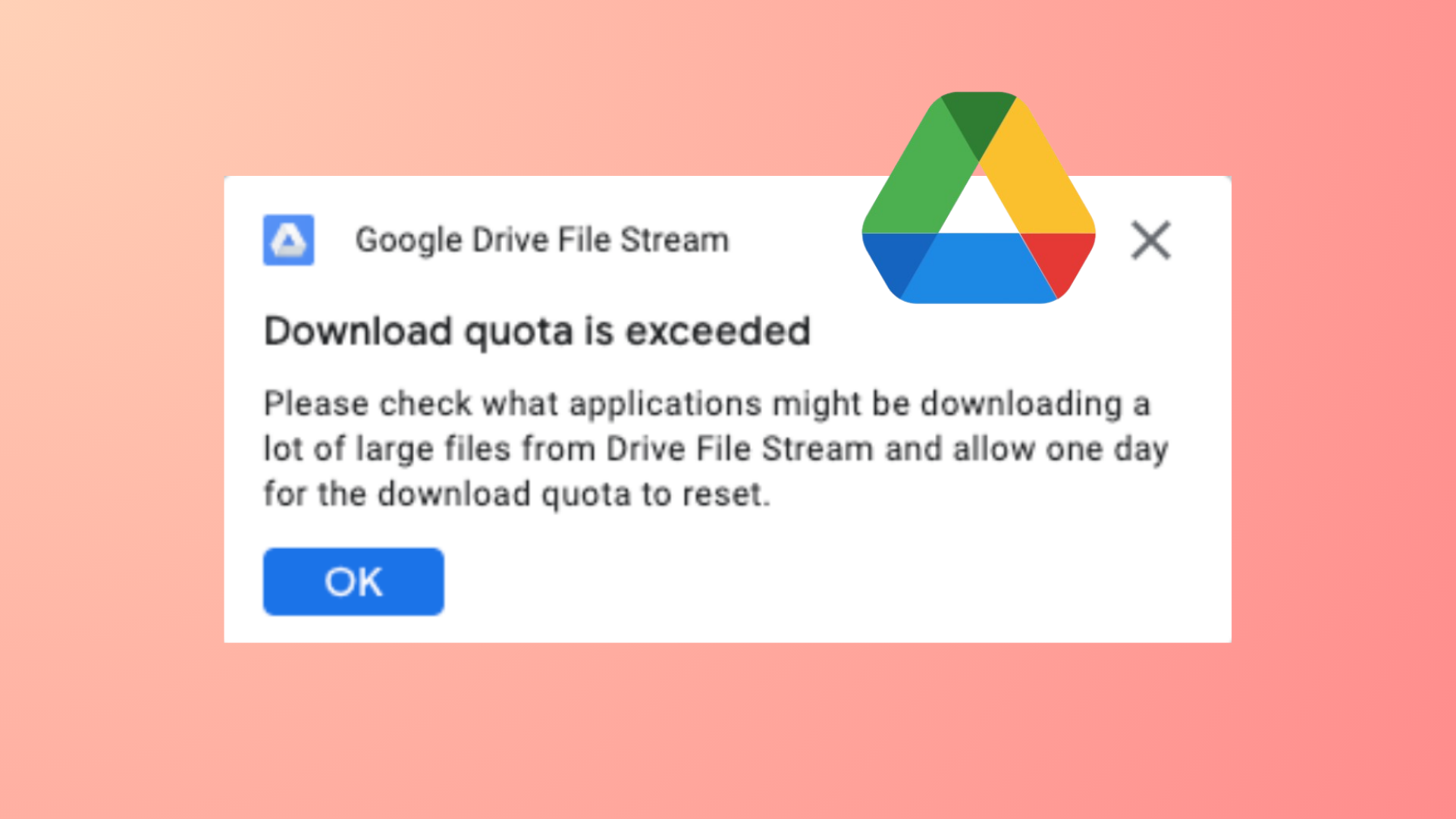
How to Fix Google Drive Download Quota Is Exceeded Error
Learn detailed methods to bypass the Google Drive “Download quota exceeded for this file” error and successfully download files without waiting for the quota…
-
How to Disable Auto Update in Chrome, Edge, and Firefox Browsers
Learn effective methods to stop automatic updates in Google Chrome, Microsoft Edge, and Mozilla Firefox, using Group Policy, configuration files, and built-in settings.
-
How to Print an Email from the New Outlook App
Detailed instructions for printing emails, attachments, and specific content using the latest Outlook app across Windows, web, and mobile platforms.
-
How to Restart Numbering in Microsoft Word
Clear instructions to reset or restart numbered lists in Microsoft Word for clear, organized documents.
-
How to Fix Black Screen After Shut Down on Windows 11
Restore access to your Windows 11 system when a black screen appears after shutdown, update, or restart by following these targeted troubleshooting steps.
-
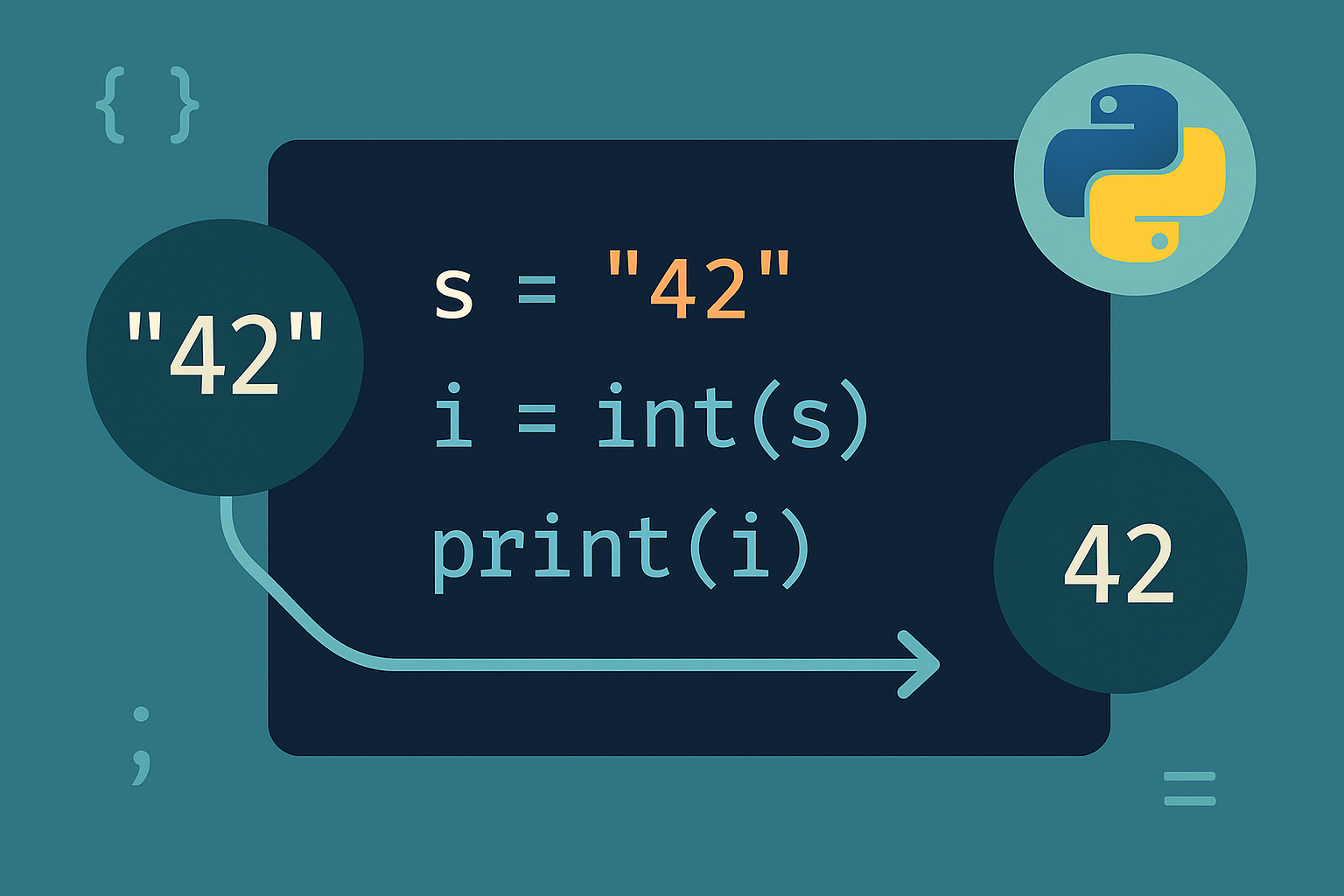
How to Convert String to Int in Python
Use the built-in int() to parse numbers from strings, specify a base when needed, and add validation to avoid crashes.
-
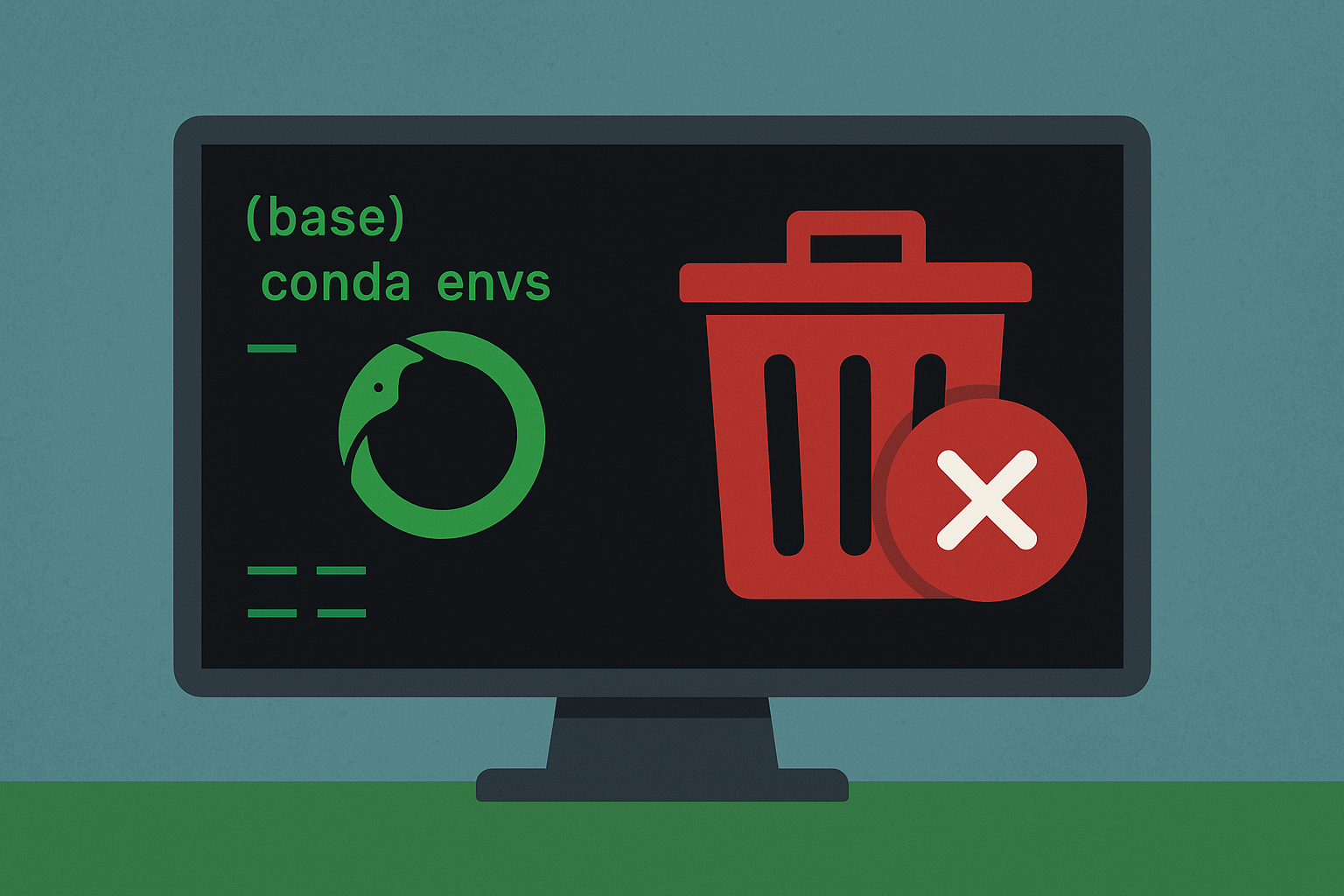
How to Delete a Conda Environment
Use built-in commands to remove named or prefix-based environments and reclaim disk space.
-
How to Fix Windows 11 Update or Activation Error 0x800f0805
Resolve Windows 11 error 0x800f0805 with clear solutions for both update failures and product key activation issues.