
Instructional, step-by-step articles.
Content Type: How-To
-
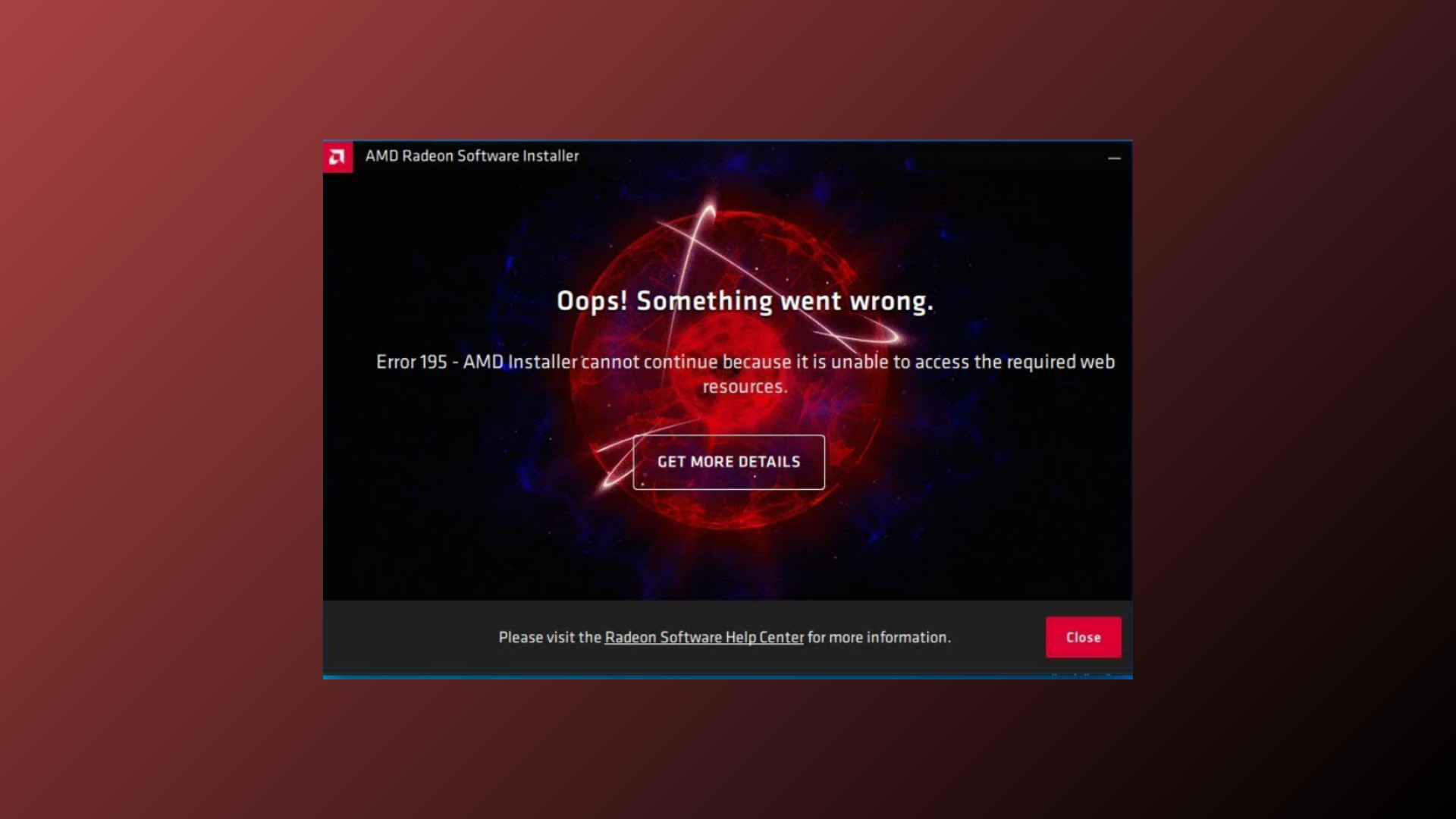
How to Fix AMD Installer Cannot Continue Error on Windows
Resolve the “AMD installer cannot continue because it is unable to access the required web resources” error with proven solutions for seamless driver installation.
-

How to Fix “The Operation Could Not Be Started Because a Required Feature Is Not Installed” Error
Resolve the WSL error 0x80370114 by enabling essential Windows features, adjusting security settings, and ensuring system requirements are met for running Linux distributions on…
-

How to Fix Microsoft Edge Push Notifications Not Working
Resolve missing or unreliable push notifications in Microsoft Edge with these practical solutions for Windows 10 and Windows 11.
-
How to Disable a Specific Keyboard Key in Windows 11
Detailed instructions for turning off individual keys in Windows 11 using PowerToys, registry edits, and third-party tools, plus tips for laptop and external keyboards.
-

How to Disable Taskbar on the Second Monitor in Windows 11
Learn the most effective ways to remove or hide the taskbar from your secondary display in Windows 11 by following these effective solutions.
-
How to Embed Fonts in Microsoft PowerPoint
Ensure your PowerPoint presentations display consistently on any device by embedding custom fonts directly into your files.
-
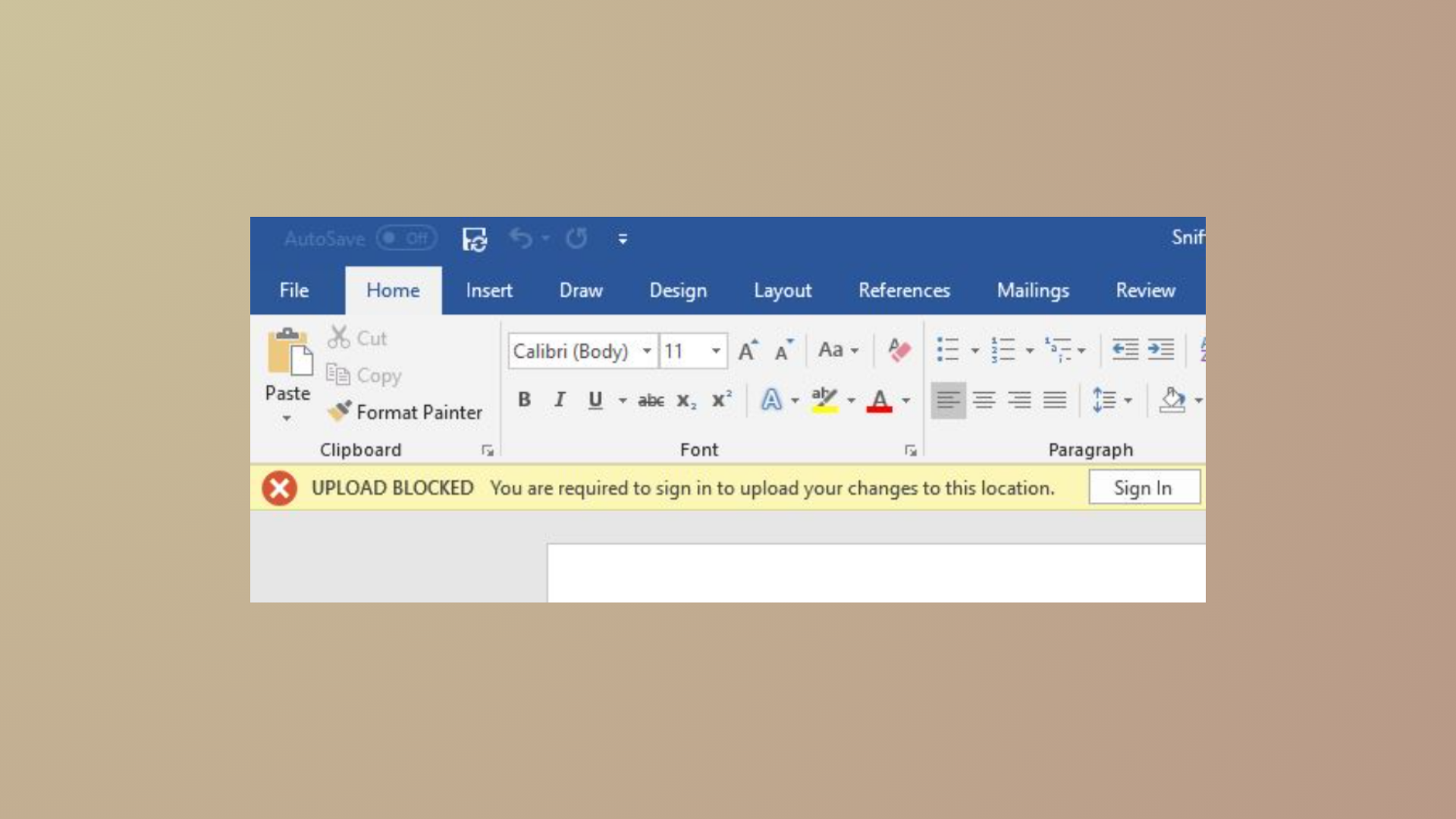
How to Fix OneDrive Upload Blocked, Sign In to Save This File, or Save a Copy Errors
Resolve OneDrive sync issues and eliminate “Upload Blocked,” “Sign In to Save This File,” and “Save a Copy” errors in Microsoft 365 apps with…
-

How to Fix 0x80010007 OneDrive Error Code
Unlinking and reconfiguring OneDrive resolves sync issues caused by error code 0x80010007, restoring reliable file synchronization on Windows and macOS devices.
-
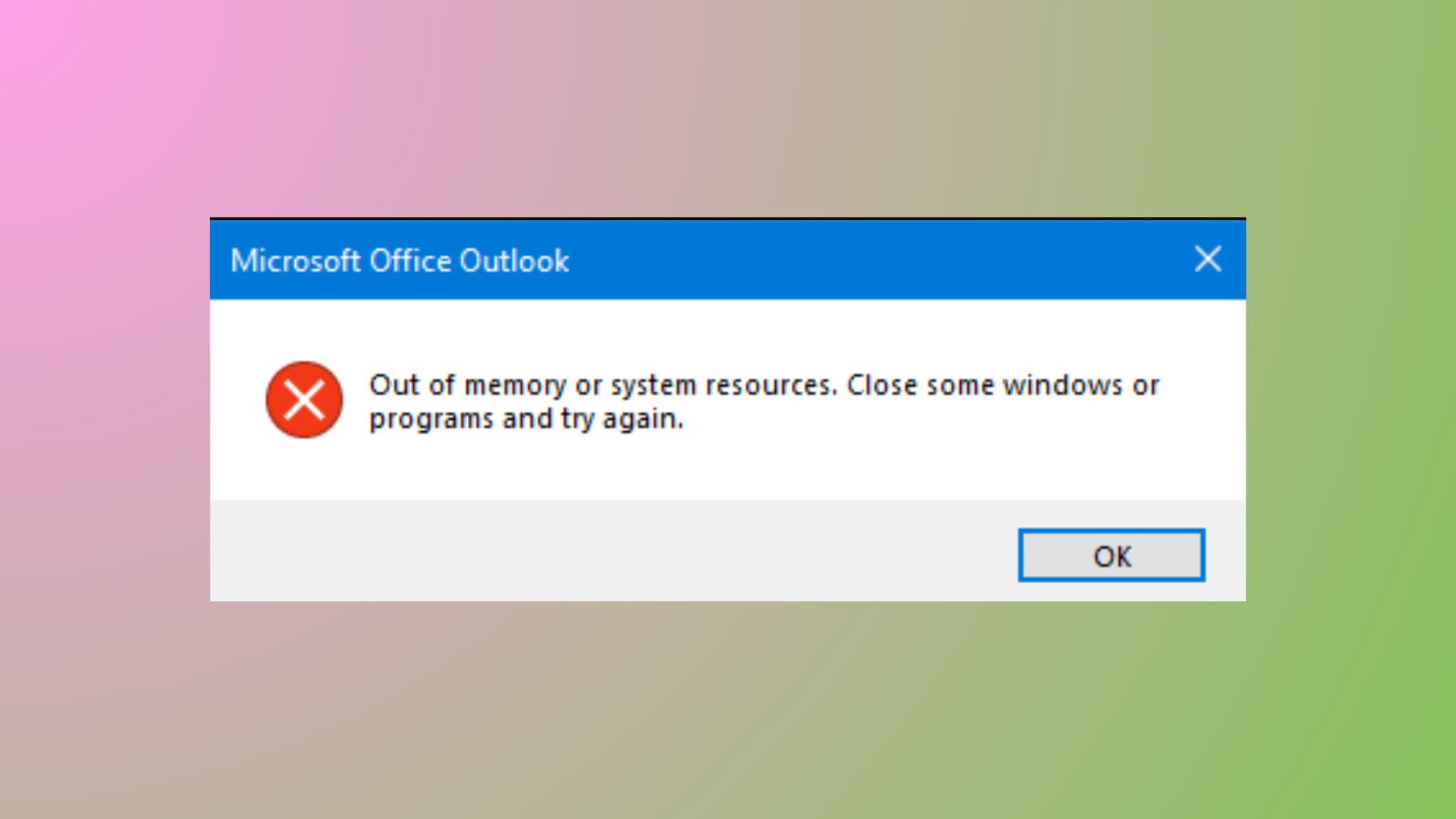
How to Fix Outlook Out of Memory or System Resources Error
Resolve the Outlook “Out of Memory or System Resources” error by reducing mailbox size, repairing data files, adjusting registry settings, and optimizing system memory…
-

How to Prevent Your Claude AI Chats From Being Used for Training AI Models
Take control of your data privacy on Claude by adjusting settings to stop your conversations from being used to train future AI models.