
Instructional, step-by-step articles.
Content Type: How-To
-
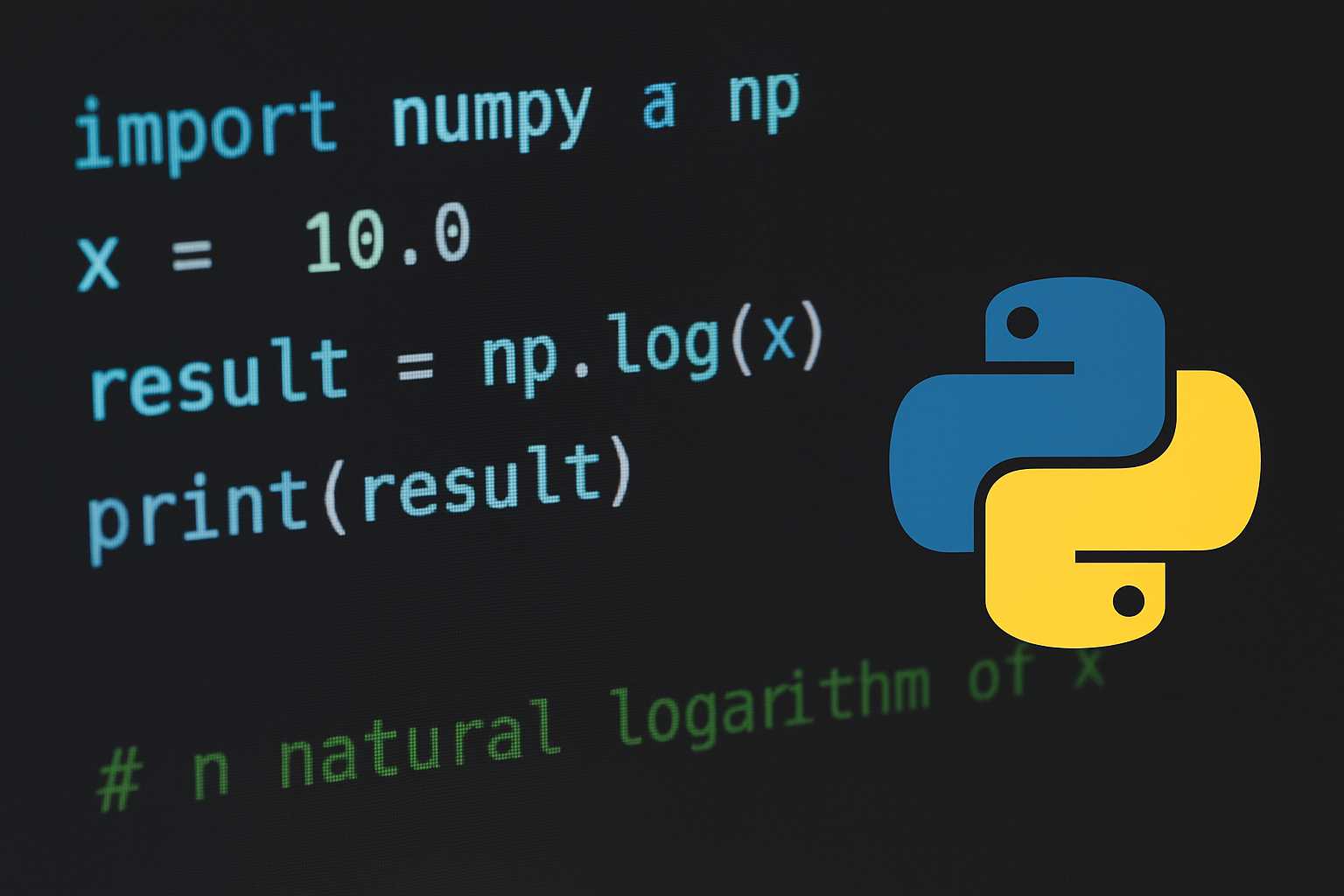
Calculate Natural Log in Python
Use built-in math.log for scalars and NumPy’s np.log for arrays, with safe handling for edge cases.
-
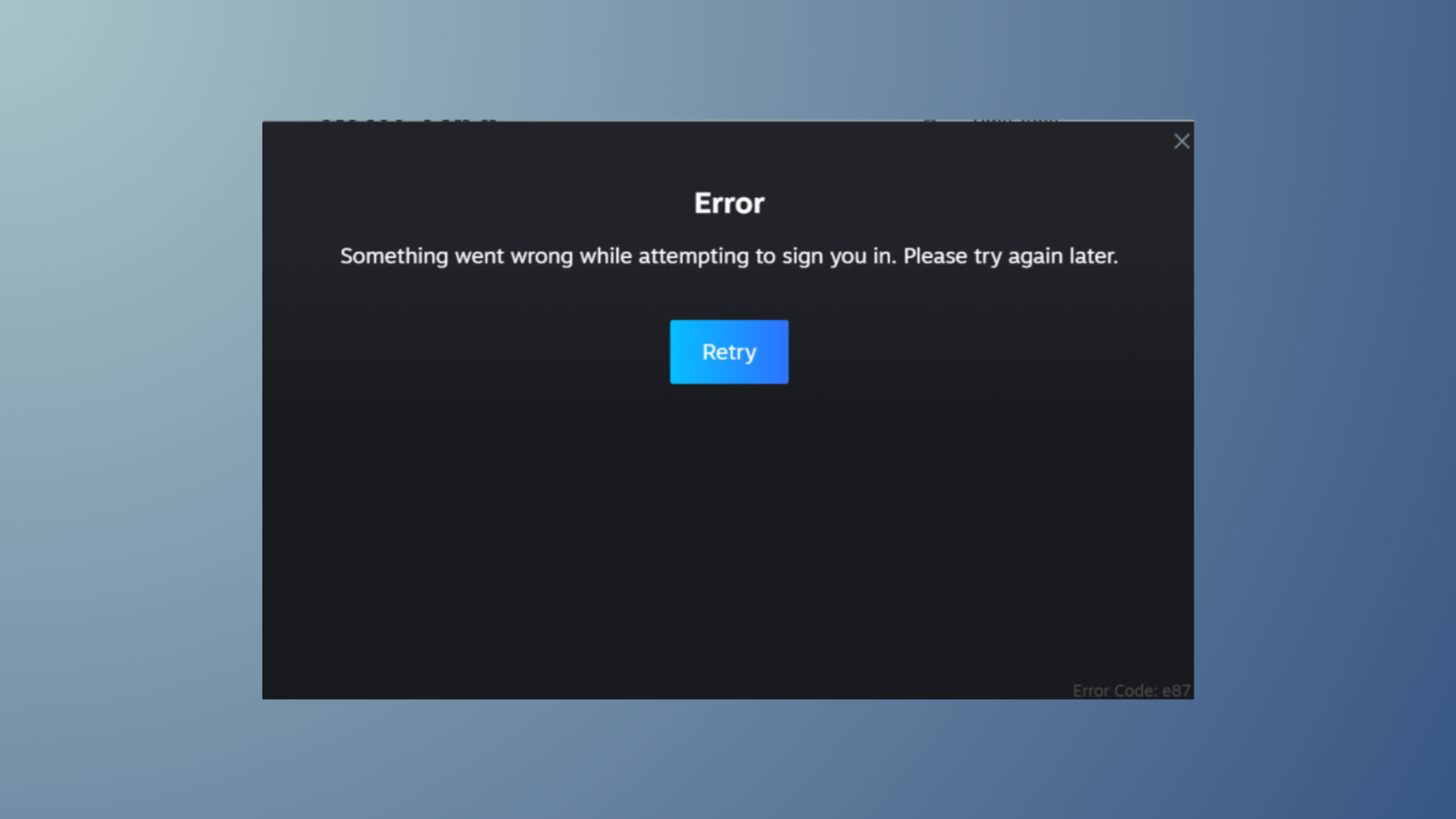
How to Fix Disk Write Error on Steam
Resolve Steam’s disk write error with proven solutions that restore your ability to download, install, and update games without interruptions.
-

How to Fix High CPU or Memory Usage When Using Microsoft OneDrive
Reduce OneDrive’s excessive CPU or RAM consumption in Windows and macOS with targeted troubleshooting steps and configuration changes.
-
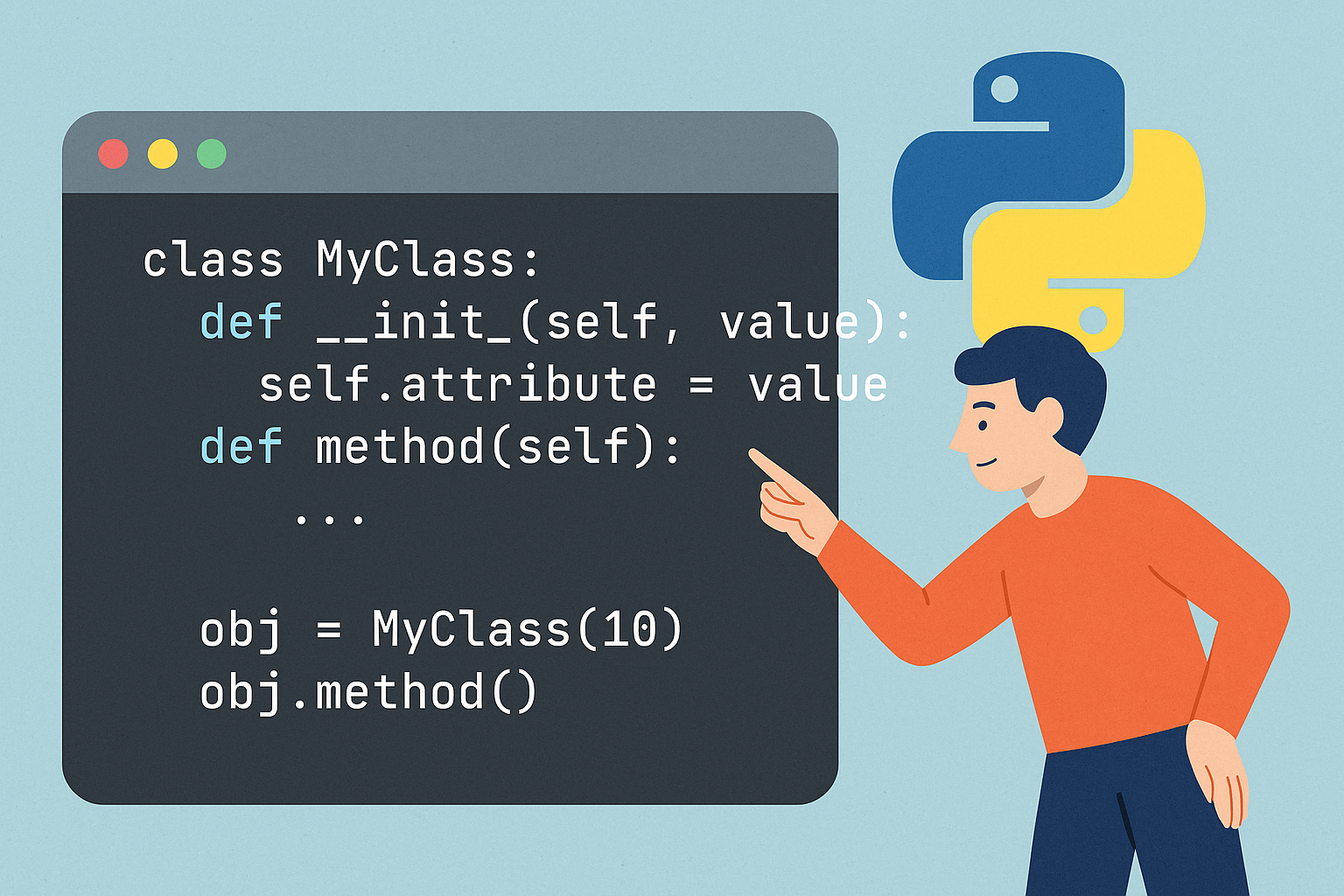
How to Create a Class in Python
Define attributes and behavior with the class keyword, then instantiate and use your objects effectively.
-
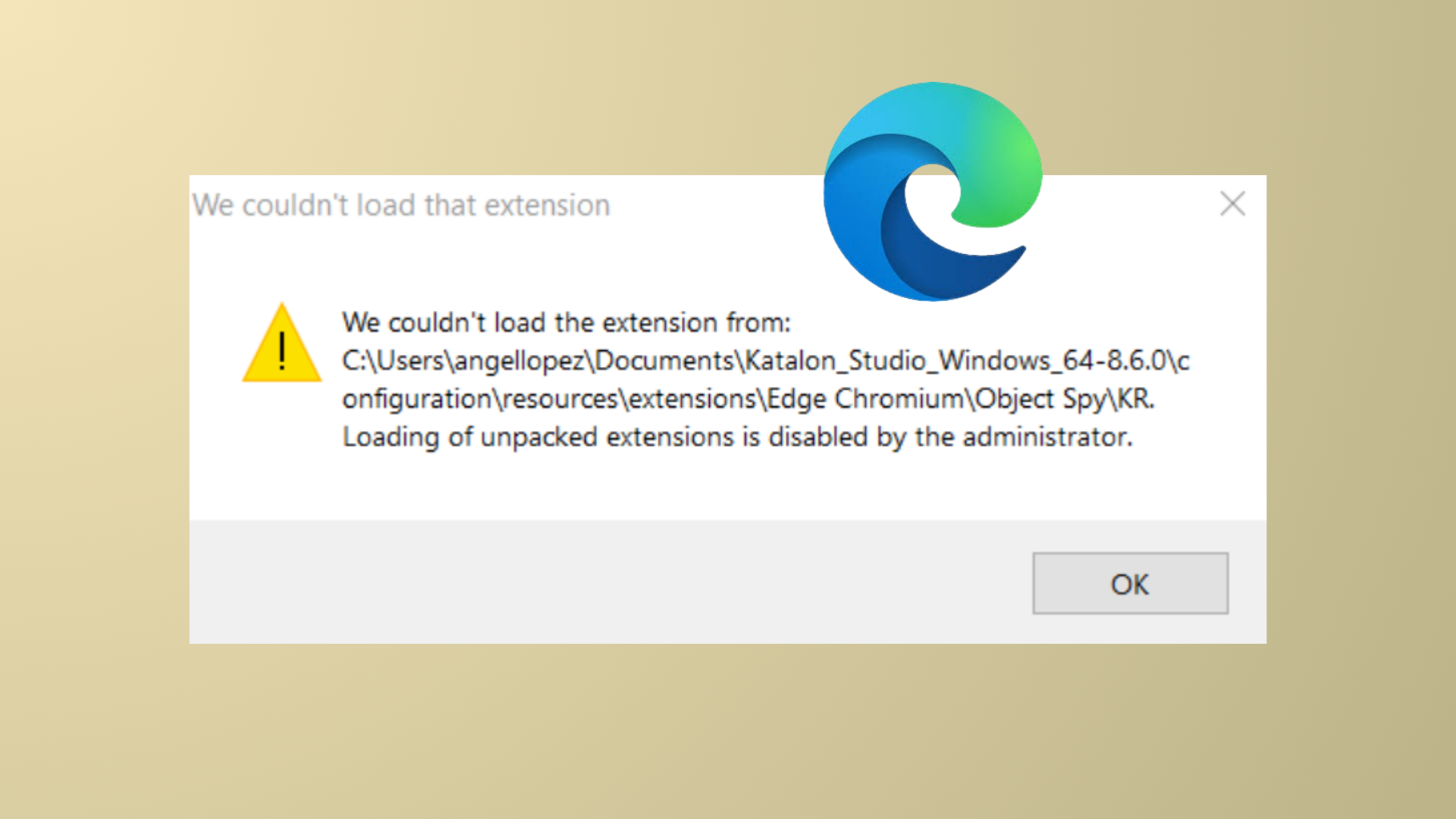
How to Fix “We Couldn’t Load This Extension” Error in Microsoft Edge
Solve Microsoft Edge extension installation errors with proven repair and troubleshooting methods.
-

How to Fix Microsoft Teams Error Code 500
Resolve Microsoft Teams Error 500 with detailed instructions for clearing credentials, checking your network, and troubleshooting persistent login issues.
-
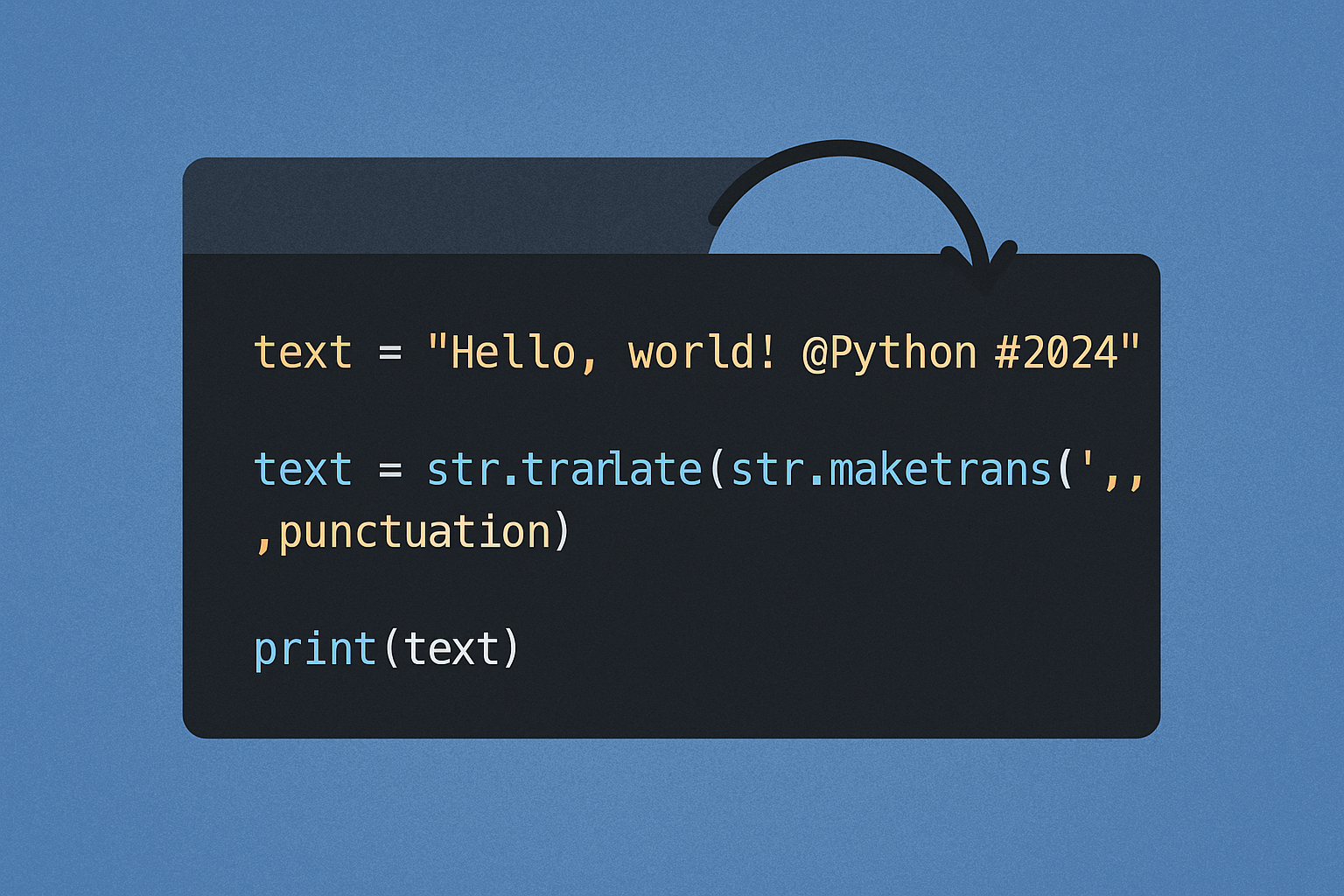
Remove Punctuation From a String in Python
Use built-in translate, regex, or Unicode-aware options to strip punctuation from text cleanly.
-
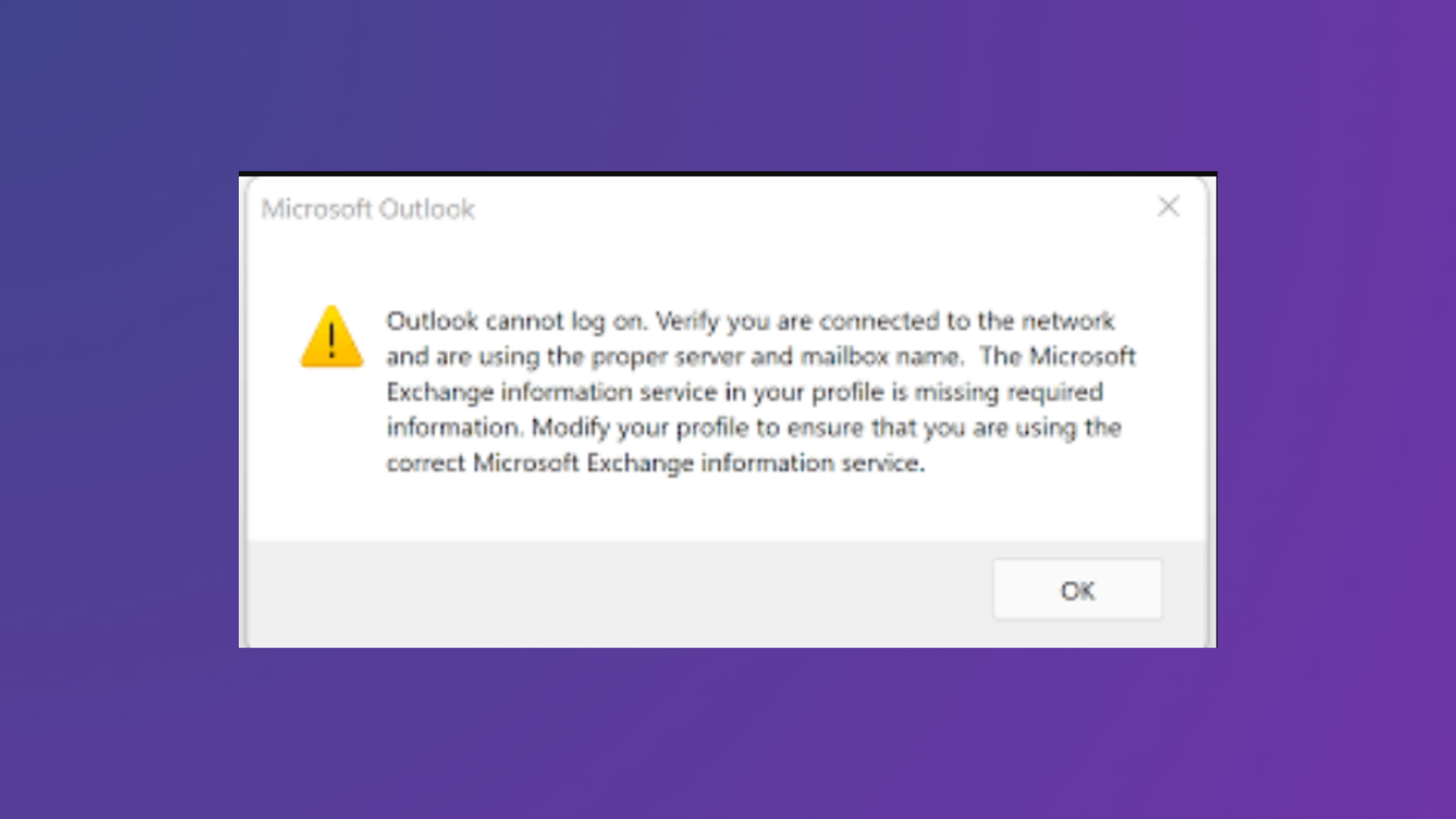
How to Fix Outlook Cannot Log On Verify You Are Connected to the Network Error
Comprehensive solutions to resolve the “Outlook cannot log on. Verify you are connected to the network and are using the proper server and mailbox…
-
How to Add Colors to Sections in Microsoft OneNote
Organizing your OneNote notebooks and sections with colors streamlines navigation and speeds up information retrieval.
-
How to Disable Login After Sleep in Windows 11
Learn practical methods to stop Windows 11 from requiring a password or sign-in after your PC wakes from sleep mode.