
Instructional, step-by-step articles.
Content Type: How-To
-
How to Create a Mouseover Text Effect in Microsoft PowerPoint
Display helpful text when hovering over objects in PowerPoint by using the ScreenTip feature built into hyperlinks.
-
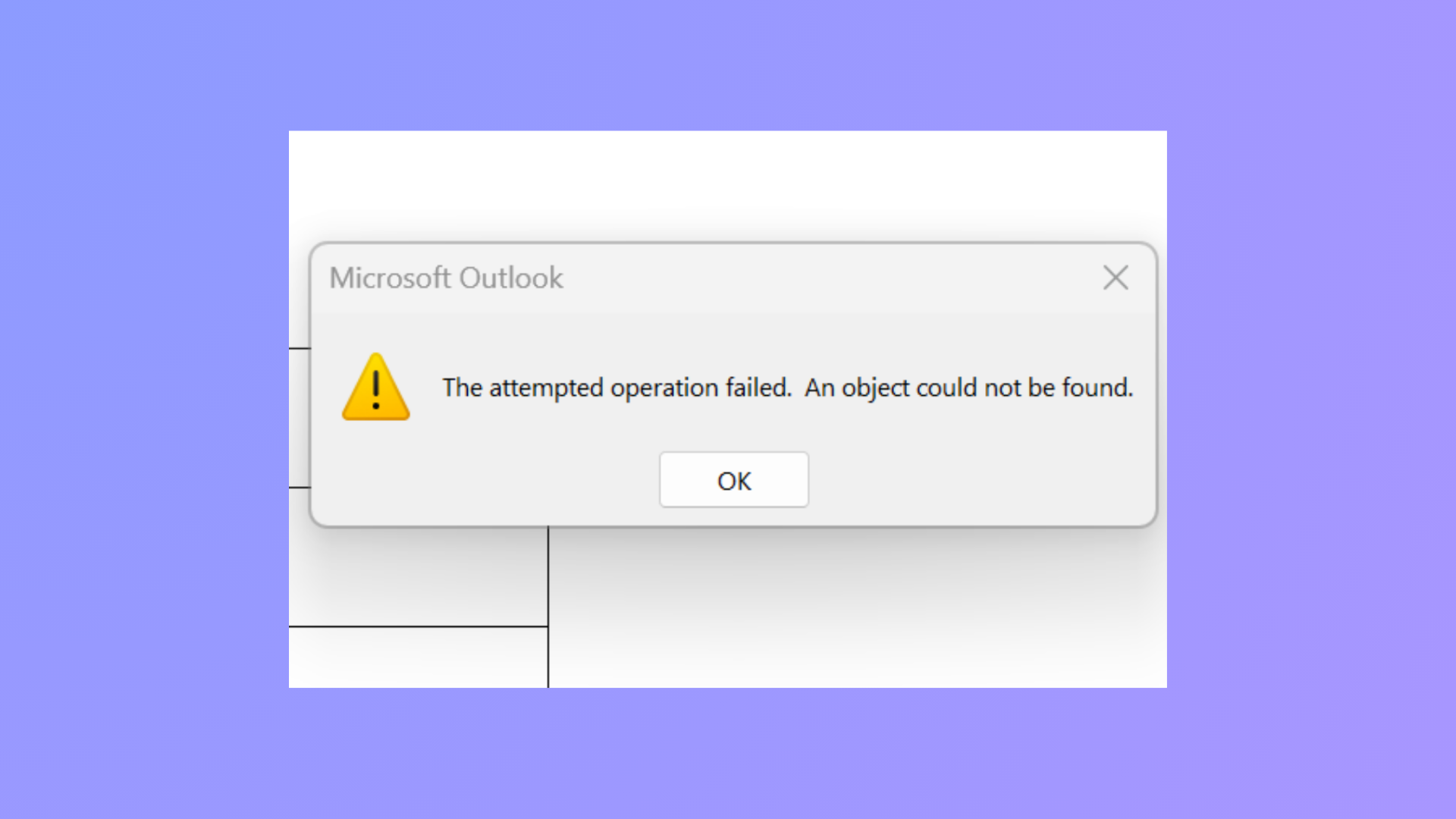
How to Fix the Attempted Operation Failed Outlook Attachment Error
Resolve the “The attempted operation failed. An object could not be found.” error in Outlook and restore normal attachment functionality using proven troubleshooting steps.
-
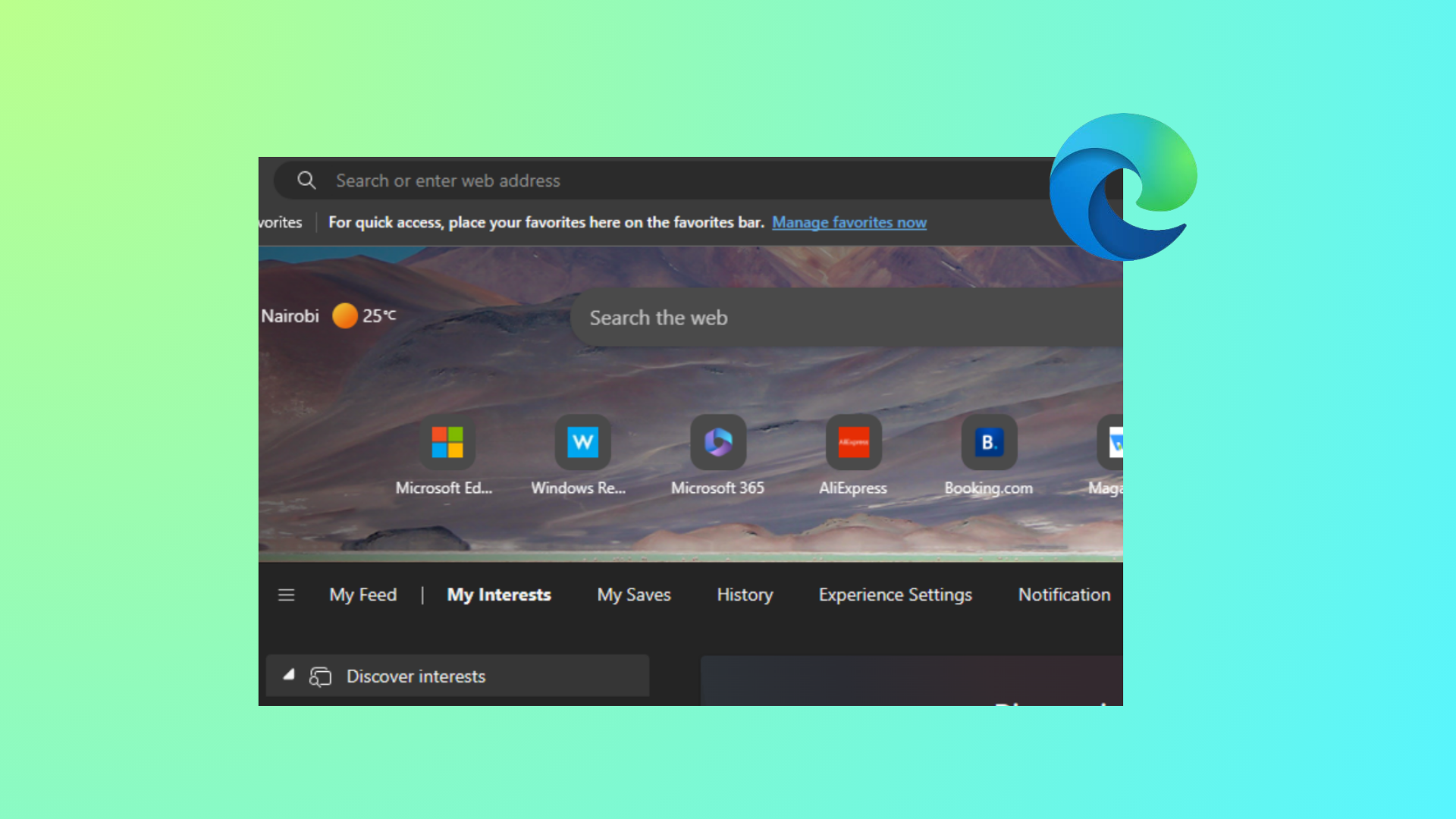
How to Hide Quick Links on New Tab Page in Microsoft Edge
Learn effective methods to remove or disable Quick Links from the Edge New Tab page for individual users and across all users using browser…
-
How to Fix Outlook Error Code 3399811147
Resolve Outlook error code 3399811147 by addressing cached credentials, account configuration conflicts, and Windows authentication service issues with these clear solutions.
-
How to Fix Windows 11 Start Search Not Displaying Results
Resolve missing or blank search results in the Windows 11 Start menu with proven troubleshooting and repair steps.
-
Import Libraries in Python
Use reliable import patterns, install missing packages, and avoid common pitfalls when working with modules and packages.
-
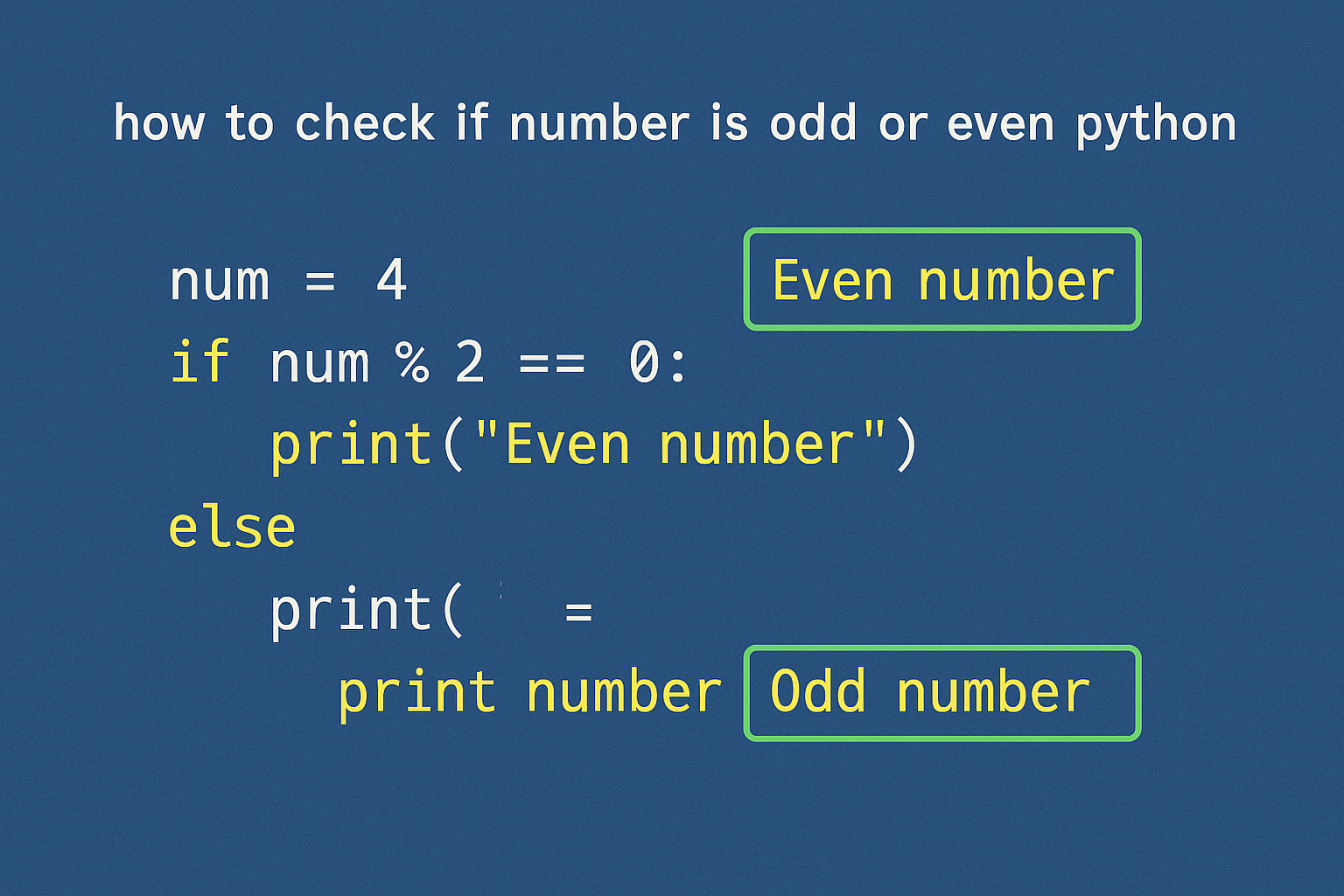
Check If a Number Is Odd or Even in Python
Use the modulo operator or a bitwise check to determine parity for single values and sequences.
-
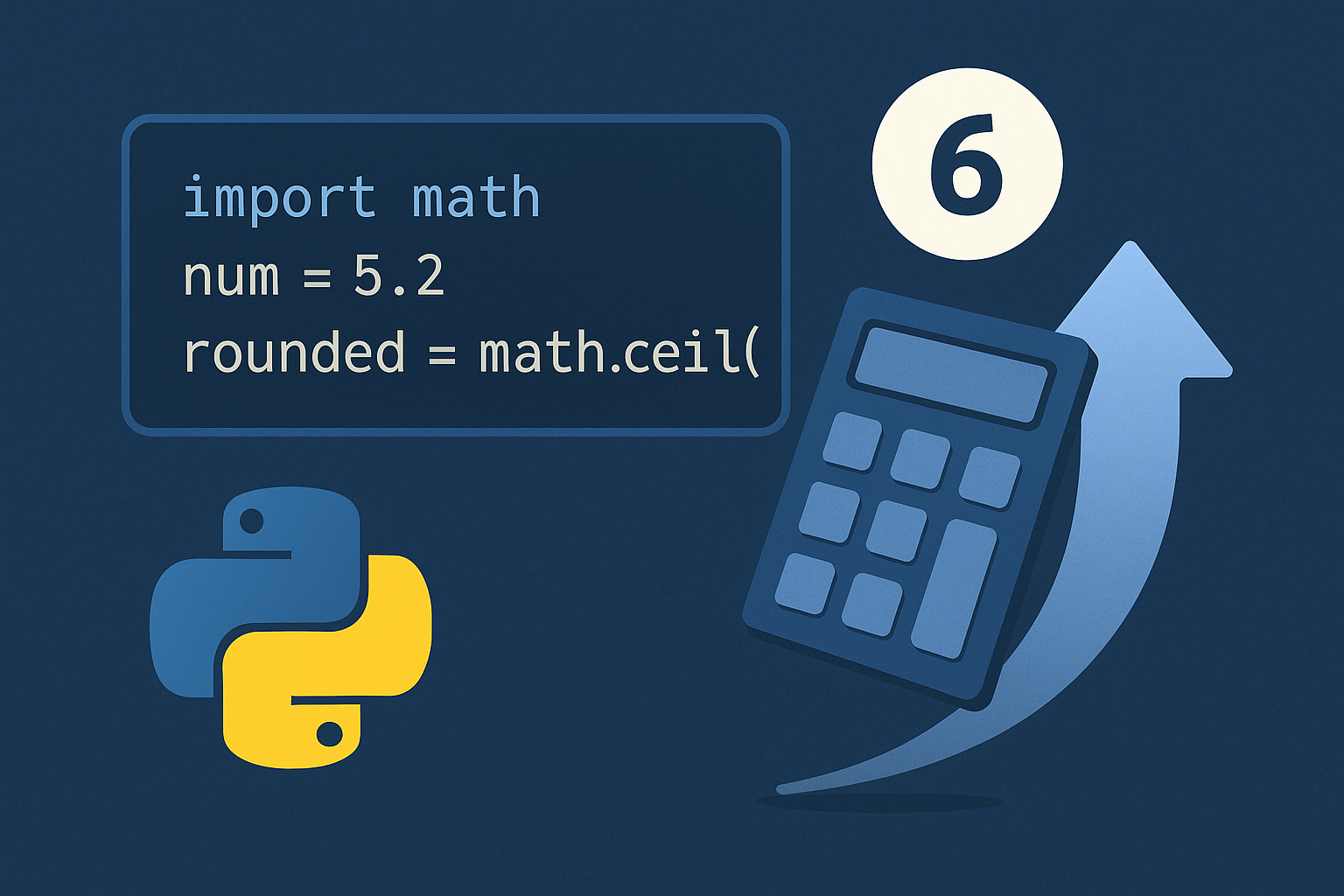
How to Round Up Numbers in Python
Use math.ceil() for single values, a scale-and-ceil pattern for decimal places, Decimal for exact finance-style rules, and NumPy for arrays.
-
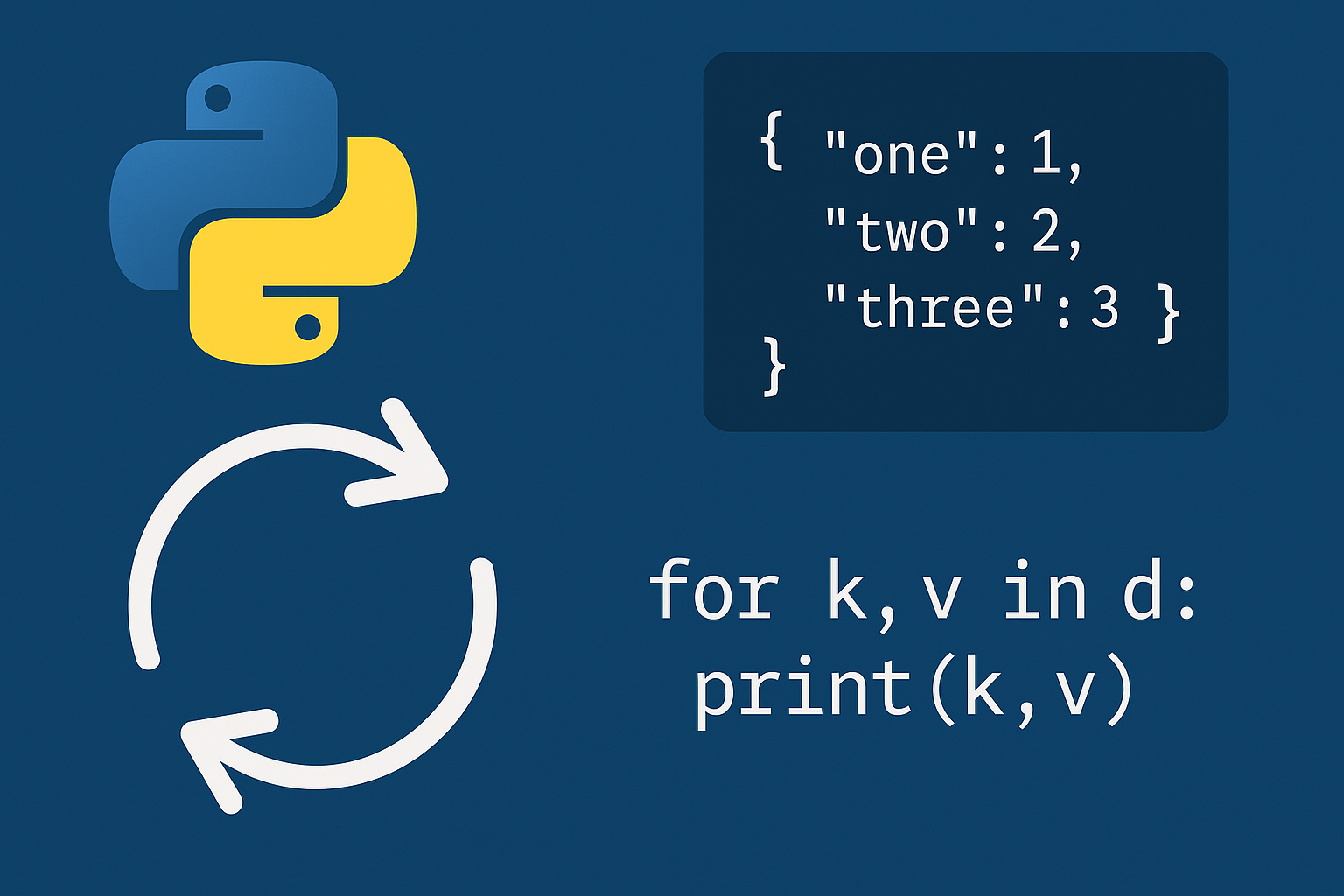
Loop Through a Dictionary in Python
Use direct, sorted, and safe mutation loops to process keys, values, and key–value pairs reliably.
-

Get User Input in Python
Use input(), type conversion, and validation patterns to collect strings, numbers, and lists.