
Instructional, step-by-step articles.
Content Type: How-To
-

Pause Execution in Python With time.sleep()
Use time.sleep(), asyncio.sleep(), and event- or GUI-friendly timers to delay work without stalling the wrong parts of your program.
-
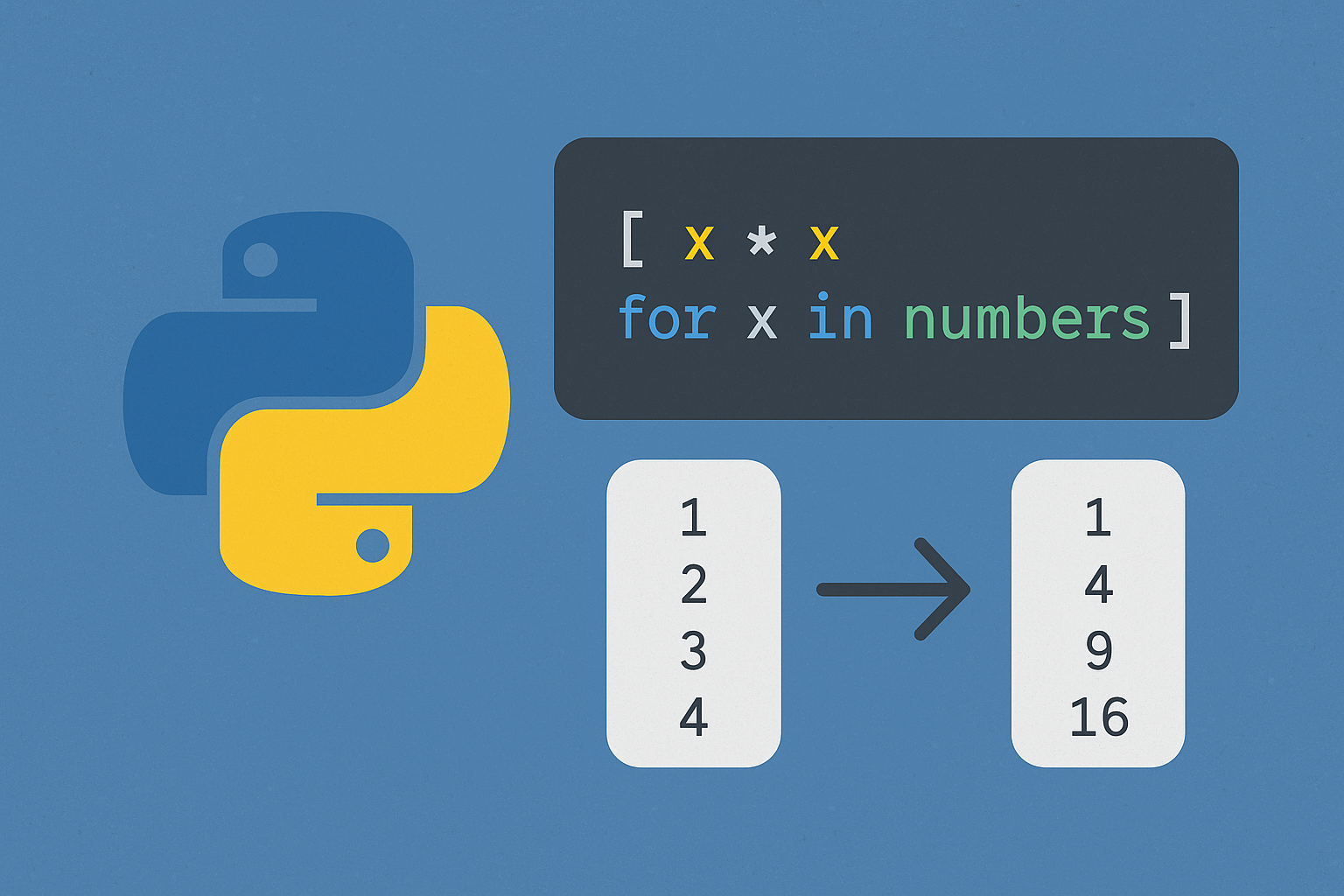
Write List Comprehensions in Python
Create, filter, and transform lists concisely with Python’s comprehension syntax.
-

How to Fix Windows 11 Unable to Boot to BIOS
Resolve issues preventing access to BIOS or UEFI firmware settings on Windows 11 systems using proven solutions.
-
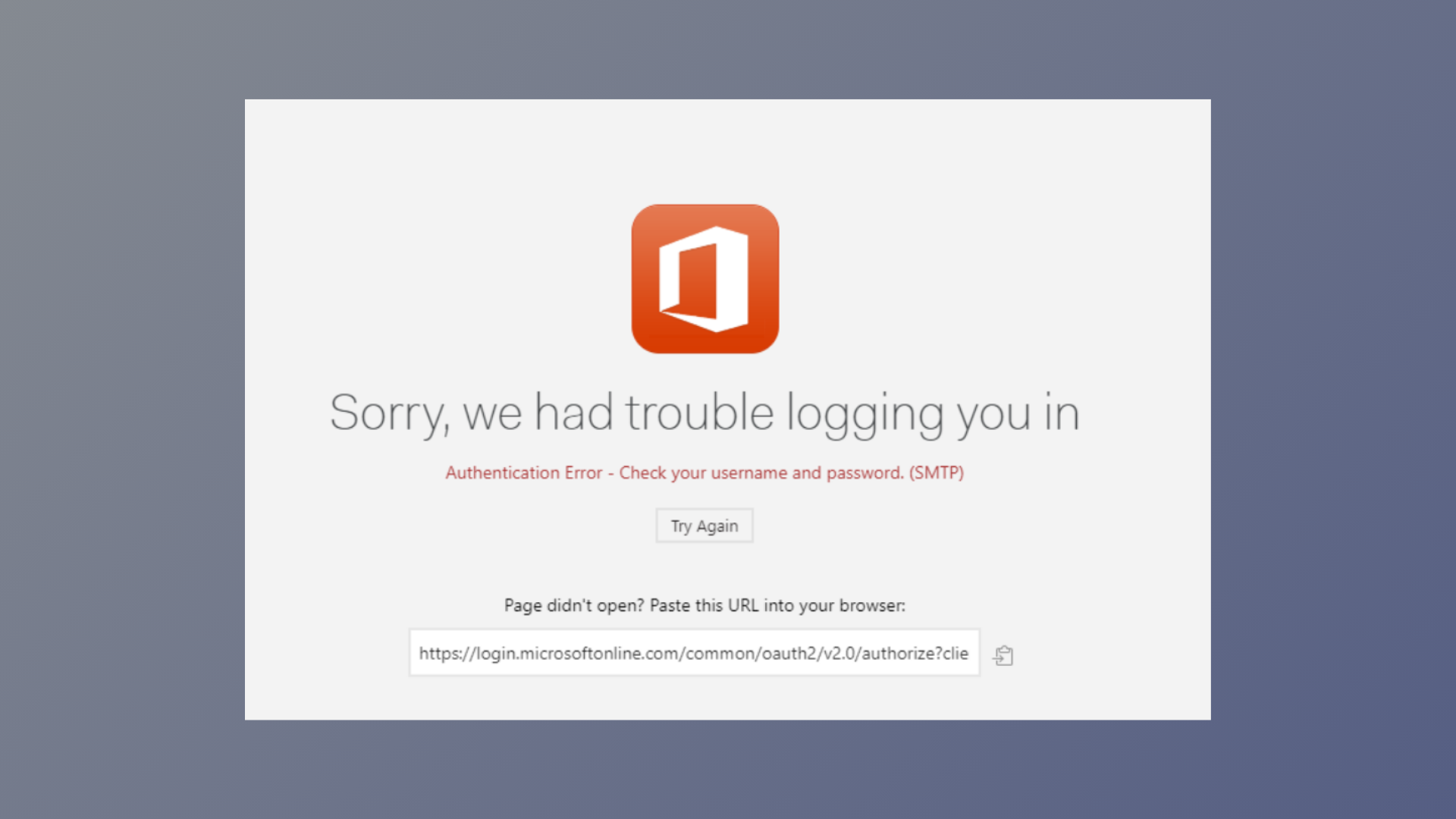
How to Fix Microsoft 365 Authentication or Initialization Failed Error
Resolve Microsoft 365 sign-in problems and initialization failures in Outlook and other apps with proven solutions.
-
How to Export Excel Charts as Images
Exporting Excel charts as images allows you to share, present, and reuse your data visualizations with consistent quality across platforms.
-
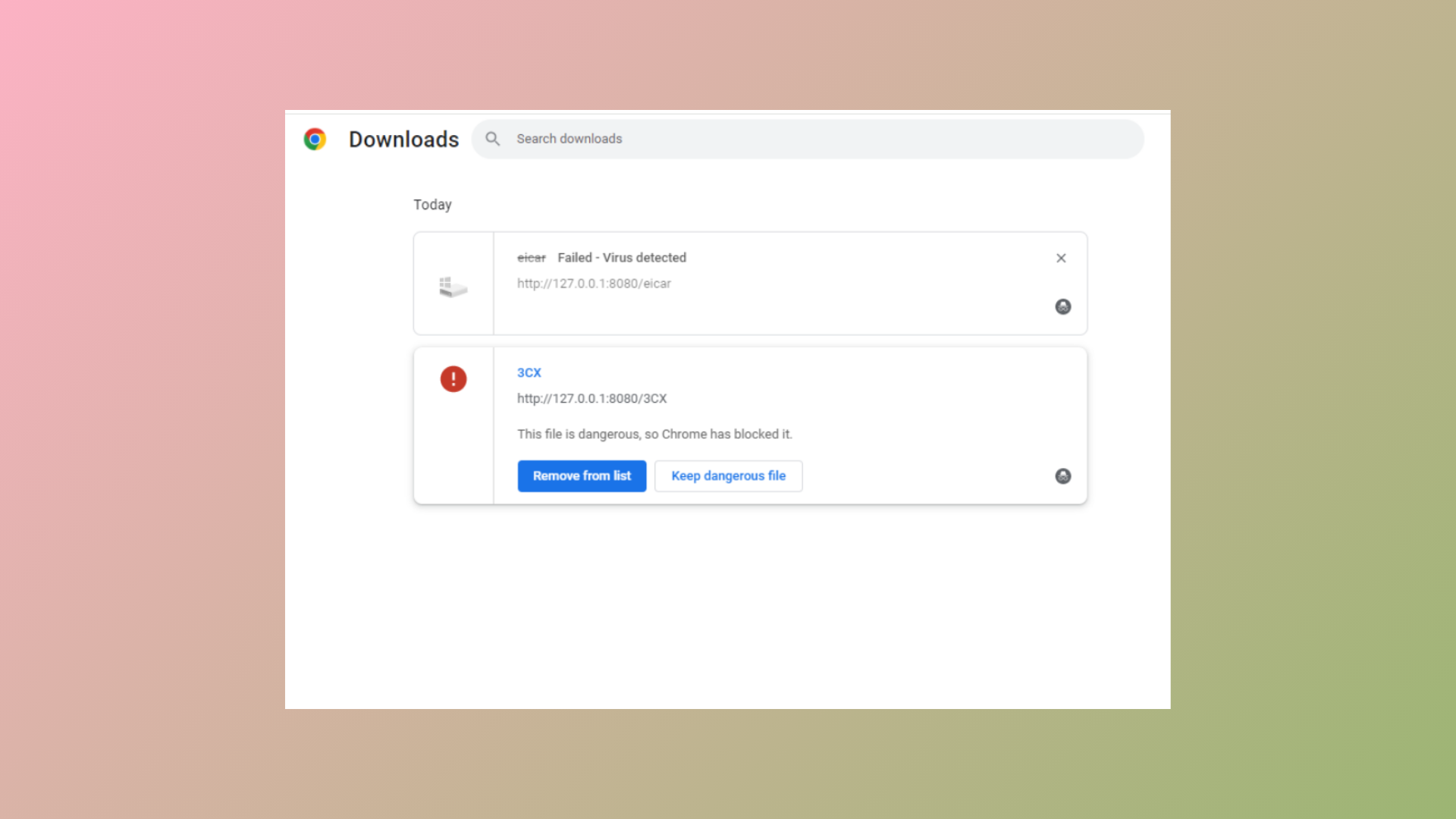
How to Fix “This EXE File Is Dangerous So Chrome Has Blocked It” Error
Learn multiple methods to resolve Chrome blocking EXE file downloads and regain control over your downloads safely.
-

How to Fix Downloads Folder Loading Slowly on Windows 11
Resolve slow loading times in the Downloads folder on Windows 11 by adjusting folder optimization, clearing cache, and applying targeted troubleshooting steps.
-
How to Fix Audio and Video Not Playing in Microsoft PowerPoint
Resolve PowerPoint media playback issues with effective troubleshooting for audio and video that won’t play in your presentations.
-
How to Fix High CPU Usage When Running Microsoft Excel
Comprehensive instructions to resolve Excel’s high CPU usage, reduce system slowdowns, and restore smooth spreadsheet operations.
-
How to Fix the “Custom Dictionary Is Not Available to Be Updated in Outlook” Error
Resolve issues preventing you from adding or updating words in Outlook’s custom dictionary with practical solutions for Windows and Mac.