
Instructional, step-by-step articles.
Content Type: How-To
-
How to Fix Password Hint Not Appearing in Windows 11
Resolve missing password hints on the Windows 11 login screen using proven methods for local and Microsoft accounts.
-
How to Fix Error 0x8007007e When Playing Music in Windows Media Player on Windows 11
Resolve the 0x8007007e error in Windows Media Player on Windows 11 by updating drivers, adjusting audio settings, and correcting file permissions.
-
How to Fix PC Freezing When Ethernet Is Plugged In on Windows 11
Diagnose and resolve Windows 11 freezing or crashing issues triggered by connecting an Ethernet cable, focusing on network drivers, hardware, and system settings.
-
How to Fix USB Ports Not Working in Windows 11
Comprehensive solutions for diagnosing and resolving USB port issues on Windows 11, including driver updates, hardware checks, and power settings adjustments.
-
How to Fix Upgrade Error 0xC1900204 in Windows 11
Resolve Windows 11 installation failures caused by error 0xC1900204 with clear troubleshooting methods for both home and enterprise environments.
-
How to Fix Windows 11 PC Shutting Down When Gaming
Sudden shutdowns during gaming on Windows 11 often point to power supply, thermal, or hardware configuration issues—here’s how to systematically identify and resolve them.
-

How to Password Protect Screensaver in Windows 11
Require a password when resuming from your screensaver in Windows 11 to prevent unauthorized access while you’re away.
-
How to Fix Screen Flashing When Connecting USB Device in Windows 11
Detailed steps to resolve display flickering or blinking triggered by USB device connections on Windows 11, addressing both software and hardware causes.
-
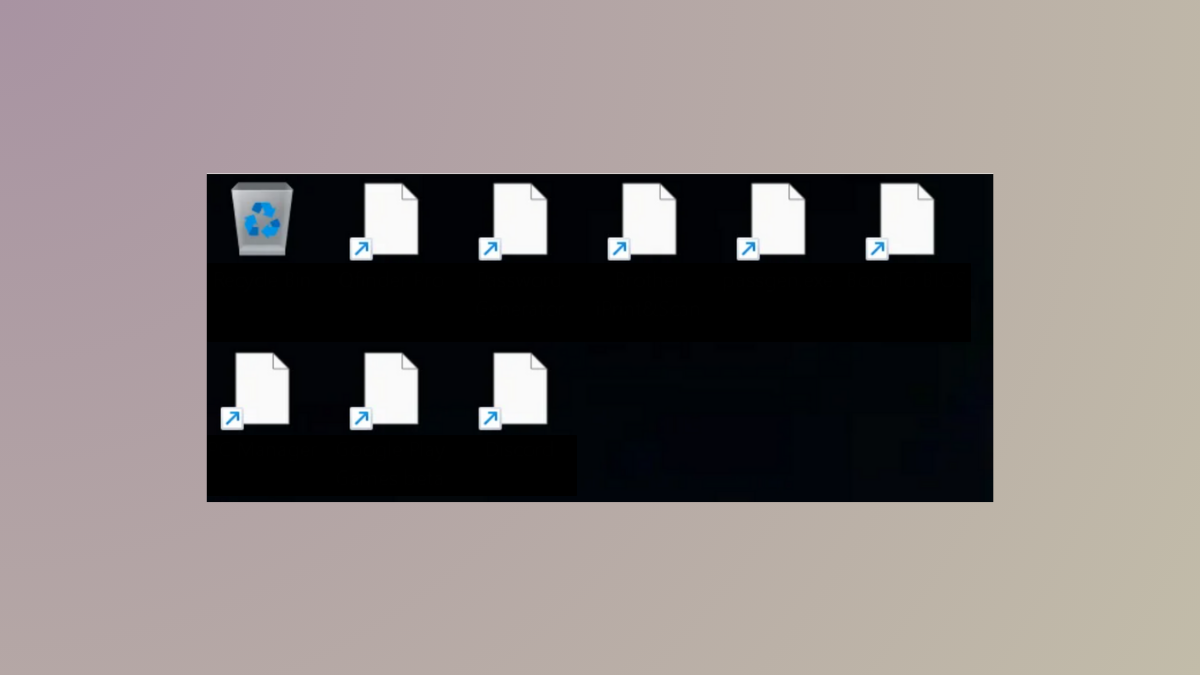
How to Fix Blank White Desktop Icons on Windows 11
Restore missing or white desktop icons in Windows 11 by repairing icon associations, rebuilding the icon cache, and addressing underlying system or registry issues.
-
How to Fix “There Is a Problem with the Printer or Ink System” Error on Windows 11
Resolve the “problem with the printer or ink system” error on Windows 11 by addressing cartridge, printhead, driver, and system issues with these effective…