
Instructional, step-by-step articles.
Content Type: How-To
-

Fix Error 0x80071128 on Windows 11
Try out these multiple solutions to fix error 0x80071128, which can prevent you from deleting files and folders on your PC.
-

Fix Windows 11 Signing Me Out Immediately After Logging In
Sort out issues when Windows automatically logs you out after signing in using these easy-to-follow instructions.
-

Fix the CldFlt Service Failed to Start Error on Windows 11
Resolve the CldFlt service failed to start error using Command Prompt, the Registry Editor, and other tools available on Windows.
-

Optimize Windows 11 Performance by Scheduling Automatic Restarts
Keep your Windows 11 PC performing at its best by scheduling automatic restarts using these simple methods.
-

Prevent or Allow Users from Deleting Diagnostic Data in Windows 11
Control whether users can remove diagnostic data collected by Windows 11 using Group Policy or Registry settings to support troubleshooting, compliance, and system reliability.
-
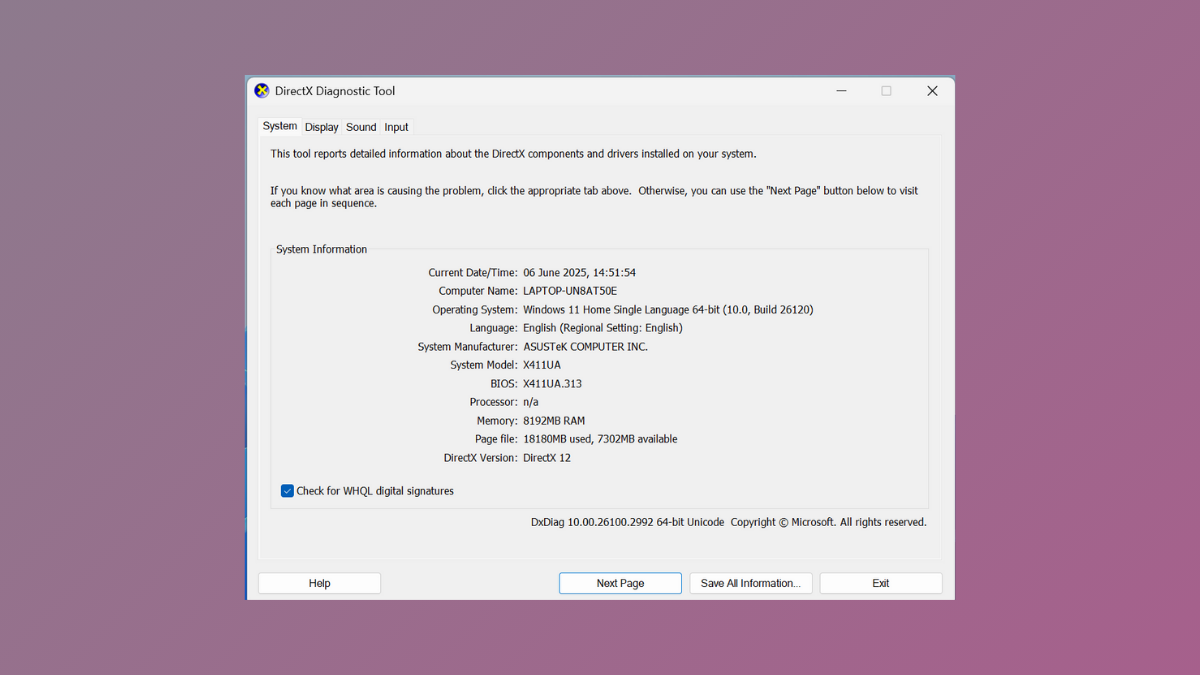
Use DirectX Diagnostic Tool for Troubleshooting in Windows 11
Diagnose and resolve graphics, sound, and hardware issues on Windows 11 by running the DirectX Diagnostic Tool (DxDiag) and interpreting its detailed system reports.
-

Open Folder or File Using Command Prompt in Windows 11
Learn multiple methods to open any folder or file using Command Prompt, streamlining file access and management in Windows 11.
-

Prevent Apps From Accessing Messages or Texts in Windows 11
Control which apps can read or send your messages in Windows 11 by adjusting permissions and privacy settings.
-

Fix This Access Control Entry is Corrupt Error in Windows 11
Resolve the “Access Control Entry is Corrupt” error in Windows 11 by closing conflicting apps, changing ownership, and repairing system files to restore normal…
-

Fix Process1 Initialization Failed Blue Screen Error on Windows 11
Resolve the Process1 Initialization Failed BSOD in Windows 11 by repairing system files, checking hardware, and restoring reliable boot functionality with clear recovery instructions.