

Sakshi Garg
-
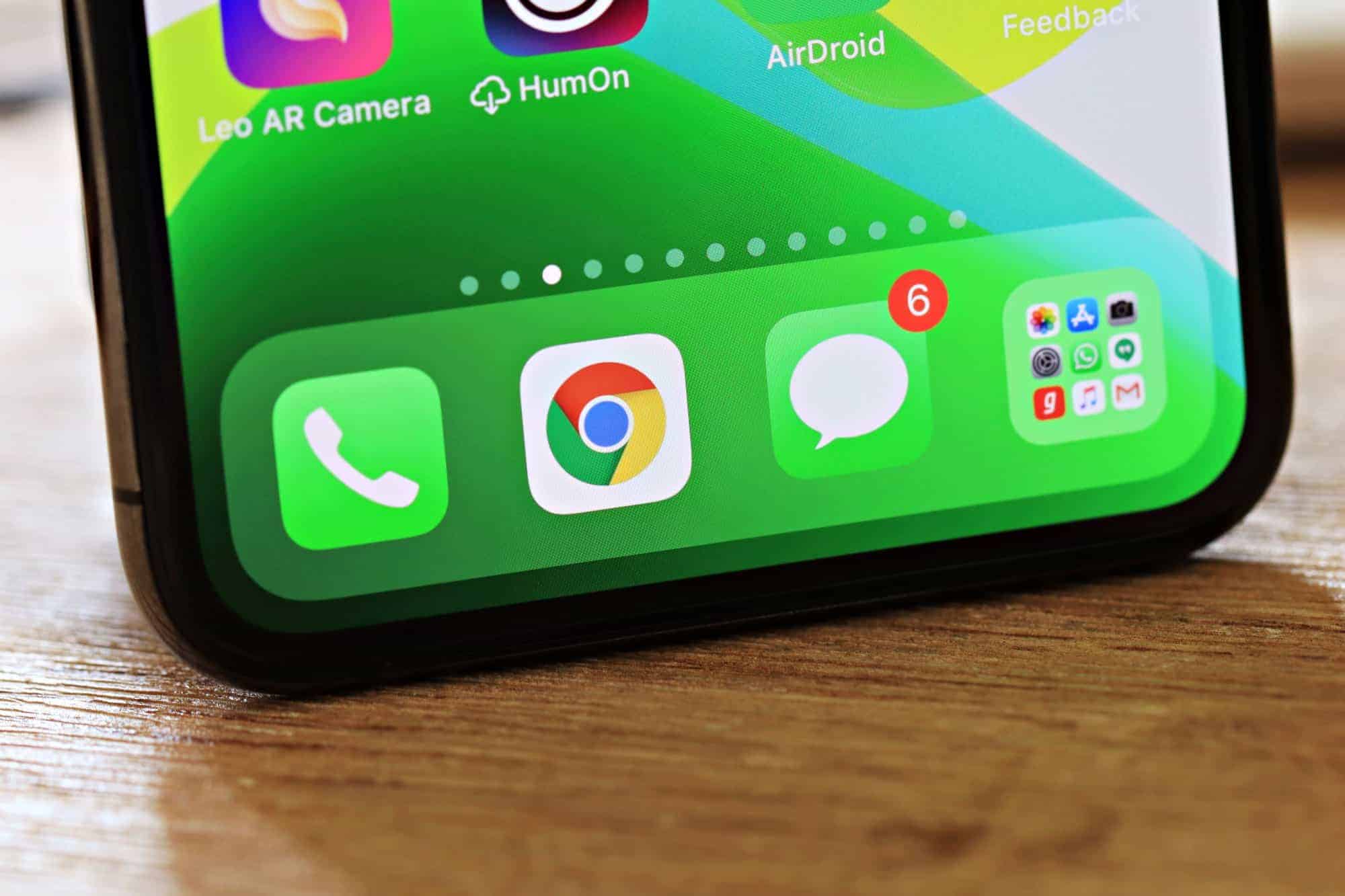
How to Mark All Messages as Read in iOS 14
iOS 14 has brought many changes to the iPhone, big and small, but mostly it was a year of big updates. Even the Messages…
-
How to Silence Junk Callers in iOS 14 on your Verizon iPhone
Spam calls aren’t just a nuisance, they can also be potentially harmful. They have become somewhat of a go-to for crooks looking to scam…
-
How to Mute Microphone in Microsoft Teams
Microsoft Teams has proven one of the top competitors in the video conferencing ecosystem these past few months. It has consistently grown its user…
-
Can Teachers See your Screen on Zoom?
Controversy due to privacy concerns has long followed the video conferencing software Zoom. Even though Zoom has taken a lot of steps to increase…
-
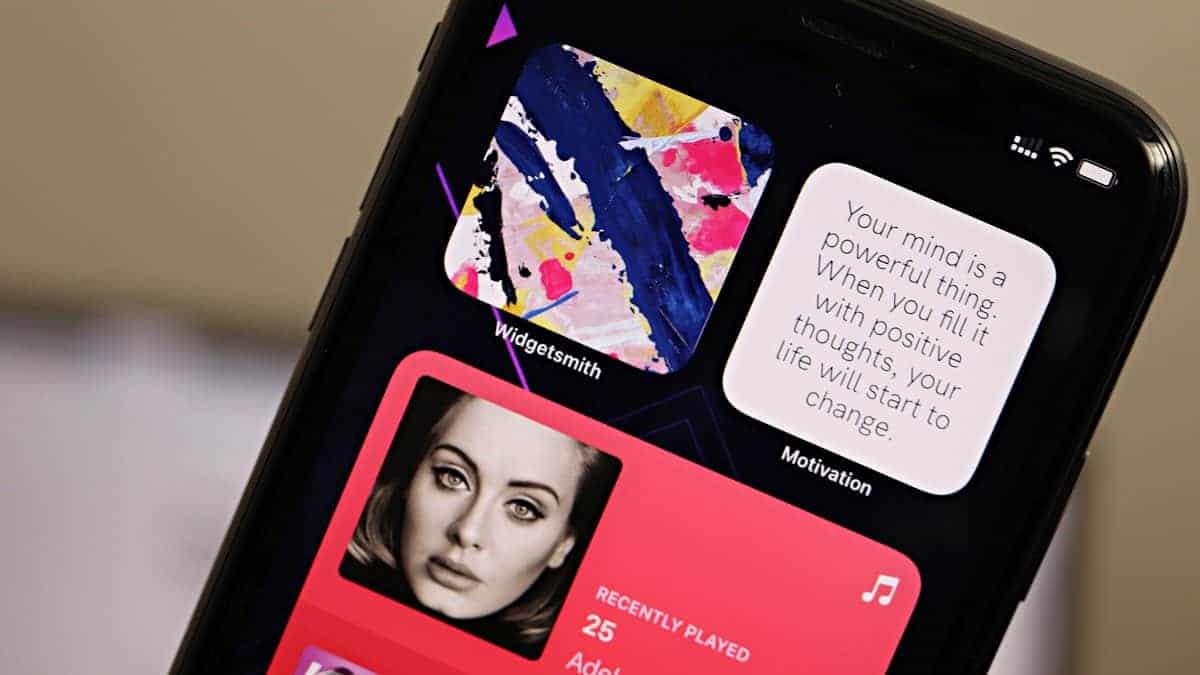
5 Best Photo Widgets for your iPhone running iOS 14
iOS 14 brought support for Home Screen widgets on iPhone for the first time ever. And the feature is already one of the most…
-
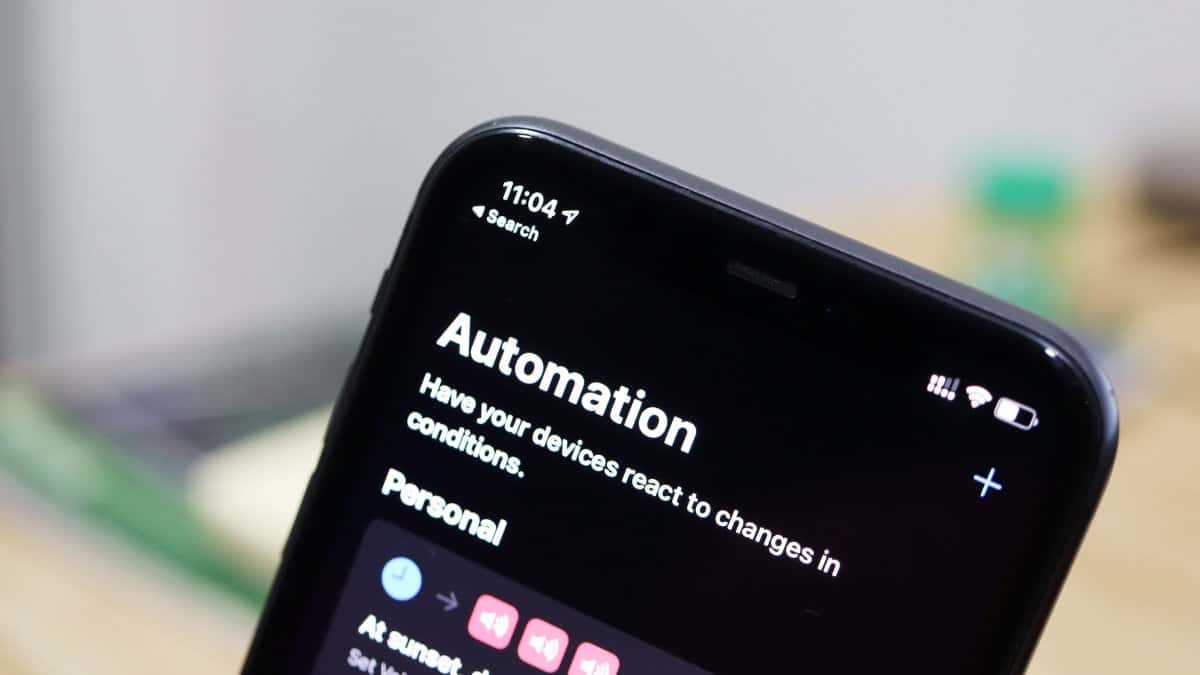
How to Create an Automation in iOS 14
Automations are undoubtedly fun to have on your phone. Having your phone run actions for you on its own, who wouldn’t love that? And…
-
Where is the ‘Up Next’ and Alarm Widget in iOS 14
In the history of iOS updates, iOS 14 will go down as a good one. It has brought a lot of changes, mostly good…
-
How to Setup Sleep and Wake Up Schedule on iPhone running iOS 14
Sticking to a sleeping schedule should be a priority, but instead, it gets neglected the most. It would be safe to say that our…
-
FIX: Face ID Not Working on iPhone after iOS 14 Update
The public release of iOS 14 has been here for a few days now, and overall it’s been a great update. There are a…
-
What is Wi-Fi Privacy Warning on iPhone and How to Fix it
Enable Private Address for each Wi-Fi network so your iPhone cannot be tracked through Wi-Fi.