
Category
Google Workspace, Gmail, Google Docs, Meet.
-
How to Make Chrome Private (Incognito) by Default on Android and iPhone
Protect your digital privacy by making chrome a privacy-first browser on your Android and iOS devices.
-
How to Turn Off Location on Google Chrome
Learn how to turn off location on Google Chrome on all your devices and protect your privacy online.
-
How to Make Chrome Private (Incognito) By Default
Everything you need to know about making Chrome a privacy-first browser and incognito by default on your desktop computer.
-
How to Enable Enhanced Protection in Google Chrome
Enable Enhanced Protection in Google Chrome to strengthen web security and keep your data secure.
-
What is Google Workspace and How to Use It
The cheat sheet you need to get started with Google Workspace.
-
How to Auto Refresh Tabs in Chrome
Effortlessly refresh open tabs on Chrome at preset time intervals using these easy instructions.
-
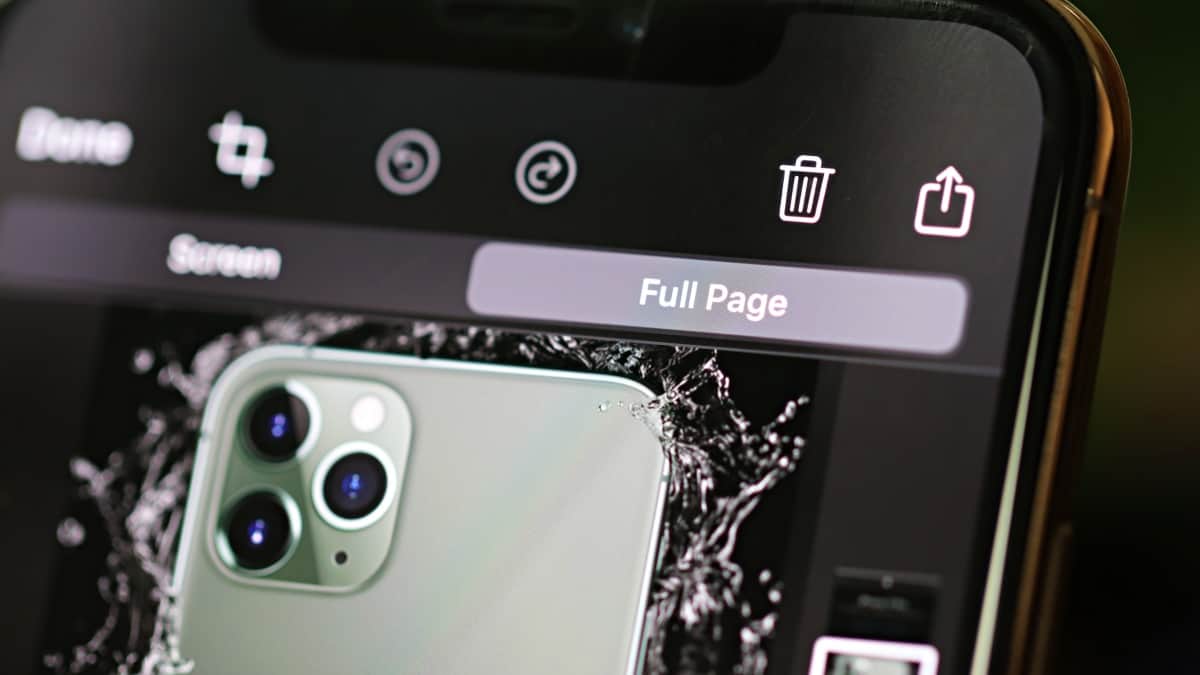
How to Take Full Page (Scrolling) Screenshot in Chrome on iPhone
Seamlessly capture full-page screenshots in Chrome on iPhone and bid farewell to any workaround that you have been using until now.
-
What is Chrome Memories and How to Enable and Use It
All you need to know about Chrome Memories, a refined version of your browsing History in Google Chrome.
-

How to Turn Off Trending Searches in Chrome
Annoyed by constant suggestions from Chrome while searching? Turn off the trending searches in Chrome quickly and search for everything in peace!
-
How to Use Google Meet Filters, Masks, and Effects
Add a little bit of fun to your video meetings on Google Meet with these new Filters, Masks, and Effects.