
Category
Apps
Productivity tools, Microsoft Office, communication apps, and browsers.
-
New Reminders Features in macOS Big Sur Update You Should Know
The Big Sur, Apple’s recent upgrade has brought brilliant features to every bit of the Apple fam. The macOS being a vital part of…
-
How to Add Hyperlinks in Google Sheets
Hyperlinks in Google Sheets are a powerful way to connect your spreadsheet to external resources, other documents, or different parts of your spreadsheet. By…
-
How to Use Amazon Prime Video Watch Party
The COVID-19 pandemic made one thing very clear – we need social activities like watching movies and TV shows with friends and family for…
-

How to Enable ‘Mirror Front Camera’ Setting on iPhone in iOS 14
Have you ever switched from your iPhone’s Camera app to some other, say Snapchat, while taking selfies because iPhone just wouldn’t give you the…
-

How to Use Message Effects in Messages on Mac
Message effects on Messages have been a thing in iOS for a while, but guess what, Big Sur has brought it to macOS as…
-
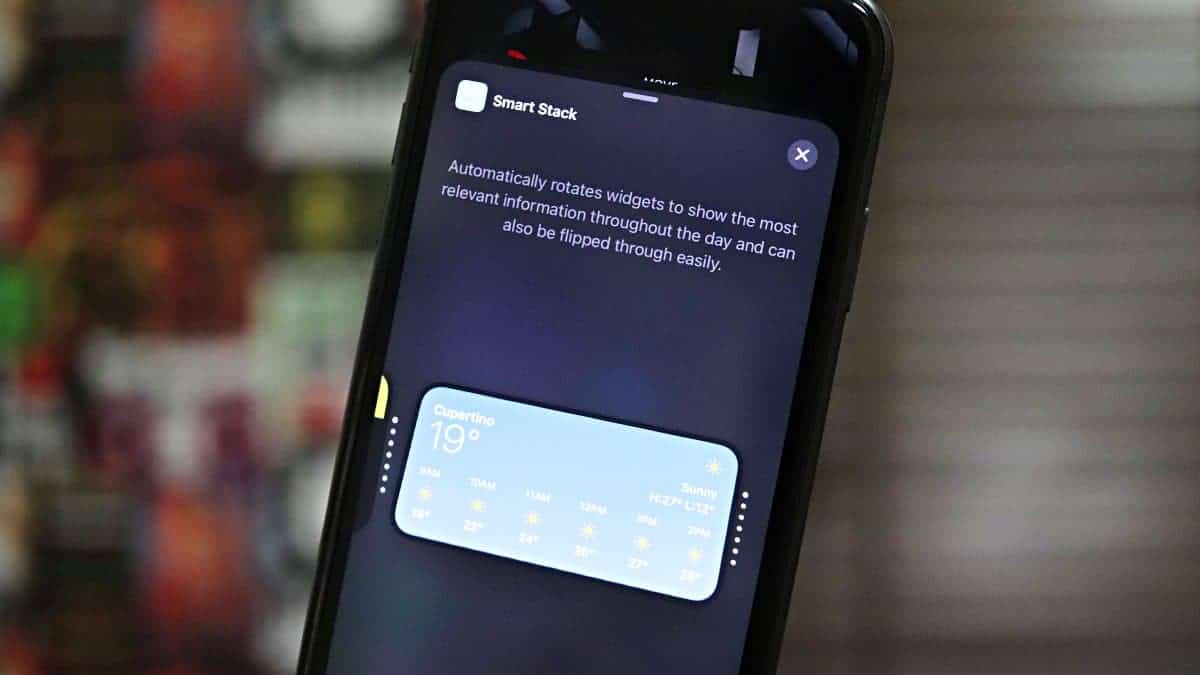
How to Stack Multiple Widgets Together on iPhone Home Screen in iOS 14
Apple has completely re-invented Widgets in iPhone with iOS 14, from changing their appearance to allowing users to add them to the Home screen…
-
How to Send GIF in Messages on Mac Using #images
GIFs, technically known as Graphics Interchange Format have become an irresistible form of expression on text. They help personify the message and add emotion…
-

How to Change Background in Google Meet
Google Meet is finally catching up with its rivals in the video conferencing ecosystem and has brought some much-needed upgrades to the platform. It…
-

How to Instantly Enable Dark Mode and Night Shift on macOS Big Sur
You’re working in the dark, and the light radiating from your Mac background is straining your sight. You want to be able to instantly…
-
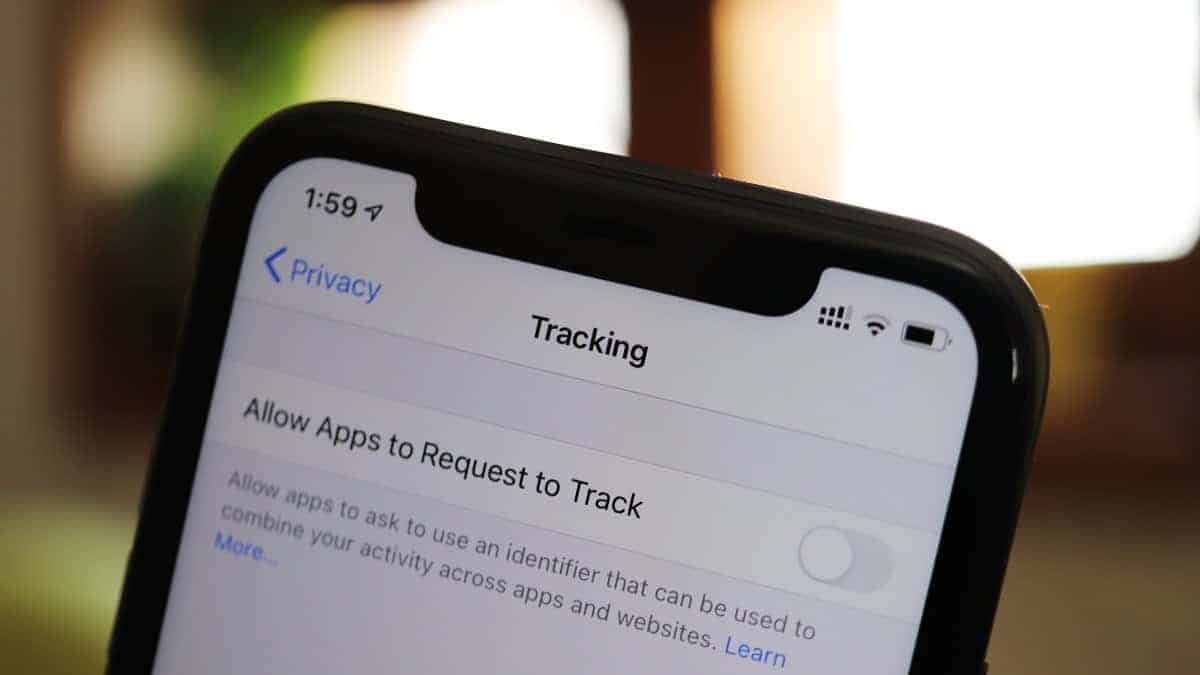
How to Completely Disable Apps from Tracking You on iPhone with iOS 14’s new ‘App Privacy’ features
Apple has always been more concerned with users’ privacy than its peers in the market. This year, they have decided to up their game.…