
Category
Apps
Productivity tools, Microsoft Office, communication apps, and browsers.
-

How to Pin a Conversation in Messages on Mac running Big Sur Update
iMessages is an excellent way to integrate chats across all Apple products. While texting your homies on iMessage, you may have some contacts that…
-

How to Enable and Use Back Tap on iPhone running iOS 14
Apple announced iOS 14 that will release for the public this fall at the WWDC20, but the beta profile for developers is already available.…
-

How to Reply to a Specific Message in iMessage
Apple has introduced a lot of major changes to the iPhone with iOS 14, but the grand, eye-catching changes are not all that is…
-

How to Change or Set Background Image in Safari on macOS Big Sur
Customizing the background image in Safari on macOS Big Sur allows you to personalize your browser’s start page with your favorite images. Whether it’s…
-

How to Pin System Control Items to Menu Bar on a Mac running macOS Big Sur
The latest macOS Big Sur has loads of new updates and features for the typical Mac user. One such brilliant upgrade is the ‘Control…
-
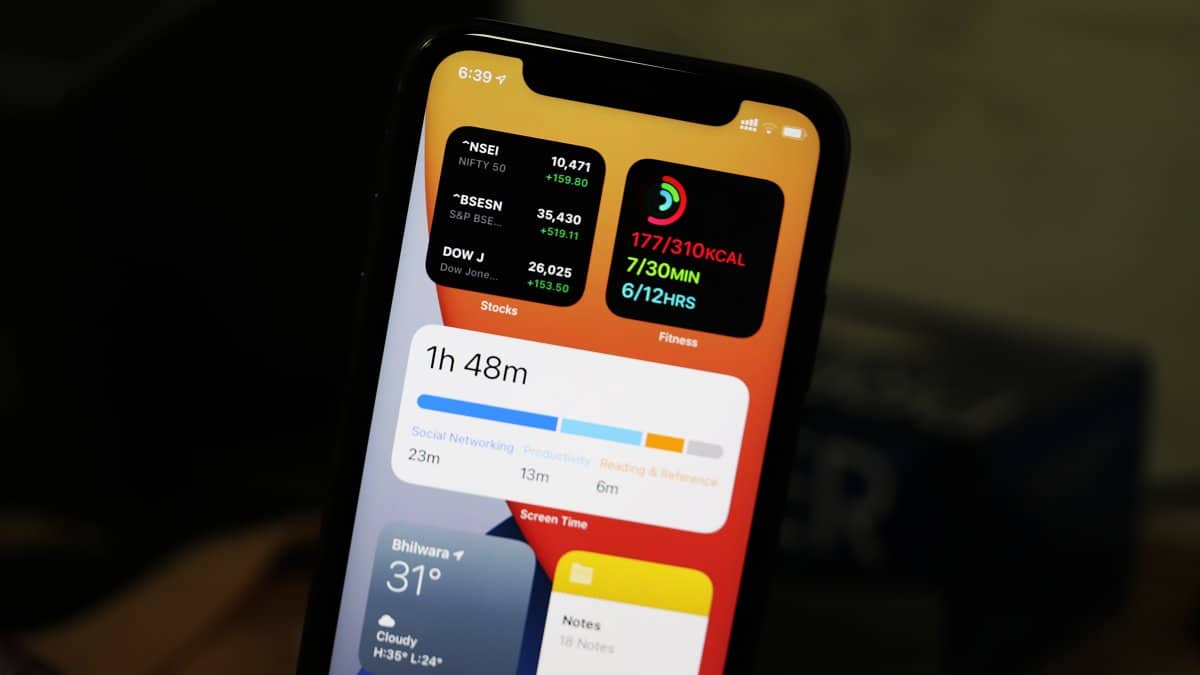
How to Add Widgets to iPhone Home Screen in iOS 14
Widgets might have been around in iOS for quite some time now but Apple just buffed them completely in iOS 14. Widgets are no…
-
How to Download and Install macOS Big Sur
The latest version of macOS, the Big Sur is indeed a Big upgrade. Before we dive into the installation process, let’s brief up on…
-
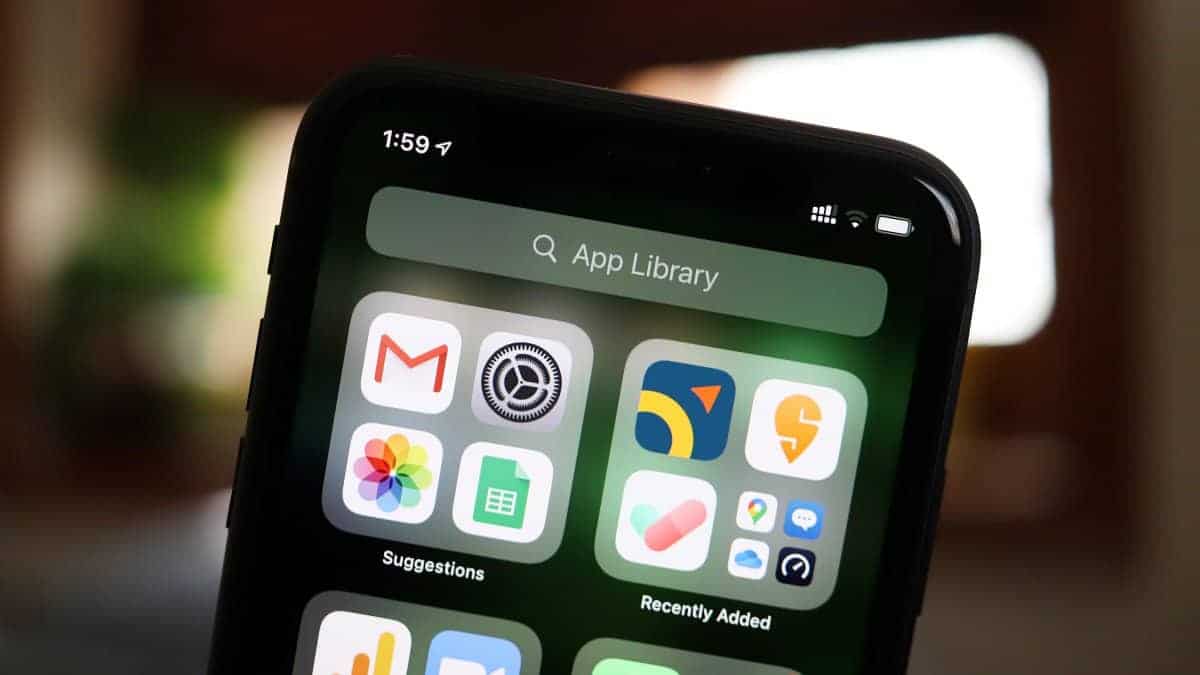
Where is App Library in iOS 14 on iPhone and How to Open It
Apple announced iOS 14 at the WWDC20 in June. iOS 14 was finally released yesterday. I think it’s safe to say that the wait…
-

What is Microsoft Teams Exploratory
While using Microsoft Teams, you might have heard of either Microsoft Teams Free users (limited functionality) or Microsoft Teams licensed users (full functionality with…
-

5 Best Sites For Free Illustrations
Illustrations are the life of the party. They add emotion, visual appeal, and most importantly, human touch to your design. But when you’re thinking…