
Category
iPhone
iOS updates, iPhone tips, iMessage tricks, and the apps that matter.
-
How to Reset iPhone 14
Reset your iPhone right from your device or use iTunes or Finder on your computer to roll the device back to the factory state.
-
How to Factory Reset iPhone without Erasing eSIM
Want to reset your iPhone but worried about your eSIM? Don’t worry. You can easily keep your eSIM safe even during factory reset.
-
How to Remove eSIM from iPhone
Whether you’re transferring your eSIM to a new iPhone or you’re selling your current iPhone, removing the eSIM is a walk in the park.
-
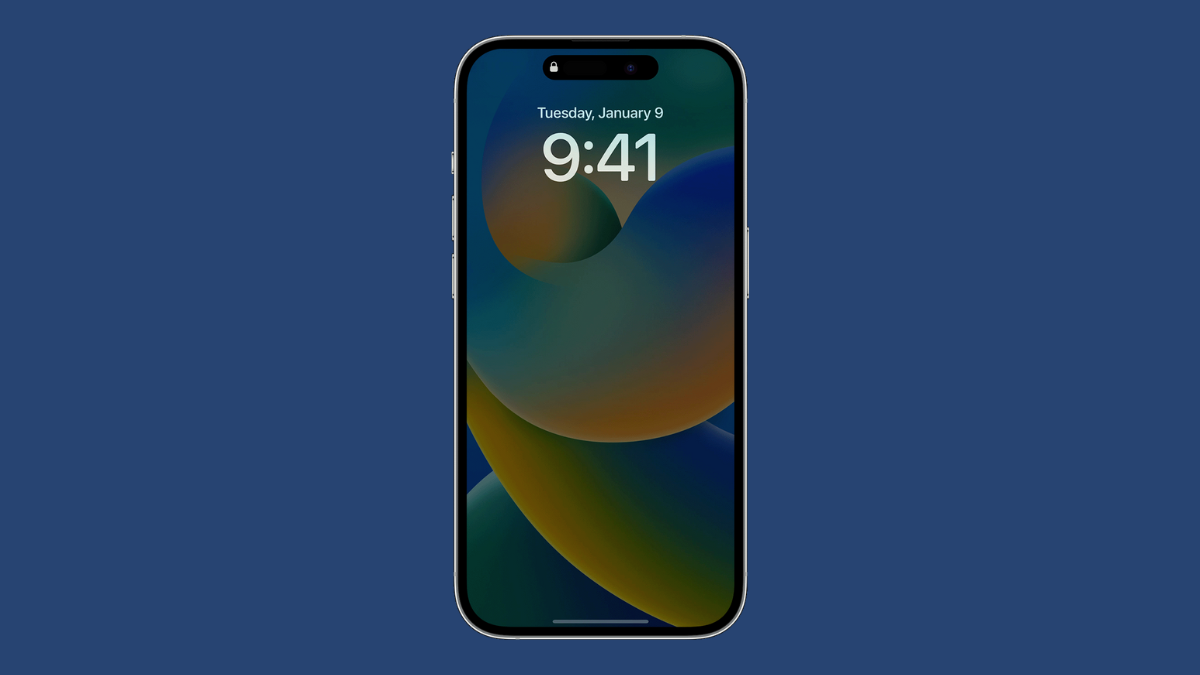
Why Always-On Display Is Not Working on my iPhone 14 Pro?
Always-On Display going dark at certain times or not turning on at all? Ensure it is enabled and learn more about why that happens.
-
How to Use Do Not Disturb on iPhone 14
Use Do Not Disturb to keep unnecessary app notifications and calls at bay on your iPhone 14.
-
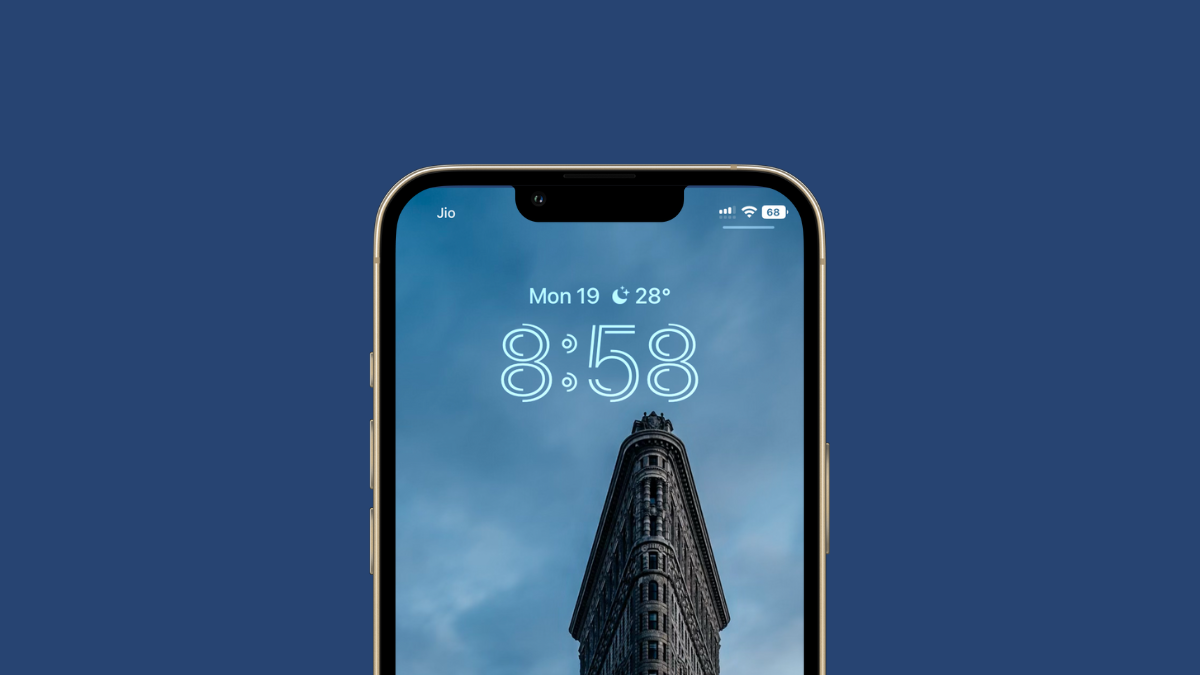
How to Change the Time Font Style on iPhone Lock Screen
Change the time font style, color, and shade to give a unique look to your iPhone’s lock screen with iOS 16.
-
How to Close or Clear Apps on iPhone 14
Clear or force close the open apps by a single swipe gesture on your iPhone 14 and help your device run faster and smoother.
-
How to Force Restart iPhone 14
If your iPhone 14 isn’t responding or turning off with the normal process, force restart it by just pressing a few buttons.
-
How to Enable Battery Percentage on iPhone 14
Enable the battery percentage and keep track of the juice left in your device with a single glance on the screen.
-
How to Enable and Activate iMessage on iPhone 14
Quickly enable iMessage from the settings app and start chatting away with other iPhone, iPad, or Mac users.