
Topic
Google Meet
-
How to Take Attendance in Google Meet
With the shift towards remote learning and virtual meetings, tools like Google Meet have become essential for educators and professionals alike. Keeping track of…
-
How to Mute Your Mic on Google Meet
In the world of virtual meetings and online classes, platforms like Google Meet have become indispensable for seamless communication. However, unintended background noises from…
-
7 Google Meet Extensions for Chrome You Must Download
Google Meet allows G-Suite users to host video meetings with up to 250 participants at a time. There’s no denying that the app counts…
-

How to Schedule a Meeting on Google Meet
Scheduling meetings in advance is crucial to ensure that all participants are available and prepared. Google Meet, a widely used video conferencing tool, offers…
-
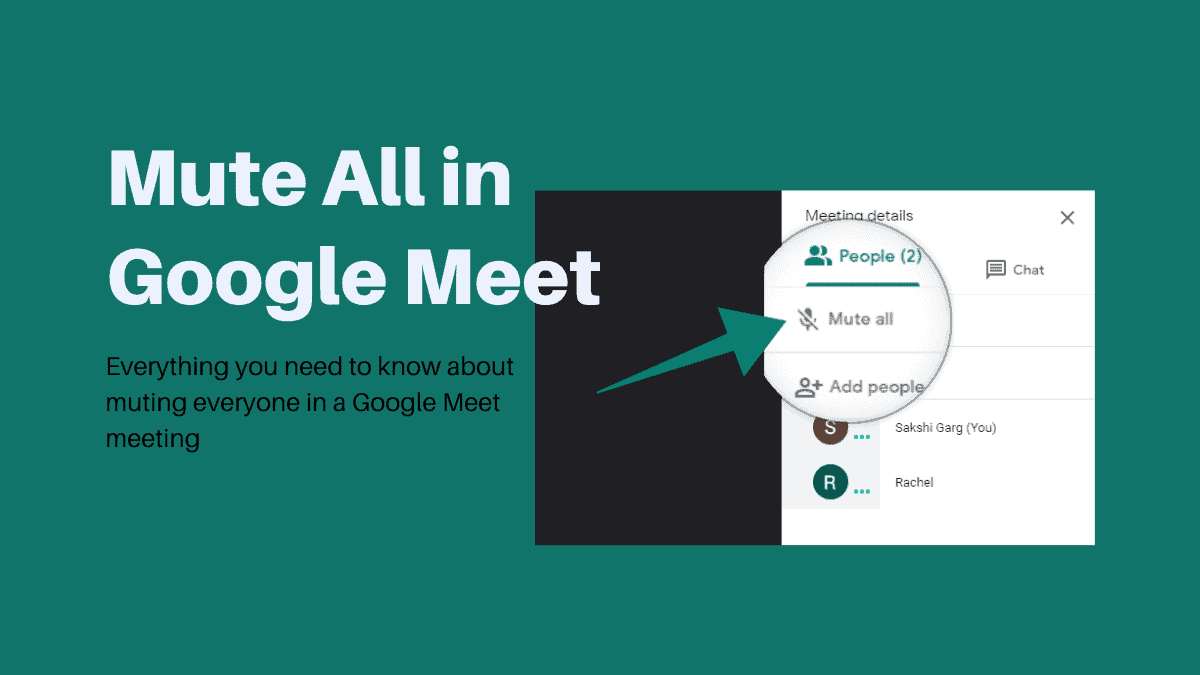
How to Mute All in Google Meet using ‘Meet Enhancement Suite’ Extension in Chrome
Google Meet is the video conferencing platform by Google. Recently, users have been holding meetings and online classes increasingly on the platform, especially since…
-
How to Mute Students in Google Meet
Google Meet has become an indispensable platform for online education, allowing teachers and students to connect virtually. However, managing a virtual classroom presents unique…
-
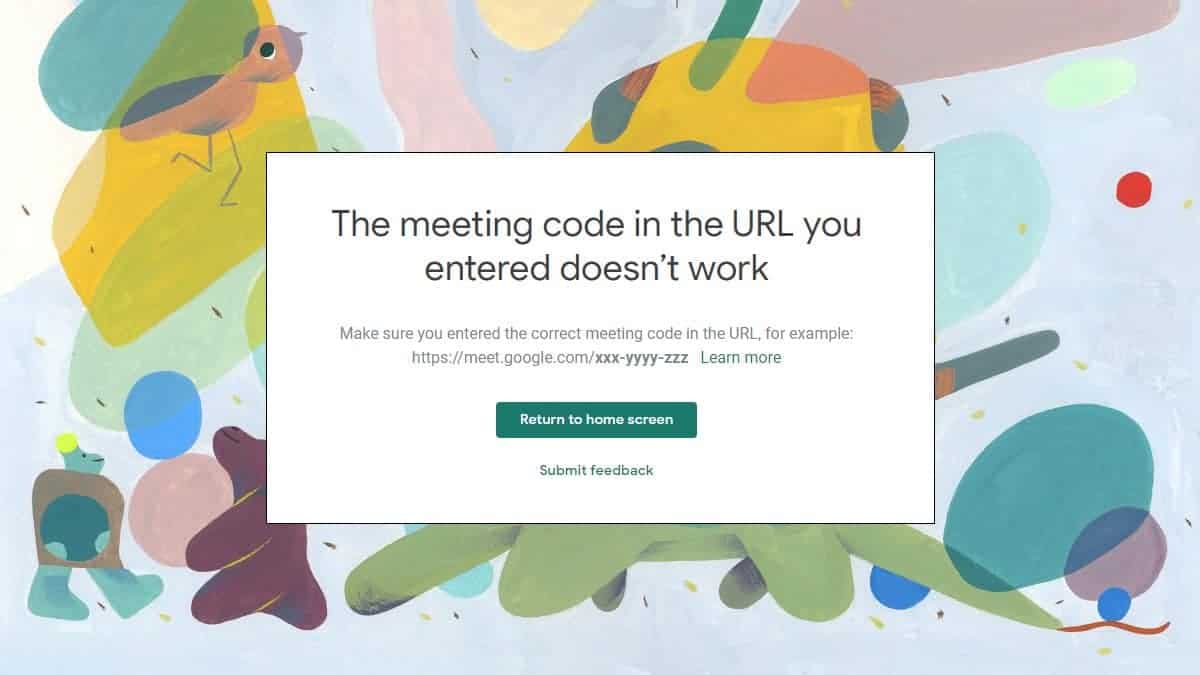
Why Google Meet Shows “The Meeting code in the URL you entered doesn’t work” Error
Google recently made some changes to Google Meet to secure meeting rooms by not letting participants rejoin a meeting after the host of the…
-

Best Background Images for Microsoft Teams, Zoom, Google Meet, and WebEx
Ever since Zoom introduced virtual backgrounds feature for video meetings, it has been crazily adopted by businesses of all types and size. Having a…
-
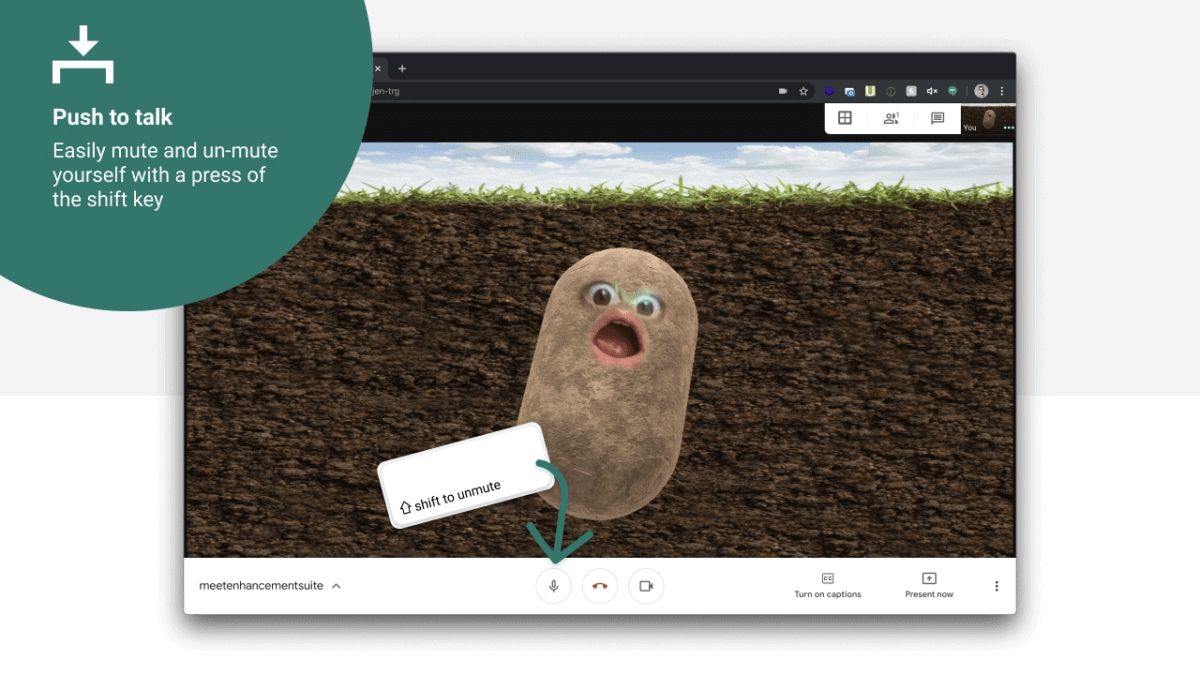
How to Get Push to Talk in Google Meet
In virtual meetings, managing audio can be a challenge, especially when multiple participants are involved. Unwanted background noise and interruptions can disrupt the flow…
-
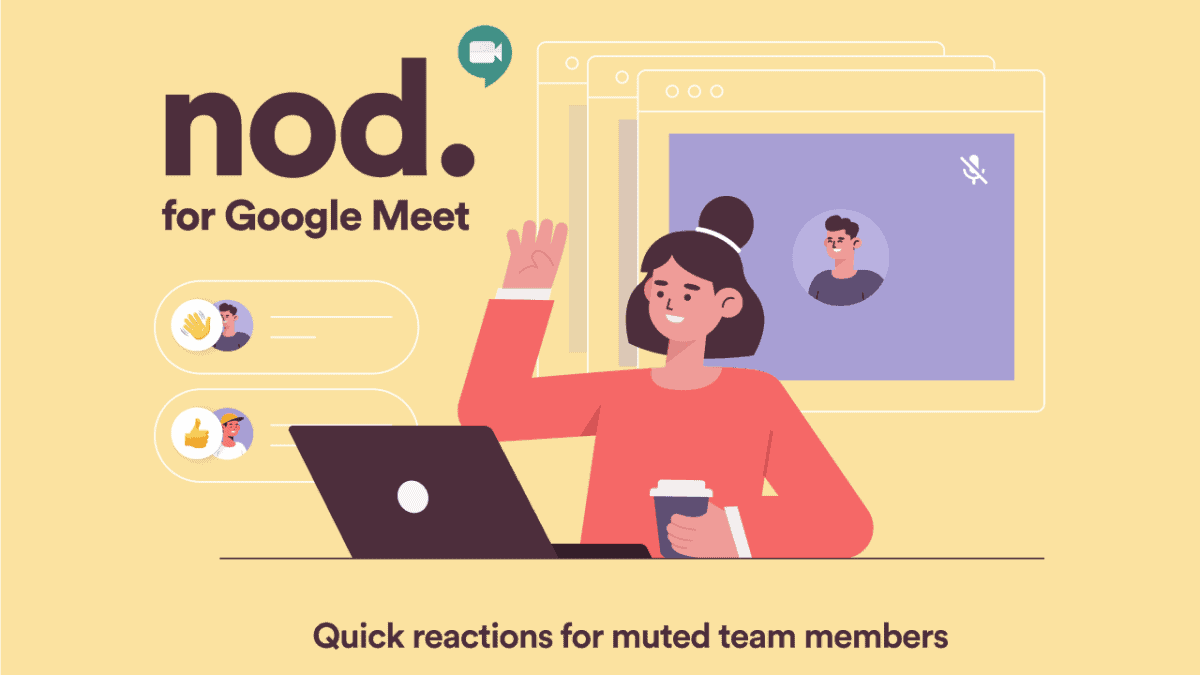
How to Use Nod in Google Meet to Send Emoji Reactions
Enhancing interaction during virtual meetings can be challenging when participants are muted. Google Meet users can utilize the Nod – Reactions for Google Meet…