
Topic
iPhone
-
How to Turn Off Always On Display on iPhone 14 Pro
Always On Display on the new iPhone 14 Pro series might not be for everyone. Fortunately, it’s a piece of cake to disable it.
-
How to Remove Background Wallpaper Blur From iPhone Home Screen
Remove the background blur on your iPhone Home Screen to clearly see the wallpaper.
-
How to Take a Screenshot on iPhone 14
Use the physical buttons, assistive touch, or assign a gesture to quickly take a screenshot on your iPhone 14.
-
How to Turn Flashlight On & Off on iPhone 14
Quickly turn on the flashlight either from the lock screen or add it to your control center to keep it handy whenever you require…
-
How to Use Siri on iPhone 14
The complete guide you need to set up, configure and use Siri to perform tasks on the iPhone 14 lineup, even hands-free.
-
How to Enable or Disable Live Activities on iPhone Lock Screen
Live Activities are one of the most exciting features of iOS 16, and it’s extremely easy to enable or disable them.
-
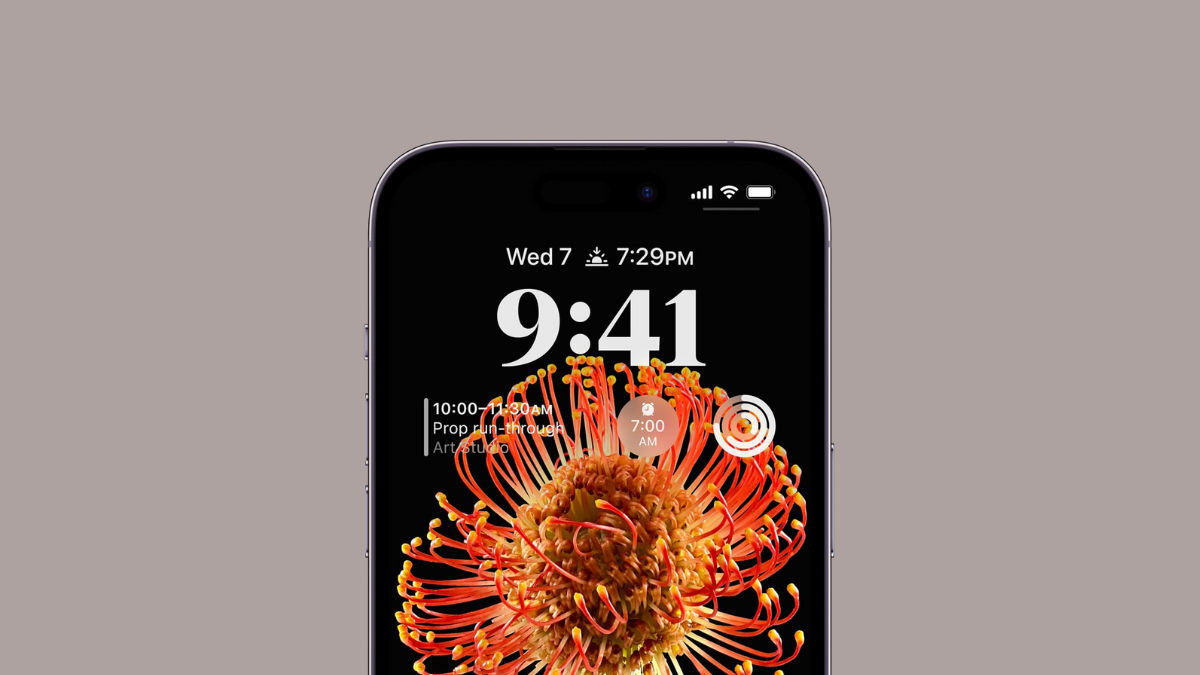
7 Ways to Fix Depth Effect Wallpaper Not Working on iPhone Lock Screen
All the things you must know to get the Depth Effect working on your iPhone’s lock screen wallpaper.
-
How to Transfer a Physical SIM or eSIM from iPhone to iPhone
Transferring your existing plan as an eSIM on your new iPhone is easy if your carrier supports it, whether it was a physical SIM…
-
What is Clean Energy Charging on iPhone and How to Enable It
Reduce your carbon footprint by optimizing charging times and using cleaner energy sources with Clean Energy Charging in iOS 16
-
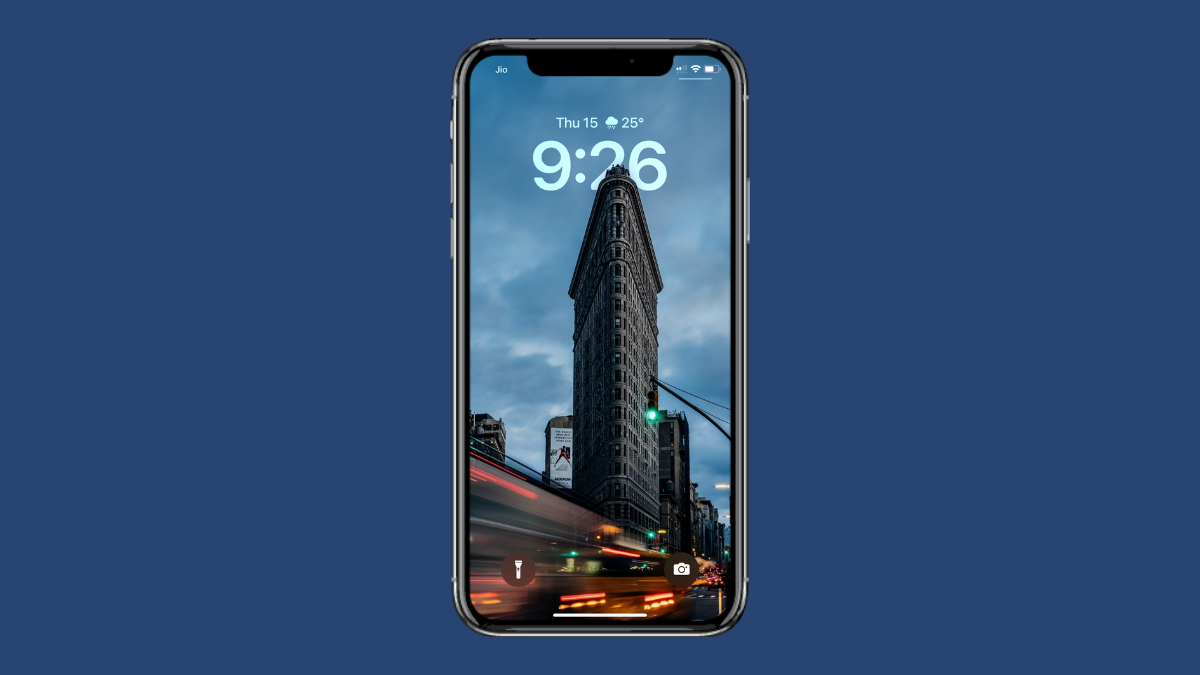
How to Set a Depth Effect Wallpaper on iPhone Lock Screen on iPhone
Learn how to use this beautiful new effect in iOS 16 that renders a multi-layered effect to your Lock Screen wallpapers.