
Topic
Microsoft Excel
-
How to Fix “We Ran Into a Problem Completing Your Request” Error in Excel Online
Resolve the recurring Excel Online error message and restore full access to your shared spreadsheets using proven troubleshooting steps.
-
How to Fix Excel Cannot Create or Add New Cells Error
Learn practical solutions to resolve the “Excel cannot create or add new cells” error and restore full editing capability to your worksheets.
-
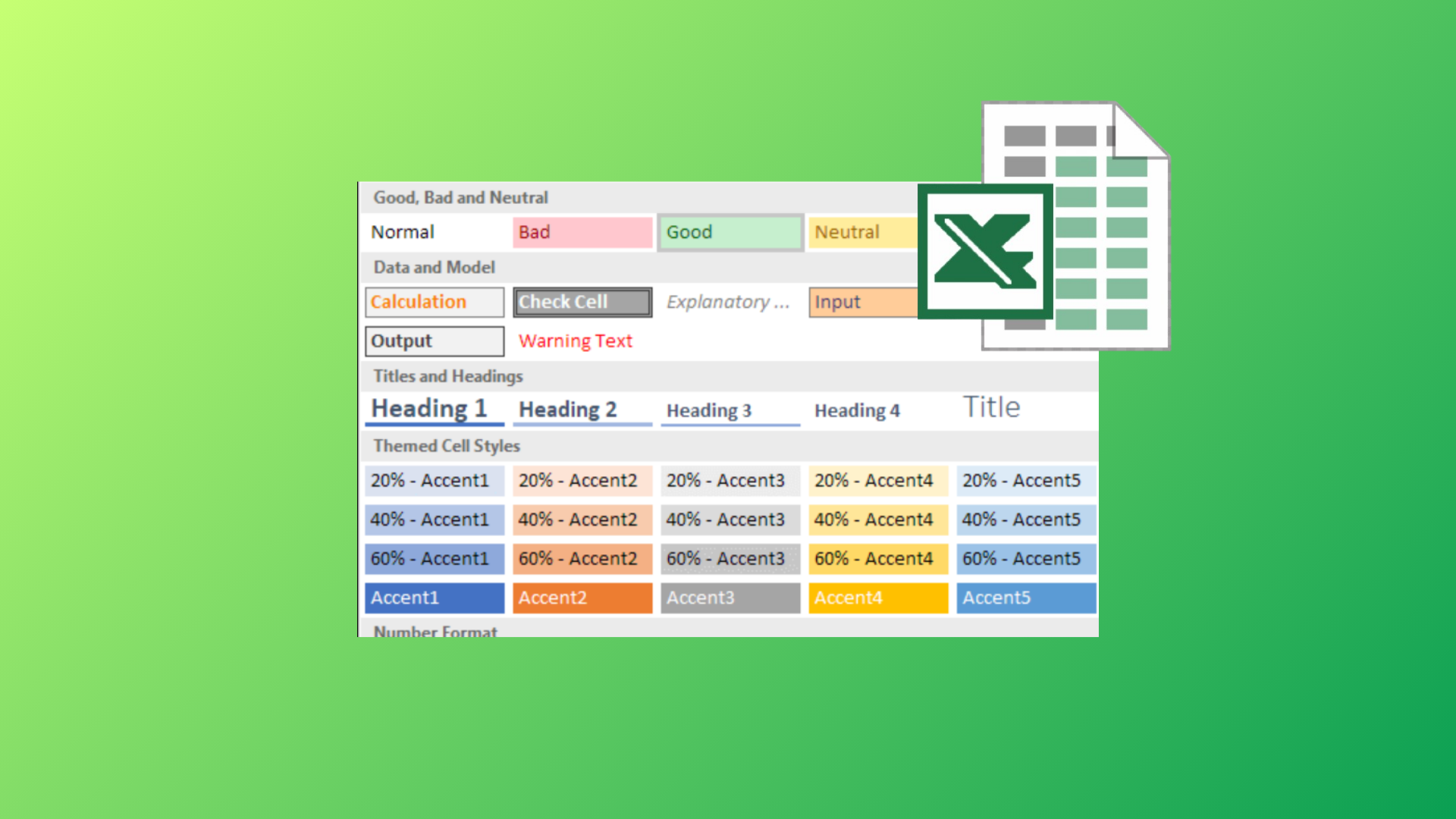
How to Use the Cell Style Feature in Microsoft Excel
Apply, customize, and manage cell styles in Excel to streamline formatting, maintain consistency, and save time across your spreadsheets.
-
How to Create Progress Bars in Microsoft Excel
Learn comprehensive methods to visually track progress in Excel using conditional formatting, formulas, and chart techniques for tasks, projects, or goals.
-
How to Insert a PDF File in an Excel Sheet
Learn practical methods to embed or attach PDF files in your Excel spreadsheets, making document sharing and organization more efficient.
-
How to Create an Organization Chart in Microsoft Excel
Learn multiple methods to build, update, and customize organizational charts directly within Microsoft Excel using built-in tools and data-driven techniques.
-
How to Fix “Errors Were Detected While Saving Excel File”
Follow these comprehensive solutions to resolve the “Errors were detected while saving” message in Excel and prevent data loss.
-

How to Create a Timeline in Excel
Clear instructions for building project timelines, milestone charts, and event sequences using Excel’s SmartArt, charts, and templates.
-
How to Count Words in Microsoft Excel
Discover multiple methods to calculate word counts in Excel cells, ranges, and for specific words, using built-in functions and custom formulas.
-
How to Fix Excel Not Saving Formatting
Learn multiple methods to resolve issues where Microsoft Excel fails to retain your formatting changes, including solutions for file types, compatibility, and file corruption.