
Topic
Windows 11
Windows 11 is Microsoft’s modern PC operating system, built to deliver a refreshed interface, stronger productivity tools, gaming features, enhanced security, and deep integration with services like Copilot. It launched as the successor to Windows 10 and supports a wide range of desktops, laptops, and compatible hardware configurations for work, play, and everyday computing. | Release Date: October 5, 2021 | Developer: Microsoft | Platforms: x86-64 PCs, Arm64 PCs | Genre: Operating System
-
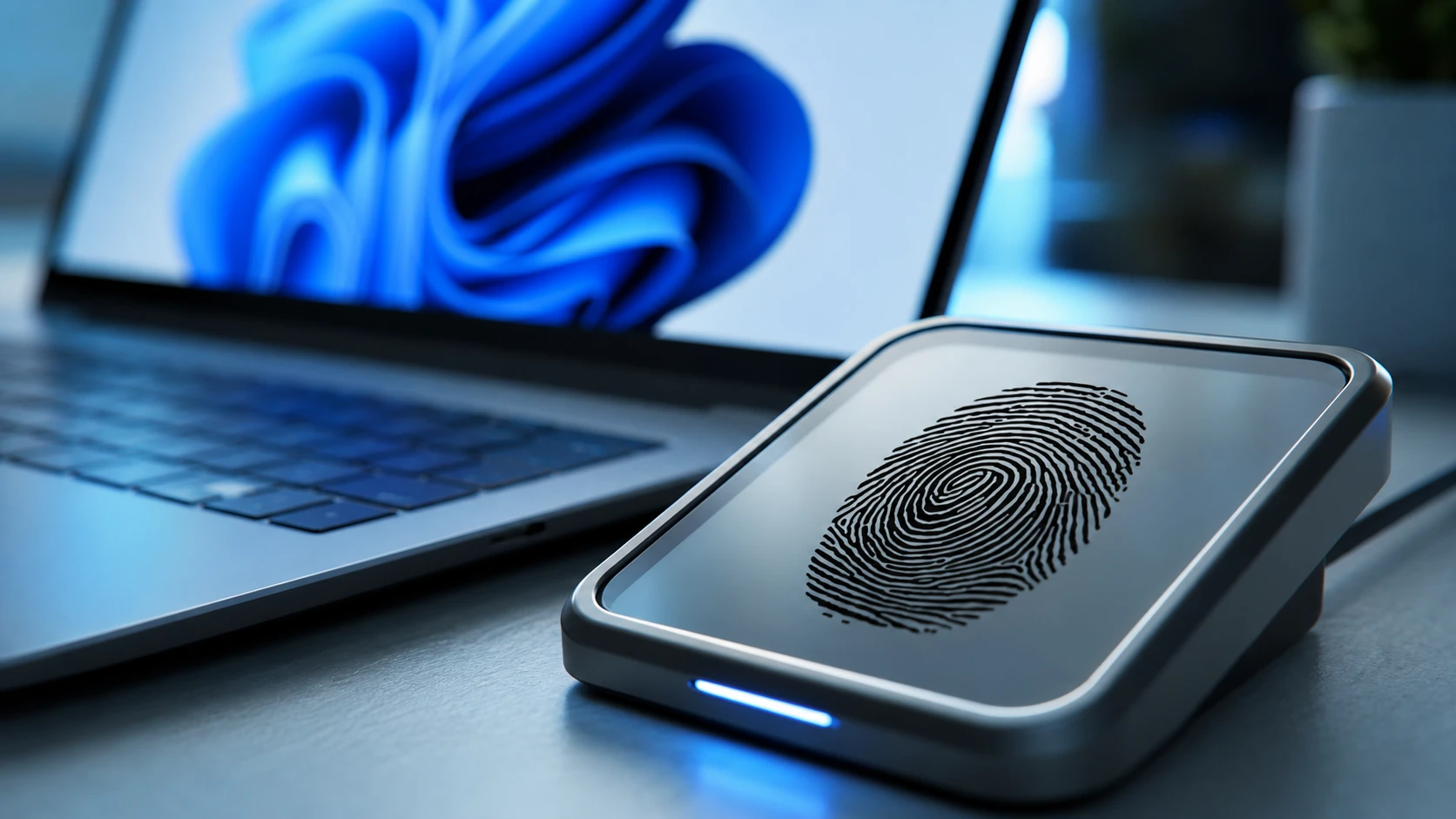
Fix the Windows 11 Fingerprint Reader and the “This Option Is Currently Unavailable” Error
Re-enrolling, driver resets, a stuck USB device, and the Biometric Service are the usual culprits behind a dead Windows Hello fingerprint sign-in.
-
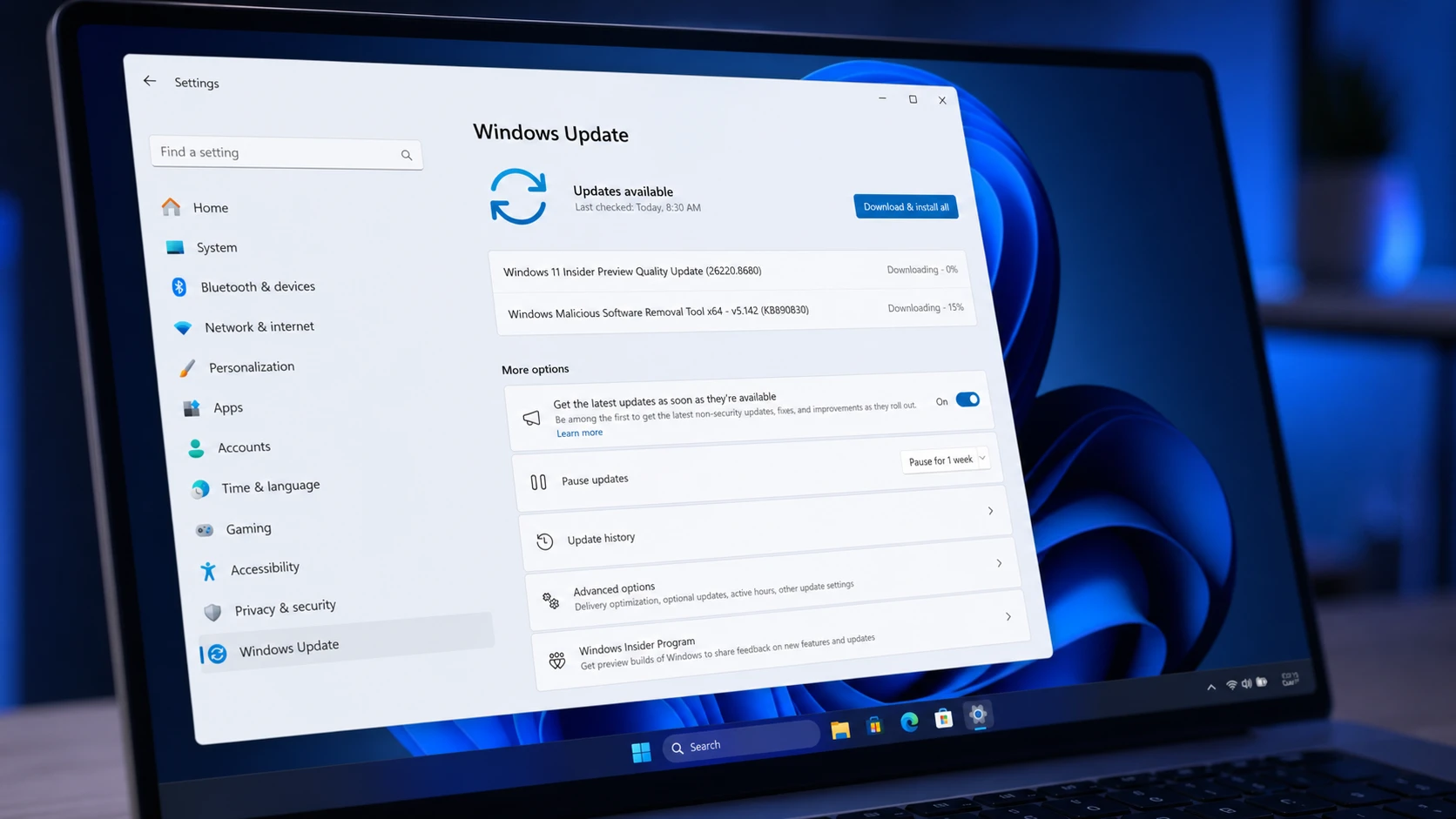
Windows 11 Build 26220.8680 quiets Widgets and adds Screen tint (Beta)
The Beta Channel flight trims Widgets memory use, calms taskbar alerts, and brings a new color overlay plus Magnifier and File Explorer fixes.
-
What’s New in Windows 11 Stock Apps: Paint, Clock, Calculator, and More
A full rundown of the new features and fixes landing in seven built-in Windows 11 apps, plus their version numbers.
-
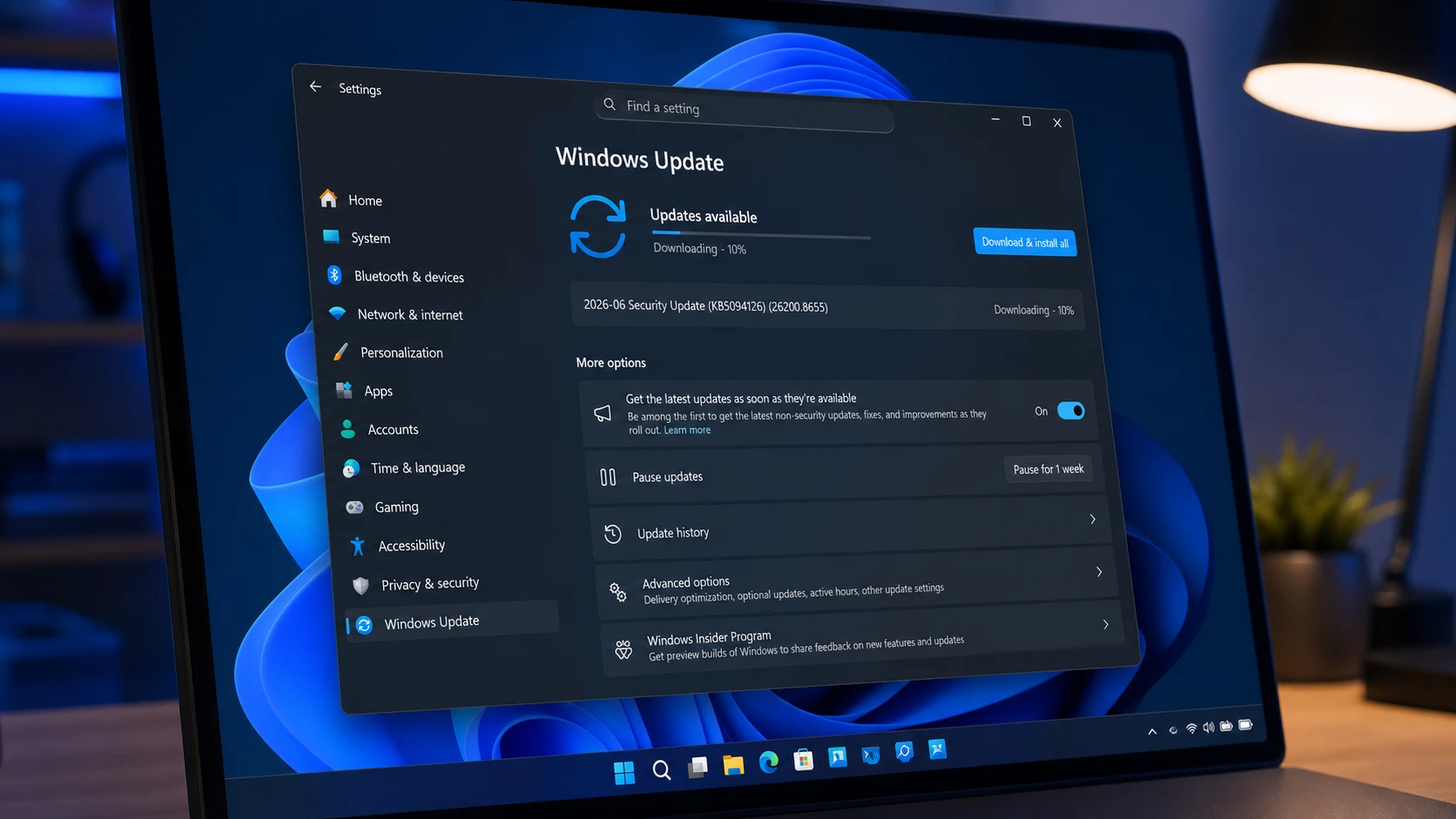
KB5094126 for Windows 11 (June 2026): Builds 26200.8655 and 26100.8655
The June Patch Tuesday update brings the Low Latency Profile, Shared Audio, multi-app camera streaming, and the Secure Boot certificate push.
-
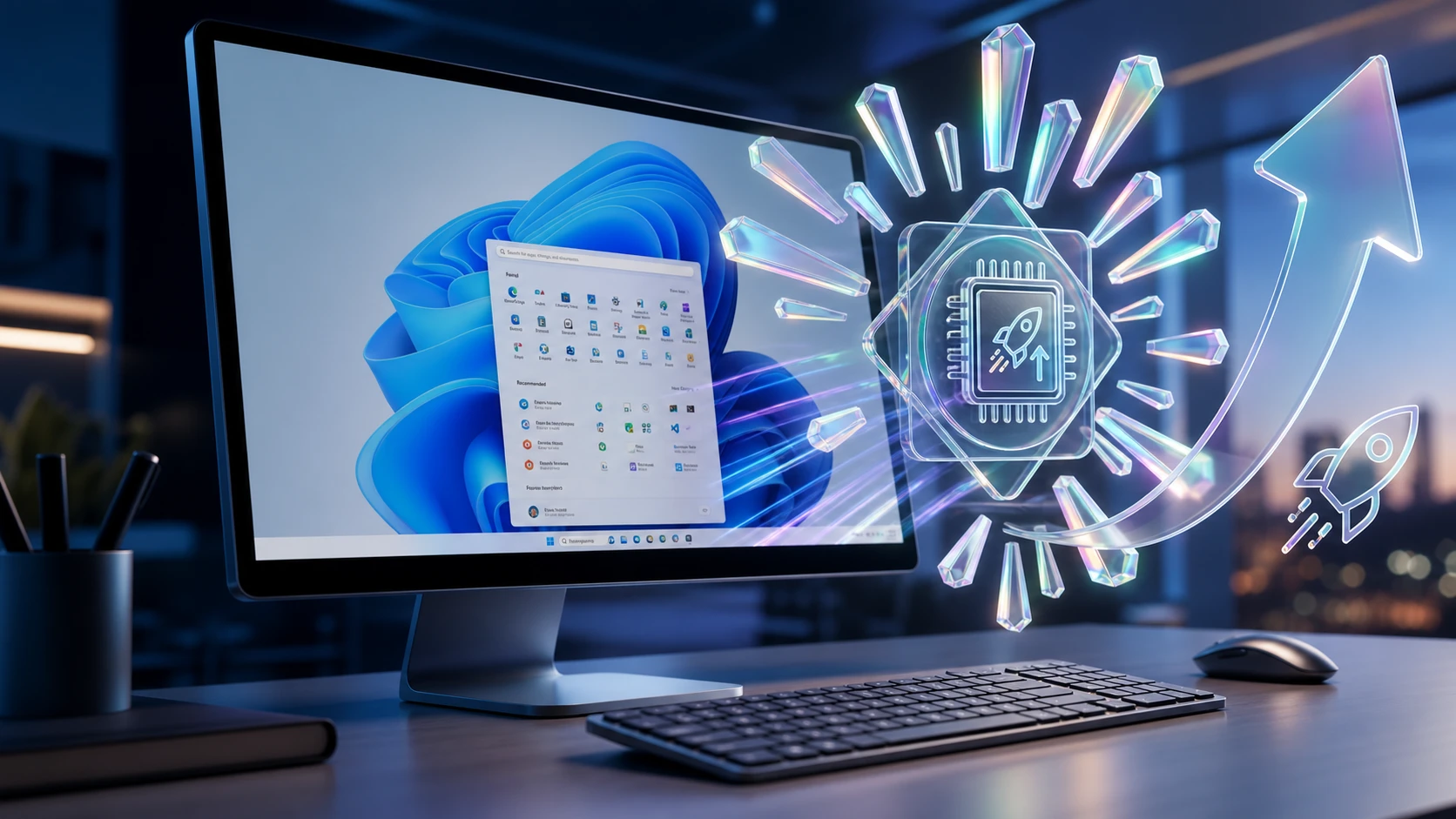
Turn on Windows 11’s Low Latency Profile CPU Boost (June 2026 Update)
Install the June 2026 update or use ViVeTool to switch on the short CPU bursts that speed up the Start menu, Search, and Action…
-
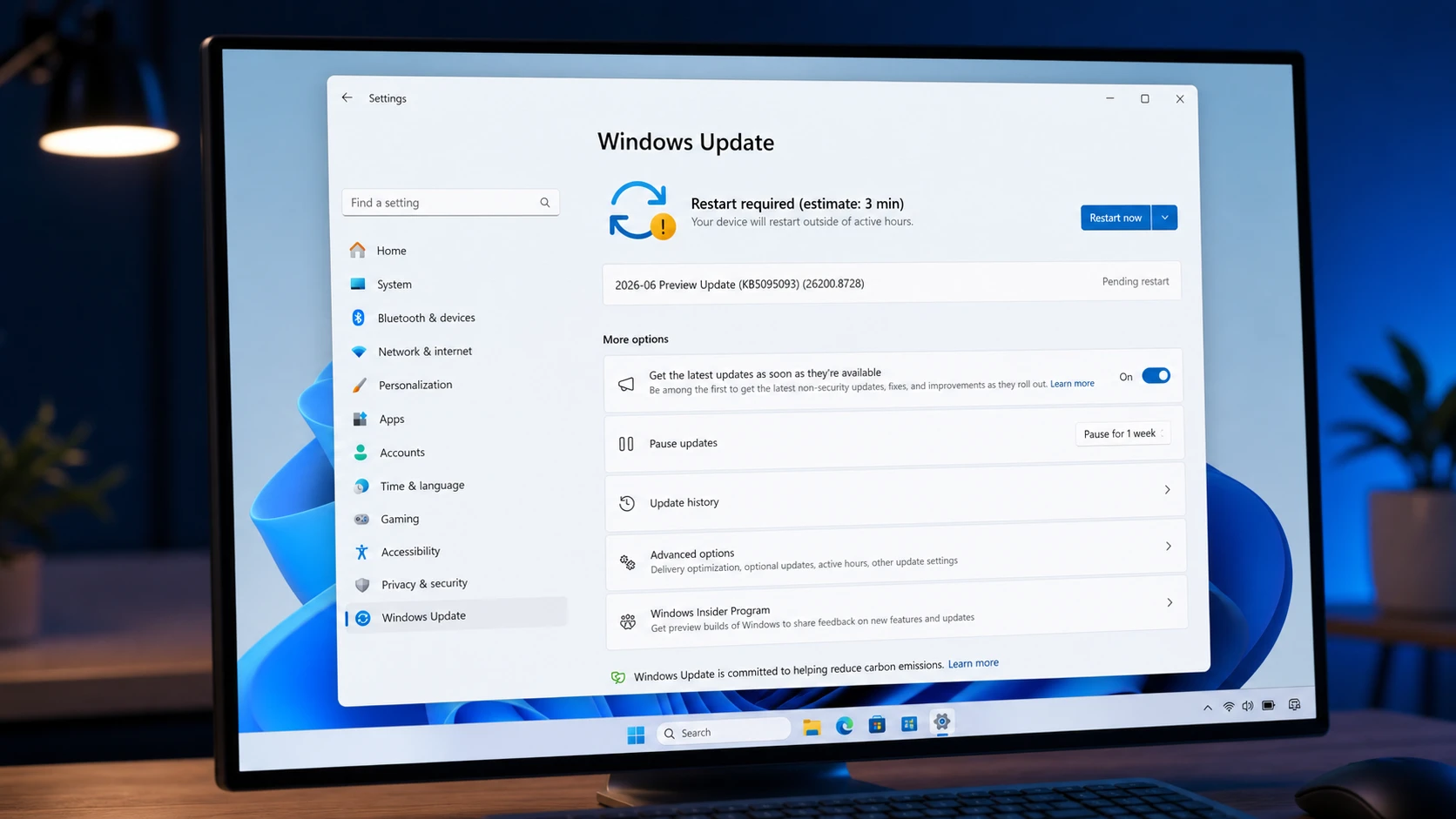
Windows 11 KB5095093 preview brings Point-in-time Restore (build 26200.8728)
The July 2026 preview update adds system recovery snapshots, calendar-based update pausing, and quieter Widgets across 25H2 and 24H2.
-
How to Turn Off Background Apps in Windows 11
Control which Microsoft Store apps run in the background using Settings, Battery usage, or Group Policy.
-
USB Drive Not Showing Up in Windows 11: How to Fix It
Work through power settings, drive letters, drivers, and security software to get a hidden flash drive back.
-
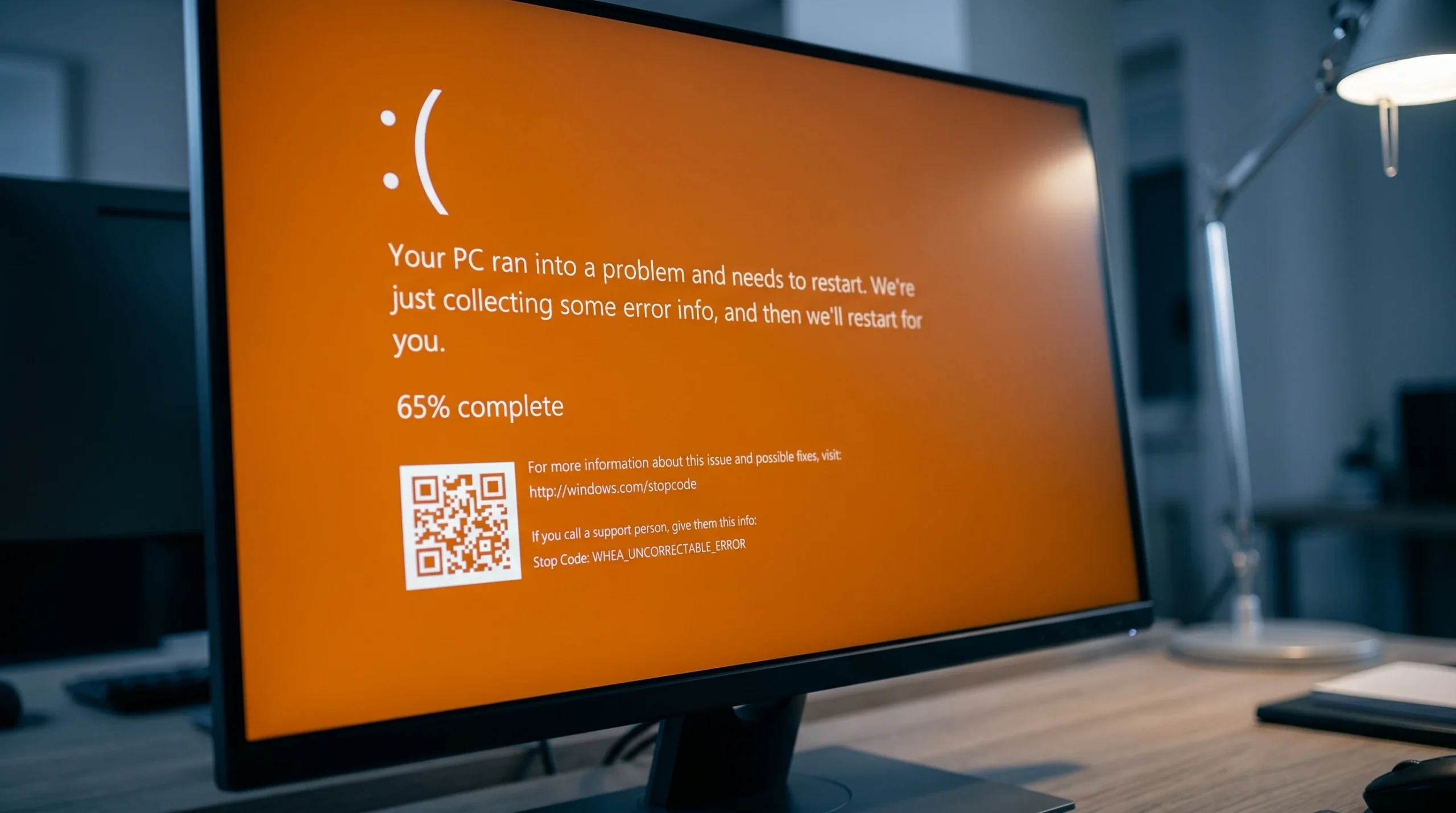
Fixing the Orange Screen of Death on Windows 11 (GPU and Driver Errors)
What triggers the rare orange crash screen and the exact steps that clear it on Windows 11 and 10.
-
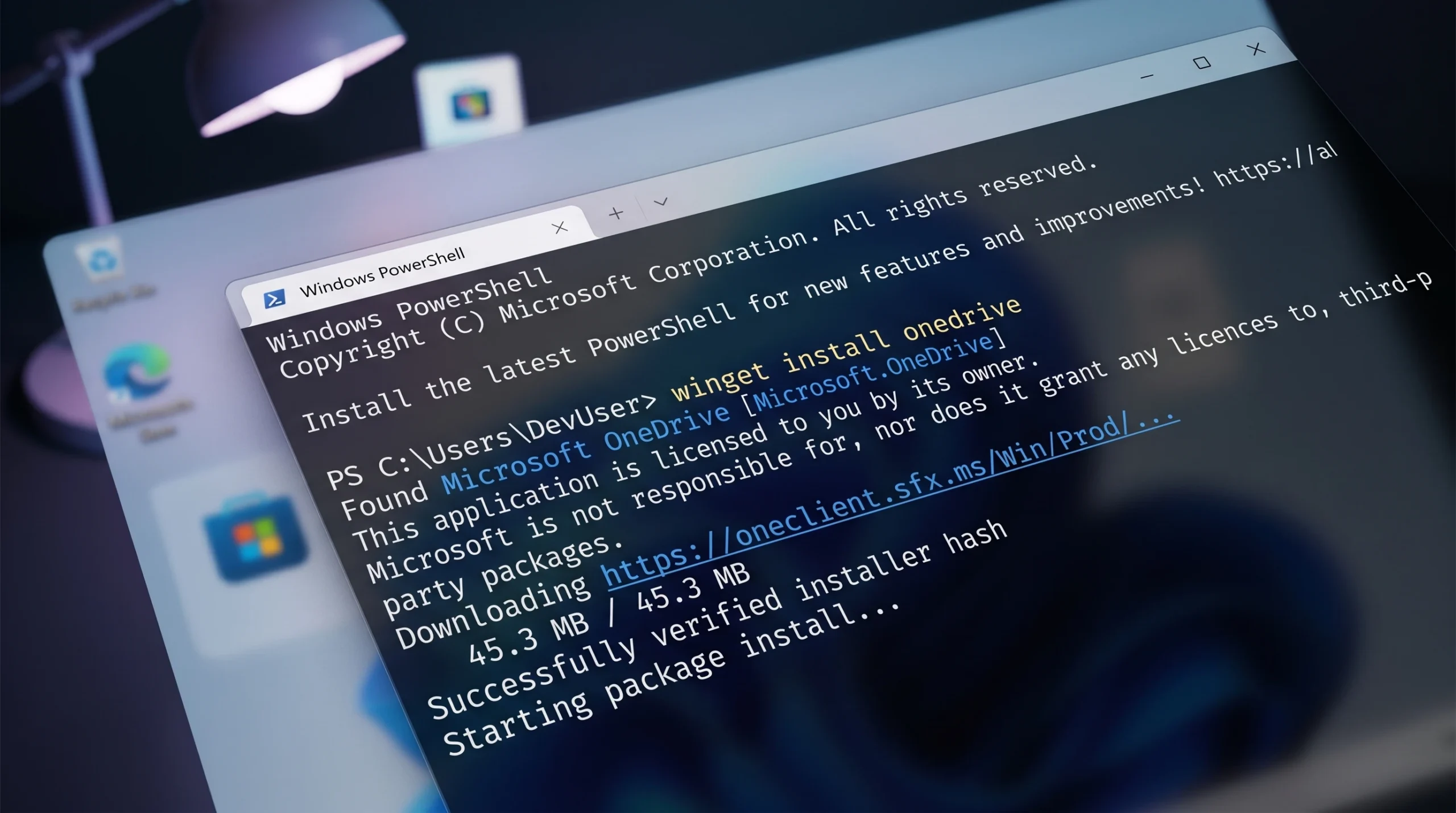
WINGET 0x80d03002 Error on Windows 11 (Fix)
Switch Winget’s download method to WinINet, toggle Delivery Optimization, and reset the Microsoft Store to clear the error.