
Topic
Windows 11
Windows 11 is Microsoft’s modern PC operating system, built to deliver a refreshed interface, stronger productivity tools, gaming features, enhanced security, and deep integration with services like Copilot. It launched as the successor to Windows 10 and supports a wide range of desktops, laptops, and compatible hardware configurations for work, play, and everyday computing. | Release Date: October 5, 2021 | Developer: Microsoft | Platforms: x86-64 PCs, Arm64 PCs | Genre: Operating System
-
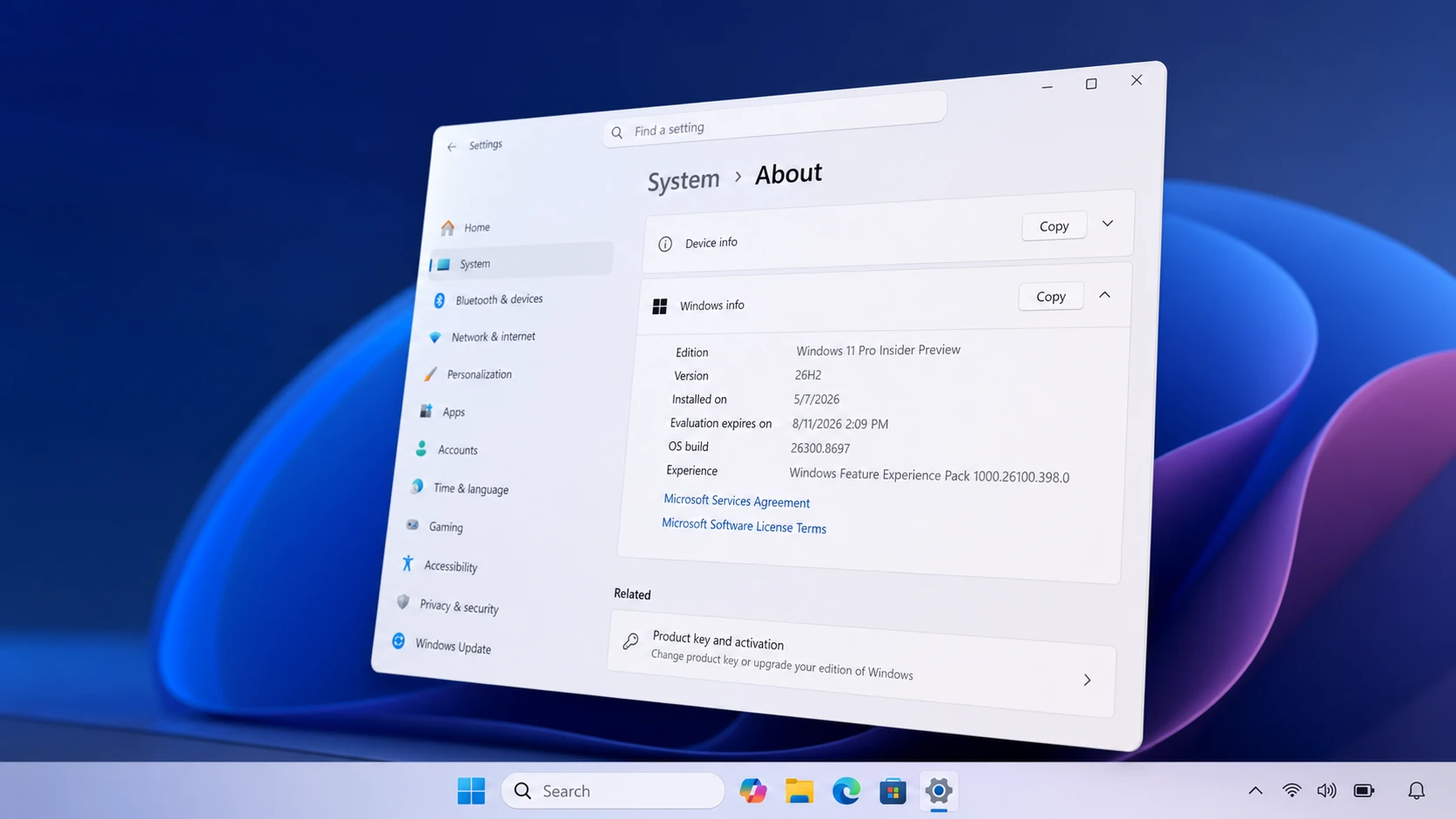
Install the Windows 11 26H2 Preview Update Before its 2026 Launch Date
Two ways to put the next annual Windows 11 update on a compatible PC today, plus what to expect.
-
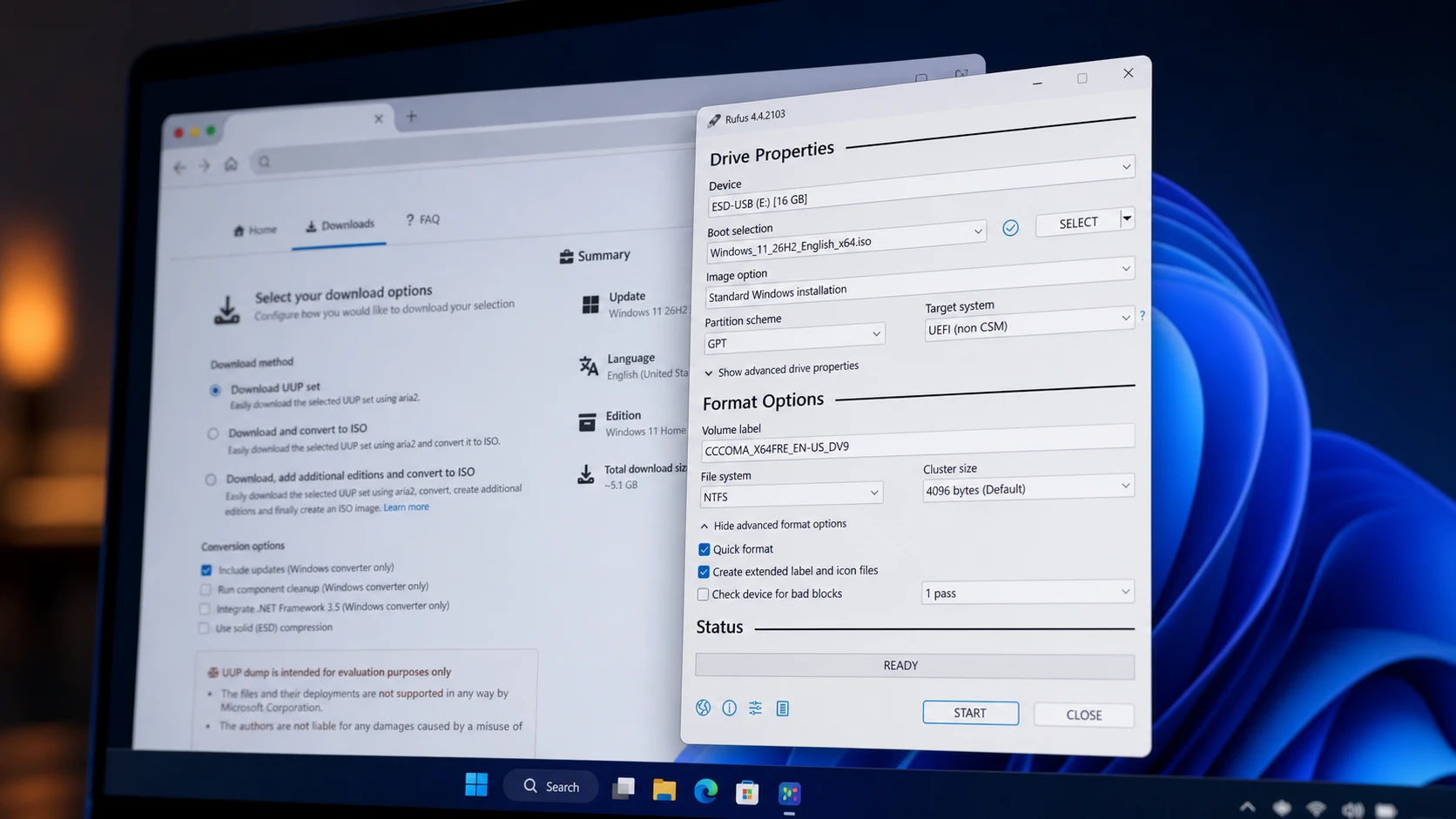
Download the Windows 11 26H2 ISO early with UUP Dump
Build the preview ISO from Microsoft’s update servers and turn it into a bootable USB with Rufus.
-
KERNEL_MODE_HEAP_CORRUPTION on Windows 11: Fix the 0x13a BSOD
Work through driver, memory, and system file fixes to stop the heap corruption blue screen for good.
-
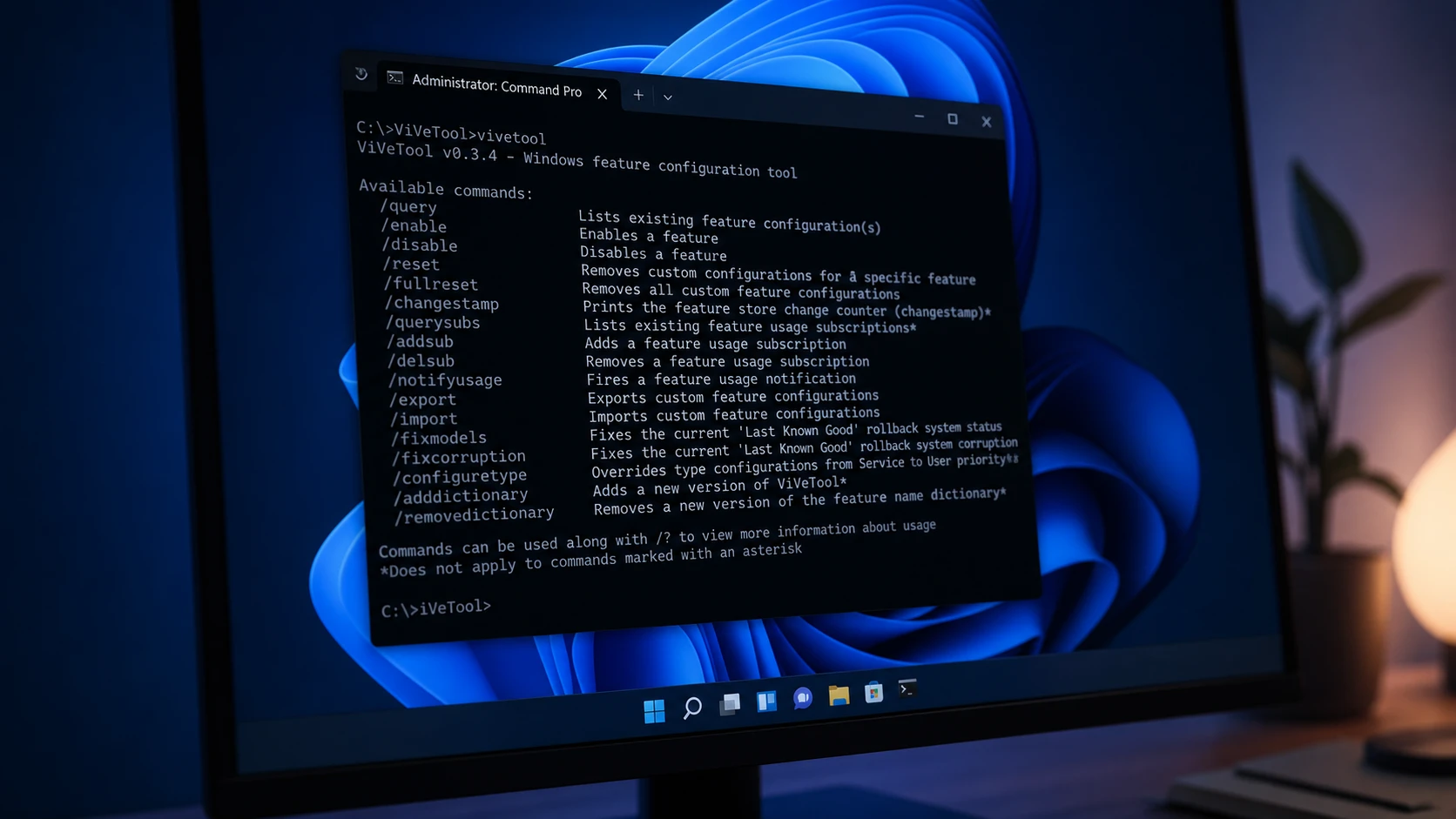
ViveTool Codes for Hidden Windows 11 Features (August 2026)
Working feature IDs for stable releases and Insider builds, plus the exact commands to enable, disable, or reset them.
-
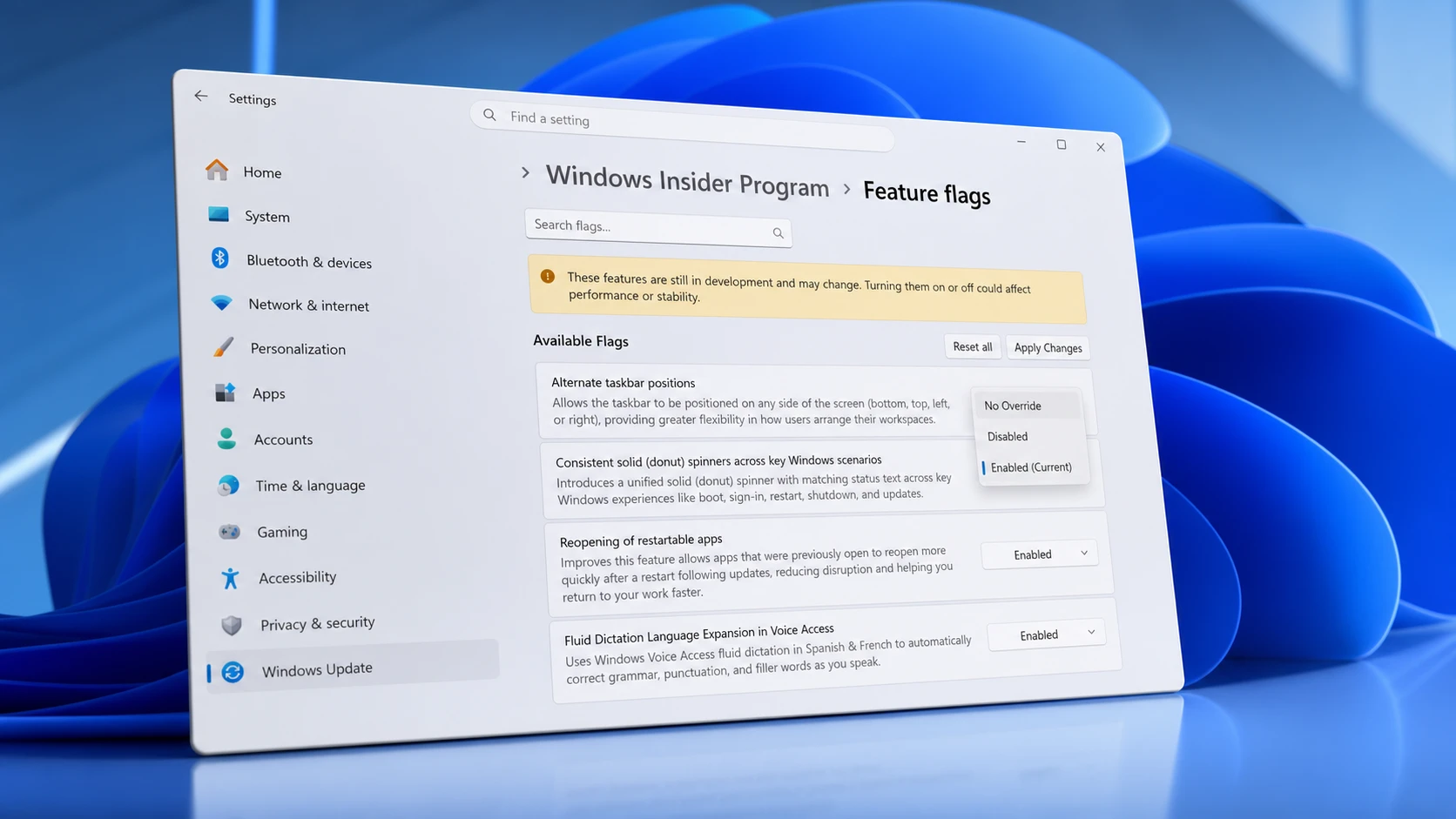
Windows 11 Experimental channel feature flags and how to enable them
The full set of toggleable preview features in recent Insider builds, plus the exact way to switch them on or off.
-
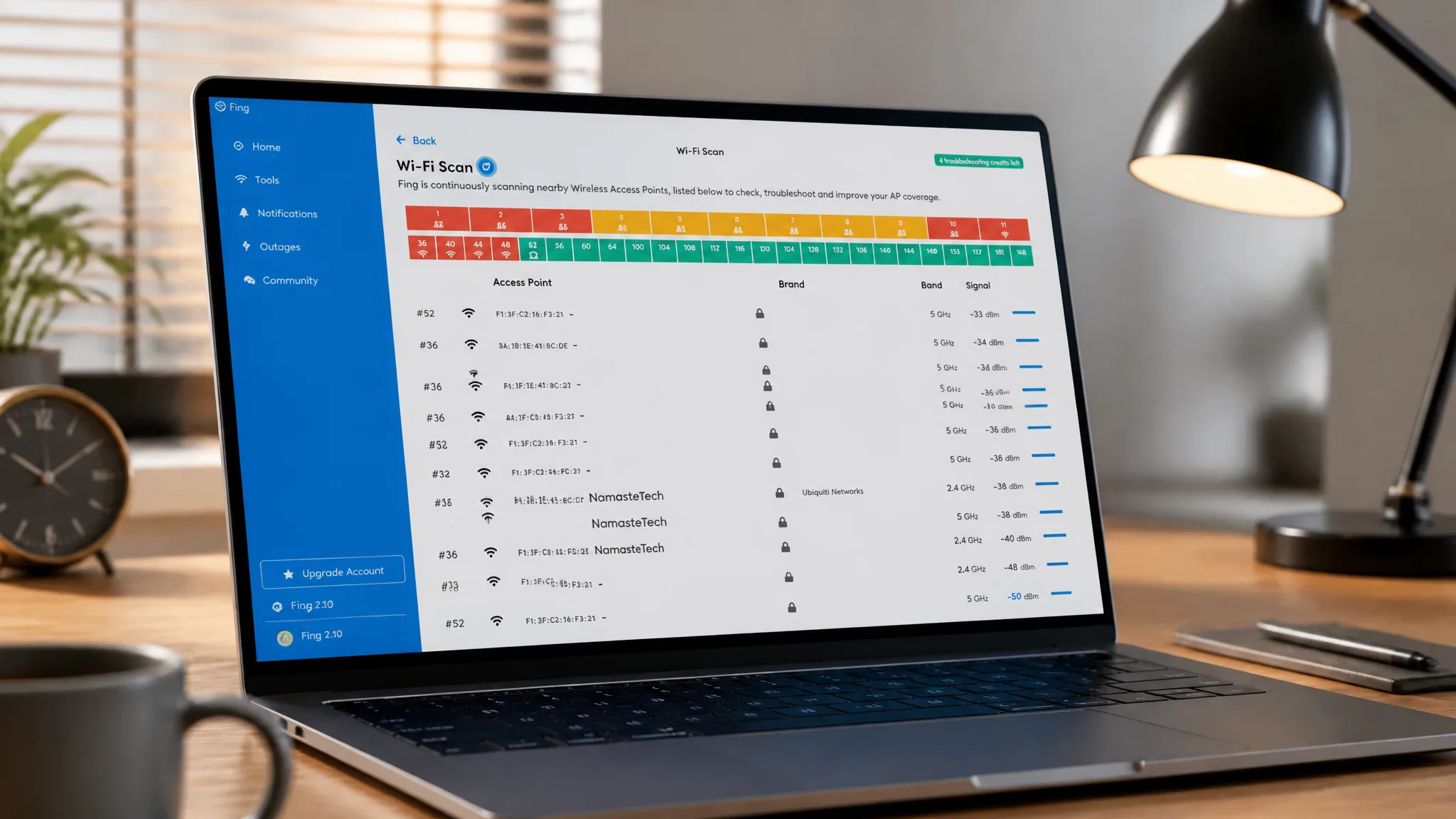
Measure exact Wi-Fi signal strength on Windows 11 (dBm and percent)
Get a precise signal value instead of taskbar bars, using a built-in command or free apps.
-
Windows 11 KB5094126 Issues: Boot Failures, BSODs, and OneDrive Fixes
What the June 2026 update breaks on HP and Dell PCs, plus the workarounds that get you booting and syncing again.
-
PFN_LIST_CORRUPT BSOD on Windows 11: How to Fix the Stop Code
What the 0x4E stop code means and the fixes that clear it, from memory tests to driver and system file repairs.
-
How to Install RSAT on Windows 11 (Pro and Enterprise)
Add the exact Active Directory, DNS, DHCP, and Group Policy consoles you need straight from Optional Features.
-
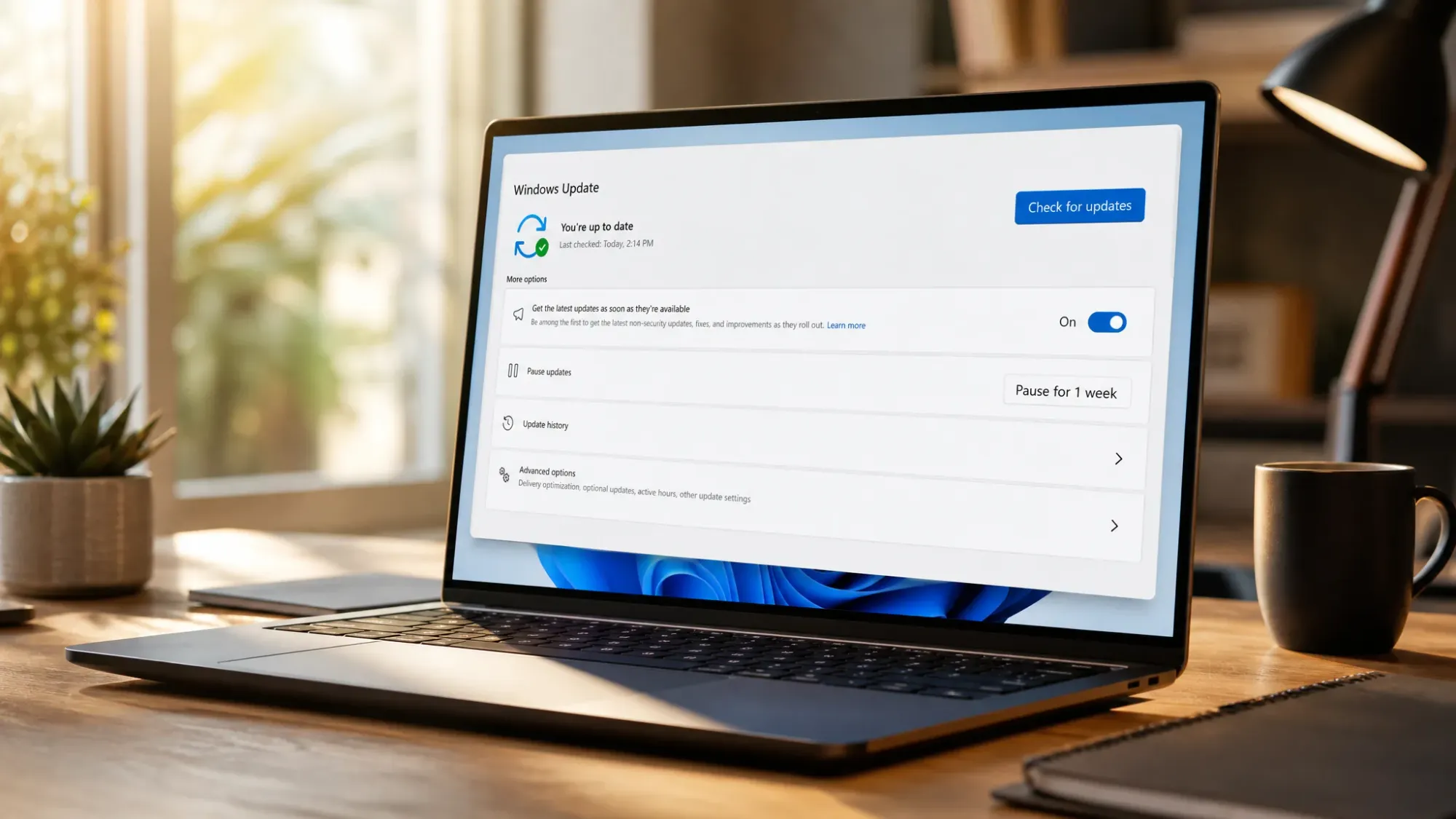
Windows 11 KB5094126 Issues: BSOD, BitLocker, and OneDrive Fixes
What’s breaking after the June 2026 update and how to get HP and Dell PCs booting again.