
Topic
Windows 11
Windows 11 is Microsoft’s modern PC operating system, built to deliver a refreshed interface, stronger productivity tools, gaming features, enhanced security, and deep integration with services like Copilot. It launched as the successor to Windows 10 and supports a wide range of desktops, laptops, and compatible hardware configurations for work, play, and everyday computing. | Release Date: October 5, 2021 | Developer: Microsoft | Platforms: x86-64 PCs, Arm64 PCs | Genre: Operating System
-

How to Fix Printer Error 0x800706b5 on Windows 11 and 10
Clear, verified fixes for the “Your printer has experienced an unexpected configuration problem” message that blocks printing.
-
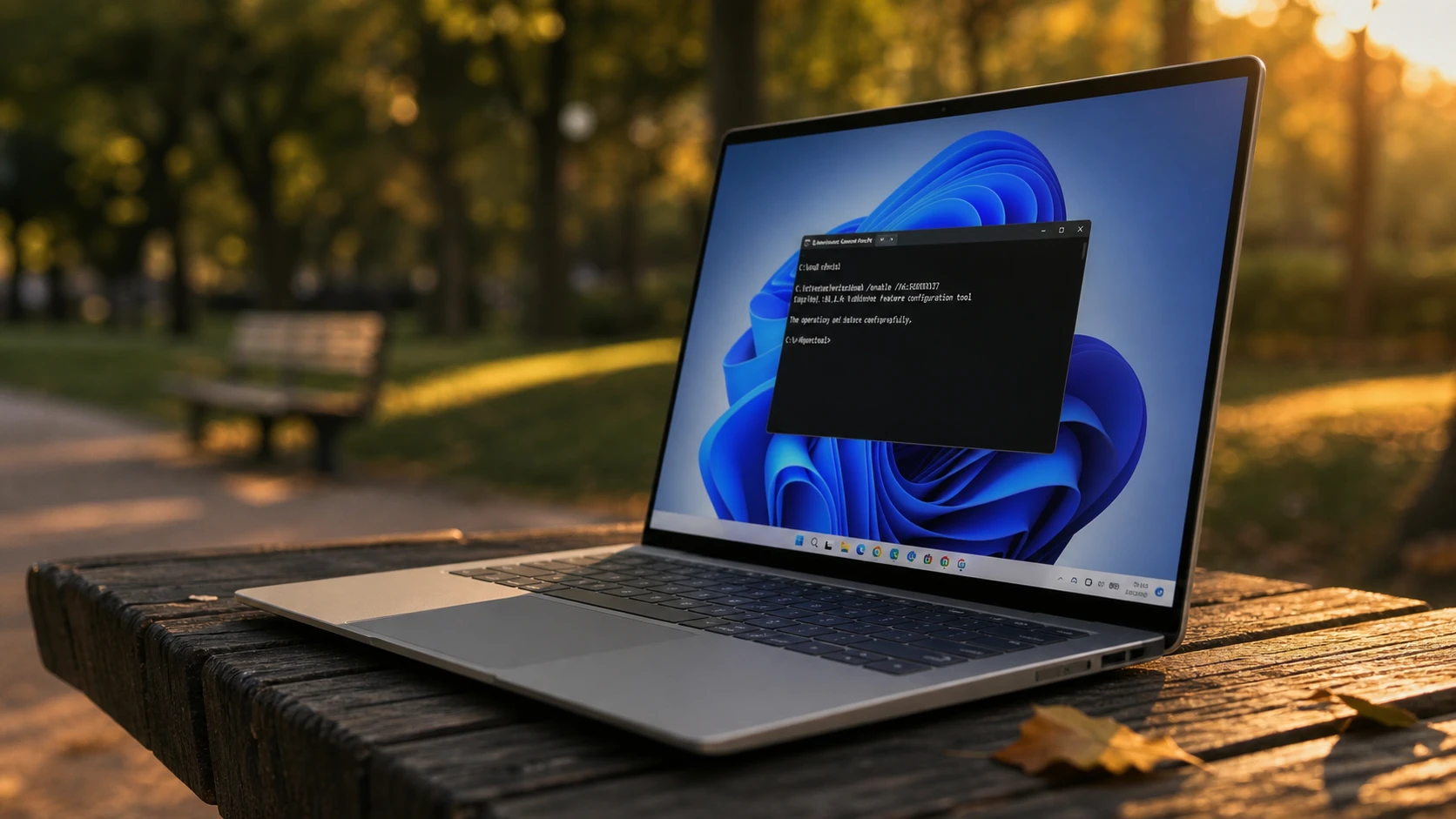
Enable Windows 11 July 2026 Update features early with ViVeTool (KB5095093)
Install build 26200.8728, run one ViVeTool command, and unlock most of the July 2026 changes before the gradual rollout reaches you.
-
Windows 11 26H1 build 28000.2333 (KB5095091) adds multi-app camera and NPU monitoring
The first preview of July’s cumulative update lands for 26H1’s new hardware, with camera, Task Manager, and sign-in changes.
-
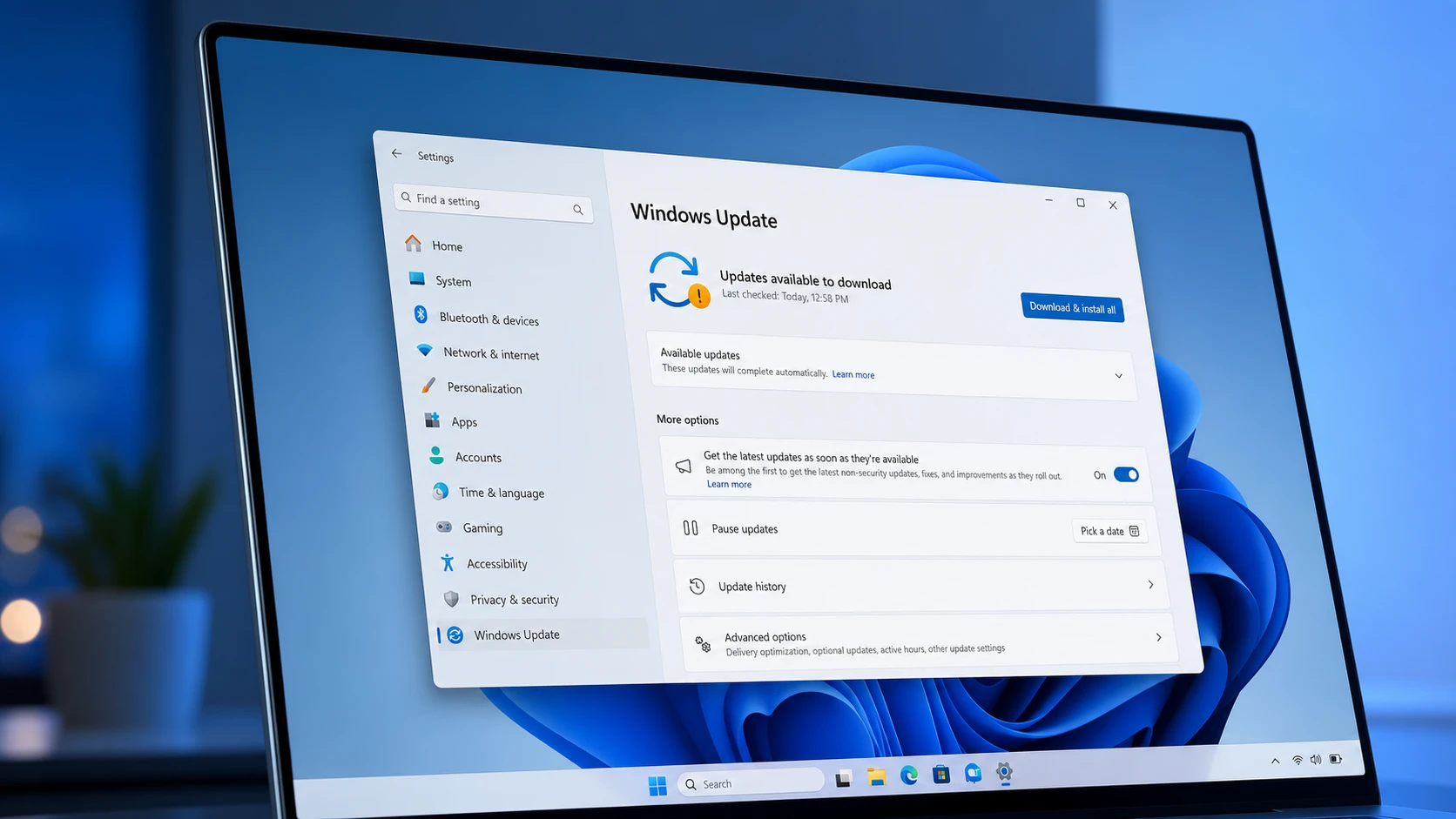
Windows 11 26H1 Insider builds add Screen Tint and faster app launches
The Beta flight brings a daytime Screen Tint overlay, while the Experimental build speeds up the Start menu, Search, and Action Center.
-
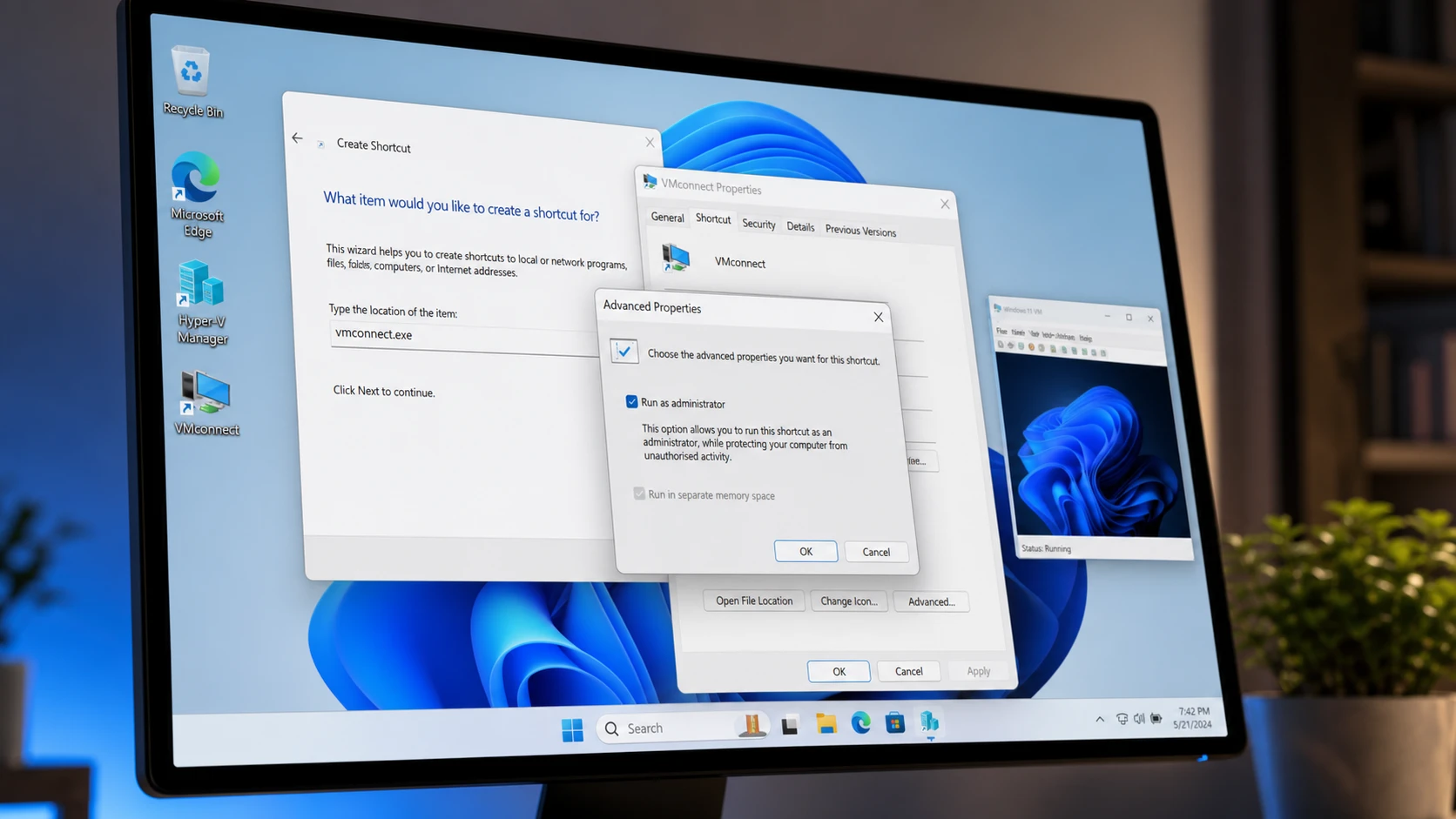
Create a Hyper-V Virtual Machine Desktop Shortcut in Windows 11
Launch a Hyper-V VM directly from your desktop using vmconnect.exe with administrator rights.
-
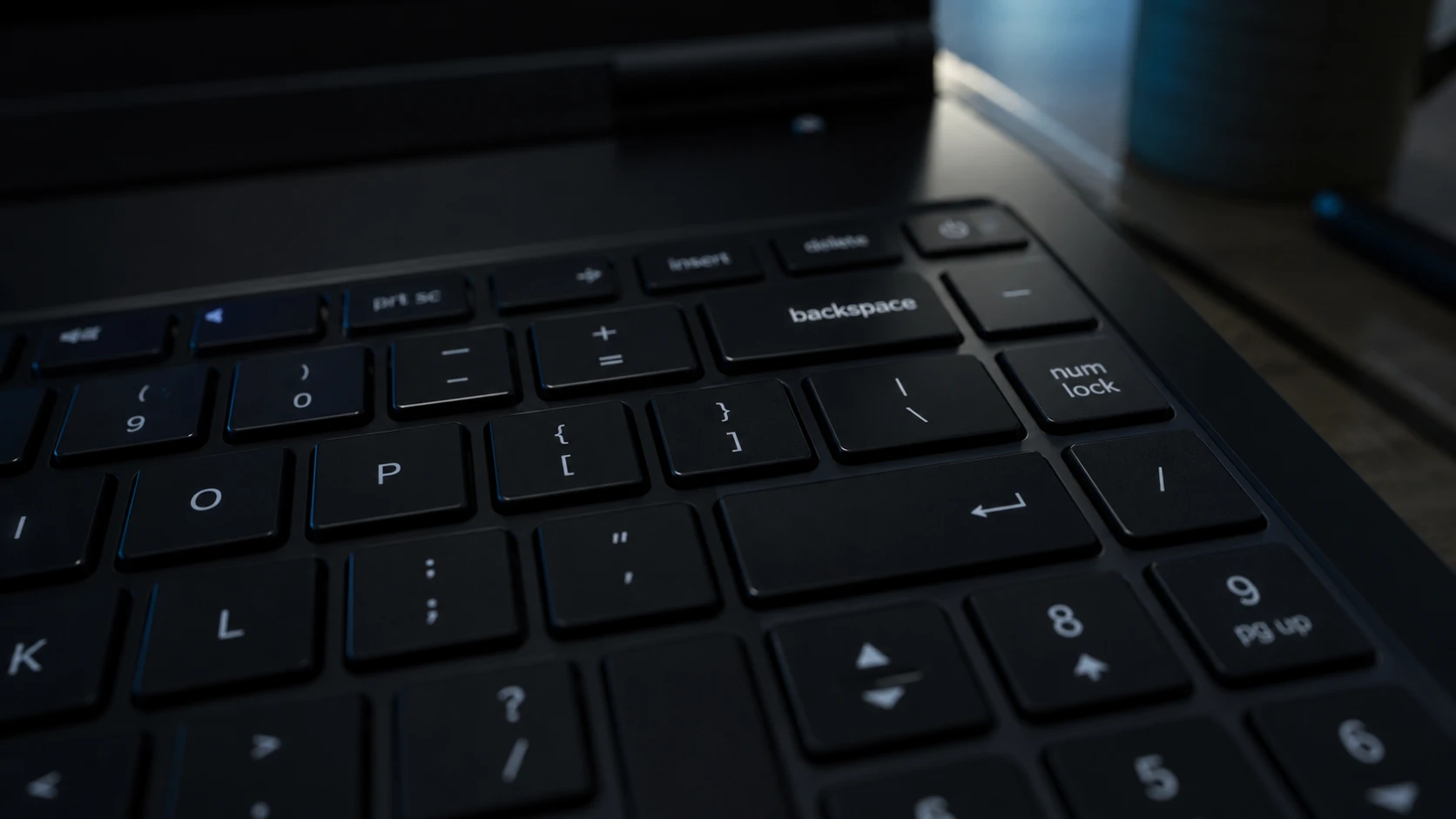
Backspace Deletes Only One Letter in Windows 11 – How to Fix It
Turn off Filter Keys first, then work through the keyboard driver and repeat-rate fixes if holding Backspace still fails.
-
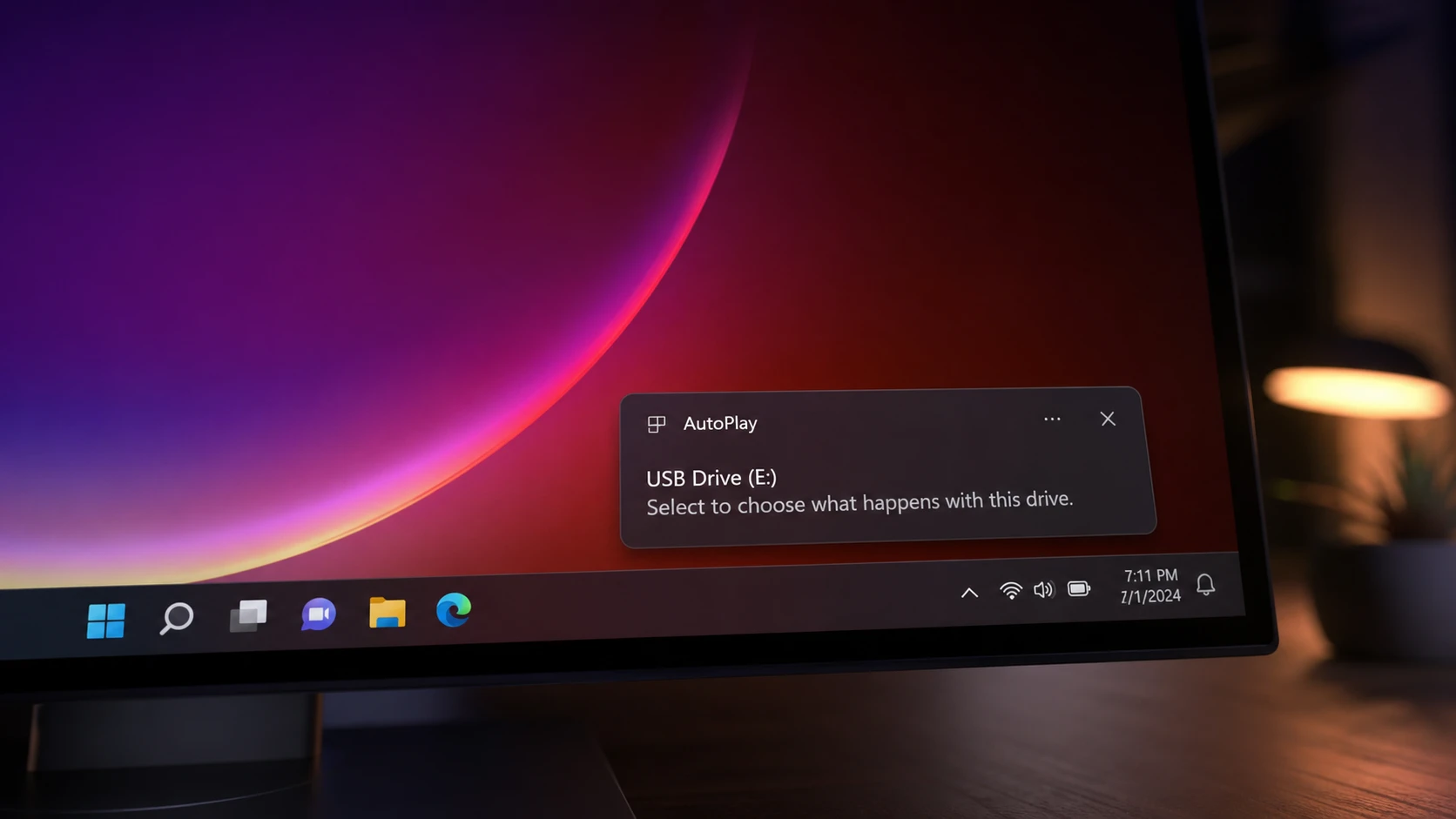
AutoPlay Not Working in Windows 11: How to Fix It
Re-enable the feature, repair the Shell Hardware Detection service, and reset defaults so Windows reacts when you plug in a drive.
-
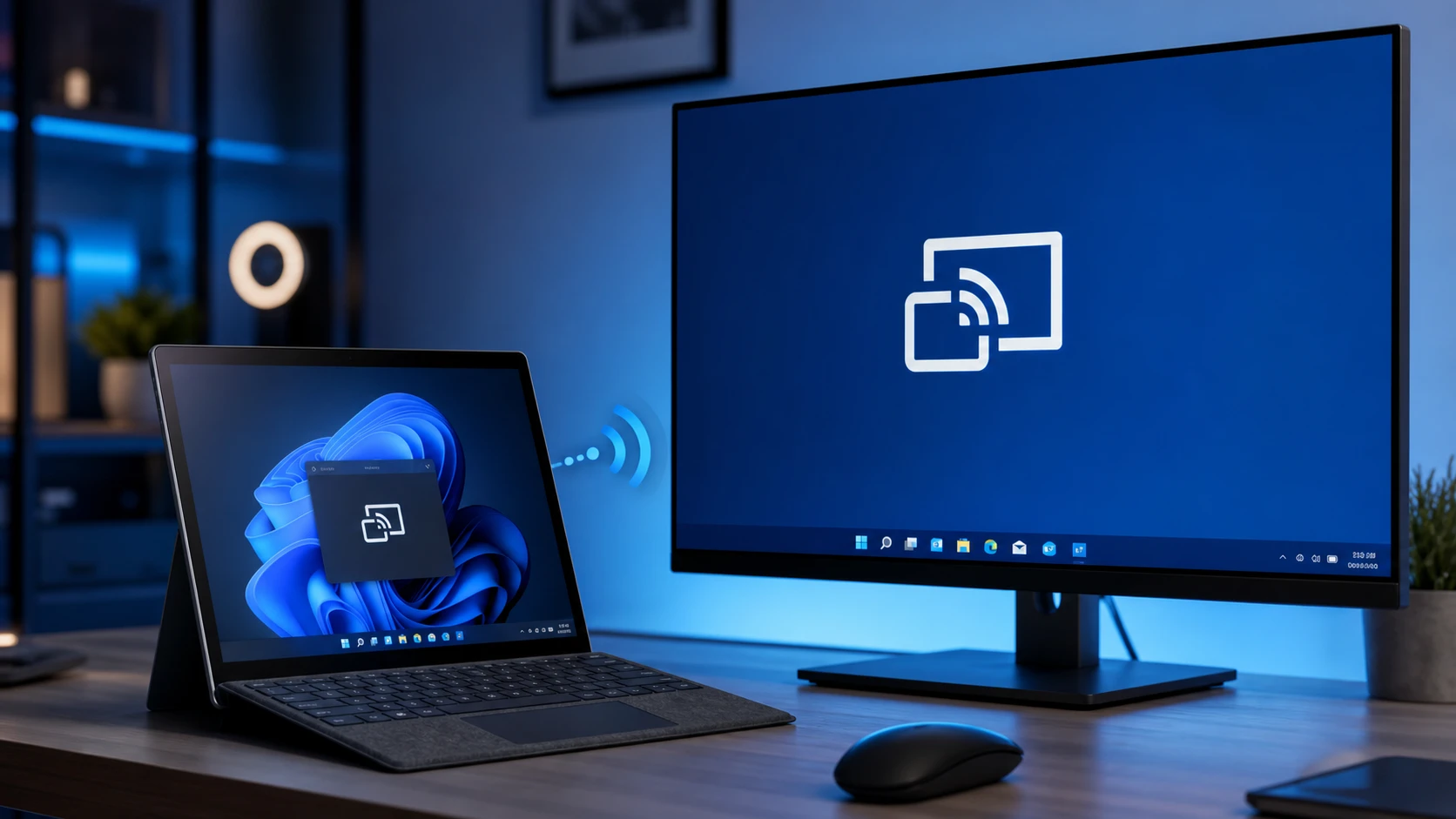
Miracast Not Supported by Graphics Driver in Windows 11 (Fix)
Reinstall the Wireless Display feature and update your graphics driver to restore wireless screen mirroring.
-
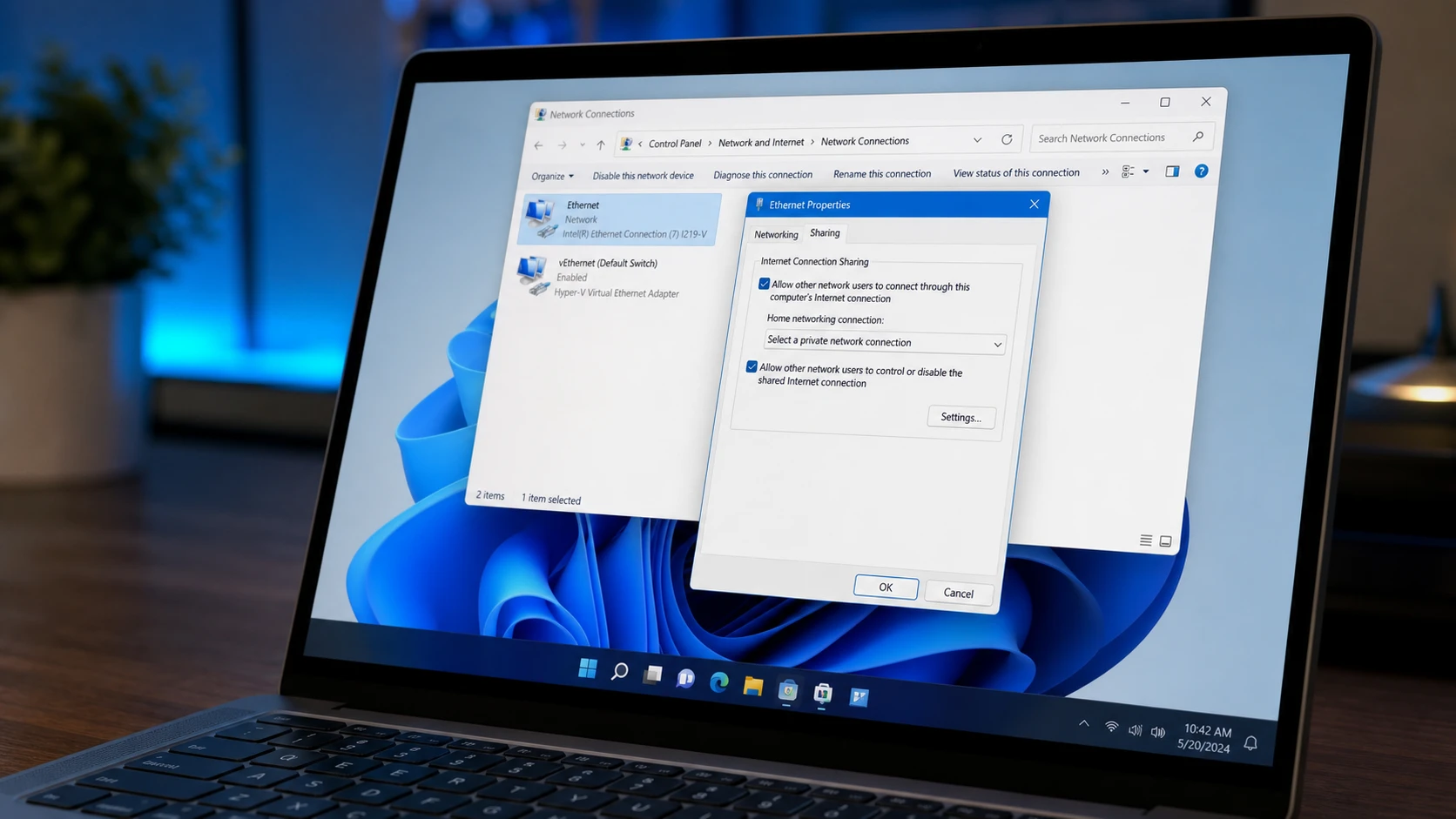
Fix Internet Connection Sharing (ICS) That Drops After Reboot on Windows 11
A registry value and an Automatic service setting keep ICS alive through restarts so connected devices stay online.
-
Hide the Windows 11 Taskbar With a Hotkey
Toggle the taskbar instantly with Ctrl+Esc, a custom hotkey, or an auto-hide setting.