
Topic
Windows 11
Windows 11 is Microsoft’s modern PC operating system, built to deliver a refreshed interface, stronger productivity tools, gaming features, enhanced security, and deep integration with services like Copilot. It launched as the successor to Windows 10 and supports a wide range of desktops, laptops, and compatible hardware configurations for work, play, and everyday computing. | Release Date: October 5, 2021 | Developer: Microsoft | Platforms: x86-64 PCs, Arm64 PCs | Genre: Operating System
-
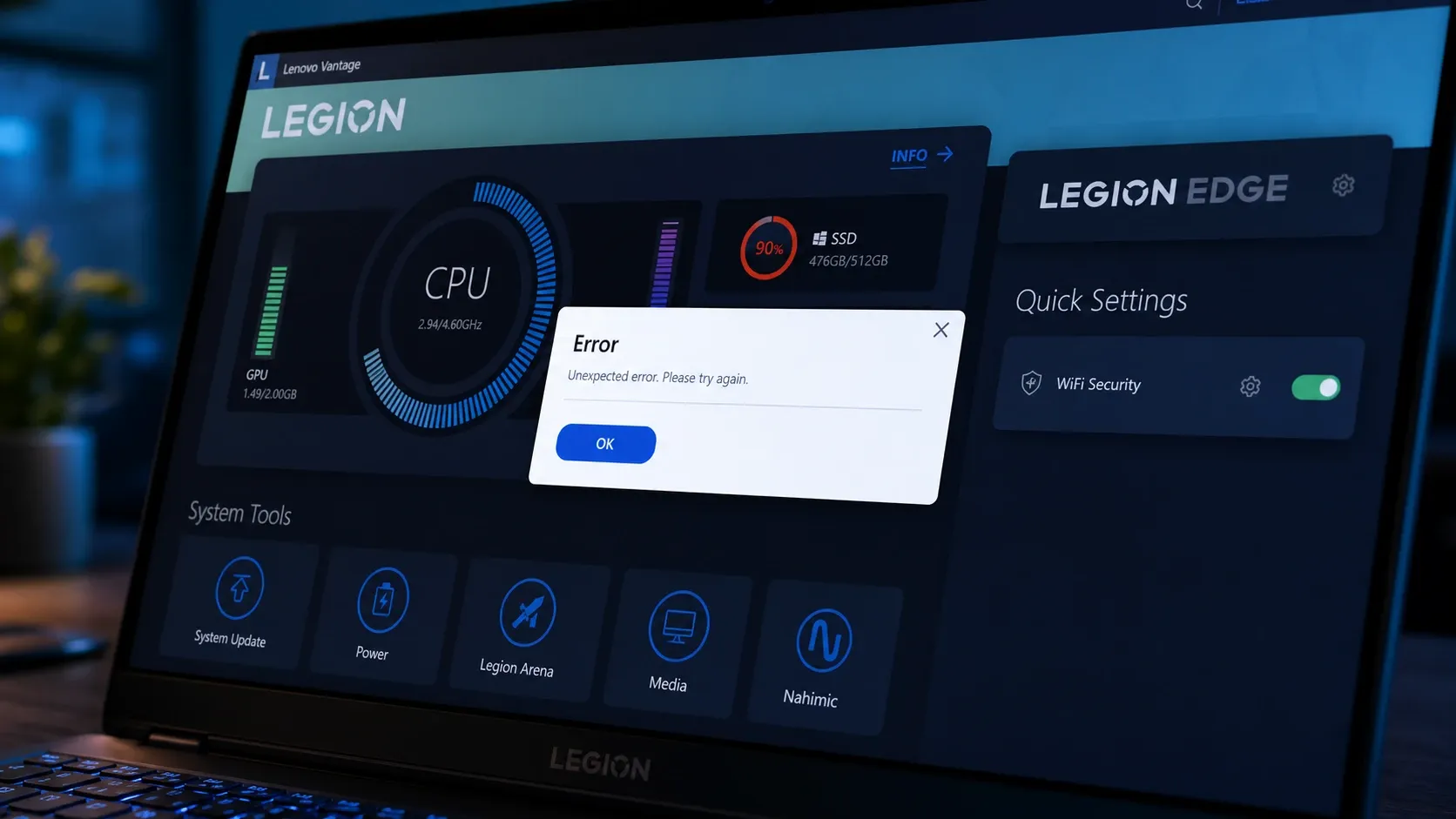
Fix Lenovo Vantage when it won’t open on Windows 11
Concrete steps to restore Vantage when it stalls on the splash screen, throws error 0xc0000135, or loses its battery and update controls.
-
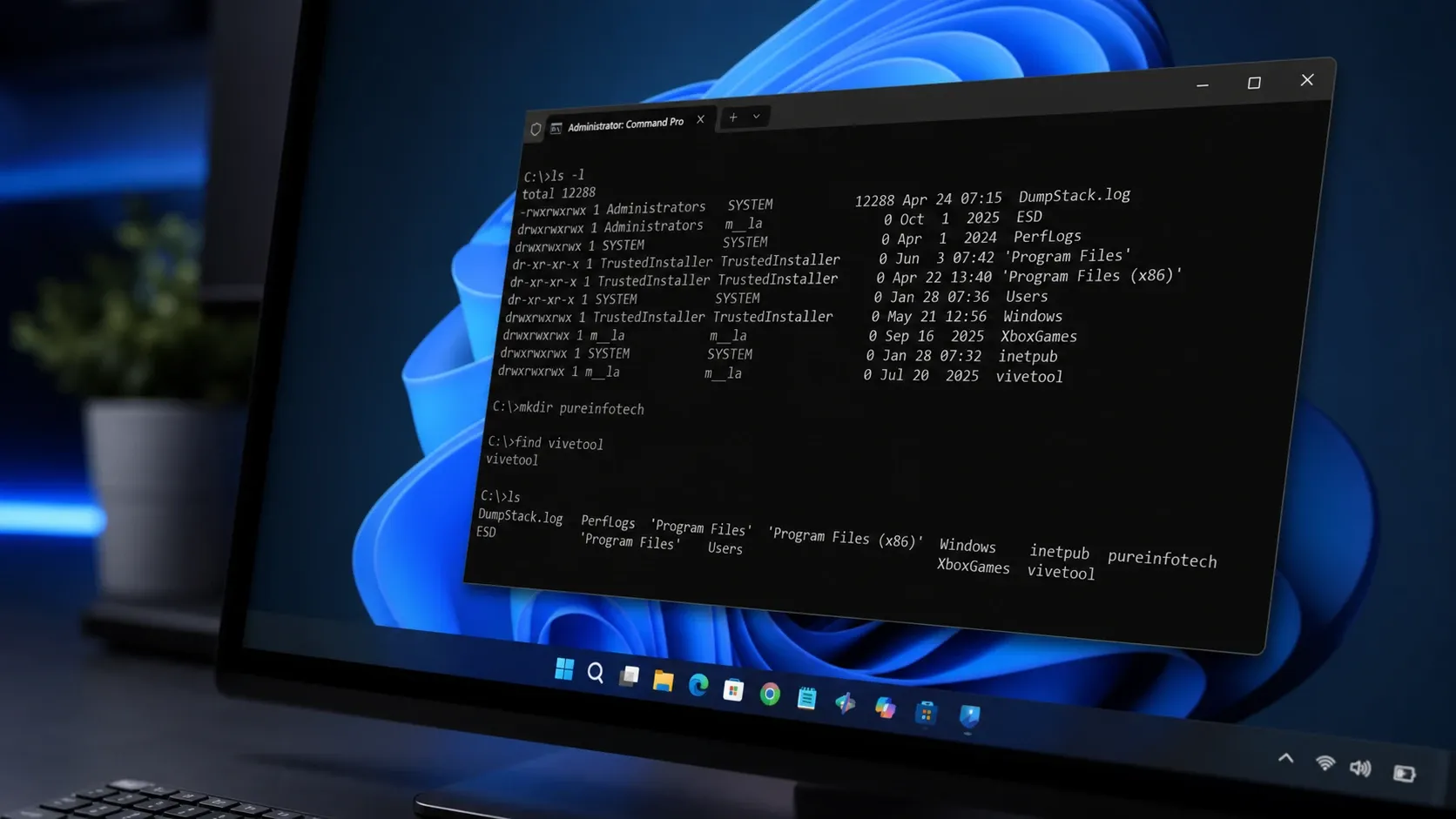
Coreutils for Windows 11: Native Linux Commands Without WSL
Microsoft’s Rust-based build runs ls, cp, rm, and dozens more directly in your Windows shell.
-
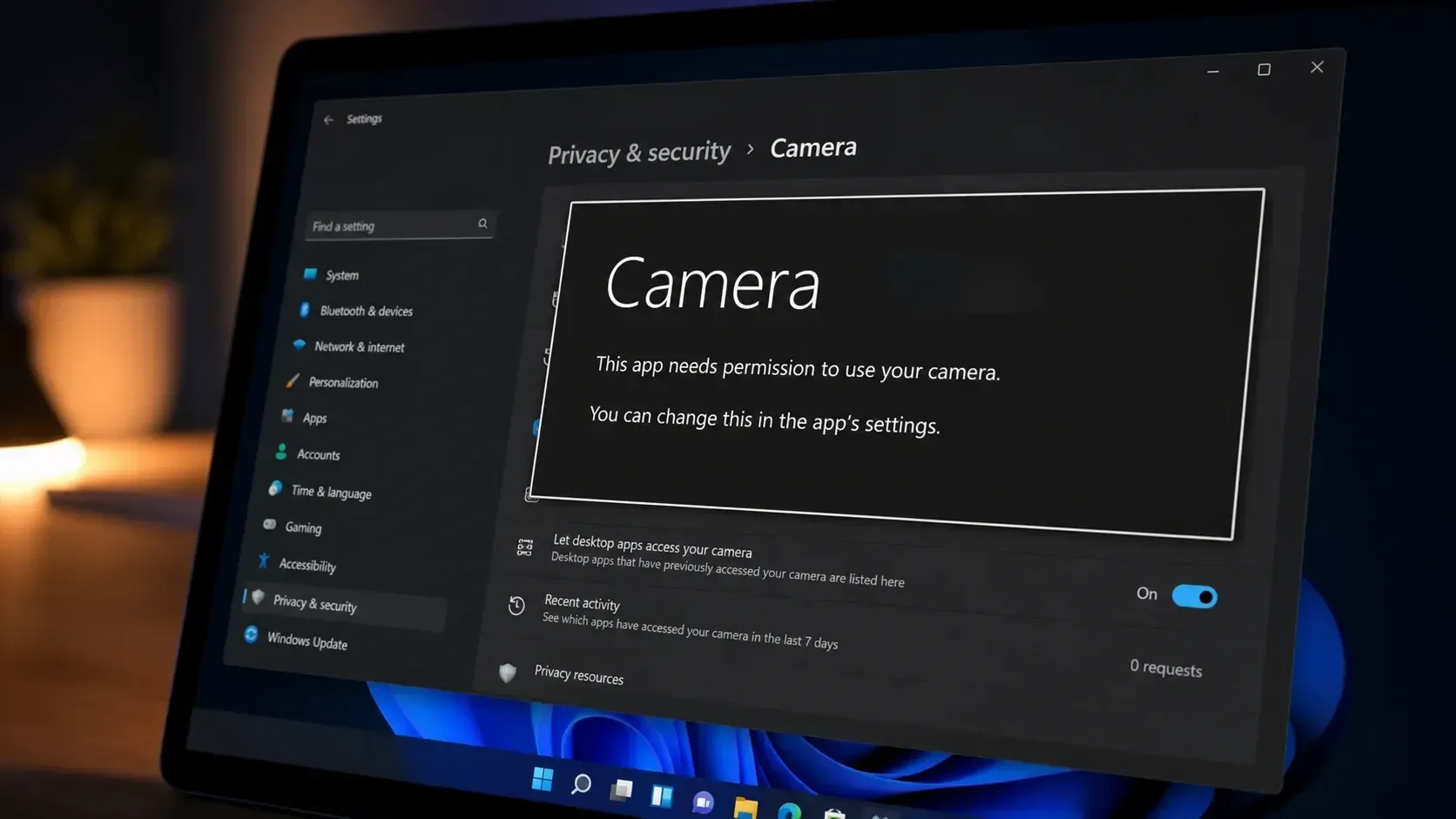
Fix the ‘This app needs your permission to use your camera’ error on Windows 11
Turn on camera access and the app’s toggle in Privacy & Security to clear the block and get your webcam working.
-
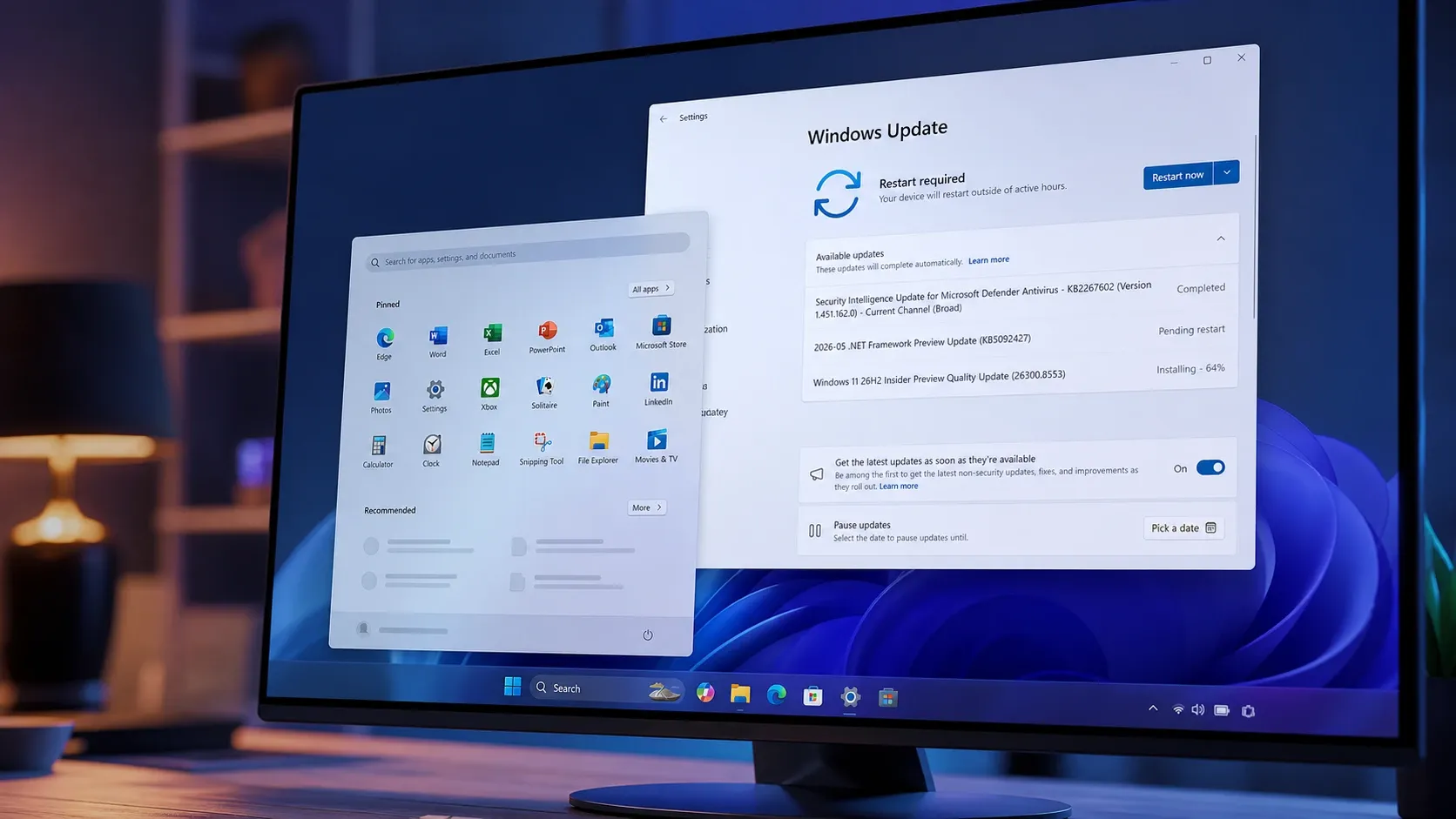
Windows 11 26H2 Start menu gets Small, Large, and Auto sizes in Build 26300.8553
The Experimental channel build lets you resize Start, hide sections, rename Recommended to Recent, and search files by partial words.
-
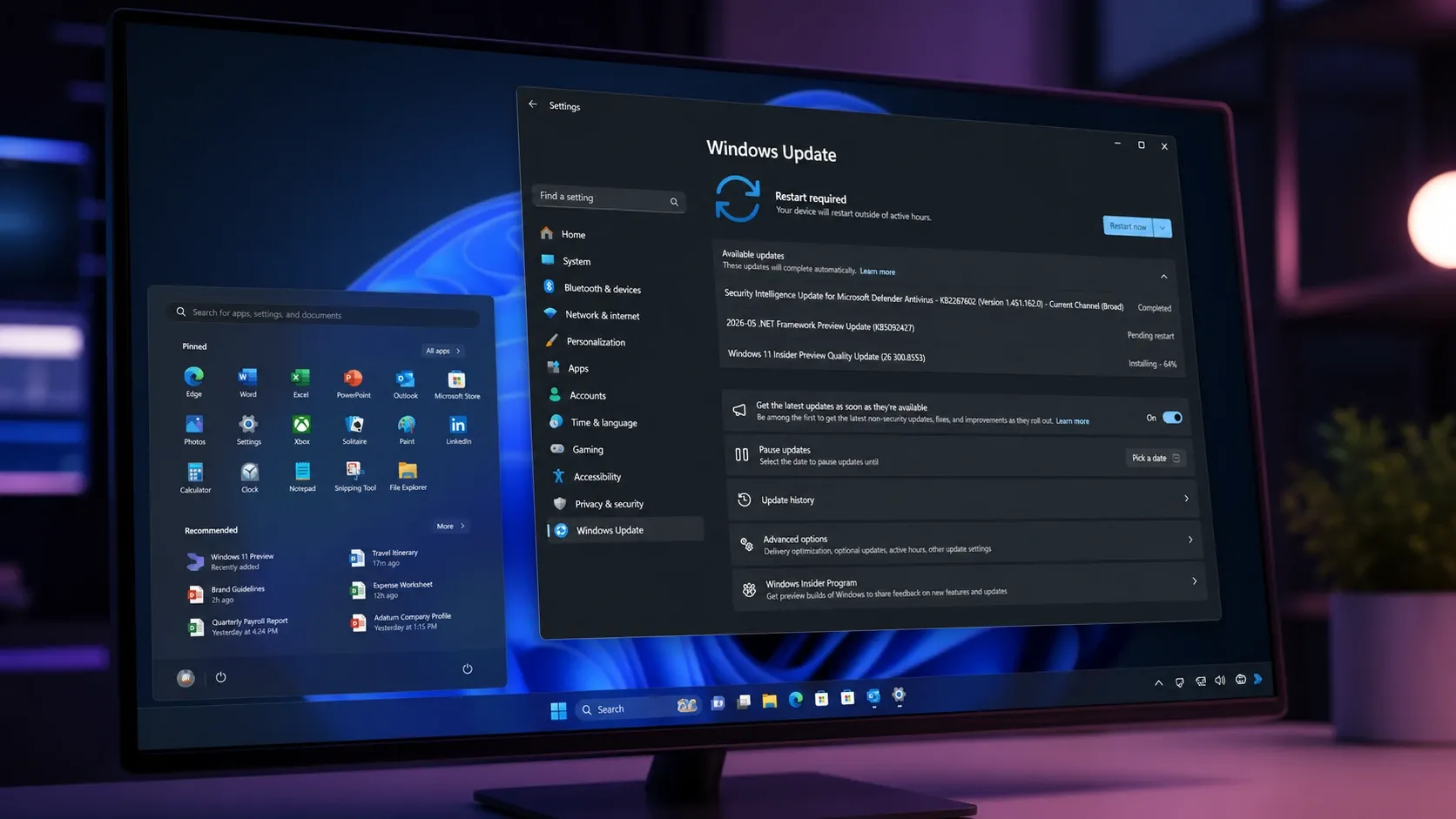
Windows 11 Build 26300.8553 brings a resizable, modular Start menu
The Experimental build adds Small, Large, and Automatic Start layouts, section toggles, account-hiding privacy options, and substring search.
-
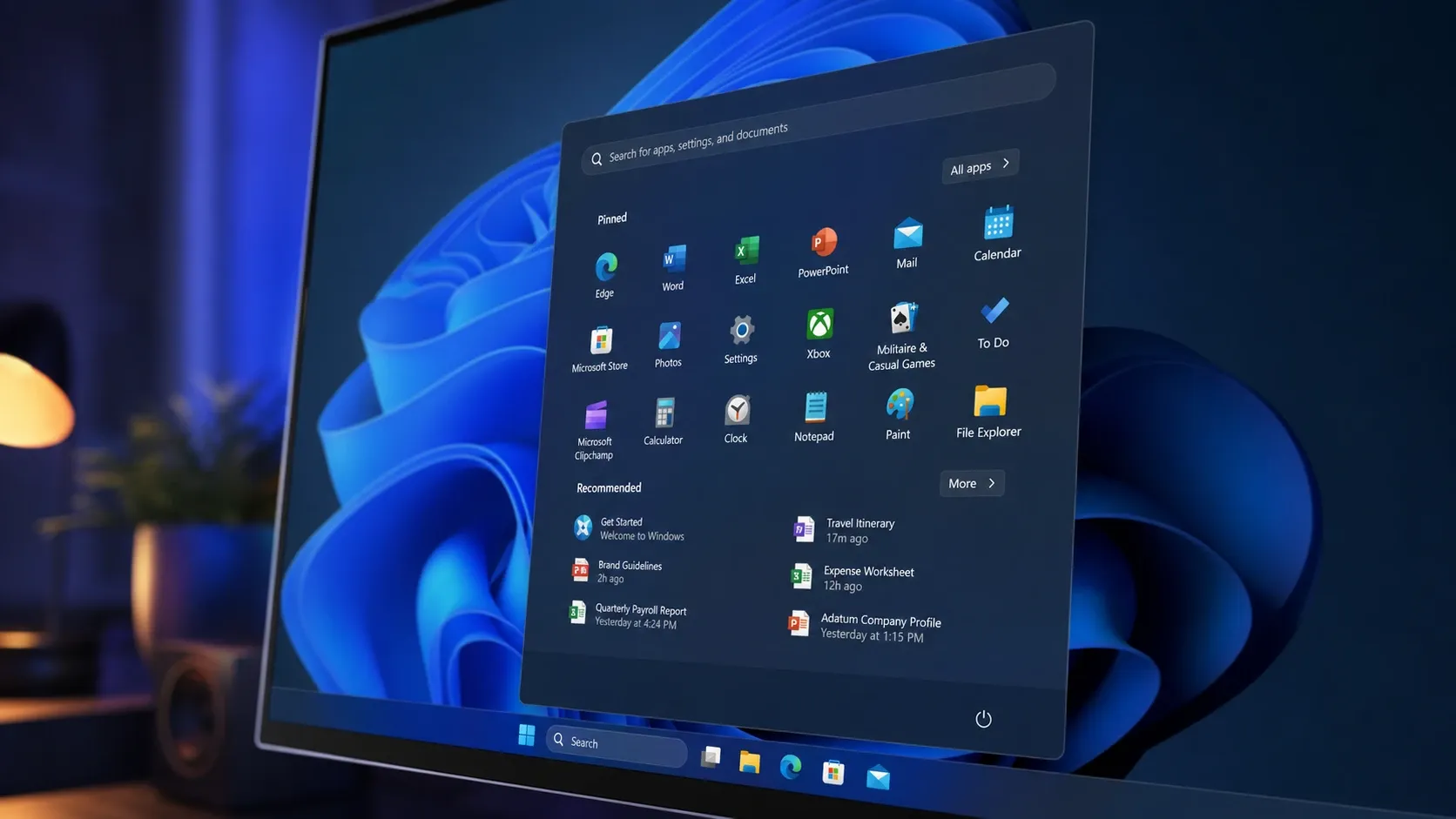
Windows 11 Build 26300.8553 Brings Full Start Menu Customization
Section toggles, three size presets, and a profile-hiding option are rolling out to Insiders in the Experimental channel.
-
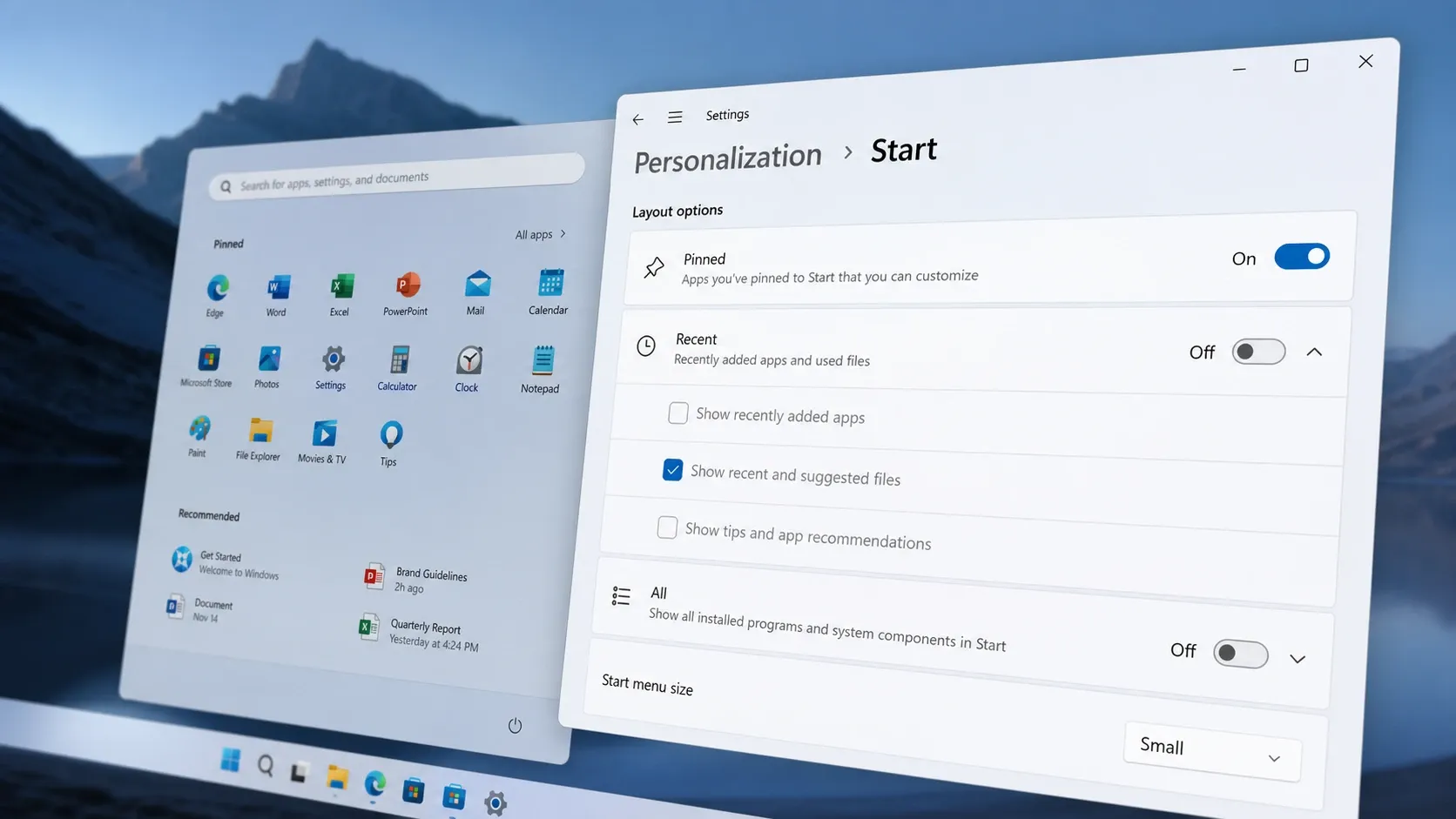
How to enable the resizable Start menu on Windows 11 (Insider)
Turn on small, large, and automatic layouts plus section toggles using Settings, ViveTool, or a registry file.
-
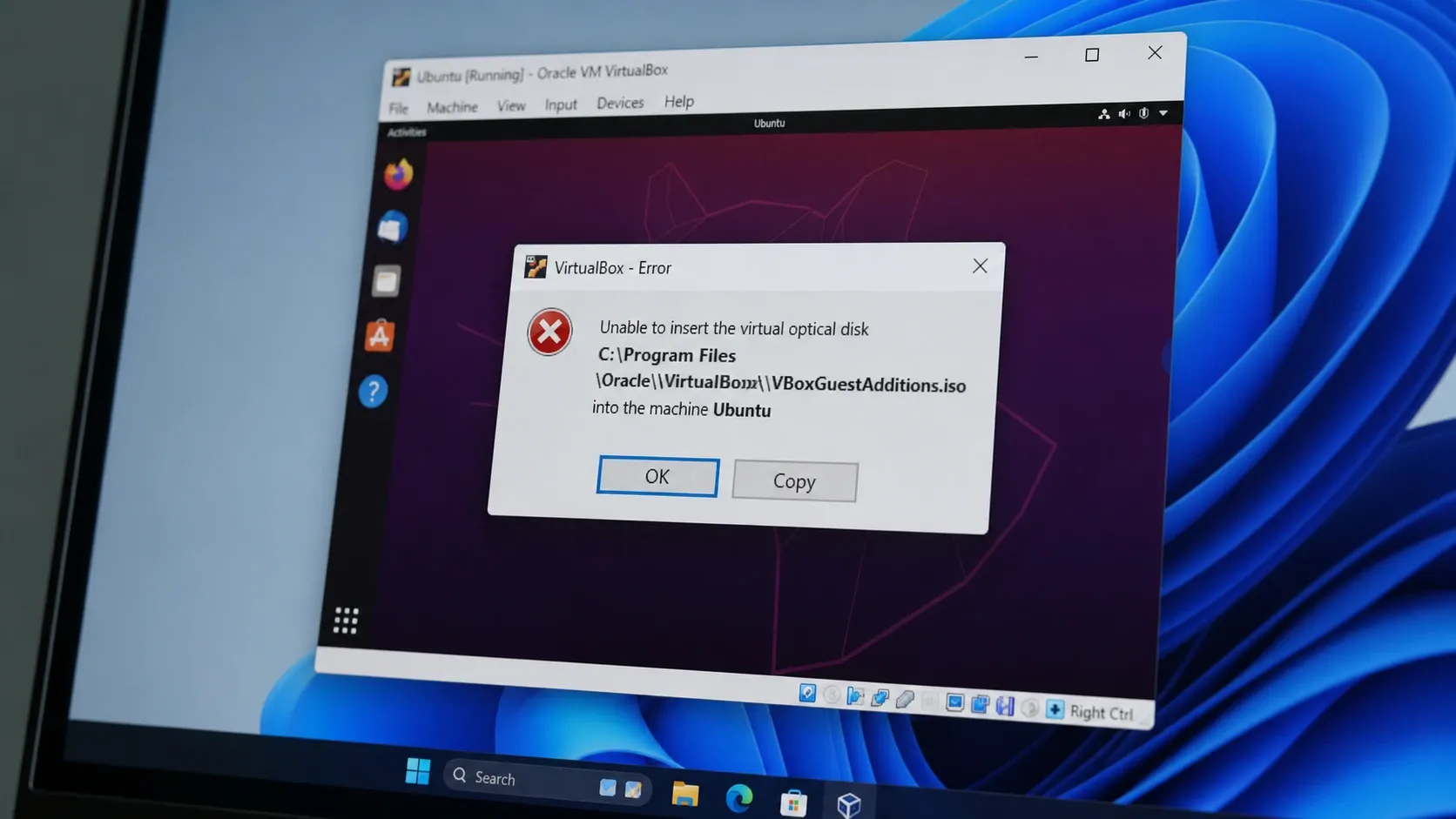
Fix VirtualBox “Unable to insert the virtual optical disk” (VERR_PDM_MEDIA_LOCKED)
Eject the locked disc image, then mount Guest Additions inside the guest to clear the error for good.
-
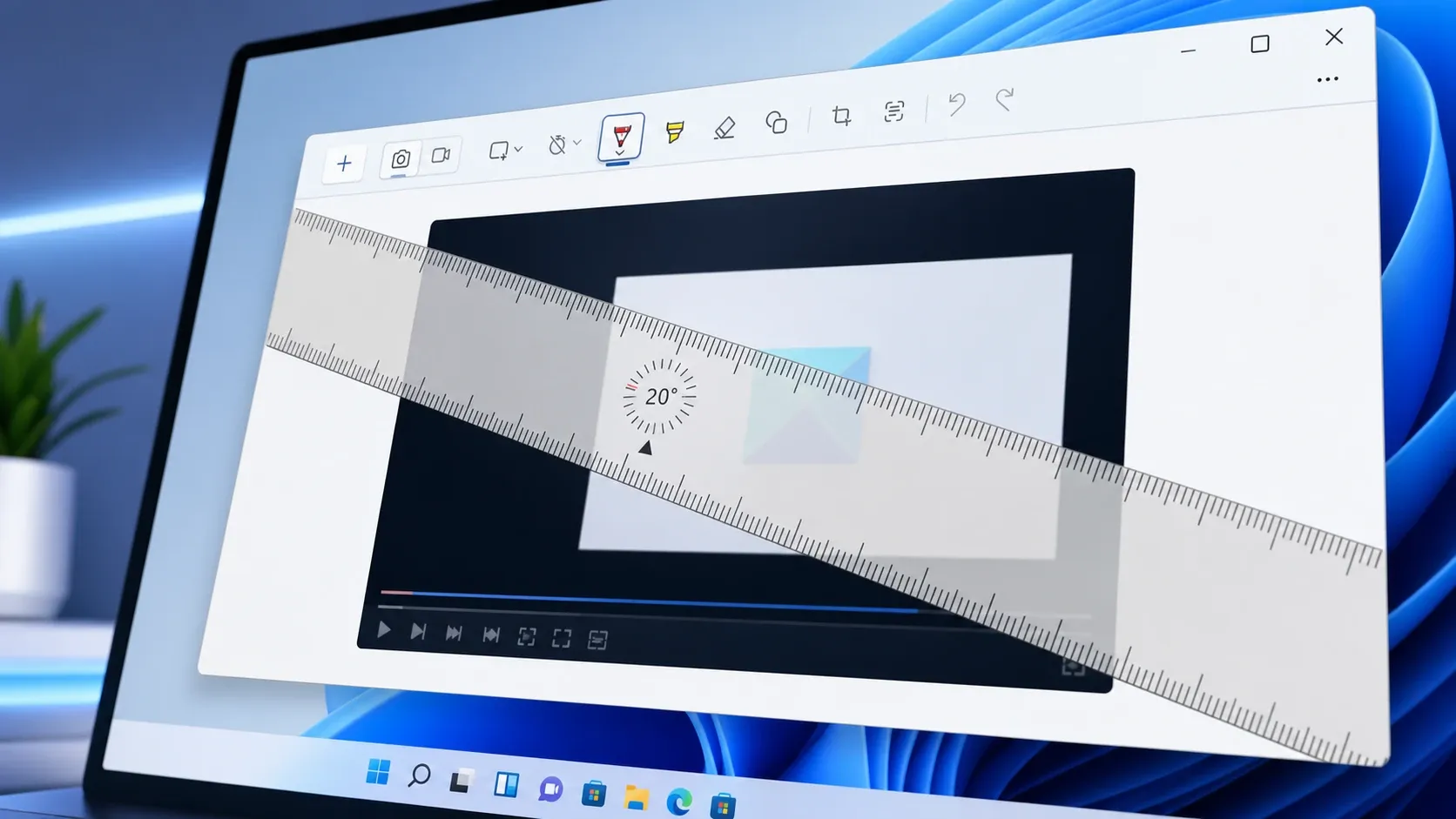
How to Rotate the Ruler in Snipping Tool (Windows 11)
Spin the on-screen ruler to any angle so you can draw slanted straight lines or measure on a screenshot.
-
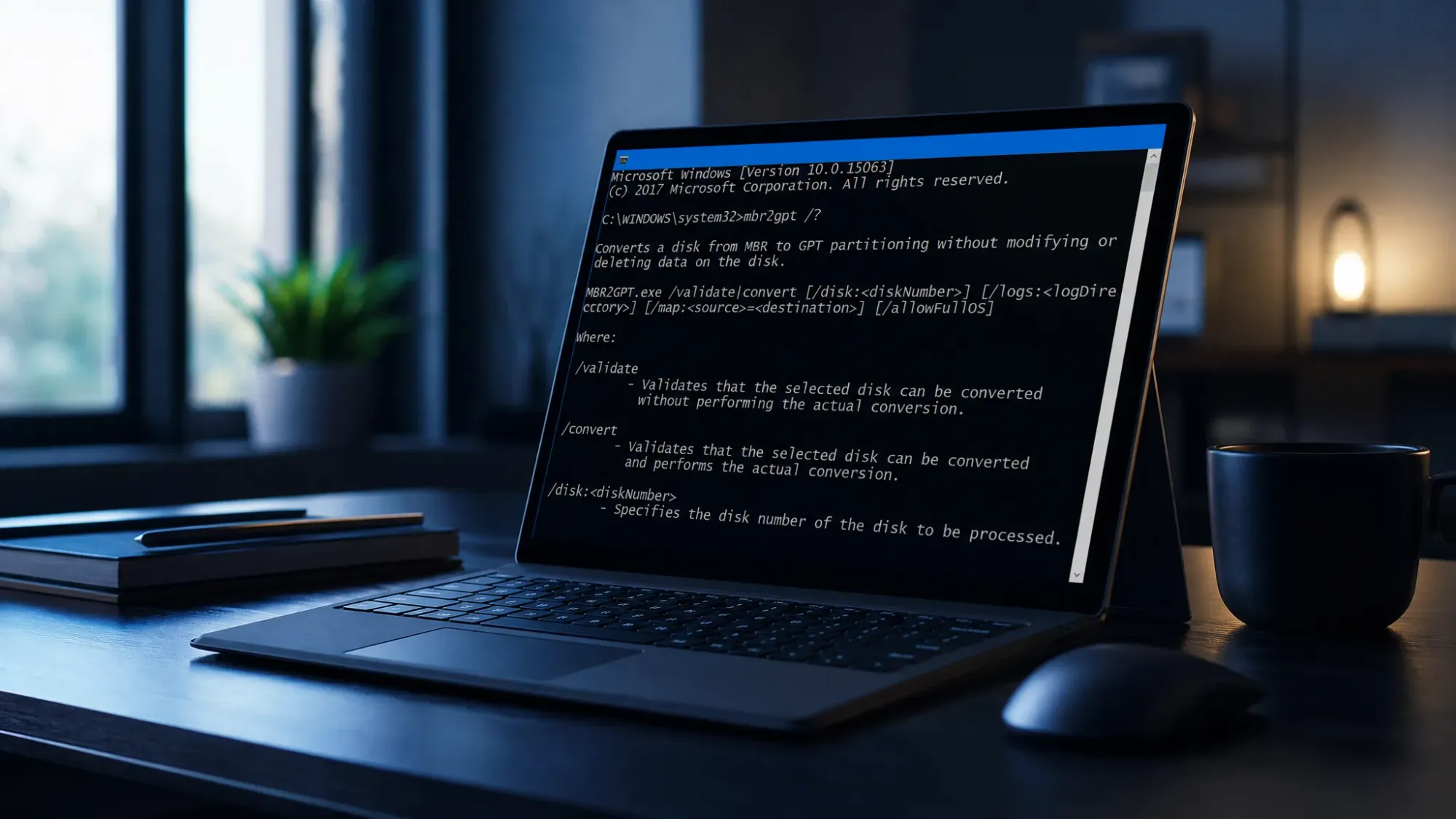
Convert a Windows 11 System Disk from MBR to GPT with MBR2GPT
How to validate and switch your boot drive’s partition style without wiping data, then move the firmware to UEFI.