
Instructional, step-by-step articles.
Content Type: How-To
-
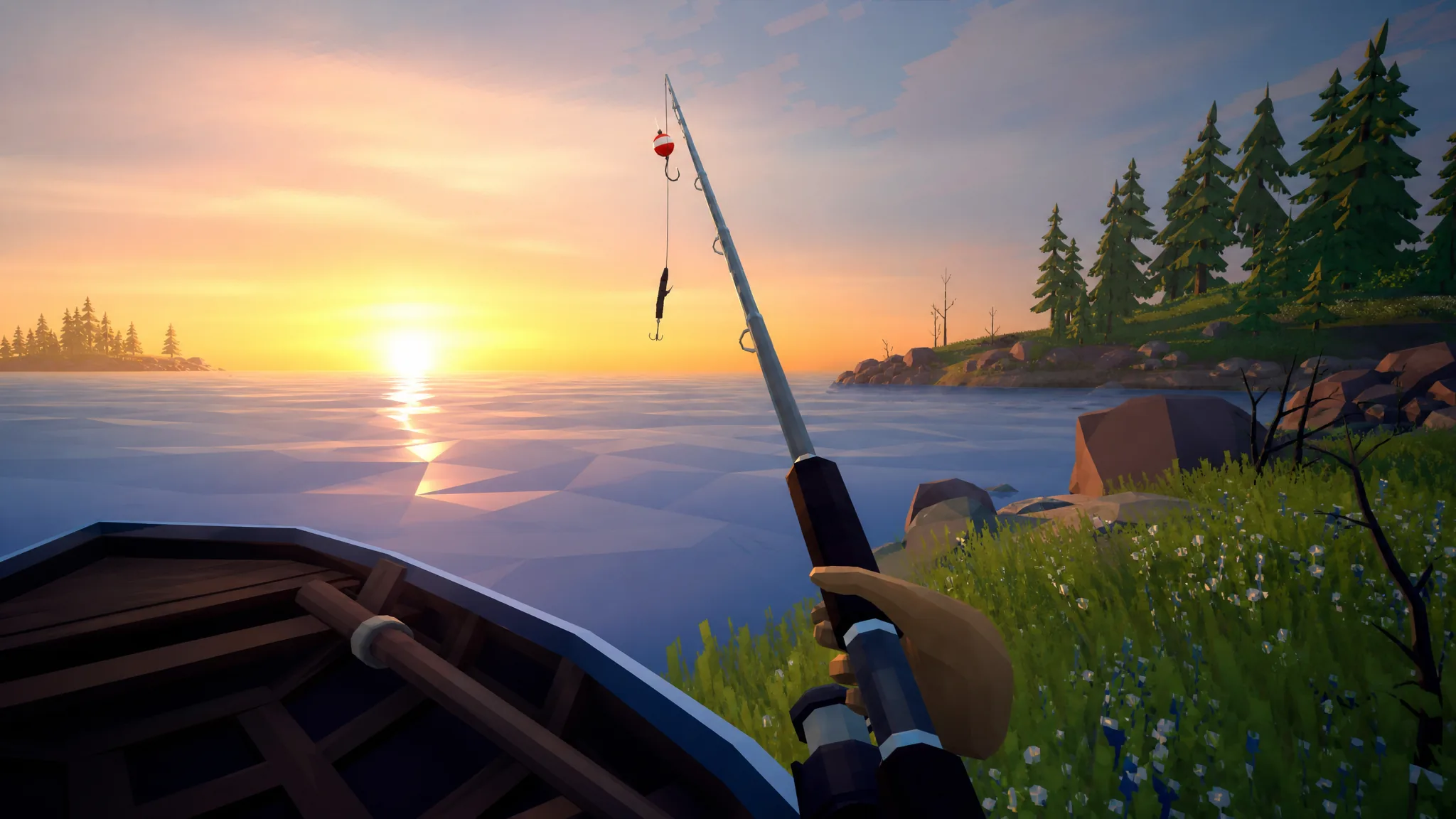
How to Fish: Using the Fishing Rod and Sell Your Catch
Buy a lure, cast at the shore, reel in with left-click, then subdue and sell each fish for money.
-
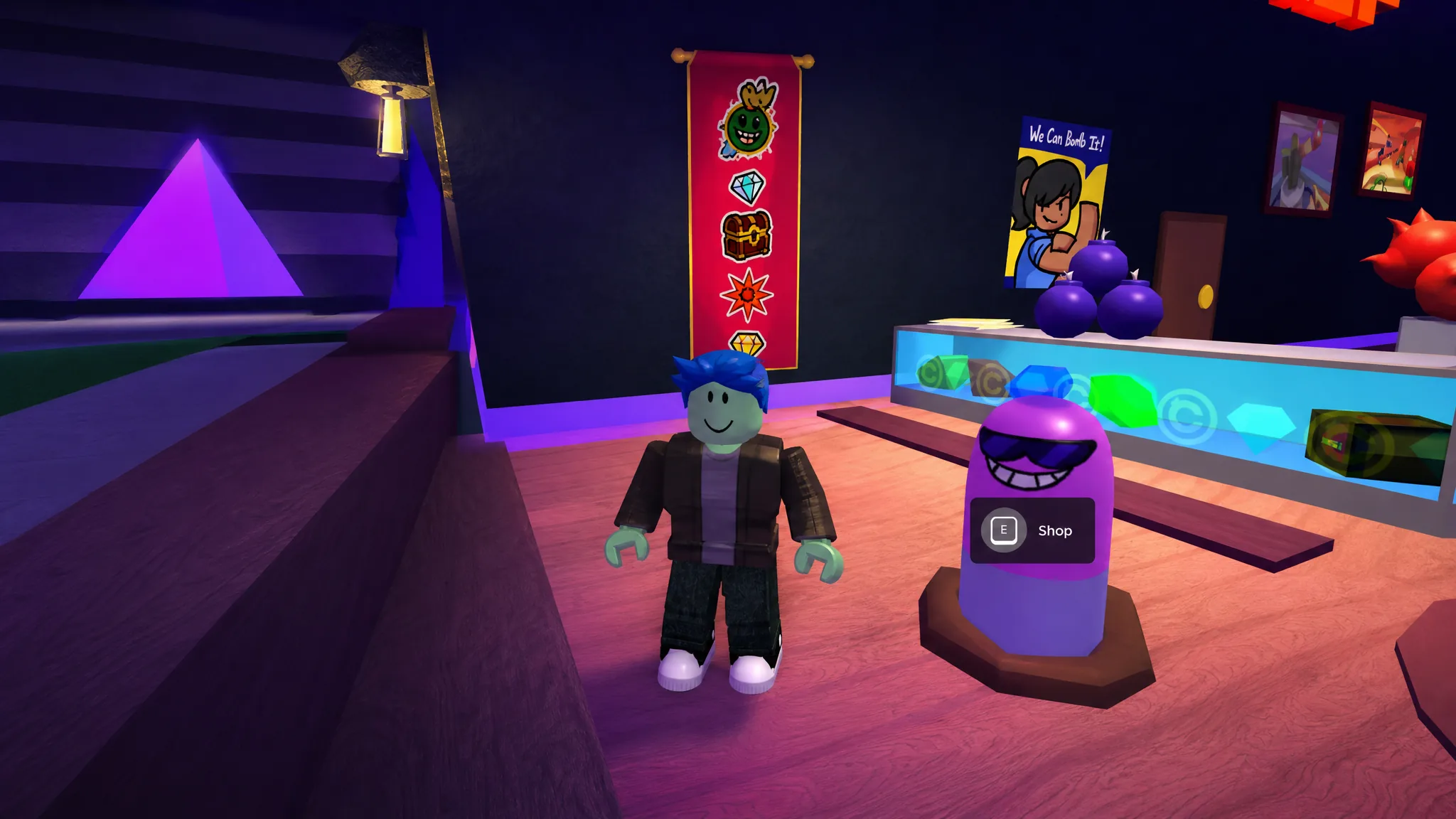
Super Bomb Survival: How to Get the Squirm Shady Badge
Find all five hidden Wigglys in the lobby, then buy the Wiggly perk for 333 credits to unlock the badge.
-

Drone Defense 2: How to Get 2x Match Speed (Free and VIP)
Two ways to double your match speed in Solver Games’ tower defense game, one paid and one free.
-
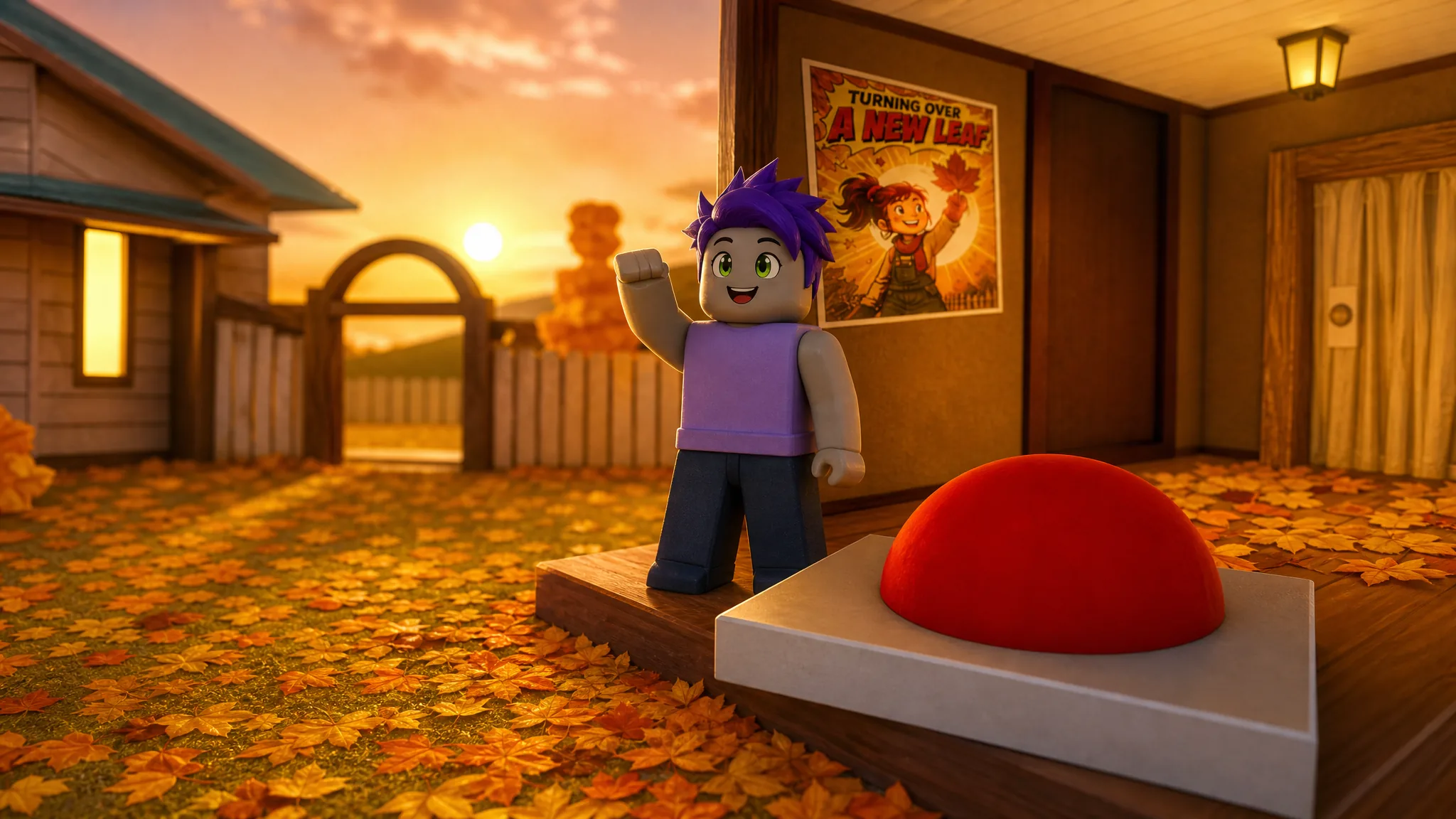
Clean All the Leaves (Roblox): How to Get the Secret Ending
Clear every zone to 100%, then finish two basement waves to trigger the cutscene and claim the badge.
-

Grow a Chicken Fighter: How to Get the Kraken Chicken
The Secret-rarity Kraken Chicken only comes from the Admin Abuse event, and the next window is set for Saturday, August 29th.
-

How to Unlock Clubs in Storage Hunters: Open World (Net Worth Requirement)
Everything you need to hit the net worth gate, reach the Club Manager, and start earning shared Club Luck.
-
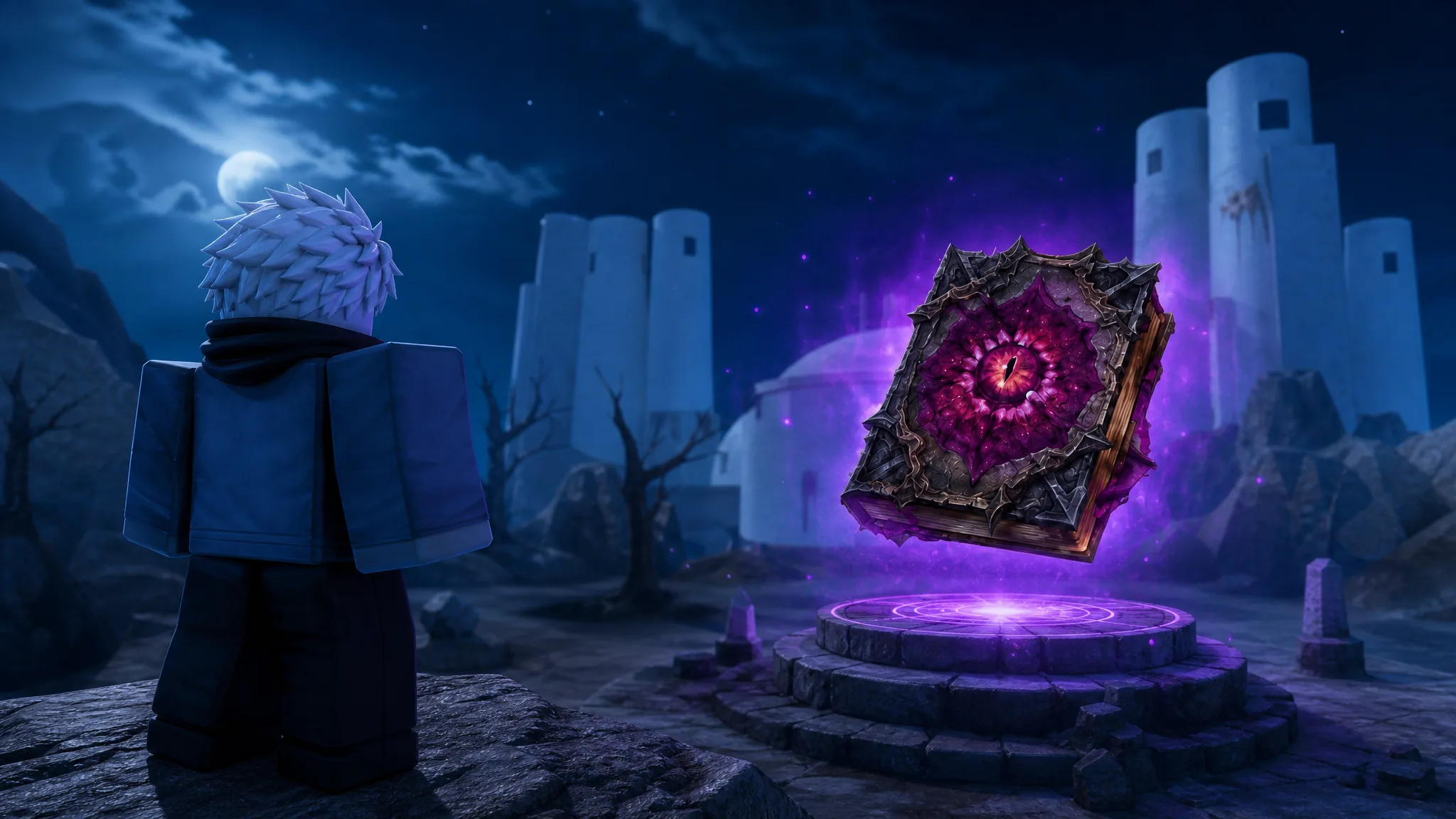
Lineage Piece: How to Get the Odd Tome for the Frieren Summon
The Odd Tome only comes from Mimic Chests, and here is exactly how to force them to spawn and farm one.
-

Grow a Chicken Fighter: How to Get the Catalyst Hen
The full hatching path to the sub-1% Secret hen, its base stats, and where it lands among the top fighters.
-
Steal a Brainrot: How to Get Pop Pop Petalini From the Bee Lucky Block
The Secret rose unit drops at a 0.5% rate from the Bee Lucky Block, and here is how to open one.
-

Storage Hunters: Open World – How to Create a Club
Reach 15,000 Net Worth, visit the Club Manager, and pay 249 Robux to found a Club with shared Luck perks.