
Instructional, step-by-step articles.
Content Type: How-To
-
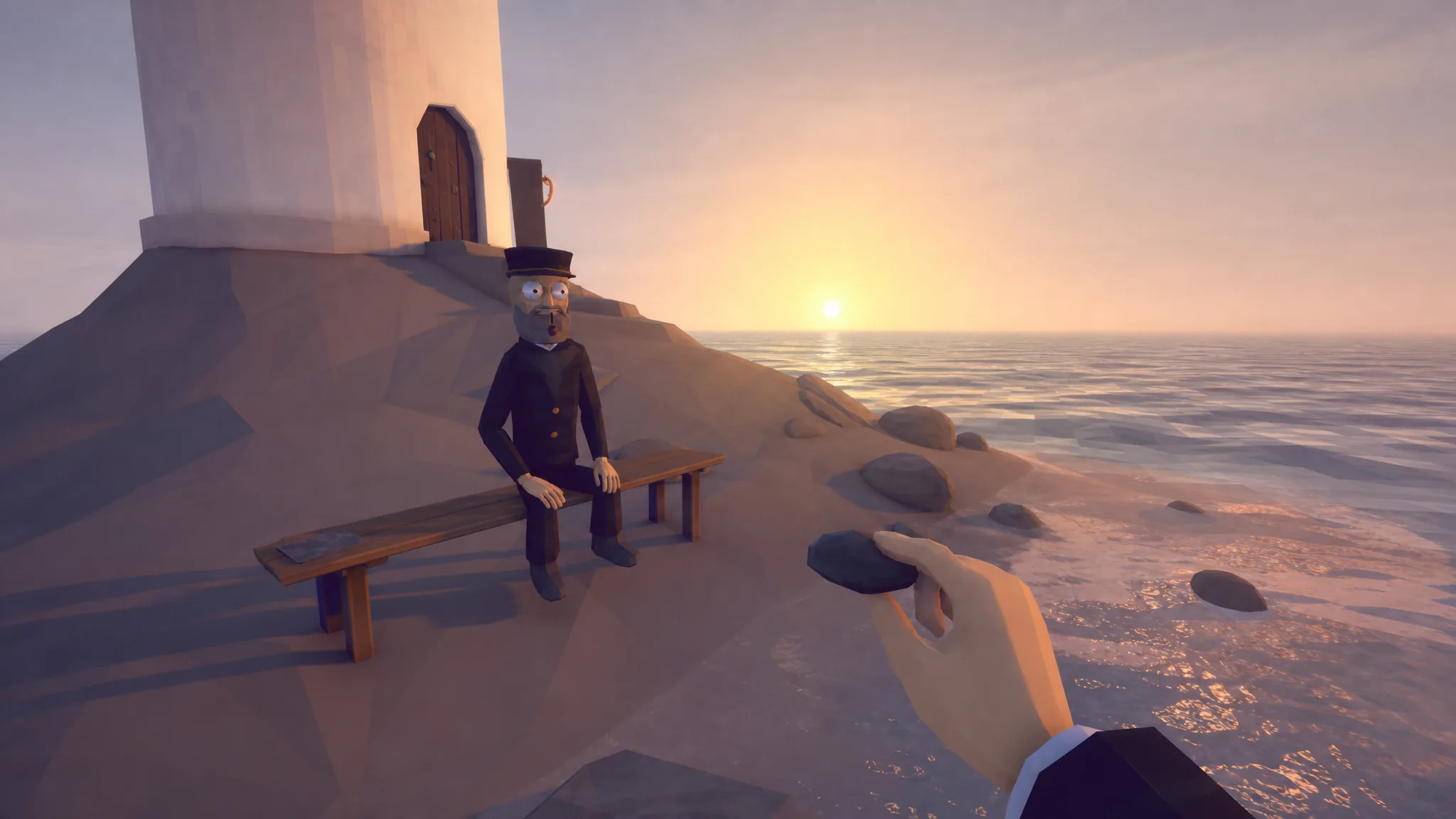
How to Fish: How to Pick Up and Eat Clams
Grab a clam with [E], eat it by holding Left Click, and turn the rest into your first cash.
-
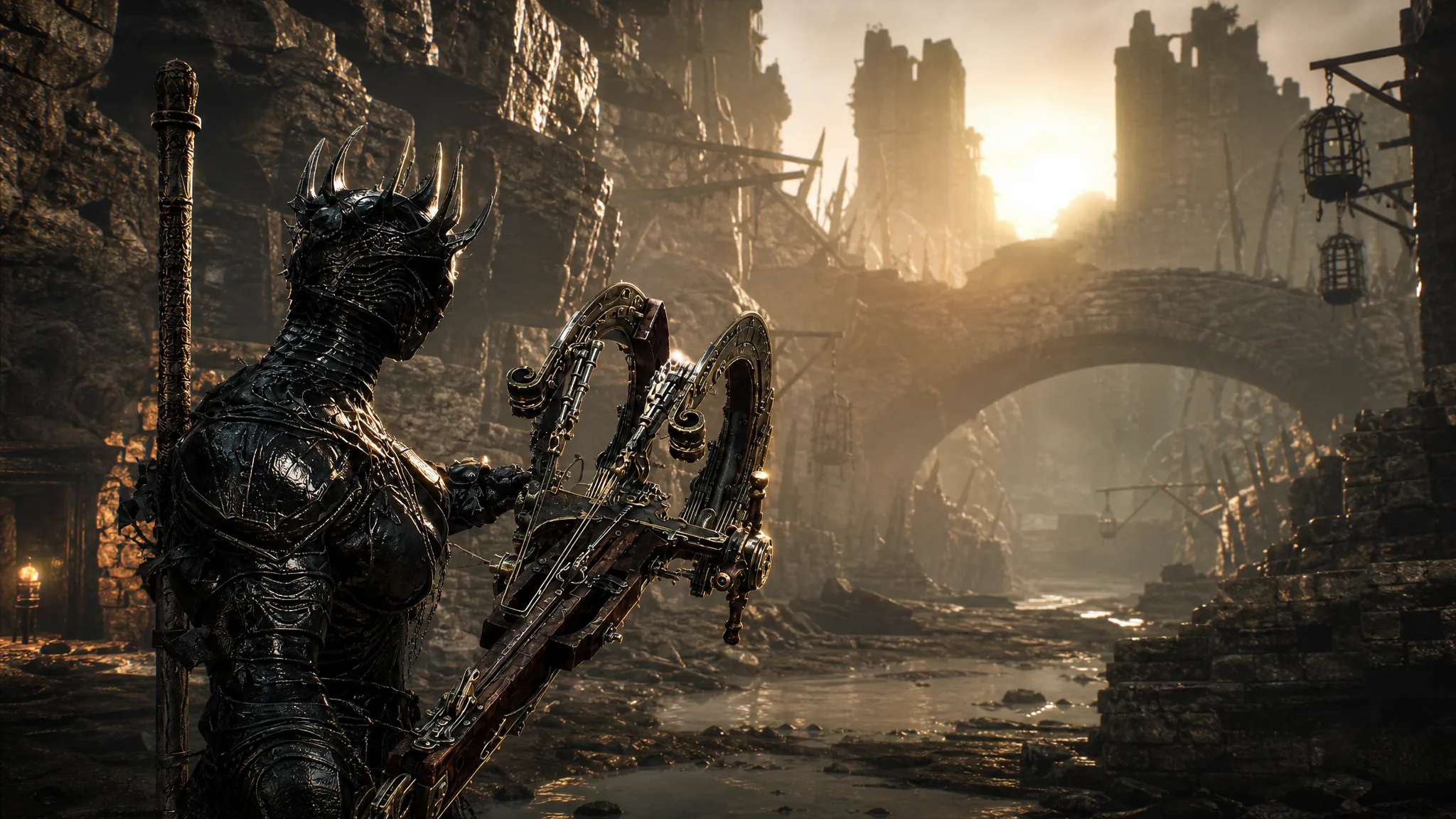
Mortal Shell 2: How to Get the Salvaged Trebuchaxe in the Ravaged Hideout
The exact route from the Gloomshade Grove Beacon, the miniboss that blocks the way, and the Tarstone that makes it hit hardest.
-
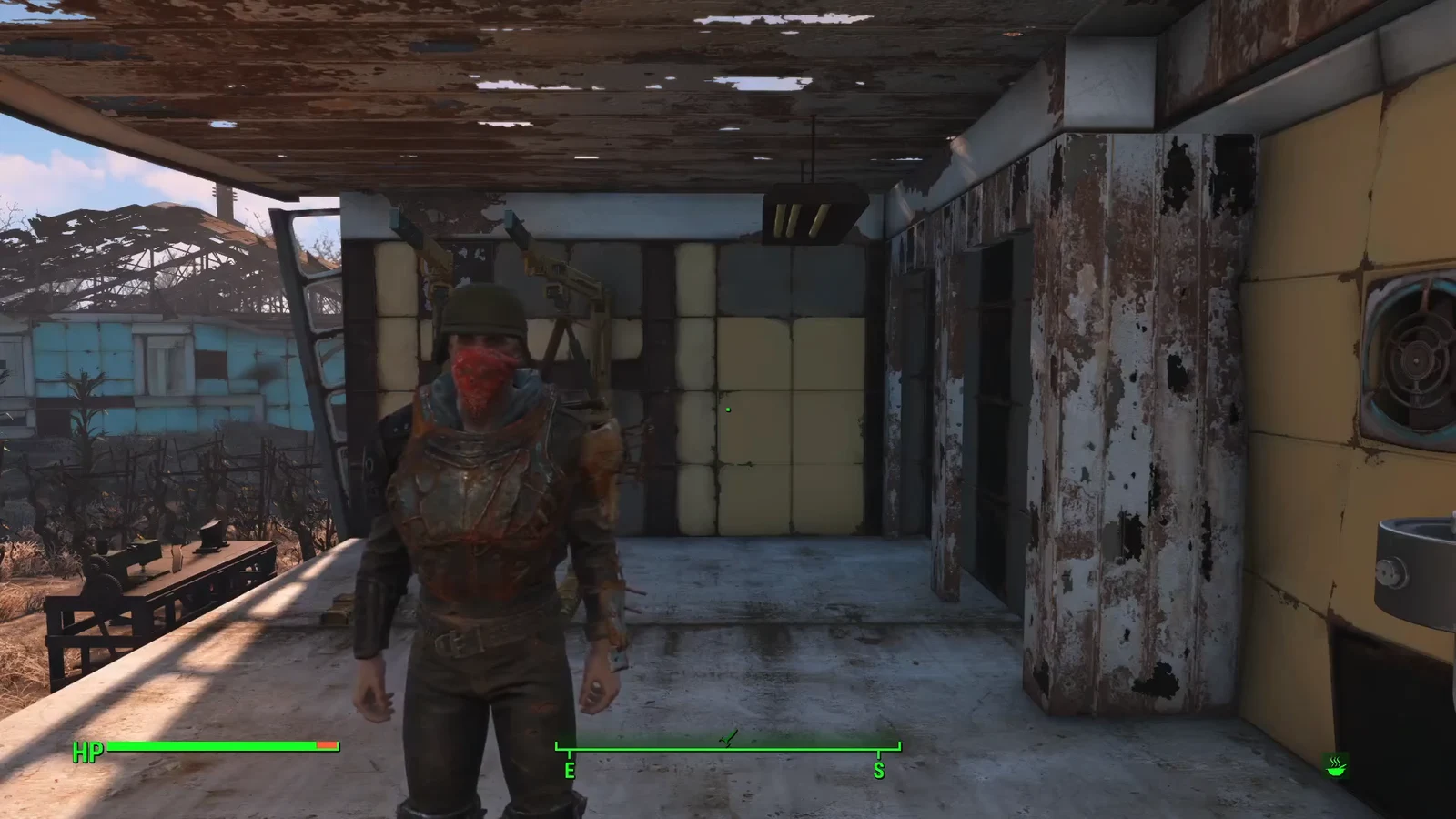
Fallout 4: How to Add Perk Points With Console Commands
The exact PC console command to grant any number of spendable perk points, plus how to confirm it worked.
-
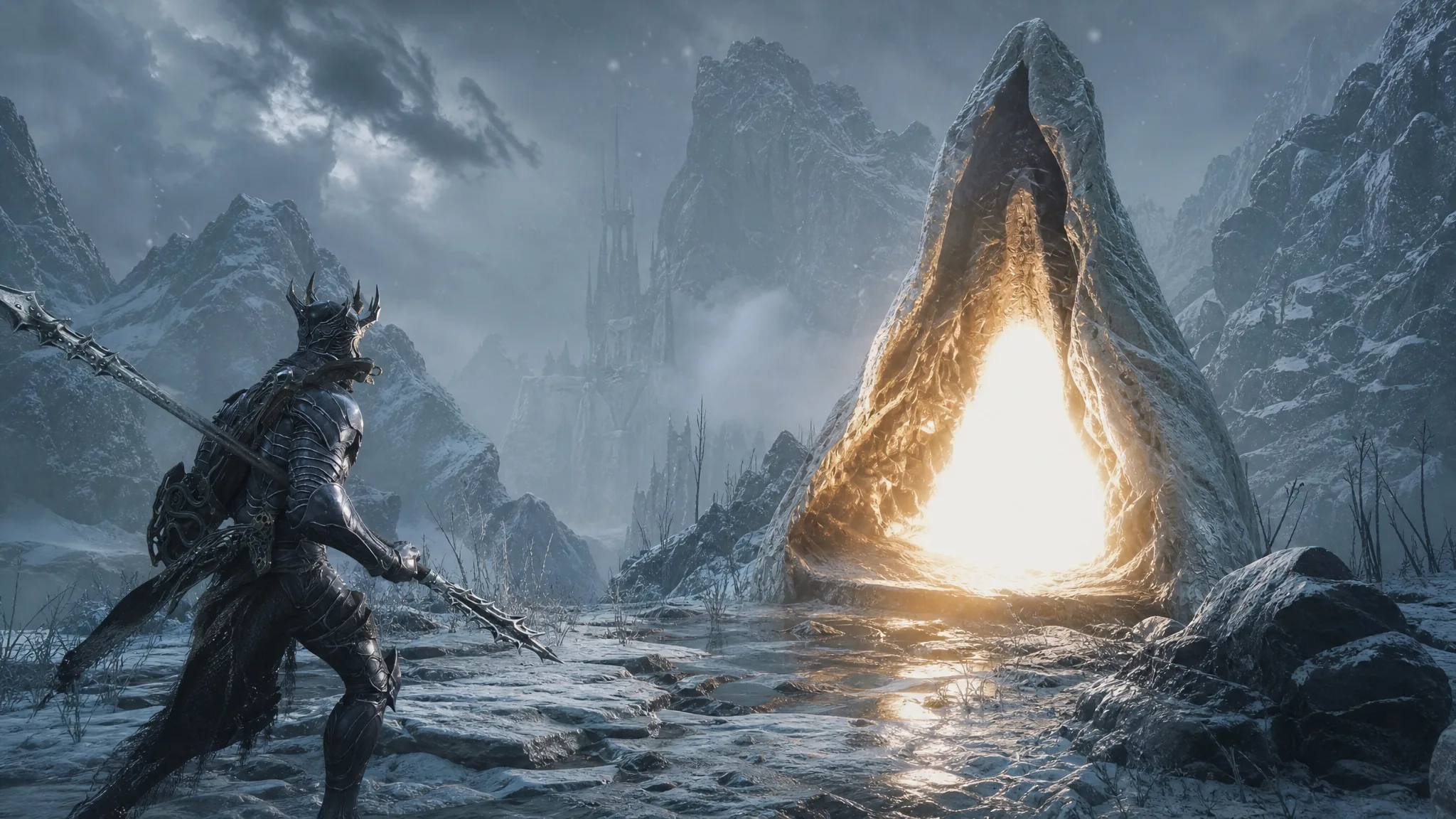
Mortal Shell 2: How to Cleanse the Ovate’s Chamber Beacon
Reach the Pilfered Crypt in Conquered Temple, clear Eredan’s Sycophants, and claim the Ovum to cleanse the Beacon.
-
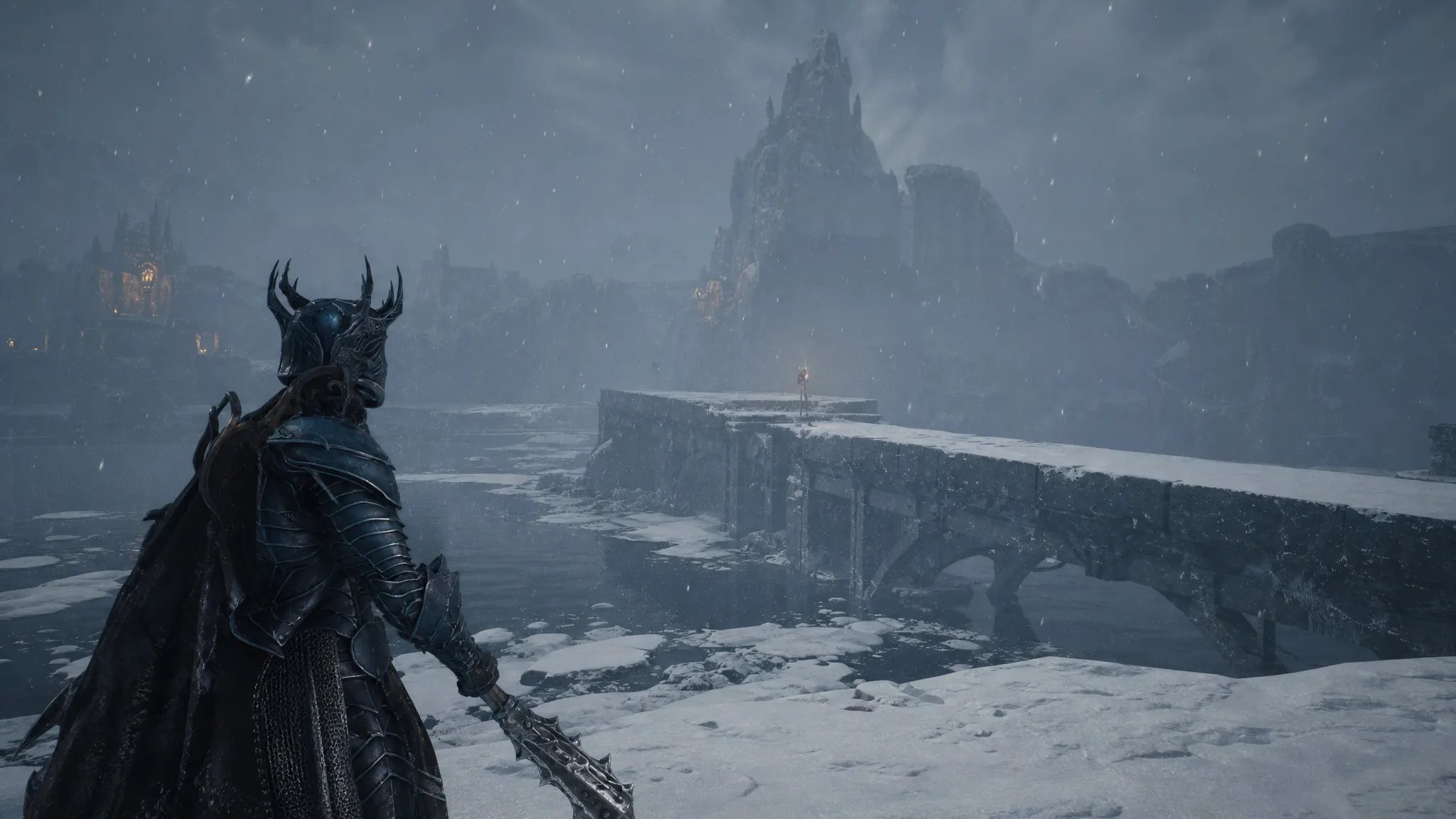
Mortal Shell 2: How to Raise the Winterglass Lake Bridge
Ring both bells from the beacon to rebuild the two-part stone bridge and reach Urrig, the Executioner.
-
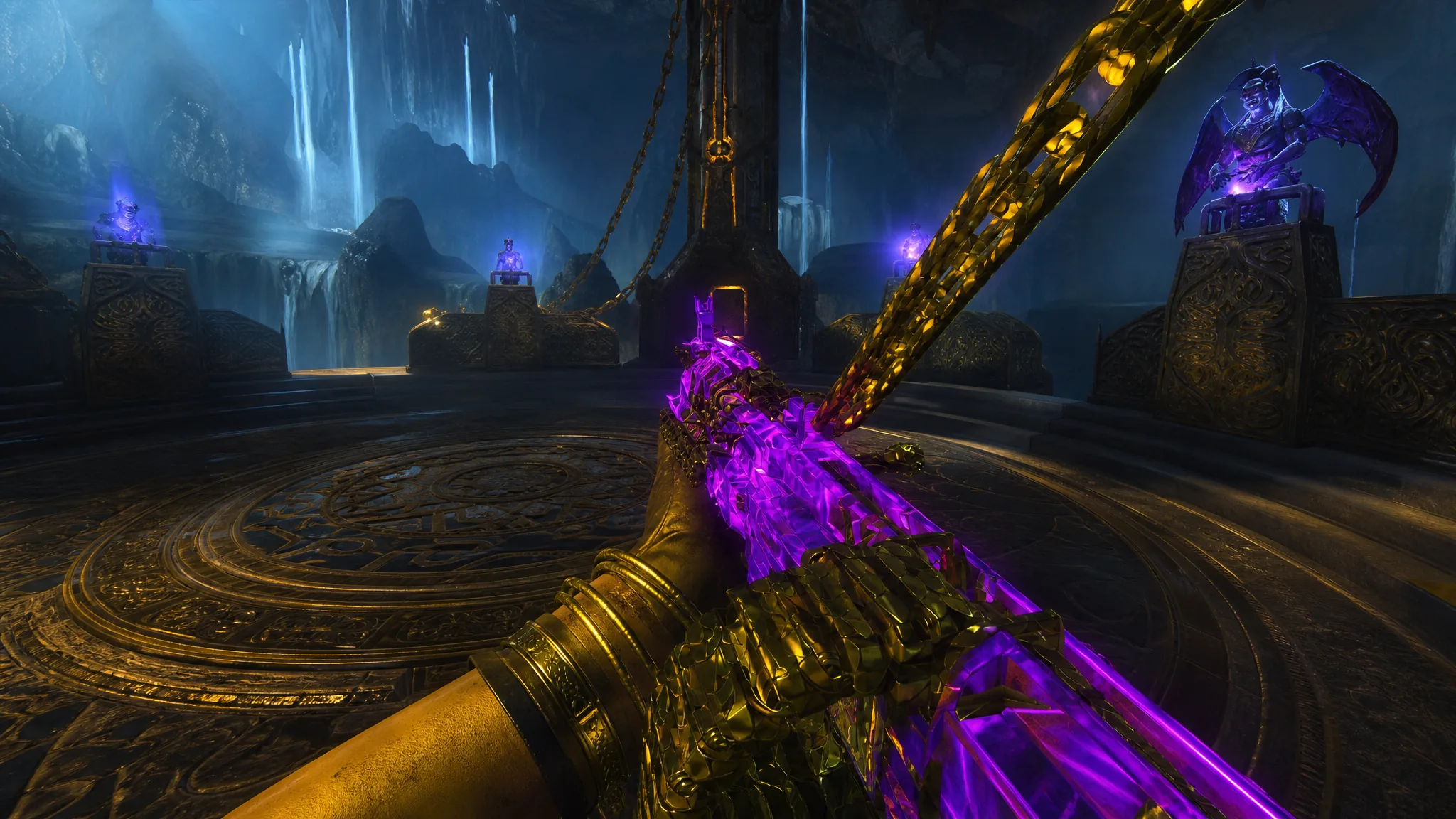
How to Beat the Warden With the Sokol 545 in Rex Infernus
The belt-fed Sokol 545 shreds the Warden’s exposed weak spot, letting you solo the Black Ops 7 Zombies finale boss.
-
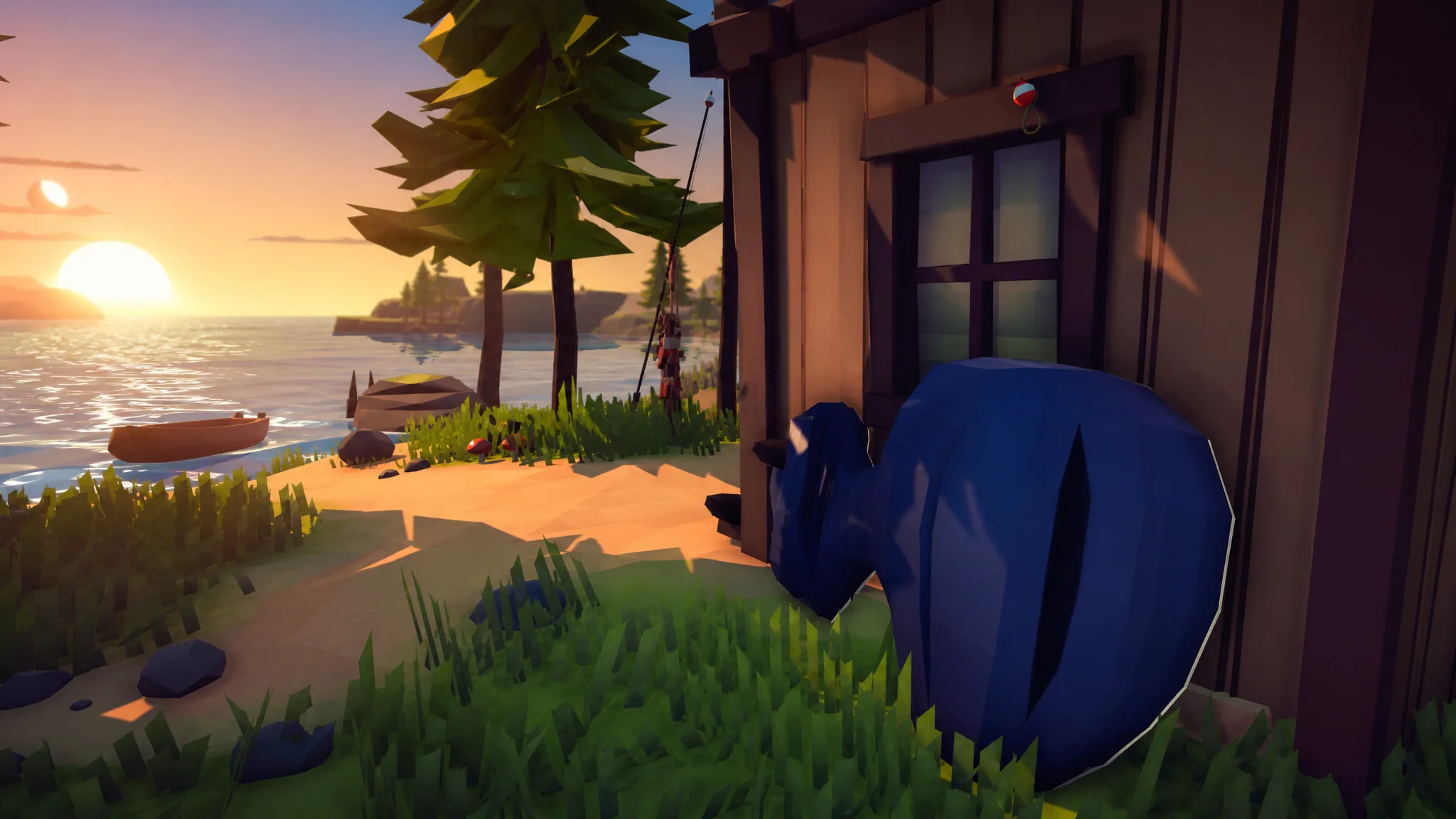
How to Fish: How to Get the Big Motor Boat Upgrade
Where the Big Motor sits on the second island, its $230 price, and how to confirm the faster boat is active.
-
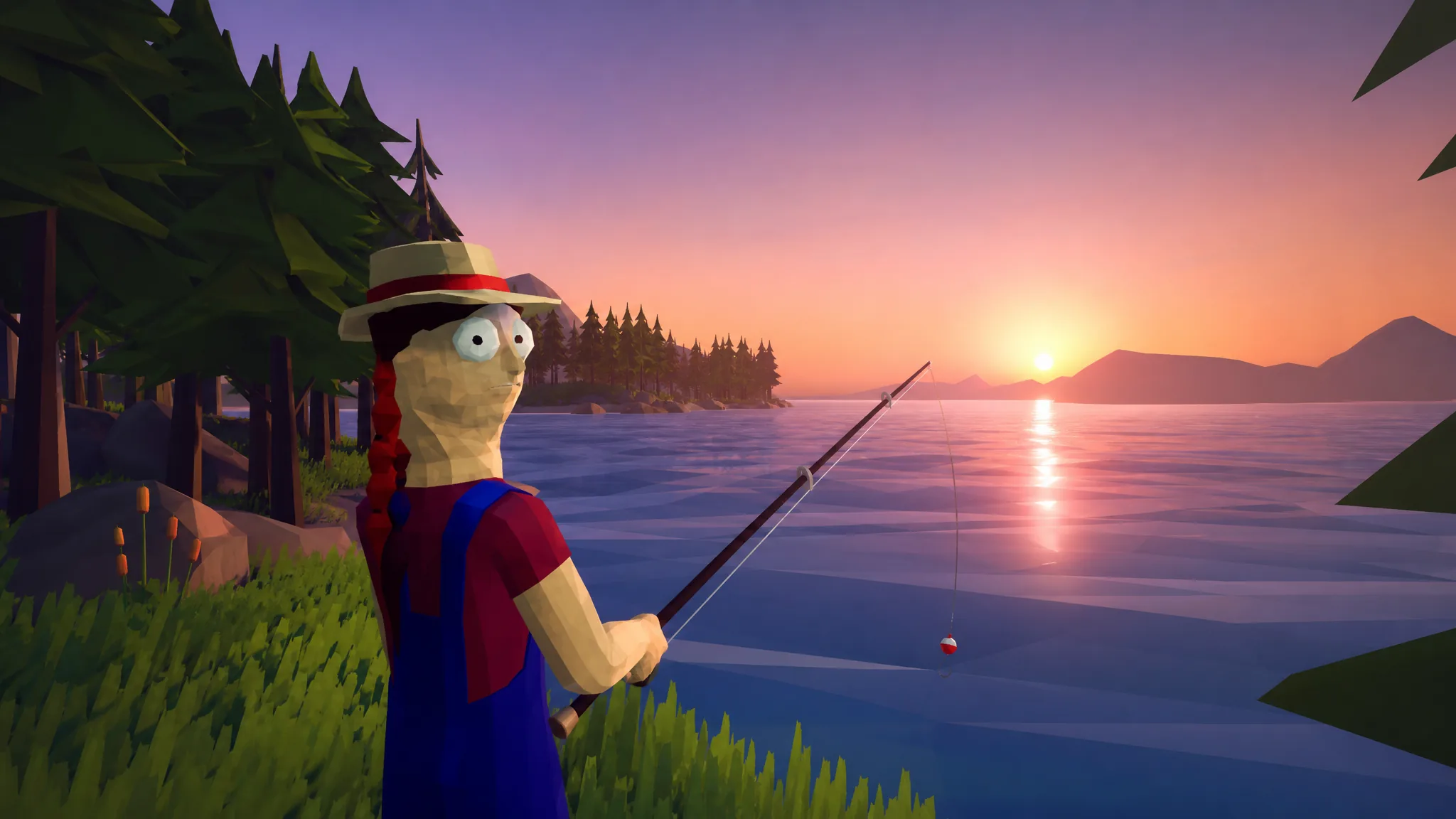
How to Fish: How to Get Leeches
Find three leeches on the ground of the second island and hand them to the NPC to unlock Giant Piranha bait.
-
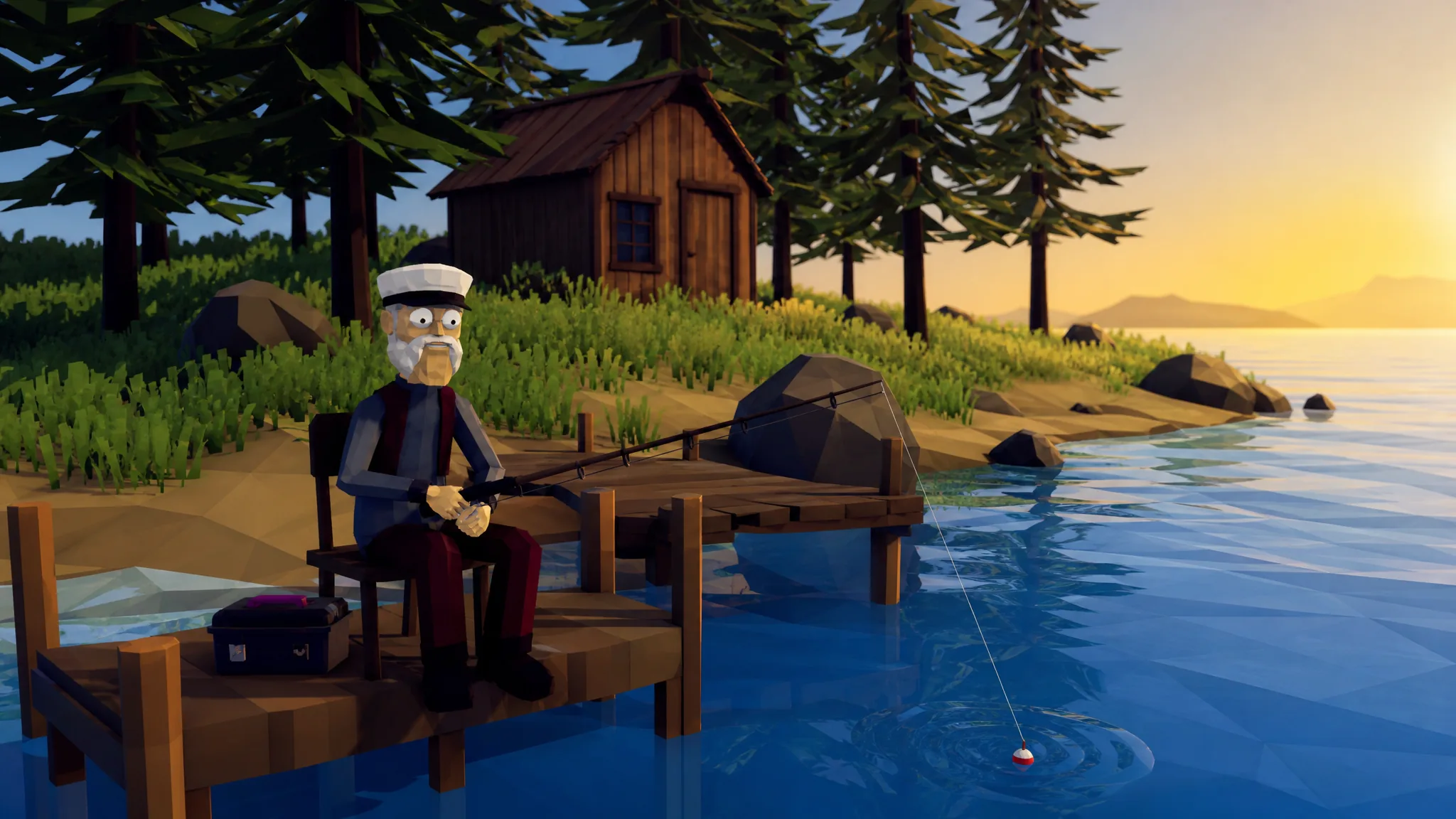
How to Fish: How to Complete the Second Island Quest
Collect the three leeches, summon the Giant Piranha with the Modified Leech, and hand back the right trophy to unlock the third island.
-
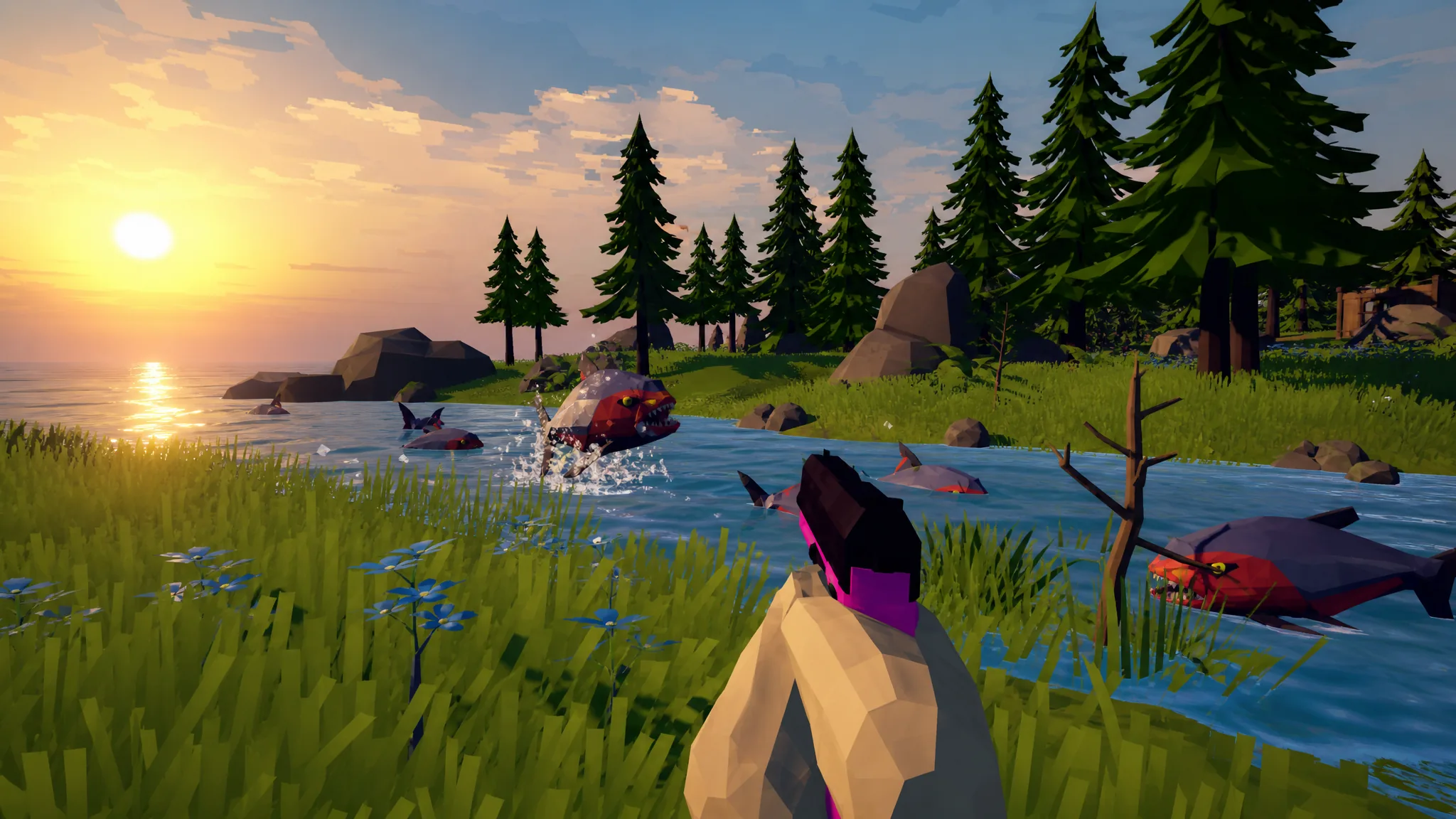
How to Beat the Giant Piranha Boss in How to Fish
Summon the boss with the Modified Leech, keep moving while you shoot, and return the Skeleton to unlock Island 3.