
Instructional, step-by-step articles.
Content Type: How-To
-

How to Burn the Big Ghost in PEAK for the Exorcist Badge
Lure the large ghost into an active flame from a Belltower, Candlestick, or Faerie Light in the GLOOM swamp.
-

Genshin Impact: How to Solve Empty Display Stands for Limits & Demonstrations
Match each Prime Ice Construct to its Exhibit Plaque to open the Exquisite chest and claim the hidden achievement.
-

Genshin Impact: How to Use the Shadow Realm Analyzer with Shadow Wingdrop
Feed the analyzer your Shadow Wingdrop to raise Shadow Realm Combat Stamina and claim Mora, Fragile Resin, and a Crown of Insight.
-

Palworld: How to Maximize Player and Pal Survivability
Every stat, passive, accessory, and partner skill that keeps you and your Pals alive against high-level threats.
-
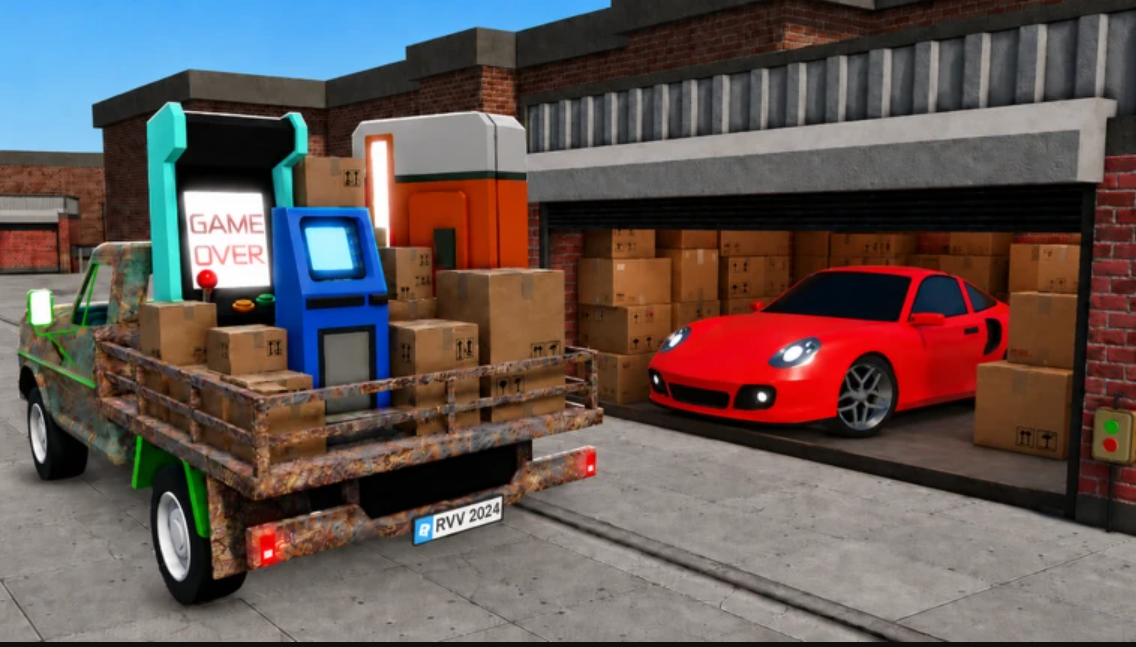
Storage Hunters Open World: How to Get the Mechanic’s Box
The Mechanic’s Box is a quest item that drops from Junk Yard auctions once you finish the Bobby delivery to Teddy.
-

How to Find Terry in Storage Hunters (Farmyard Location)
Terry stands outside the orange house at the Farmyard, and reaching him starts a Luck Quest tied to Bobby.
-

Dandy’s World: How to Get Waxwell Fast (Roblox)
Unlock the candle Toon by hitting 50% Twisted Waxwell research, three Goob mastery quests, and 3,500 Ichor.
-

Grow a Chicken Fighter: How to Speed Up Progress Around Rebirth (Roblox)
The exact fusion, upgrade, and money timing that turns each rebirth into a fast restart.
-
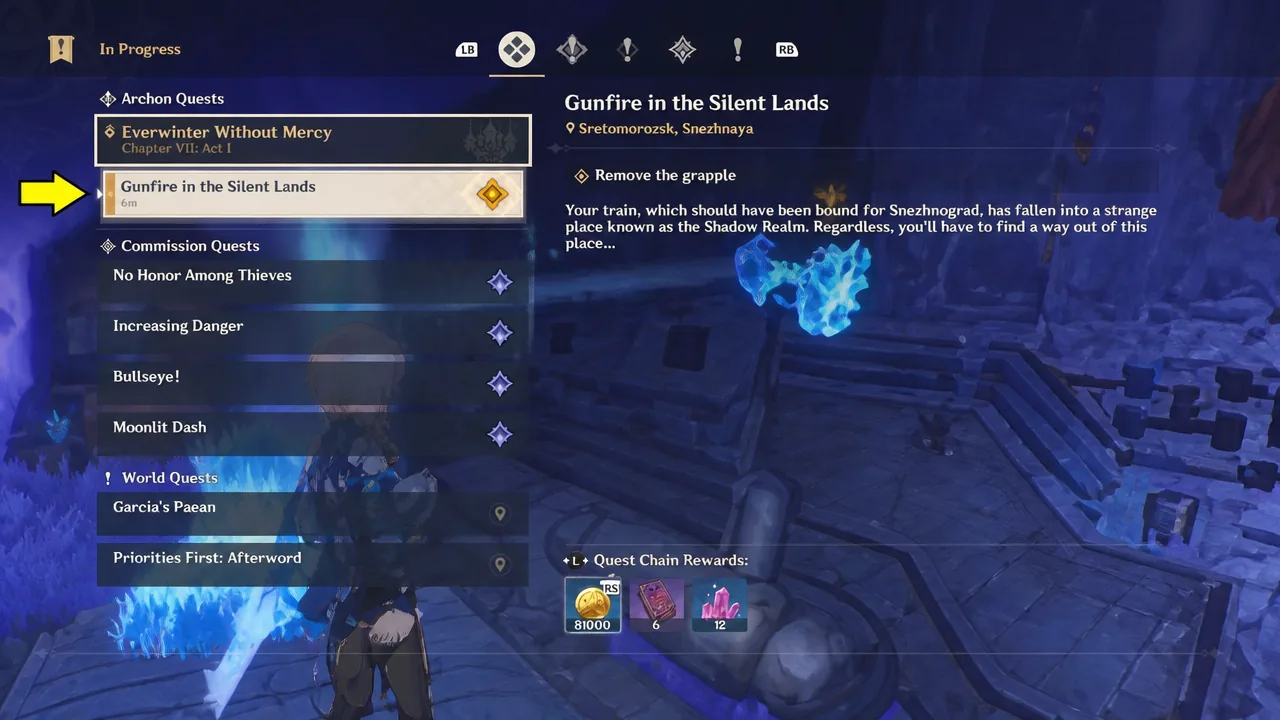
Genshin Impact: How to Remove the Grapple in Gunfire in the Silent Lands
The exact button inputs and menu step to dismantle the grapple and move the train forward in the Shadow Realm.
-
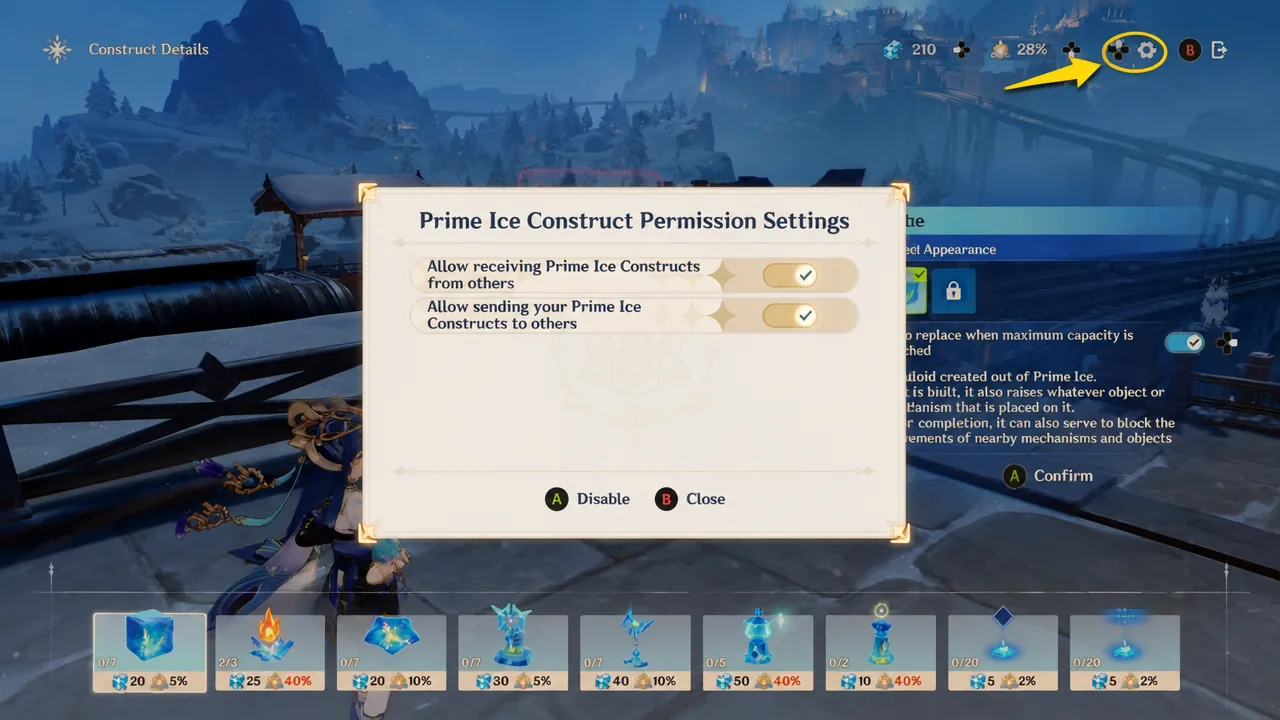
Genshin Impact: How to Remove and Manage Prime Ice Constructs
Clear unwanted ice structures from your world and control which player-made constructs appear in it.