
Instructional, step-by-step articles.
Content Type: How-To
-

The Division 2: How to Get the Underboss Exotic SMG
The full unlock path, drop rules, and Zodiac Climax mission route for the Year 8 Season 2 Exotic submachine gun.
-

Fisch: How to Get the Scalding Hook Rod in The Deep
The full quest chain, exact NPC location, and stat block for the stage seven rod added with The Deep.
-

Anime Vanguards: How to Get and Evolve Phantom Thief (Jester)
Everything needed to unlock the Persona 5-inspired Secret unit from Lunar Bridge Dungeon and complete its Jester evolution.
-
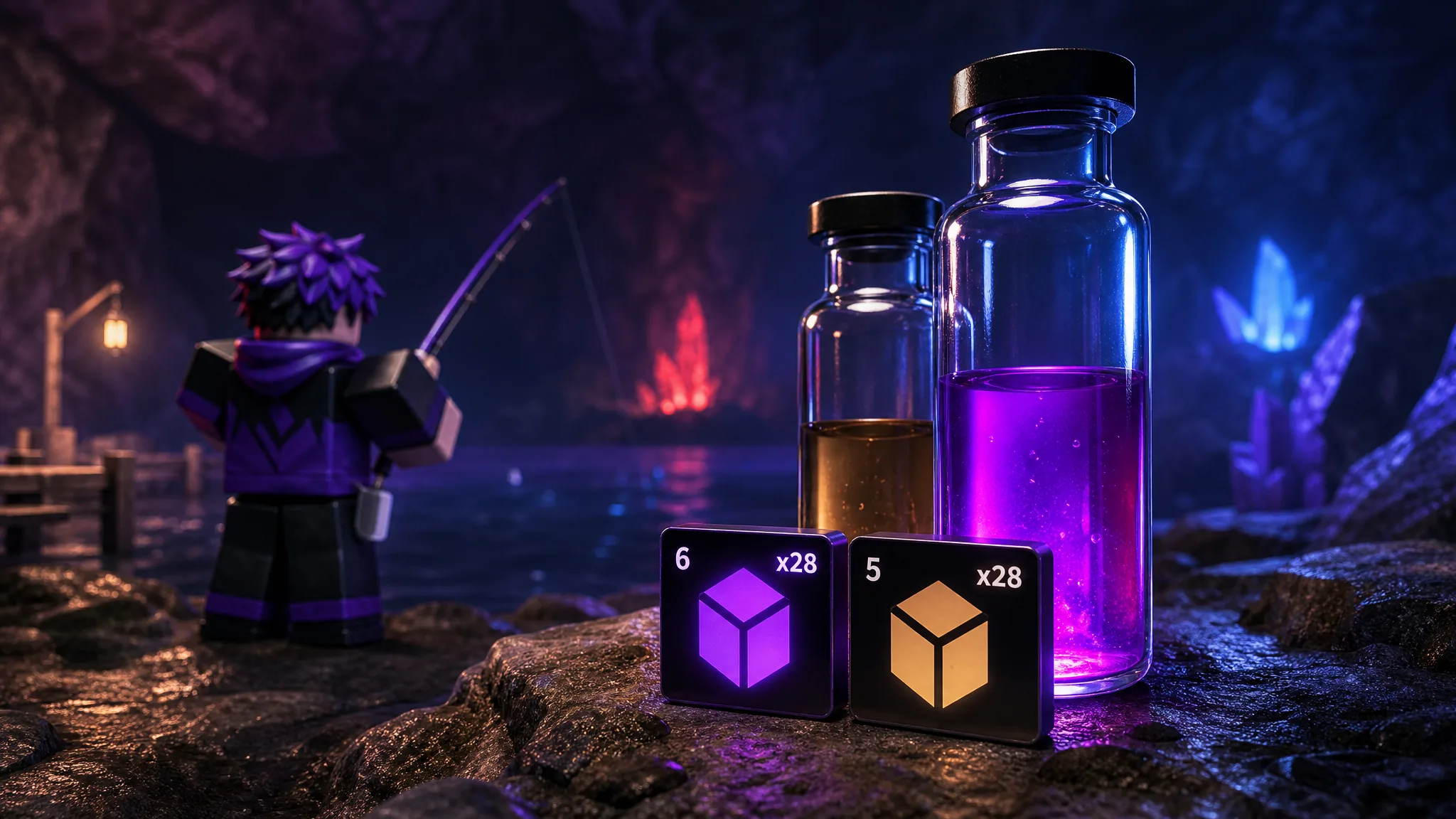
Fisch: How to Get Abyssal Bio-Fluid and Bio-Fluid Fast
Farm the Lower Deep for Luminous Hake, which drops Abyssal Bio-Fluid at a 1-in-5 rate.
-
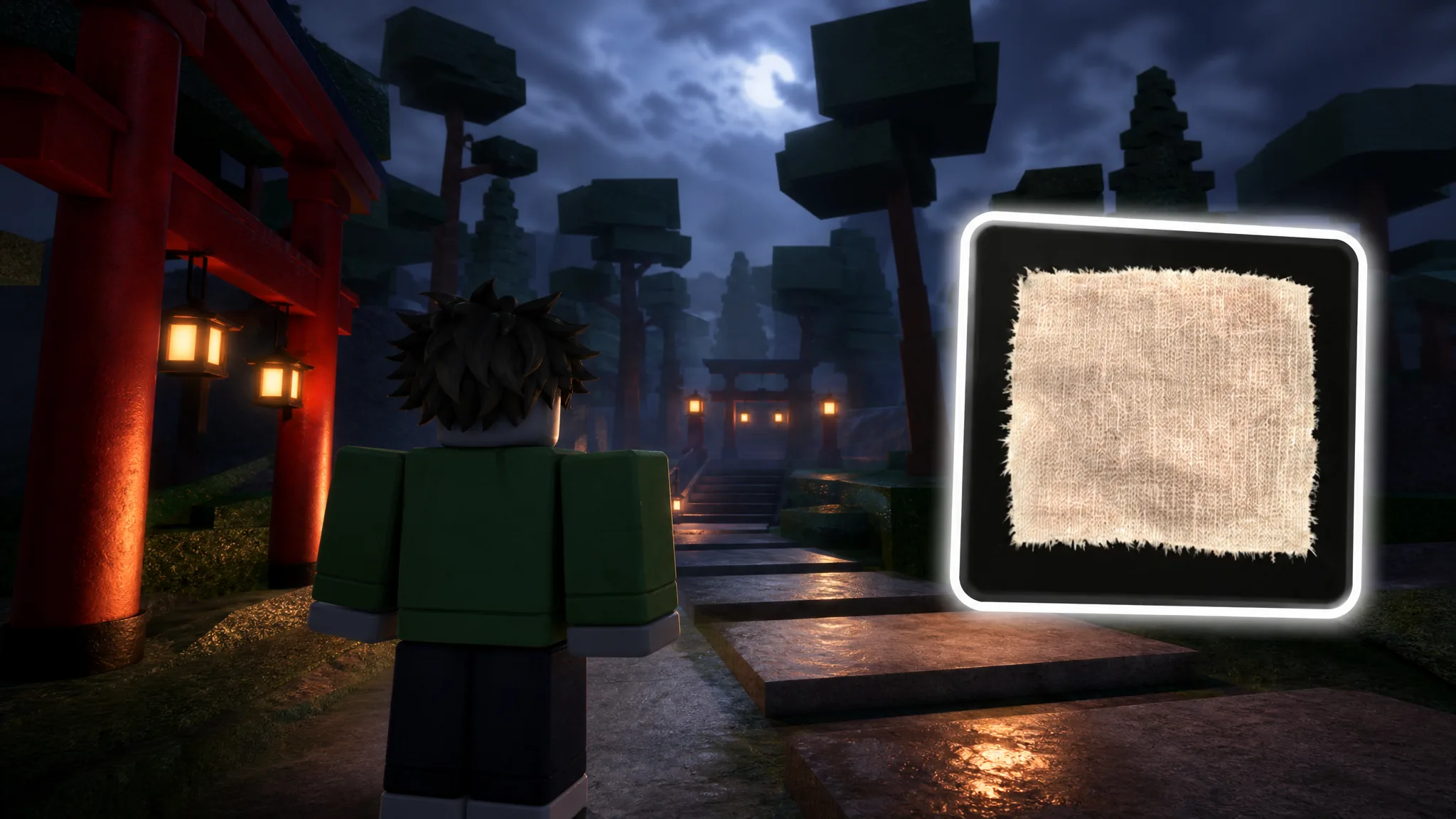
How to Get Cloth Fast in Unscathed (Innkeeper Location and Restock)
Buy Cloth from the Innkeeper for 150 cash, track the five-minute restock, and craft Wraps for a 10% luck boost.
-

How to Get and Use the Glider in PEAK (The Final Ascent)
Where the Glider drops, how to deploy it mid-air, and how to manage stamina while gliding across gaps.
-

PEAK Exorcist Badge: How to Burn Up the Big Ghost in GLOOM
Lure the Big Ghost into a lit Belltower, Candlestick, or Faerie Light to burn it and claim the badge.
-
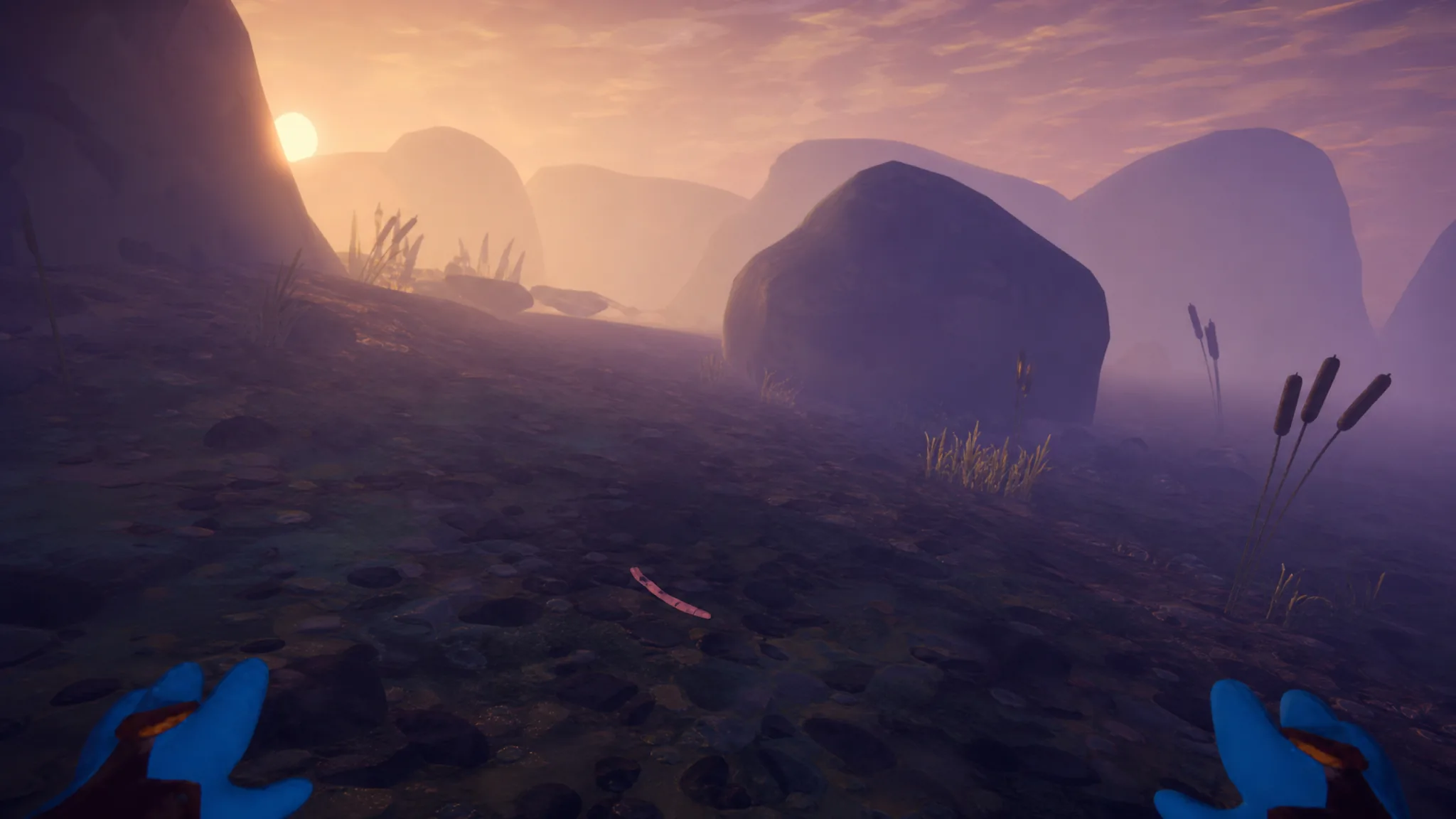
PEAK Well Rested Badge: How to Find and Eat the Early Worm
Track down the pink Early Worm in the GLOOM biome, eat it raw, and the badge unlocks the moment the animation ends.
-

Haze Seas: How to Get the Dual Dark Blade
Every material, boss drop, and mastery requirement you need to craft the Dual Dark Blade at Doran the Forge.
-

How to Play Mutual Aid in Bloom: Into the Frostlands in Genshin Impact 7.0
Start the Morepesok quest, farm Fervor Coupons, and roll snowballs to unlock every Lady Katheryne statue part.