
Instructional, step-by-step articles.
Content Type: How-To
-
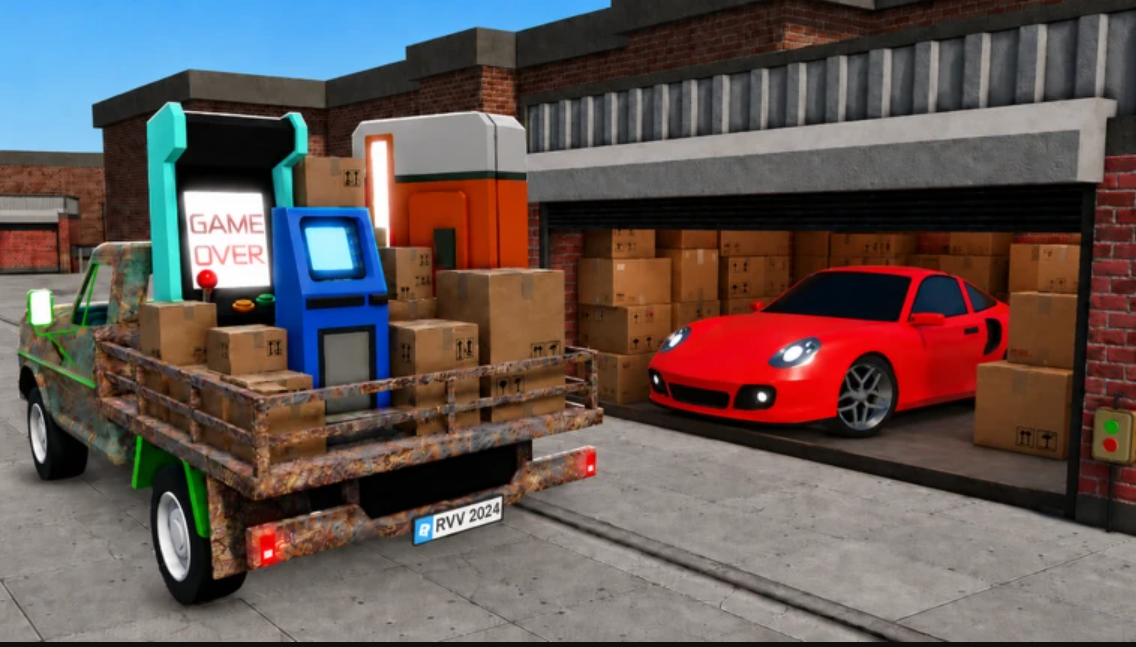
Storage Hunters Open World: How to Get the Mechanic’s Box
The Mechanic’s Box is a quest item that drops from Junk Yard auctions once you finish the Bobby delivery to Teddy.
-

How to Find Terry in Storage Hunters (Farmyard Location)
Terry stands outside the orange house at the Farmyard, and reaching him starts a Luck Quest tied to Bobby.
-

Dandy’s World: How to Get Waxwell Fast (Roblox)
Unlock the candle Toon by hitting 50% Twisted Waxwell research, three Goob mastery quests, and 3,500 Ichor.
-

Grow a Chicken Fighter: How to Speed Up Progress Around Rebirth (Roblox)
The exact fusion, upgrade, and money timing that turns each rebirth into a fast restart.
-
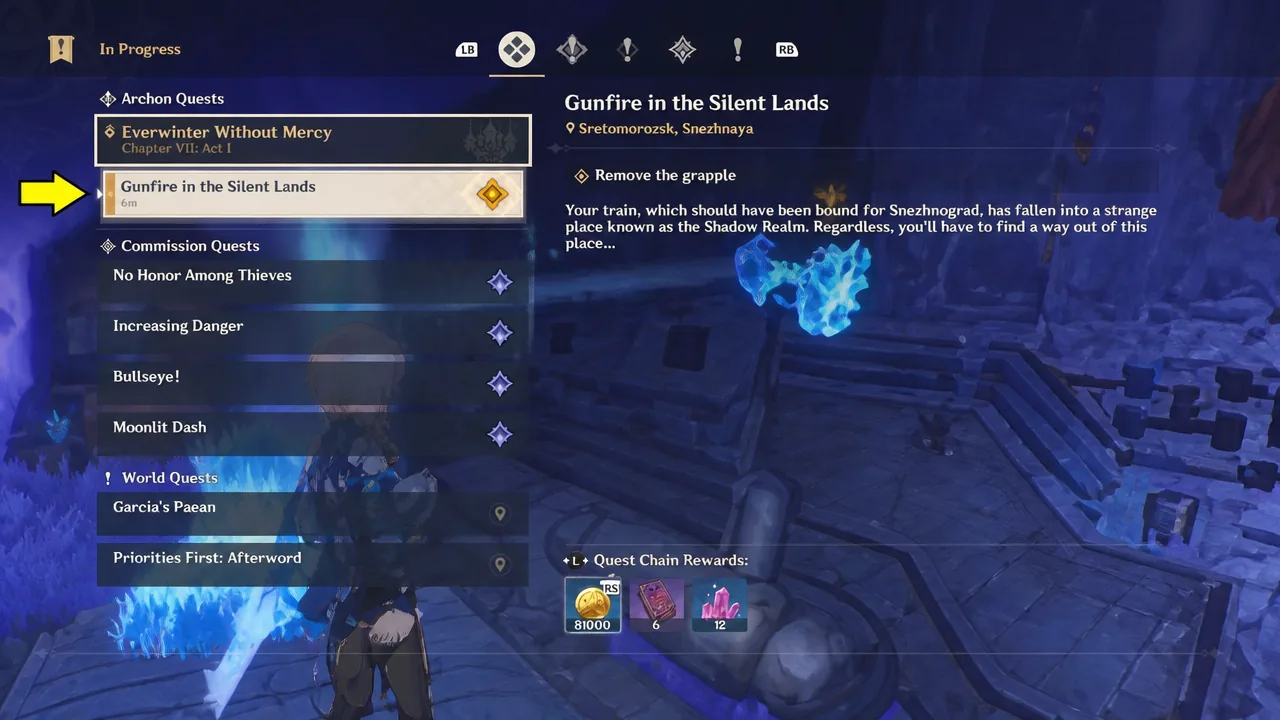
Genshin Impact: How to Remove the Grapple in Gunfire in the Silent Lands
The exact button inputs and menu step to dismantle the grapple and move the train forward in the Shadow Realm.
-
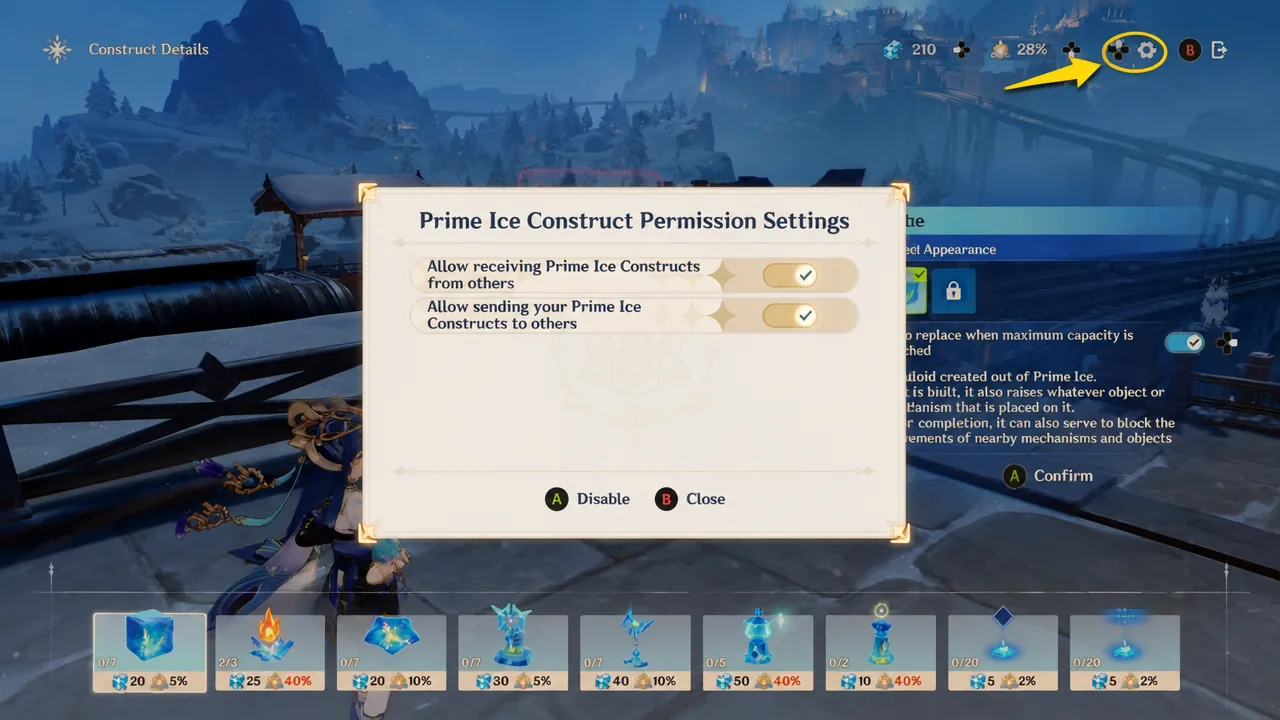
Genshin Impact: How to Remove and Manage Prime Ice Constructs
Clear unwanted ice structures from your world and control which player-made constructs appear in it.
-
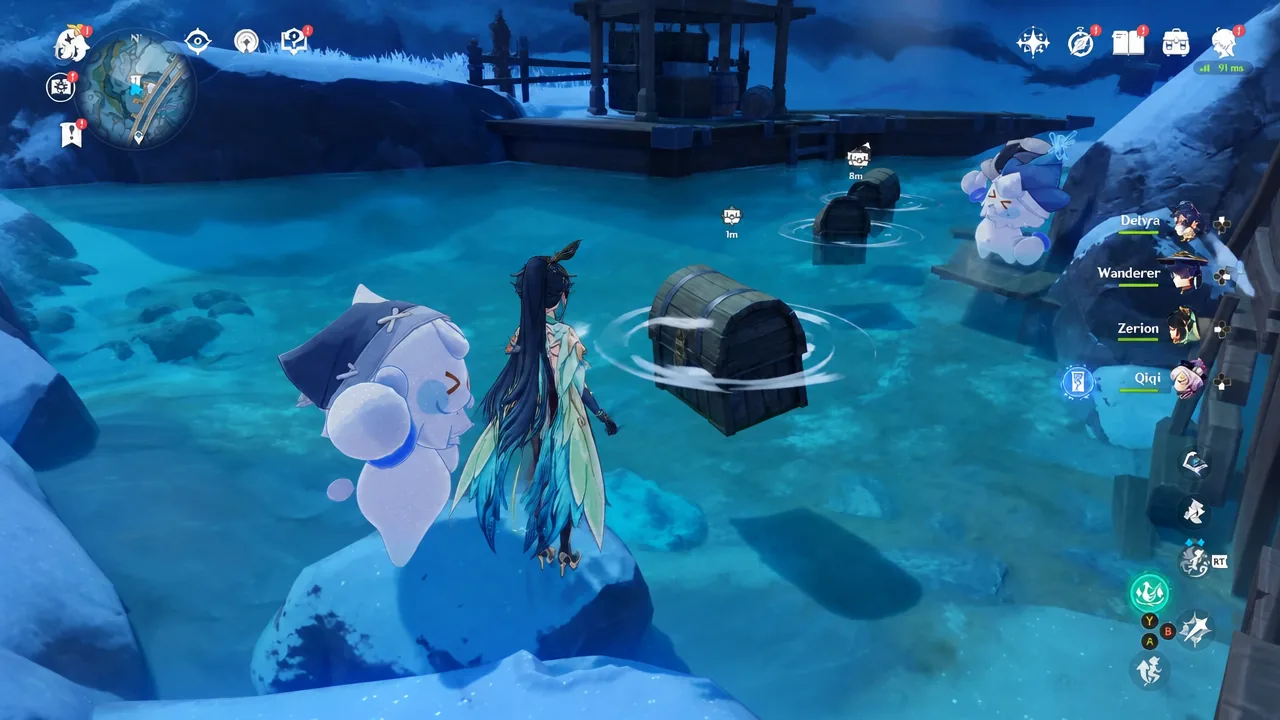
Genshin Impact: How to Catch the Thief Jack Frost at the Hot Spring
Build a Grappling Gun to snag the runaway snowman, return the stolen clothes, and claim a Precious Chest near Central Station.
-
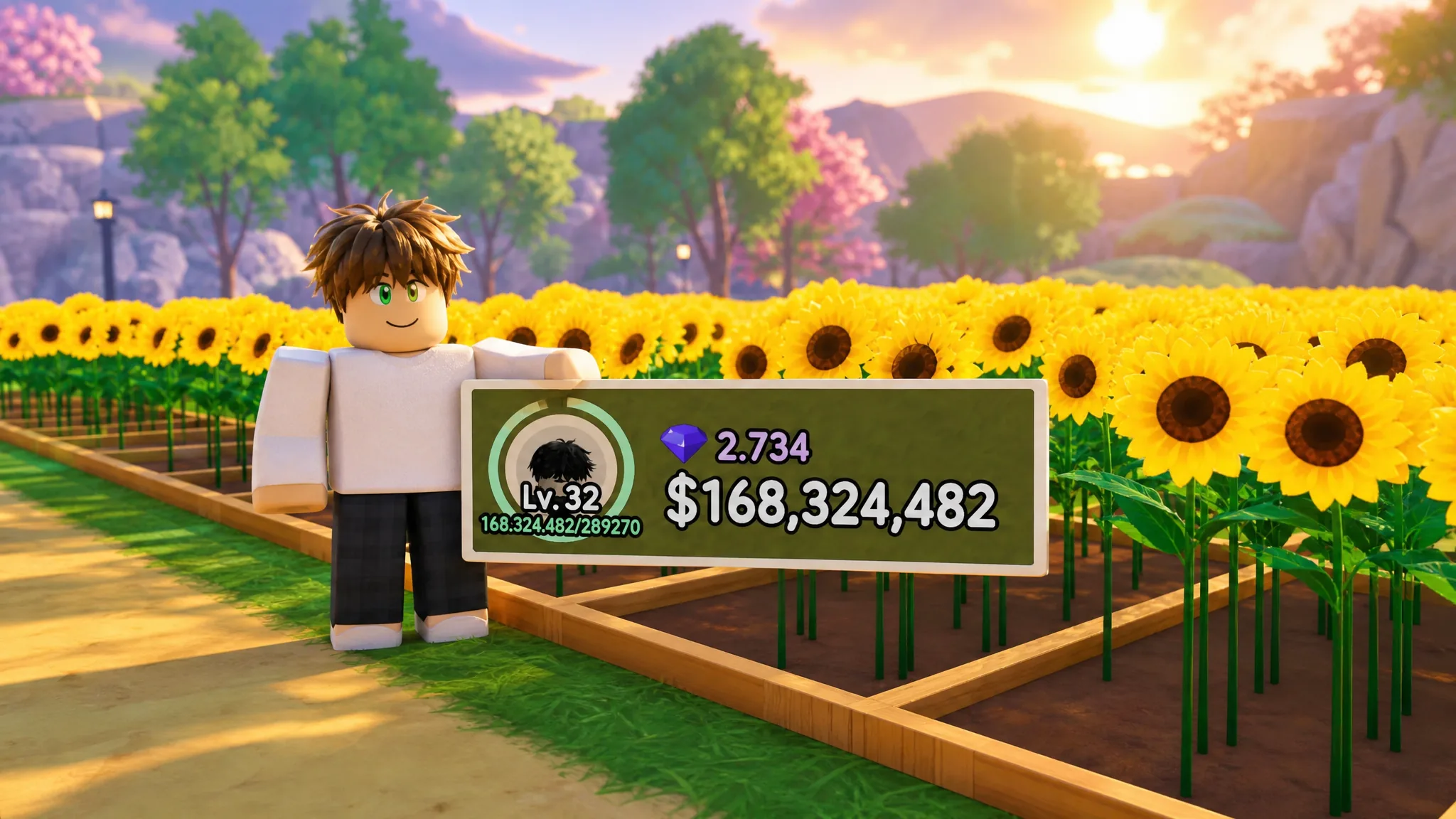
My Flower Shop Roblox: How to Make Money Fast With Sunflower Vases
The sunflower-and-vase loop turns a full field of flowers into stocked shelves and quick Cash in seconds.
-

Lineage Piece: How to Get the Vasto Lorde Sword
Every quest, raid requirement, and currency cost you need to unlock Hueco Mundo Island’s mythical blade.
-

Unscathed: How to Get Apples Fast (Roblox)
Where apples spawn, how to farm the 10-apple Innkeeper quest, and when to eat one for the luck boost.