
Instructional, step-by-step articles.
Content Type: How-To
-

Alabaster Curved Sword in Crimson Desert — Where to Buy It and How to Refine It
This standard one-handed weapon costs 348 Copper from three different NPC vendors and can be refined to +10.
-
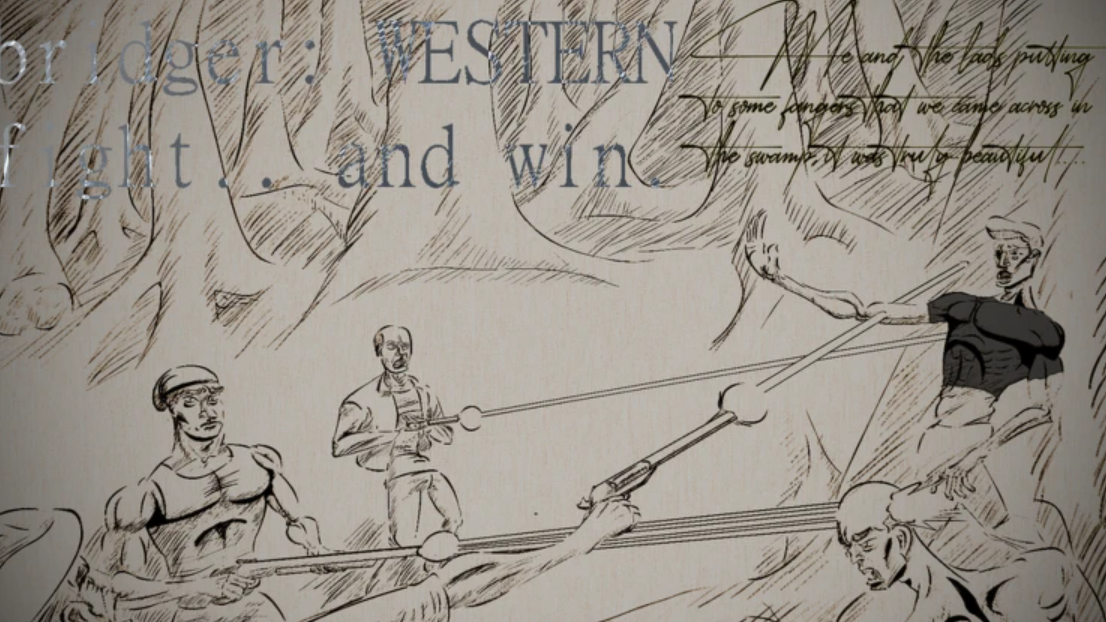
How to Farm Moola and XP Fast in Bridger Western
Fishing, quests, and PvP all pay differently — here’s what actually works in the early game.
-
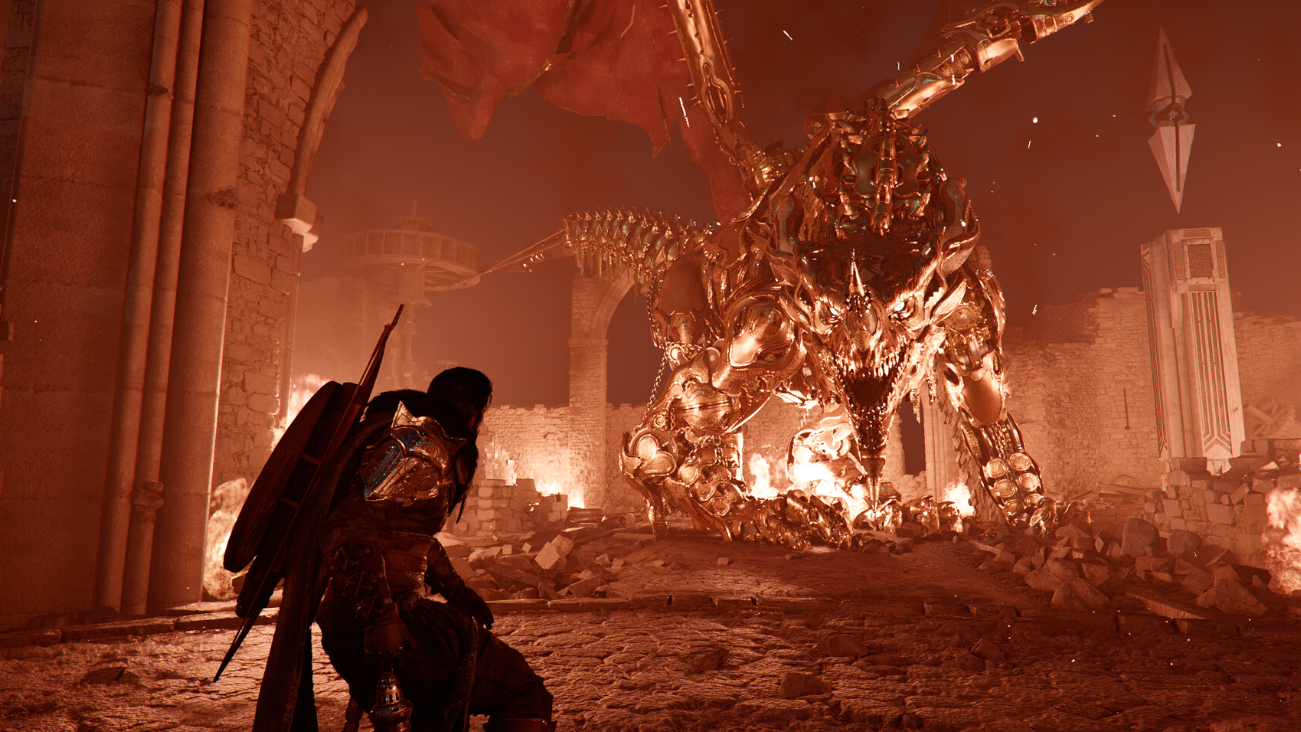
How to Find and Complete “End of the Shadow” in Crimson Desert
This stealth-focused Sealed Abyss Artifact challenge rewards you with Destruction II and a Faded Abyss Artifact.
-
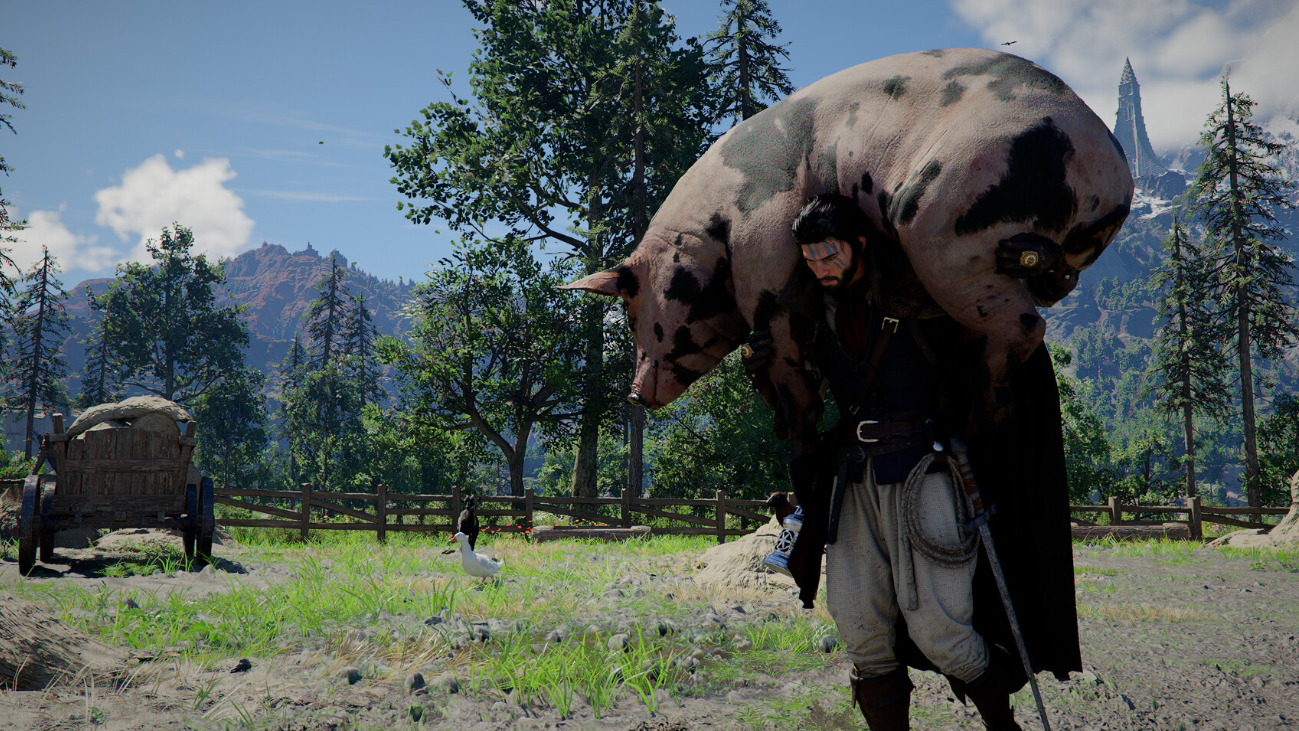
How to Find and Complete “The Vanished Wagon” Sealed Artifact in Crimson Desert
This Northern Hernand artifact requires you to sell five stolen wagons to a fence.
-

Boppin Bunny in Steal a Brainrot — How to Get It and What to Know
This Easter-themed brainrot can be obtained through merch DLC or the game’s stealing mechanic.
-
Firefly Egg and Easter Bunny’s Egg in 99 Nights in the Forest — How to Complete Both
Two Part 2 Easter eggs require unique charging and chase mechanics before you can turn them in.
-
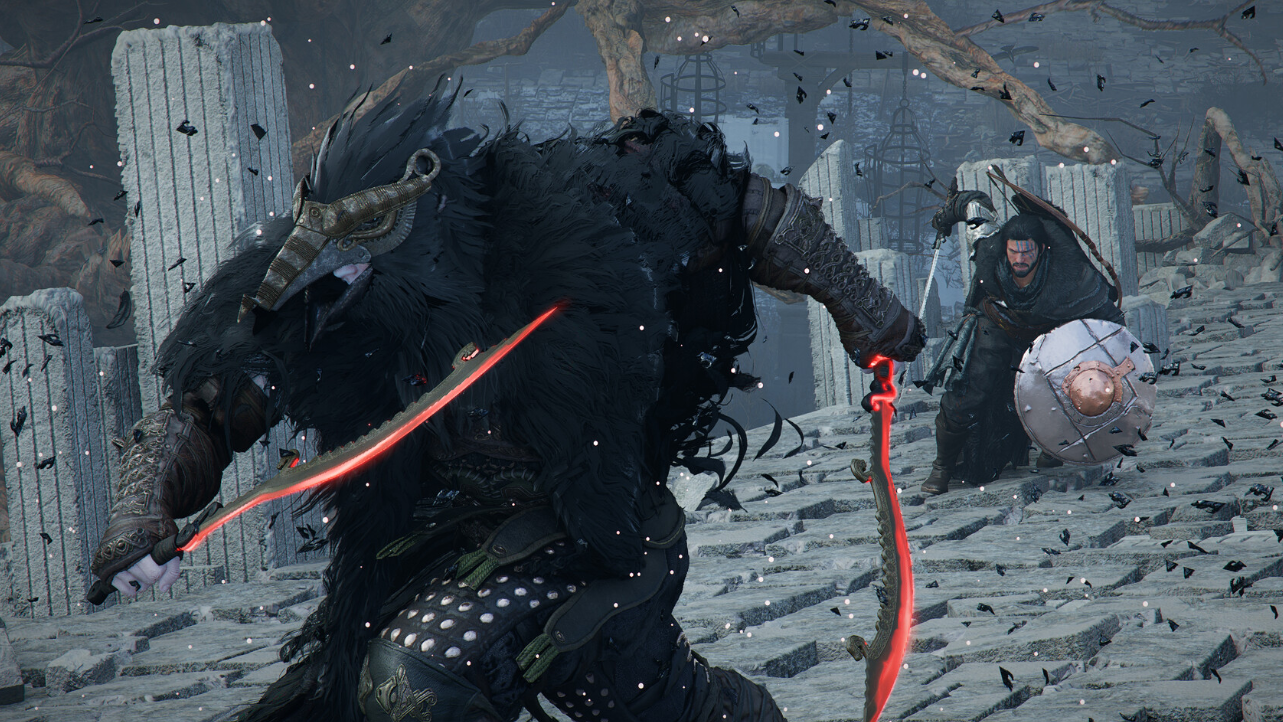
Crimson Desert Witch Locations — How to Find All Six and Unlock Their Services
Each witch hides behind a disguise you must see through before gaining access to Abyss Gear crafting and socketing.
-
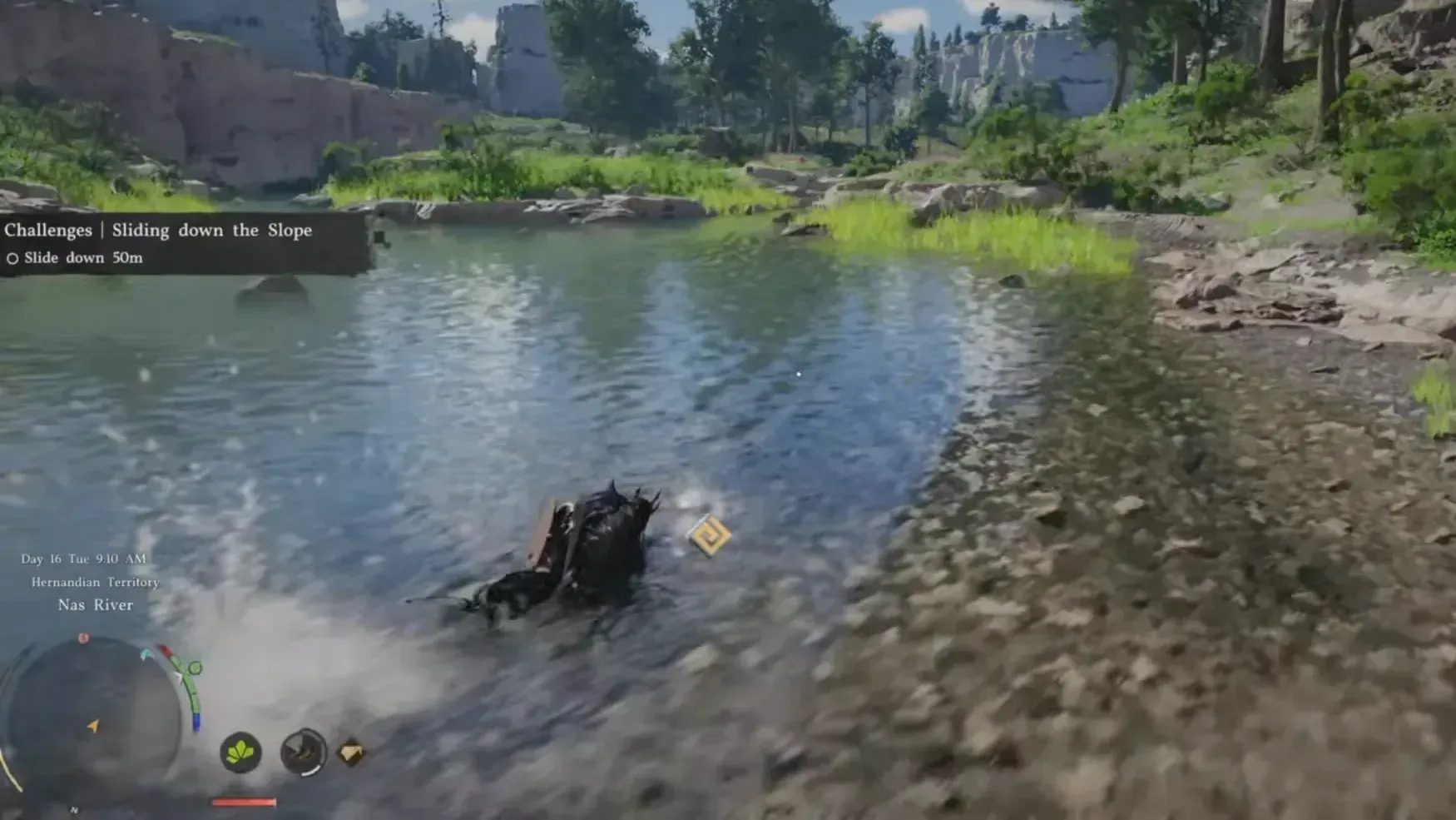
Crimson Desert Vaporwalker Boots — Location, Cave Puzzle, and How to Slide on Water
These hidden boots let you skate across rivers, and finding them requires a stab attack through a waterfall.
-
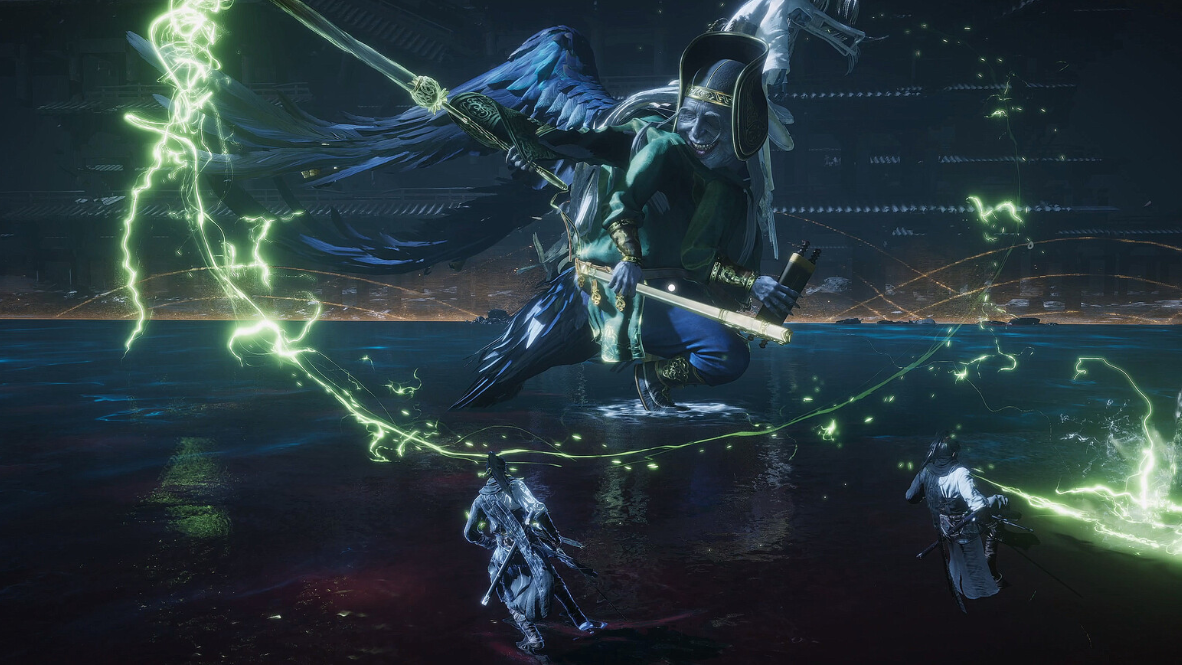
Snowparting Blade in Where Winds Meet — What It Is and How to Get Started
The Snowparting Blade is a new Heng Blade weapon type that requires specific gear before you can equip it.
-
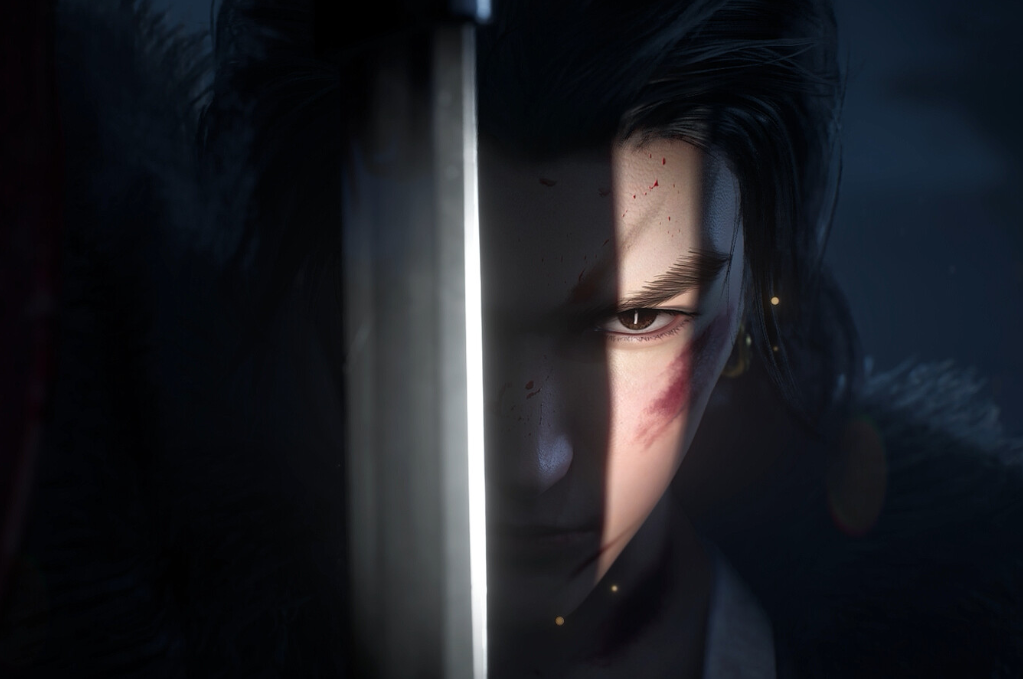
Where Winds Meet Goosy Slide — What It Does and How to Get It
This goose-themed Mystic Skill can instantly clear certain campaign boss fights.