
Instructional, step-by-step articles.
Content Type: How-To
-

How to Reach the Traffic Tunnel in Arc Raiders’ Armored Transports Quest
The Traffic Tunnel objective sits inside one of Blue Gate’s deadliest zones — here’s exactly how to get there and finish the job.
-
Windows 11 Home encryption: Turn on Device Encryption the right way
On Windows 11 Home, the built-in option is Device Encryption, not the full BitLocker control panel.
-

How to Unlock Unfettered Rope Dart in Where Winds Meet
Unfettered Rope Dart unlocks through a Ghostlight Market skill theft route or by joining Nine Mortal Ways.
-

Pokemon Pokopia Brick: How to Get It and What You Need
Brick is crafted from Squishy Clay in Bleak Beach after unlocking Torchic and its habitat.
-

How to Reach Max Conjuration Quickly in Bizarre Lineage
The clone fight inside the Bus Stop 2 gym provides the fastest and most repeatable way to max a Stand’s Conjuration.
-
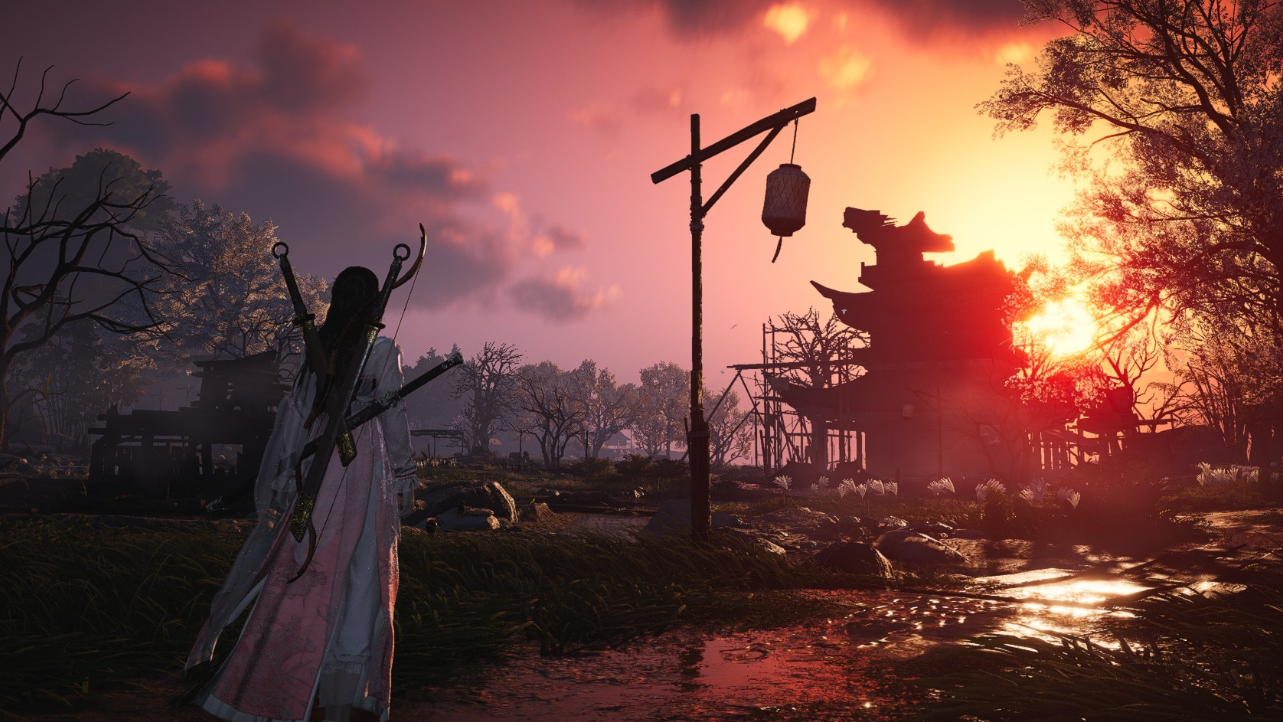
Where Winds Meet Guo Xin boss fight: how to win Whitecrown City
Guo Xin is easiest to control when you parry his soldiers, then stay patient through the Iron-Blooded Prince phase.
-
Code Vein II: Fixing the “DirectX 12 Is Not Supported On Your System” Error (PC)
Restart, update, and adjust launch options to clear the DirectX 12 startup error and confirm if your PC can run Code Vein II.
-

How to Fix the “Profile Query Failed” Error in Fortnite
The login error usually points to a server sync or cache issue that blocks Fortnite from loading your account profile.
-
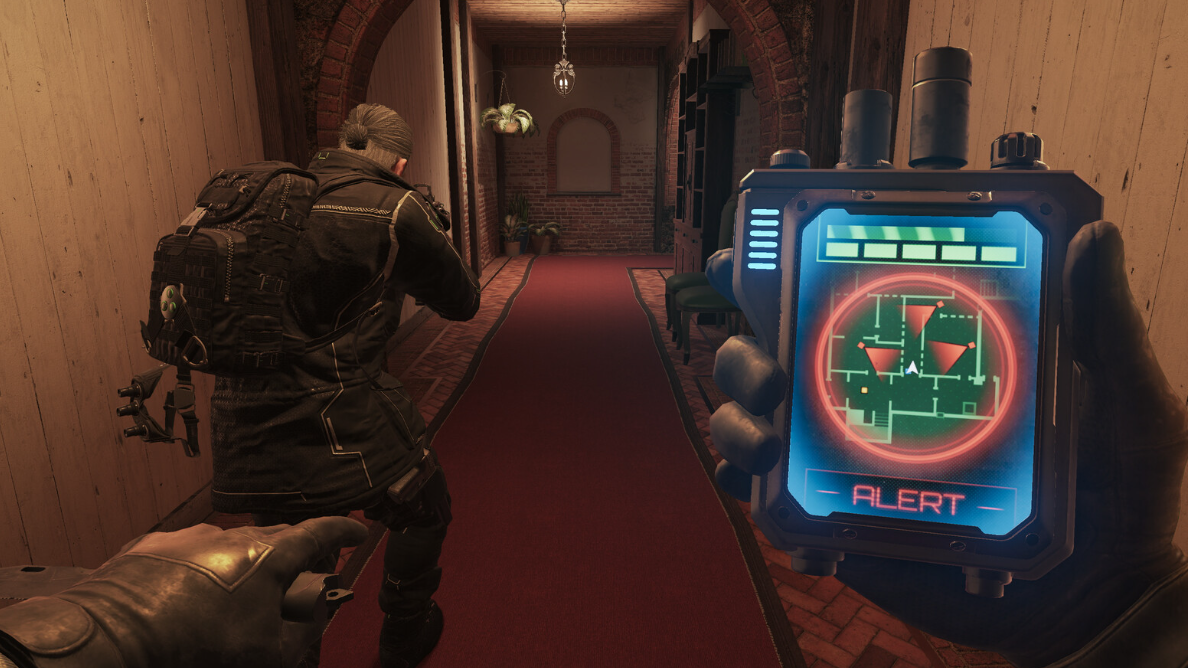
How to unlock the AK‑12 Twitch Drop in Rainbow Six Siege X Operation Silent Hunt
Watch eligible Siege X streams for three hours to claim the limited‑time AK‑12 weapon skin.
-
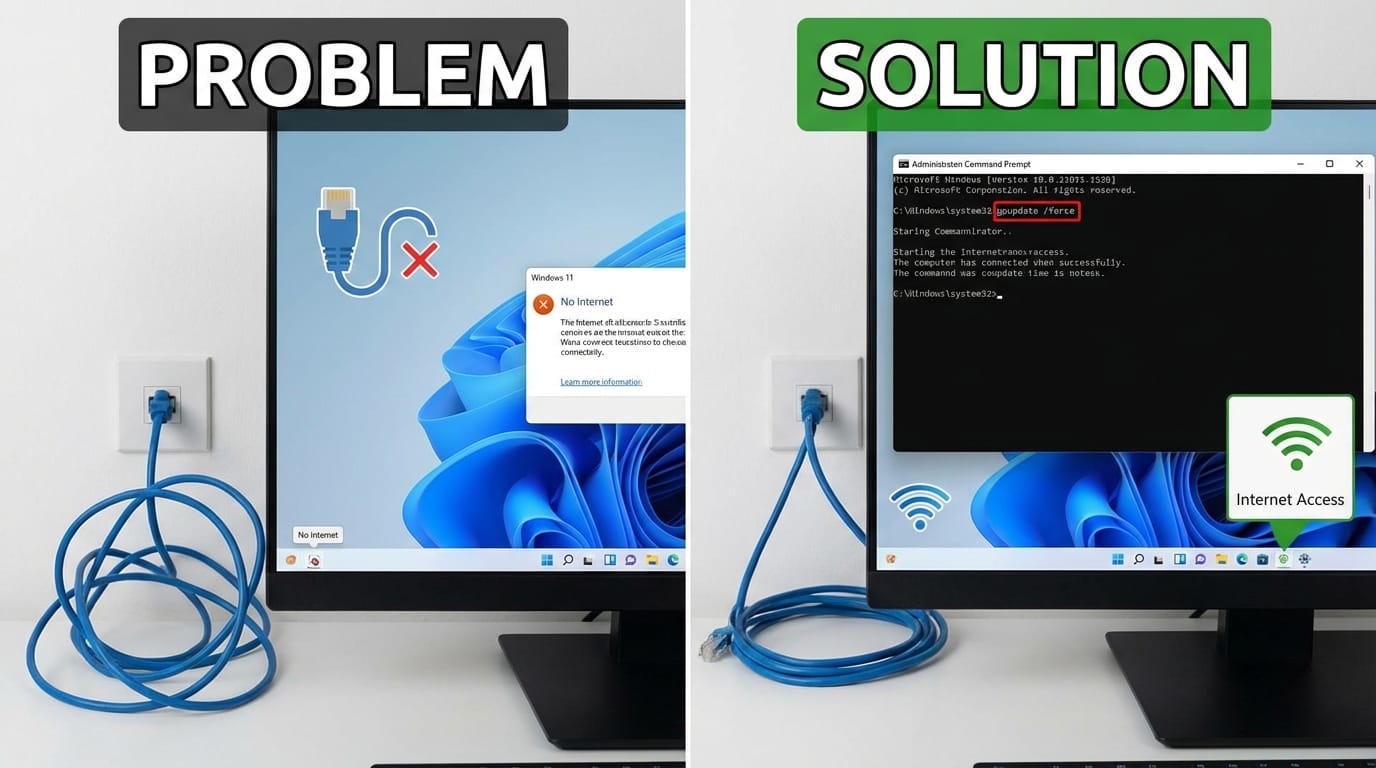
Windows 11 Update Can Break Ethernet Internet — How to Restore Connectivity
A Windows 11 upgrade can wipe key wired authentication policies, leaving PCs offline until group policies are refreshed.