
Instructional, step-by-step articles.
Content Type: How-To
-

How to Fix Steam Error Adding Friend
Resolve the “Error Adding Friend” issue on Steam by following proven steps to restore your ability to add friends and manage your friends list.
-

How to Prevent Users from Exporting Passwords Saved in Microsoft Edge
Disable password export in Microsoft Edge to reduce data leakage risks and protect sensitive credentials in managed environments.
-
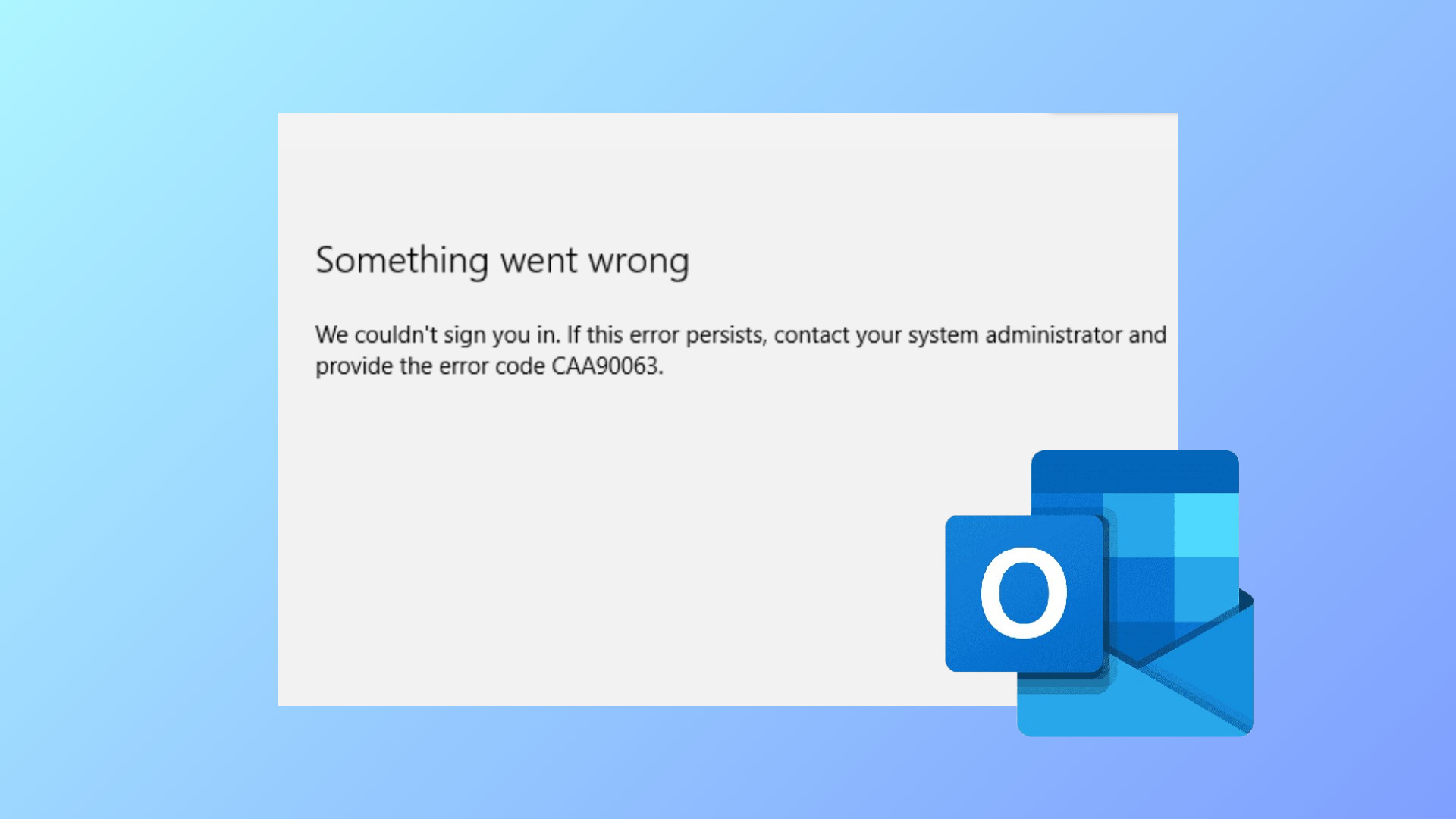
How to Fix “Something Went Wrong and We Can’t Sign You In Right Now” Outlook Error
Detailed steps to resolve Outlook’s sign-in error message so you can regain access to your email without unnecessary delays or confusion.
-

How to Convert Serial Number to Date in Excel
Convert Excel’s date serial numbers into readable date formats with comprehensive instructions using formatting options and formulas.
-

How to Change the Default Language Shortcut in Windows 11
Switching or customizing keyboard language shortcuts in Windows 11 streamlines multilingual typing and prevents accidental layout changes.
-

How to Fix “You’ve Entered an Incorrect PIN Too Many Times” Error in Windows 11
Regain access to your Windows 11 device after reaching the PIN entry limit by following these practical recovery methods.
-
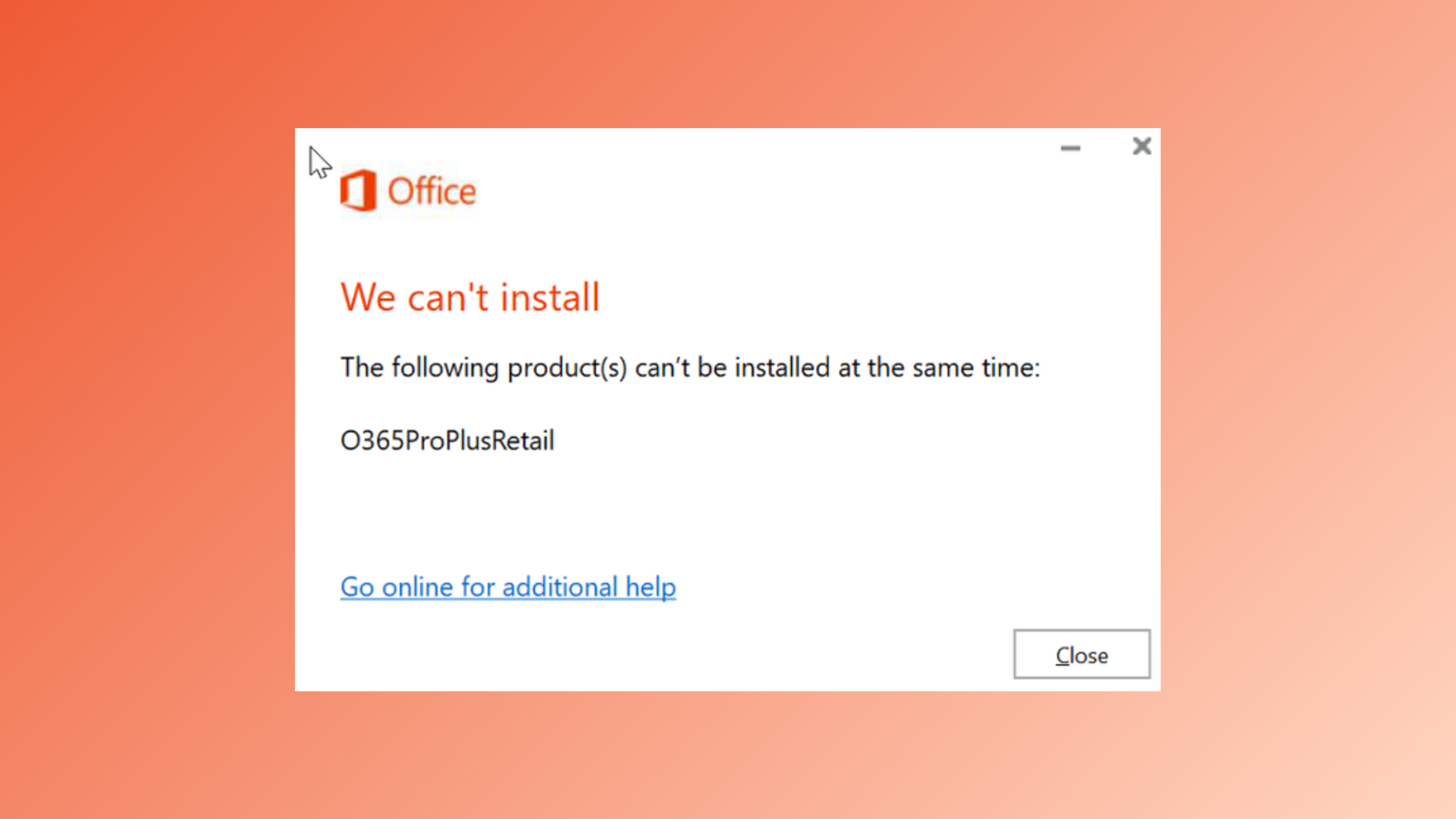
How to Fix “The Following Products Cannot Be Installed at the Same Time” Office 365 Error
Resolve Office 365 installation conflicts by removing incompatible versions and clearing residual files for a successful setup.
-

How to Fix OneDrive Error Code 102: Something Went Wrong
Resolve OneDrive error code 102 by addressing browser session issues, network changes, and permission conflicts using these effective solutions.
-

How to Edit Images in Word with Picture Editing Tools
Learn how to use Microsoft Word’s built-in picture editing tools to adjust, correct, and modify images directly within your documents.
-
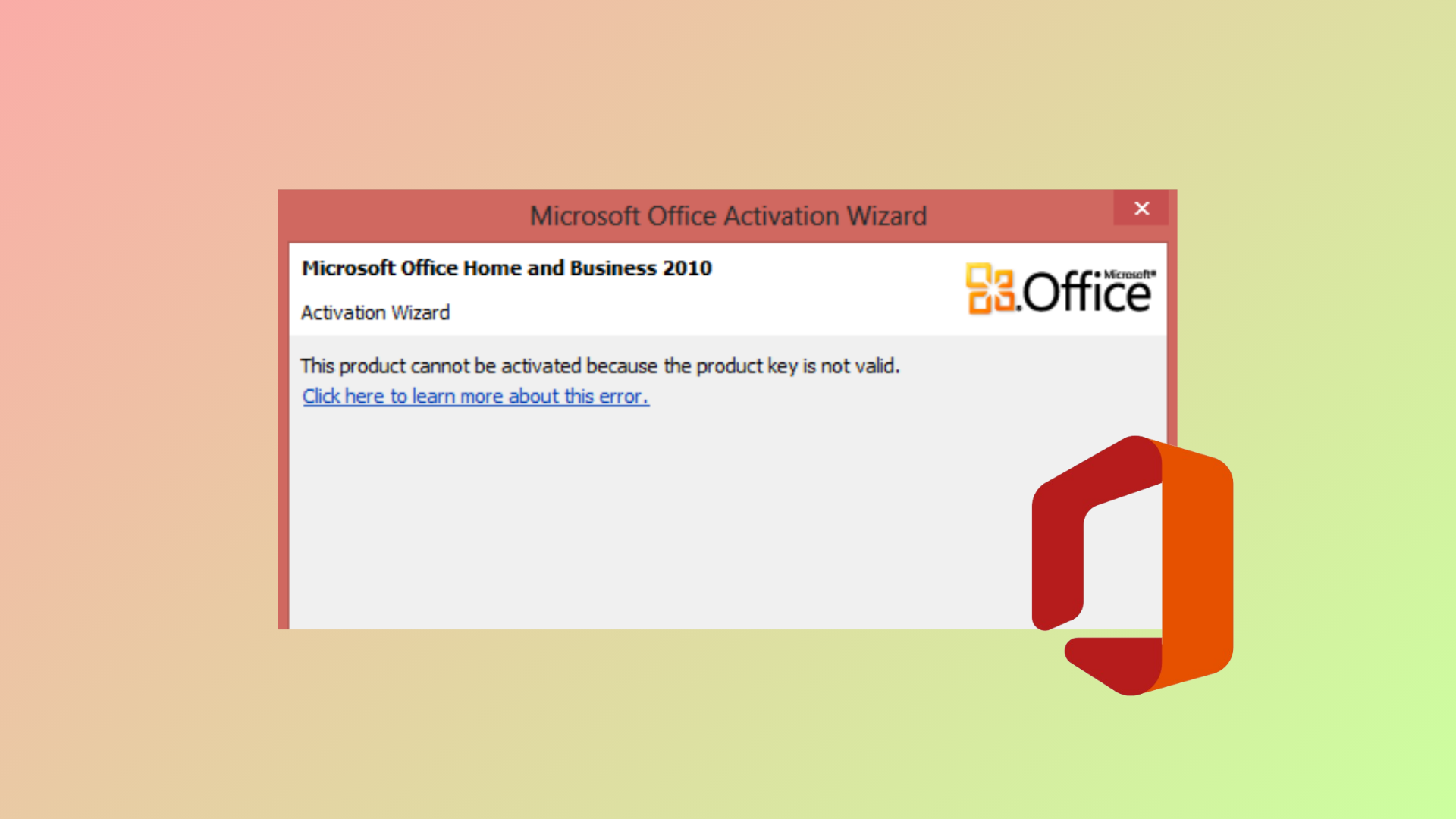
How to Fix “Unable to Activate Microsoft Office: This Is Not a Valid Office Product Key” Error
Resolve invalid Office product key errors and restore full functionality to your Microsoft Office or Microsoft 365 installation with these proven solutions.