
Instructional, step-by-step articles.
Content Type: How-To
-
How to Group Text and Pictures in Microsoft Word
Combine text boxes, images, and shapes in Word so you can move, resize, and format them as a single object.
-

How to Use the Screen Recording Feature in Microsoft PowerPoint
Learn how to capture your computer screen and audio directly within PowerPoint presentations, including detailed instructions, editing options, and important compatibility notes.
-

How to Fix Microsoft Teams Error CAA70007
Resolve Microsoft Teams login failures caused by error code CAA70007 with clear solutions addressing cache, network, authentication, and compatibility issues.
-
How to Fix Dxgi.dll Is Missing or Not Found Error on Windows 11
Restore system stability and application functionality by resolving the dxgi.dll missing or not found error with these proven Windows 11 troubleshooting steps.
-
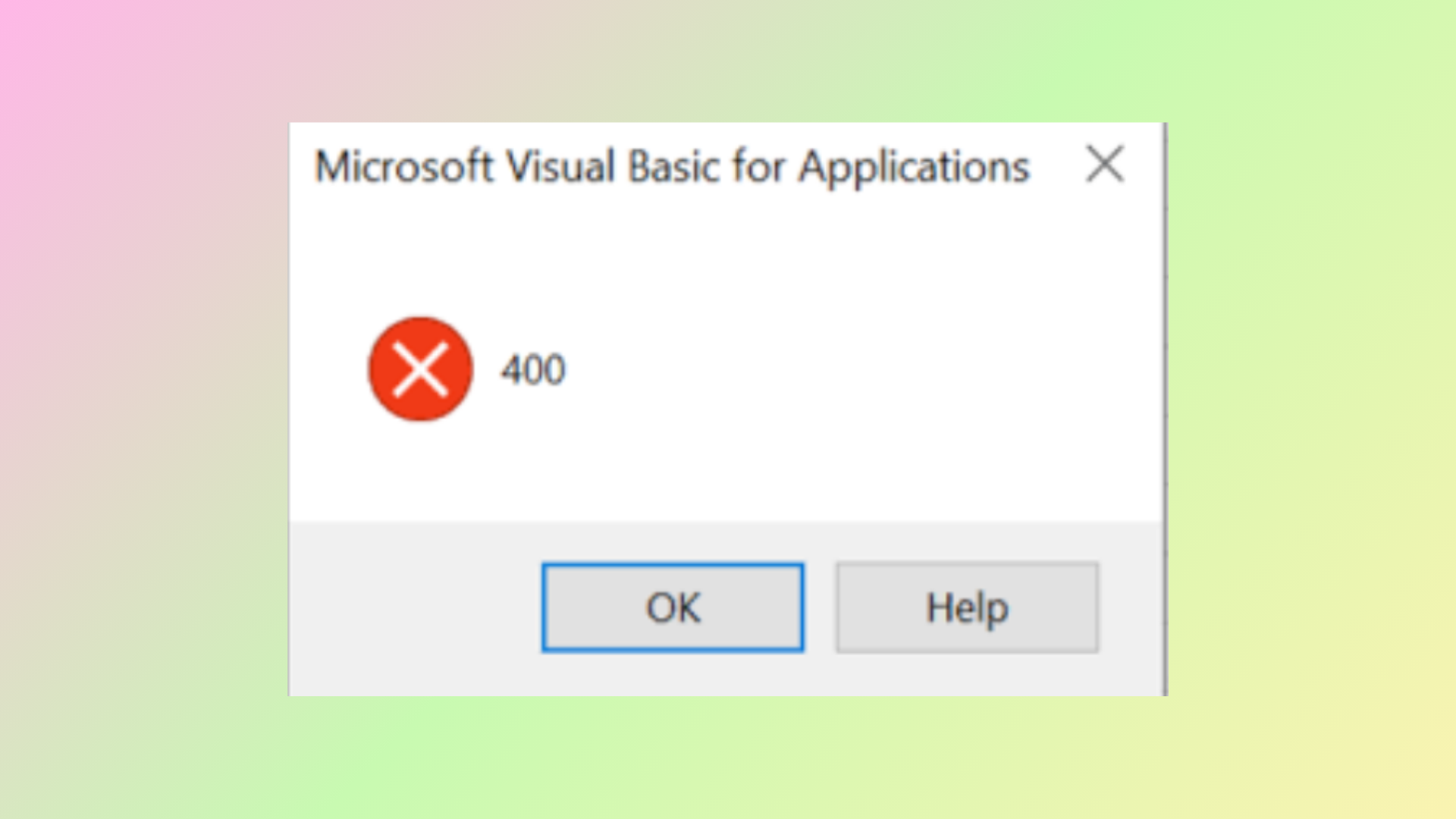
How to Fix VBA Error 400 in Microsoft Excel
Detailed solutions for resolving VBA Error 400 in Excel, including code fixes, macro troubleshooting, and file repair methods.
-
How to Remove All Formatting in Microsoft Word
Learn practical methods to clear all text formatting in Microsoft Word, restoring your document to its default style quickly and efficiently.
-
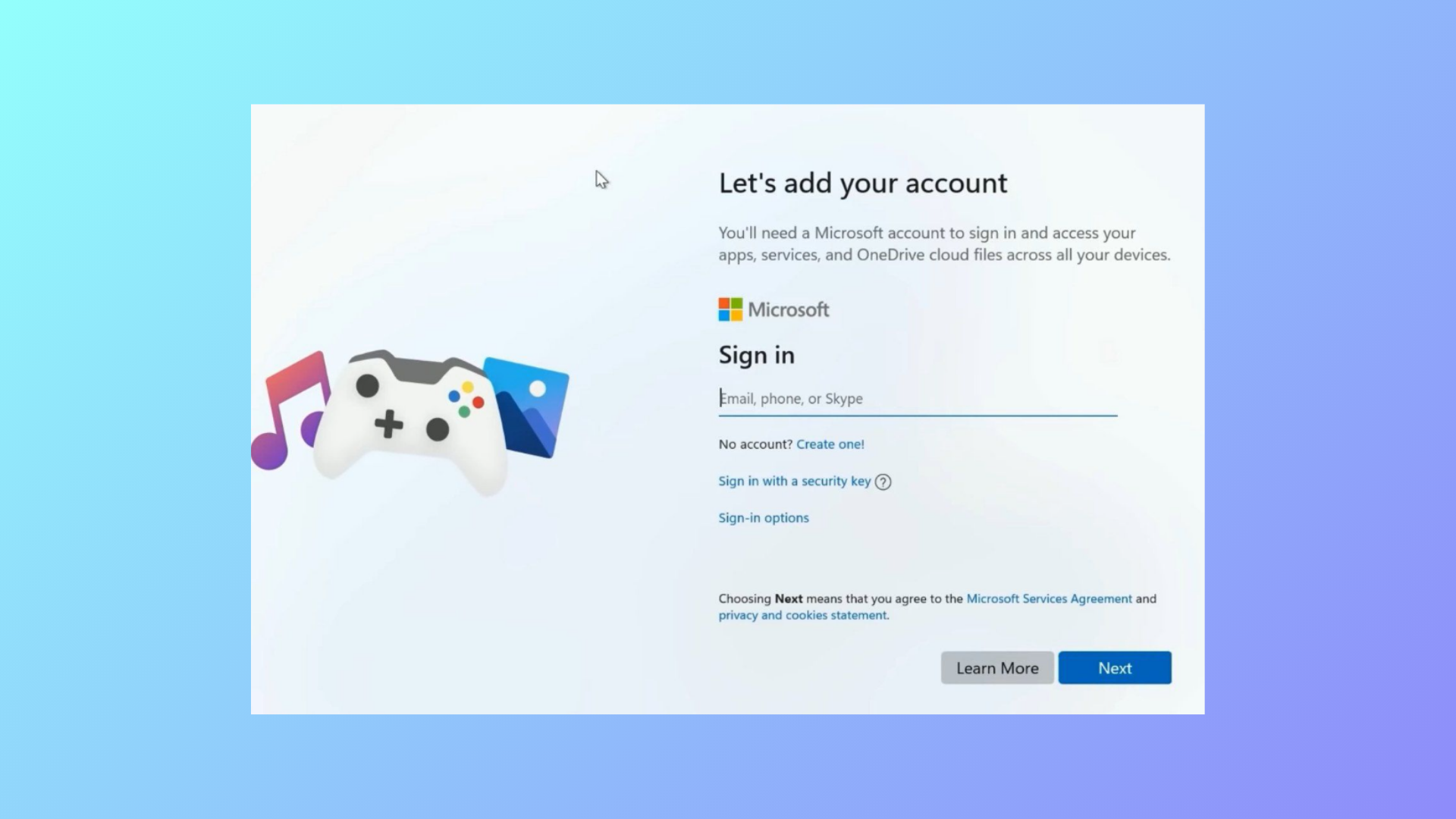
How to Fix Tiny11 Stuck on Let’s Add Your Microsoft Account
Resolve the Tiny11 installation hang at the Microsoft account screen by using proven bypass methods for local account setup.
-

How to Fix Error Reference Source Not Found Microsoft Office Issue
Resolve the “Error! Reference source not found.” message in Microsoft Word by repairing broken cross-references and preventing future document issues.
-
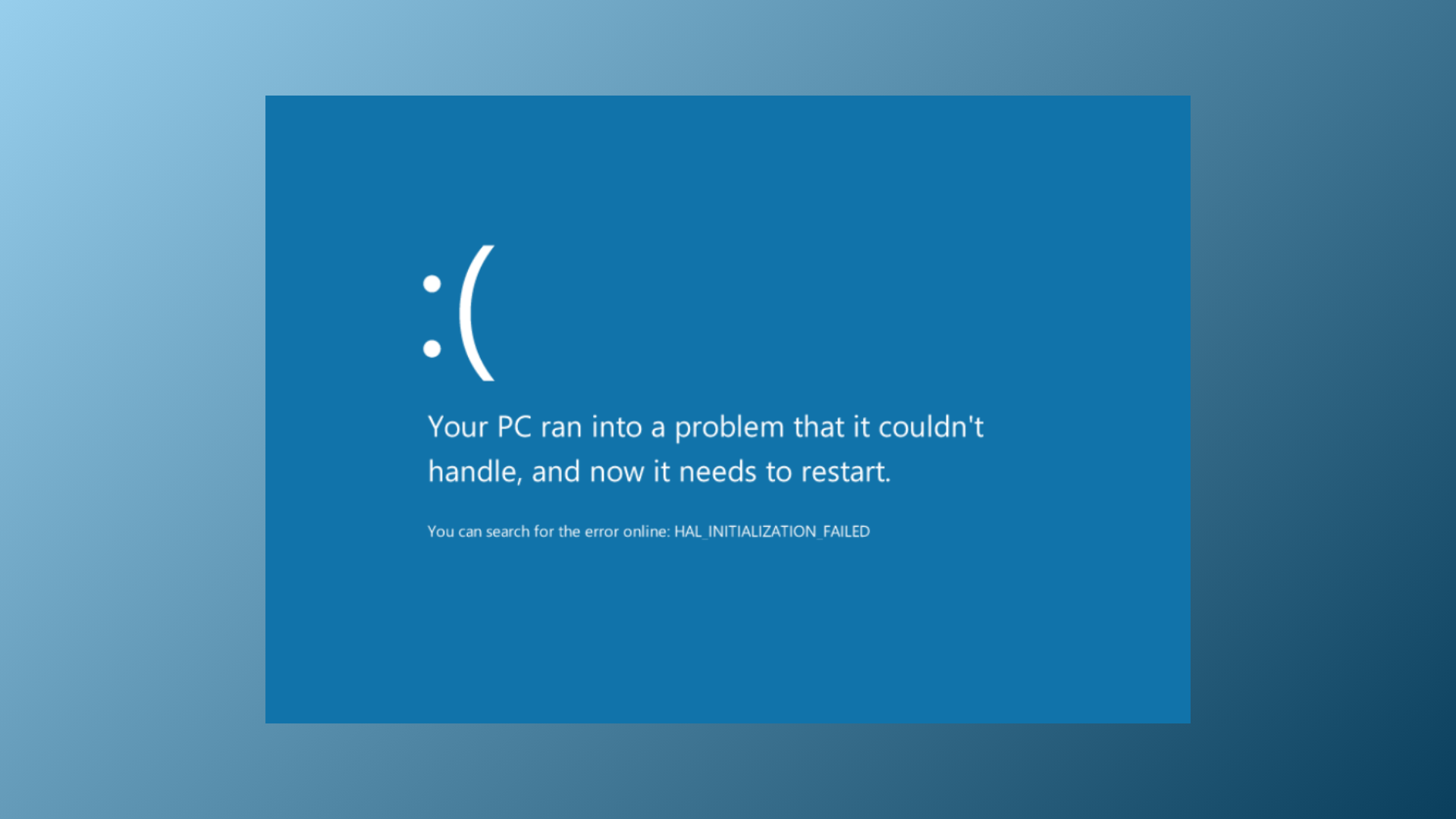
How to Fix Memory Integrity Blue Screen Error on Windows 11
Resolve persistent blue screen crashes and system instability caused by Memory Integrity issues in Windows 11 with proven troubleshooting and repair methods.
-
How to View, Edit, and Manage Passwords in Google Chrome
Learn clear methods to access, update, and organize your saved passwords in Google Chrome across desktop and mobile devices.