
Instructional, step-by-step articles.
Content Type: How-To
-
How to Use Voice Typing in Microsoft Edge
Learn clear instructions to activate and use voice typing in Microsoft Edge on Windows 11, including troubleshooting common issues and optimizing your setup for…
-
How to Fix Change Product Key Link Not Available Error in Windows 11
Learn practical solutions to resolve the missing “Change product key” link in Windows 11, including manual activation methods and troubleshooting digital license issues.
-
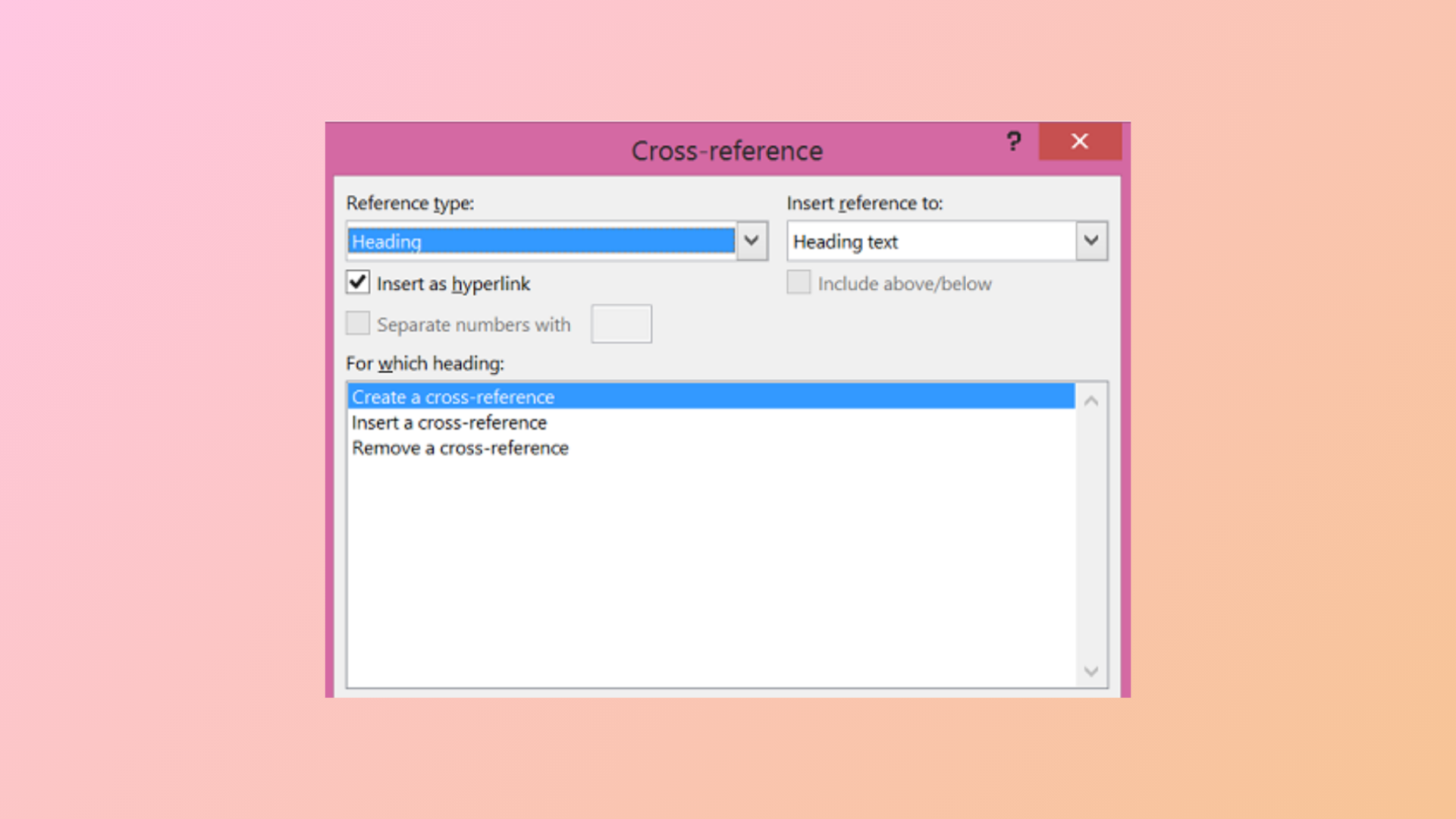
How to Use the Cross-Reference Feature in Microsoft Word
Link different parts of your document and keep references accurate with Microsoft Word’s cross-reference tool.
-
How to Fix Microsoft Teams Error Code 42b
Detailed instructions to resolve Microsoft Teams sign-in issues caused by error code 42b, including cache clearing, account troubleshooting, and advanced fixes.
-
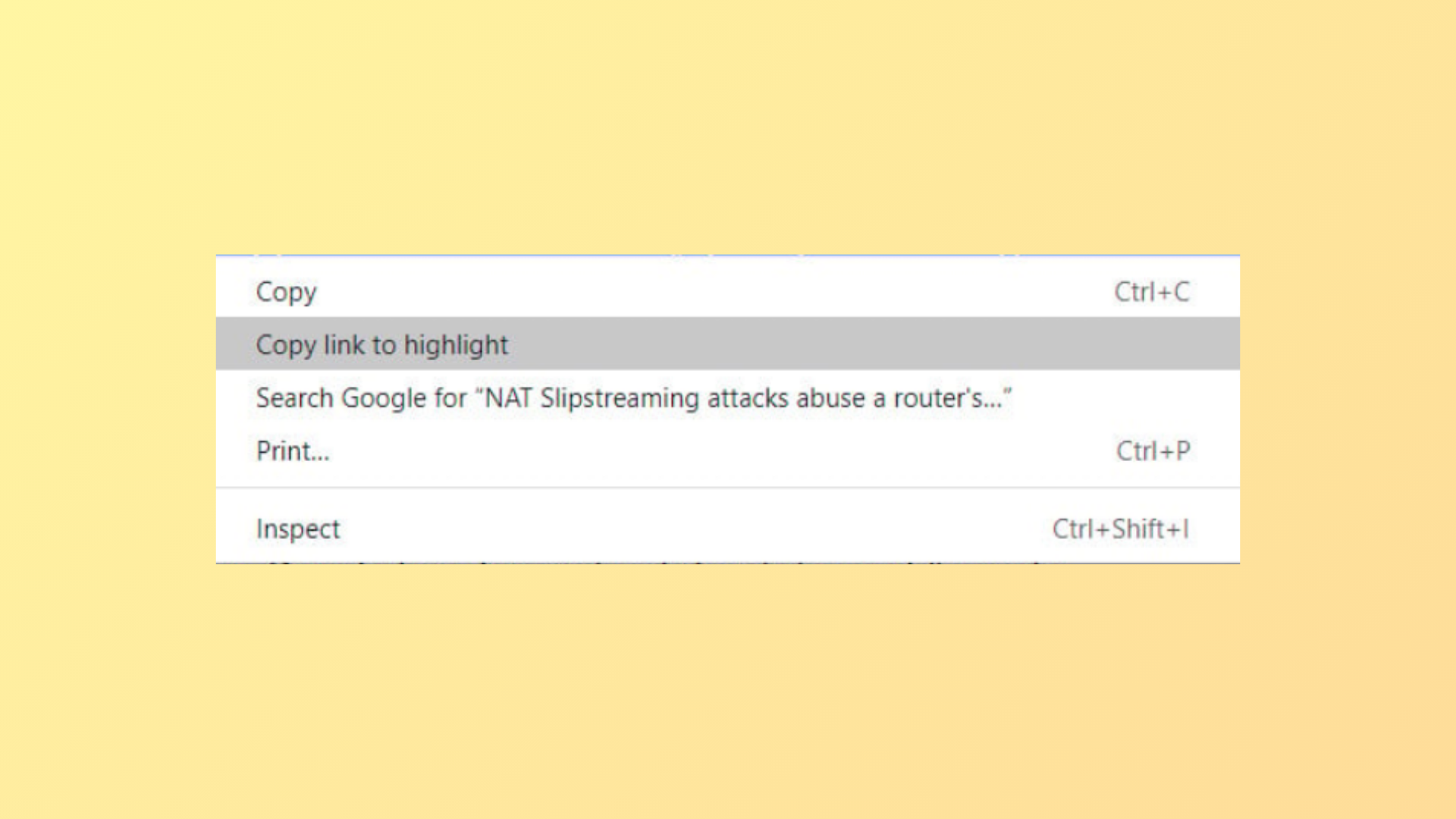
How to Disable “Copy Link to Highlight” in Google Chrome
Remove or work around the “Copy link to highlight” option from Chrome’s right-click menu using available methods and understand what to do now that…
-
How to Fix “There’s a Problem With Your Office License” Error
Detailed steps to resolve Office license errors and restore full access to Microsoft 365 and Office apps on Windows.
-
How to Fix the Time Limit for Logging On Was Reached Outlook Error
Resolve the Outlook error “The time limit for logging on was reached while waiting for system resources” with clear troubleshooting methods.
-
How to Fix Command Prompt Closing Automatically After Opening on Windows 11
Resolve the issue where Command Prompt opens and closes instantly on Windows 11 by addressing registry errors, startup conflicts, and potential malware.
-
How to Fix the Modem or Other Connecting Device Is Already in Use Error 633
Resolve Error 633 and restore VPN or modem connectivity in Windows by identifying port conflicts, updating registry settings, and managing device configurations.
-
How to Fix Not Enough Disk Space Error When Updating Windows 11
Free up storage, use external drives, or optimize partitions to resolve Windows 11 update errors caused by insufficient disk space.