
Instructional, step-by-step articles.
Content Type: How-To
-
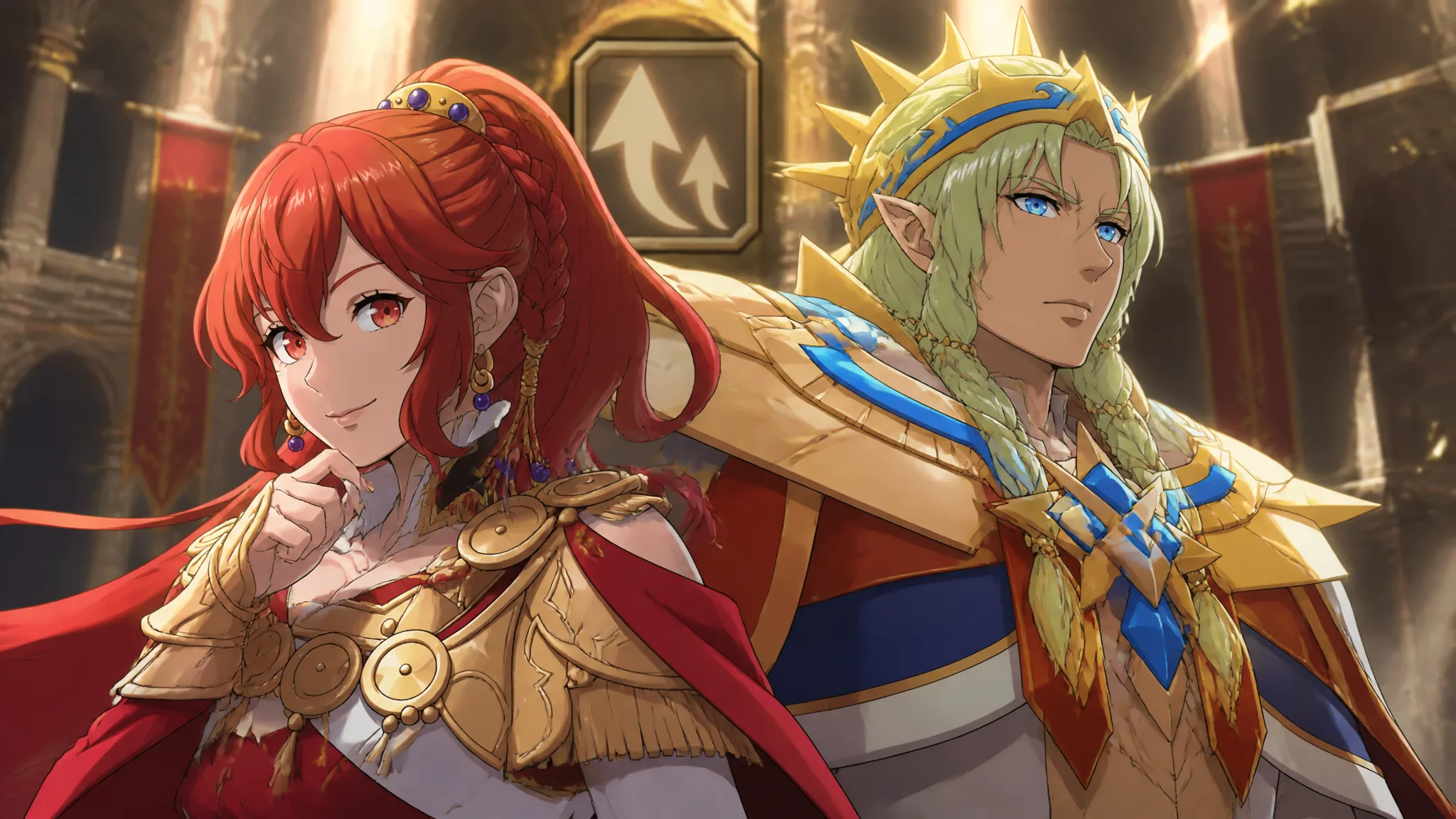
Fire Emblem: Fortune’s Weave — How to Get Renown and Reach Rank 12
Where Renown actually comes from in Part 1, what each of the 12 ranks unlocks, and the quickest path for Cai, Theodora, Dietrich, and…
-

Black Ops 7: How to Get All Season 6 BlackCell Camos
Every BlackCell challenge for the six Season 6 camos across Co-Op, Multiplayer, Zombies, and Warzone.
-

The Hunt: Roblox 20 – How to Get All 20 Main Badges
Every anniversary quest requirement from Crossroads in 2006 to Grow a Garden in 2025, plus the Roblox Plus extras.
-

How to Get Starcryst Essence in Aniimo (All Sources)
Every way to earn the Legendary training crystal that raises an Aniimo’s Acquired Potential, plus where to buy it.
-
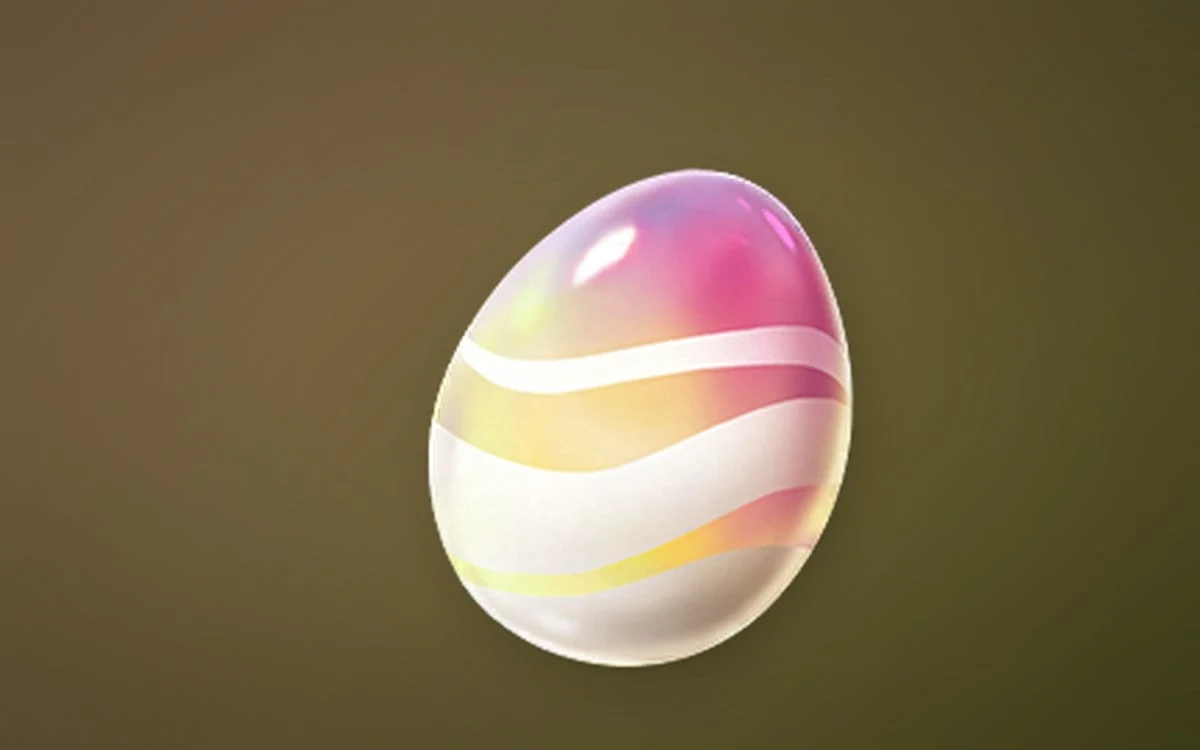
Aniimo: How to Get Wonder Eggs
Every current source for the Legendary egg that guarantees an Alpha or Sparkling Aniimo, plus how to hatch it.
-

The Hunt Roblox 20: How to Get the Biting BLOXikin Badge in Apocalypse Rising 2
Everything the 2013 challenge asks for, from the three hub supplies to the survival objectives and the reward pedestal.
-
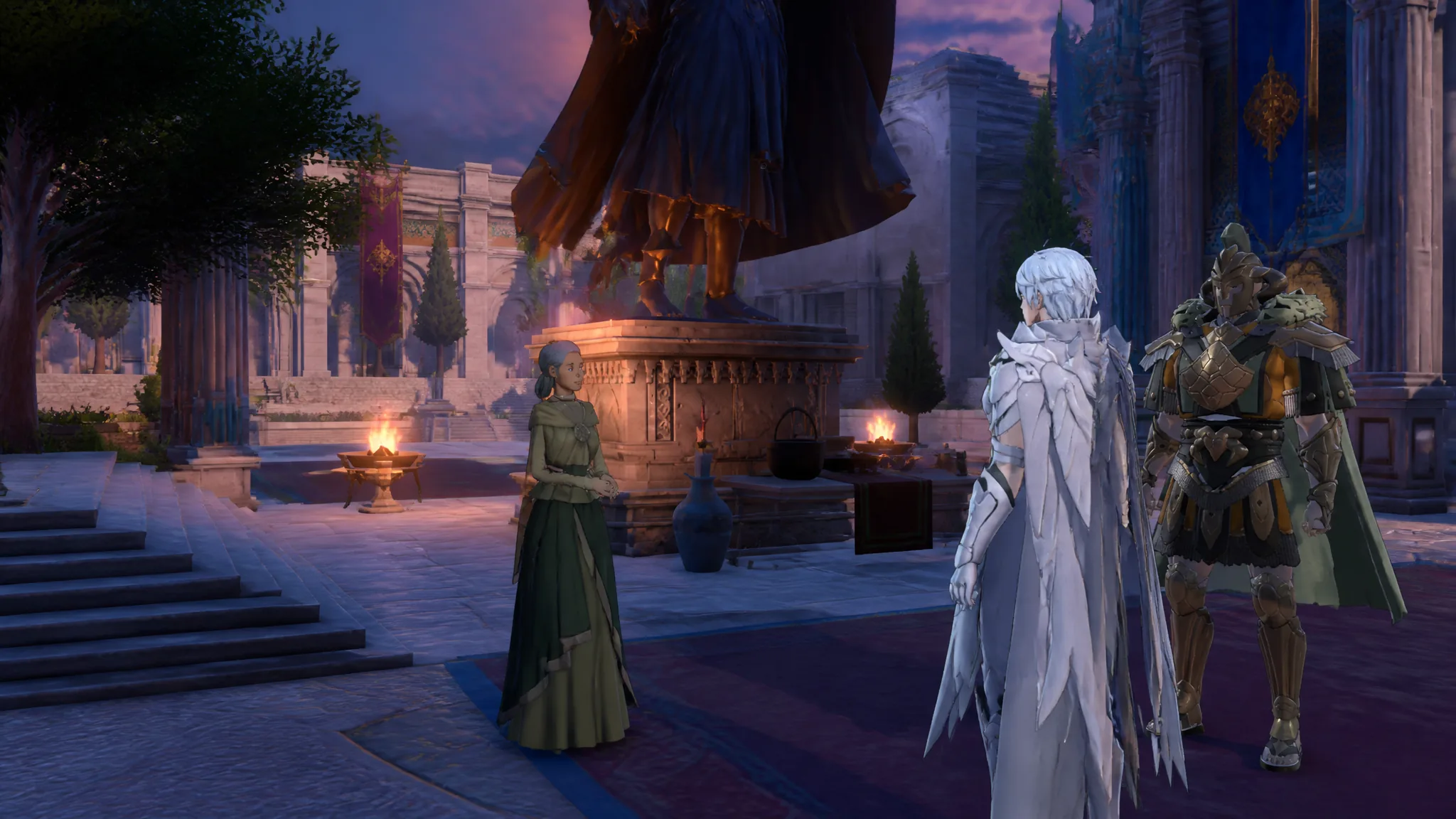
Fire Emblem: Fortune’s Weave — How to Change Classes and Pass Certification Exams
Where to certify units in Dagsion, what each class rank needs, and how pass chance is calculated.
-
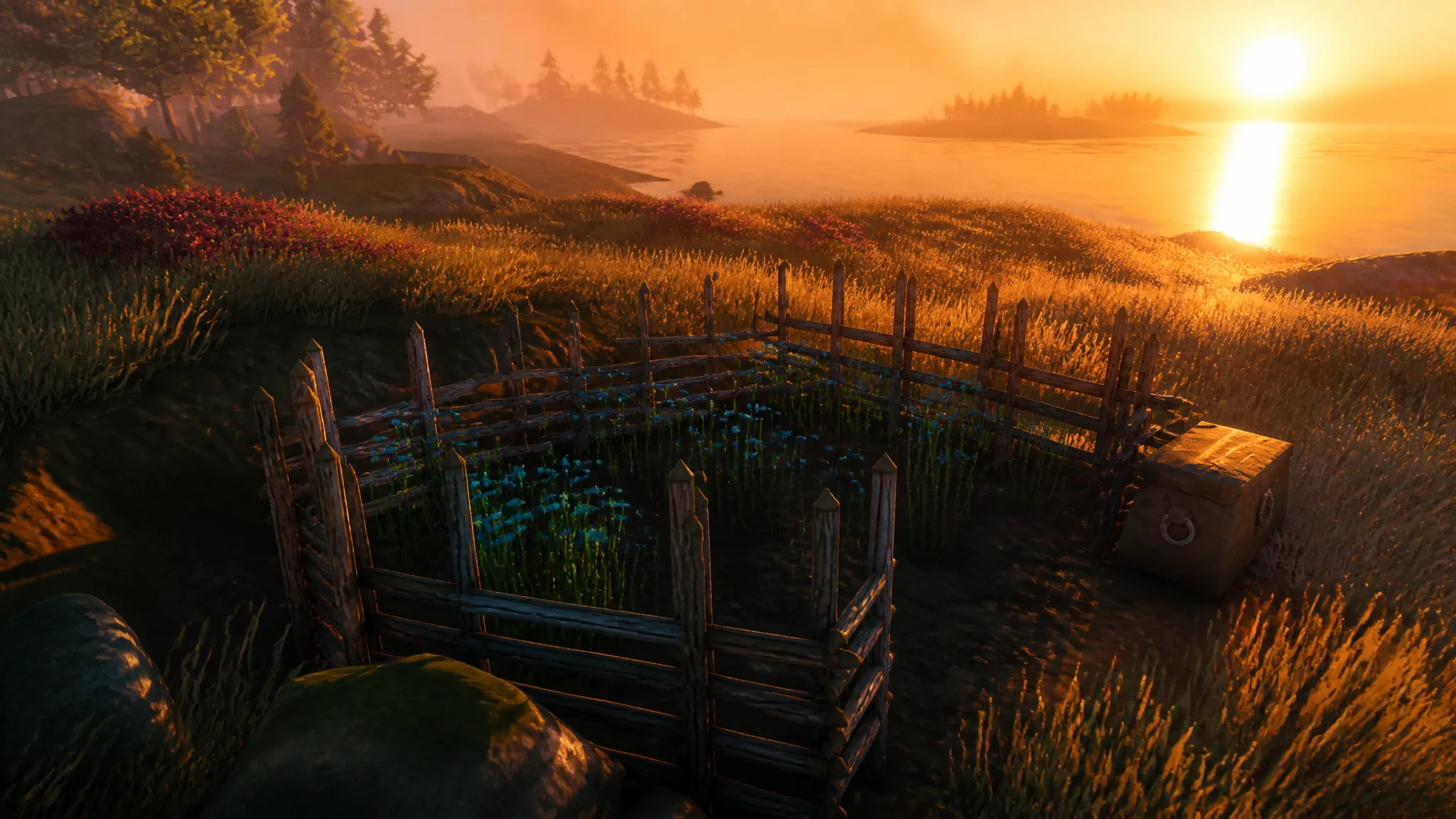
How to Farm Flax in Valheim and Make Linen Thread
Where flax grows in the Plains, how to replant it with the Cultivator, and every recipe it feeds into.
-
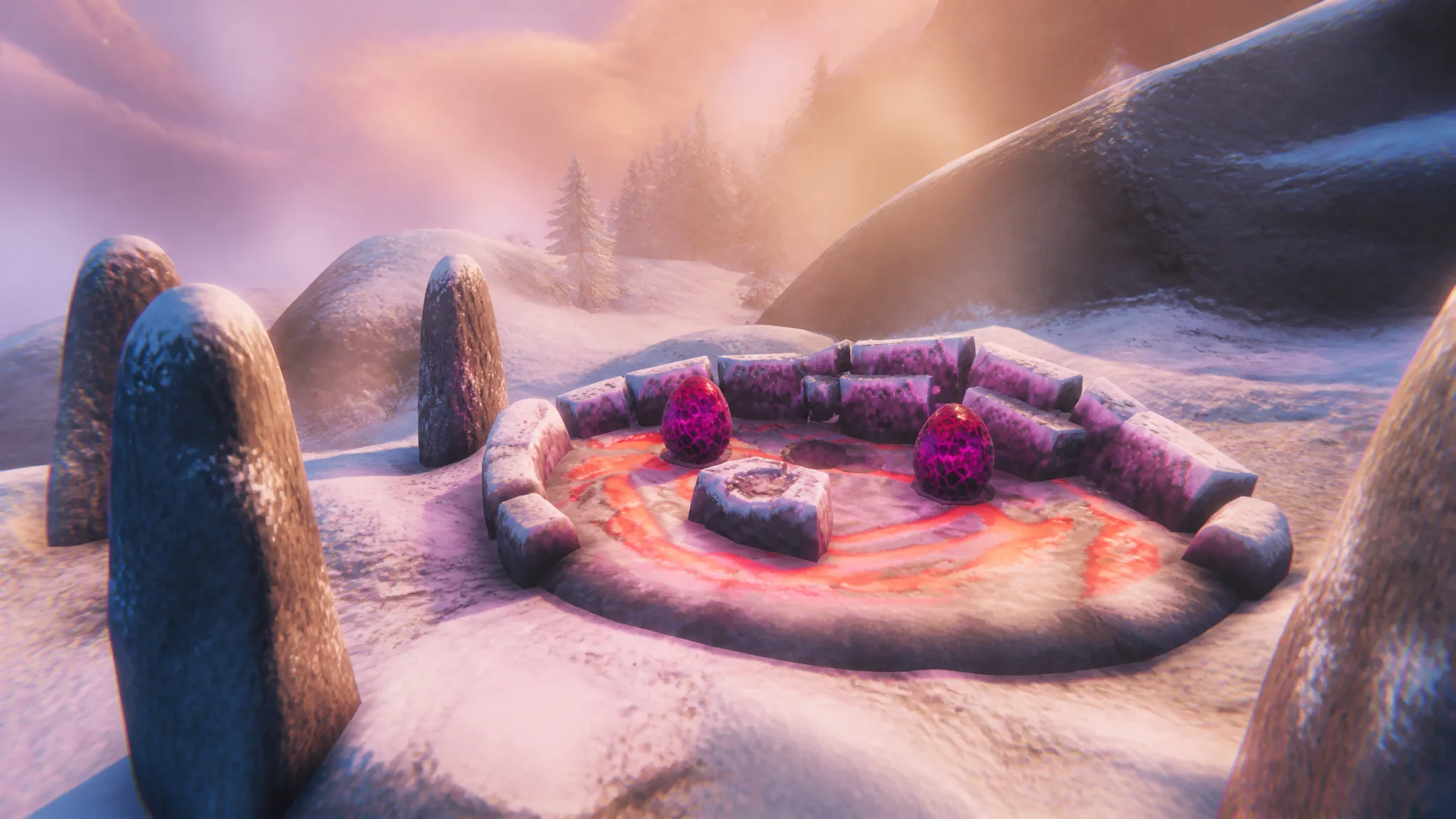
Valheim: How to Get Dragon Eggs and Summon Moder
Where Dragon Eggs spawn, how to move their 200-unit weight, and how to place all three on Moder’s altar.
-
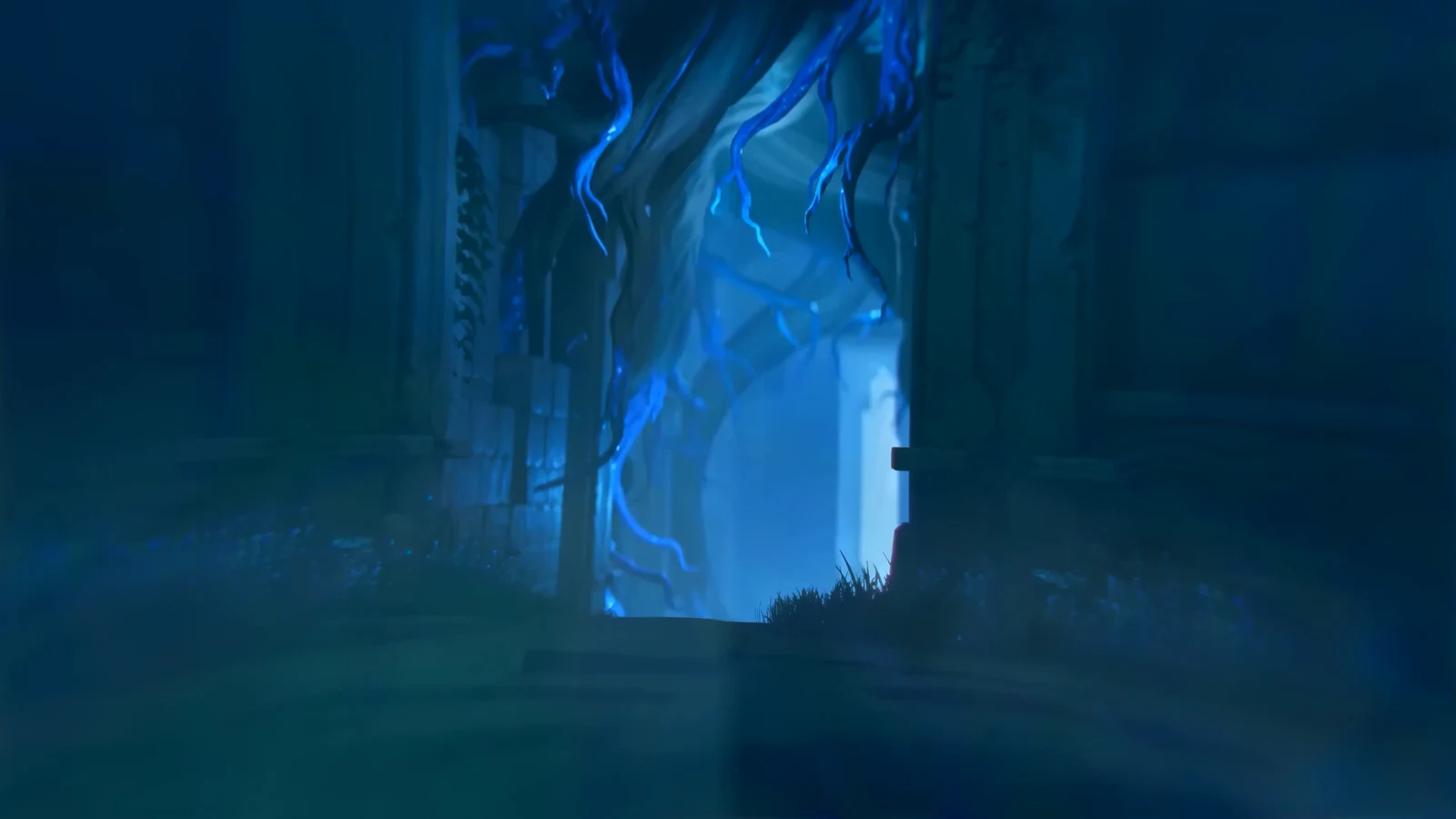
Aniimo: How to Get to Chasing Clouds Sanctum
The cave entrance sits at 1339, 1986 in Nimbus Fields, and the Chasing the Clouds main quest walks you most of the way there.