
Instructional, step-by-step articles.
Content Type: How-To
-
How to Change Background in Google Meet
Google Meet is finally catching up with its rivals in the video conferencing ecosystem and has brought some much-needed upgrades to the platform. It…
-

How to Instantly Enable Dark Mode and Night Shift on macOS Big Sur
You’re working in the dark, and the light radiating from your Mac background is straining your sight. You want to be able to instantly…
-
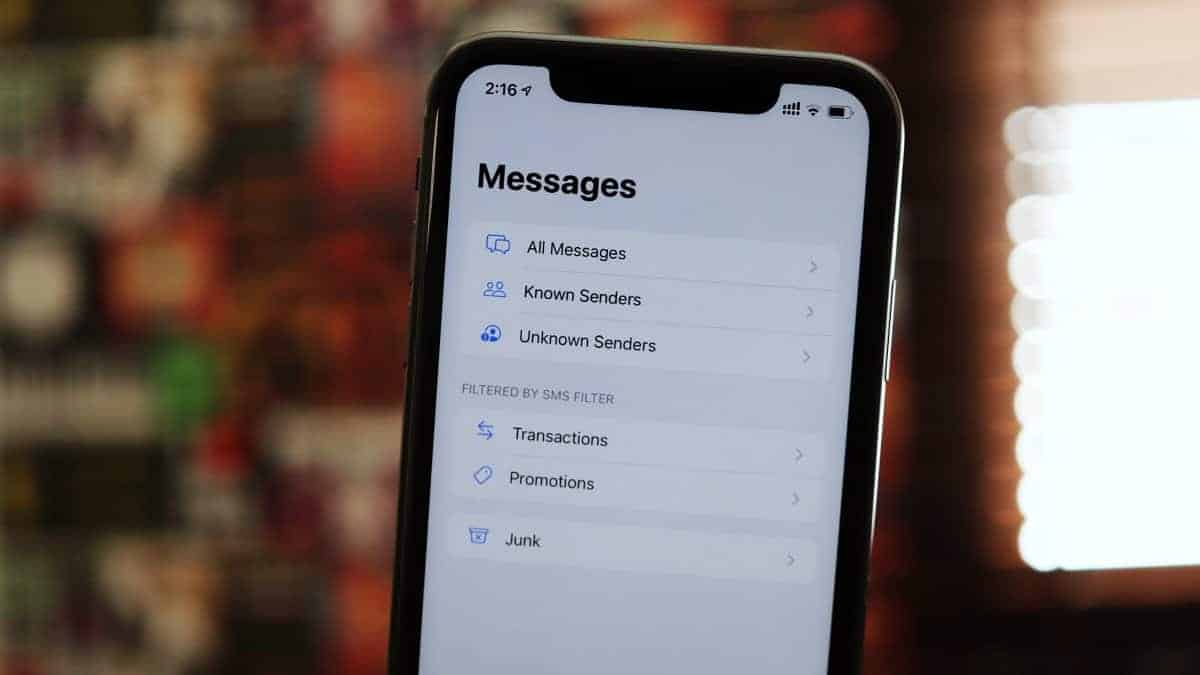
How to Use SMS Filters in Messages on iPhone running iOS 14
Correct me if I’m wrong but who hasn’t been bothered by the way Apple has handled messages in the past? All our messages shoved…
-
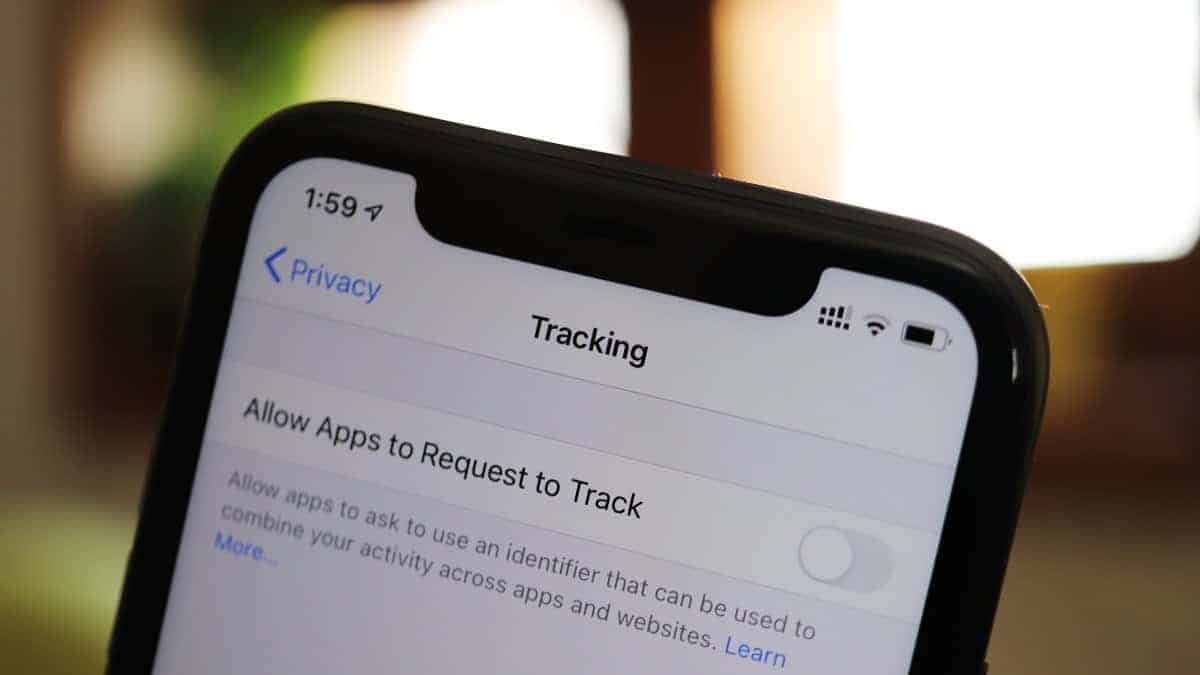
How to Completely Disable Apps from Tracking You on iPhone with iOS 14’s new ‘App Privacy’ features
Apple has always been more concerned with users’ privacy than its peers in the market. This year, they have decided to up their game.…
-
How to Disable Automatic Updates on a Mac Running macOS Big Sur
Apple’s recent upgrade, the Big Sur has brought in tons of new and exciting features to the macOS. One such brilliant coverage is smoother…
-

How to Set a Group Photo in Messages on iPhone
We are all part of so many group chats these days, and especially now they are an essential part of staying connected. But a…
-
How to Import Passwords and Settings from Chrome to Safari on a Mac
If you’re planning to switch your default browser from Chrome to Safari on your Mac, you might be wondering how to bring over your…
-

How to Change Profile Picture on Microsoft Teams
Did you find a better picture of yourself that would look a lot better on your Microsoft Teams profile? Is your current display picture…
-

How to Pin a conversation in Messages on iPhone
iOS 14 was one of the biggest announcements of Apple’s event WWDC20. It will release for the public this fall, but the beta profile…
-
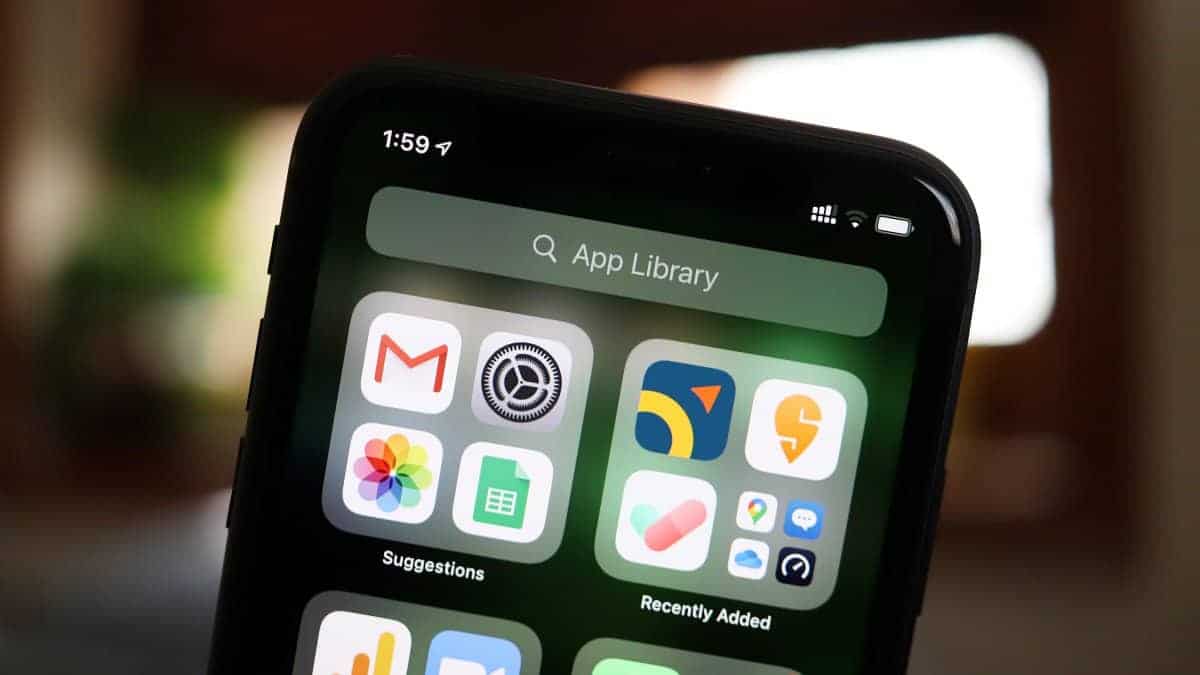
How to Add New Apps Directly to App Library on iPhone
App Library is one of the major changes coming to iOS 14. It organizes your apps for you and even offers personalized suggestions based…