

Sakshi Garg
-
Microsoft Teams Meeting How To: Join, Create, Schedule, Change Background, Share Screen, and More Tips
Microsoft Teams is the Workstream Collaboration app from Microsoft that is very popular with organizations around the globe. Its popularity stems from the way…
-
How to Present (Share Screen) in Google Meet
With the rise of remote work and online education, Google Meet has become an essential tool for virtual communication. Sometimes, simply talking isn’t enough—you…
-
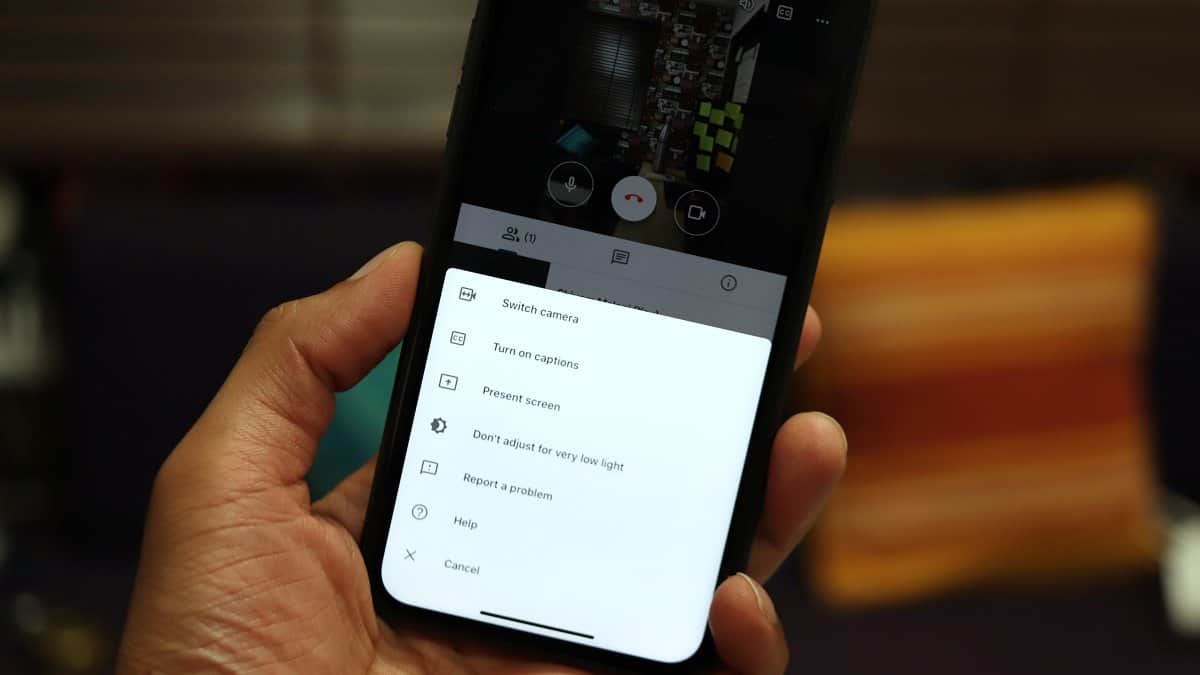
How to Enable or Disable Low Light Mode in Google Meet
Video conferencing has become an essential part of our daily routines, and having clear video quality is crucial for effective communication. Google Meet offers…
-
How to Unmute Presentation on Google Meet
Google Meet facilitates seamless virtual collaboration, including the ability to share your screen and present content to meeting participants. Despite its robust features, some…
-
How to Record a Google Meet
Recording meetings in Google Meet is an excellent way to share sessions with those who couldn’t attend or to keep a record of important…
-
How to Turn Off Snap Camera Filters
Snap Camera enhances your video calls by adding fun face filters and backgrounds. It integrates with applications like Microsoft Teams, Google Meet, Zoom, and…
-
How to Create a Google Meet
Google Meet is a powerful platform that facilitates virtual meetings and collaboration for organizations, schools, and individuals alike. With the ability to host meetings…
-
How to Take Attendance in Google Meet
With the shift towards remote learning and virtual meetings, tools like Google Meet have become essential for educators and professionals alike. Keeping track of…
-
How to Mute Your Mic on Google Meet
In the world of virtual meetings and online classes, platforms like Google Meet have become indispensable for seamless communication. However, unintended background noises from…
-
7 Google Meet Extensions for Chrome You Must Download
Google Meet allows G-Suite users to host video meetings with up to 250 participants at a time. There’s no denying that the app counts…