

Sakshi Garg
-

How to Take a Screenshot in Arc Browser
Leverage the built-in screenshot tool from Arc to capture webpages.
-

How to Manage Bookmarks in Arc Browser
Learn effective strategies for managing bookmarks in the Arc browser without a traditional bookmarks bar.
-

How to Use GPTs in ChatGPT
Learn how to find, access, and chat with GPTs through ChatGPT to tailor your experience and get help with specific tasks.
-

How to Create a GPT in ChatGPT
Learn how to create a GPT for your specific needs without any coding.
-

How to Use the Arc Browser
A complete guide to getting started on the Arc Browser.
-

How to Share Folders, Spaces, and Split Views in Arc Browser
Arc Browser brings the benefits of a shared internet with Shared Spaces, Folders, and Split Views, enhancing productivity for teams and individuals alike.
-
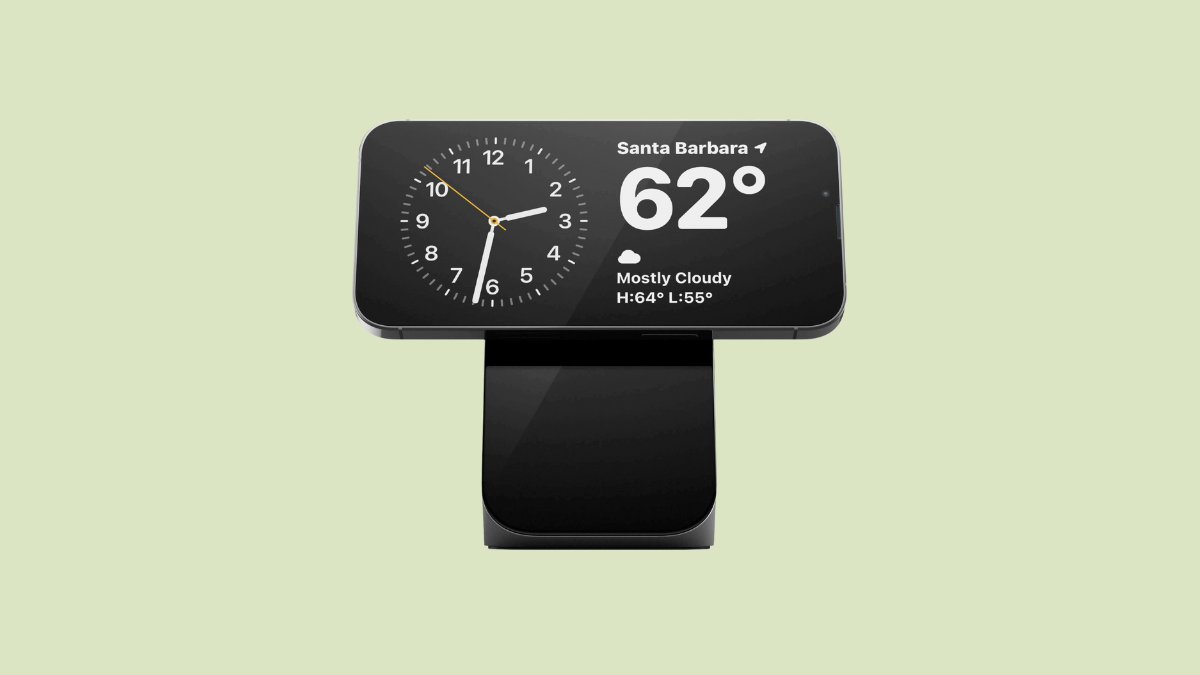
How iPhone Sets Your Preferred StandBy View per MagSafe Charger
Learn how the iPhone sets a preferred StandBy view when using MagSafe chargers, allowing different views for different charger locations.
-

How to View and Switch Between Live Activities in StandBy Mode on iPhone
Learn how to view and toggle between multiple Live Activities in StandBy Mode in iOS 17.
-

15 Arc Browser Tips & Tricks to Make Web Browsing Effortless
Powerful tips and tricks to take your Arc Browser skills to the next level.
-

Arc’s AI Search/ Ask on Page Lets You Ask Questions to Any Page’s Content
Don’t have time to find information on a long page? Arc Browser’s AI-powered ‘Ask on Page’ can do it for you.