
Category
Browsers
-
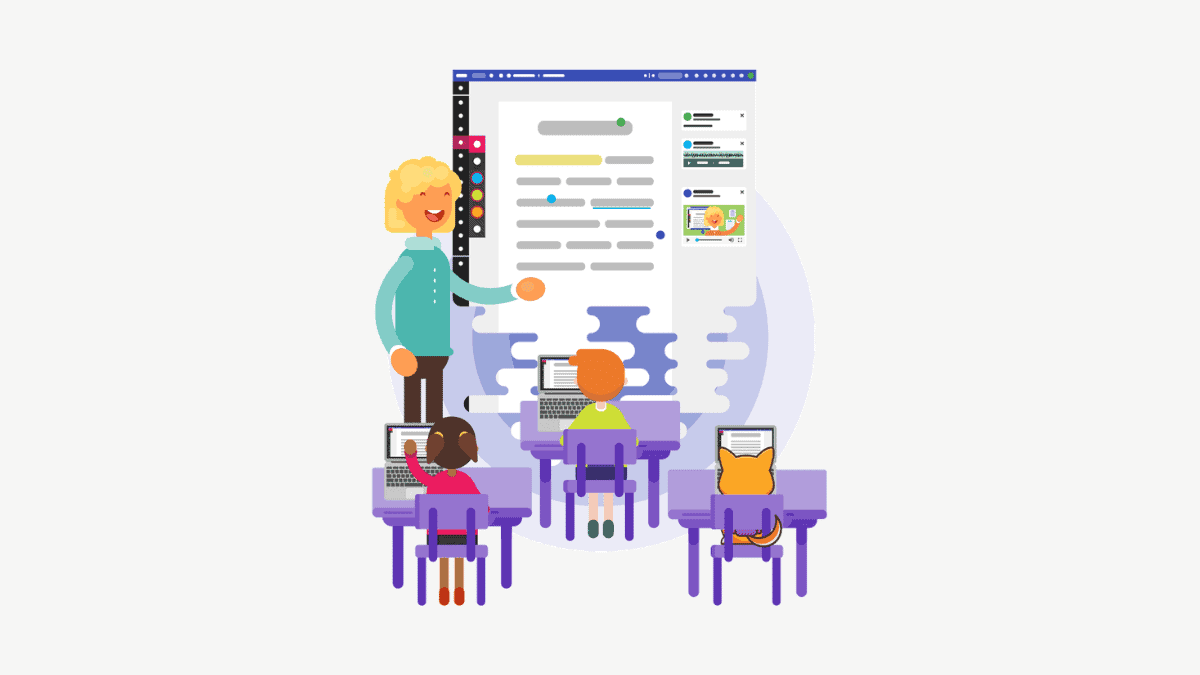
How to Use Kami
The pandemic has completely changed the education system right now. Teachers across the world are scrambling to find resources to teach students better in…
-

How to Install and Use Cloudflare WARP VPN on Windows 10
Cloudflare WARP VPN has been quite popular among Android and iOS users for fast and private internet browsing ever since its launch. This VPN…
-

How to Change your Profile Picture on Google Meet
Google Meet has become one of the most popular apps to have video meetings and online classes during these unprecedented times. It was the…
-
How to Disable or Remove Meet Now in Windows 10 Taskbar
Meet now in Windows 10 is the new space for collaboration where you can invite anyone to a video call without any prior setup.…
-
FIX: Chrome Not Downloading Files from HTTP Links
A lot of users of Google Chrome have been facing issues in downloading some files in Chrome 86, the latest update of the browser.…
-
What is a Google Workspace Account?
Google is rebranding its G Suite services to Google Workspace. And it’s no mere coincidence that there’s been so much rebranding and redesigning happening…
-
How to Add a Co Host on Zoom
Learn the steps for addinf a co-host in Zoom application. You will need to download and install Zoom App and a lincesed account for…
-
Can Host (Teachers) See Private Messages on Webex?
Wondering whether you can communicate with other students via private messages on Webex?? Continue reading to find out more
-

How to Disable Private Chat in a Webex Meeting
Learn about how to disable private chat on Webex that are not visible to the host.
-
How to Blur Background in Google Meet
If there’s one feature that has been enjoying cult status with users ever since this whole fiasco of having to attend meetings from home…