
Category
Browsers
-
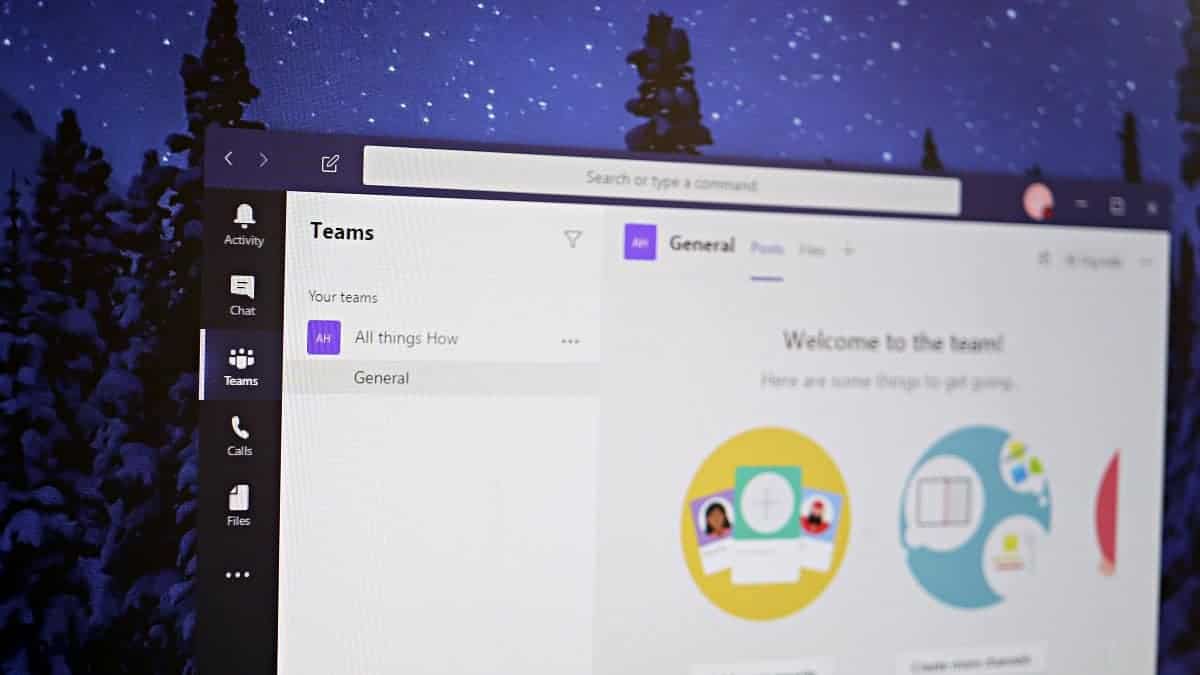
How to Share Screen in a Microsoft Teams Meeting
Sharing your screen during a Microsoft Teams meeting enhances collaboration by allowing you to present documents, demonstrate software, or guide participants through a presentation…
-

How to Set Up a Zoom Meeting
Working from home? Here’s a guide to quickly set up a Zoom meeting so you can connect with your work colleagues.
-

How to Intelligently Block Websites in Chrome and Microsoft Edge
Staying focused in the digital age can be tough, with countless websites vying for your attention. To enhance your productivity and minimize online distractions,…
-

How to Enable Reader Mode in Chrome
Google Chrome includes a hidden Reader Mode that simplifies web pages by removing ads and other distracting elements, making articles easier to read. Although…
-
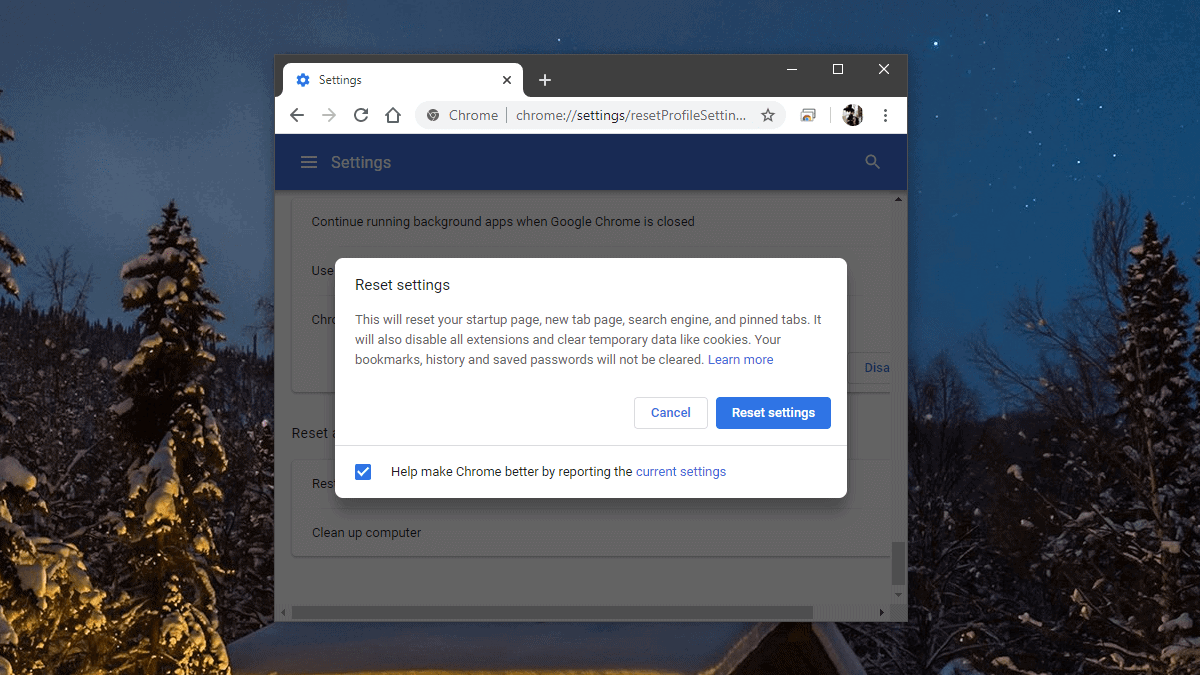
How to Reset Chrome Settings to Default
If your Google Chrome browser is experiencing slow performance or displaying unexpected behavior due to unwanted extensions, themes, or unintended changes to settings, resetting…
-

Best AI Writing Assistant Apps and Tools of 2020
Content is in high demand today. One of the most effective digital marketing strategies is writing compelling content. The content you create communicates your…
-

How to Fix “Some of your media failed to upload” Error on Twitter
If you’re encountering the error message “Some of your media failed to upload” when trying to post a tweet with media, you’re not alone.…
-

How to Create Smart Spotify Playlists with Rules to Precisely Match your Taste in Music
If you’re a Spotify user looking for a more personalized music experience beyond the app’s default playlists, there’s a way to create custom playlists…
-
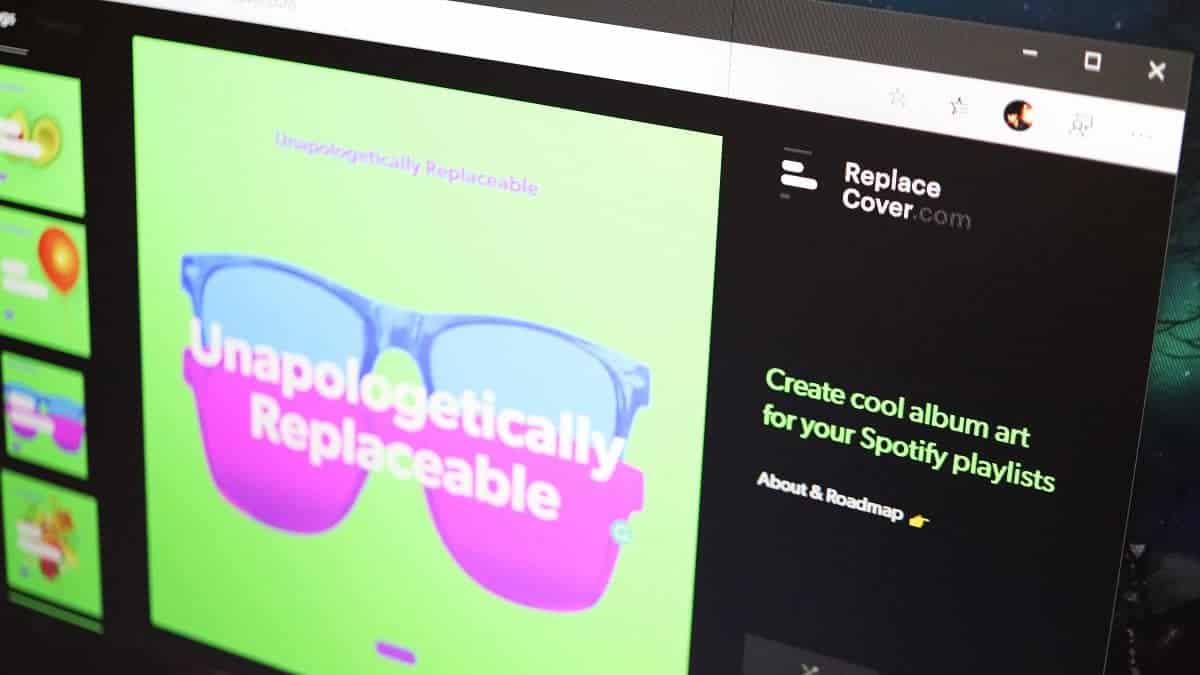
How to Create Amazing Cover Pictures for Spotify Playlists
Customizing your Spotify playlists with unique cover art adds a personal touch to your music collection. Whether you’re curating a playlist for workouts, relaxation,…
-

How to Free Up Space in Gmail
Gmail offers 15 GB of free storage shared across its services like Google Drive, Google Photos, and Gmail itself. Over time, this space can…