
Category
Browsers
-

How to Create a New Instagram Business Account
Establishing an Instagram Business account is an excellent way to enhance your brand’s visibility and engage with a wider audience. Business accounts offer specialized…
-
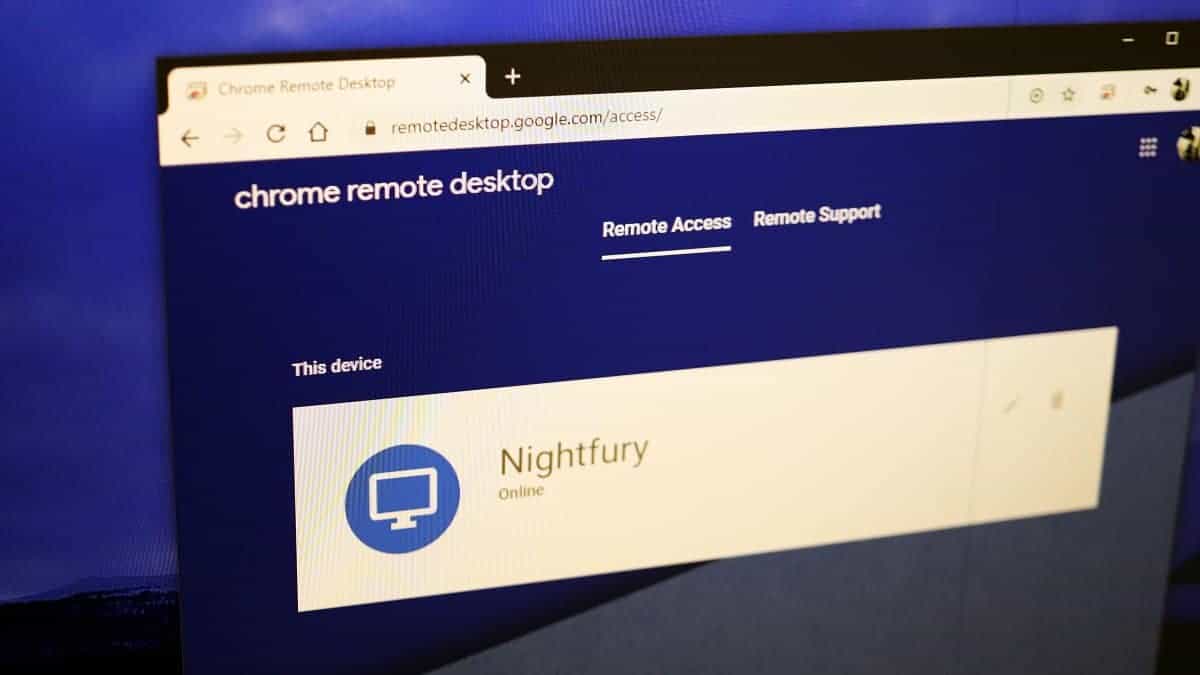
How to use ‘Chrome Remote Desktop’ to Access your Computer from iPhone or Android
Accessing your computer remotely can be highly convenient, whether you need to retrieve files or assist someone with technical issues. Google’s Chrome Remote Desktop…
-

How to Save Posts / Photos on Instagram, and Add to a Collection
Instagram offers a vast array of captivating content that you might want to revisit later. While you can’t download posts directly, Instagram allows you…
-
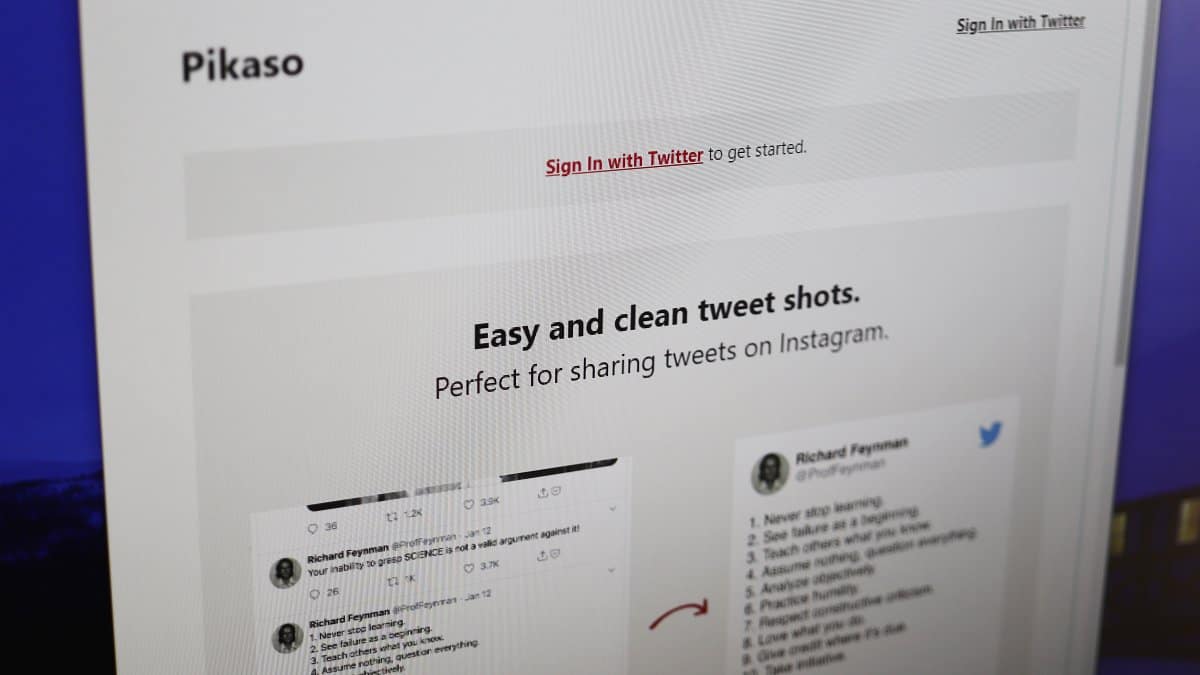
Use Pikaso to Take that Perfect Screenshot of a Tweet
Whenever you see a great tweet on Twitter and want to share it with your Instagram followers, the effort to take the perfect screenshot…
-
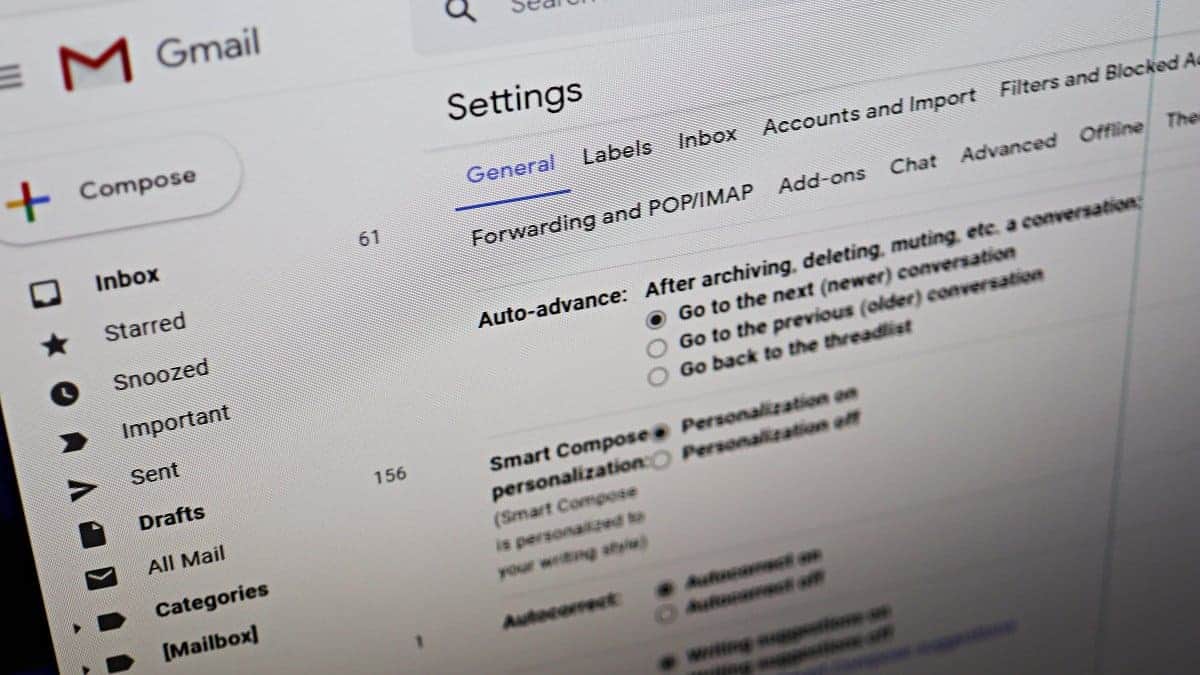
How to Enable ‘Auto-advance’ in Gmail to Quickly Go Through your Emails
Managing a crowded inbox can be overwhelming, especially when you have to return to the inbox after handling each email. Fortunately, Gmail offers an…
-
How to Show Icons Only for Sites in Favorites Bar on Microsoft Edge
Microsoft Edge’s Favorites Bar offers quick access to your most frequently visited websites. However, displaying both the site icons and names can quickly consume…
-
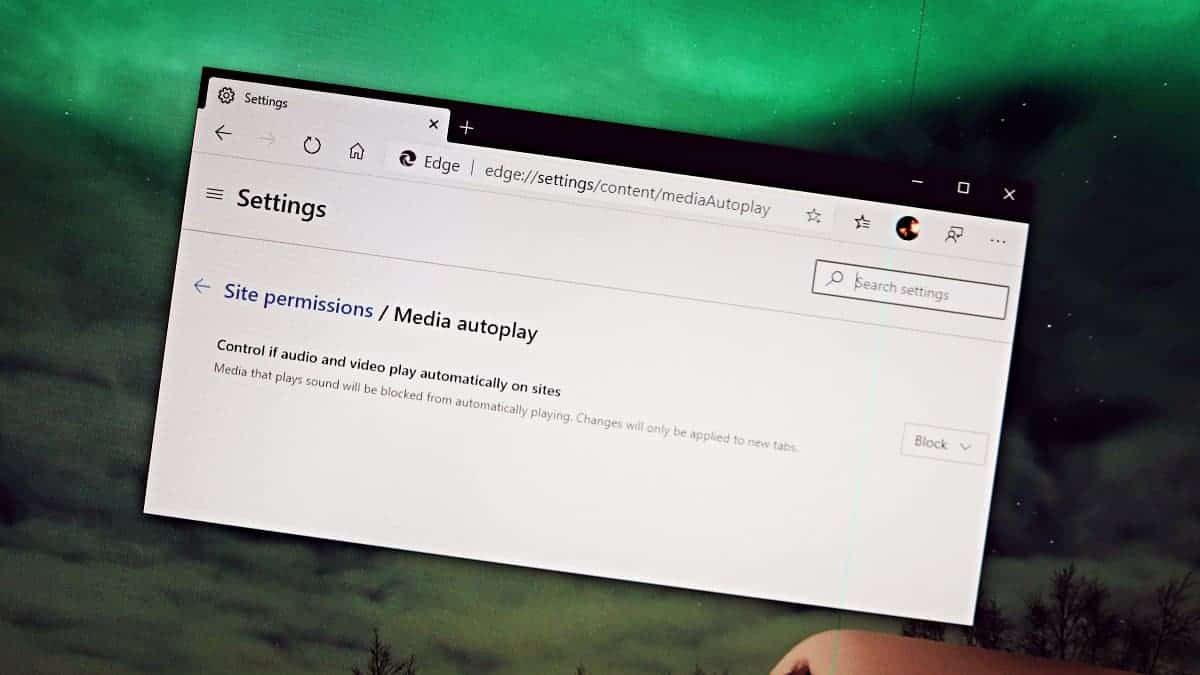
How to Stop Auto-Playing Videos on Websites in Microsoft Edge
Auto-playing videos on websites can be both annoying and disruptive, especially when they suddenly start with sound in quiet environments. If you’re using the…
-
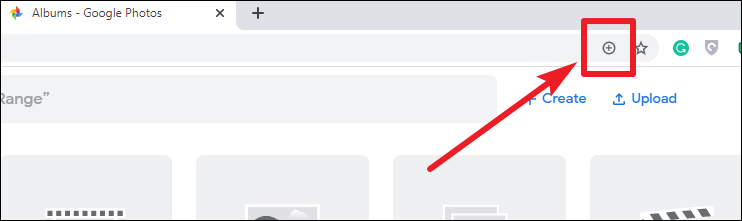
How to Install Google Photos as an App on Windows 10, Mac, and Linux
If you’re looking to access Google Photos quickly and easily on your desktop without opening a web browser every time, you can install it…
-

How to Increase Font Size in Chrome and Microsoft Edge
If you’re having trouble reading small text on websites, both Google Chrome and Microsoft Edge allow you to adjust the font size to make…
-
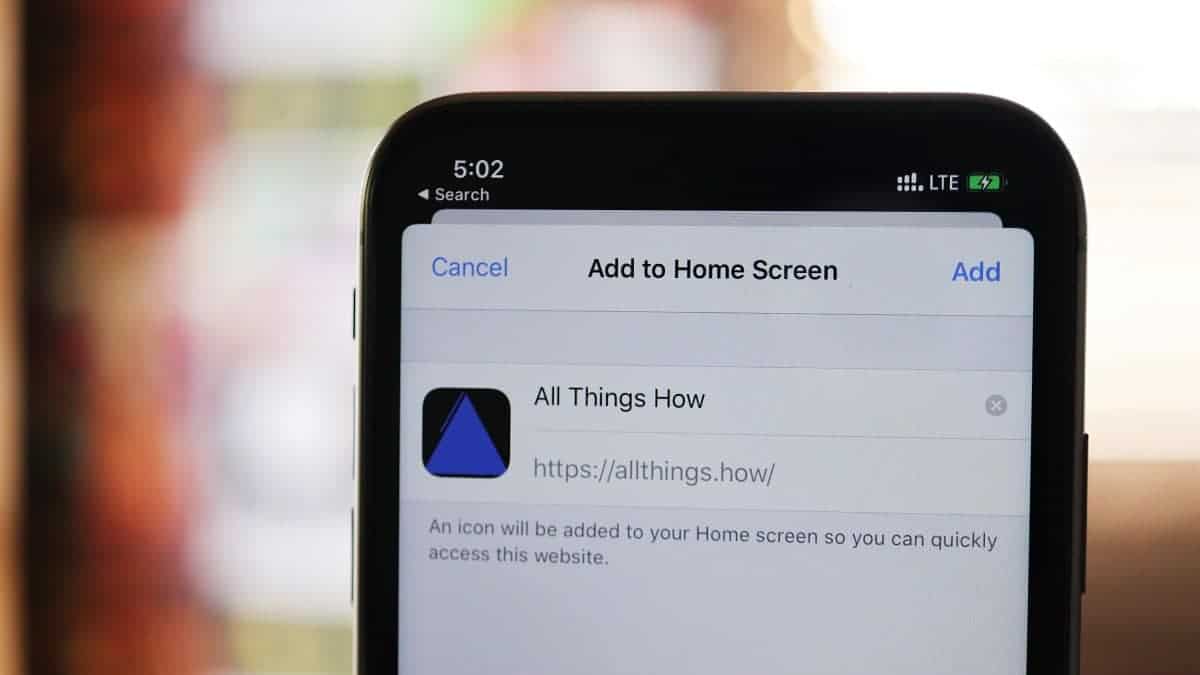
How to Install or Save any Website as an App on iPhone using Safari
Sometimes, you might wish a certain website had its own app for easier access, but that’s not always the case. Luckily, there’s a straightforward…