
Category
Windows
Windows 11, Windows 10, troubleshooting, and tips for power users.
-
Windows 11 KB5094126 Issues: Boot Failures, BSODs, and OneDrive Fixes
What the June 2026 update breaks on HP and Dell PCs, plus the workarounds that get you booting and syncing again.
-
PFN_LIST_CORRUPT BSOD on Windows 11: How to Fix the Stop Code
What the 0x4E stop code means and the fixes that clear it, from memory tests to driver and system file repairs.
-
How to Install RSAT on Windows 11 (Pro and Enterprise)
Add the exact Active Directory, DNS, DHCP, and Group Policy consoles you need straight from Optional Features.
-
Windows 11 KB5094126 Issues: BSOD, BitLocker, and OneDrive Fixes
What’s breaking after the June 2026 update and how to get HP and Dell PCs booting again.
-

How to Fix Printer Error 0x800706b5 on Windows 11 and 10
Clear, verified fixes for the “Your printer has experienced an unexpected configuration problem” message that blocks printing.
-
Enable Windows 11 July 2026 Update features early with ViVeTool (KB5095093)
Install build 26200.8728, run one ViVeTool command, and unlock most of the July 2026 changes before the gradual rollout reaches you.
-
Windows 11 26H1 build 28000.2333 (KB5095091) adds multi-app camera and NPU monitoring
The first preview of July’s cumulative update lands for 26H1’s new hardware, with camera, Task Manager, and sign-in changes.
-
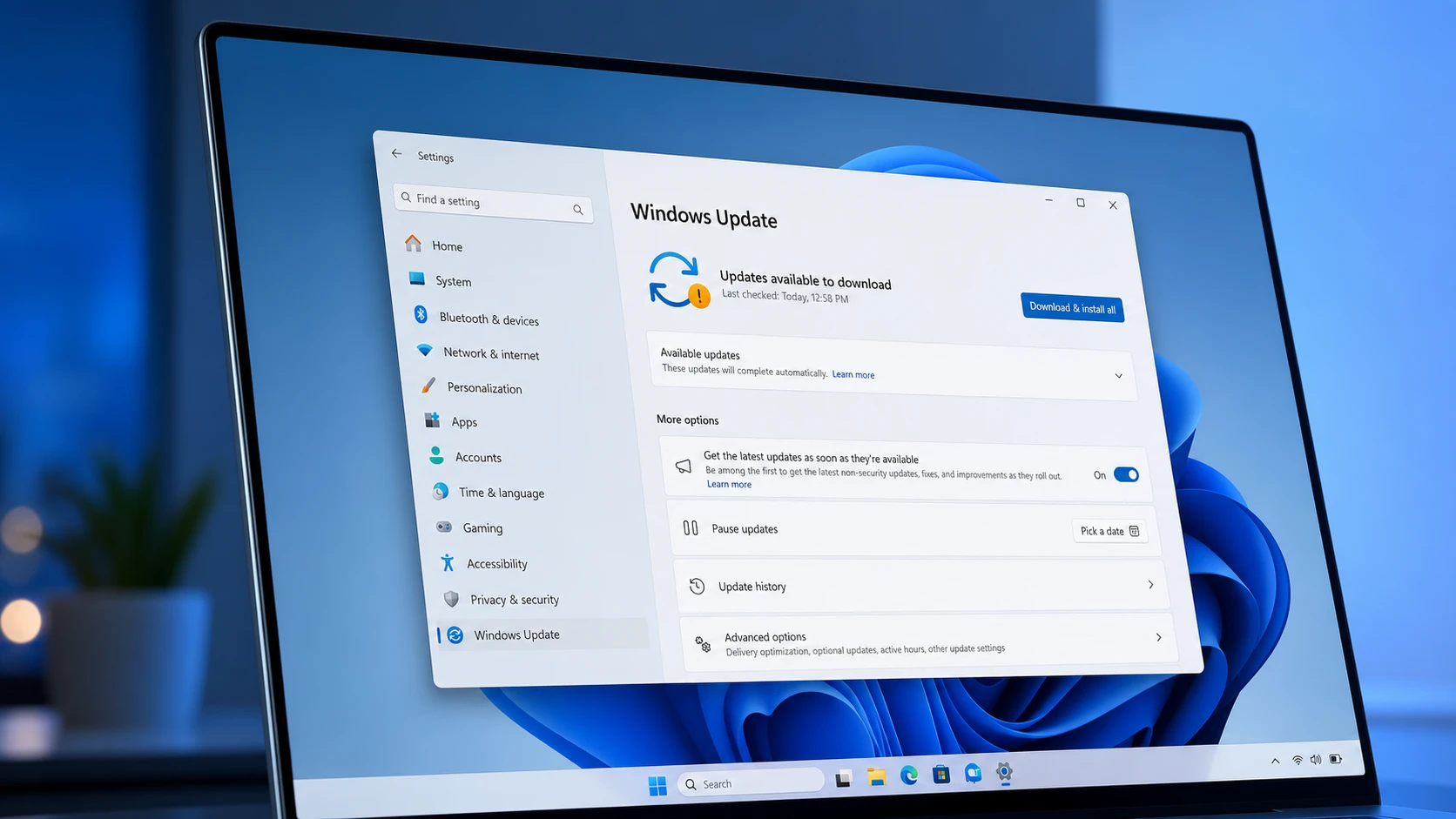
Windows 11 26H1 Insider builds add Screen Tint and faster app launches
The Beta flight brings a daytime Screen Tint overlay, while the Experimental build speeds up the Start menu, Search, and Action Center.
-
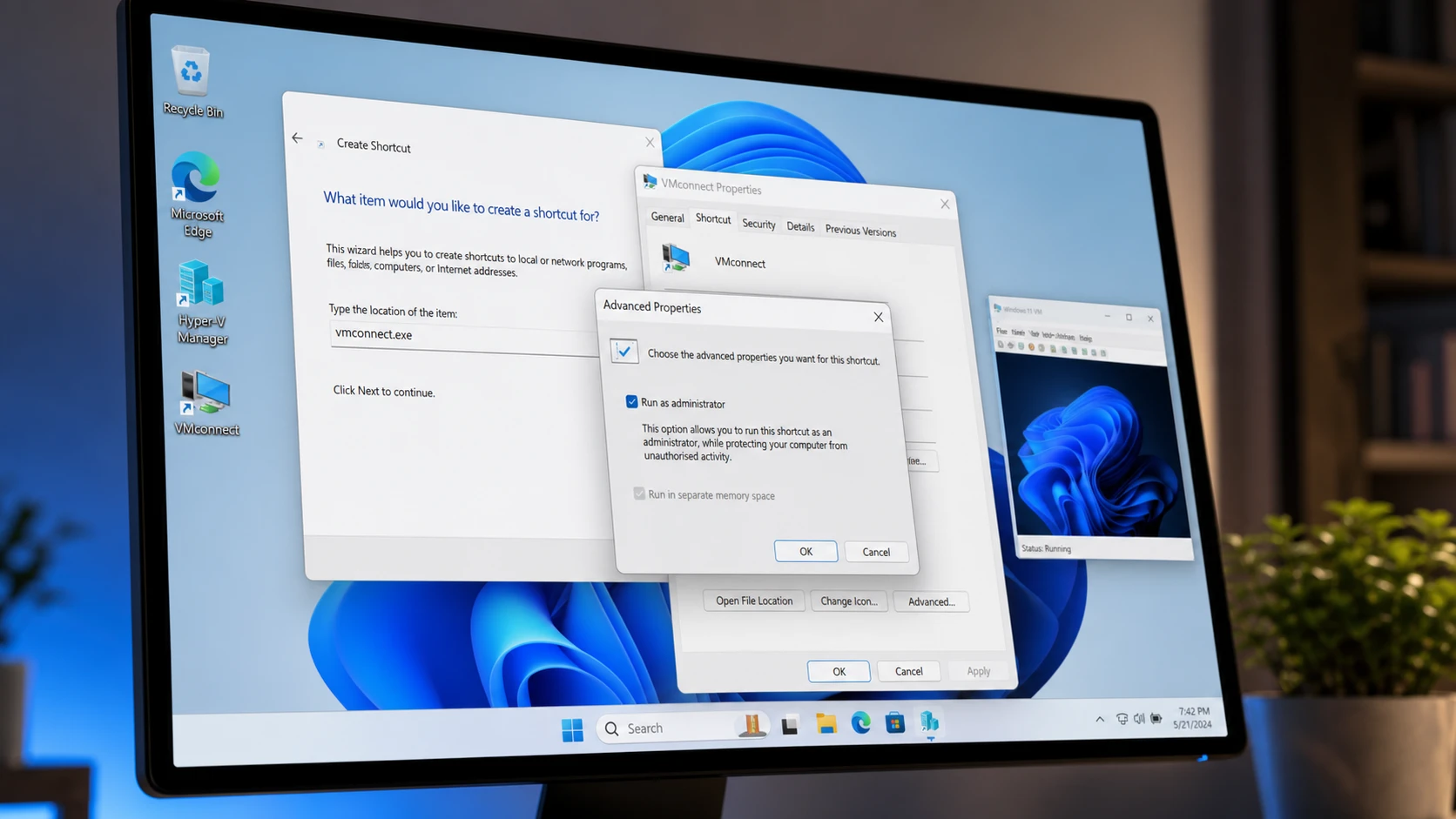
Create a Hyper-V Virtual Machine Desktop Shortcut in Windows 11
Launch a Hyper-V VM directly from your desktop using vmconnect.exe with administrator rights.
-
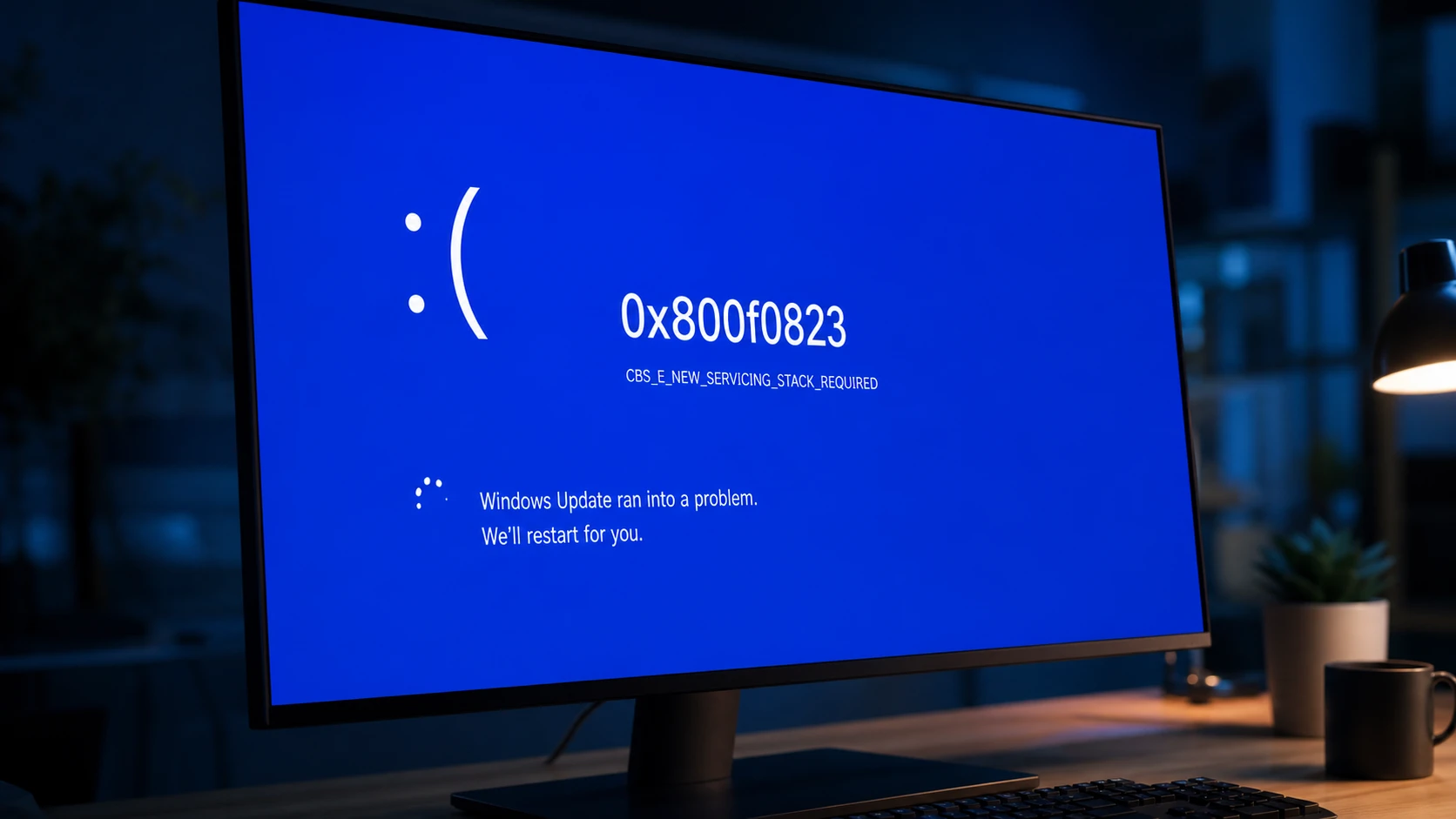
Fix Windows Update Error 0x800f0823 (CBS_E_NEW_SERVICING_STACK_REQUIRED)
Install the matching servicing stack update before the cumulative update so Windows can process new patches.