
Category
Windows
Windows 11, Windows 10, troubleshooting, and tips for power users.
-
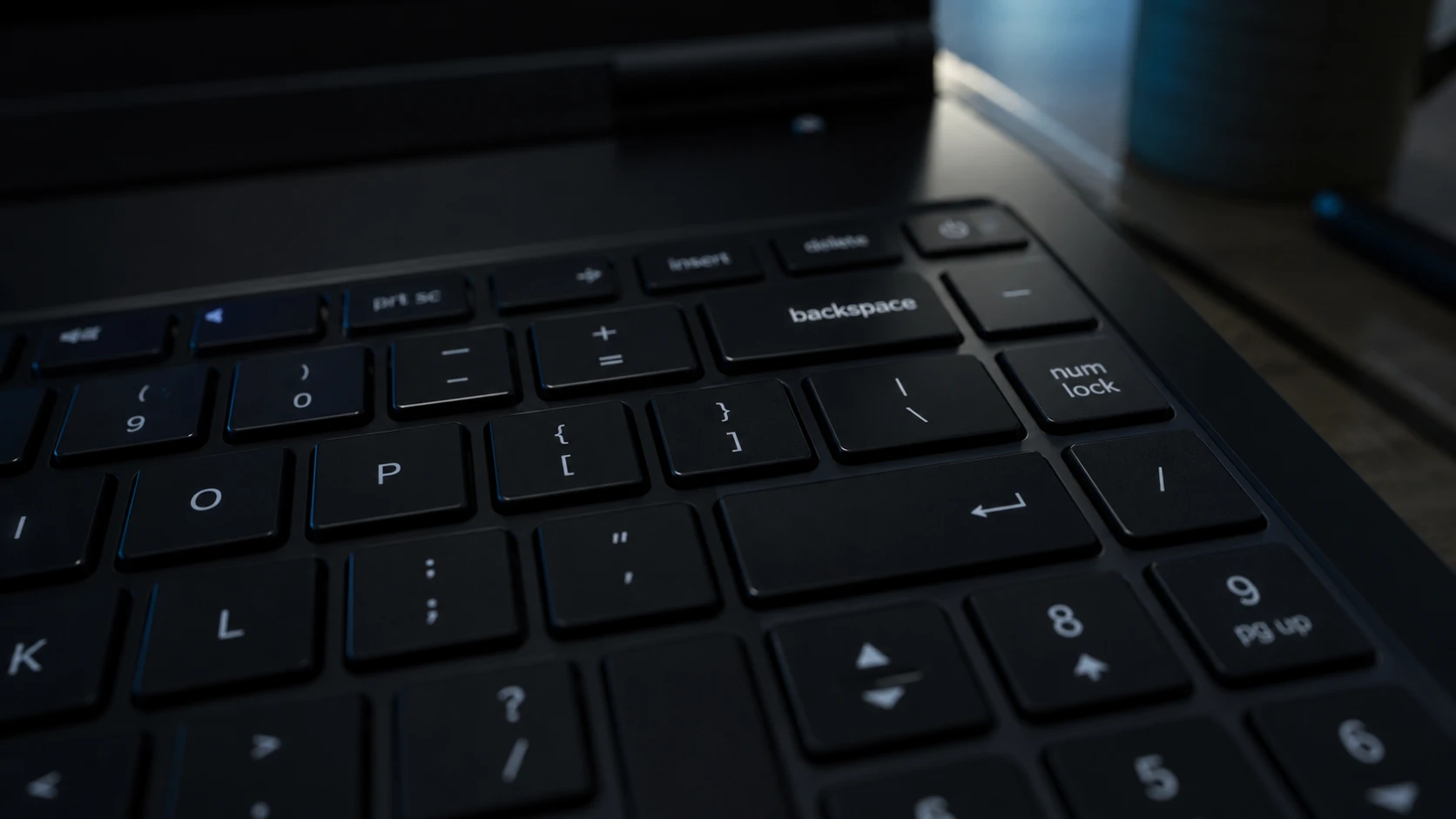
Backspace Deletes Only One Letter in Windows 11 – How to Fix It
Turn off Filter Keys first, then work through the keyboard driver and repeat-rate fixes if holding Backspace still fails.
-
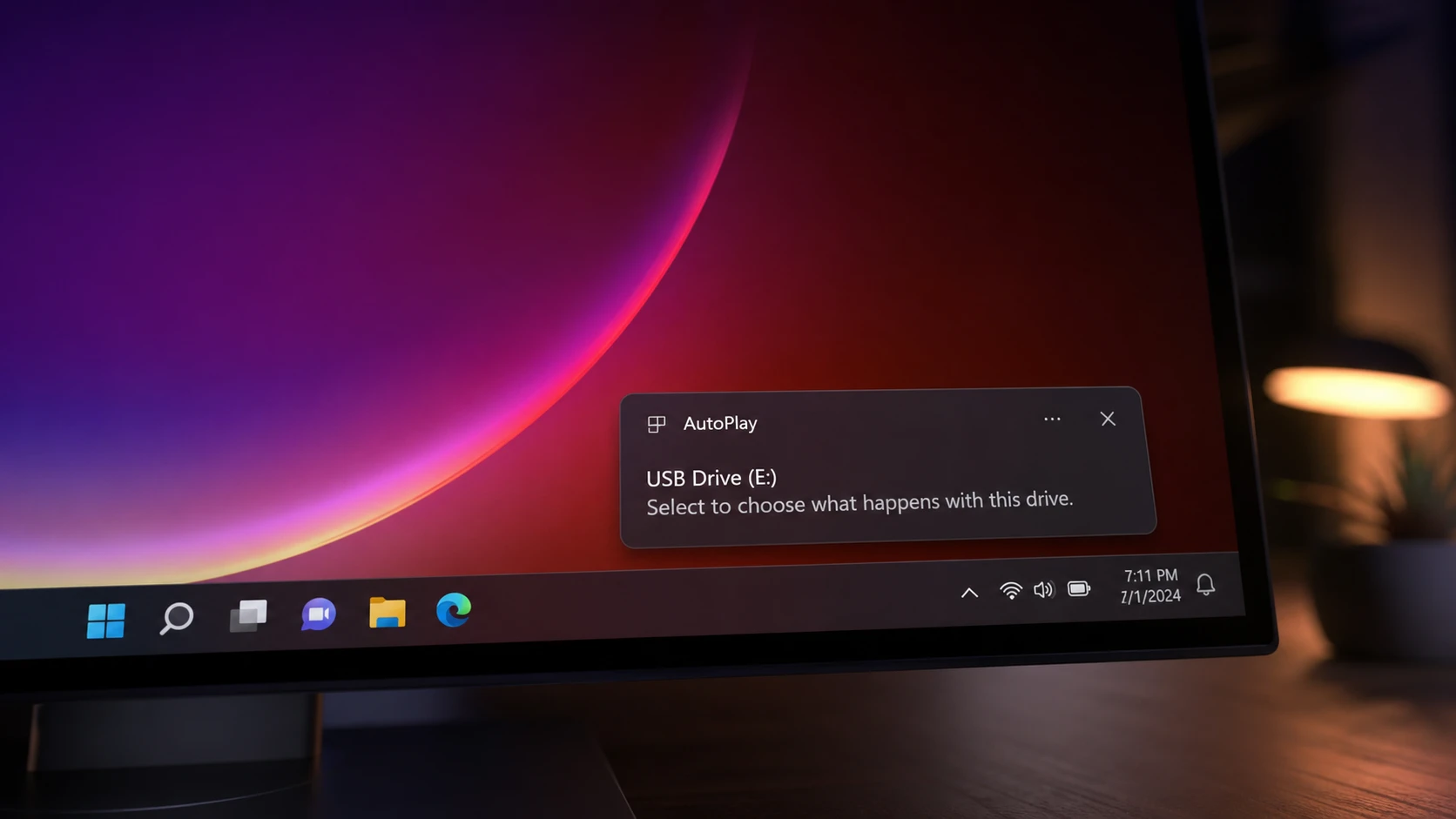
AutoPlay Not Working in Windows 11: How to Fix It
Re-enable the feature, repair the Shell Hardware Detection service, and reset defaults so Windows reacts when you plug in a drive.
-
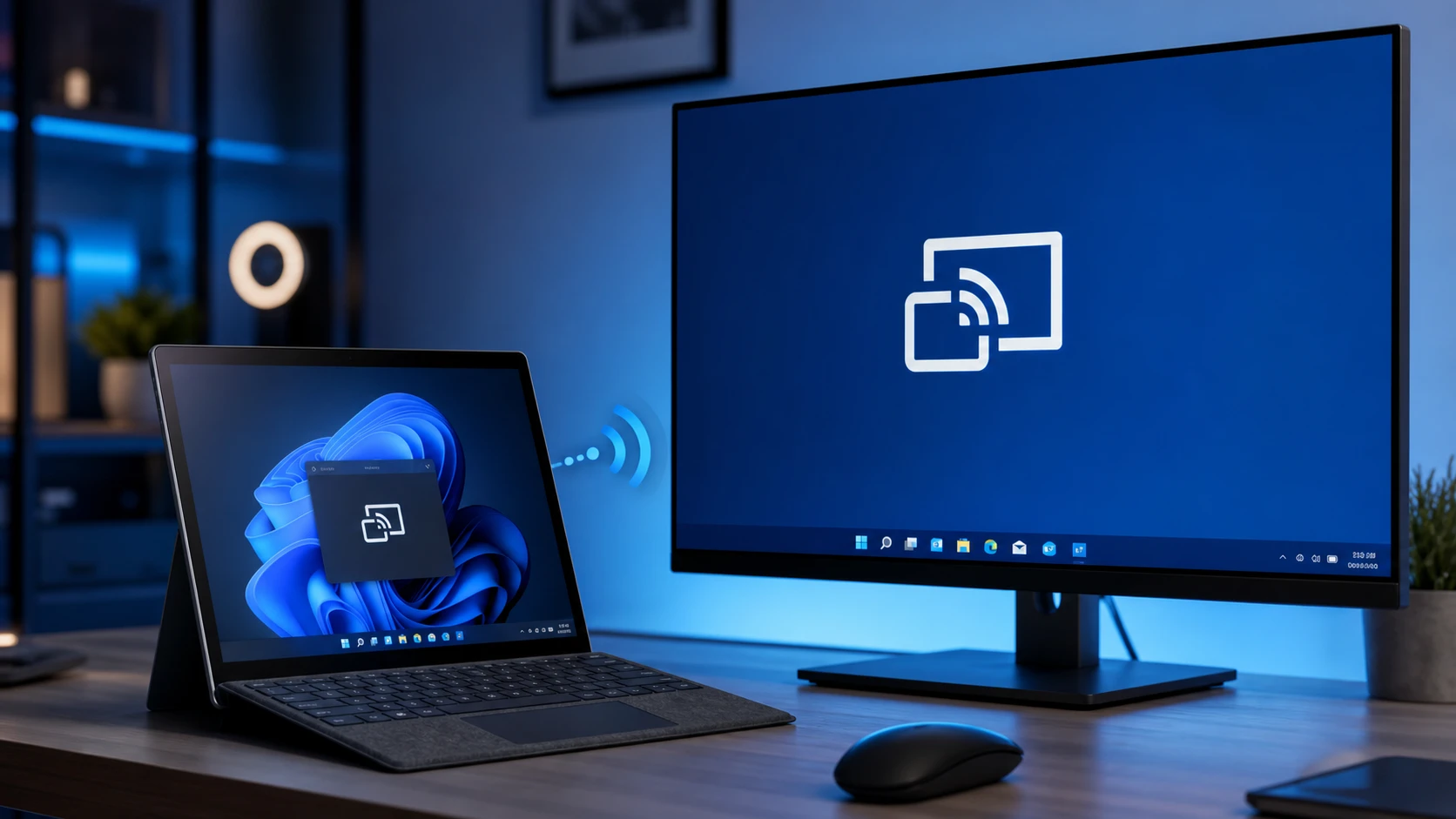
Miracast Not Supported by Graphics Driver in Windows 11 (Fix)
Reinstall the Wireless Display feature and update your graphics driver to restore wireless screen mirroring.
-
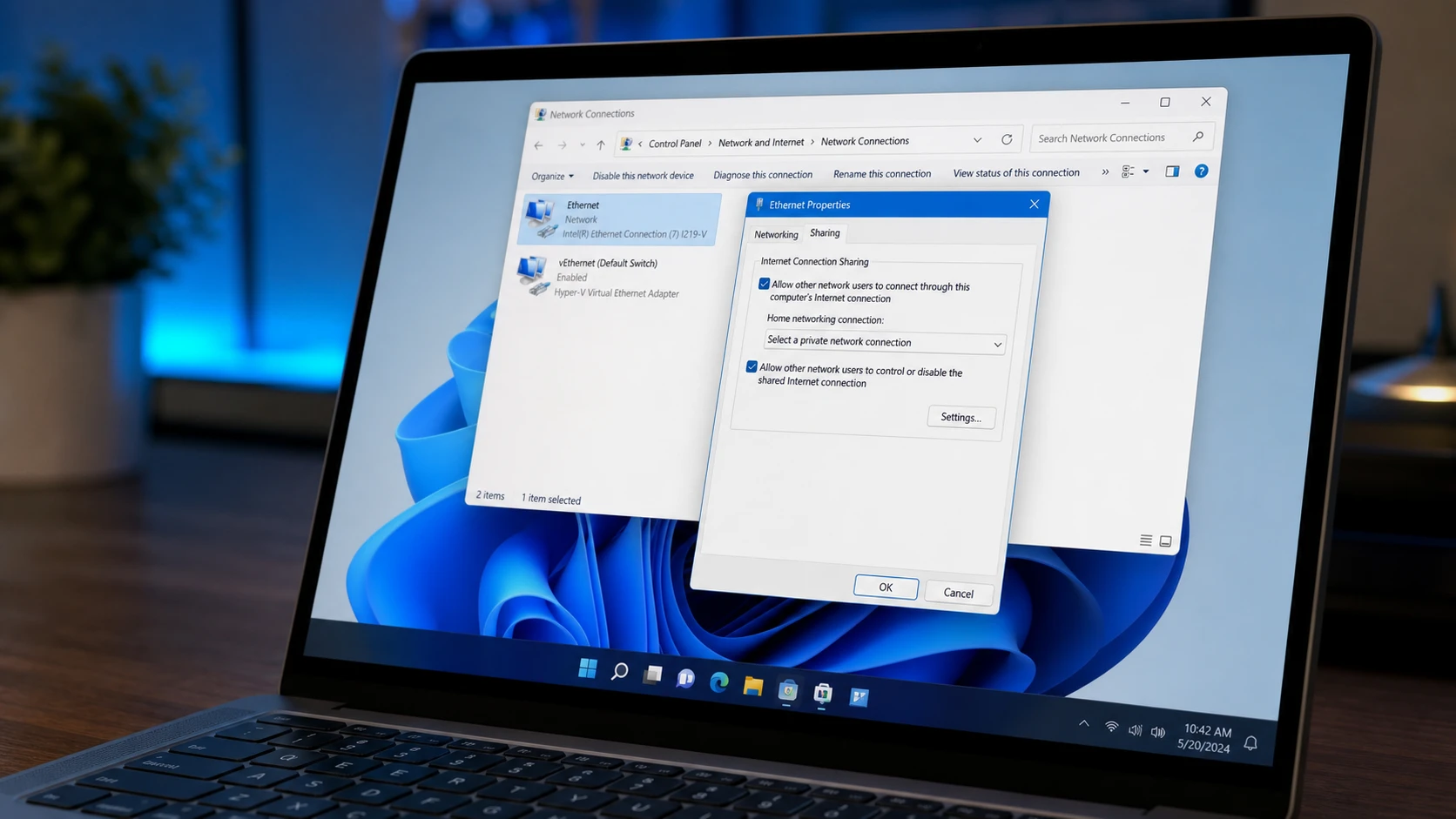
Fix Internet Connection Sharing (ICS) That Drops After Reboot on Windows 11
A registry value and an Automatic service setting keep ICS alive through restarts so connected devices stay online.
-

Hide the Windows 11 Taskbar With a Hotkey
Toggle the taskbar instantly with Ctrl+Esc, a custom hotkey, or an auto-hide setting.
-
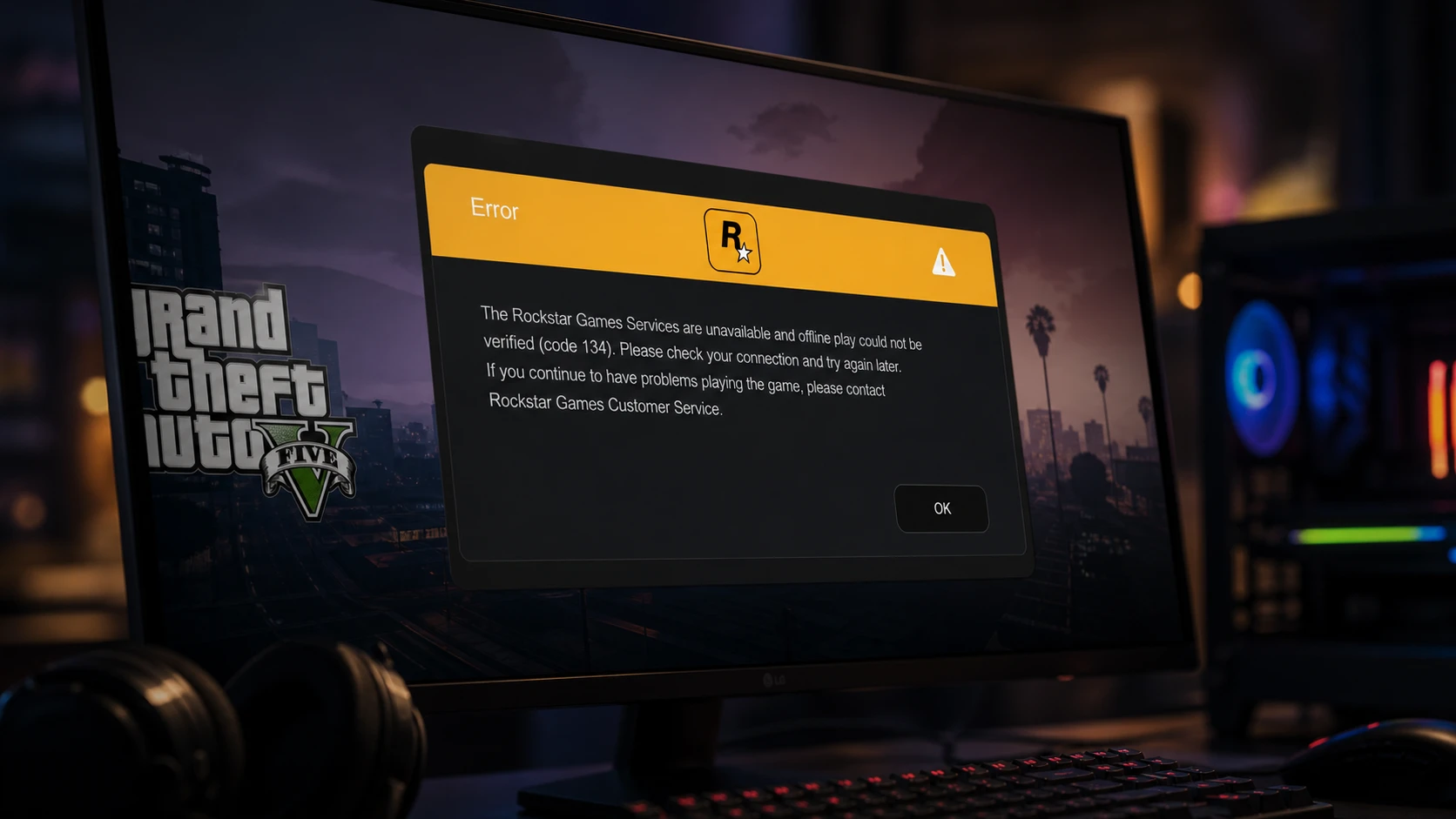
GTA V Error Code 134 on Windows: How to Get Back Online
Clear the “Rockstar Games Services are unavailable” message with checks for servers, drivers, game files, and the launcher.
-
Fix the Windows 11 Fingerprint Reader and the “This Option Is Currently Unavailable” Error
Re-enrolling, driver resets, a stuck USB device, and the Biometric Service are the usual culprits behind a dead Windows Hello fingerprint sign-in.
-
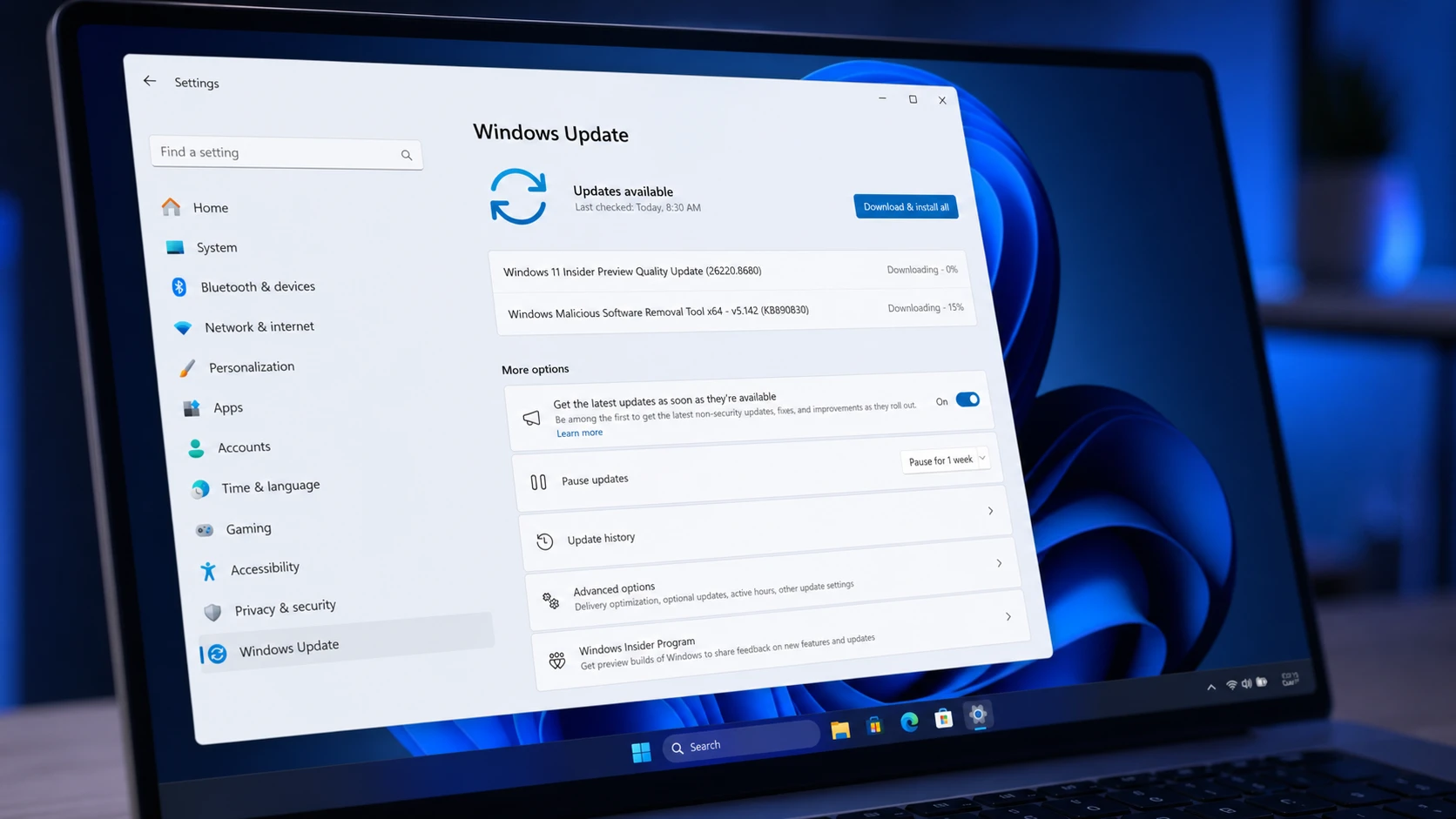
Windows 11 Build 26220.8680 quiets Widgets and adds Screen tint (Beta)
The Beta Channel flight trims Widgets memory use, calms taskbar alerts, and brings a new color overlay plus Magnifier and File Explorer fixes.
-

What’s New in Windows 11 Stock Apps: Paint, Clock, Calculator, and More
A full rundown of the new features and fixes landing in seven built-in Windows 11 apps, plus their version numbers.
-
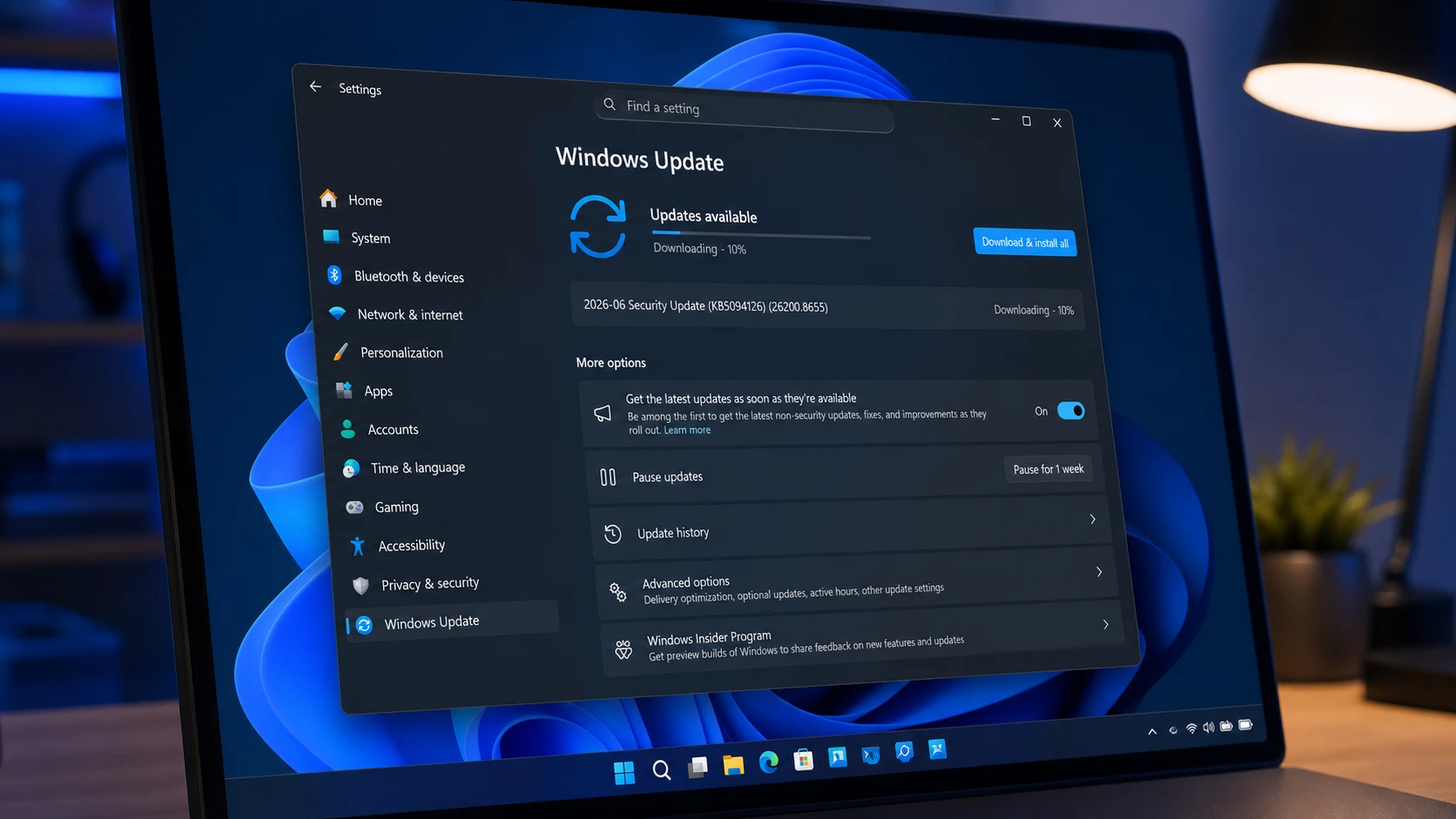
KB5094126 for Windows 11 (June 2026): Builds 26200.8655 and 26100.8655
The June Patch Tuesday update brings the Low Latency Profile, Shared Audio, multi-app camera streaming, and the Secure Boot certificate push.