
Category
Windows
Windows 11, Windows 10, troubleshooting, and tips for power users.
-
Turn on Windows 11’s Low Latency Profile CPU Boost (June 2026 Update)
Install the June 2026 update or use ViVeTool to switch on the short CPU bursts that speed up the Start menu, Search, and Action…
-
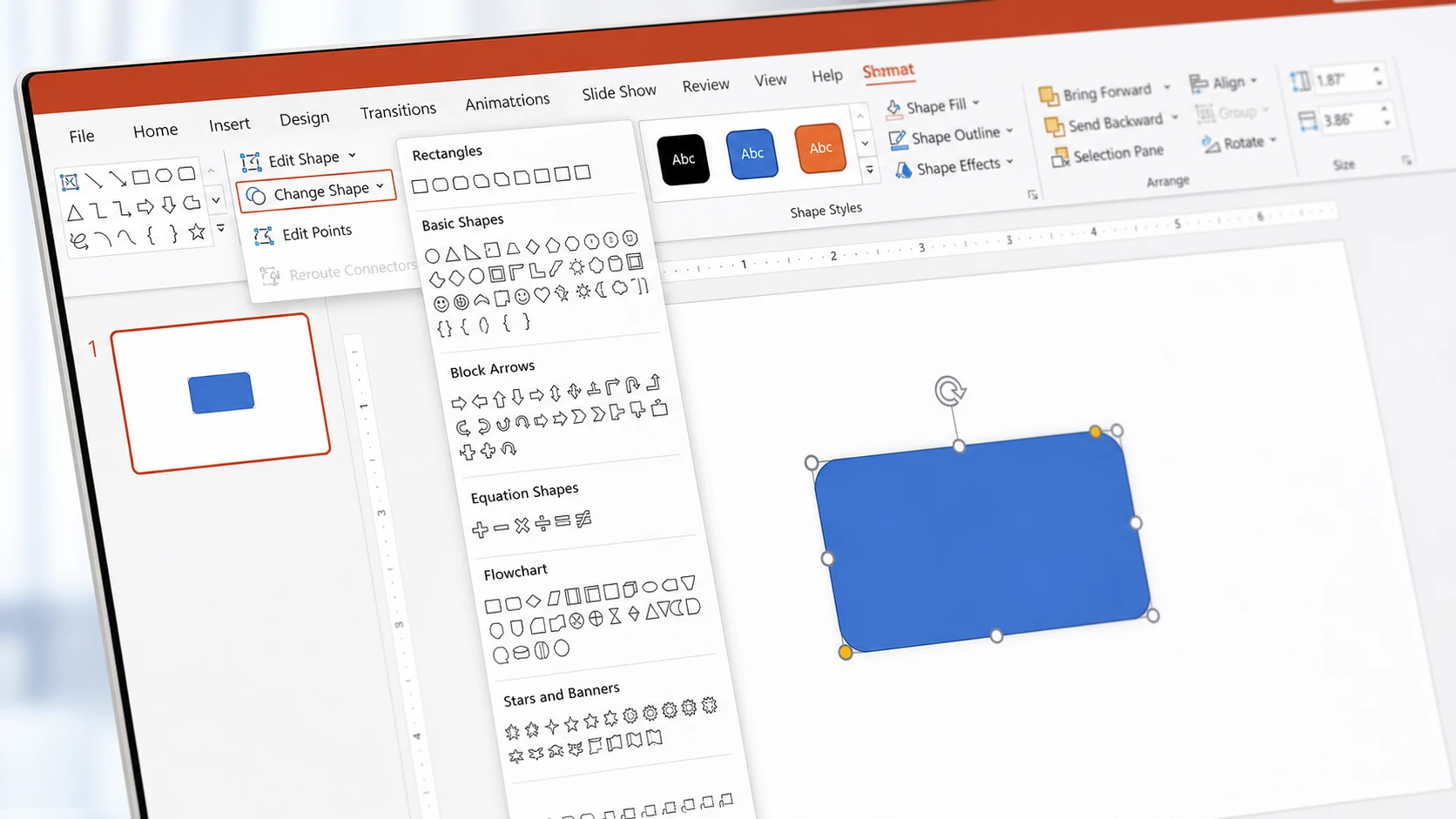
How to Change the Shape of a Picture in PowerPoint
Use Crop to Shape, fill a shape with an image, or swap shapes with Edit Shape.
-
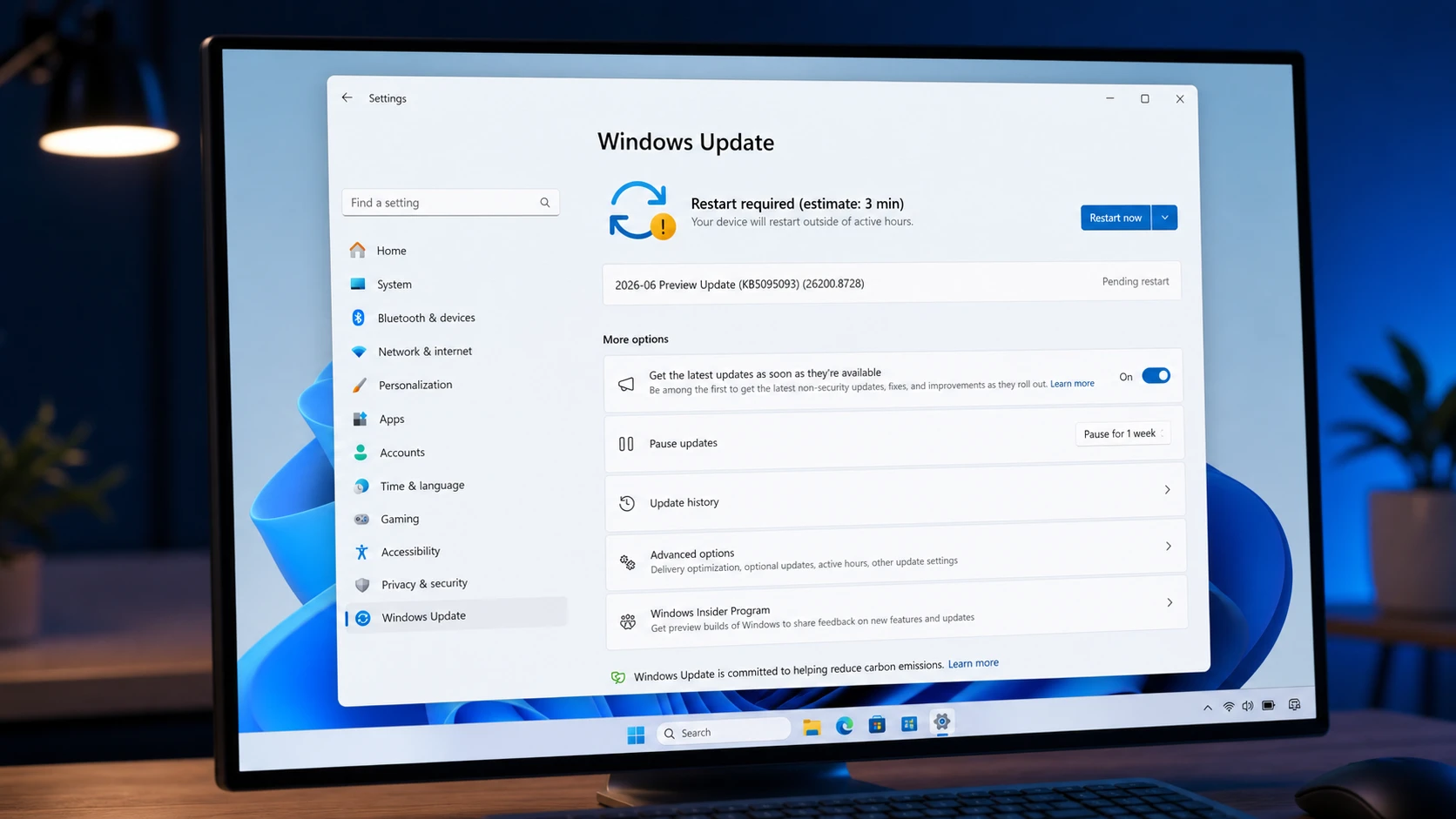
Windows 11 KB5095093 preview brings Point-in-time Restore (build 26200.8728)
The July 2026 preview update adds system recovery snapshots, calendar-based update pausing, and quieter Widgets across 25H2 and 24H2.
-
How to Turn Off Background Apps in Windows 11
Control which Microsoft Store apps run in the background using Settings, Battery usage, or Group Policy.
-
USB Drive Not Showing Up in Windows 11: How to Fix It
Work through power settings, drive letters, drivers, and security software to get a hidden flash drive back.
-
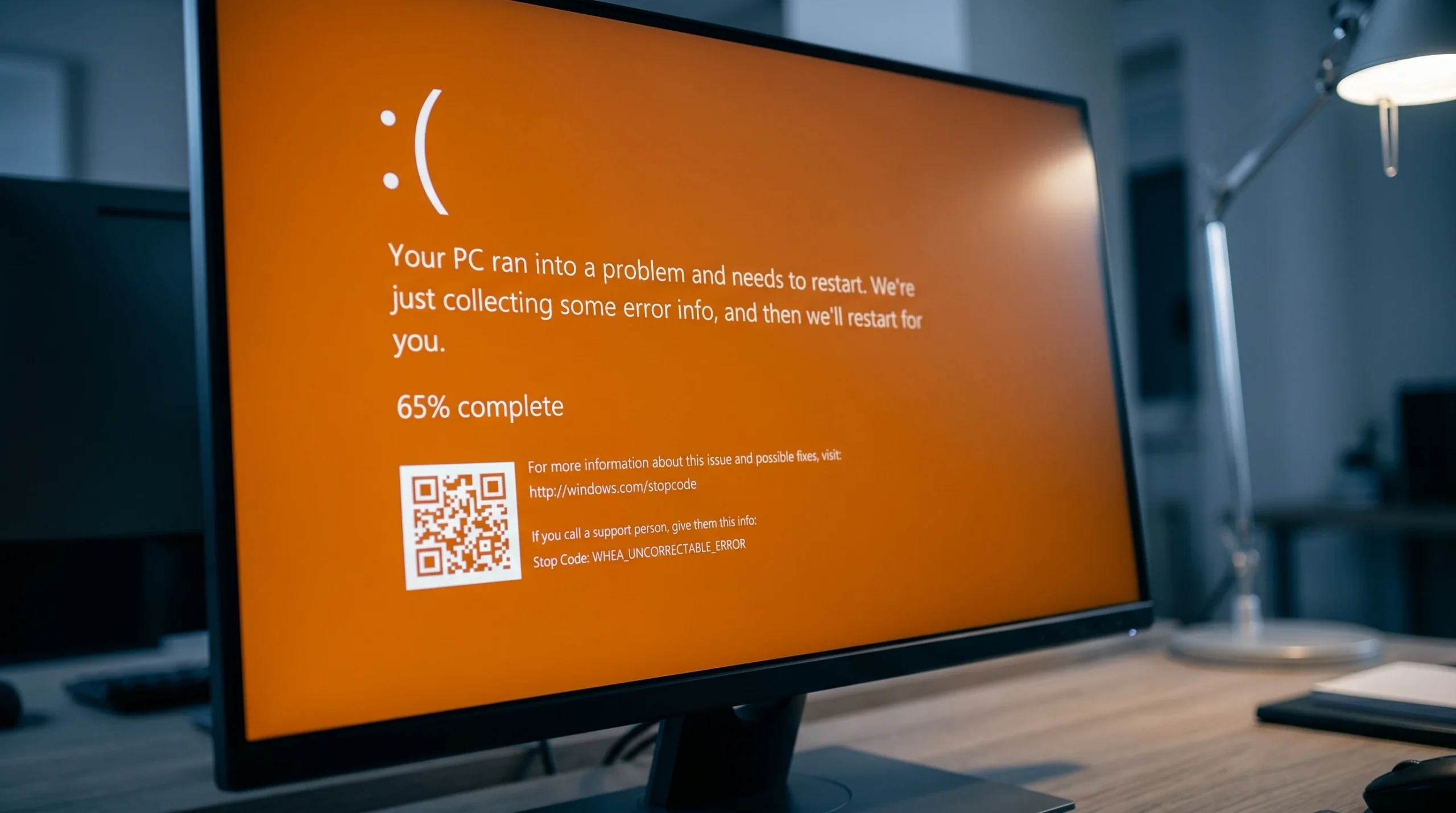
Fixing the Orange Screen of Death on Windows 11 (GPU and Driver Errors)
What triggers the rare orange crash screen and the exact steps that clear it on Windows 11 and 10.
-
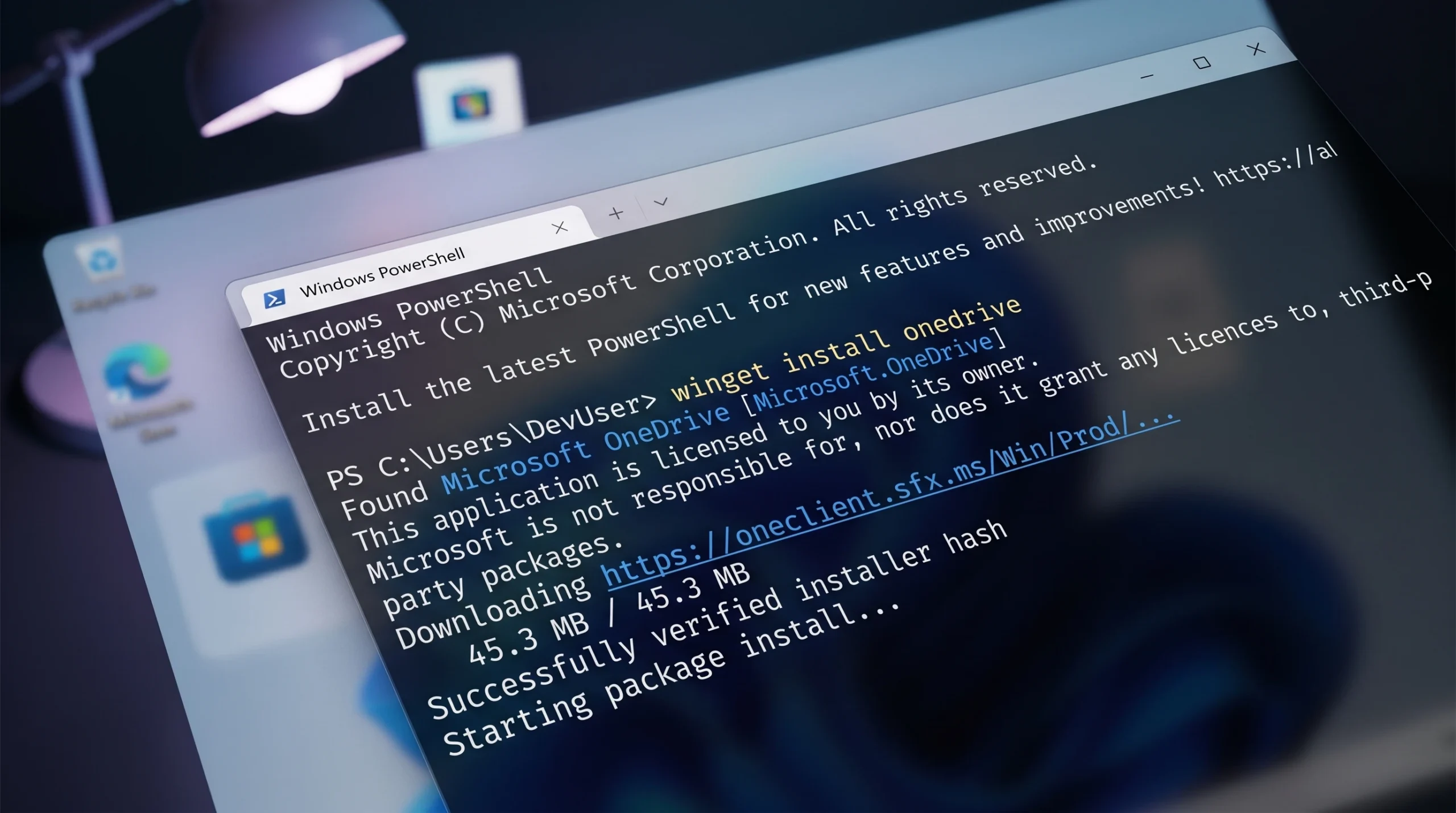
WINGET 0x80d03002 Error on Windows 11 (Fix)
Switch Winget’s download method to WinINet, toggle Delivery Optimization, and reset the Microsoft Store to clear the error.
-
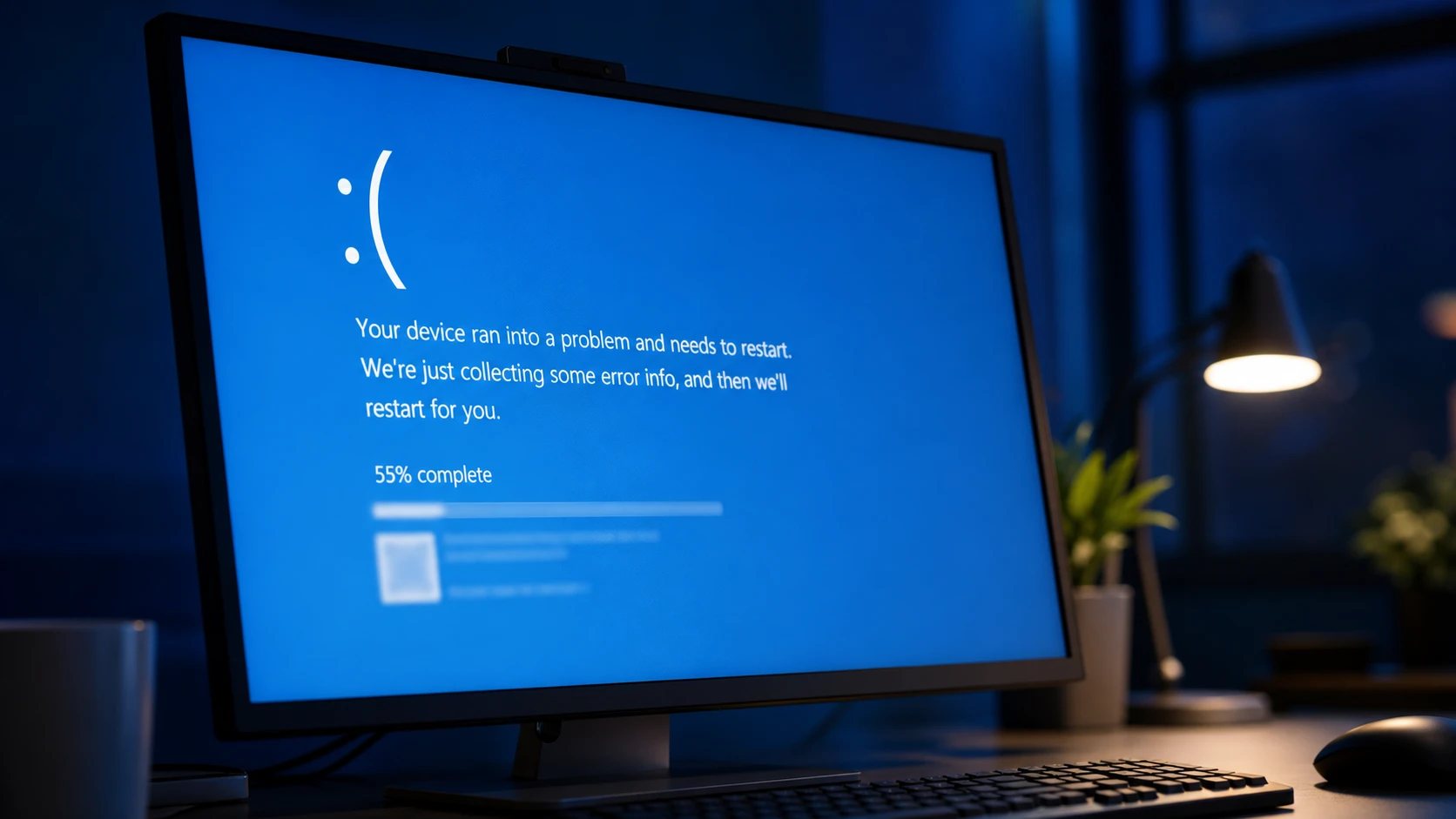
CACHE_MANAGER BSOD (Bug Check 0x34): How to Fix It on Windows 11
What the file system cache manager stop error means and the exact checks that clear it on Windows 11 and 10.
-
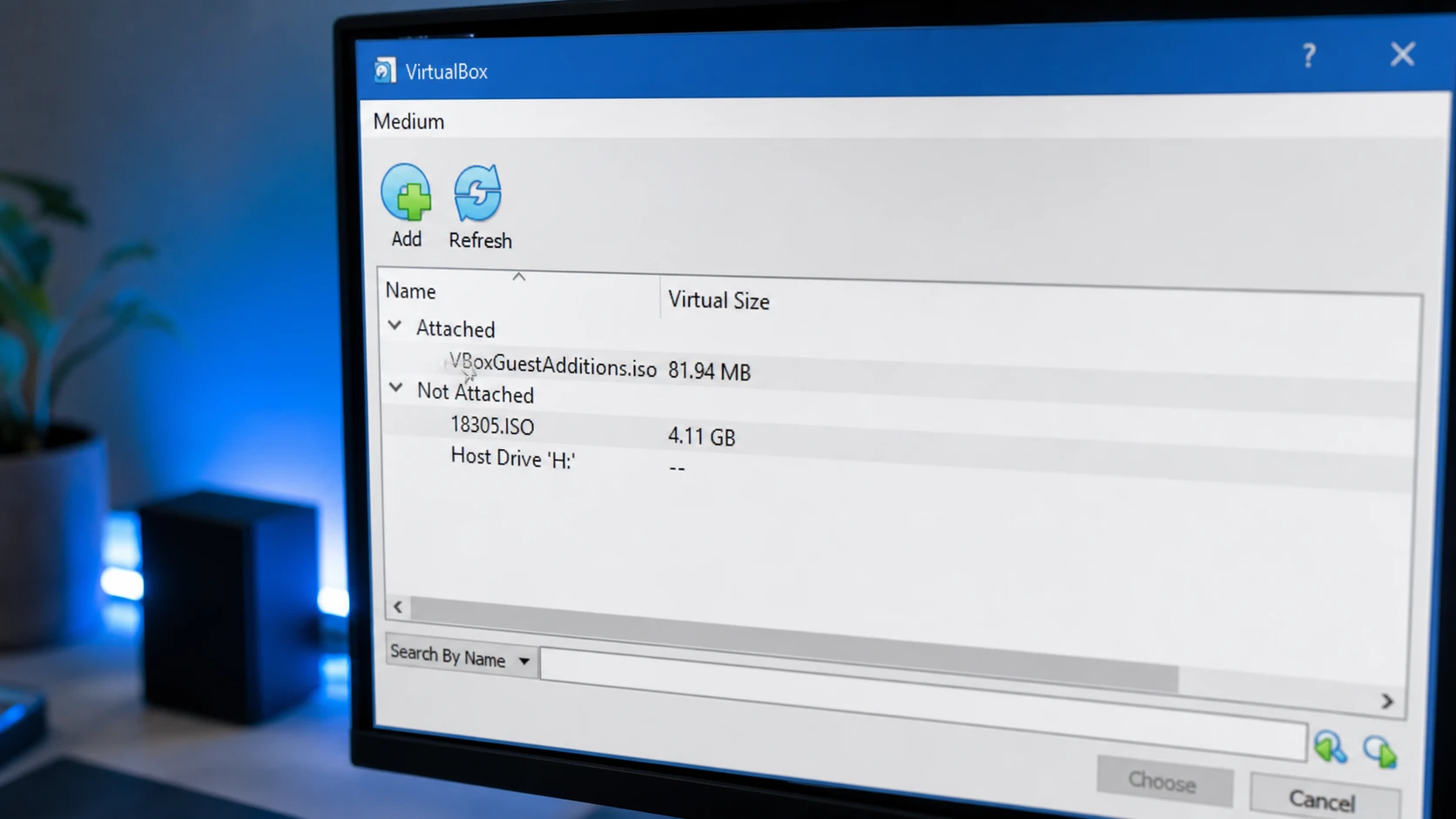
Fix the VirtualBox “No bootable medium found! System halted” Error
Attach a valid ISO to the right controller, set the boot order, and repair boot data when a cloned disk won’t start.
-

Windows Secure Boot certificates expire in June 2026: what to check now
The 2011 certificates are aging out, but your PC will still boot — here’s how to confirm the 2023 update landed.