
Category
Windows
Windows 11, Windows 10, troubleshooting, and tips for power users.
-
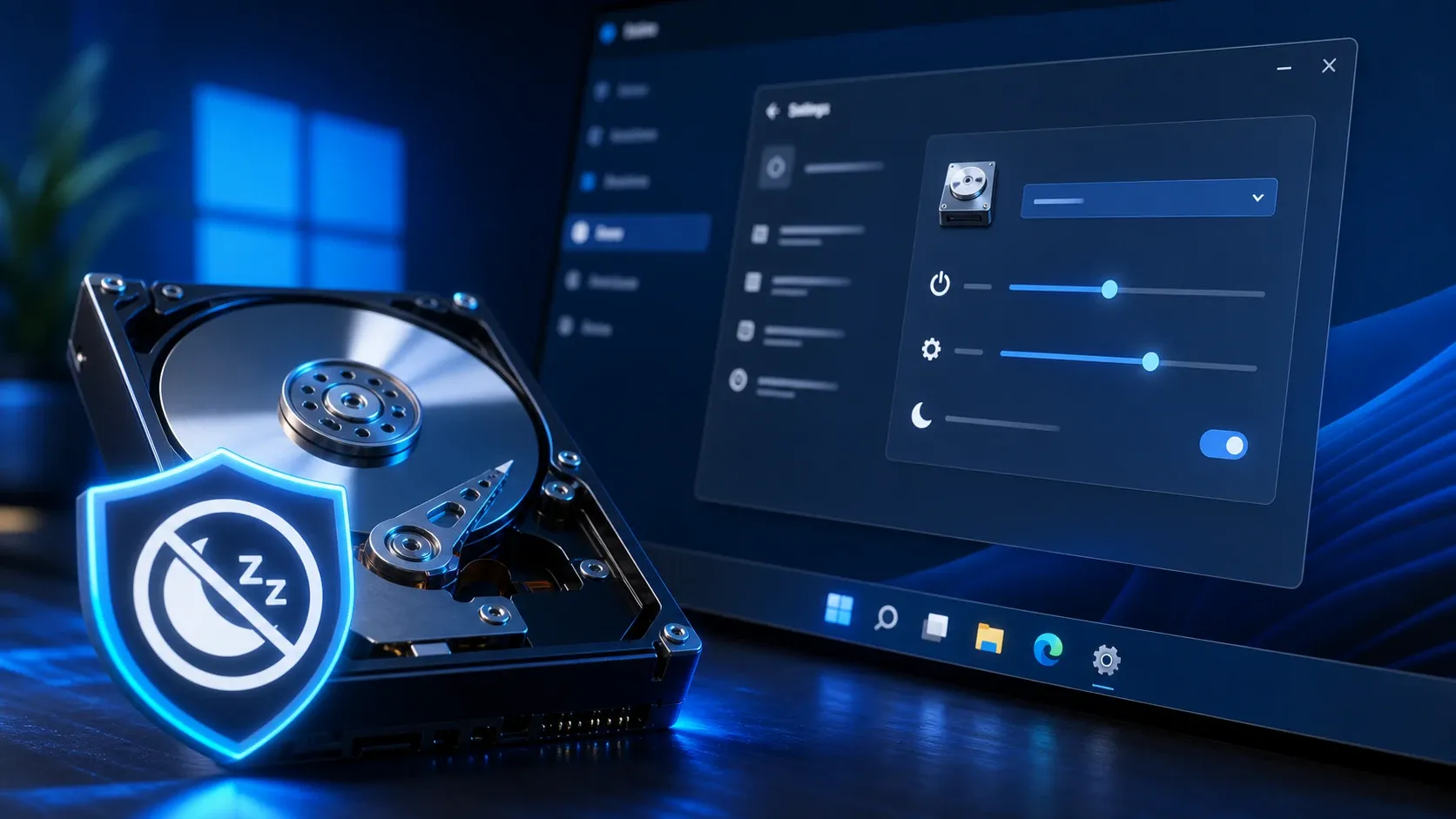
Stop a Hard Drive From Sleeping in Windows 11 (Power Options Fix)
Change the “Turn off hard disk after” value so your internal or external drive stays awake.
-
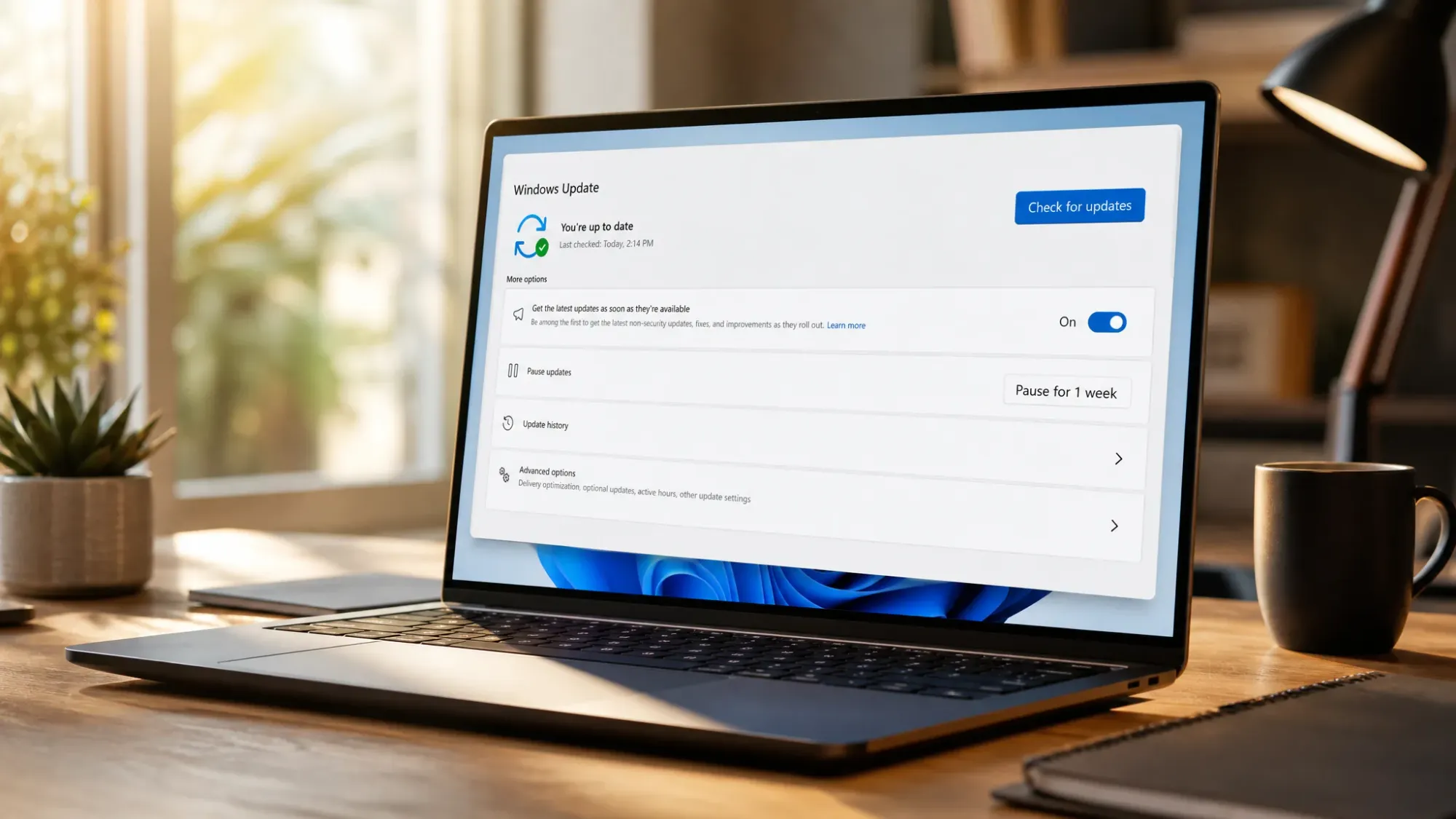
Windows Update Caching Bug Installed Drivers on Locked-Down PCs (Now Fixed)
Microsoft traced the unwanted driver installs to a caching service that briefly dropped device enrollment data.
-
How to Update Network Drivers on Windows 11
Four reliable ways to refresh your Wi-Fi or Ethernet driver and fix dropouts, slow speeds, and connection errors.
-
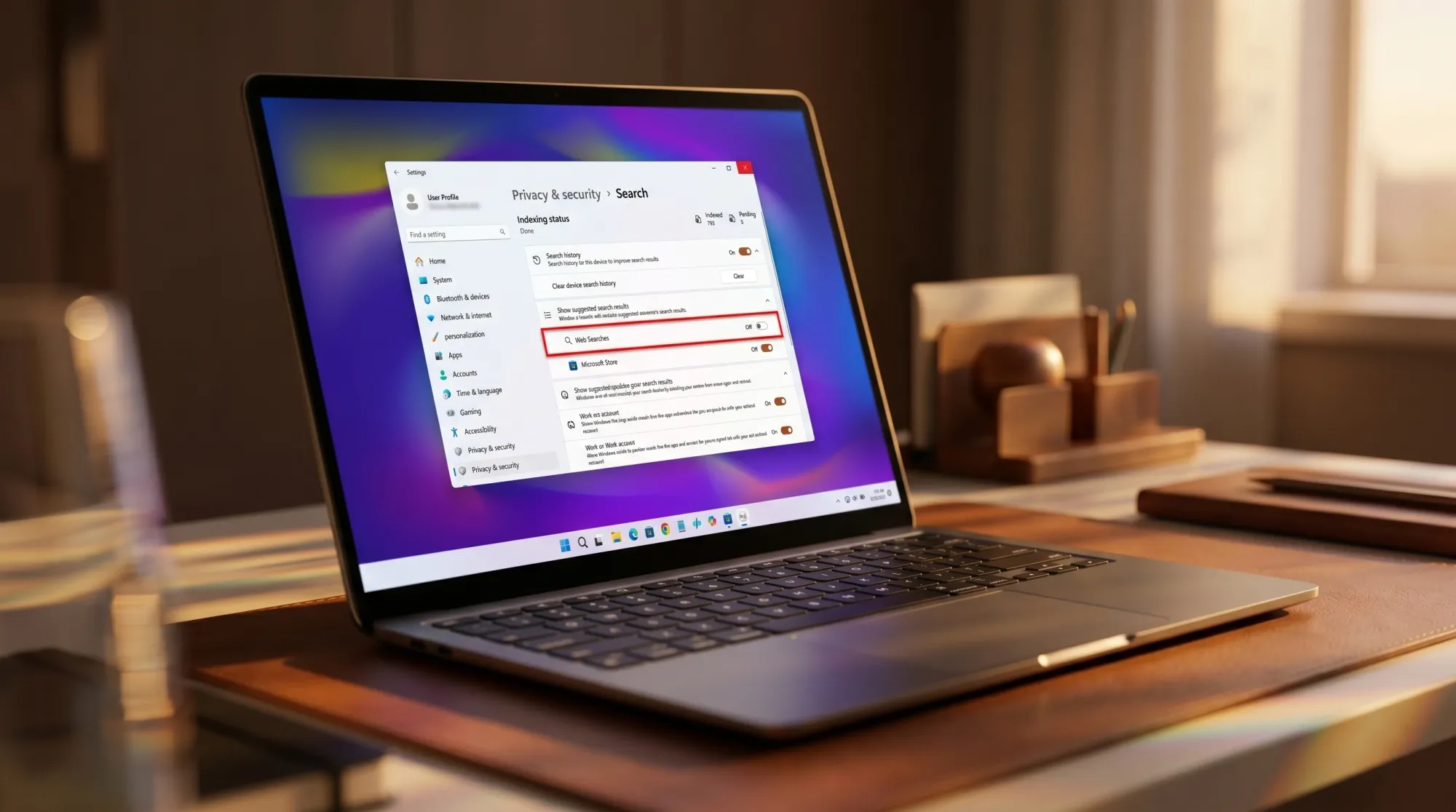
Windows 11 Search Will Let You Turn Off Bing Web Results in Settings
A new toggle under Privacy & security puts the option a click away, replacing Registry edits outside the EU.
-
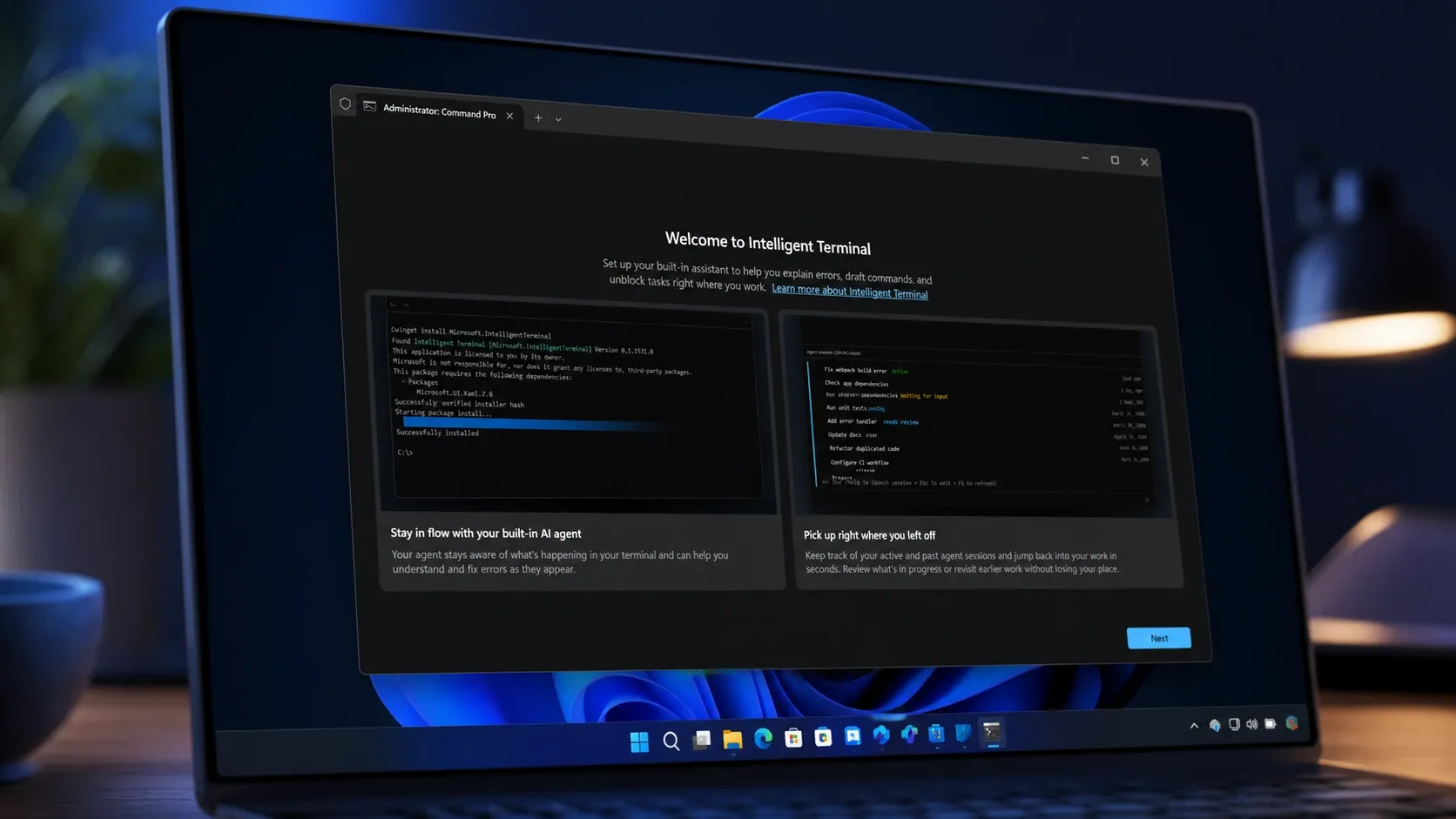
Intelligent Terminal Brings AI Agents to the Windows 11 Command Line
Microsoft’s experimental terminal adds an agent pane, failure detection, and Copilot CLI without replacing Windows Terminal.
-

How to Turn Off Bing Web Results in the Windows 11 Start Menu
A registry tweak, a Group Policy switch, and a Settings toggle that strip Bing links out of Start menu search.
-
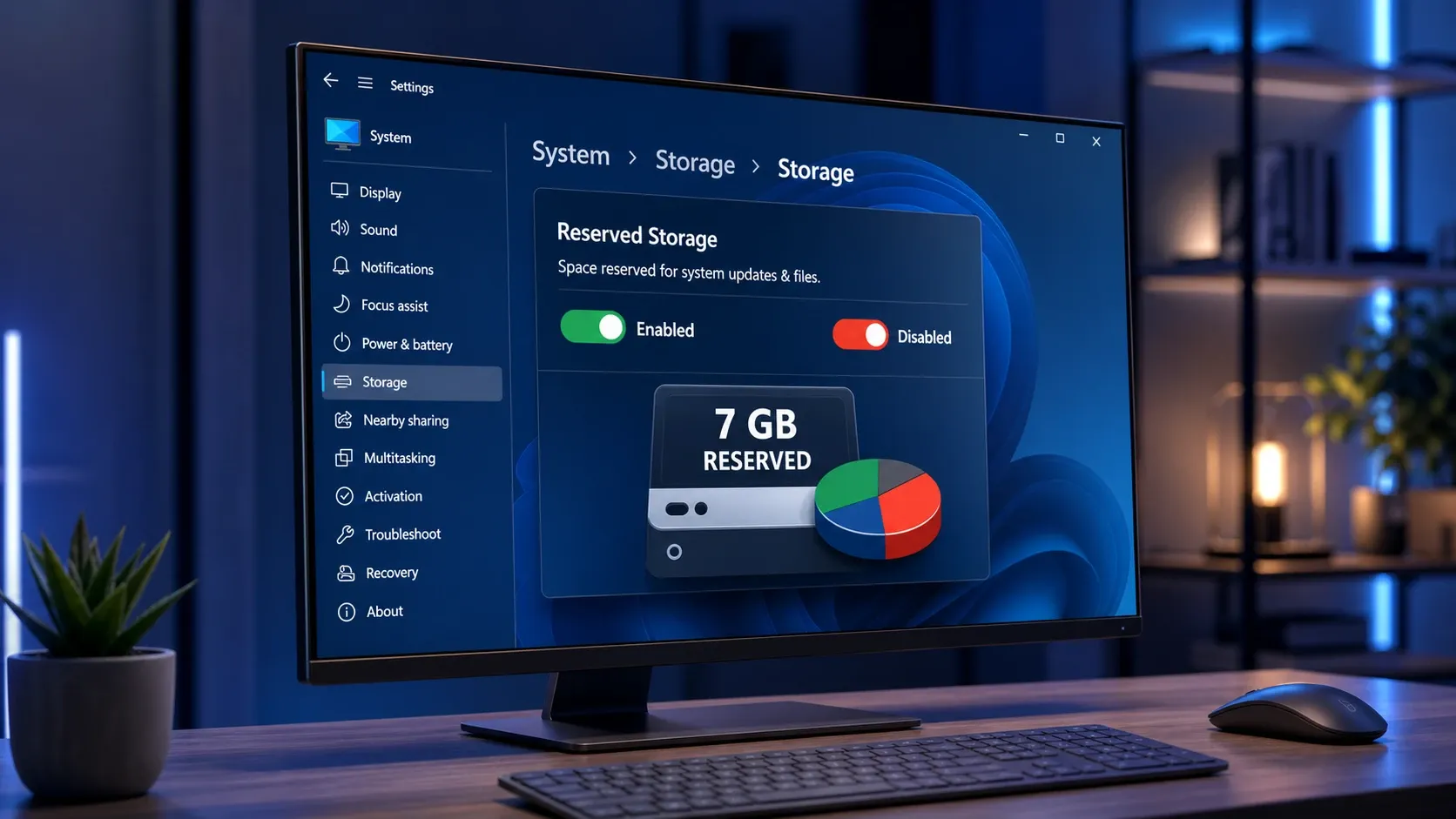
Turn Reserved Storage on or off in Windows 11 to reclaim ~7GB
The exact DISM, PowerShell, and Registry methods to toggle Windows 11’s reserved disk space and confirm the change worked.
-
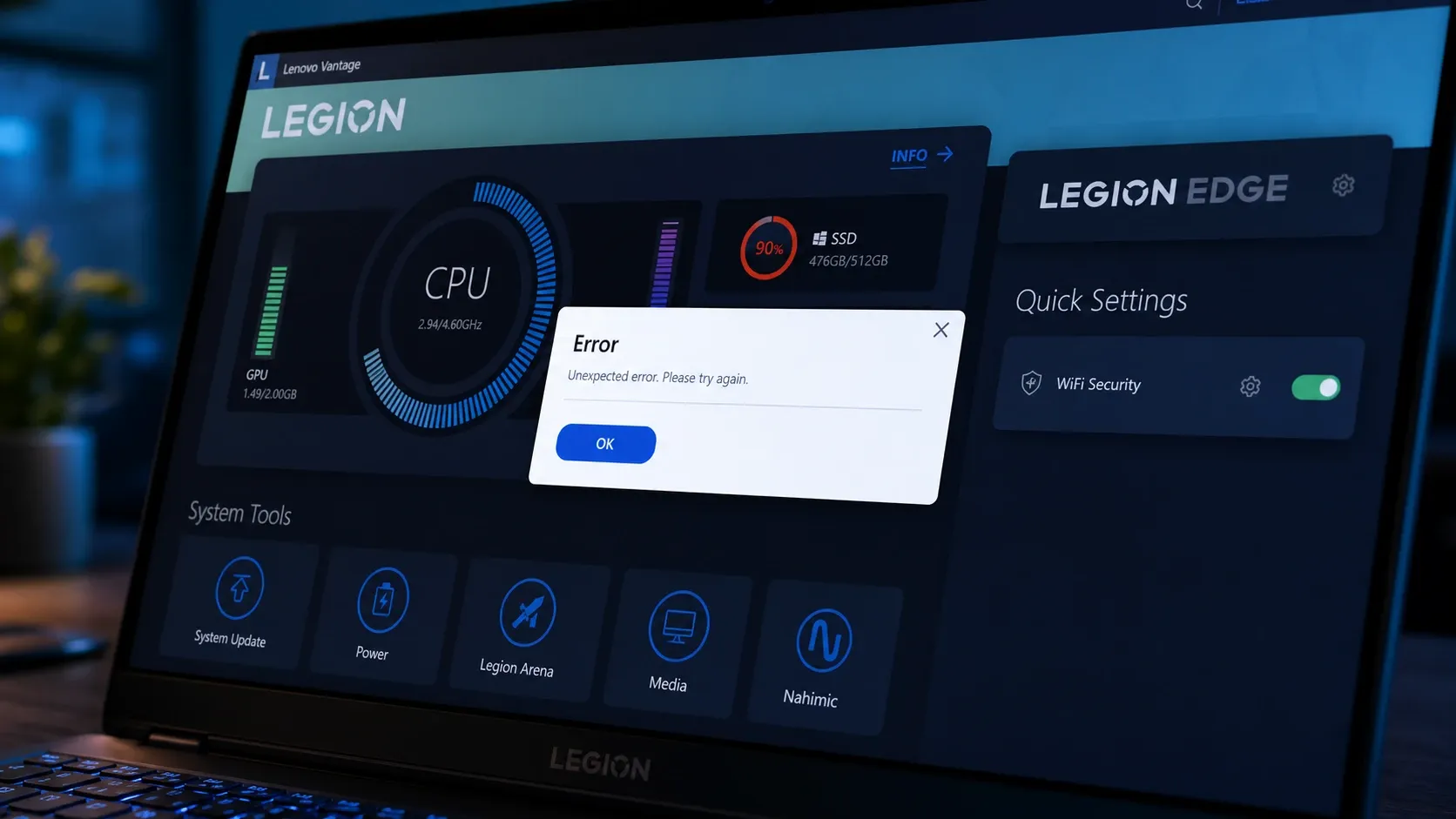
Fix Lenovo Vantage when it won’t open on Windows 11
Concrete steps to restore Vantage when it stalls on the splash screen, throws error 0xc0000135, or loses its battery and update controls.
-
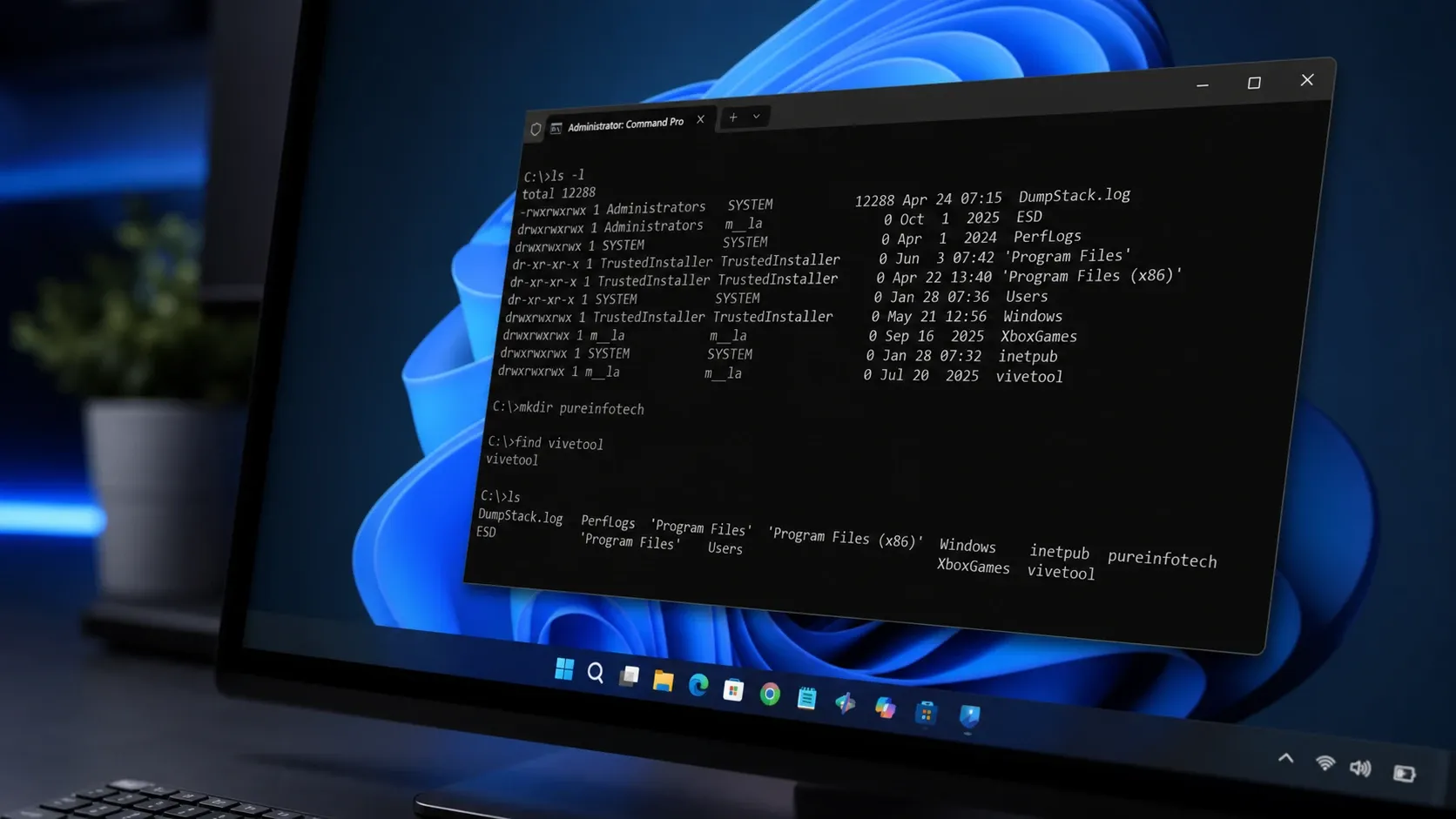
Coreutils for Windows 11: Native Linux Commands Without WSL
Microsoft’s Rust-based build runs ls, cp, rm, and dozens more directly in your Windows shell.
-
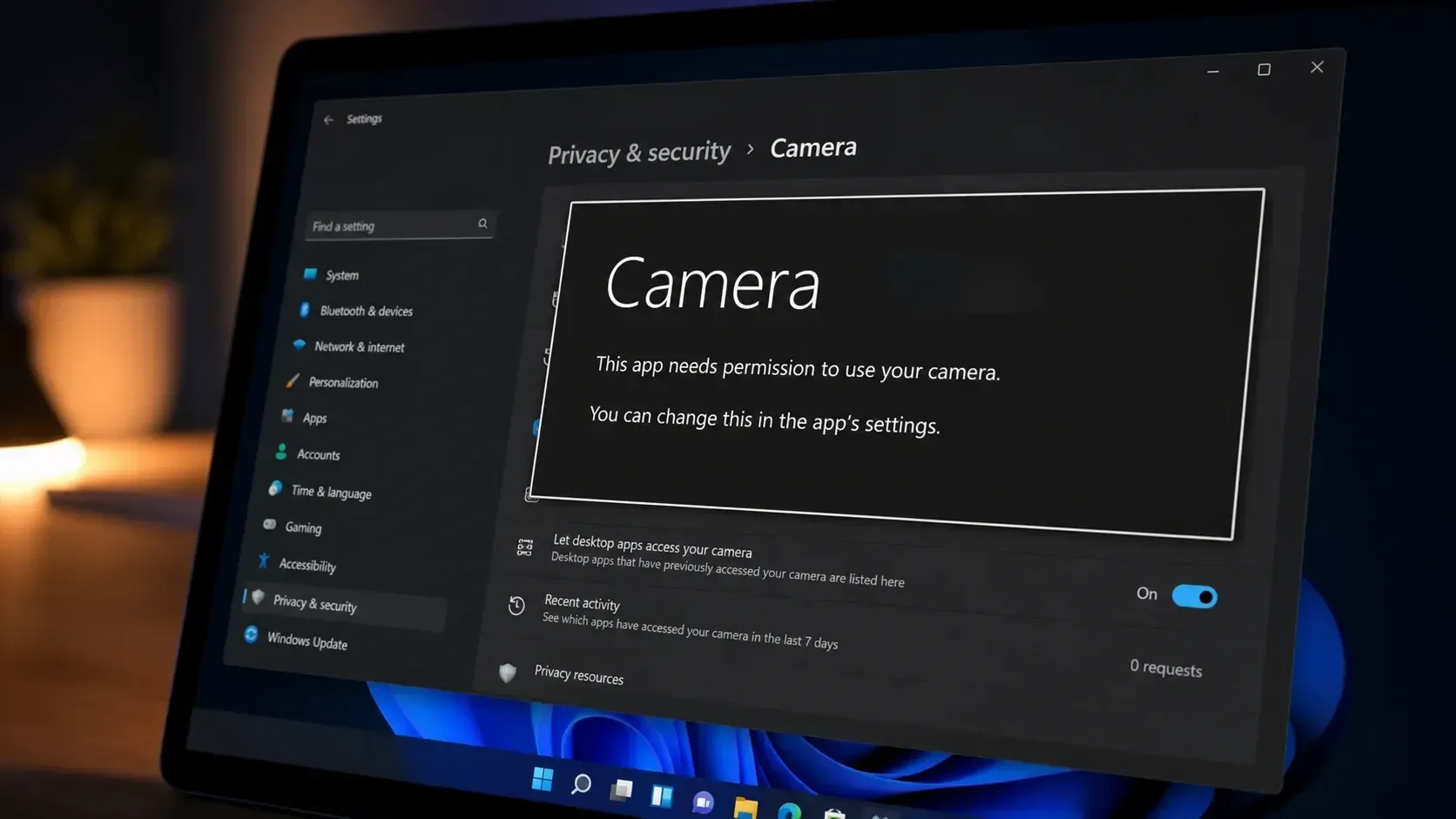
Fix the ‘This app needs your permission to use your camera’ error on Windows 11
Turn on camera access and the app’s toggle in Privacy & Security to clear the block and get your webcam working.