
Category
Windows
Windows 11, Windows 10, troubleshooting, and tips for power users.
-
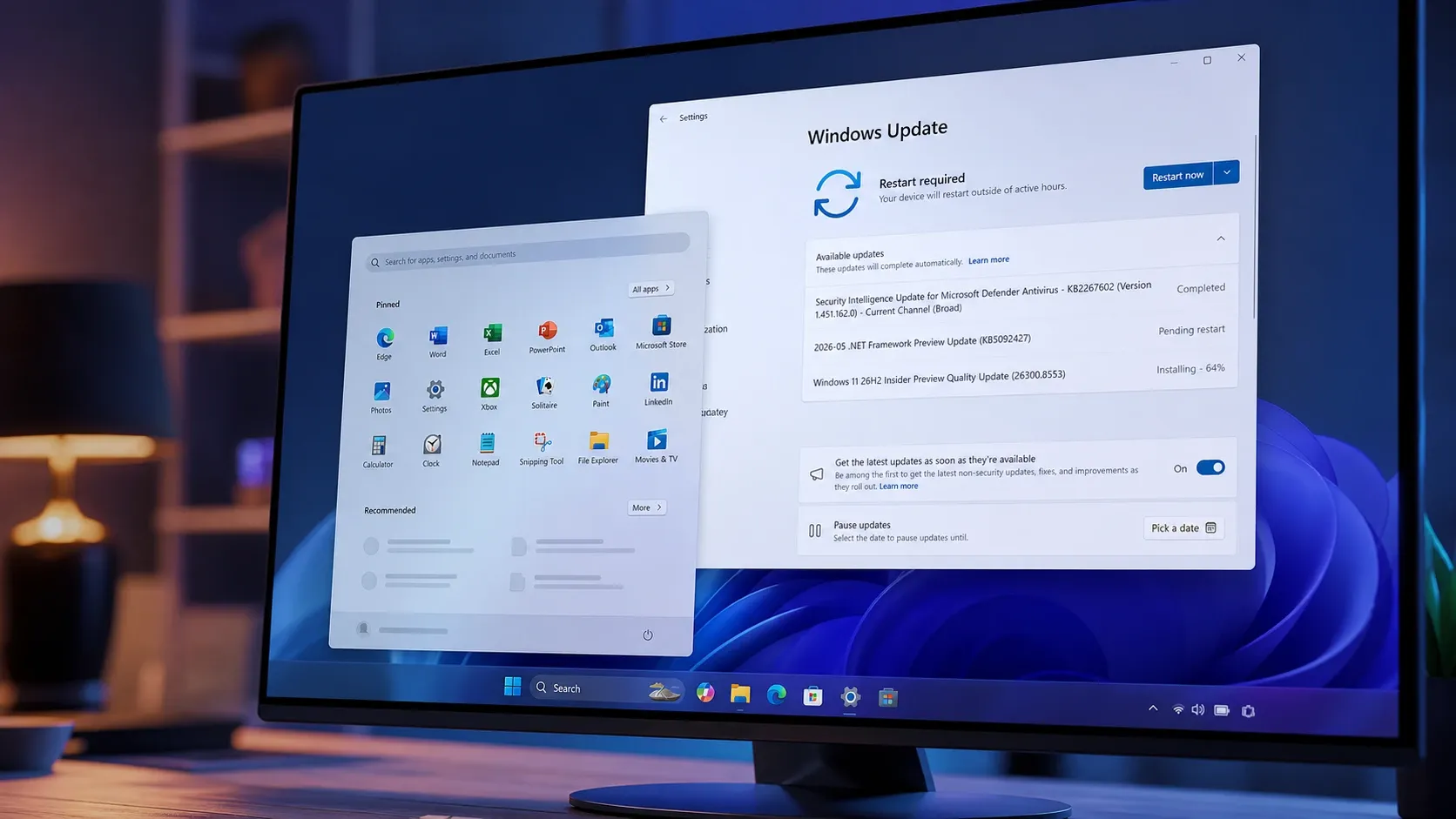
Windows 11 26H2 Start menu gets Small, Large, and Auto sizes in Build 26300.8553
The Experimental channel build lets you resize Start, hide sections, rename Recommended to Recent, and search files by partial words.
-
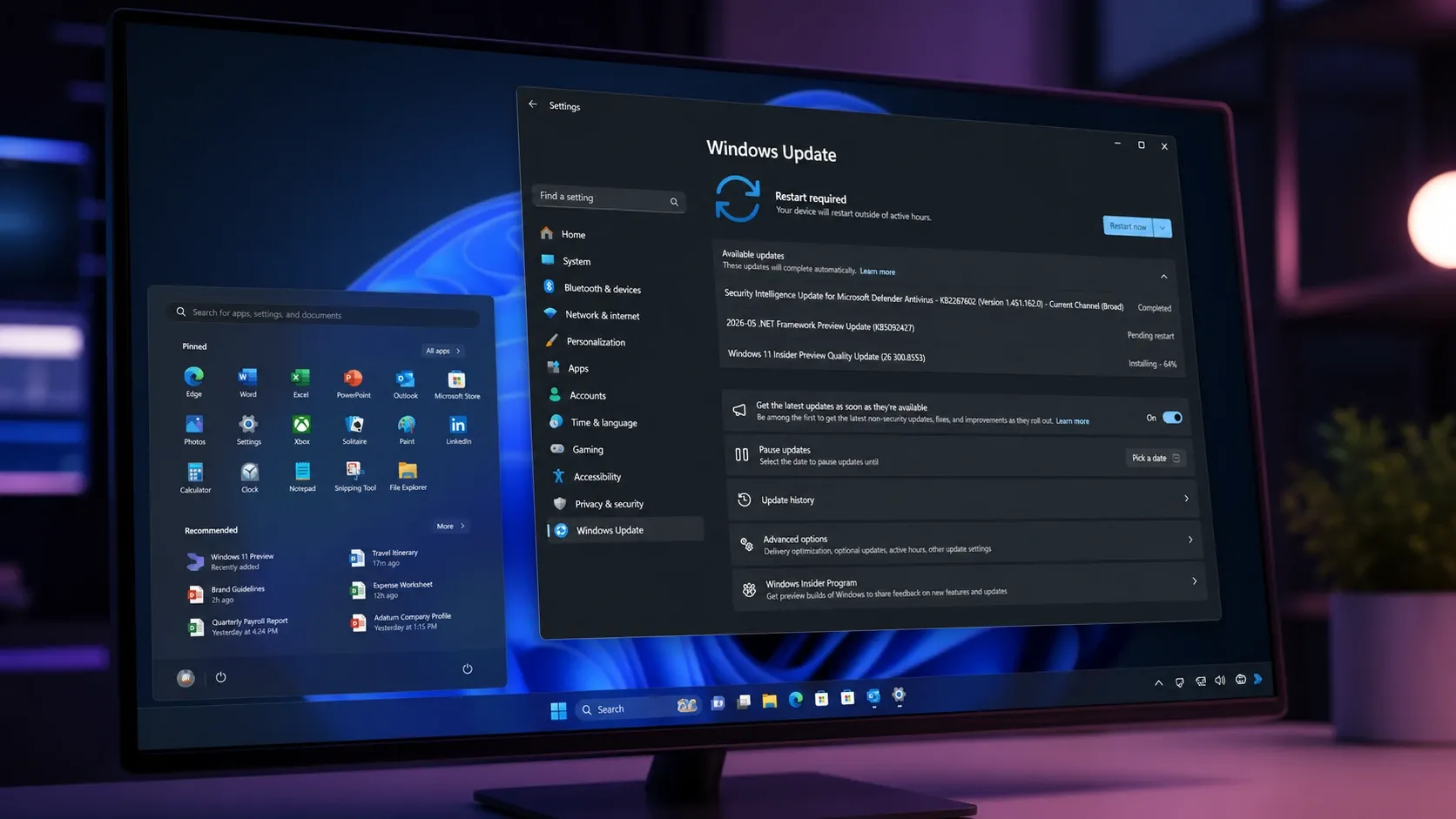
Windows 11 Build 26300.8553 brings a resizable, modular Start menu
The Experimental build adds Small, Large, and Automatic Start layouts, section toggles, account-hiding privacy options, and substring search.
-
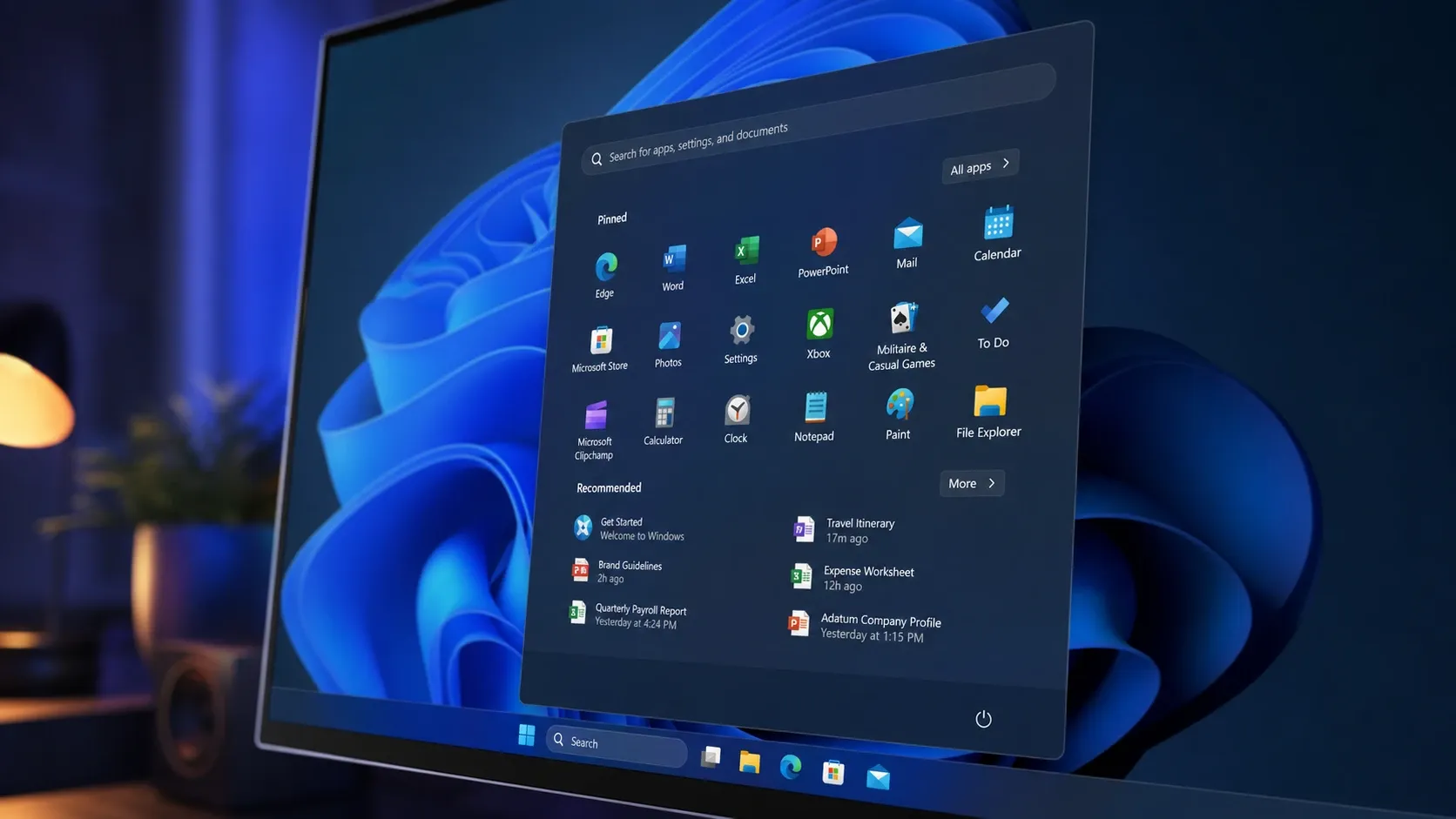
Windows 11 Build 26300.8553 Brings Full Start Menu Customization
Section toggles, three size presets, and a profile-hiding option are rolling out to Insiders in the Experimental channel.
-
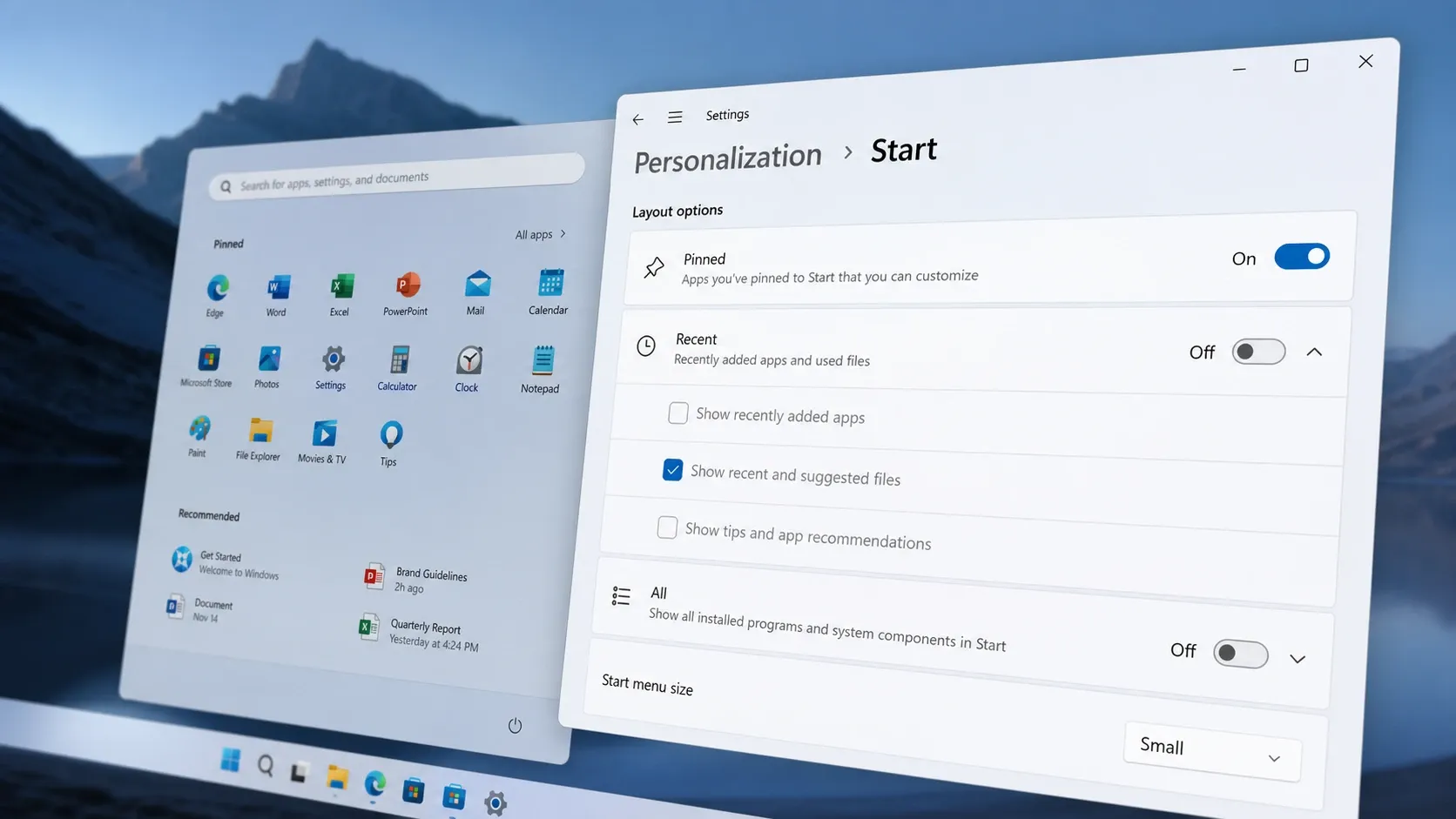
How to enable the resizable Start menu on Windows 11 (Insider)
Turn on small, large, and automatic layouts plus section toggles using Settings, ViveTool, or a registry file.
-
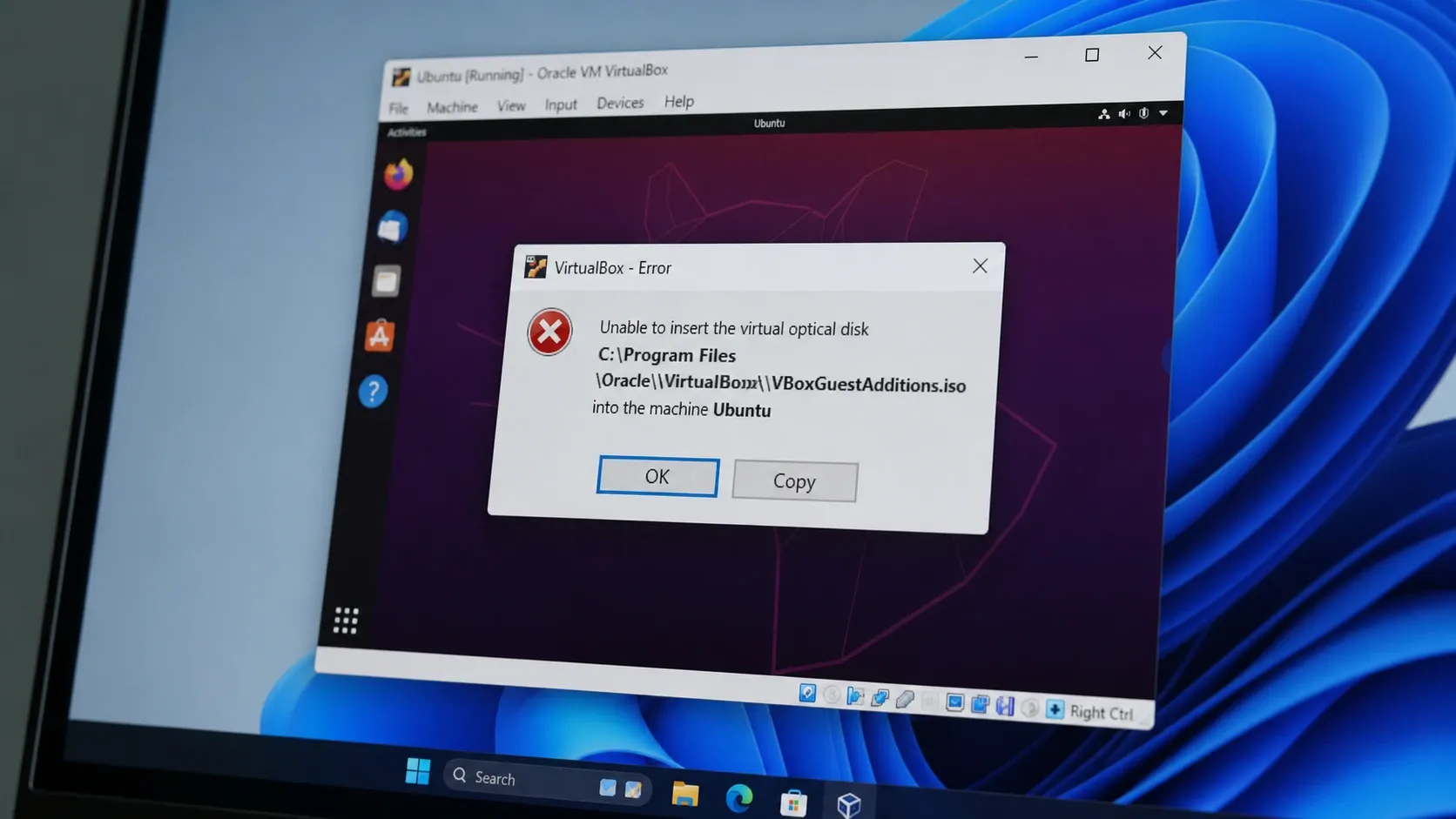
Fix VirtualBox “Unable to insert the virtual optical disk” (VERR_PDM_MEDIA_LOCKED)
Eject the locked disc image, then mount Guest Additions inside the guest to clear the error for good.
-
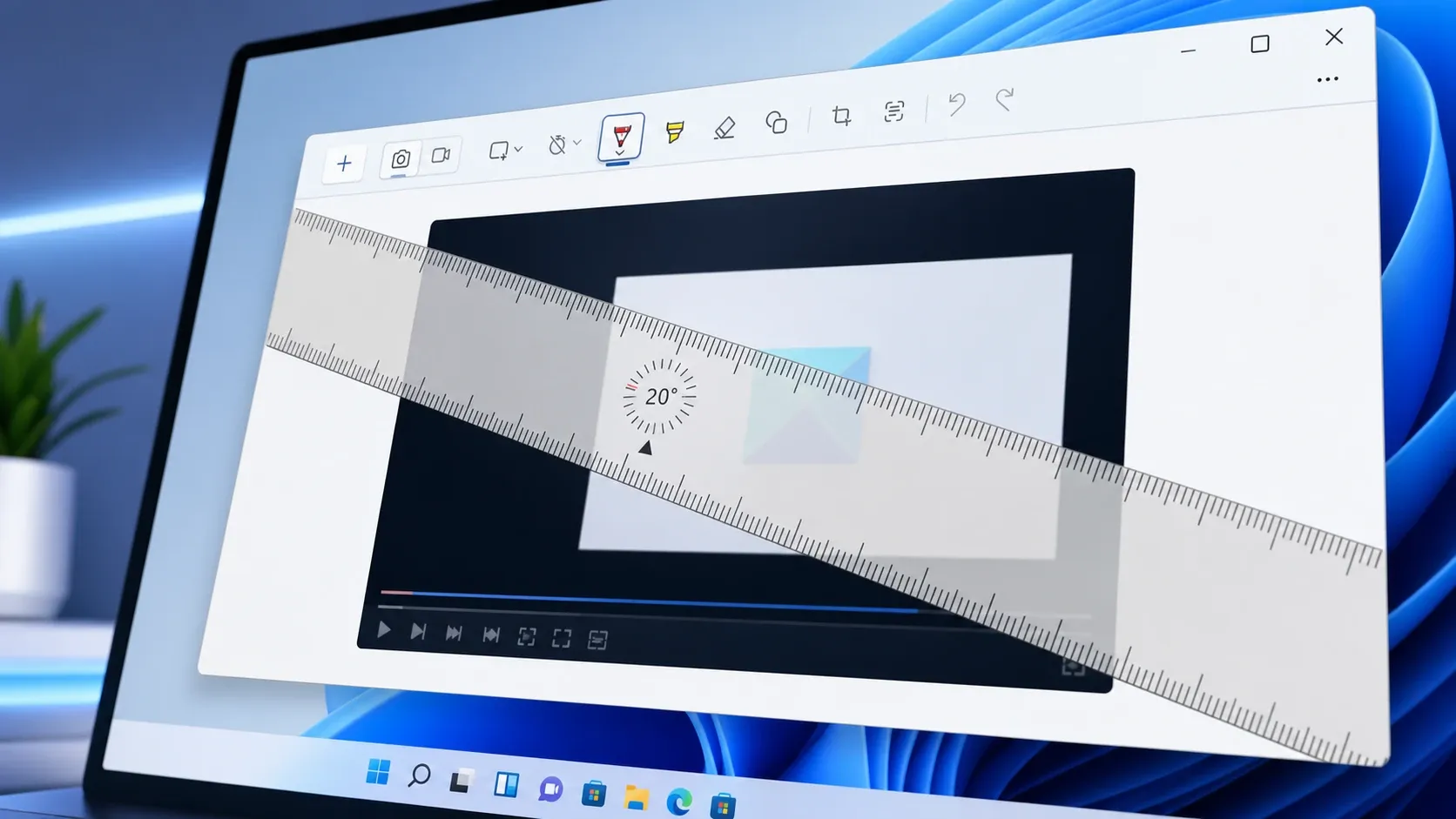
How to Rotate the Ruler in Snipping Tool (Windows 11)
Spin the on-screen ruler to any angle so you can draw slanted straight lines or measure on a screenshot.
-
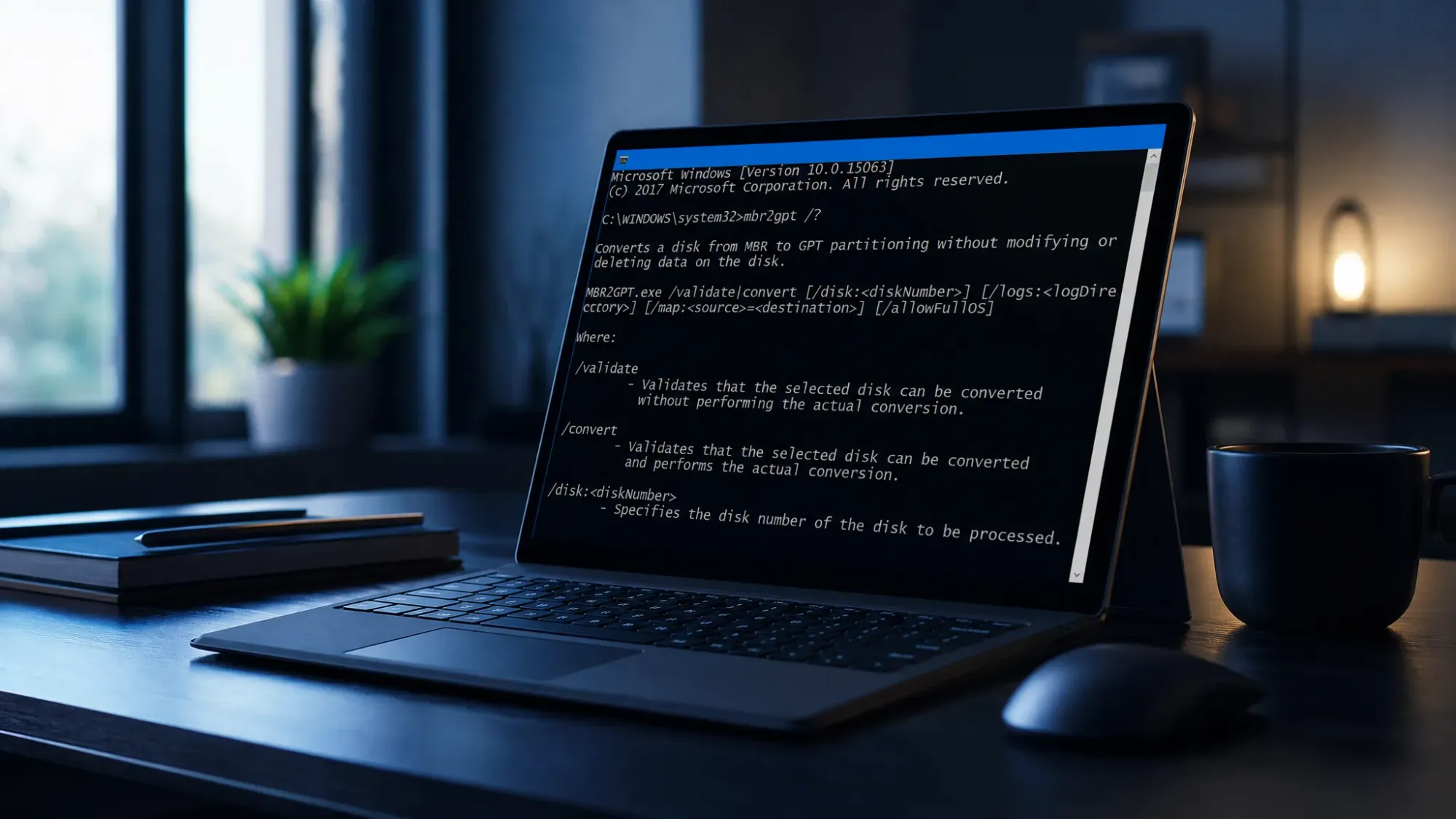
Convert a Windows 11 System Disk from MBR to GPT with MBR2GPT
How to validate and switch your boot drive’s partition style without wiping data, then move the firmware to UEFI.
-
Microsoft Store Error 0x80073D02 in Windows 11 (Fix Guide)
Close the open app, reset the Store cache, and re-register the Store to clear the install or update failure.
-

The $GetCurrent folder in Windows: What it is and when to delete it
A hidden leftover from Windows upgrades that can quietly eat several gigabytes, and the safe way to clear it.
-
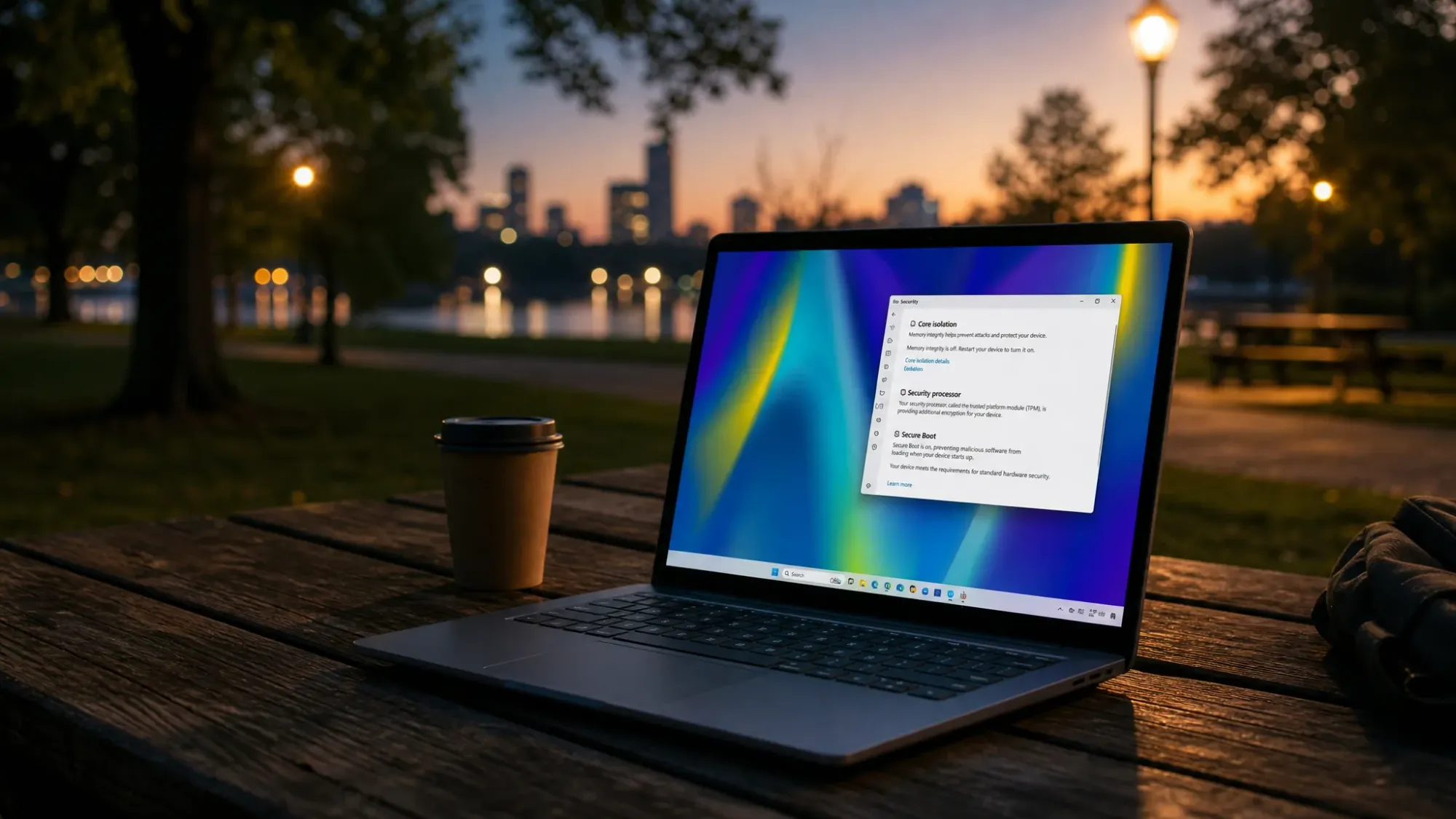
Secure Boot “older boot trust configuration” message on Windows 11, explained
What the warning means, why it appears, and the few steps that actually move your PC to the 2023 Secure Boot certificates.