
Category
Windows 11
-
Fix NODE.dll Is Missing or Not Found Error on Windows 11
Resolve the NODE.dll error on Windows 11 by restoring the DLL file, repairing system files, and re-registering the DLL to restore application functionality.
-

Resolve Can’t Sign In With This Windows Account Error
Detailed solutions for fixing Windows 11 account sign-in errors and regaining access to your user profile.
-

Resolve Windows 11 Freezing When Using Scan for Hardware Changes
System freezes during hardware scans in Device Manager on Windows 11 often signal hardware or driver conflicts—these solutions can restore stability and device detection.
-
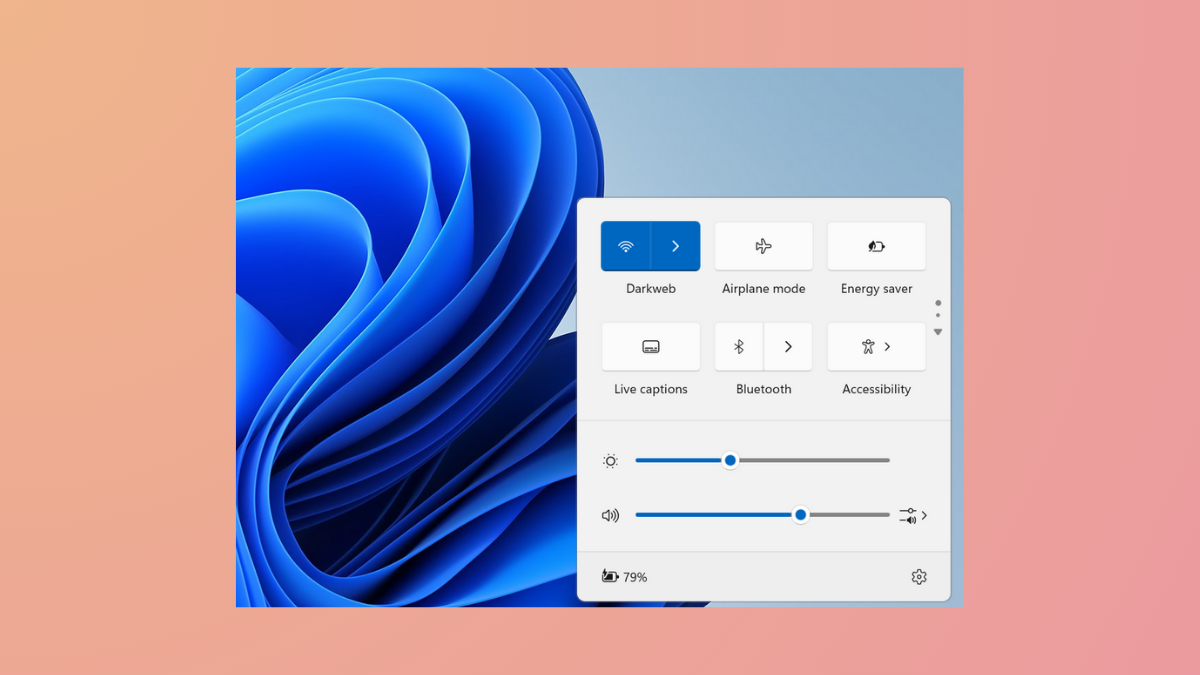
Fix Windows Action Center Popping Up on Windows 11
Stop unwanted Action Center pop-ups in Windows 11 by adjusting touchpad gestures, notification settings, or disabling Action Center entirely.
-
Fix SD Card Not Working or Showing Up in Windows 11
Resolve SD card detection issues in Windows 11 by addressing hardware, driver, and file system problems with clear instructions.
-

Check Installed Drivers on Windows 11 with Detailed Information
Review all installed drivers on Windows 11 using built-in tools and advanced commands to improve system stability, performance, and troubleshooting accuracy.
-
Fix Error 0x8007139f on Windows 11
Resolve Windows 11 error 0x8007139f with effective solutions for update failures, system startup issues, and common app problems.
-
Force Close Program Which Task Manager Cannot Terminate
Learn multiple proven methods to shut down stubborn or unresponsive apps on Windows 11 when Task Manager fails to end the process.
-
Fix Windows 11 Stuck on Preparing Security Options
Resolve Windows 11 freezing at the “Preparing Security Options” screen by applying targeted troubleshooting methods, from disabling Fast Startup to repairing system files and…
-
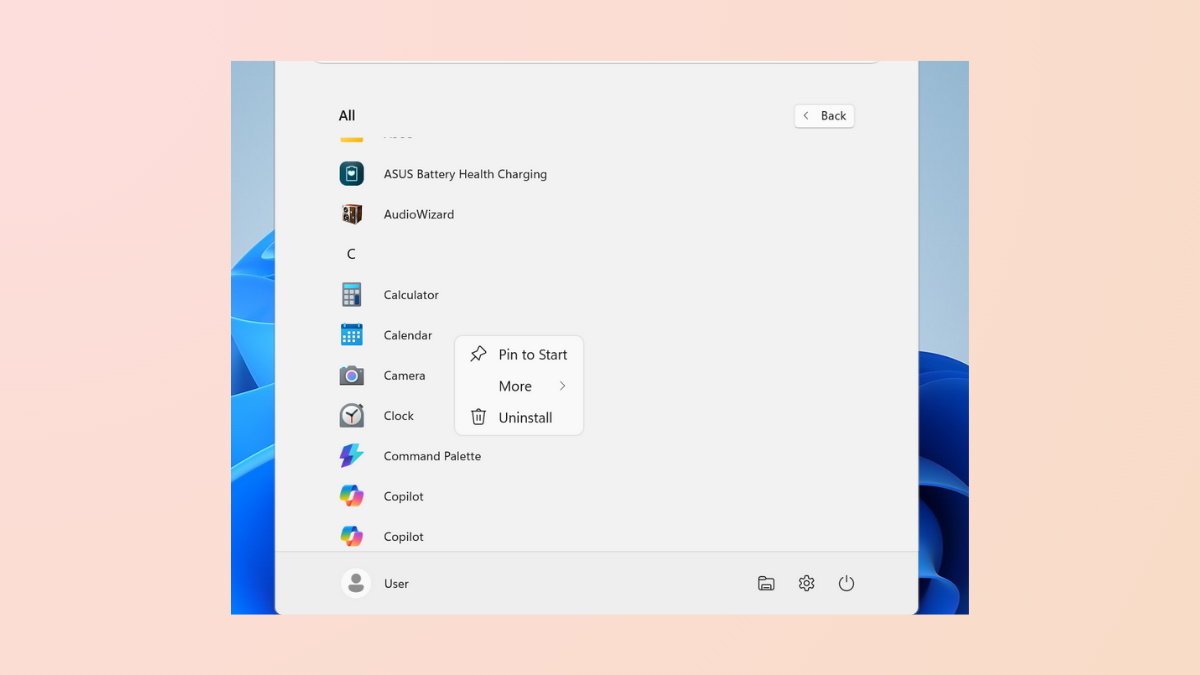
Fix Pin to Start Missing or Not Working on Windows 11
Resolve issues where the Pin to Start option is missing or not functioning in Windows 11 by adjusting system policies, registry settings, and repairing…