
Topic
Canva
Canva is an online design and publishing platform launched in 2013 that helps individuals, teams, educators, and organizations create visual content for print, web, video, presentations, and social media. It combines templates, drag-and-drop editing, collaboration tools, brand management, and AI-powered features in a broadly accessible design workspace. | Developer: Canva Pty Ltd. | Pricing: Free plan available; paid plans include Pro, Business, and Enterprise, with options for Education and Non
-
How to Convert Canva Doc to PDF
Easily convert a Canva Docs document to a PDF file and share it with others, print it, or import it into other apps.
-
How to Insert a YouTube Video in Canva Docs
Easily insert a YouTube video in a Canva Docs document whether you’re using the app on your computer or your phone.
-

How to Find and Replace in Canva Docs
Use the Find and Replace feature in Canva Docs so you can easily fix any mistakes you might have made, no matter the length…
-
How to Use Canva PDF Editor
The easiest guide to learn how to use the Canva PDF editor to import and edit your PDF files without any hassle.
-

How to Convert Canva Docs into Presentations
Convert your Canva Docs documents into presentations using Canva’s Docs to Decks feature in a matter of seconds.
-
What is Magic Write in Canva Docs and How to Use it Effectively
Use the AI writing assistant, Magic Write, in Canva Docs whenever you need help with producing written content.
-
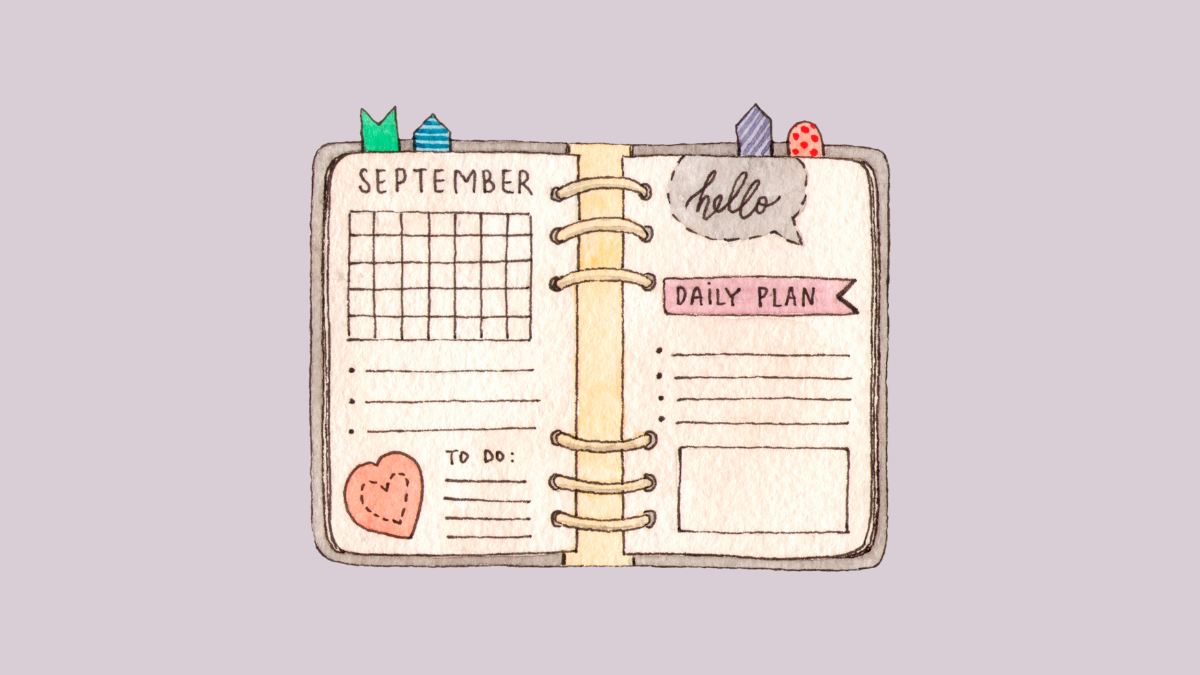
How to Create a Daily, Weekly, or Yearly Planner in Canva
Create your own daily, weekly, or yearly planners in Canva from scratch, or use the countless available templates.
-
How to Create an Amazing Instagram Story Using Canva
Use Canva’s Instagram Story templates and create aesthetic, on-brand stories in a matter of minutes and increase engagement.
-
How to Create a Mockup using Canva Smartmockups
Create a product mockup design for any image in a matter of seconds using the Smartmockup tool integration in Canva
-
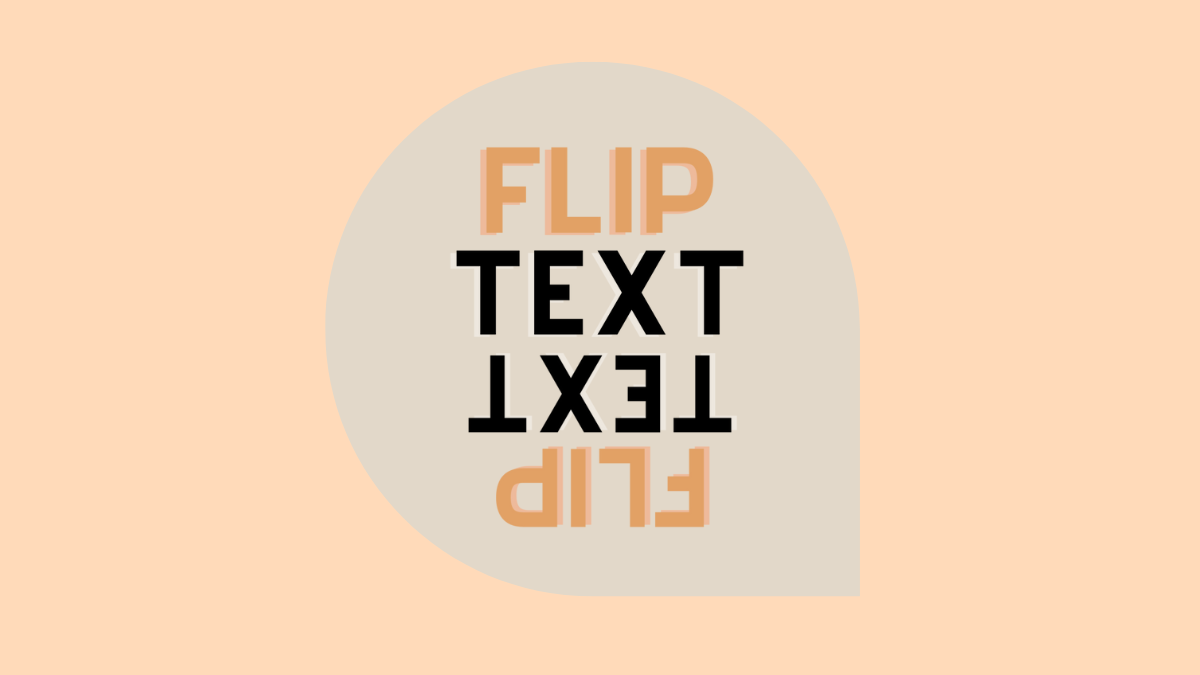
How to Flip Text in Canva
Although there is no direct way for flipping text in your Canva designs, this quick workaround works like a charm.