
Topic
iOS 12
-
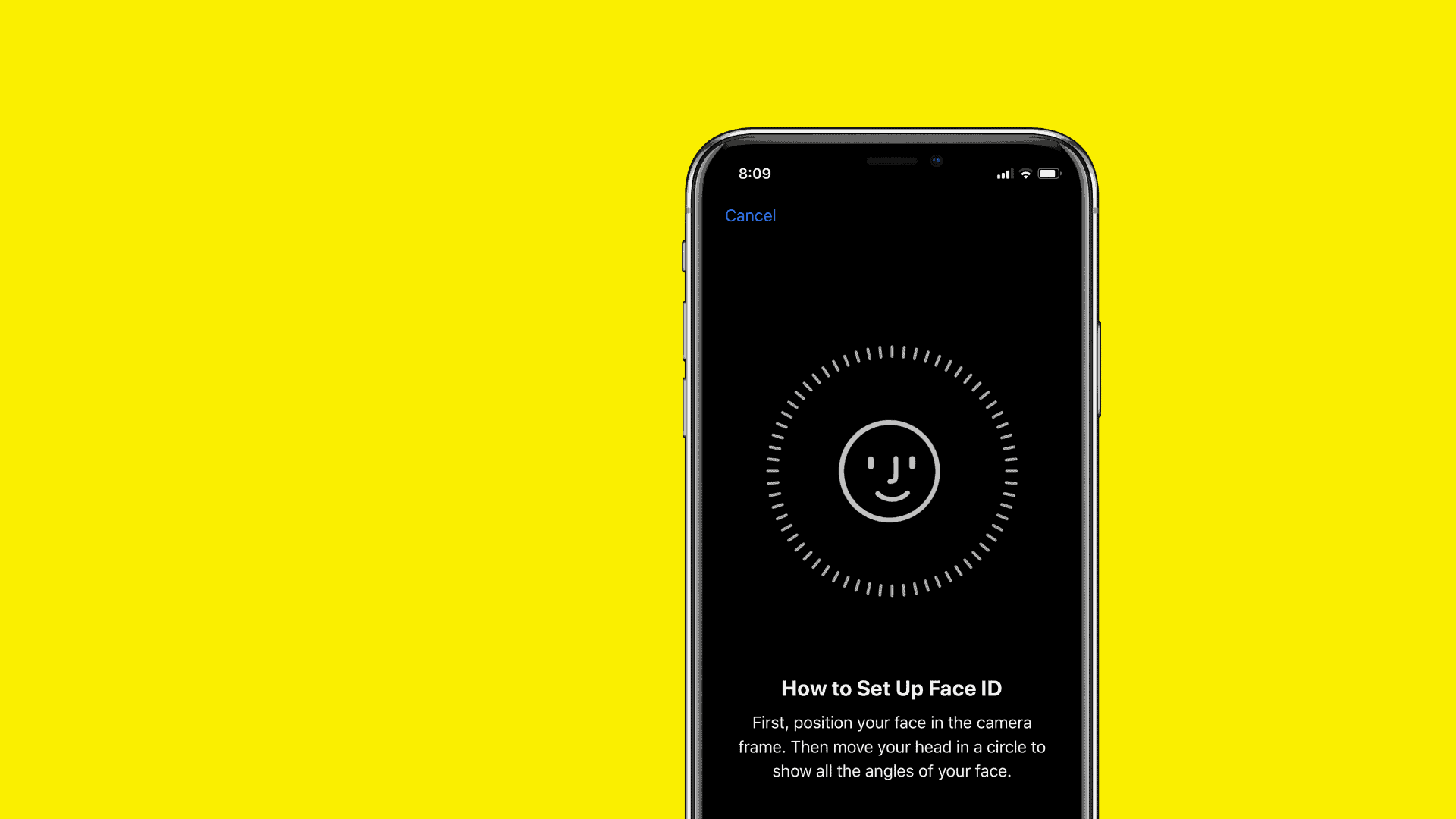
How to add multiple faces to Face ID on iPhone X running iOS 12
With iOS 12, you can now add multiple faces to Face ID on your iPhone X. All thanks to a new option called Alternative…
-
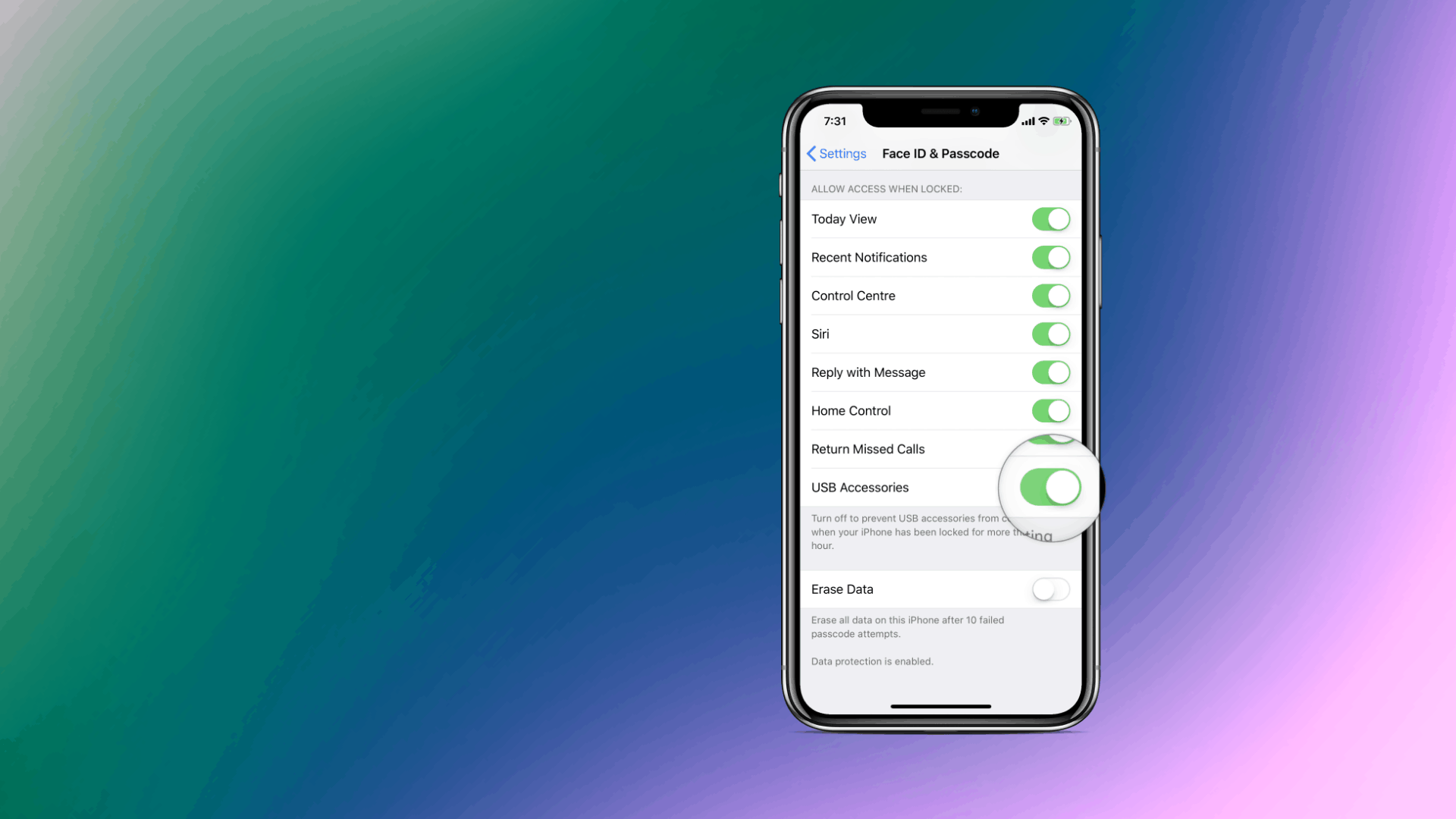
How to connect iPhone to Mac or PC without unlocking on iOS 12
iOS 12 has a new setting which disables USB connections on an iPhone if it hasn’t been unlocked for 1 hour. This is great…
-
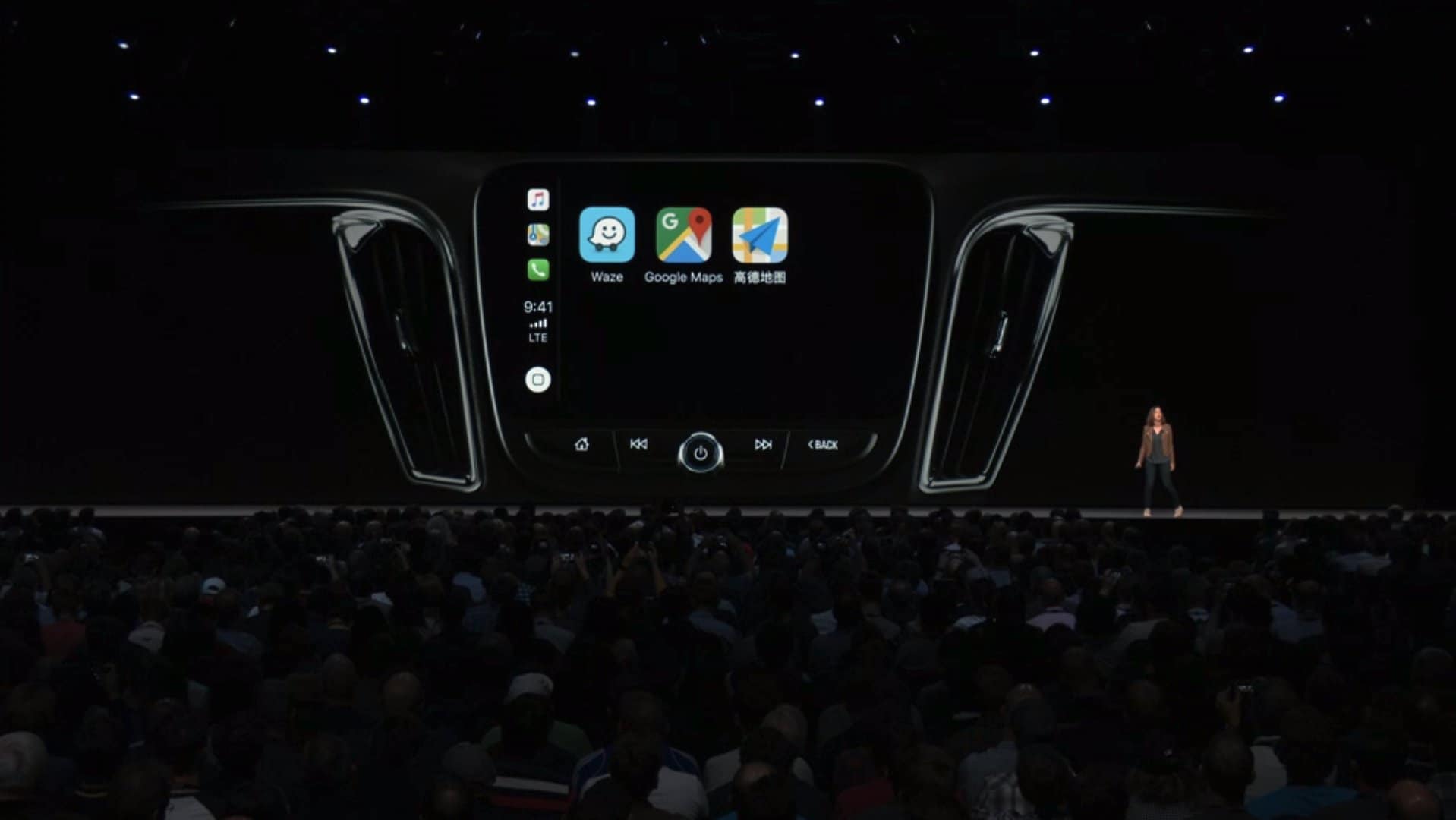
Waze and Google Maps not showing in Apple CarPlay on iOS 12
UPDATE: Google Maps update with support for Apple CarPlay in iOS 12 is now available to download on the App Store [→ Direct link].…
-
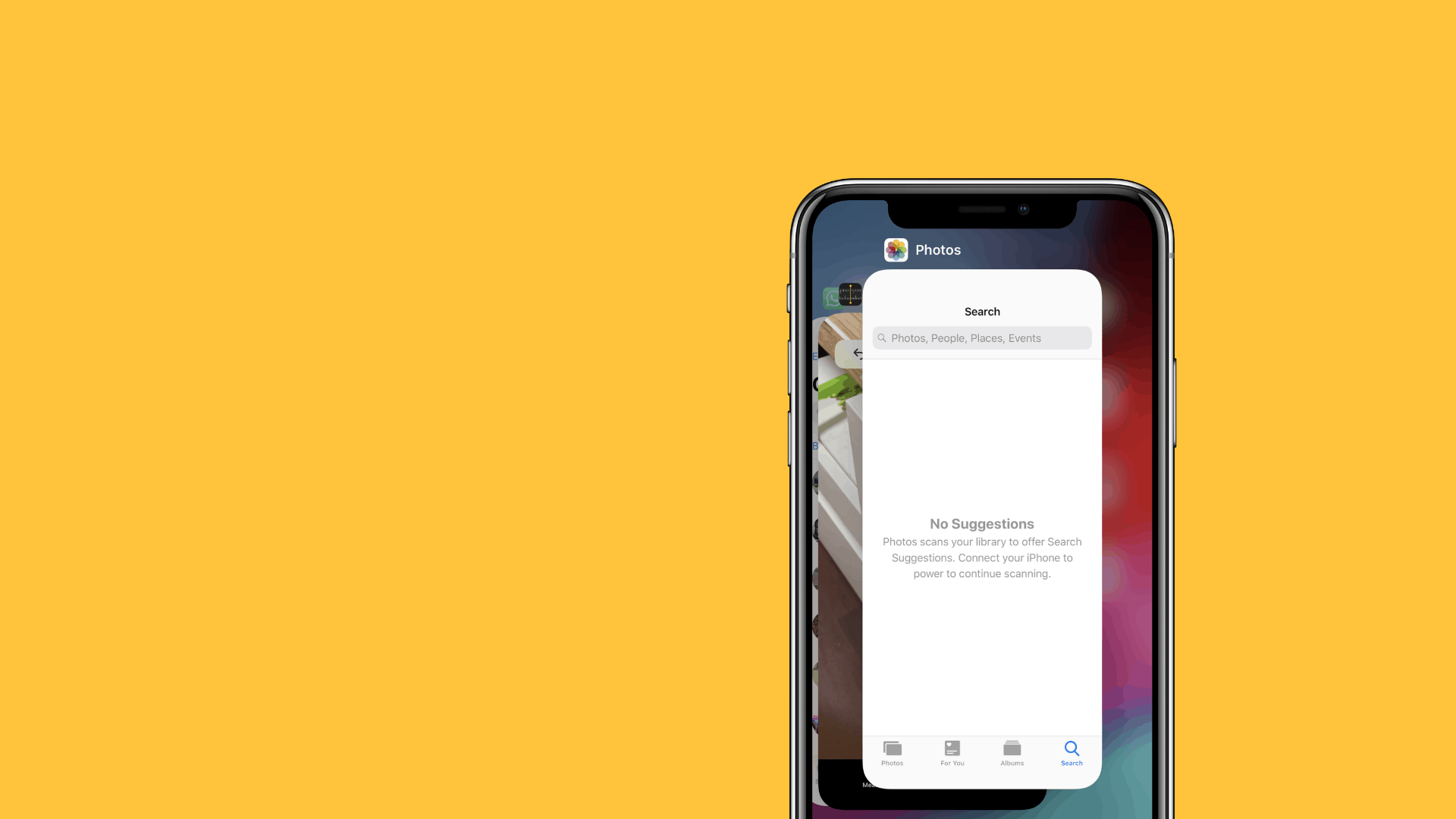
How to Close Apps on iOS 12
Closing apps is now a lot easier on an iPhone with the iOS 12 update. From a series of actions like touch & hold,…
-
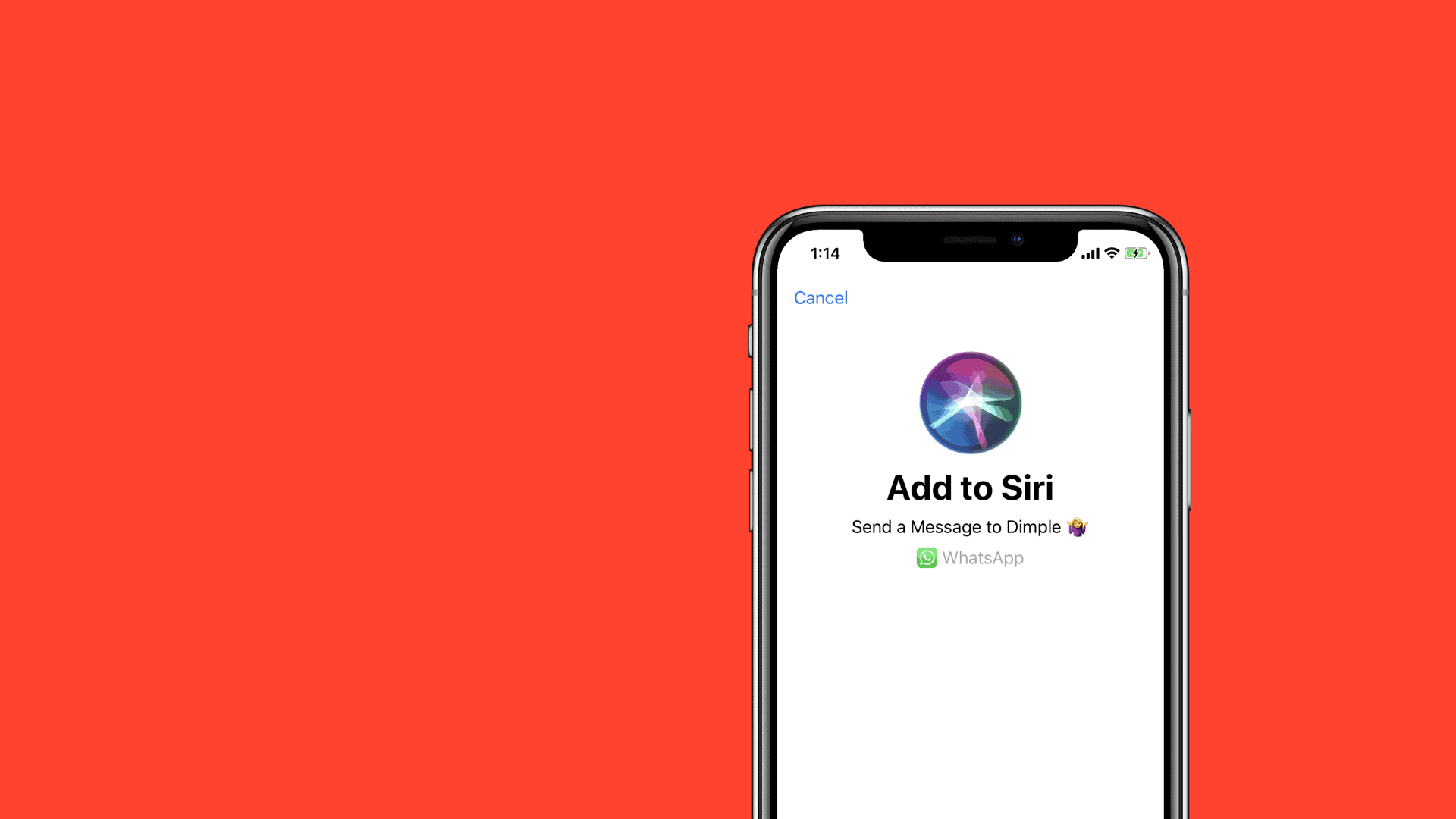
How to use Siri Shortcuts
At WWDC 2018, Apple announced great new improvements to Siri. Although, it’s still no match for Google Assistant’s crazy AI abilities called Google Duplex. Siri…
-
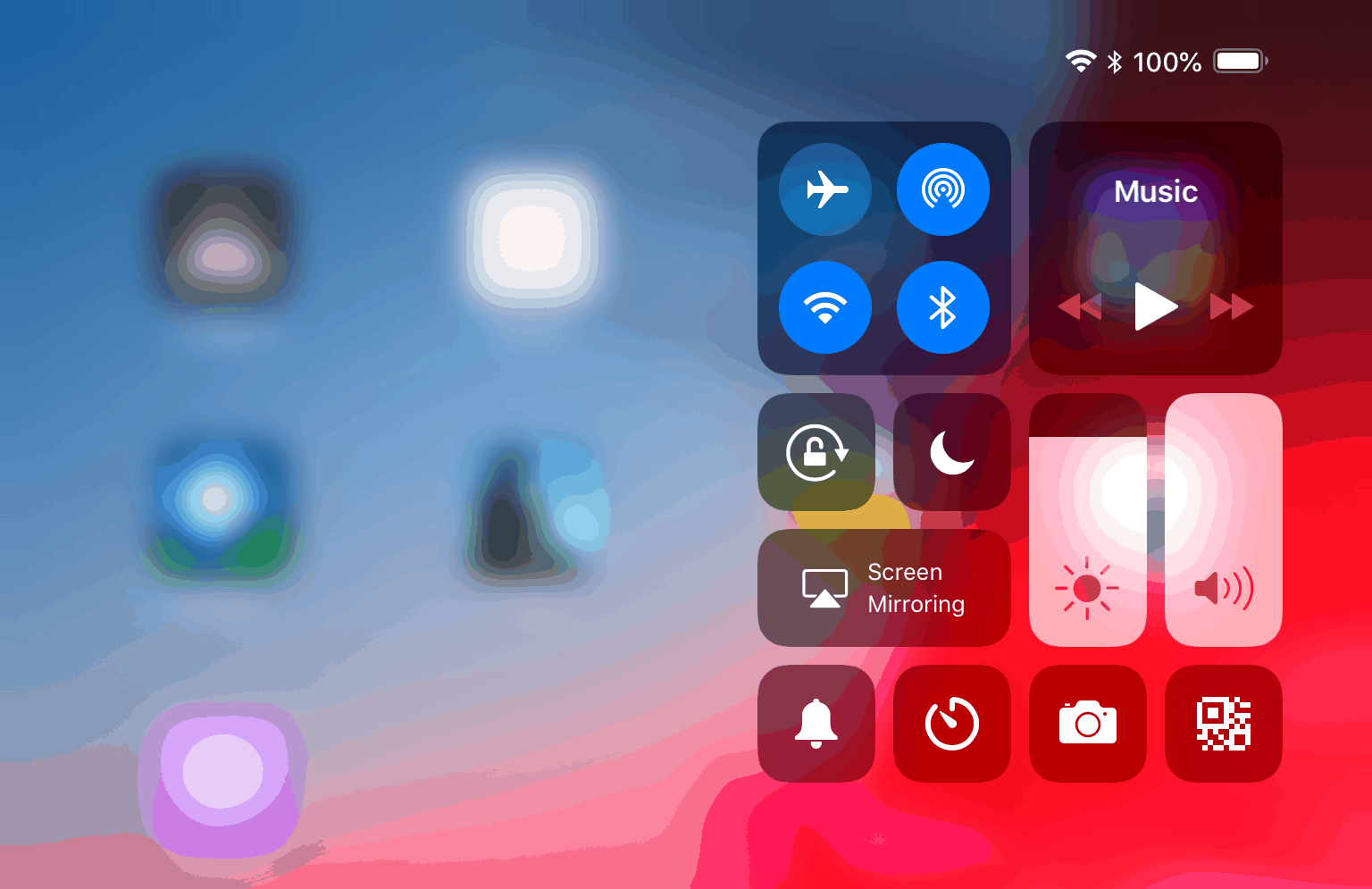
How to open Control Center on an iPad running iOS 12
With iOS 12, Apple has given a big update to supported iPad models. all of iPhone X gestures now work on iPad too. And…
-

How to create Memoji on iPhone X
The iOS 12 beta for iPhone and iPad is now available for download as Apple announced the new software at WWDC 2018 today. One…
-
How to download and install iOS 12 beta on iPhone X
The iOS 12 beta is out now and you can download an install it right this instant on your iPhone X. The new software…
-
iOS Beta 12: How to download and install it on iPhone and iPad
The iOS beta 12 has gone official today at the WWDC 2018 today. The new software version brings with it a lot of new features…
-
How to get iOS 12 beta
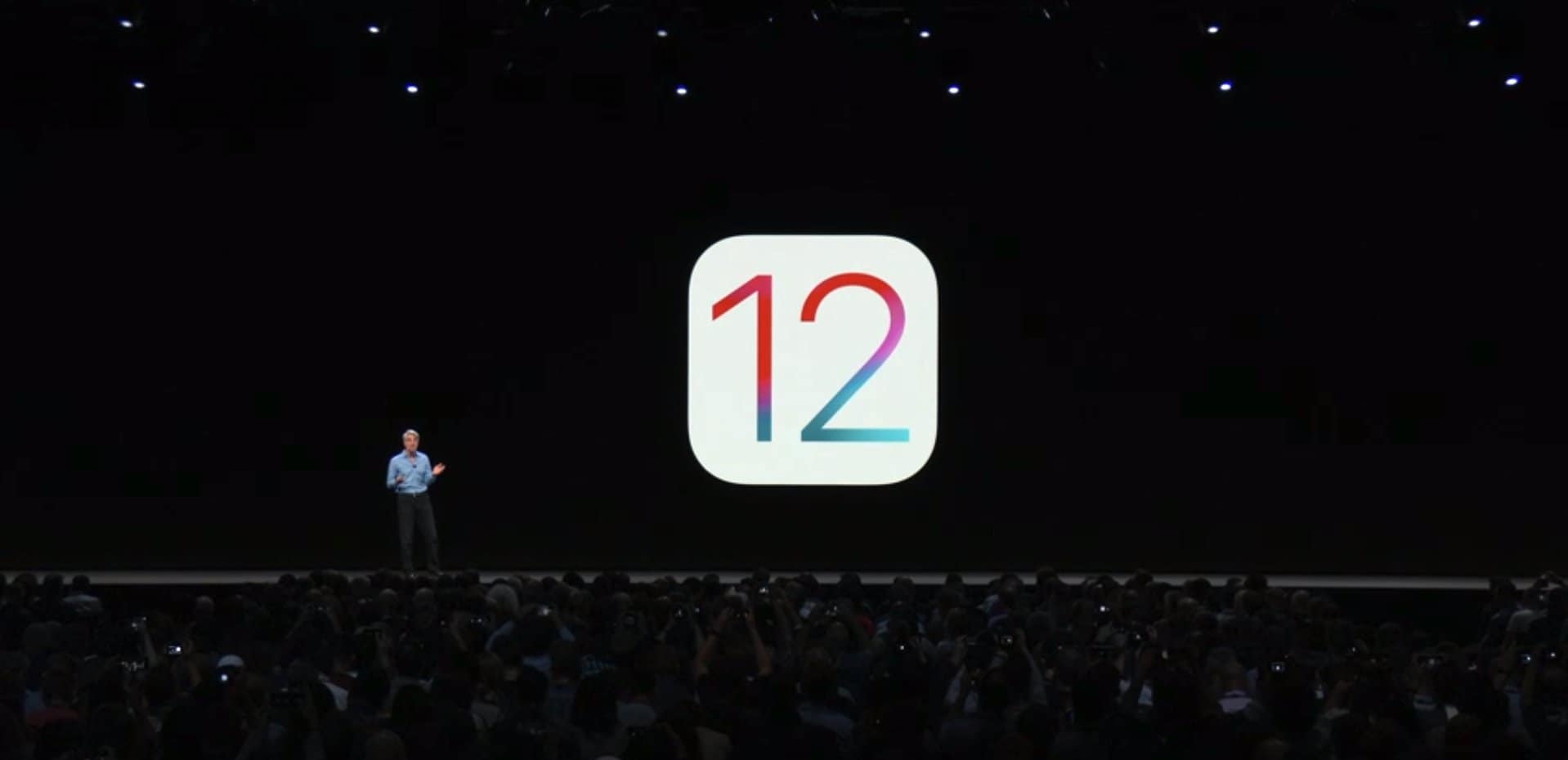
The iOS 12 update has finally been revealed by Apple today at WWDC 2018. The new software version brings in a lot of new…