
Topic
macOS
-

How to Convert HEIC to JPG on Mac
Scratching your head on how to convert HEIC to JPG? Read now to know how to do that in 4 simple steps on your…
-

How to Use a Windows Keyboard on Mac
Switching from Microsoft Windows to a macOS computer is challenging enough, and if you’re a person who uses keyboard shortcuts a lot and you’re…
-

FIX: Microsoft Edge Error Code 6 (Can’t Open this Page) on Mac
One of the most frustrating things while using the internet is getting an error in your web browser like ‘Can’t open this page’, for…
-

How to Clear Google Search History on Computer
Deleting browsing history alone doesn’t erase all records of your online searches. Google stores your search activity across various services like Search, YouTube, and…
-
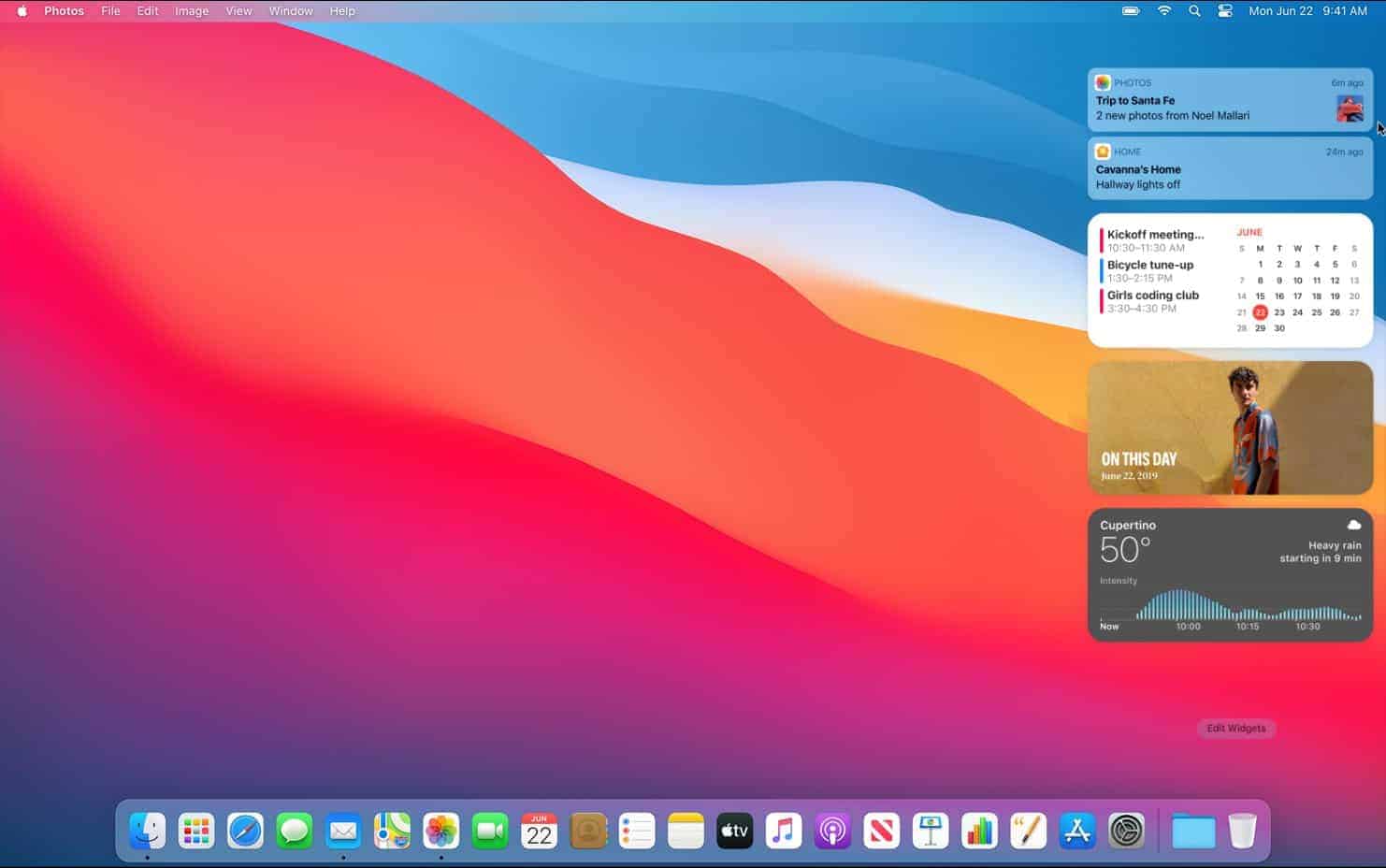
How to Add and Remove Widgets to Notification Center on Mac
The notification center is the sidebar of updates pertaining to various apps that slides out on your Mac. This widget compilation of all the…
-
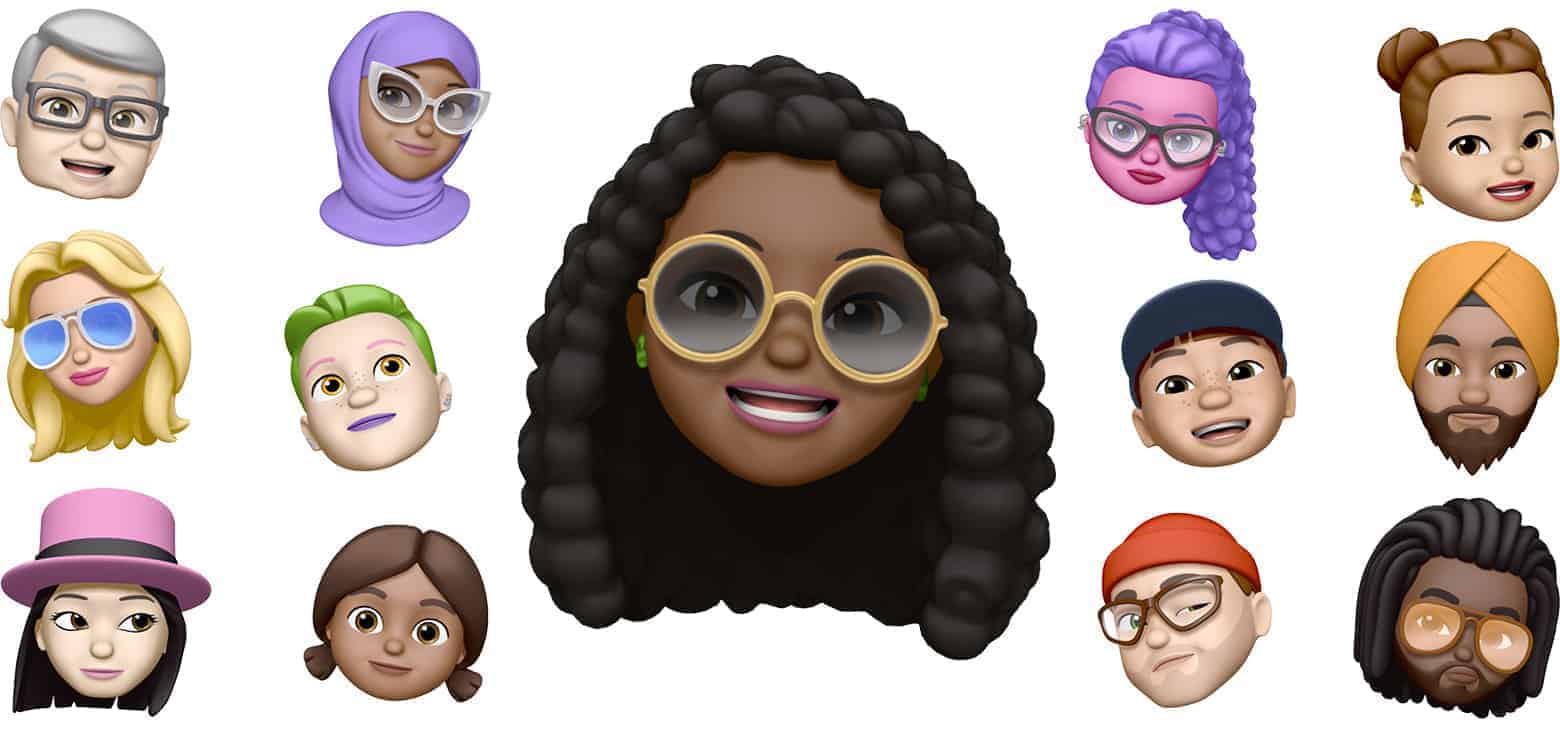
How to Create a Memoji on Your Mac
Memojis are the usual emojis but with a twist, it’s you! These me-mojis can be customized according to your physical features. They add that…
-

How to Add Filters to a Video on Mac using Photos App
Did you shoot a video and you want to add that extra tint of warmth to it or you want to go retro and…
-

How to Create and Edit Voice Recordings on Mac
Are you eager to record your voice and listen to what a superstar you are? Or you just want to record someone else’s voice?…
-

How to Crop a Video on Mac Using the Photos App
Have you ever shot a video that has a lot of unnecessary background that needs to be cropped, but damn, you can’t crop videos?…
-

How to Create Folders and Organize Recordings in the Voice Memos app on Mac
Folders are the latest addition to the Voice Memos app on your Mac. All thanks to Big Sur Update! You can now compile your…